
How-to
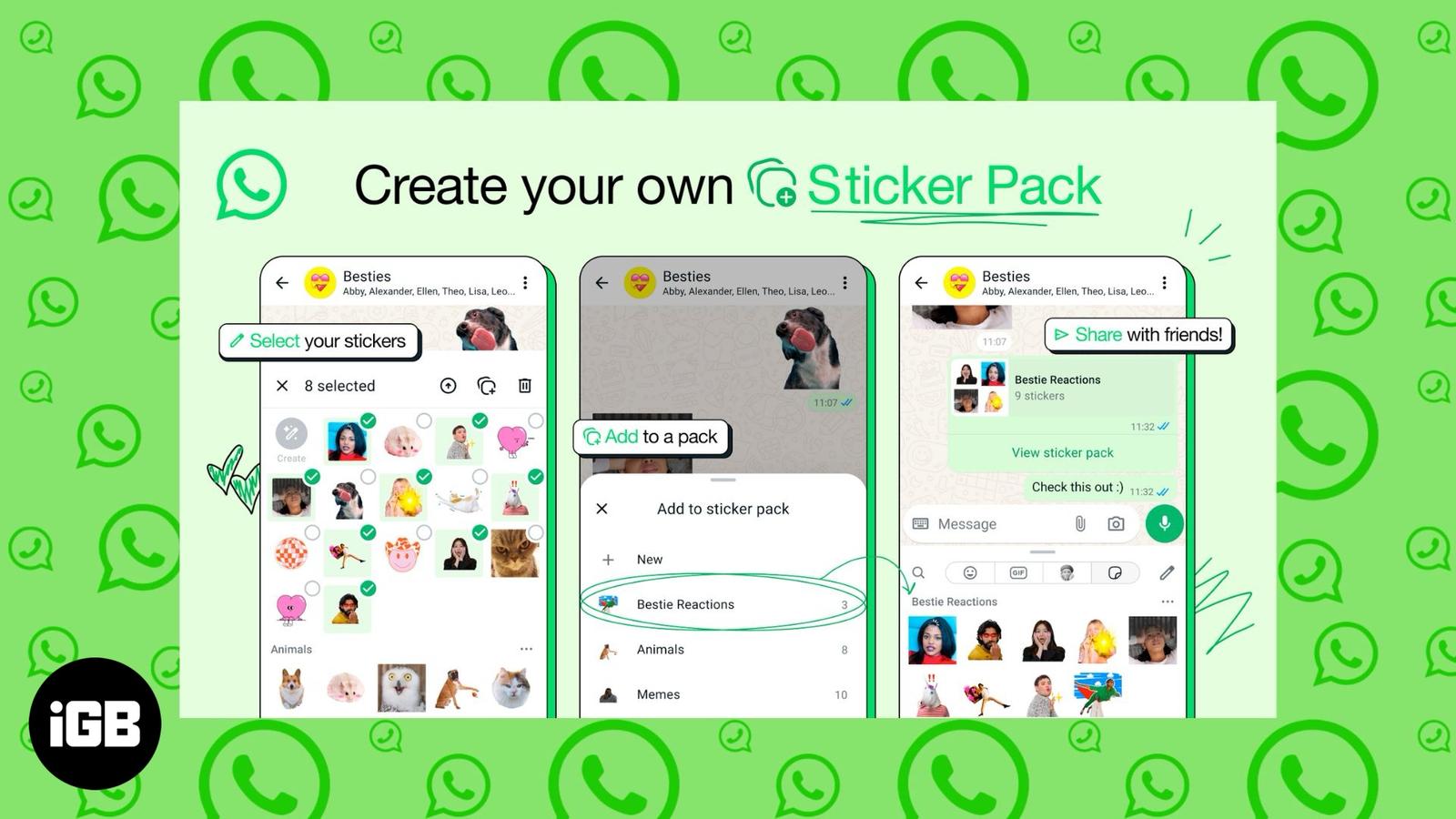
WhatsApp now lets you create and share sticker packs – But did you know this hidden trick?
March 27, 2026

Vikhyat has a bachelor’s degree in Electronic and Communication Engineering and over five years of writing experience. His passion for technology and Apple products led him to the tech writing space, where he specializes in writing App features, How-to guides, and troubleshooting guides for fellow Apple users.
Vikhyat embarked on his journey in consumer technology writing in 2019, driven by his passion for technology. He has sharpened his skills through associations with Smartprix and Beebom, where he extensively tested and reviewed various gadgets, focusing mainly on smartphones. Currently, Vikhyat specializes in crafting How-to and troubleshooting guides for the Apple ecosystem at iGeeksBlog. When not typing away on his MacBook Air, he loves exploring the real world.
Employer
iGeeks Media Private LTD.
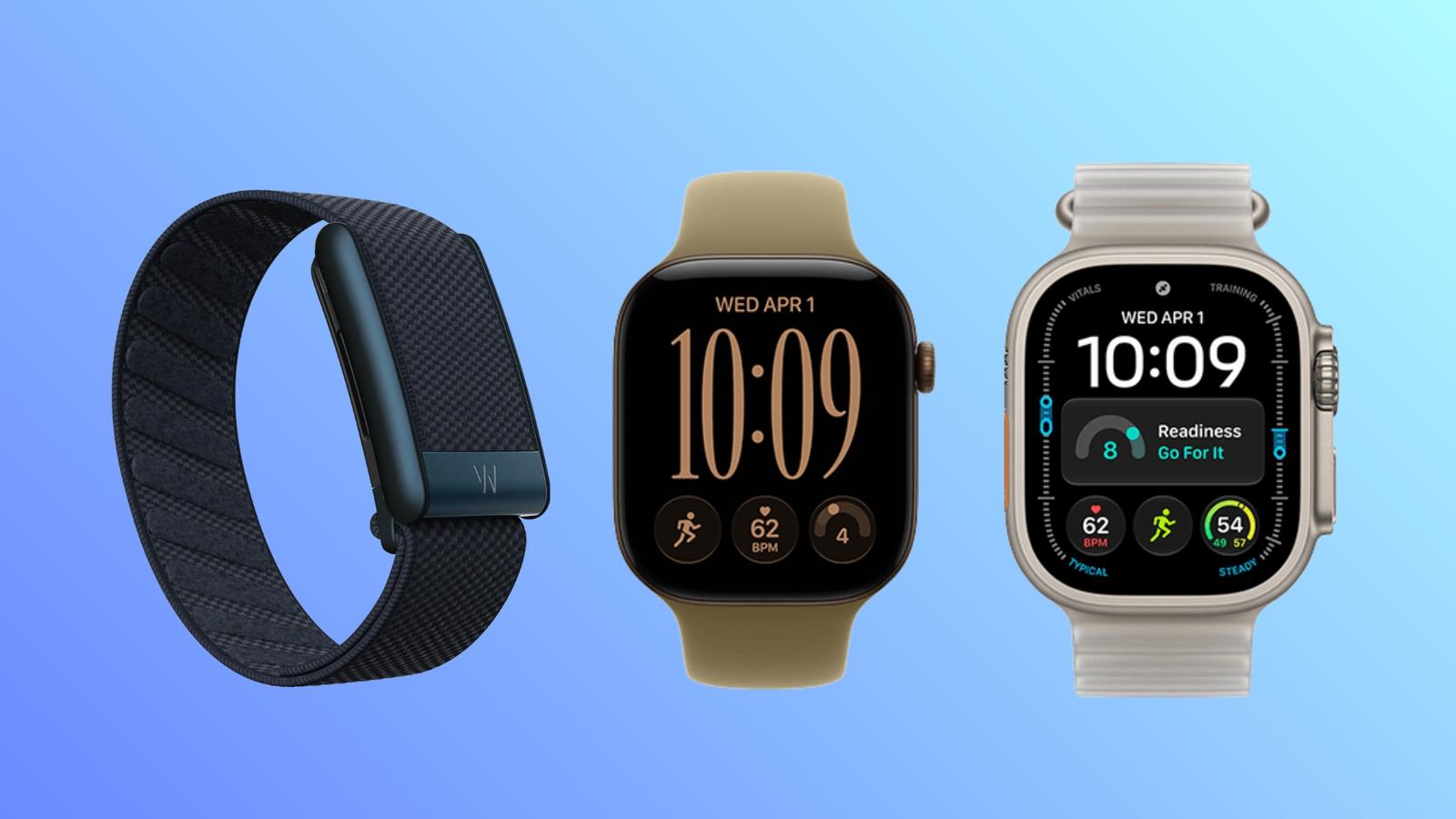
Apple Watch Series 12 and Ultra 4 now include a Readiness score at no extra cost, but WHOOP 5.0 still leads on recovery coaching. Here’s whi
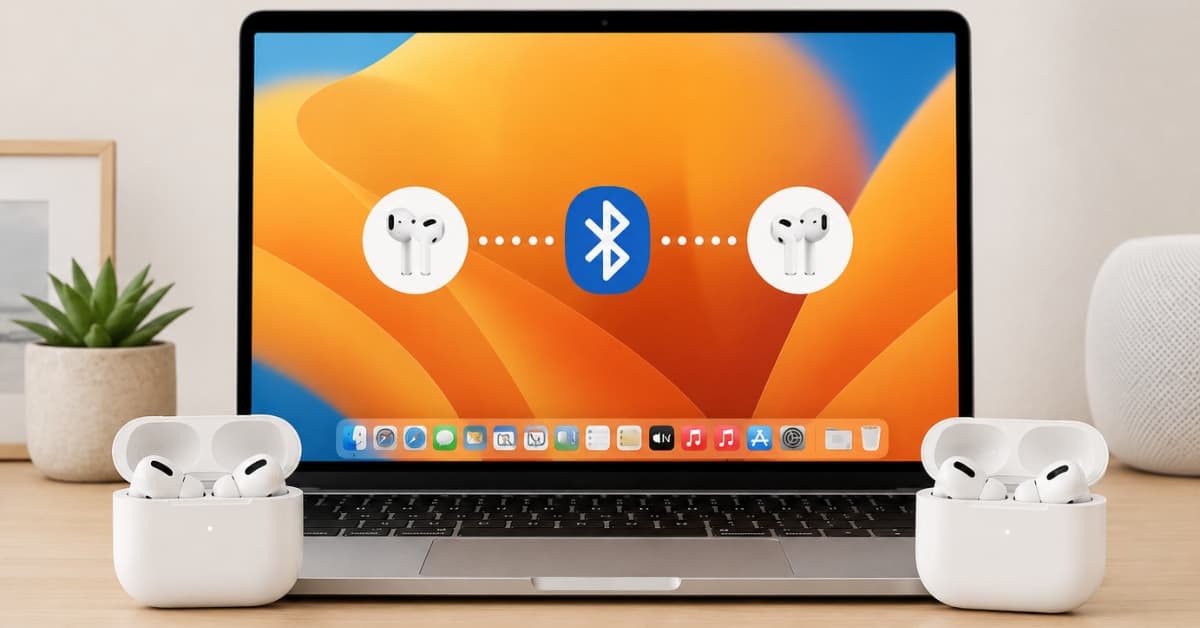
Share audio with ease—here’s how to connect both pairs in seconds.
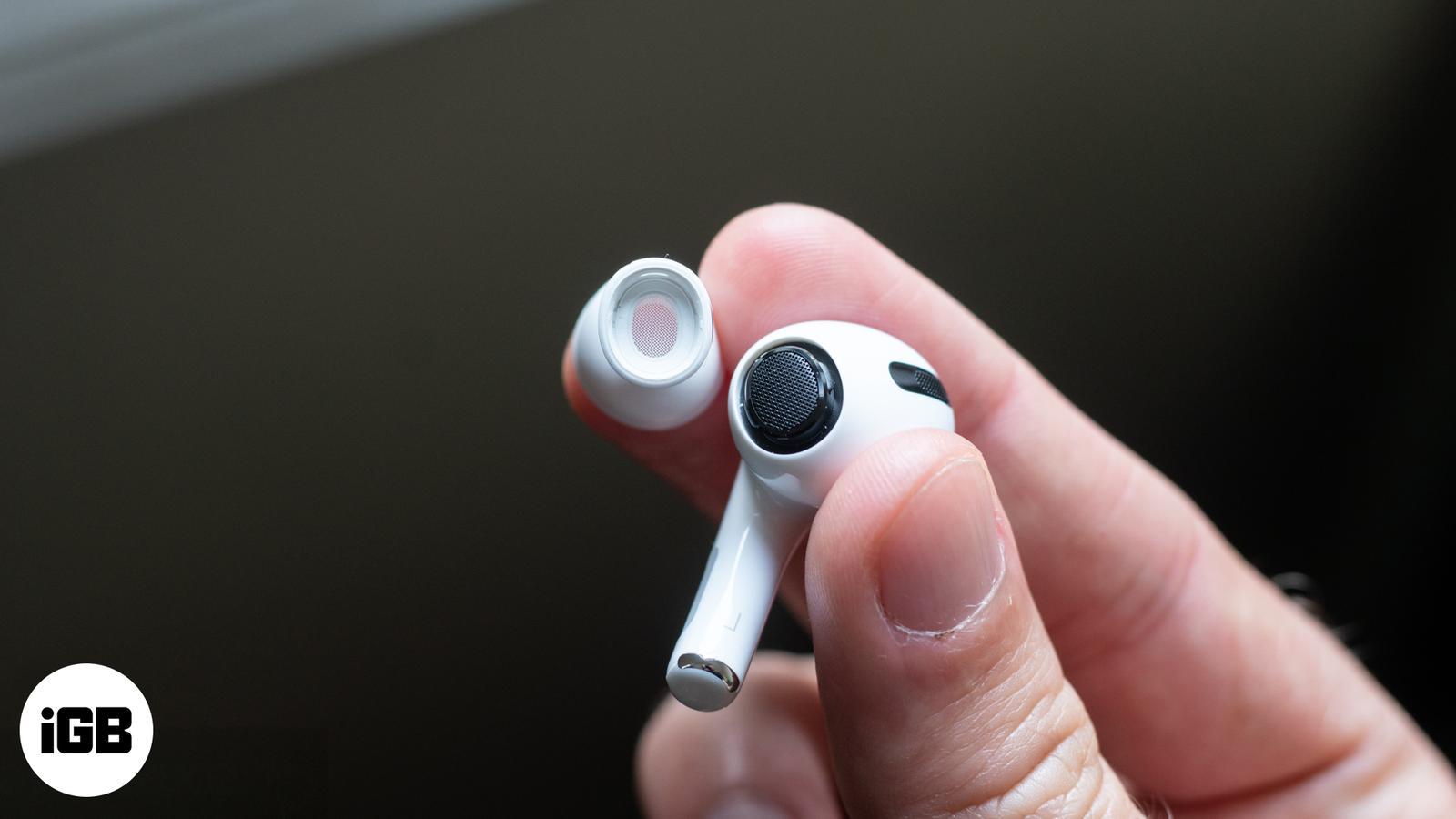
Learn how to change, clean, and care for your AirPods Pro tips to improve fit and sound quality on both 1st and 2nd gen models.
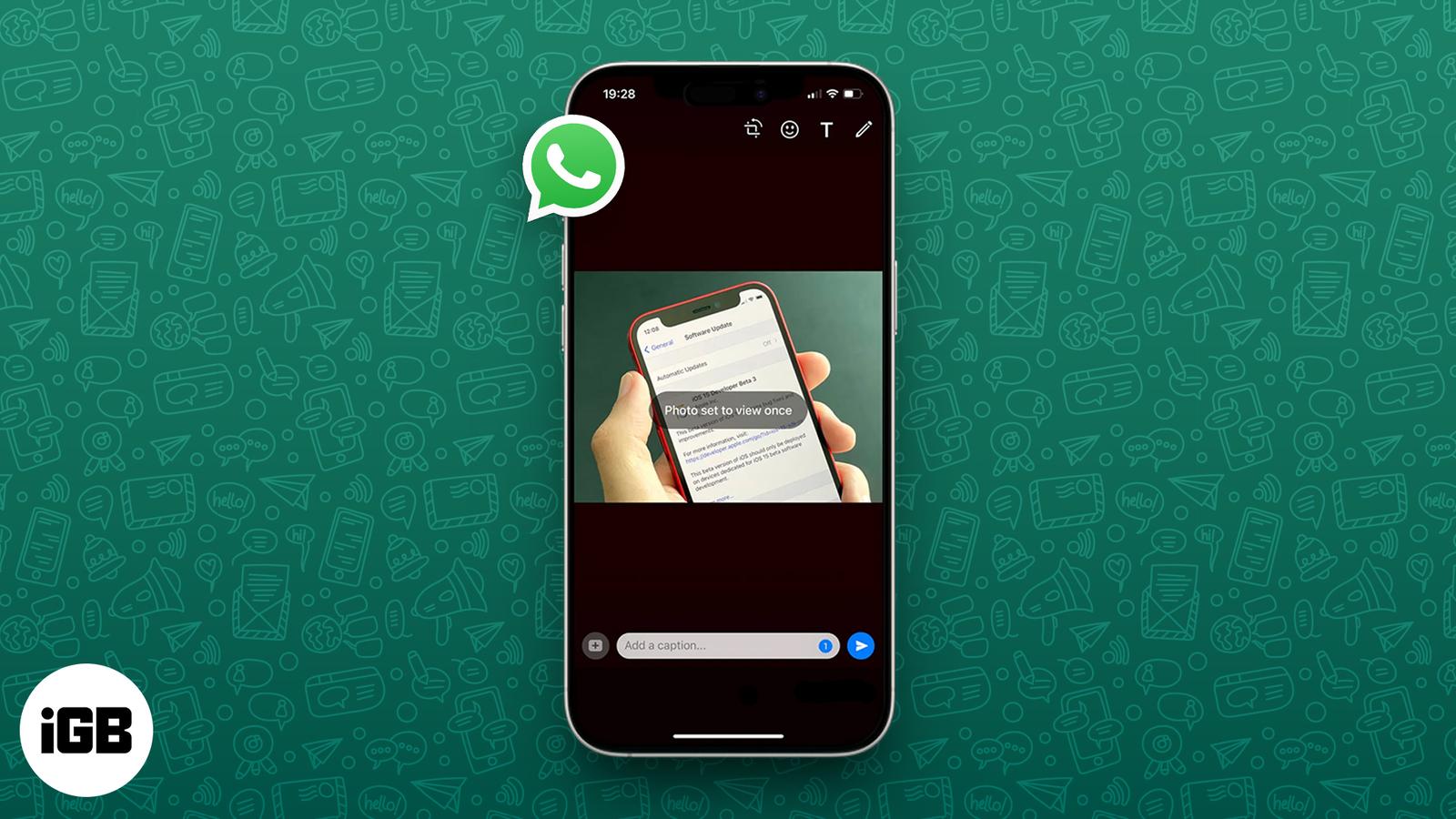
Send disappearing photos and videos on WhatsApp with View Once—perfect for sharing private media that vanishes after a single view.
Apple hits 3 billion iPhones shipped and beats Q3 2025 estimates, thanks to iPhone 16 sales and record-breaking Services revenue. Here’s wha
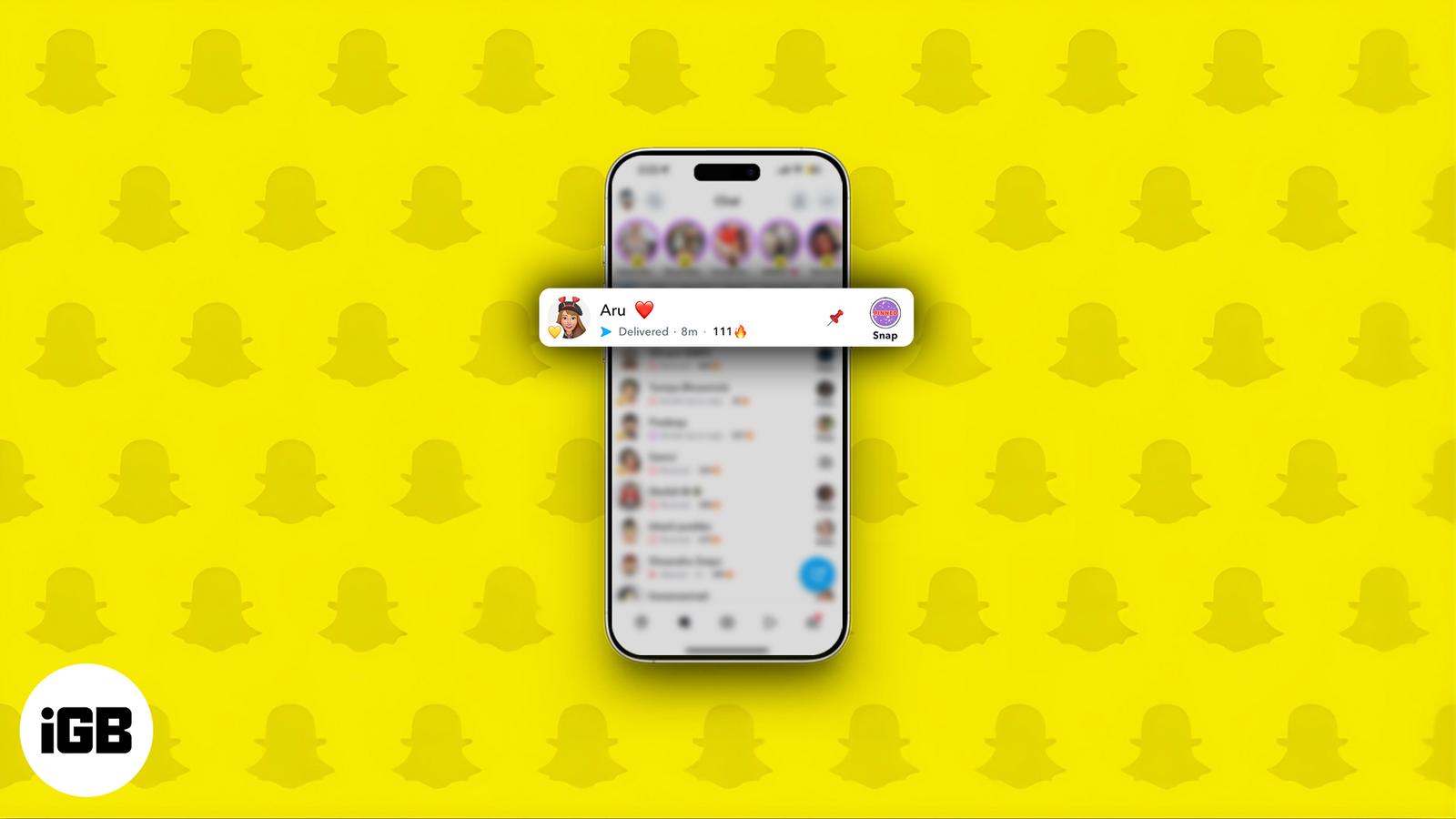
Pin chats on Snapchat to keep key conversations at the top on iPhone or Android.
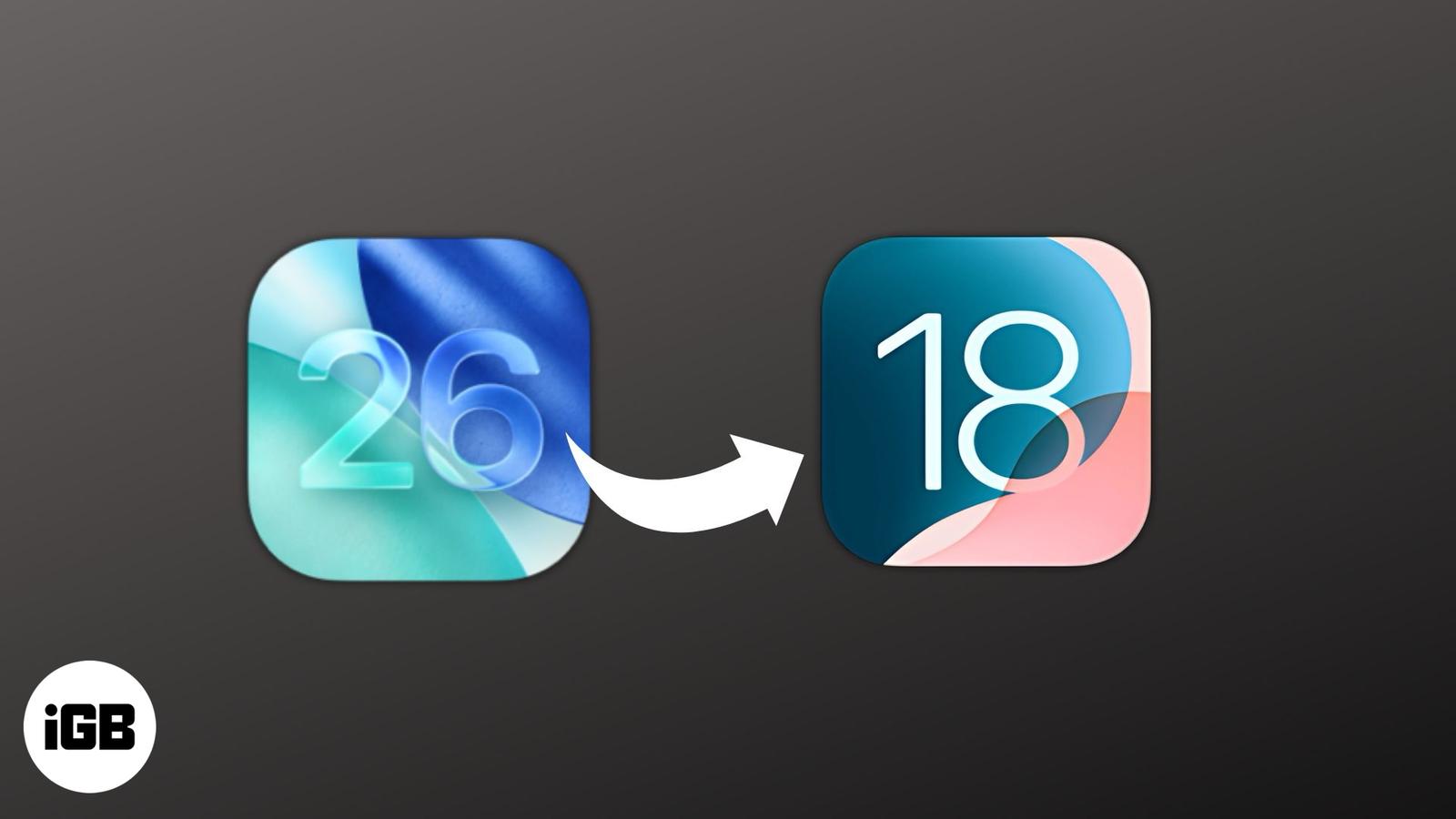
Frustrated with iOS 26 bugs? Here’s how to safely downgrade to iOS 18.
Instagram DMs can get spammy fast. This guide shows how to block, restrict, mute, or manage messages to take back control of your inbox.
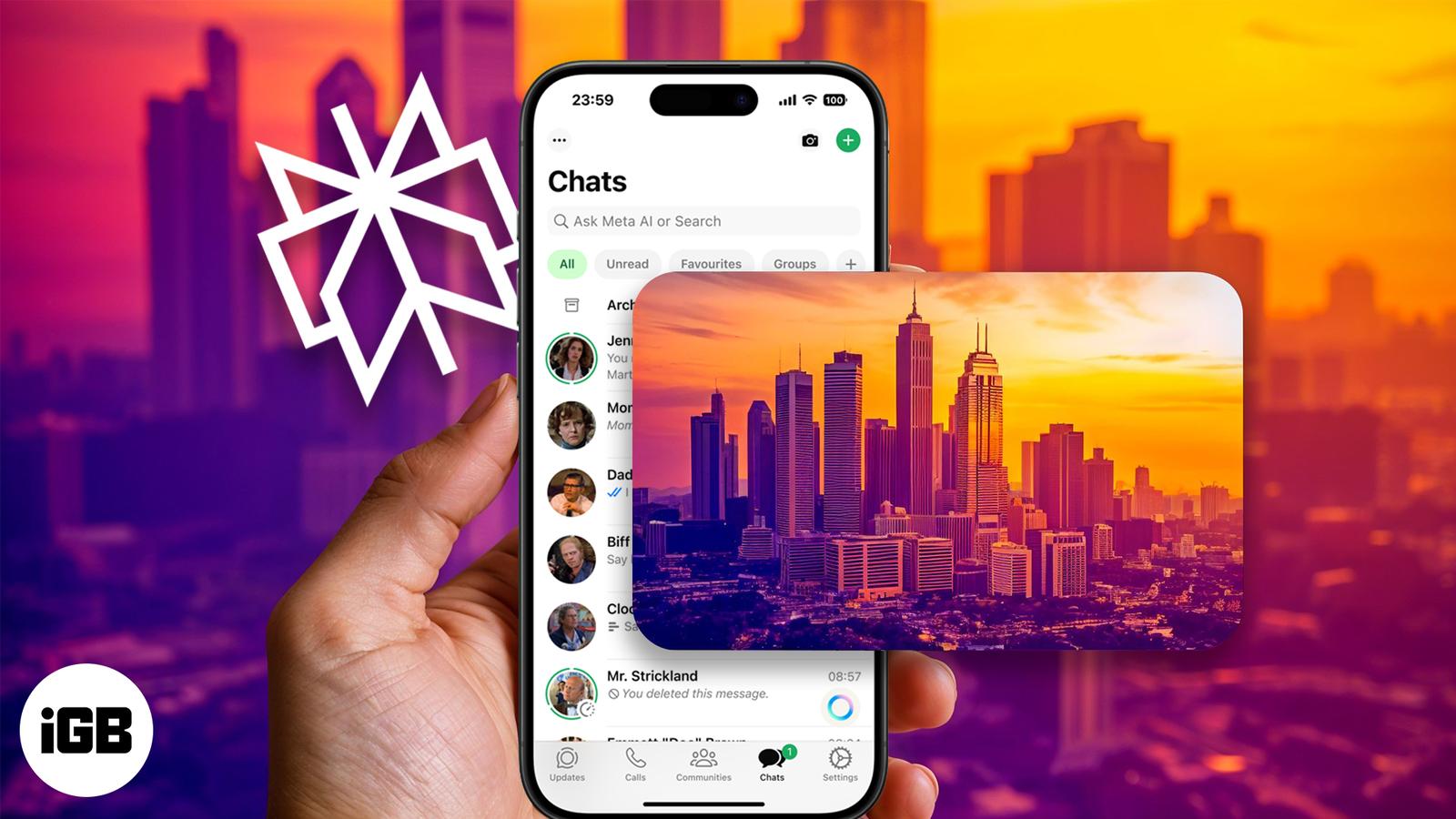
Imagine turning your text messages into stunning AI-generated art—right from WhatsApp. With Perplexity AI, it’s not just possible, it’s effo
Add a little mystery to your messages! Learn how to use Invisible Ink in iMessage on iPhone and iPad to send texts that reveal themselves wi
Noticing a frozen or misbehaving app on your Apple Watch? Here’s how to close or force quit apps on your watch, and when you actually need t
ChatGPT just got a glow-up on WhatsApp, Now it can turn your text into stunning AI images. No apps, no hassle—just message and create!
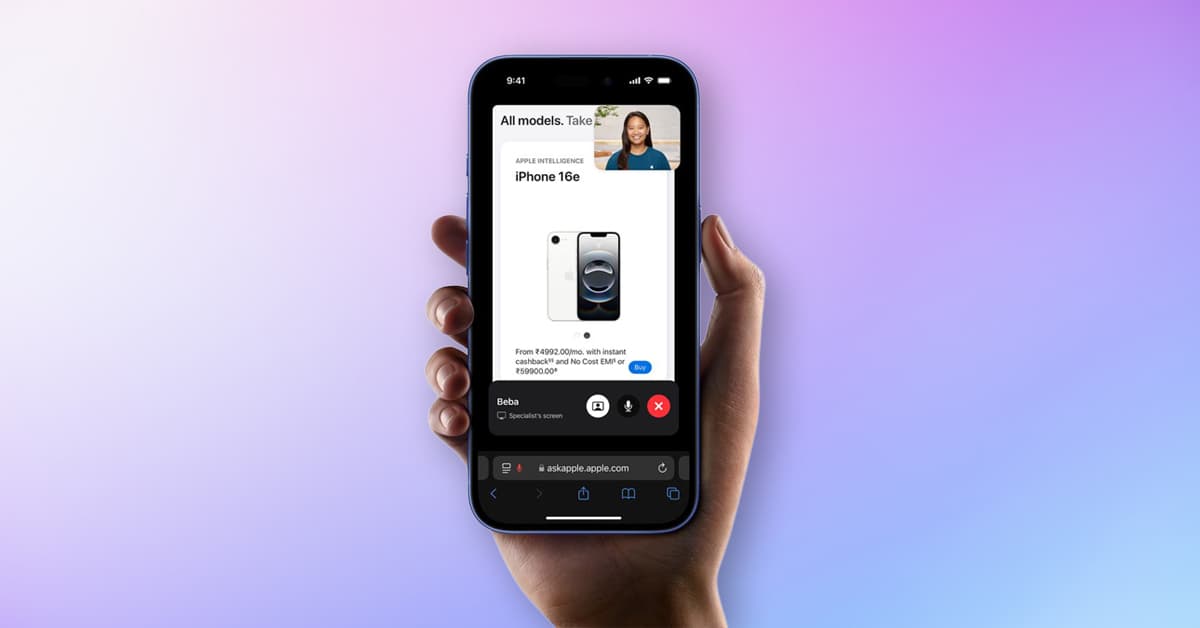
Apple’s live shopping feature has landed in India. Here’s everything you need to know about the new ‘Shop with a Specialist over Video’ expe
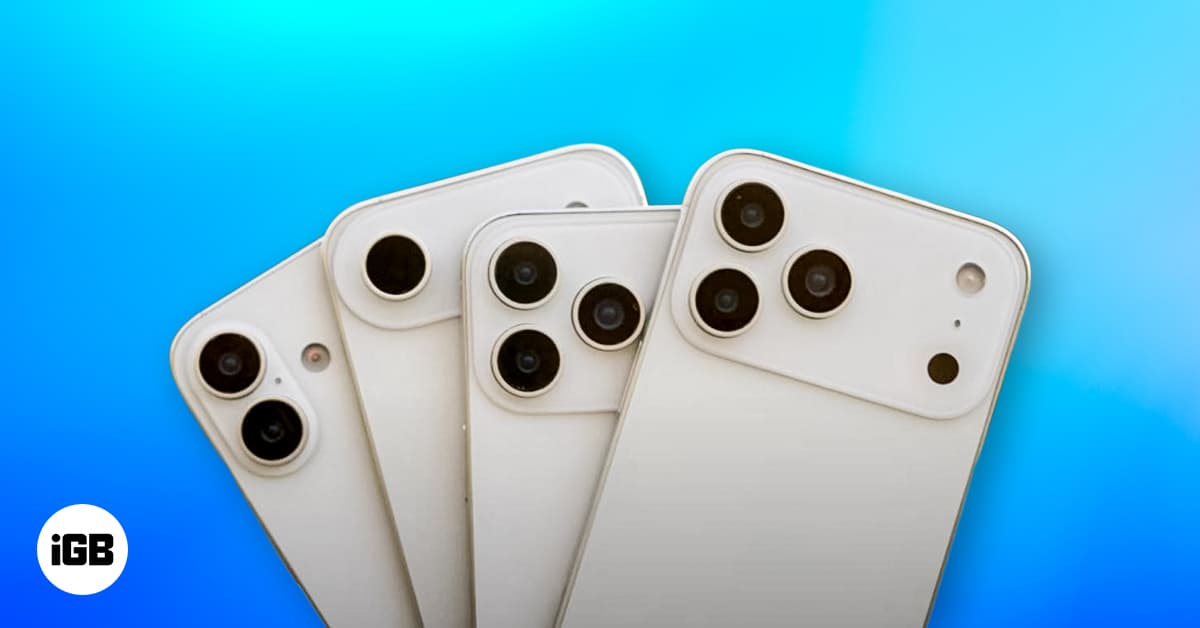
Apple is expected to increase iPhone 17 prices by $50 across all models. Here’s what’s behind the hike and how it could affect your next upg
Sent the wrong iMessage? You can now edit or unsend texts on iPhone and Mac to quickly fix mistakes and stay in control.