

News
WhatsApp iOS Beta Adds Status Chat Shortcut for Faster Replies
September 29, 2025

Vikhyat has a bachelor’s degree in Electronic and Communication Engineering and over five years of writing experience. His passion for technology and Apple products led him to the tech writing space, where he specializes in writing App features, How-to guides, and troubleshooting guides for fellow Apple users.
Vikhyat embarked on his journey in consumer technology writing in 2019, driven by his passion for technology. He has sharpened his skills through associations with Smartprix and Beebom, where he extensively tested and reviewed various gadgets, focusing mainly on smartphones. Currently, Vikhyat specializes in crafting How-to and troubleshooting guides for the Apple ecosystem at iGeeksBlog. When not typing away on his MacBook Air, he loves exploring the real world.
Employer
iGeeks Media Private LTD.
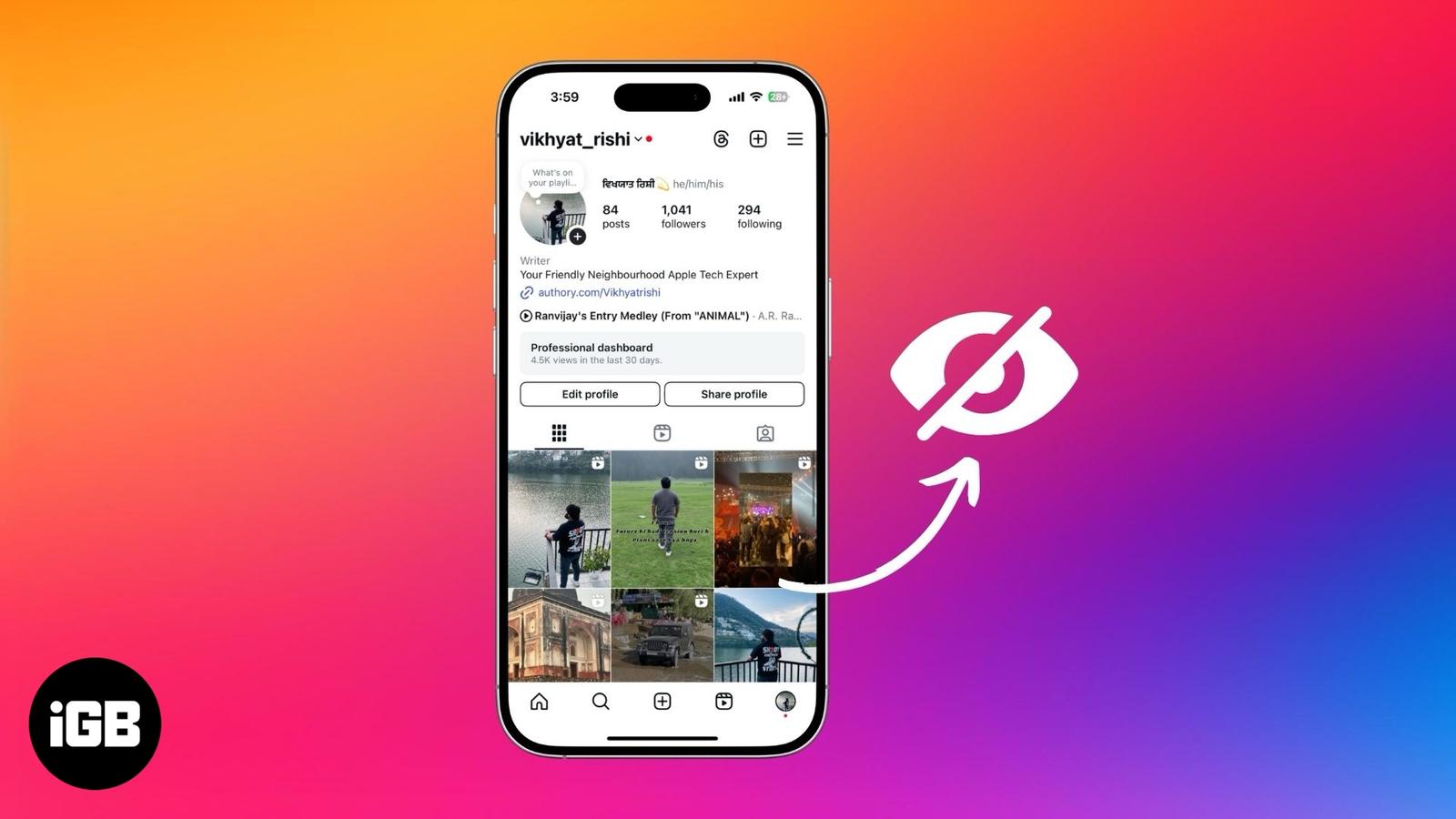
Hide them from others instead of deleting them.

Record from both front and rear cameras at once with iPhone 17’s Dual Capture mode. Here’s how to enable it, its best uses, and the limits t
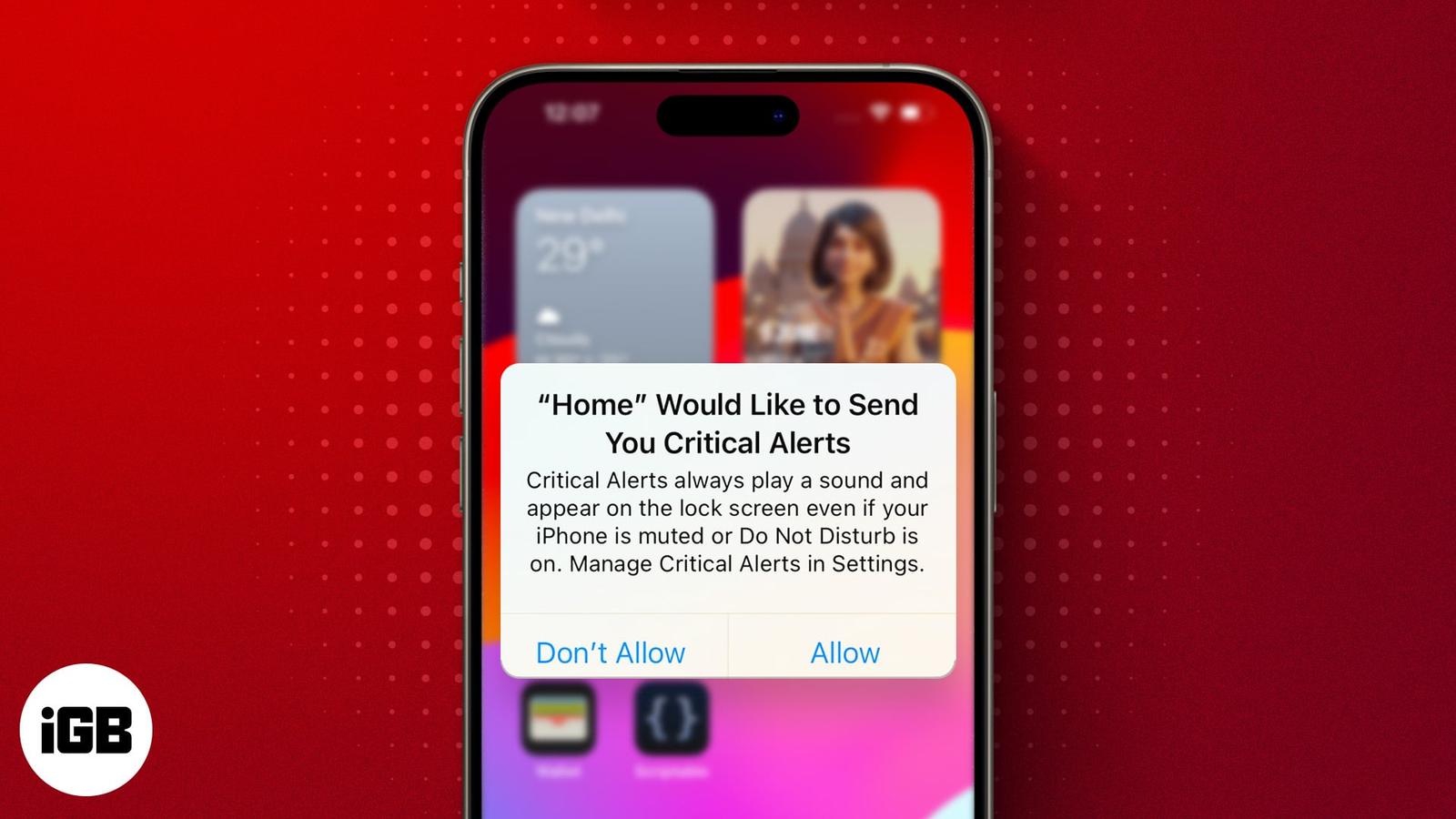
Is your iPhone displaying “Home Would Like to Send You Critical Alerts?” Find out what this error means and how to fix it.
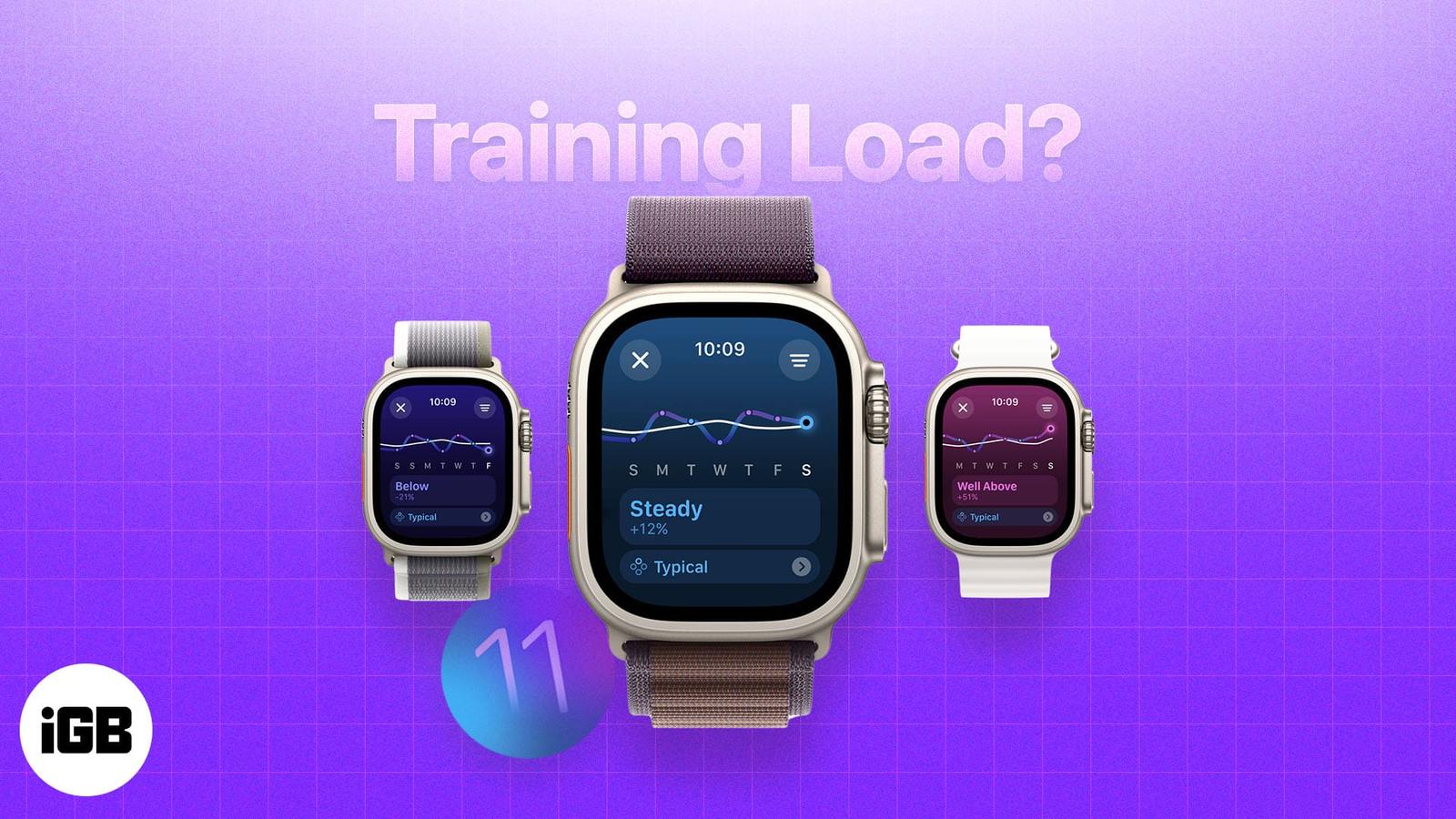
Training Load is an Apple Watch feature that gives users better insight into their workouts. Here’s how it works and how to use it.
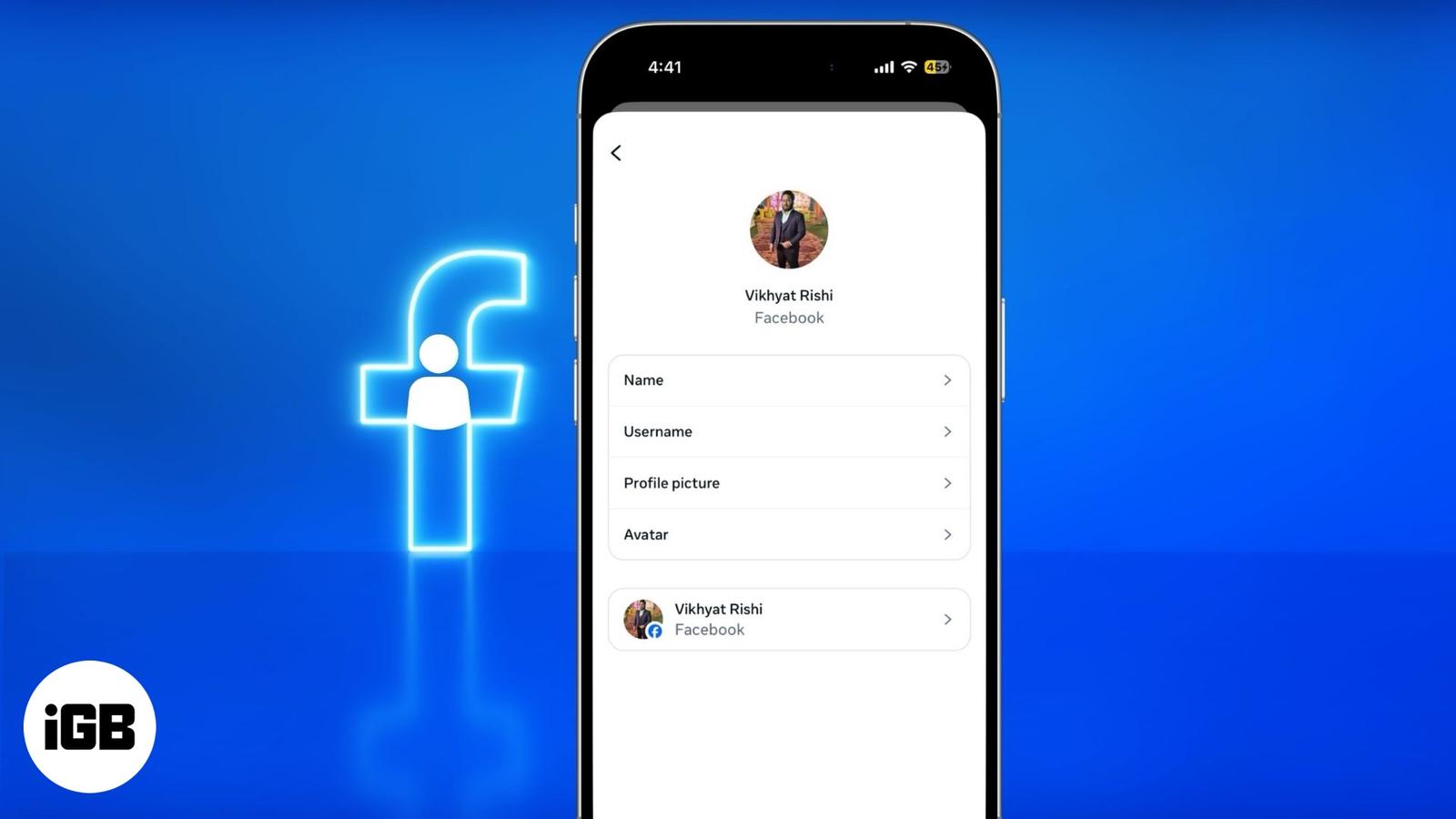
Simple and hassle-free steps to update your username on Facebook.
Can’t find that Instagram or Facebook ad you saw earlier? This guide shows you how to track recently viewed ads, revisit brand pages, and us
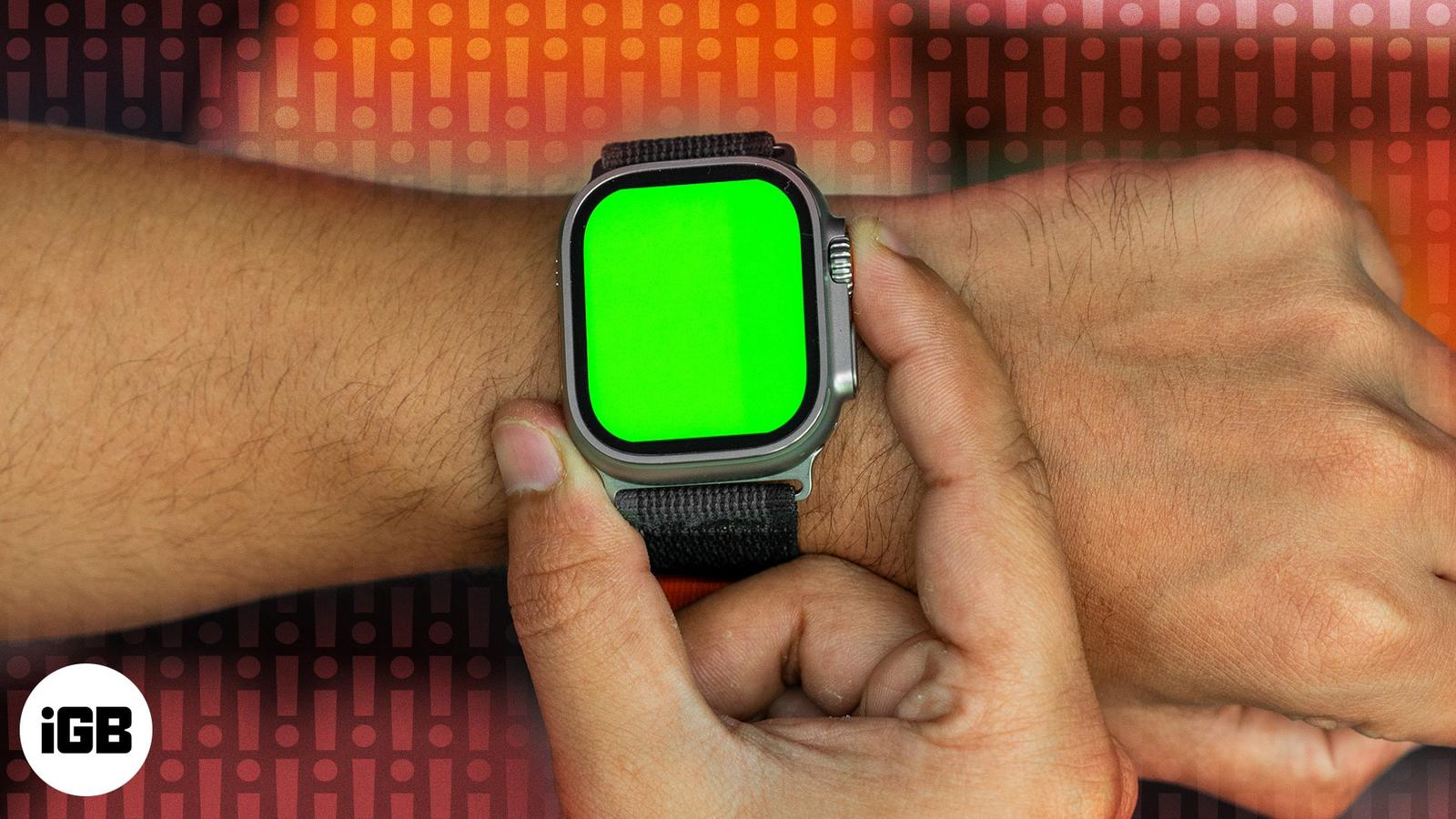
Are you noticing an unusual green screen on your Apple Watch? Here’s why it occurs and 5 effective solutions to fix it.
Learn how to schedule messages on your iPhone and iPad using the built-in Send Later feature, plus discover a handy Shortcuts method for old
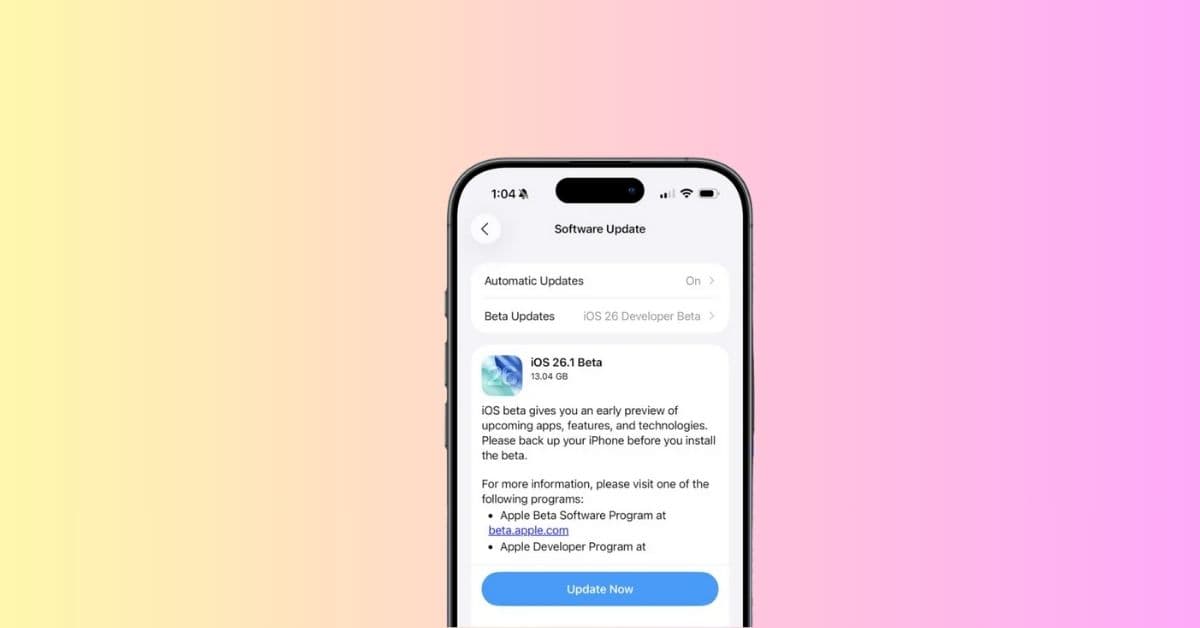
Apple wastes no time with iOS 26.1 Beta 1, adding Apple Intelligence in more languages, AirPods Live Translation updates, and fresh app twea
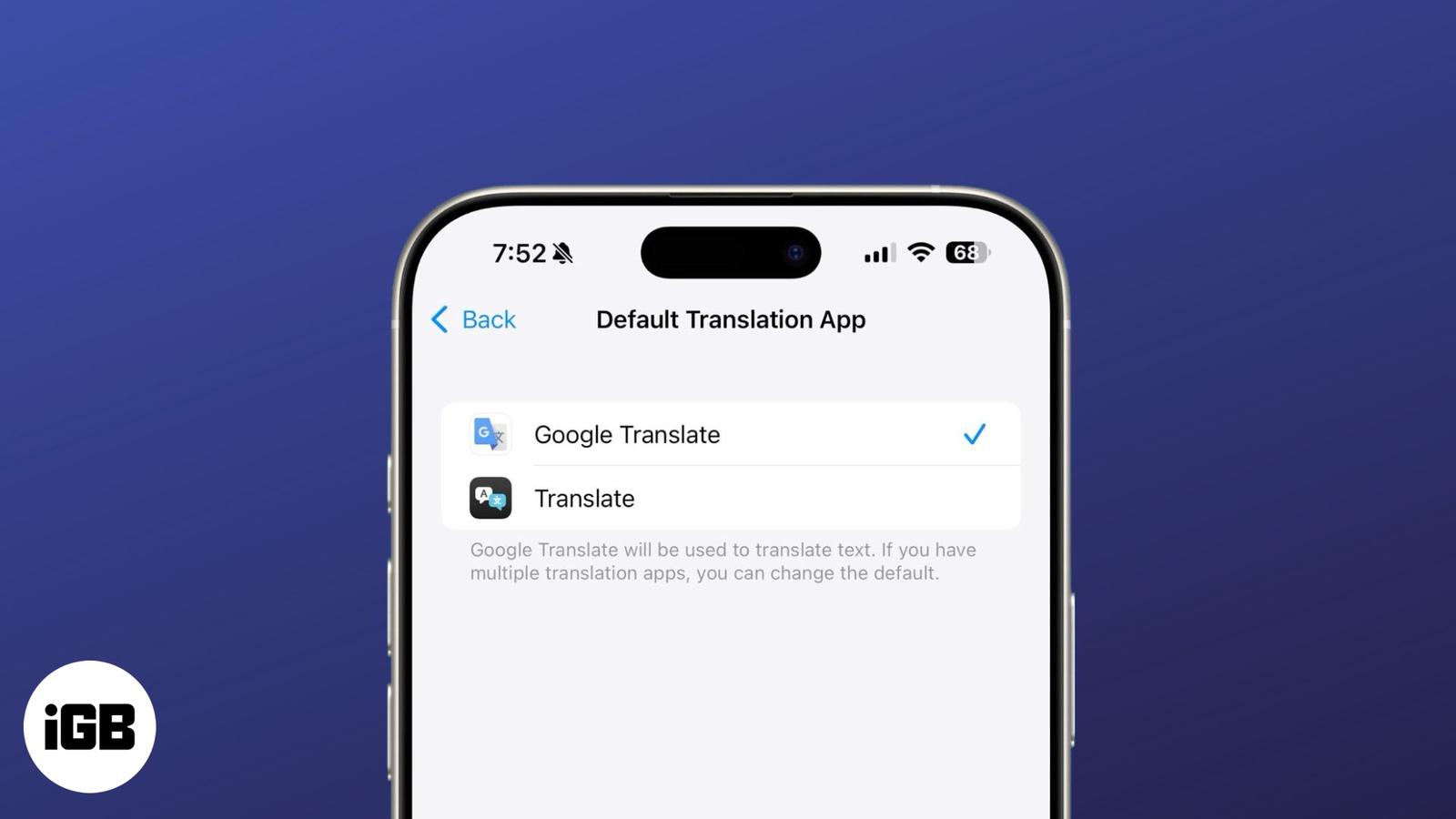
You can replace Apple’s Translate with Google Translate system-wide. Here’s how it works and why it’s a big deal.
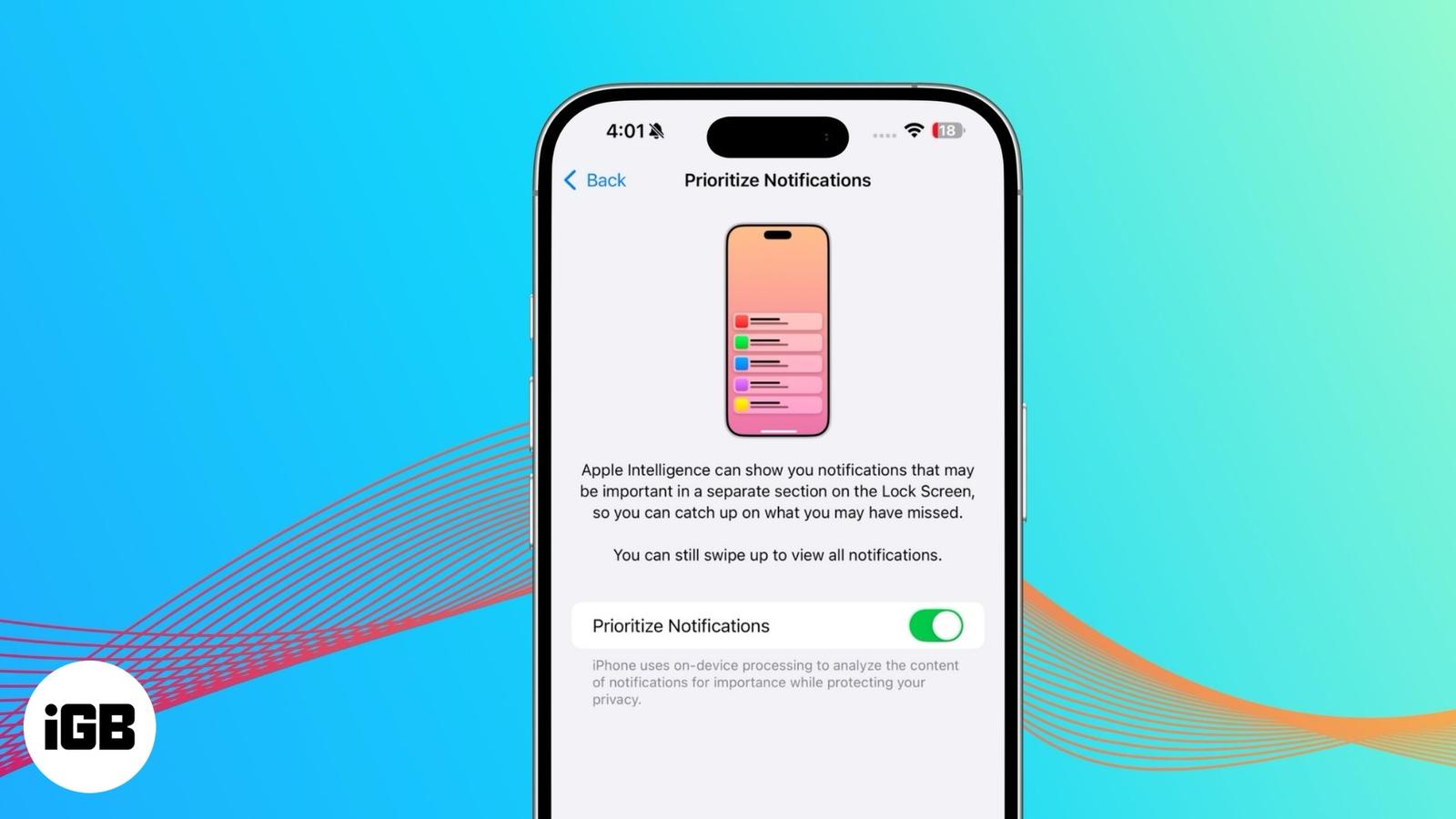
Reduce notification overload with Priority Notifications. This Apple Intelligence feature ensures you never miss important alerts.

WhatsApp’s new “Remind Me” feature helps you stay on top of conversations by letting you set reminders for messages. Here’s how you can use
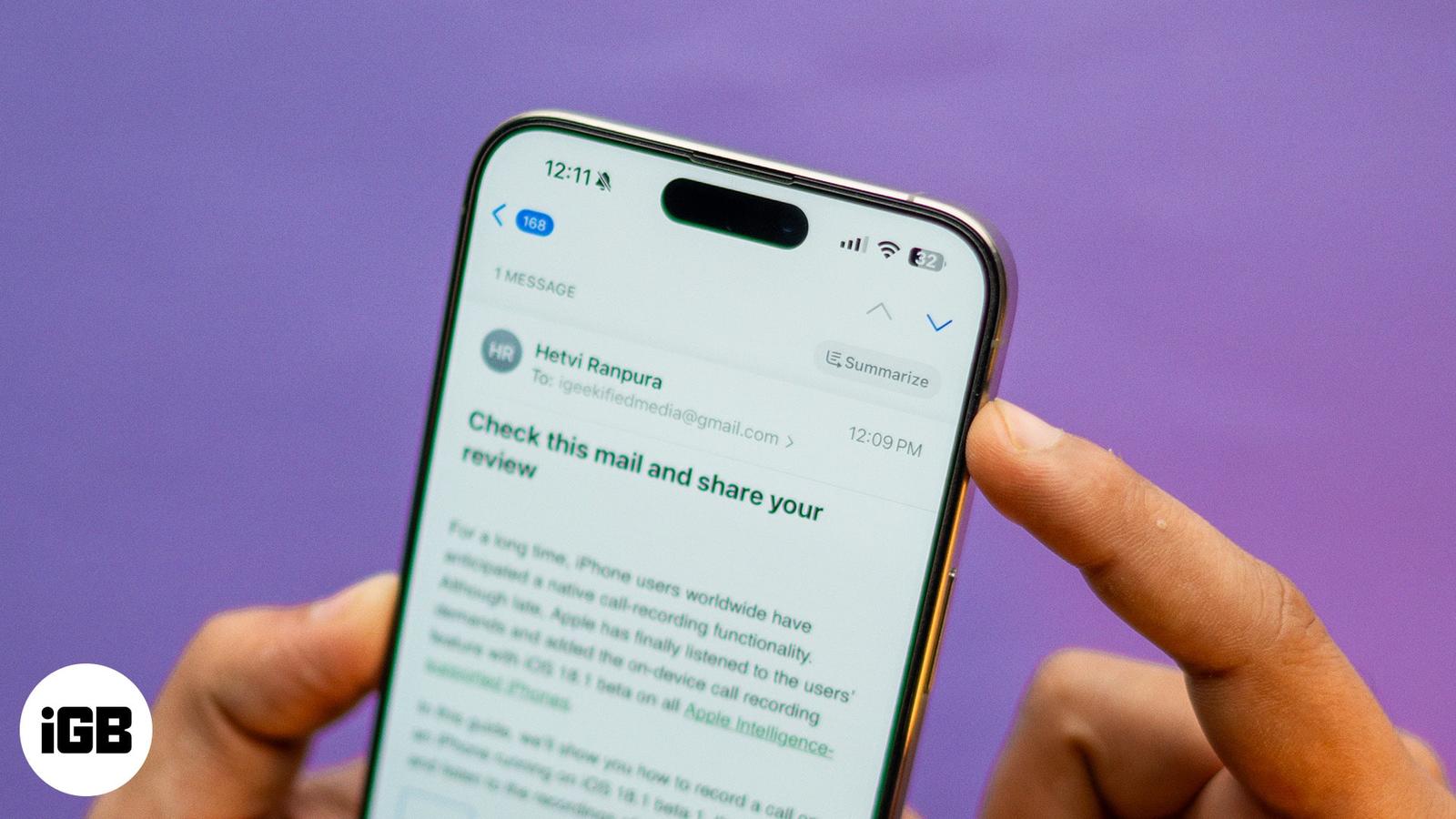
With Apple Intelligence, you can summarize emails, priority sort inbox, proofread and rewrite emails in the Mail app on iPhone.
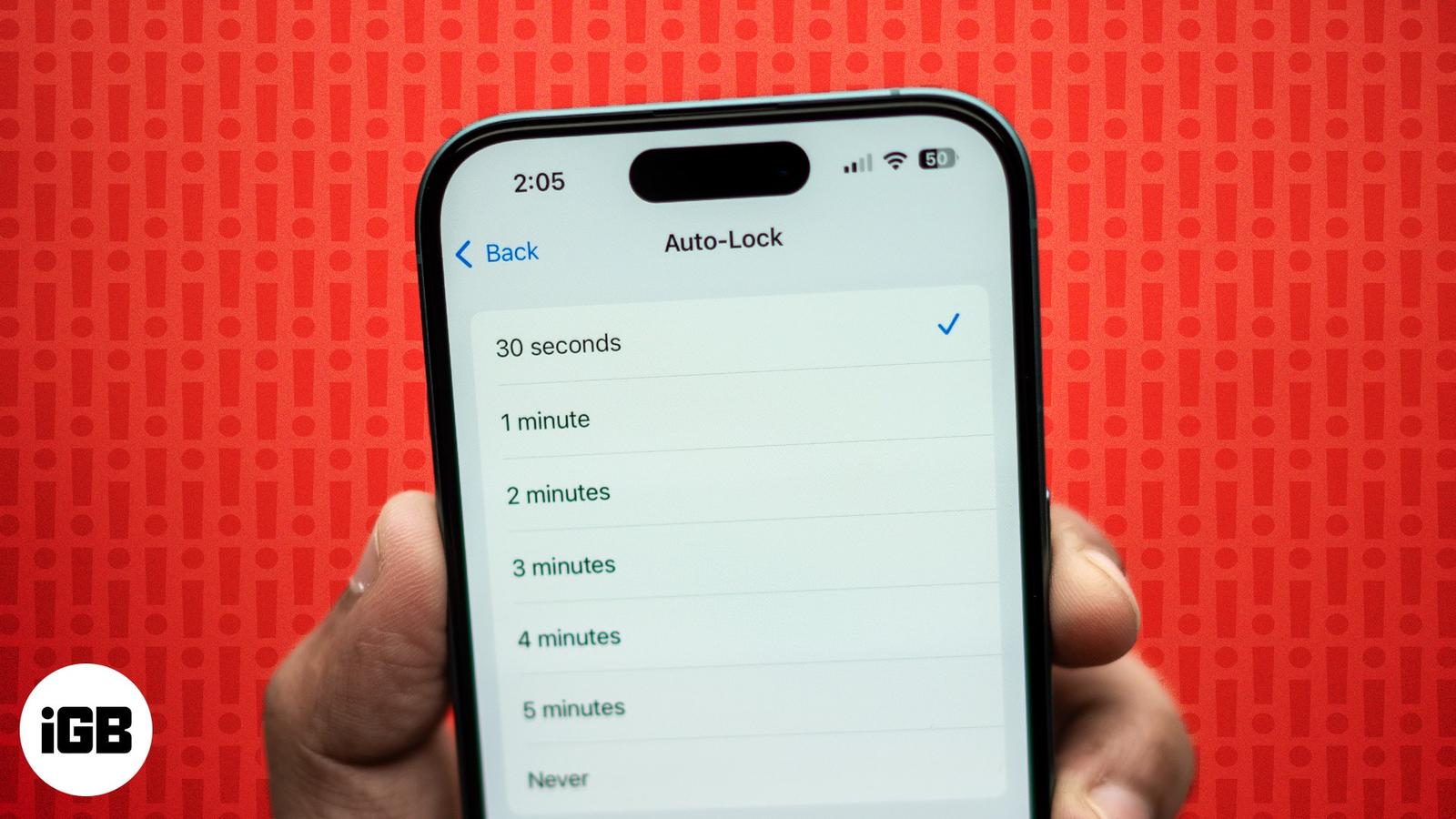
Learn how to fix iPhone Auto-Lock not working with this troubleshooting guide. Easily resolve the issue with some quick steps.
Get back accidentally deleted apps on your iPhone, even if you can’t remember the app name.