
News
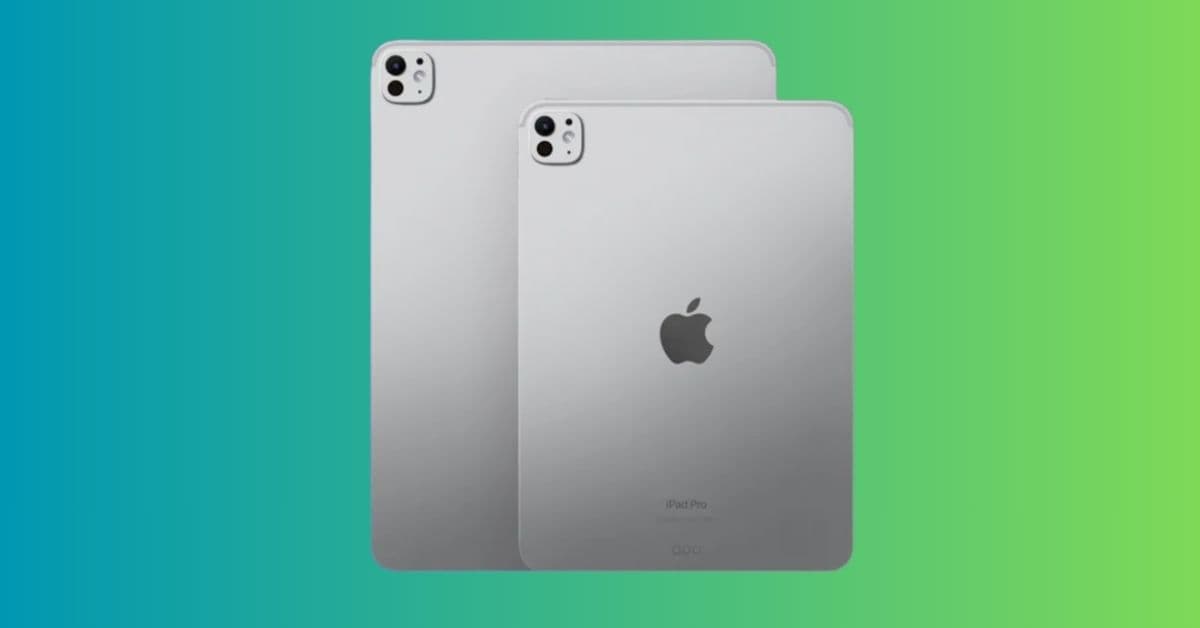
Apple Could Announce New M5 Macs, iPad Pro, and Vision Pro Upgrades Next Week
October 10, 2025

Vikhyat has a bachelor’s degree in Electronic and Communication Engineering and over five years of writing experience. His passion for technology and Apple products led him to the tech writing space, where he specializes in writing App features, How-to guides, and troubleshooting guides for fellow Apple users.
Vikhyat embarked on his journey in consumer technology writing in 2019, driven by his passion for technology. He has sharpened his skills through associations with Smartprix and Beebom, where he extensively tested and reviewed various gadgets, focusing mainly on smartphones. Currently, Vikhyat specializes in crafting How-to and troubleshooting guides for the Apple ecosystem at iGeeksBlog. When not typing away on his MacBook Air, he loves exploring the real world.
Employer
iGeeks Media Private LTD.
Learn how to save Instagram Reel audio using simple tools and methods for offline use or future editing.
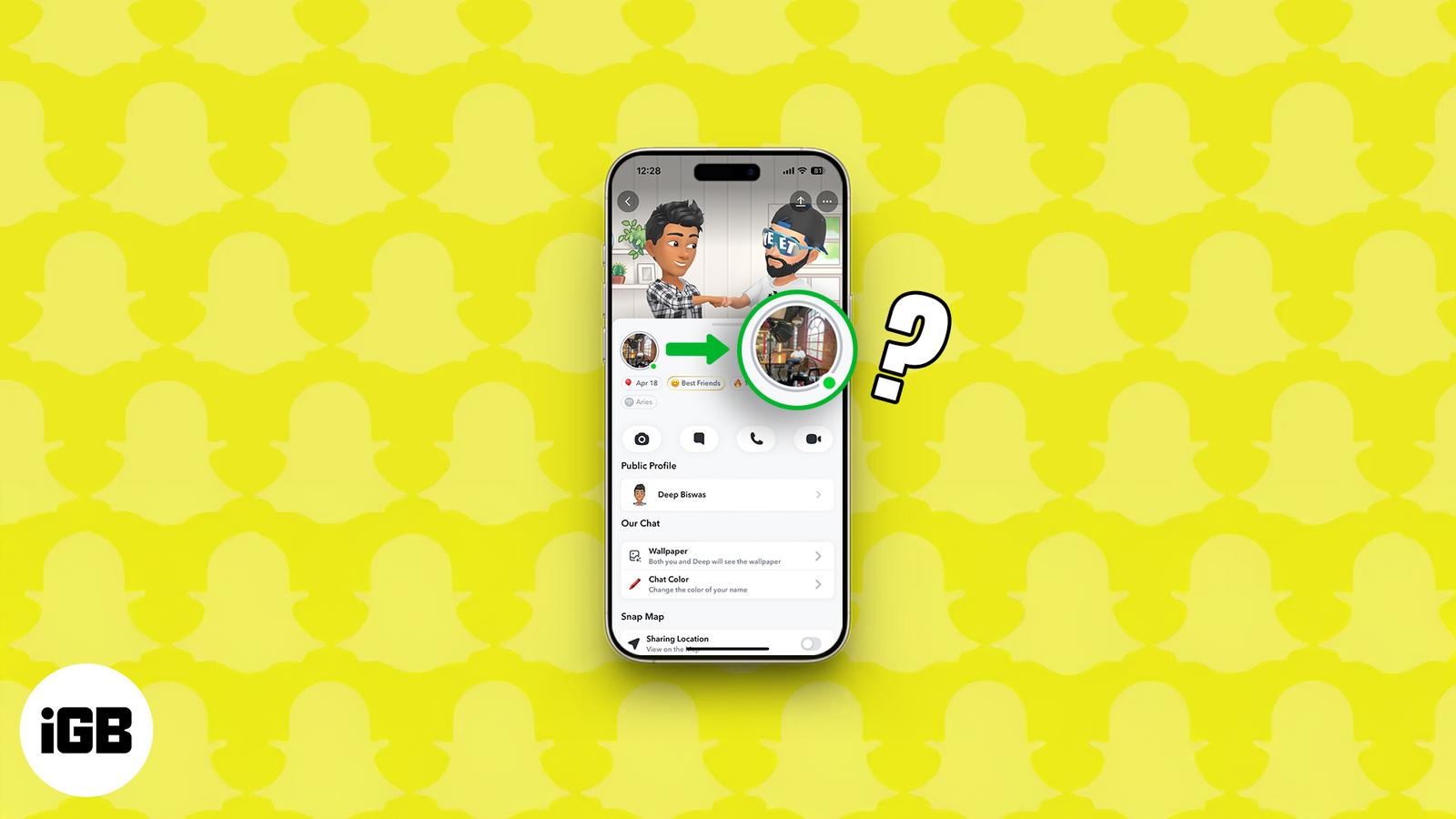
Snapchat’s green dot decoded: see what it reveals and how to disappear when you want!
Learn how to permanently delete your TikTok account on iPhone while keeping a backup of your videos and data.
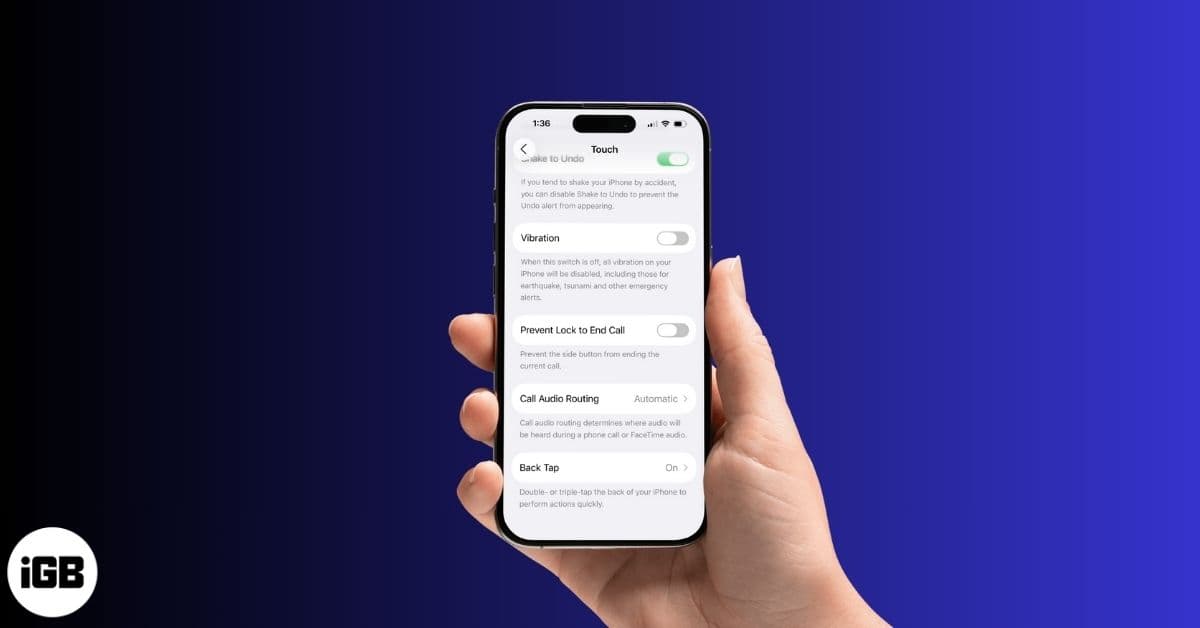
Tired of constant buzzing? This guide shows you how to turn off vibration on your iPhone, whether for calls, keyboard typing, or all system
Want to prevent your apps from accessing your real location on your iPhone? Here are 4 ways to change your location on an iPhone for better
Instagram now lets you link reels together for seamless mini-series and tutorials. Here’s how to use the Link a Reel feature.
Tired of the same Control Center on iPhone? iOS 18 and later let you create new screens, resize tiles, and reset layouts. Learn how to custo
Easily manage your open windows with the intuitive window tiling feature. Here’s how to do it.
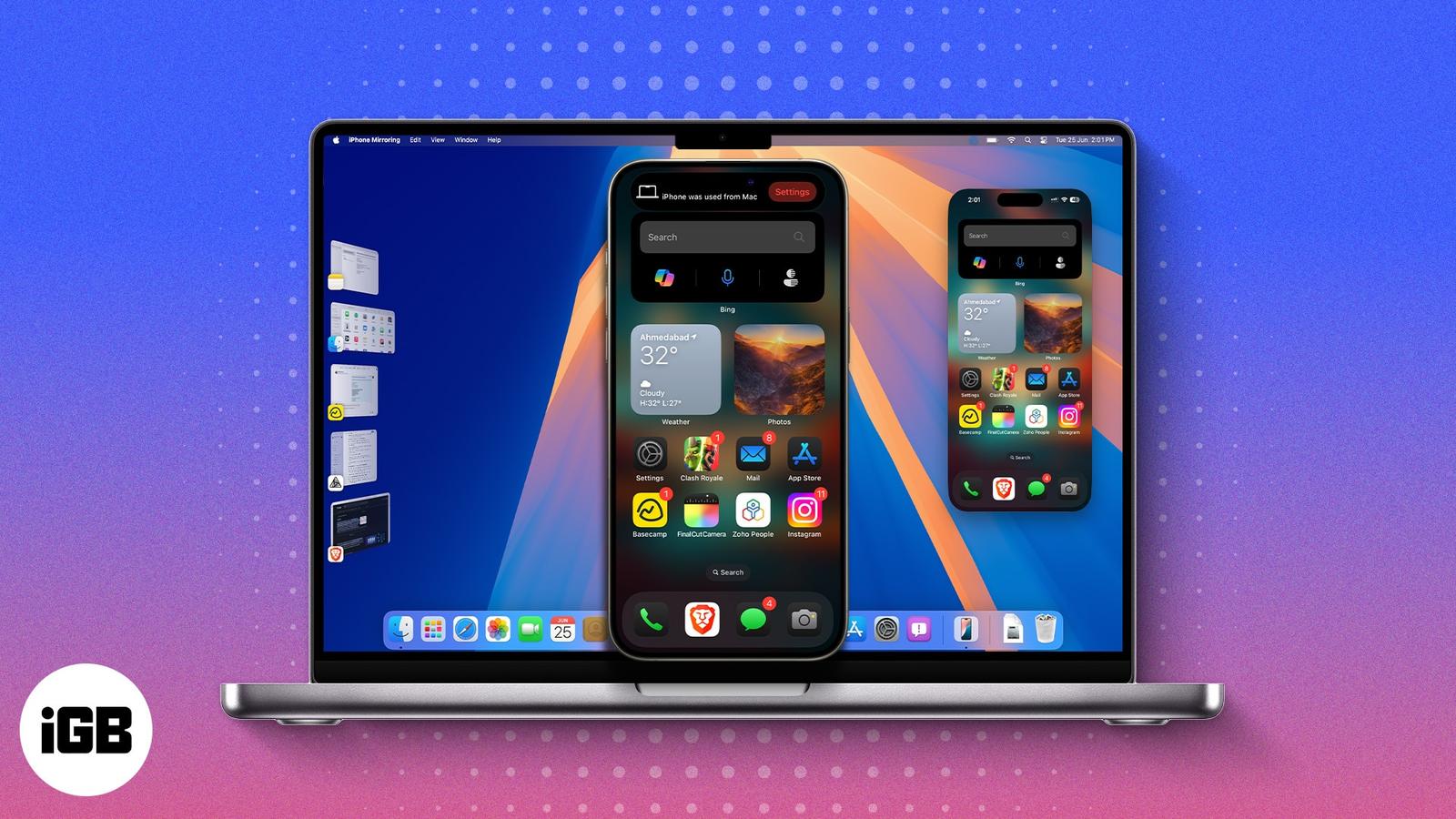
Control your iPhone wirelessly from your Mac with the iPhone Mirroring app on Mac. Here’s how to set it up and use it like a pro.
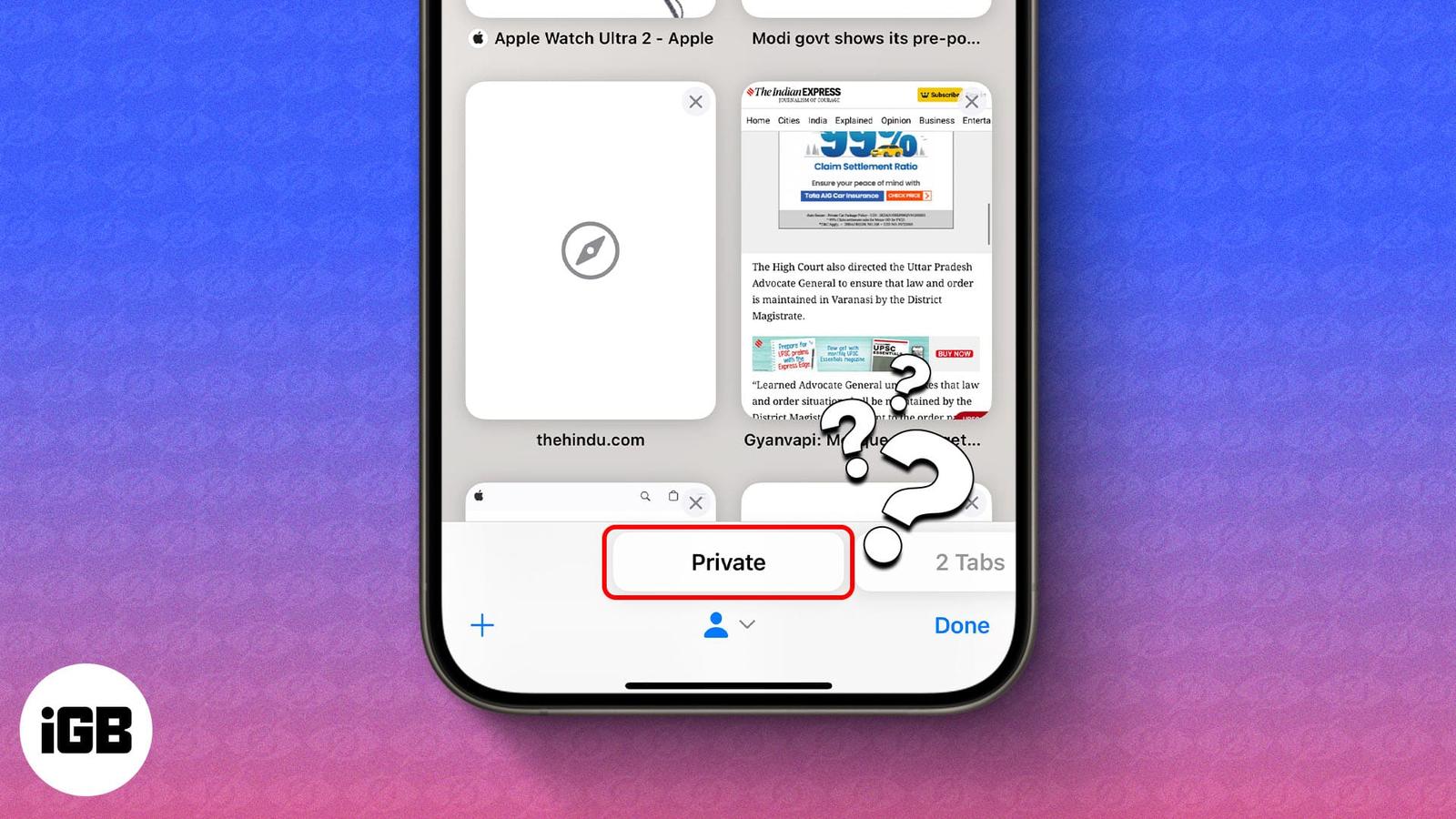
Want to restrict your child’s browsing? Follow this guide to turn off Private Browsing on iPhone or iPad on both Safari and Chrome browsers.
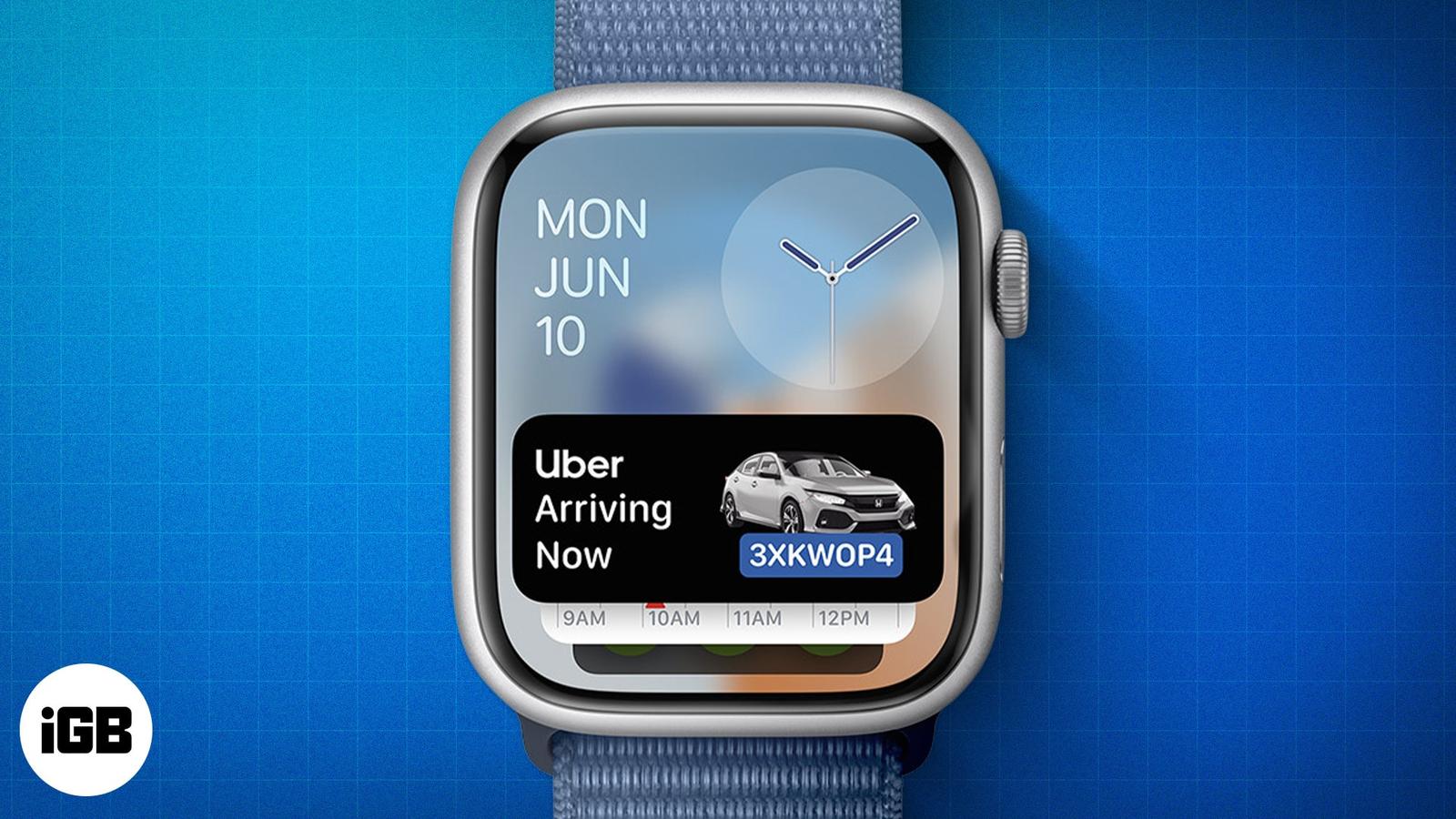
Apple Watch now supports Live Activities, letting you follow real-time updates like food deliveries, ride status, sports scores, and workout

WhatsApp has rolled out Live Photos support on iOS, bringing motion and sound to chats. Here’s how the feature works and what else is new.
Discover the best screen protectors for iPhone Air. From Spigen to dbrand, explore durable, case-friendly options with easy installation tip
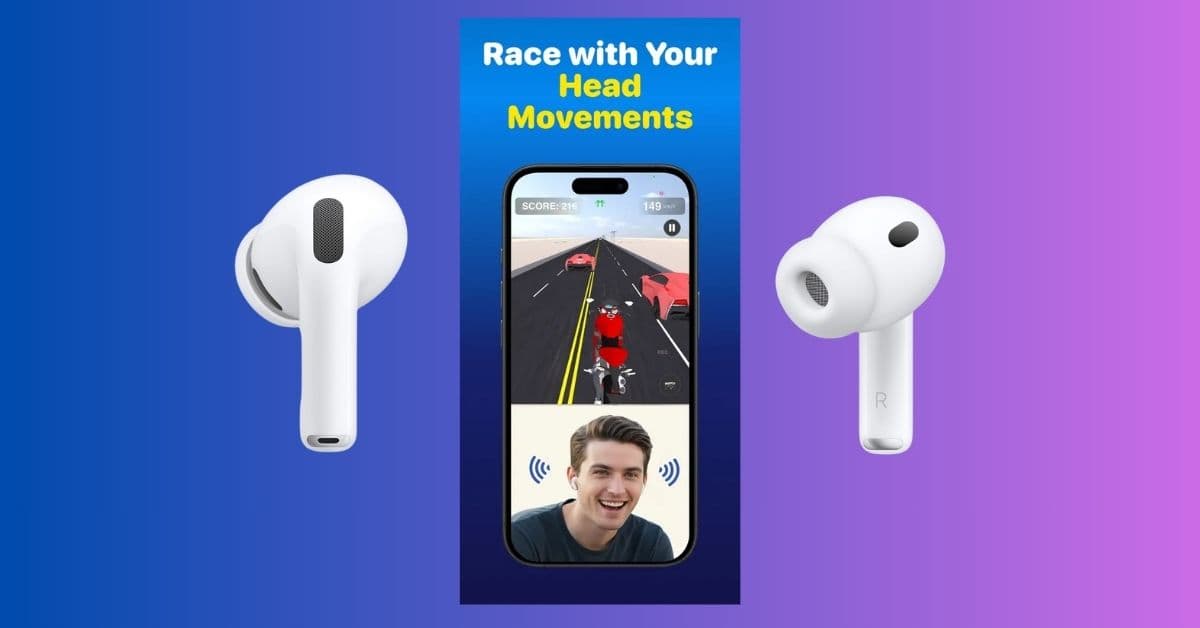
RidePods is the world’s first iOS game that lets you use AirPods as a controller. Tilt your head to steer your bike and race through endless
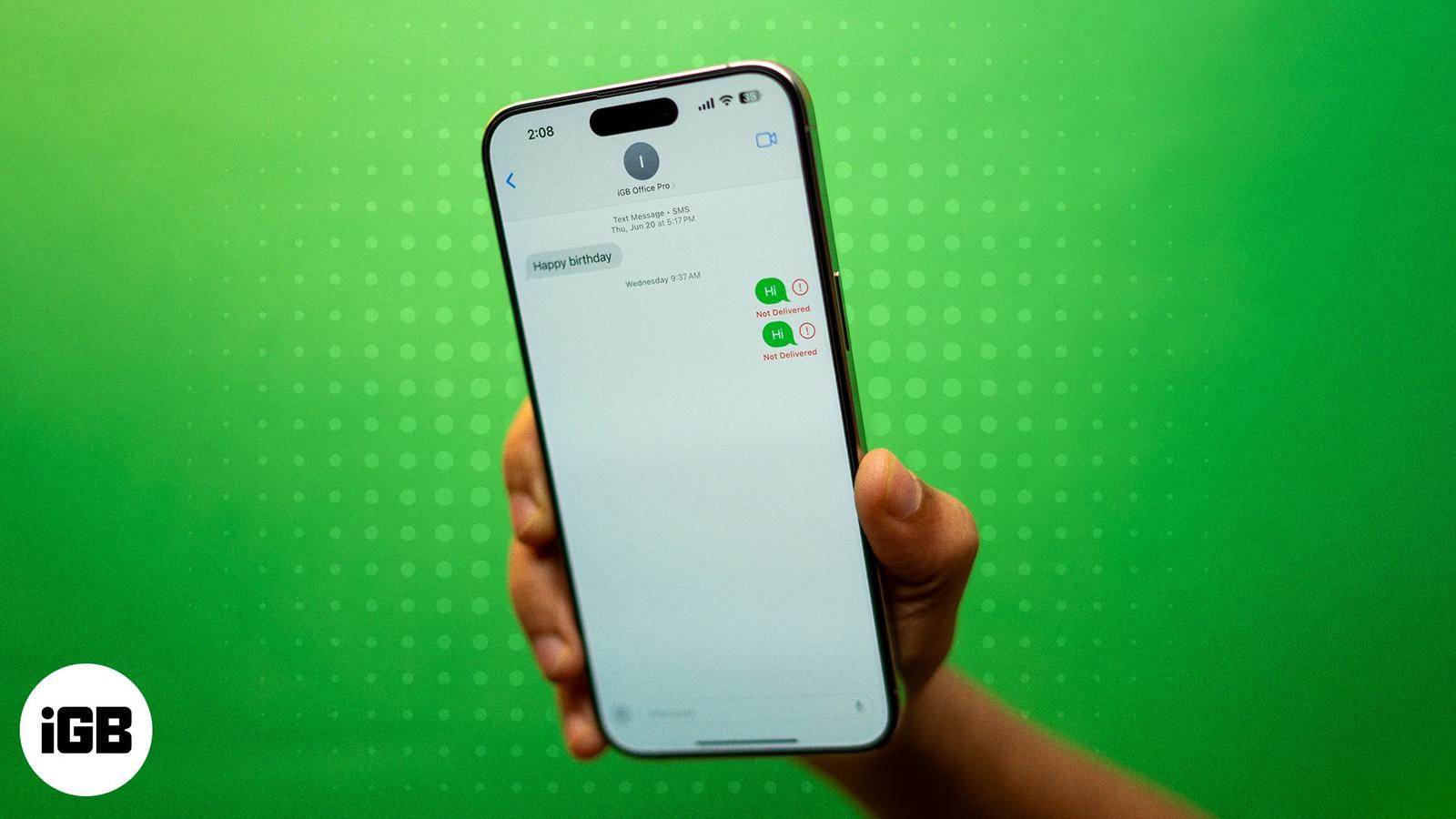
Are you unable to send an iMessage to a particular contact? Here’s how to fix the issue and start a conversation with them again.