
16 Things Apple Watch Can Do Without an iPhone
You don’t always need an iPhone to use Apple Watch. From music and fitness tracking to payments and calls, here are 16 things your Apple Watch can do completely on its own.
Apple is known for its tight ecosystem, sometimes called a walled garden. One common question people ask: Can you use an Apple Watch without an iPhone? Many Android users in particular want to know what features they’d actually get.
Over the years, Apple has added more standalone features to Apple Watch. With its own App Store, cellular models, and offline tools, you no longer need to carry your iPhone everywhere. Whether it’s for running, gym sessions, or just reducing screen time, the Apple Watch has plenty of independent tricks.
Here are all the things Apple Watch can do without an iPhone.
What Apple Watch Can Do Without iPhone Nearby
Even when your iPhone isn’t around, Apple Watch still has plenty of built-in features.
1. Listen to Music, Podcasts, and Audiobooks
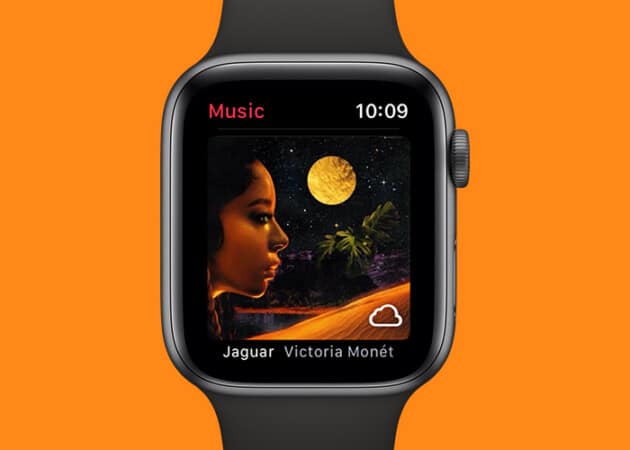
Download Apple Music playlists or podcasts directly to your watch and pair it with AirPods or any Bluetooth headset. Cellular models can even stream Apple Music or Spotify without your iPhone. With 32GB storage on newer models, you can carry hours of entertainment right on your wrist.
2. Record and Play Voice Memos
The Apple Watch lets you quickly record voice memos and play them back, without needing an iPhone.
3. Make Payments With Apple Pay, Student ID, and Transit Cards
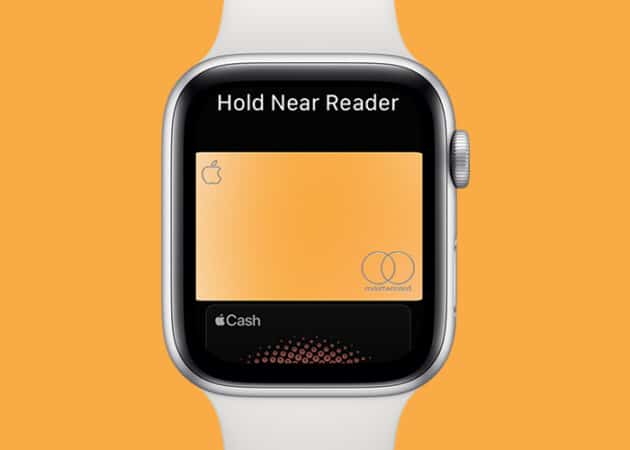
Forgot your phone or wallet? Apple Watch still works with Apple Pay at checkout. You can also use student IDs and transit cards (availability depends on region).
4. Locate People and Devices With Find My
You can find anything you need with only a few touches on your wrist. You can track the whereabouts of your friends and family by using the Apple Watch’s built-in Find My function. You can also use this feature to locate your AirPods or any other Apple device linked to the same Apple ID.
5. Stay On Schedule With Calendars, Clocks, and Alarms
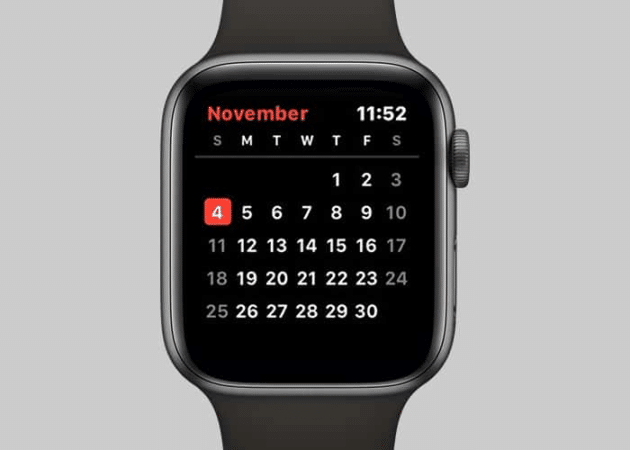
Apple is on the right track, decreasing iPhone’s dependency on the Apple Watch. Another step in this direction is to let you stay organized and on track using your Apple Watch’s independent calendar, clock, and alarm capabilities, which allow you to manage your schedule and deadlines even when you are not connected to your iPhone.
6. View Synced Photos
Unfortunately, the Apple Watch lacks a built-in camera or an independent picture library, so it relies on an iPhone to retrieve images and other material. You can sync your iPhone’s Photos library with your Apple Watch and view them on your wrist without needing to be near your iPhone.
7. Track Health and Fitness
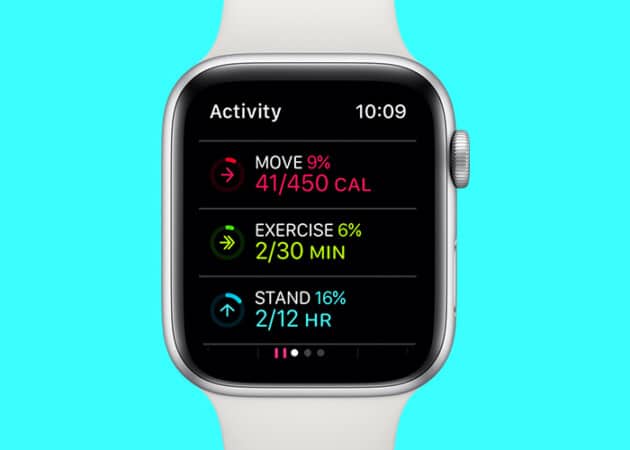
With each update, Apple has enhanced the health features of the Apple Watch, including ECG, heart rate monitoring, and calorie counting capabilities.
The inclusion of standalone capabilities has increased the watch’s value, as it no longer requires a connection to an iPhone to access health functions.
8. Monitor Sound Levels With the Noise App
The built-in Noise app on your Apple Watch provides real-time decibel level updates and allows you to set custom thresholds for harmful sounds. You can effortlessly monitor and safeguard your hearing with this function, and you don’t even need your iPhone or an active internet connection.
One thing to remember while using this function is that it does not record audio; thus, your storage space will not be depleted.
What Apple Watch Can Do With Wi-Fi or Cellular
Connect your Apple Watch to Wi-Fi or use a cellular model, and the possibilities expand further.
9. Download Apps Directly from the App Store
The App Store on your Apple Watch is a game-changer, as it allows effortless updating of existing apps to their latest iteration or downloading new ones, all from the comfort of your wrist.
With seamless internet connectivity and just a few taps, you can browse through various categories and select the ideal program to suit your needs.
10. Make Calls and Send Messages
Leave your iPhone behind during workouts without missing calls or alerts. With a cellular Apple Watch, you can make calls, send texts, check emails, and respond to notifications right from your wrist.
To perform these tasks without your iPhone, you need an active cellular plan. If you’re having trouble getting it to stay connected, follow our troubleshooting guide: Apple Watch Cellular Not Working?
11. Use Walkie-Talkie
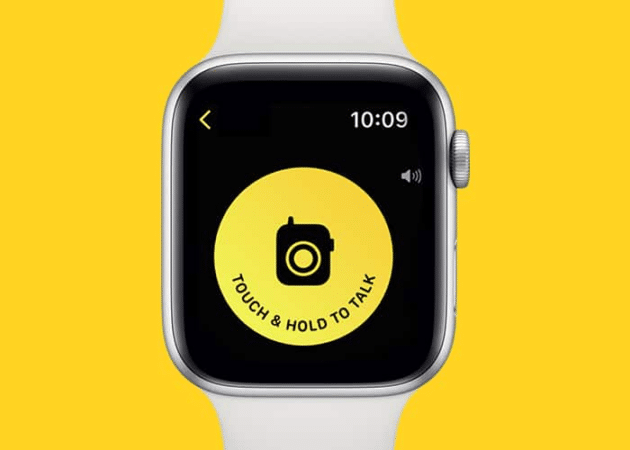
The Walkie-Talkie is another application that works because of your Apple Watch’s solo capabilities combined with internet access, allowing you to interact more quickly with your friend circle, particularly in group discussions.
12. Stream Music, Podcasts, and Audiobooks
You’re not limited to synced files. Once connected to Wi-Fi or cellular, Apple Watch lets you stream music, podcasts, and audiobooks directly on your wrist.
13. Get Live Weather Updates
The built-in Weather app on Apple Watch gives real-time forecasts for your location or a preset place, helping you stay prepared for sudden rain or temperature changes.
14. Control Your Smart Home
As smart home technology continues to evolve, the Apple Watch has set new standards of convenience. With just a tap or a voice command on your wrist, you can control devices like lights, thermostats, and security systems without needing to reach for your iPhone or walk over to adjust them manually.
15. Track Your Stock Portfolio
Apple recognizes the importance of the stock market in today’s world. The built-in app on Apple Watch lets you track your assets and stay updated on market prices, news, and other key information without needing your iPhone.
16. Use Third-Party Apps
Many third-party apps work independently over Wi-Fi or cellular, extending what your Apple Watch can do without iPhone.
Should You Buy an Apple Watch Without Owning an iPhone?
If you don’t own an iPhone, it’s not recommended since setup still requires one. But if your goal is to reduce screen time, a cellular Apple Watch is a smart option. It keeps you connected while letting you leave your phone behind for workouts, runs, or daily errands.
Which Apple Watch standalone feature do you use most? Let us know in the comments.
Frequently Asked Questions

Written by
Mahit HuilgolMahit is an engineer by Education with a corporate stint to his name. He ditched the corporate boardroom wars in favor of the technology battleground. For the better part of a decade, he has worked for popular publishing outlets, including Dennis Publishing, BGR India, AppStorm, MakeUseOf, and iPhonehacks.
View all posts →More from Apple Watch
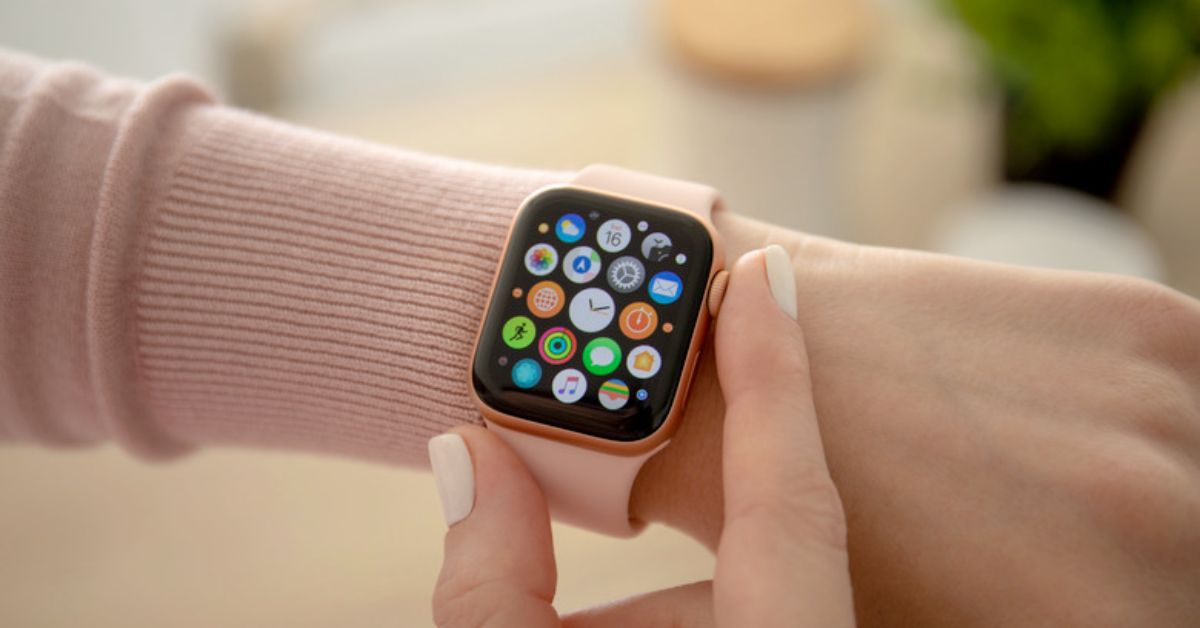
Apple Watch Not Responding? 8 Fixes That Actually Work
Is your Apple Watch unresponsive or stuck on a black screen? Here are 8 proven fixes to help you unfreeze it and get it working again quickly.
 VikhyatMarch 3, 2026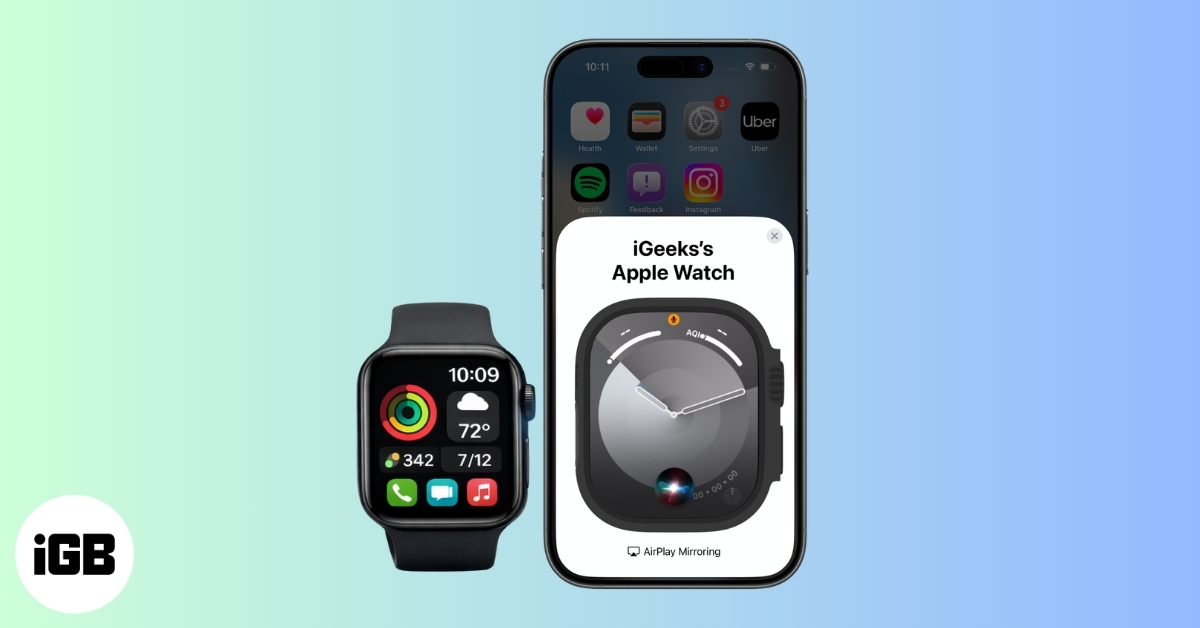
How to Mirror Your Apple Watch on Your iPhone: A Simple Guide
Want to control your Apple Watch using your iPhone? This guide explains how to turn on Apple Watch Mirroring, use it easily, and fix common issues.
 Arshmeet KaurFebruary 27, 2026
How to Restore Apple Watch From a Backup
Need to reset or switch iPhones? Here’s how to restore your Apple Watch from a backup, what data comes back, and how to make sure everything syncs properly.
VikhyatFebruary 23, 2026