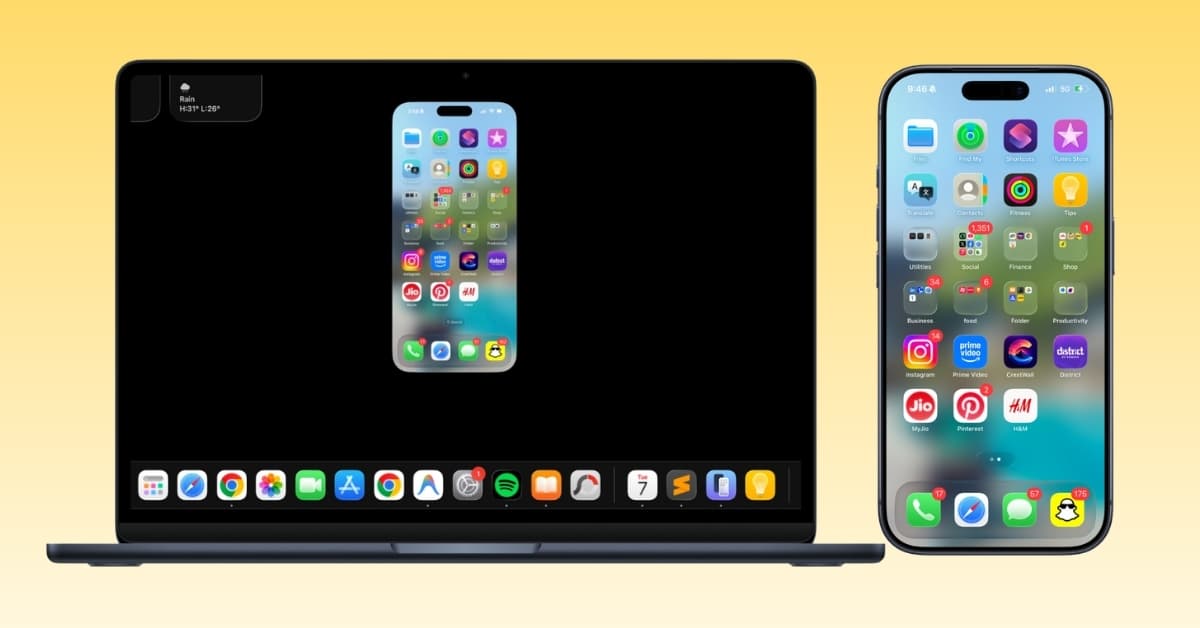
I stopped using iPhone Mirroring months ago. Not because it was bad. But every time I needed Control Center, wanted to resize the window, or hit one of Apple’s odd limitations, my hands instinctively reached for the phone. At that point, the whole idea of “mirroring” felt pointless.
So when Apple updated iPhone Mirroring in the latest iOS 27 and macOS 27 beta, I wasn’t expecting much. However, after using it for a while, I realized Apple has removed many limitations to make the feature smoother. Here’s everything new in iPhone mirroring in macOS Golden Gate.
Apple finally lets you resize iPhone Mirroring window
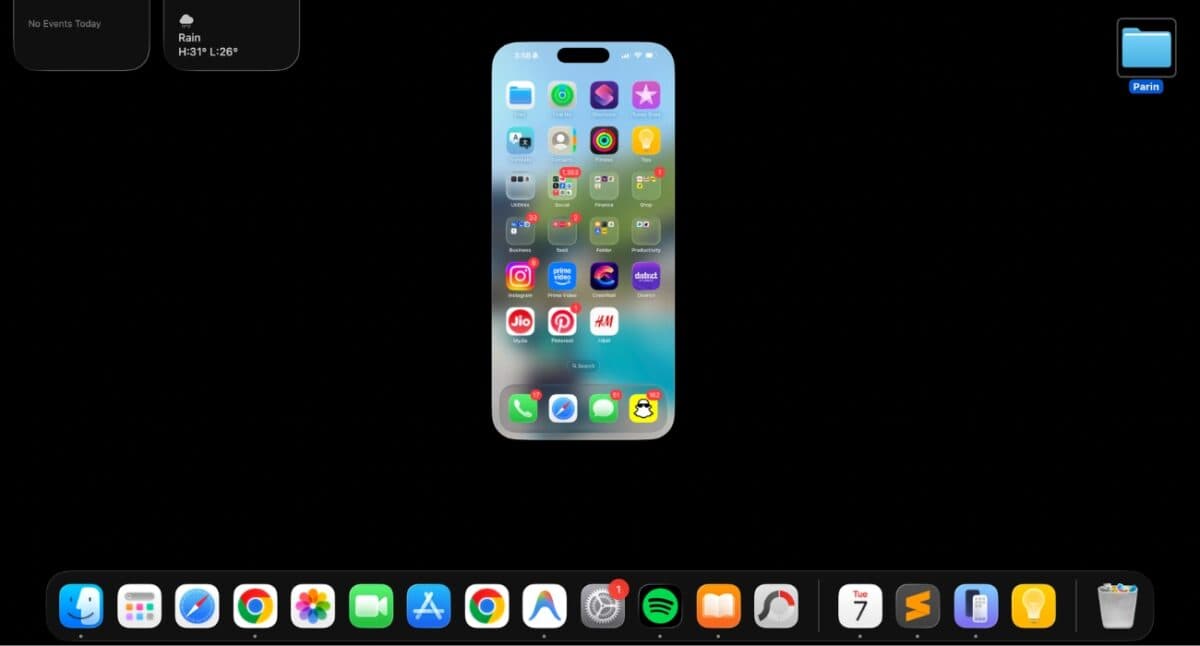
The original version of iPhone Mirroring always felt trapped inside iPhone’s native aspect ratio. Apple only provided just three preset window sizes: Larger, Actual Size, and Smaller. It worked smoothly, but I noticed some scaling issues, especially in the larger mode.
The latest update changes that by introducing flexibility. I can resize the mirrored iPhone to fit naturally alongside Safari, Notes, or Basecamp without rearranging my desktop around a phone-shaped rectangle. Simply press Command + + or Command + - keys to change the size.
This sounds like a tiny improvement until you actually spend an hour working with it.
I didn’t realize how much I missed Control Center
If you’ve ever used iPhone Mirroring regularly, you probably ran into the same problem I did. There was no way to open Control Center. So, if I wanted to adjust brightness, connect AirPods, or toggle Focus mode, I actually had to pick up my iPhone. That completely defeats the purpose of controlling your phone from your Mac.
With macOS 27 and iOS 27, Control Center is finally accessible while mirroring. Apple added a keyboard shortcut (Command + 4) and an option in the View menu in your Mac’s menu bar. Thus, you can now access those quick controls without reaching for the phone itself.
I’d still like Apple to add an on-screen Control Center button for trackpad-only users, but this update alone removes one of the biggest reasons I abandoned the feature.
Free app window resize has me think about Apple’s bigger plans
One update surprised me more than anything else. Apple’s own apps, like Photos, Music, Messages, Files, Phone, etc., can now stretch beyond the traditional tall iPhone ratio while mirrored. I simply took the cursor to the left or right edge of the mirrored window and dragged it to expand as I wanted.
A 9to5Mac report suggests that iOS 27-compatible apps will also support window resizing as developers roll them out. One thing I noticed is that the iPhone Mirroring window returns to its initial vertical size when I go back to the Home Screen. But the window size will revert to its expandable view when you open that app again.
At first glance, it looks like a simple interface improvement. The more I used it, the more it felt like Apple was quietly preparing developers for the rumored foldable iPhone where apps won’t always live on tall rectangular screens.
You can now watch DRM videos on iPhone Mirroring
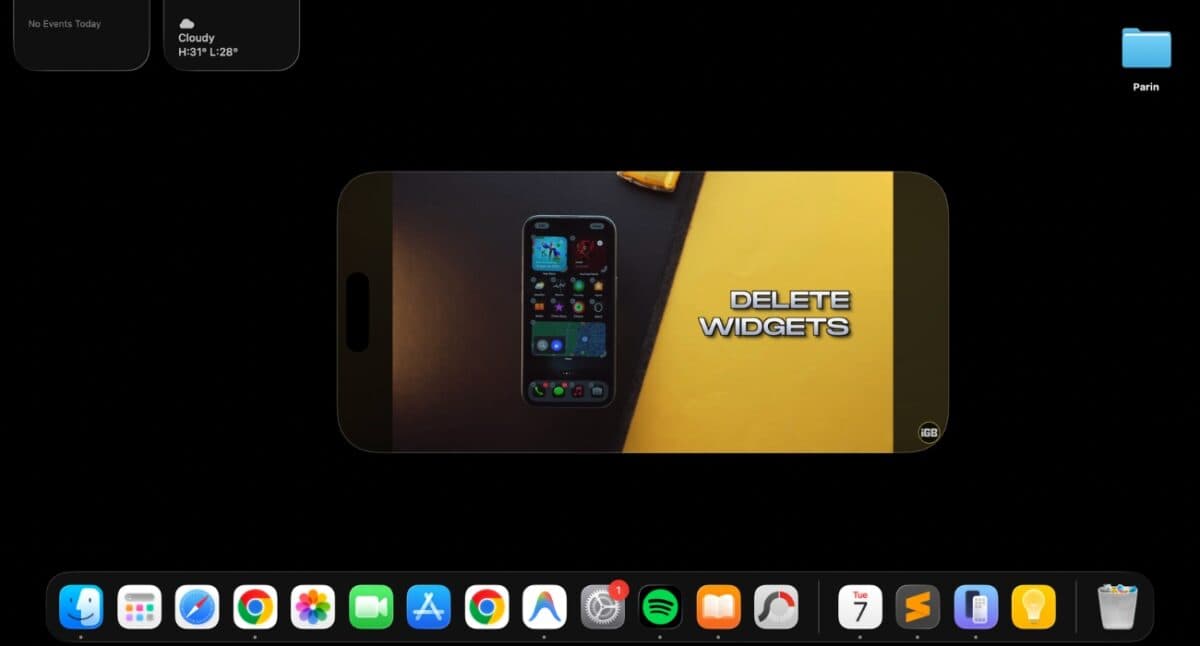
One limitation that never made much sense was video playback. Protected streaming content, such as videos from streaming services or rented movies, would simply appear as a black screen whenever I tried watching it through iPhone Mirroring.
That restriction is finally gone. Apple now supports DRM-protected video during mirroring, meaning compatible streaming content can actually display correctly instead of failing altogether.
It’s another small quality-of-life improvement, but one that removes yet another unnecessary limitation.
Things I wish Apple had fixed too
Even after using the new version, my wishlist hasn’t disappeared.
I’d still like to see:
- An easier way to access Notification Center.
- Faster drag-and-drop between iPhone and Mac apps.
- Better multitouch gesture support.
- More third-party apps taking advantage of the new resizable layouts as developers update for iOS 27.
- Open Spotlight by swiping down the Home Screen in the iPhone Mirroring window.
- Remove lag and blur when switching apps.
Some early beta quirks also remain, which isn’t surprising given that both iOS 27 and macOS 27 are still in development.
My take
After spending time with the latest version of iPhone Mirroring, I found Apple has made it less frustrating to use. Resizable windows, Control Center access, and better app layouts remove friction that kept pulling me back to my physical iPhone. And iPhone Mirroring finally starts feeling like a natural extension of macOS instead of a clever demo.
If you tried iPhone Mirroring when it first arrived and weren’t impressed, I’d recommend giving it another shot. Which feature are you most excited about? Share your opinion in the comments below!
You Might Also Like: