Apple has released the first public beta of iOS 27, giving iPhone users an early opportunity to try the update before its official release later this year. The beta introduces Siri AI, refinements to the Liquid Glass interface, faster system performance, and several new features across Apple’s built-in apps.
As with any beta software, you should expect occasional bugs, reduced battery life, and compatibility issues with some apps. Apple also recommends backing up your iPhone before installing the update.
How to install the iOS 27 public beta
Before installing the beta, back up your iPhone using iCloud or a Mac or PC. If you later decide to downgrade to iOS 26, you may need to erase your device before restoring a backup.
Follow these steps to install the iOS 27 public beta:
- Visit Apple’s Beta Software Program website and sign in with the Apple Account you use on your iPhone.
- Enroll your account and accept the terms.
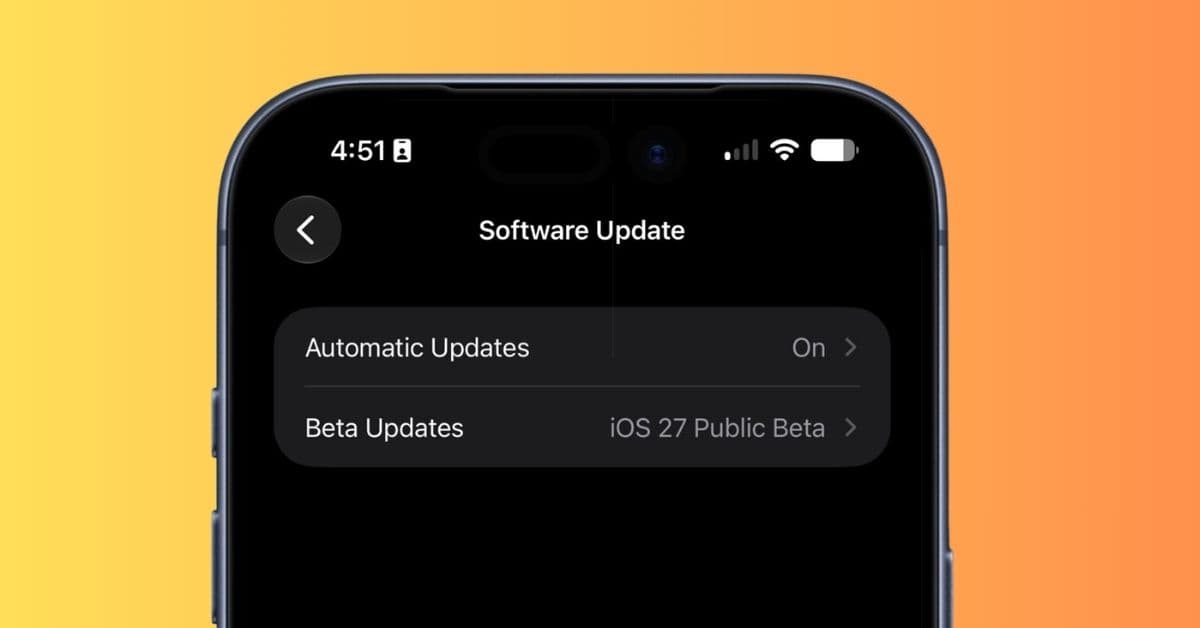
- Open Settings → General → Software Update → Beta Updates.
- Select iOS 27 Public Beta.
- Return to Software Update and tap Update Now.
Before starting the installation, make sure your iPhone has sufficient free storage, is connected to Wi-Fi, and has enough battery charge.
What’s new in iOS 27 public beta
The biggest addition is Siri AI.
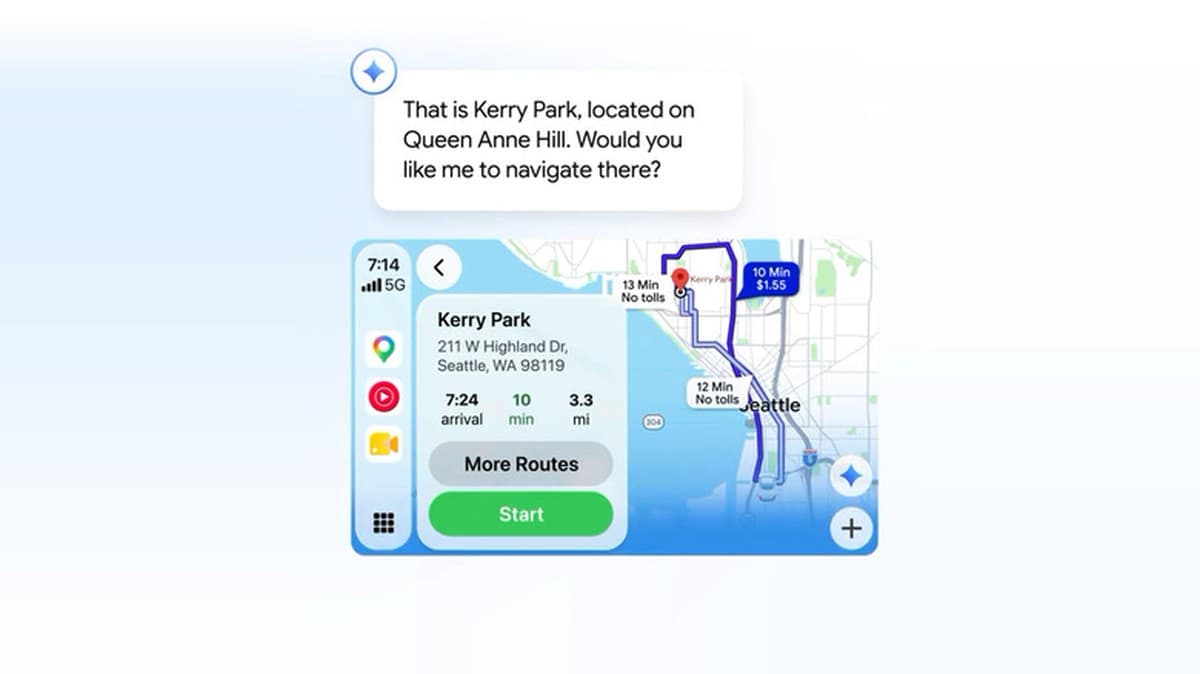
The redesigned assistant supports natural conversations, understands follow-up questions without requiring repeated context, and can use personal information to complete tasks across apps on supported iPhones.
Apple has also introduced a dedicated Siri app that lets you revisit previous conversations.
Other highlights include:
- Visual Intelligence integration in the Camera app
- Faster app launches and smoother system animations
- Refinements to the Liquid Glass interface
- Smarter Safari features
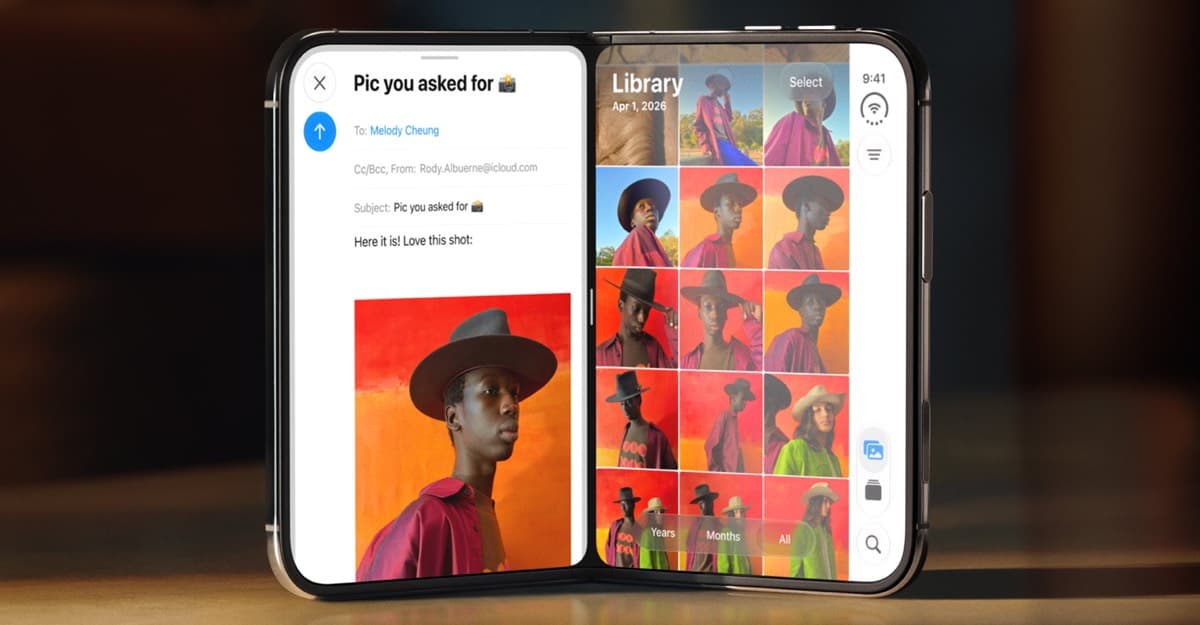
- New AI-powered editing tools in Photos, including Clean Up, Extend, and Spatial Reframing
The Shortcuts app now creates automations from natural language prompts, and you can refine existing automations with follow-up instructions instead of starting over.
The Passwords app has also been upgraded. It can automatically replace certain weak or compromised passwords, manage verification codes, and display the replacement process through Live Activities.
Apple has also introduced several smaller improvements throughout iOS 27, including:
- Background uploads for photos and videos in Messages
- Improved parental controls in Screen Time
- Full-resolution Shared Albums
- Separate controls for alarm and system volume
- Extra-large Home Screen widgets
- Smoother switching between Wi-Fi and cellular networks
- A custom equalizer for compatible AirPods
- Enhanced HomeKit Secure Video support in the Home app
Apple will continue updating the public beta over the coming weeks before releasing the final version of iOS 27 later this year.
If you decide to install the beta, you can report bugs and provide feedback directly to Apple through the Feedback Assistant app.
Have you installed the iOS 27 public beta yet? Share your experience in the comments below.