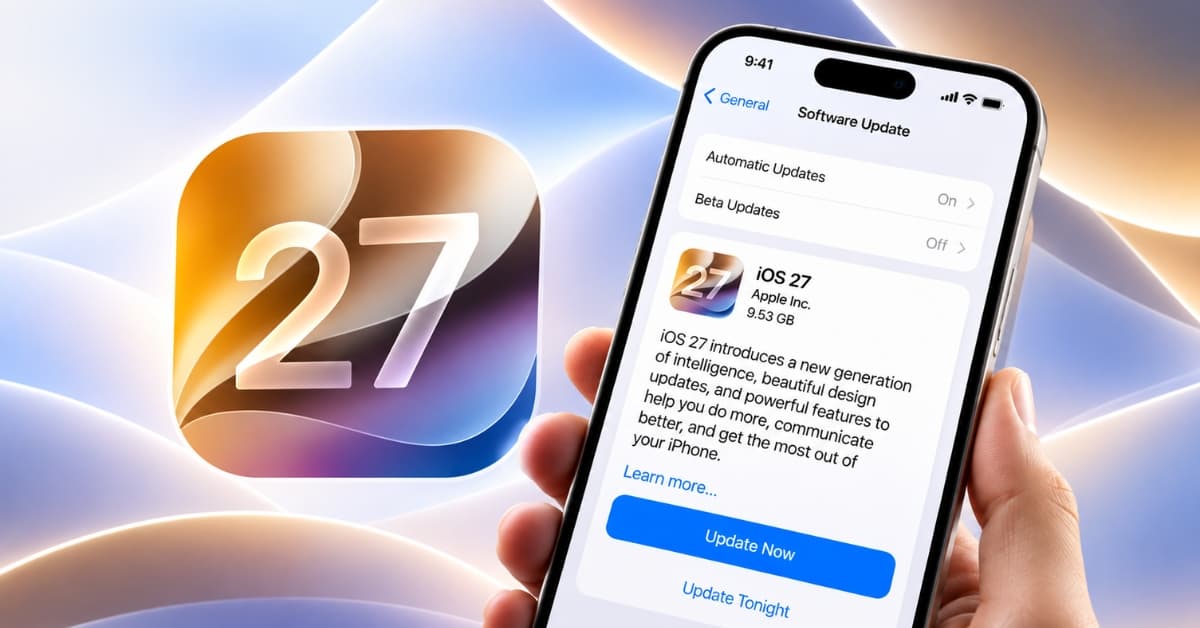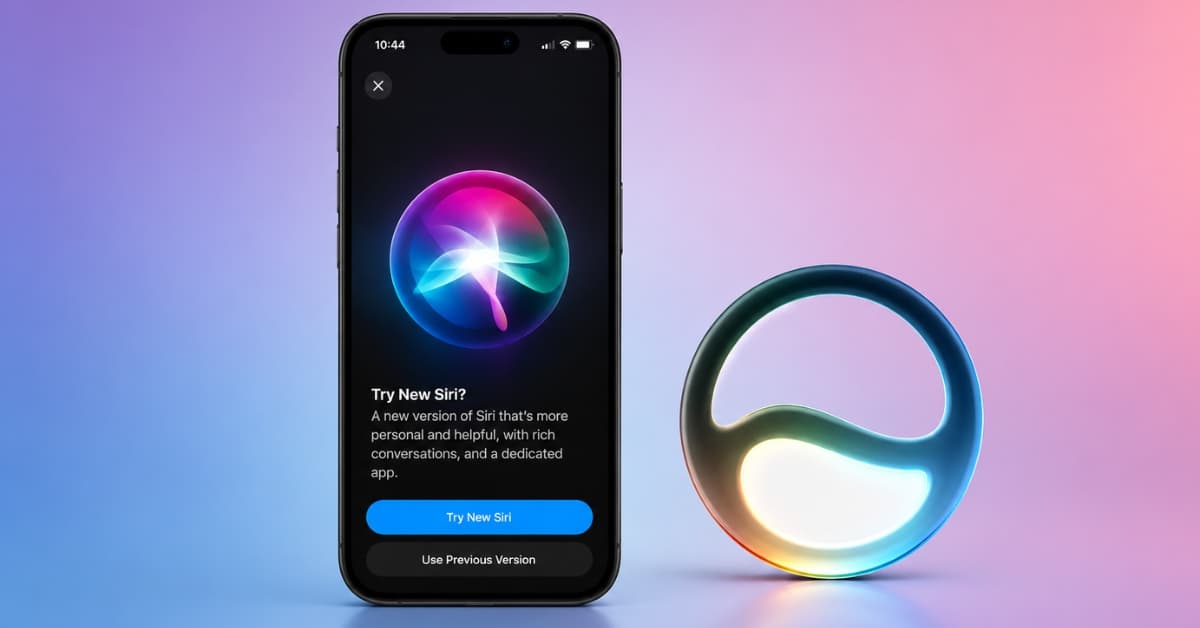
Apple Maps may not have received the limelight at WWDC 2026, but iOS 27 brings some valuable upgrades that make the app more helpful for everyday use. With a new Liquid Glass look, better Flyover visuals, and a clever approach to finding nearby eateries and attractions, Apple seems to be slowly evolving Maps into more than just a navigation tool.
While none of these changes are groundbreaking on their own, together they make Apple Maps feel smarter, more personal, and better suited for exploring the world around you. Here’s a closer look at everything new coming to Apple Maps in iOS 27.
1. Apple Maps adopts the fresh Liquid Glass look
The first thing you’ll notice is the redesign.
Apple Maps now adopts Apple’s new Liquid Glass design language, bringing translucent panels, layered effects, and a cleaner visual hierarchy throughout the app. The update aligns Maps with the rest of iOS 27 and improves usability. You will also see a matching multi-layered app icon.
The map itself feels less crowded. Information panels float more gracefully above the map rather than competing for space. Search results appear cleaner and easier to read at a glance.
2. Flyover gets its biggest upgrade yet

If there’s one Apple Maps feature that has always felt futuristic, it’s Flyover.
For years, Flyover has offered detailed 3D satellite views of cities around the world. However, it lacked high-quality resolution when zoomed in. You may have seen buildings or trees that look quite boxy, unlike the real world.
In iOS 27, Apple is using AI-enhanced rendering techniques to make those city views significantly more realistic and detailed. The company says the new Flyover experience delivers richer aerial imagery and more lifelike environments.
When you’re exploring a city before a trip, checking out a neighborhood, or simply trying to understand an unfamiliar area, these richer 3D views make a surprising difference.
However, this is only accessible in a few cities worldwide, and I found that only Cupertino, New York, and London got the visual improvement. I hope the upgrade is completed before iOS 27 official release.
3. Explore new Local Lists
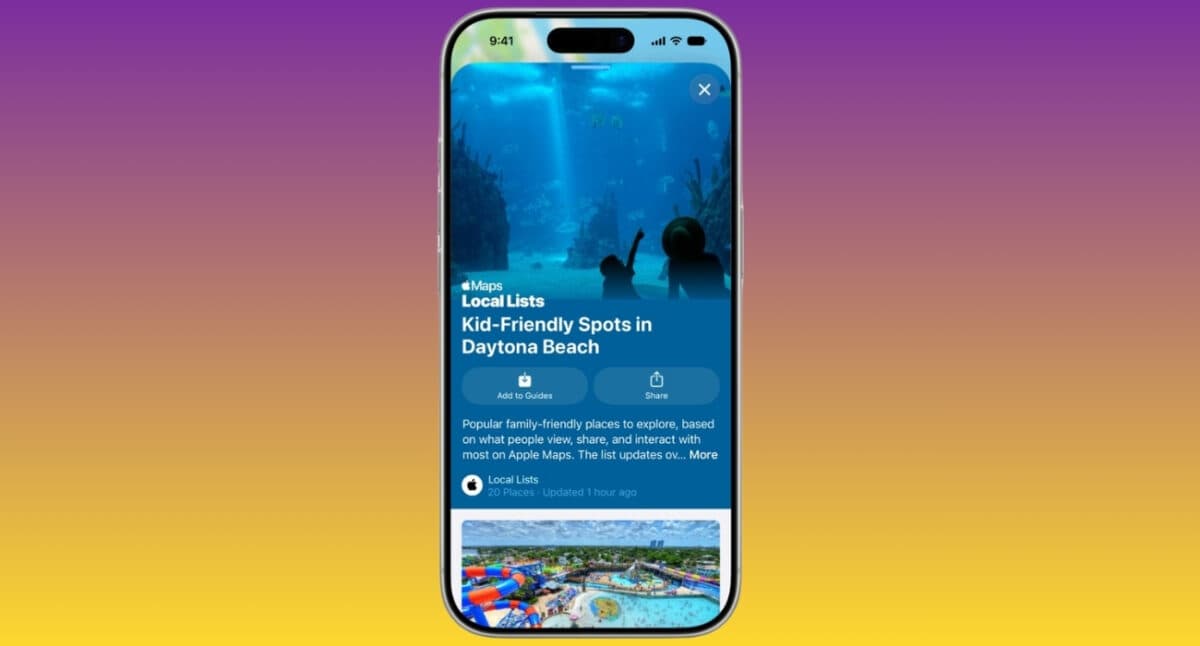
This is the feature that deserves more attention than it’s getting.
Apple Maps in iOS 27 introduces Local Lists, a new discovery feature that surfaces collections of places based on local popularity and community activities. Right now, it shows the most popular restaurants in a city based on the users’ interactions in Apple Maps and is limited to the United States.
This could be one of the biggest changes to how people use Maps. Apple already has Guides to help you explore new cities, but they were mostly based on the curator’s preferences. So that may not suit your requirements. Now you can see which places are trending in an area generating significant local interest.
The Local Lists are said to get updated on a regular basis and show the eateries’ opening hours, prices, and pictures of the cuisine they serve. You can tap the plus button next to it to add a pin to your map or select the listing for further details.
4. More Suggested Places
With iOS 27, Apple is expanding its new Suggested Places experience, a feature that first appeared in iOS 26.5. Previously, the feature showed two relevant places under the search box based on your recent searches and what’s trending nearby.
But now you will see a list of Suggested Places with more recommendations. Apple is clearly trying to make Maps feel less like a utility and more like a discovery engine for the best local experience.
5. Find trending restaurants
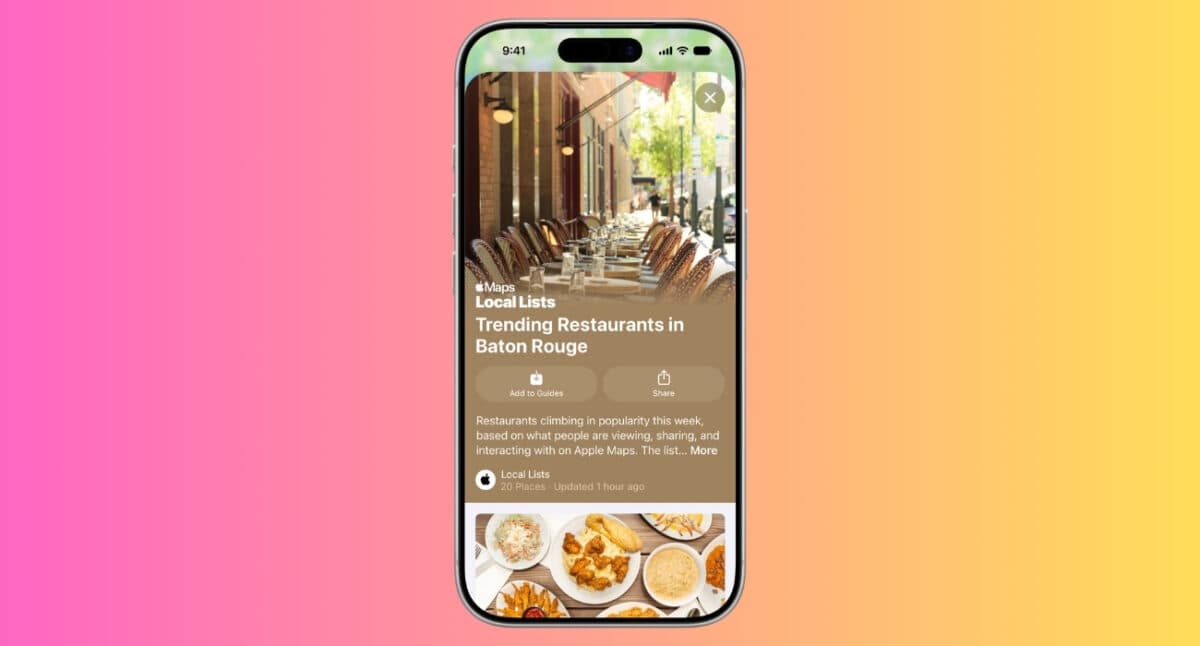
One of the most practical additions to Apple Maps in iOS 27 is a new Trending Restaurants section that appears directly on the search screen.
Apple Maps can now highlight dining spots that are currently popular in your area. The feature builds on Apple’s broader push into local discovery, making it easier to find places that people are actively visiting rather than relying solely on traditional ratings or old reviews.
I like this approach because it solves a common problem with restaurant recommendations. A place might have excellent reviews from years ago, but it is no longer a prime spot. Trending Restaurants focuses on what’s popular right now, helping users discover new openings, viral food spots, and restaurants generating buzz in their city.
The feature also works well alongside Apple’s new Local Lists and Suggested Places tools. Together, they make Apple Maps feel less like a navigation app and more like a guide to what’s happening nearby.
Small but worthy updates in Apple Maps
Not every Apple Maps improvement in iOS 27 is flashy. Some of the most useful changes are the ones you’ll barely notice until they save you time.
- One of those upgrades is natural language search for routing. Apple is expanding its AI-powered search capabilities. Instead of relying on specific keywords, you can ask for directions in a more natural way and let Maps better understand your intent.
- Apple is also bringing a new Maps Parked Car widget to the Smart Stack on Apple Watch. It makes your parked car location easier to access without needing to open the Maps app and search for it manually.
- Another update focuses on Offline Maps. Apple says iOS 27 includes improvements to offline map updates, though the company hasn’t shared specific details about what has changed.
- Visited Places and Guides are expanding to more countries in iOS 27.
Availability and device compatibility
The new Apple Maps features arrive as part of iOS 27, Some capabilities, including Local Lists, are launching initially in the United States and may expand to additional regions over time.
As always, feature availability will vary based on location, language support, and Apple’s regional rollout plans. The upgraded Flyover experience will also depend on city coverage, as Flyover currently supports hundreds of cities worldwide rather than every location on the map.
Final thoughts
The biggest takeaway from iOS 27 isn’t that Apple Maps looks better. It’s that Apple finally seems to know what it wants Maps to become.
For years, Apple Maps chased Google Maps by improving directions, adding data, and filling feature gaps. Those improvements were necessary, but they didn’t create a unique identity. Local Lists, trending restaurants, smarter recommendations, and enhanced Flyover all point toward a different future.
Apple isn’t just helping users get somewhere. It’s helping them decide where to go in the first place. That’s a much more interesting problem to solve.
Which Apple Maps feature are you looking forward to? Share your opinions in the comments below!
In case you missed: