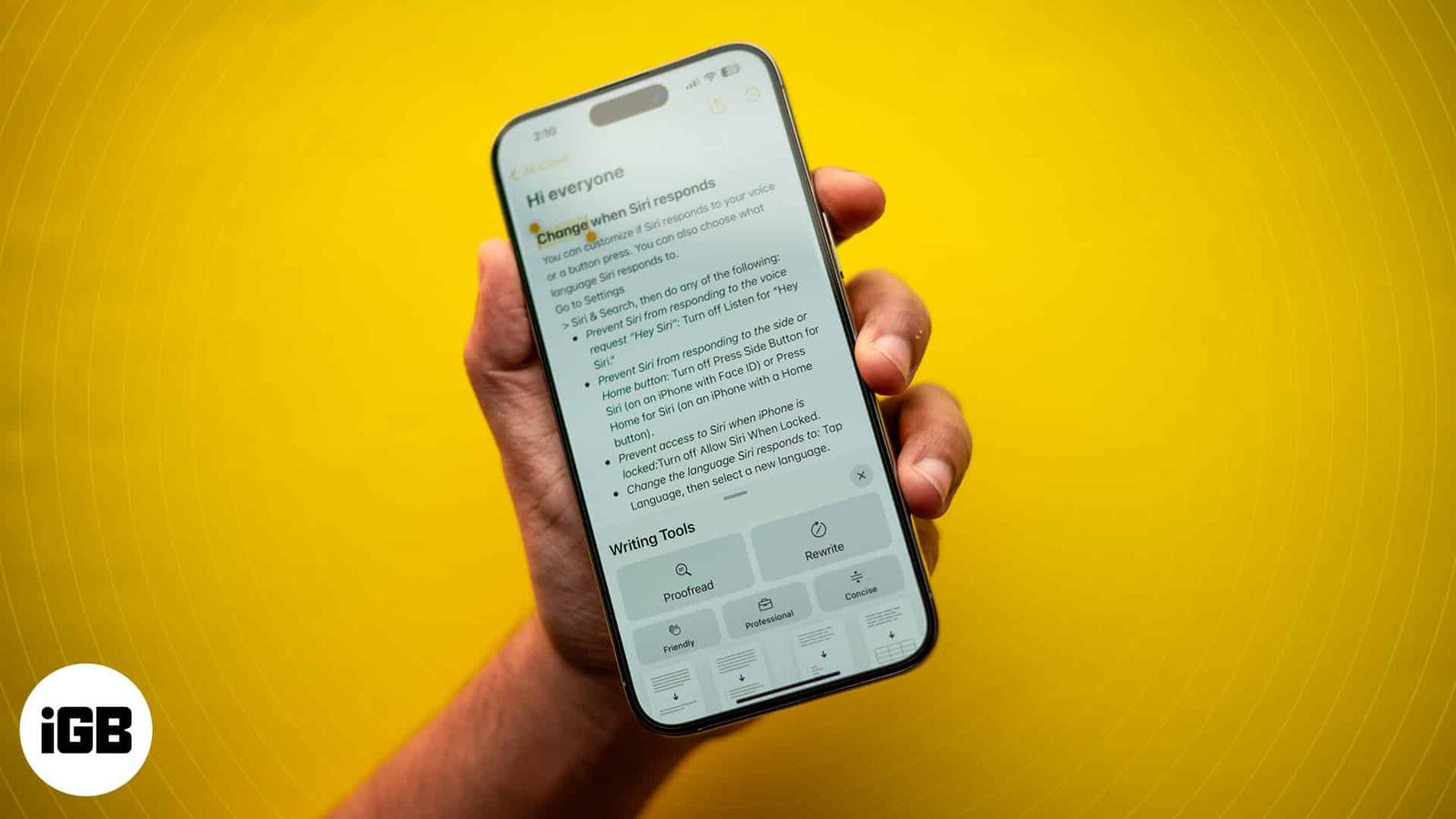
How to Use Apple Intelligence Writing Tools on iPhone or iPad
Learn to use Writing Tools with Apple Intelligence on your iPhone to summarize text, proofread, and generate different versions to find the perfect tone.

Learn to use Writing Tools with Apple Intelligence on your iPhone to summarize text, proofread, and generate different versions to find the perfect tone.

The latest models of MacBook Pro and Air feature a notch at the top, highlighting the front camera. However, while functional, the design is
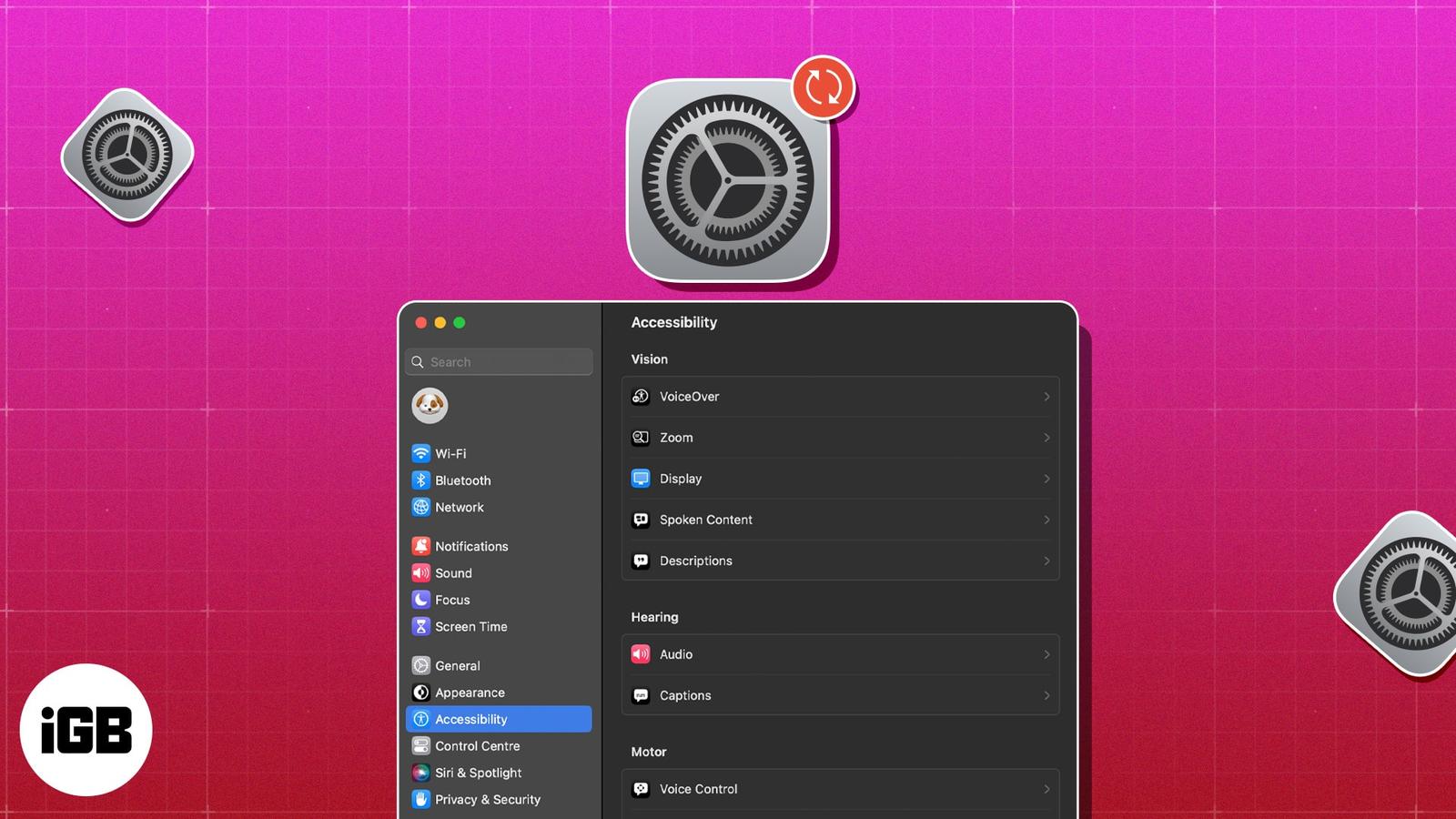
Mac has a lot to offer, but we often fail to use it to its optimum. That’s because we don’t tweak enough the macOS to suit our requirements.
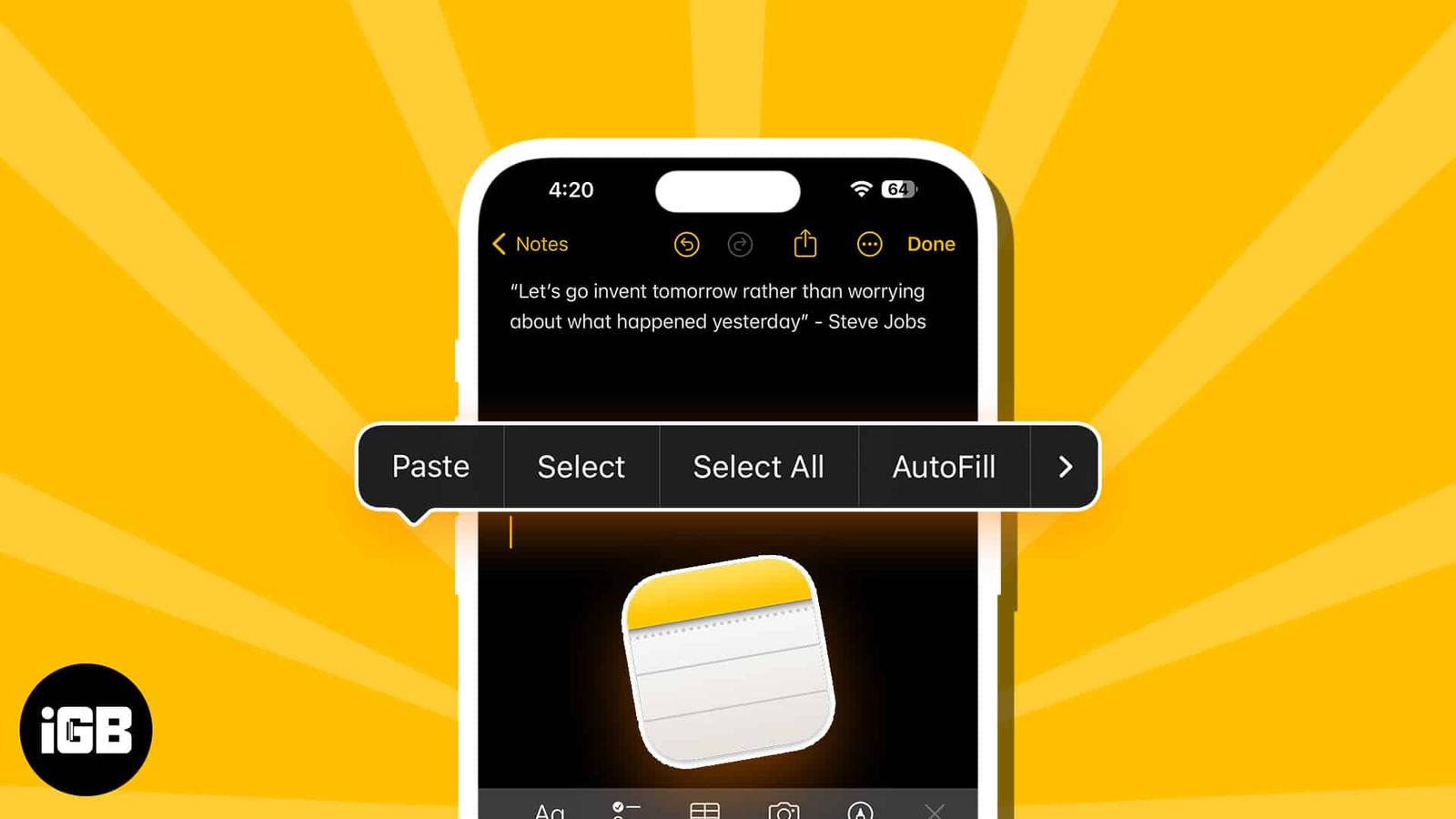
Learn how to access your iPhone clipboard. Use the Notes app to paste content, the “Adjust Clipboard” shortcut, or third-party keyboards lik
Control your Mac and iPad with a single mouse and keyboard using Universal Control. Setup steps, tips, troubleshooting, and a Sidecar compar
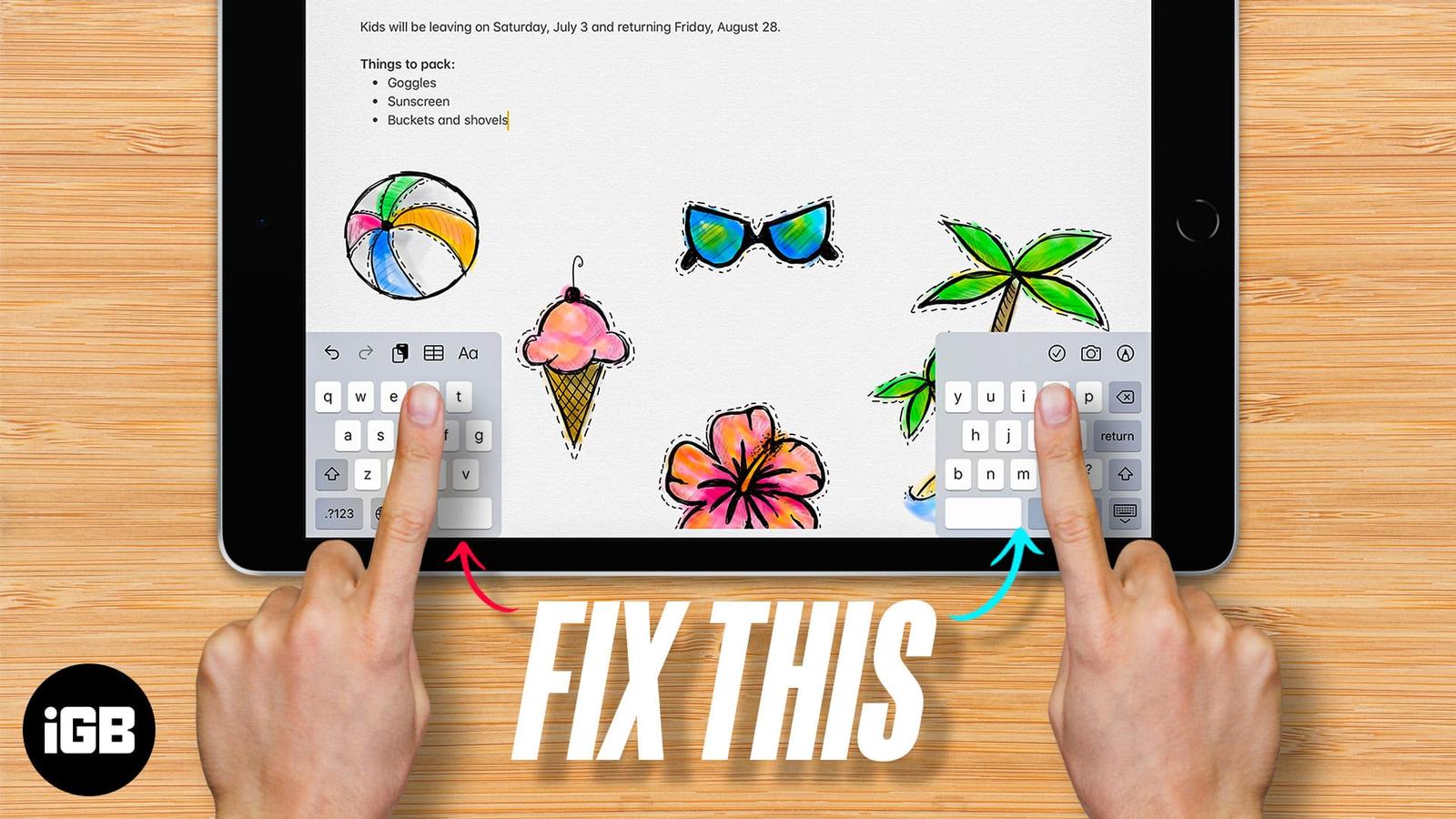
As we all know, keyboards are an important tool to input information into our devices, including iPads. Since it has a big screen real estat
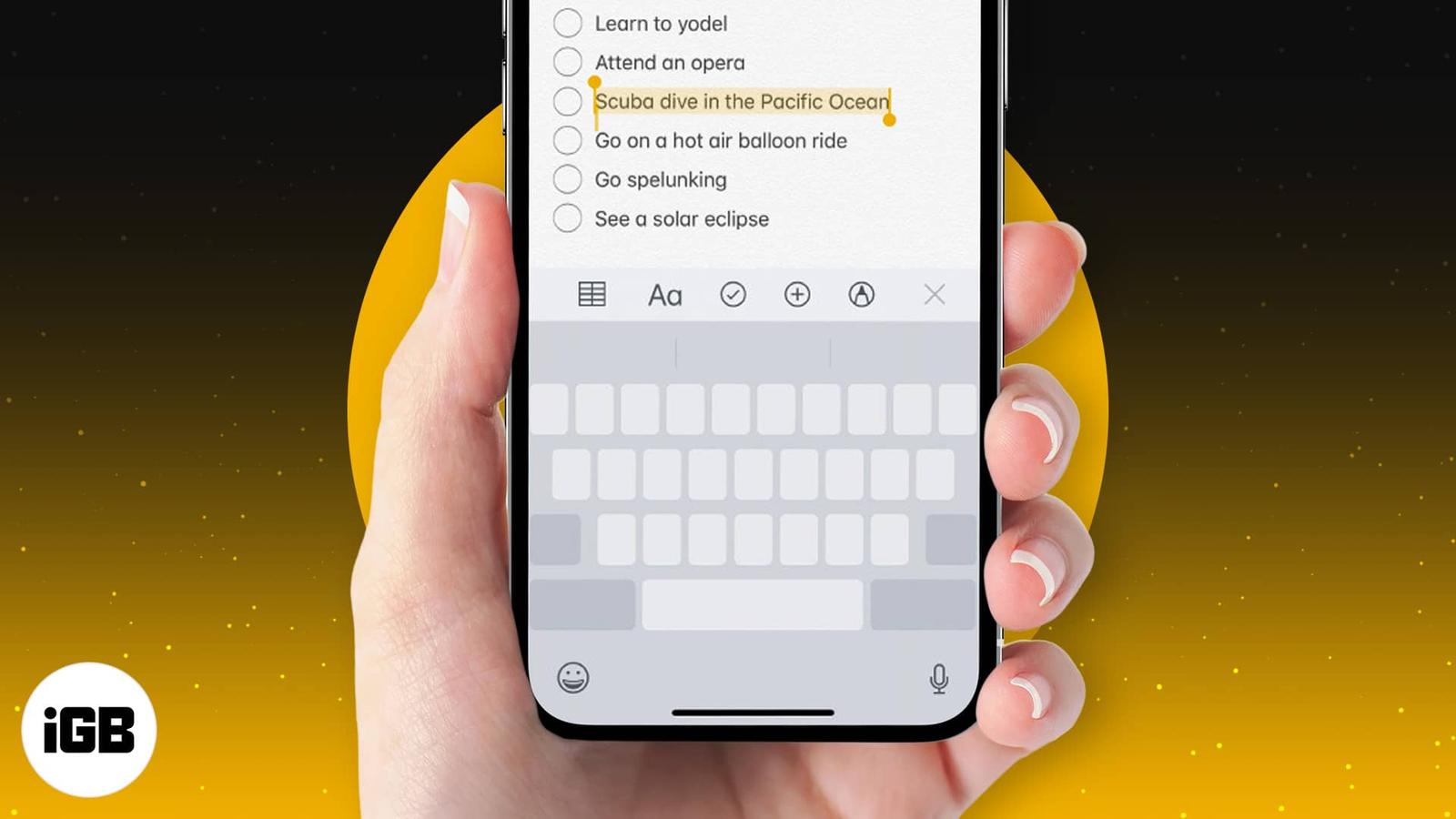
Despite the stiff competition from the best third-party keyboards, Apple’s QuickType keyboard remains my firm favorite for various reasons.

When messaging anyone on your iPhone, the best way to type out the words is by utilizing the Auto-Correction and predictive text features. A
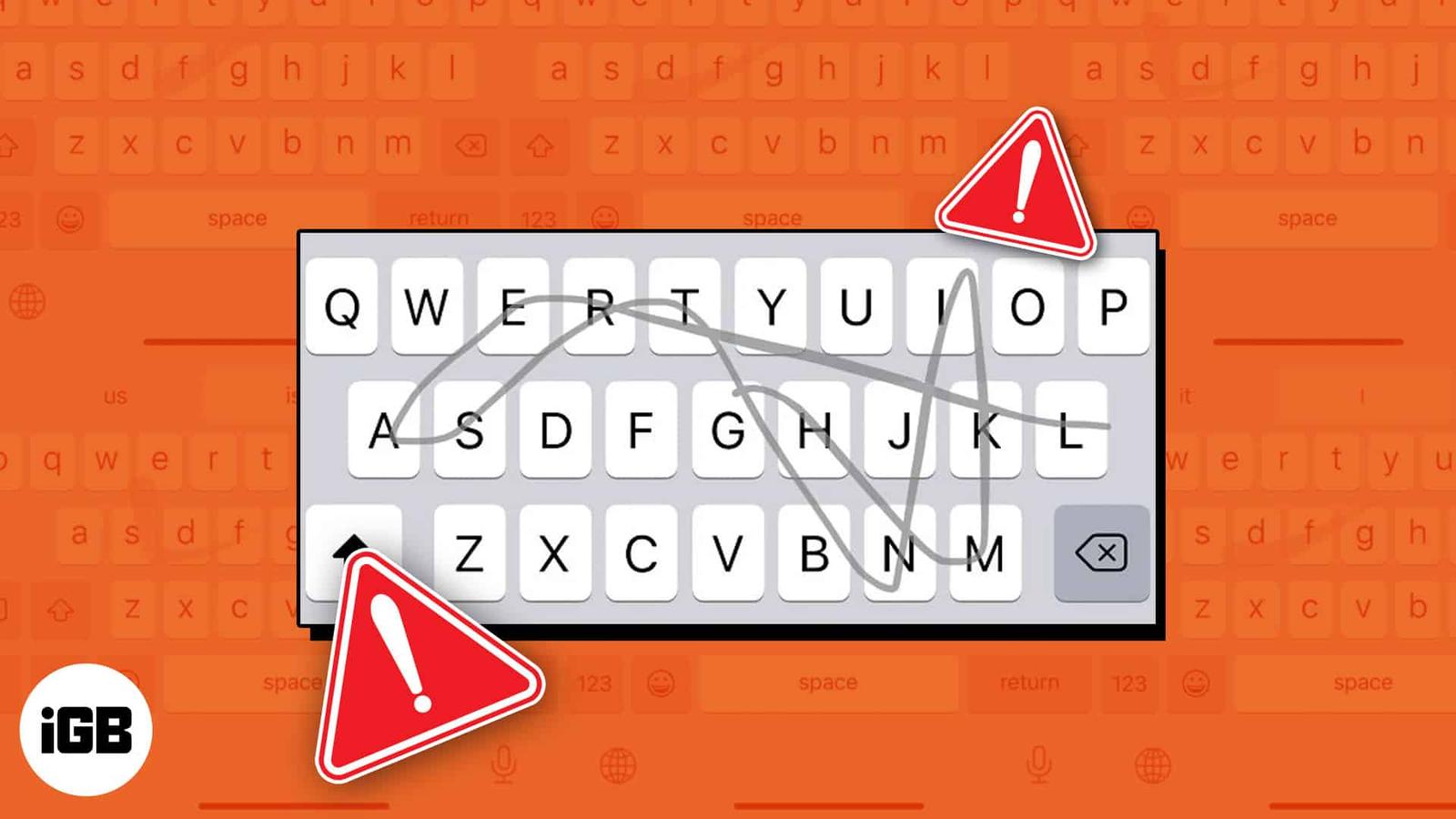
The Slide to Type or QuickPath feature on iPhone allows you to swipe your finger over a series of letters on the keyboard to type a word qui
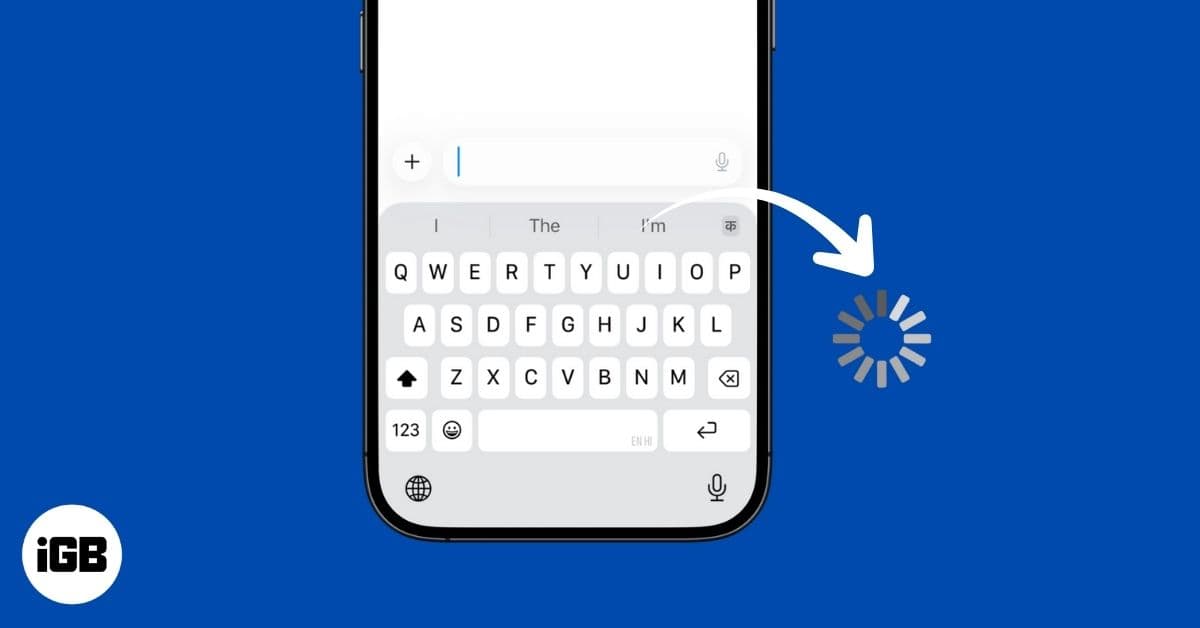
If your iPhone keyboard feels slow or unresponsive, don’t worry. Here are easy fixes to solve keyboard lag and get back to smooth, fast typi

Get the most out of your earbuds with these essential AirPods tips and tricks. Learn how to customize controls, improve battery life, and us