
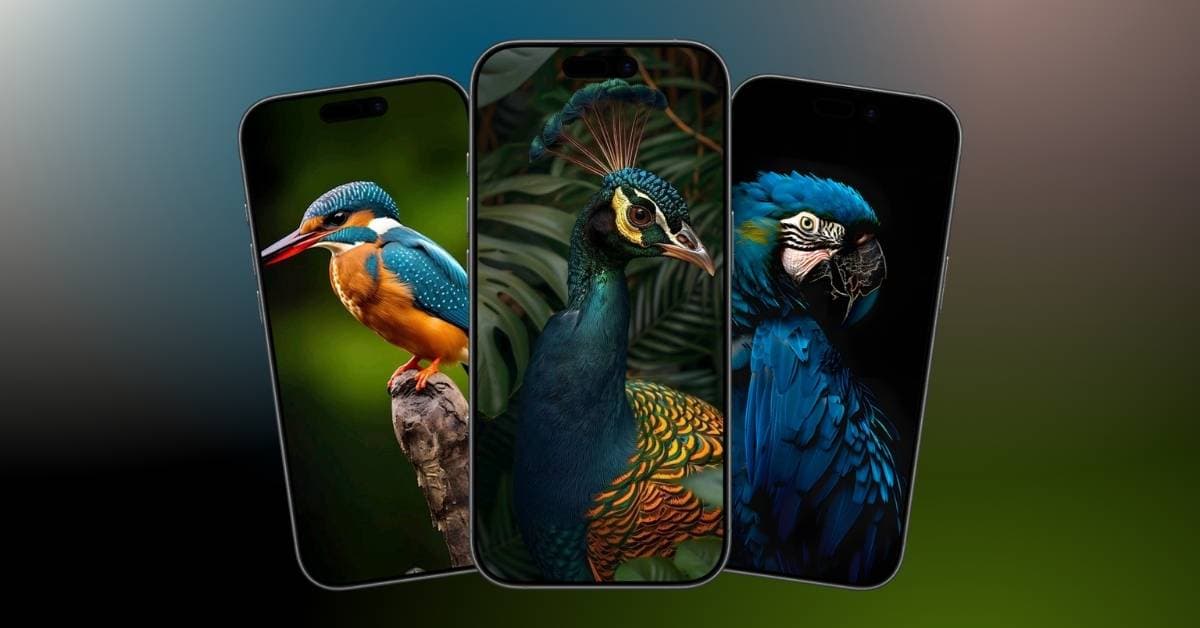
iPhone Wallpapers
Download aesthetic birds wallpapers for iPhone (4K and free)
May 15, 2026

"Ava is a die-hard Apple aficionado and seasoned writer with a knack for breaking down complex tech concepts into easily digestible content. Having honed her writing and editing skills over 5 years at renowned media houses like TechBurner, Ava crafts informative and engaging articles including troubleshooting guides, product reviews, editorials at iGeeksBlog. When not typing, you can find her exploring the latest Apple releases or pondering the future of tech innovation."
Ava has been employing her professional writing and editing skills for over 4 years at renowned media houses like TechBurner and iGeeksBlog. Using her expertise, she crafts informative and engaging How-To's, troubleshooting guides, product reviews, and editorials. When not typing, you can find her exploring the latest Apple releases or pondering new tech innovations.
Employer
iGeeks Media Private LTD.
Education
Bachelor's Degree in Computer Applications from Maulana Abul Kalam Azad University of Technology
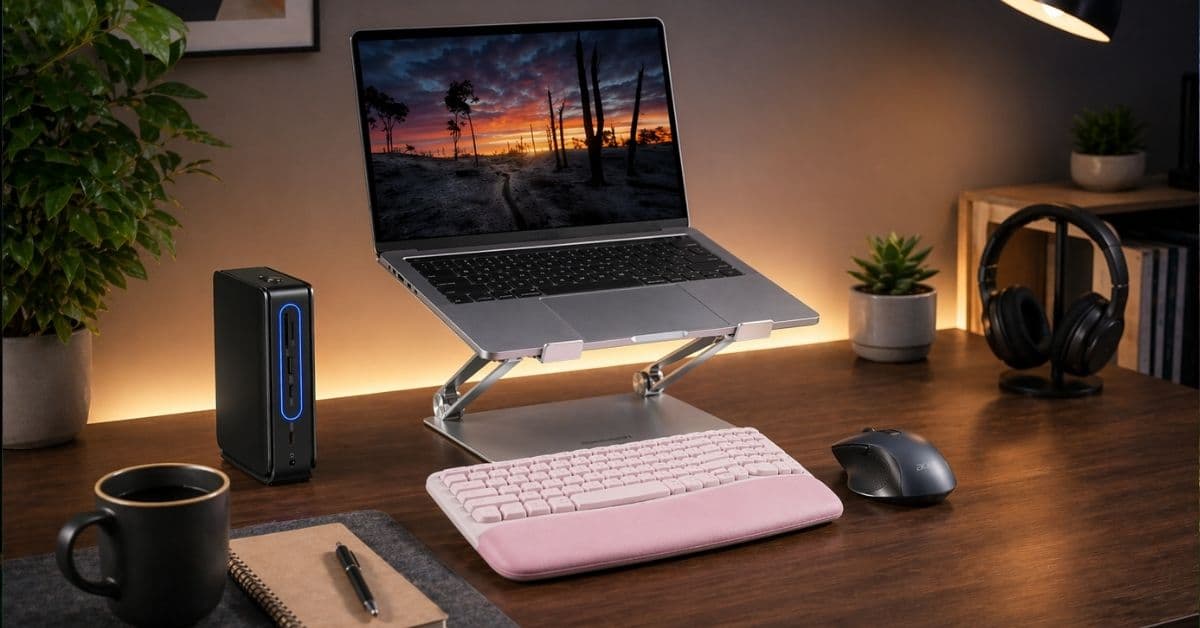
Struggling with a messy workspace? A few simple desk upgrades can quietly fix your focus, workflow, and daily productivity.
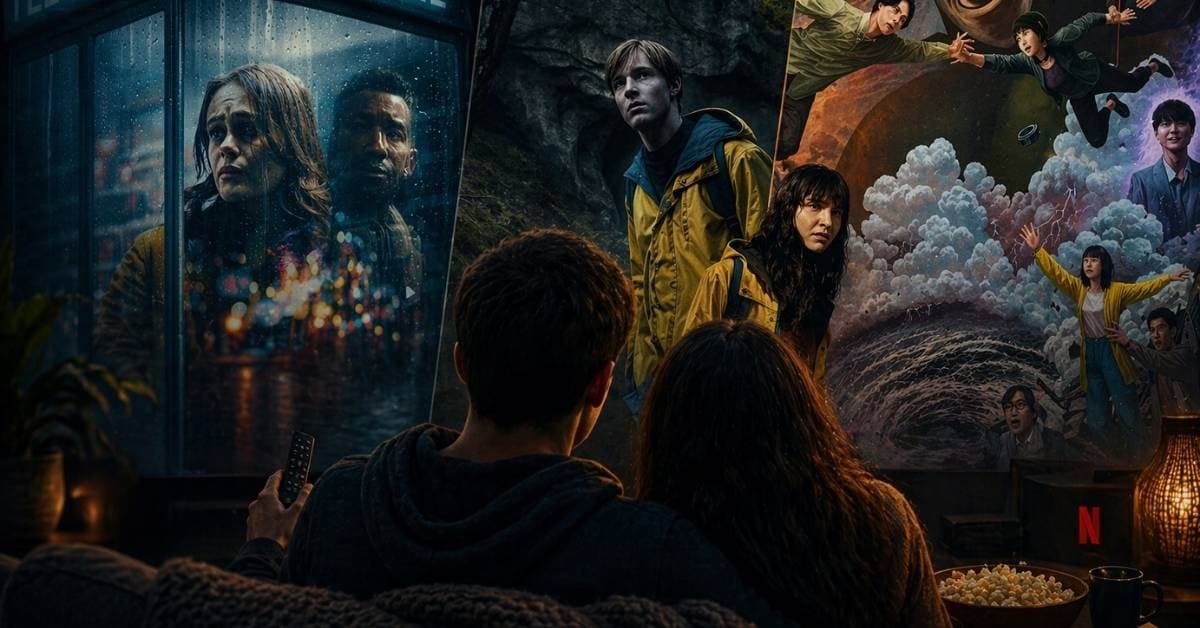
Chasing that Stranger Things vibe? I watched the closest shows that actually deliver the same mystery, emotion, and late-night obsession.
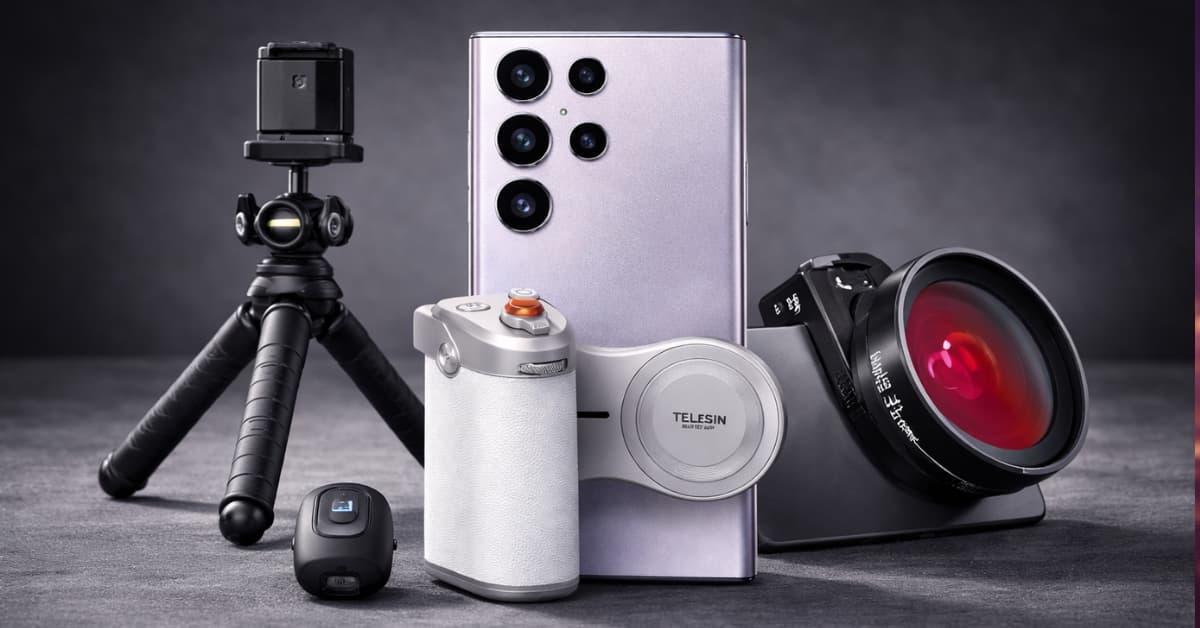
Want to shoot professional photos and video vlogs with your S26 Ultra? Here are the must-have camera accessories!
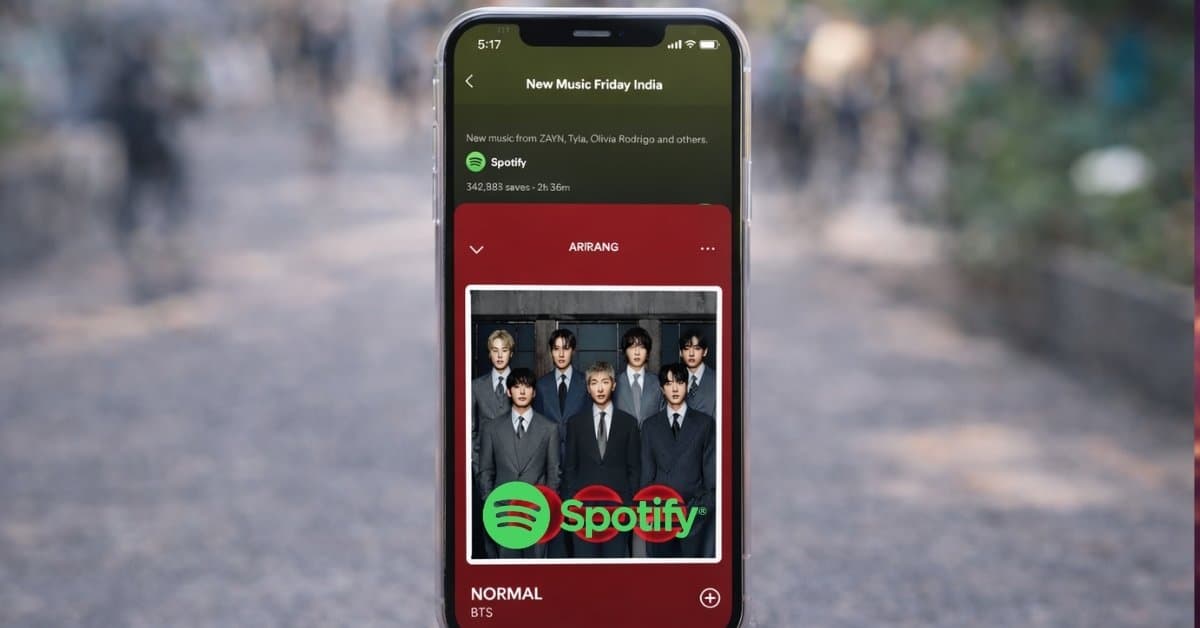
Stop tapping through menus! These simple Spotify gestures turn your listening into a fast, effortless flow.
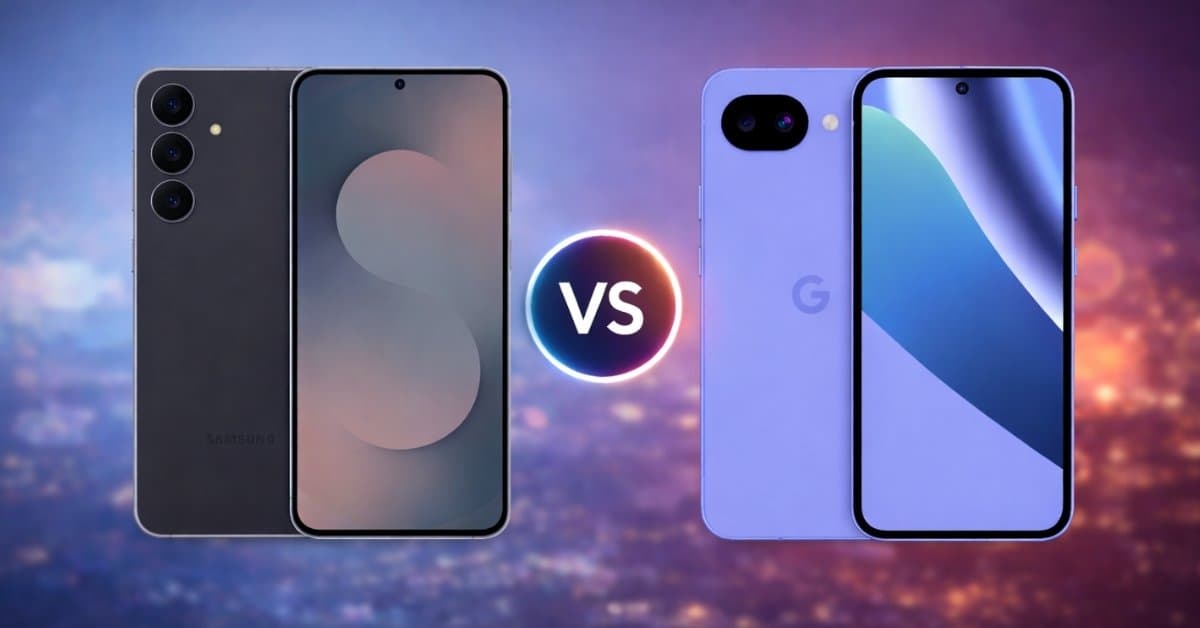
A head-to-head comparison of two top leading mid-range Android phones. Learn which one should you buy in 2026!
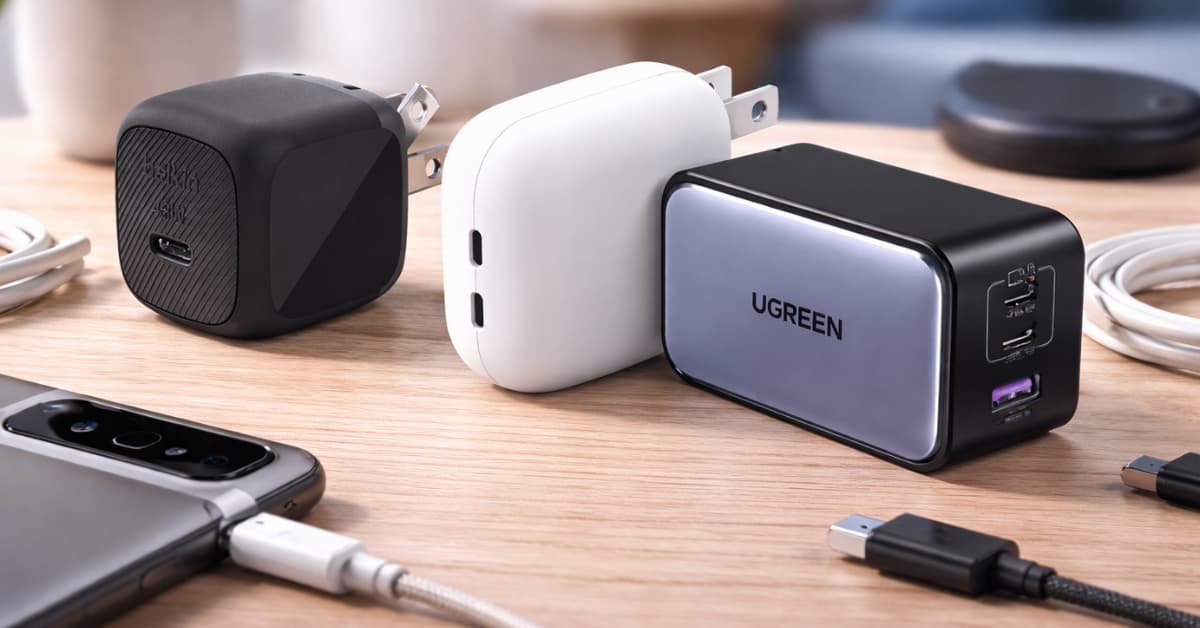
Most Pixel 10 users are overpaying for power they’ll never actually use. Here’s what made a real difference in my daily charging setup.
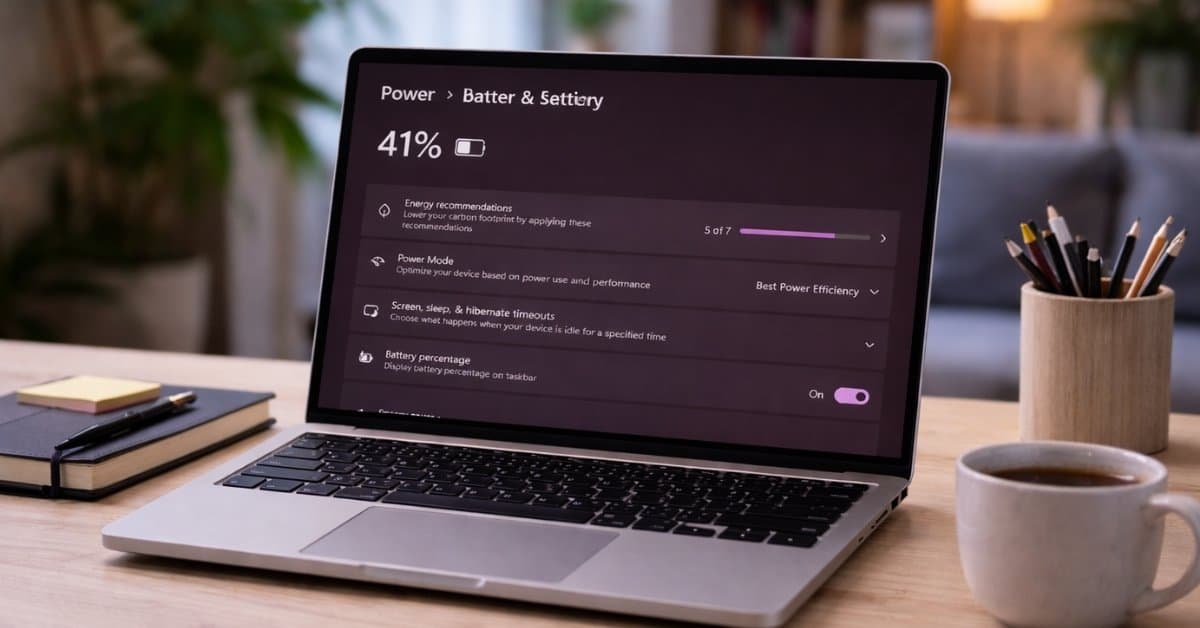
A hidden power setting quickly boosted my PC’s speed, responsiveness, and performance. Learn about the Ultimate Performance Mode!
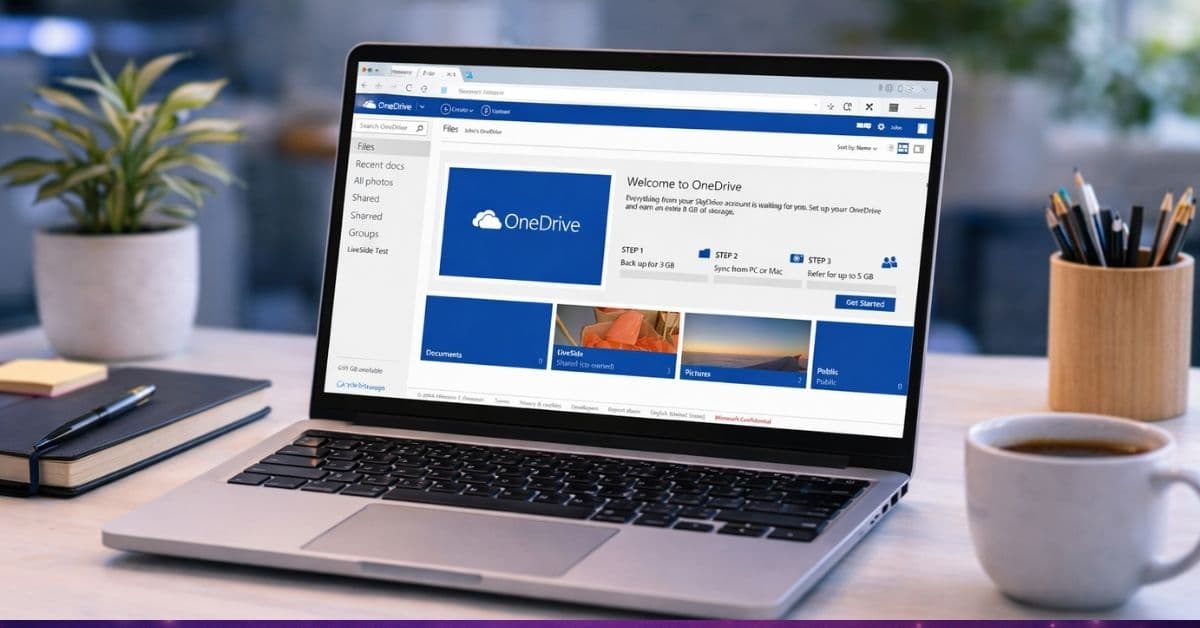
These hidden OneDrive features go beyond basic storage and make everyday file management faster, smarter, and more reliable.
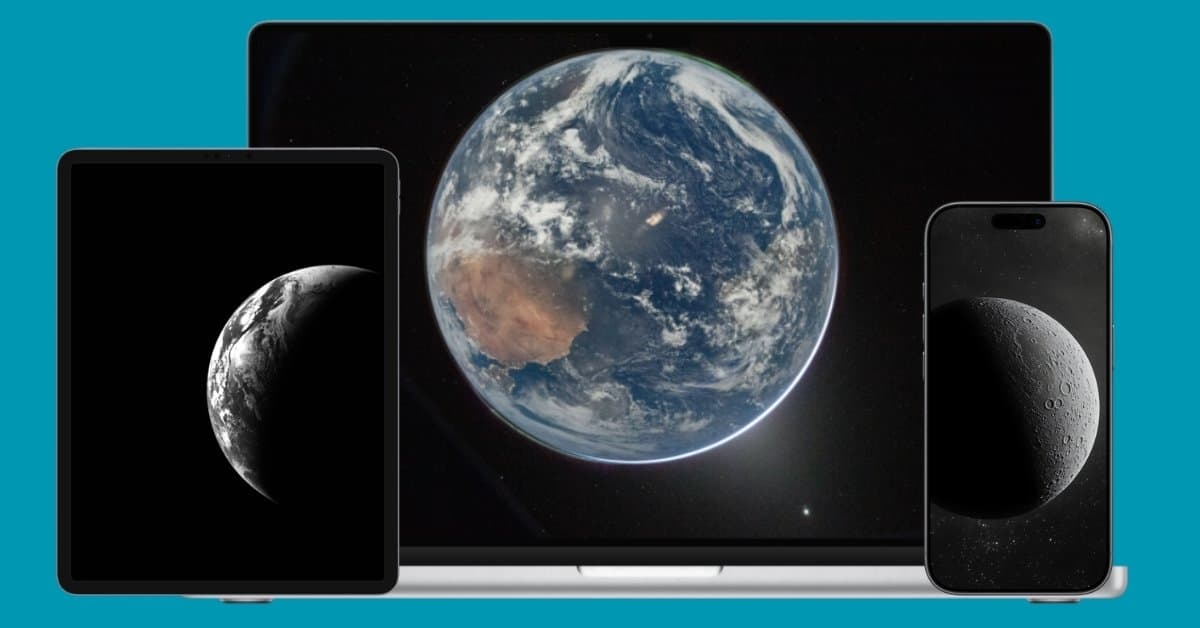
I swapped my boring wallpapers for Artemis II shots and now my screen feels like a window into real space, not just another background.
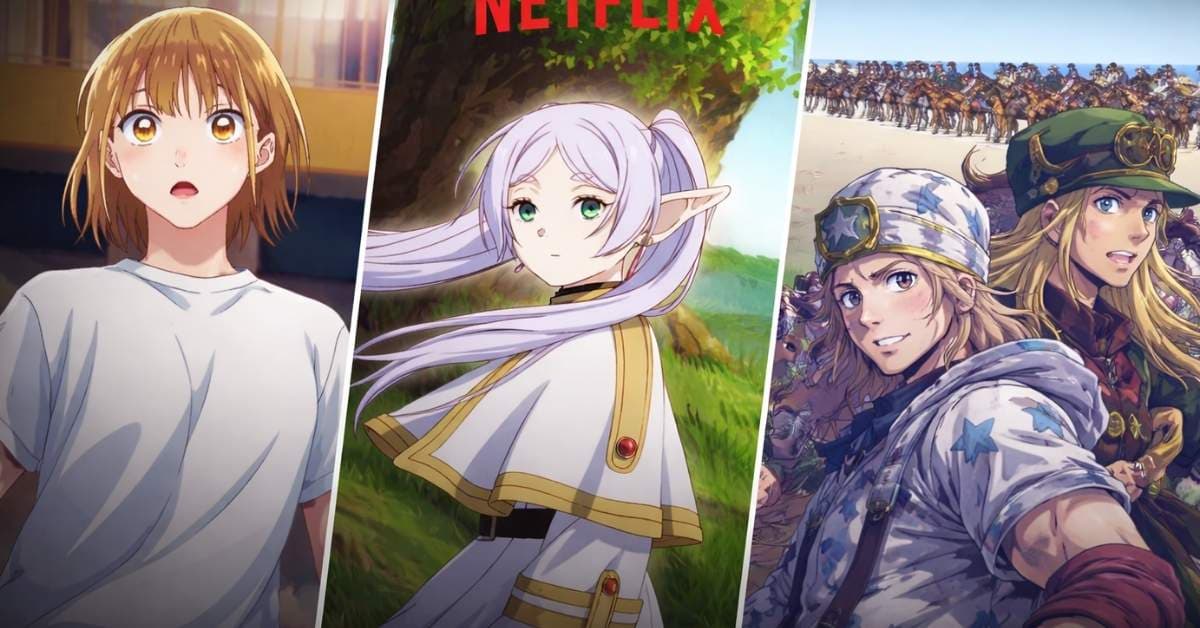
I went through Netflix’s massive 2026 anime lineup and selected a few I’d actually watch. Here’s the shows actually worth your time.
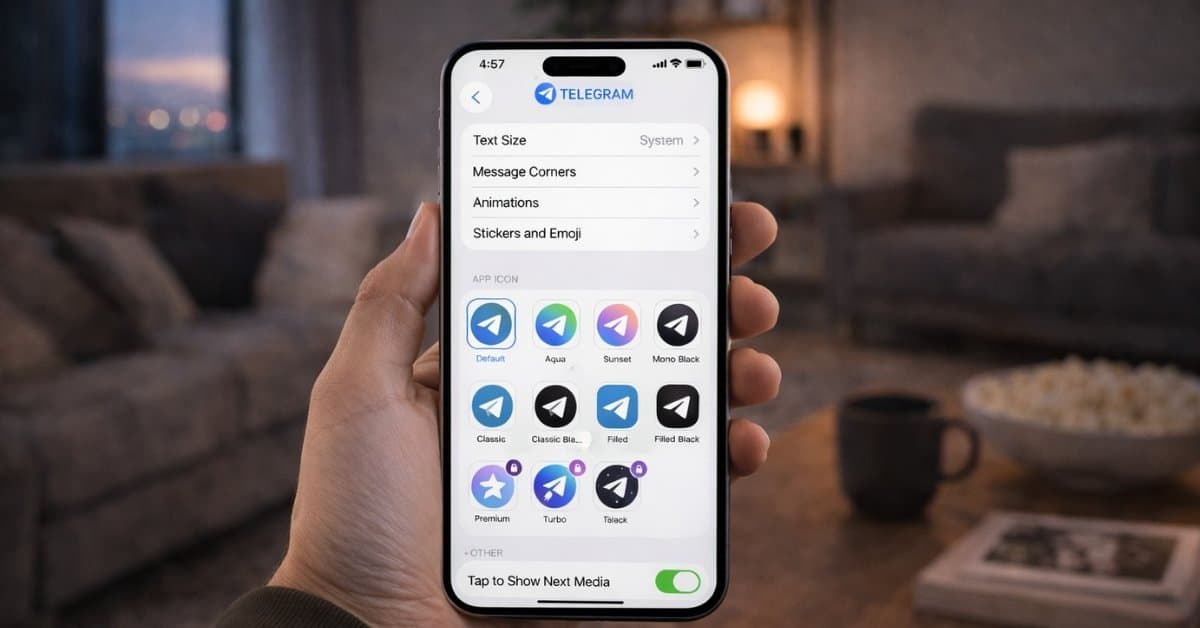
These Telegram tips and tricks helped me organize chats, save time, and use the app more efficiently every day.
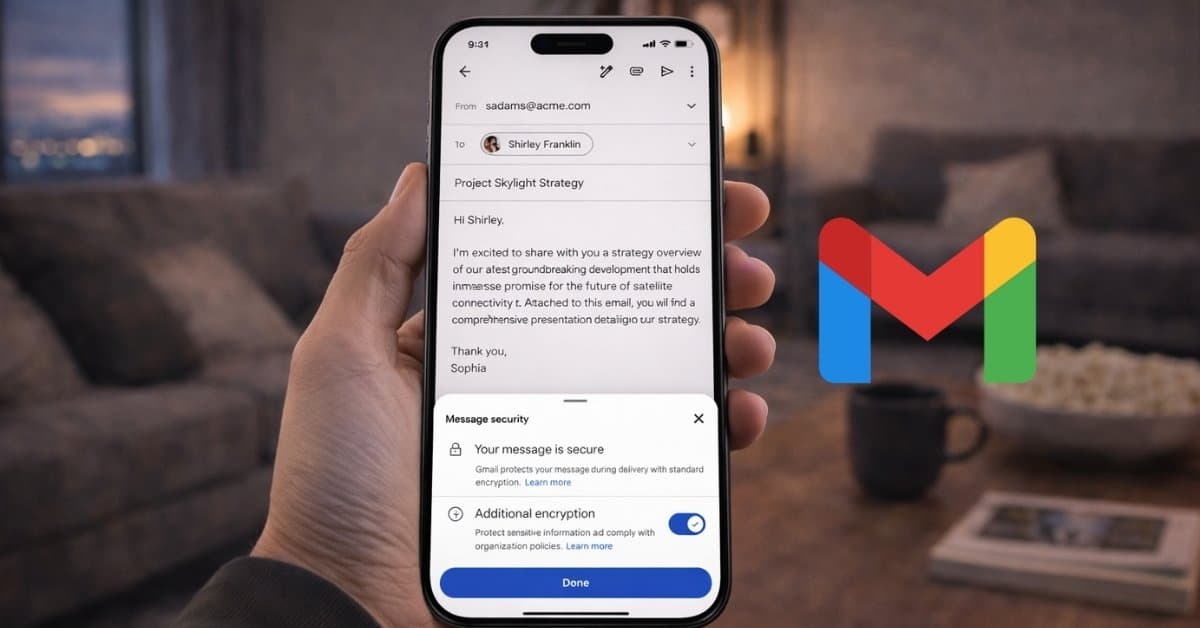
I tested Gmail’s new end-to-end encryption on Android and iPhone and it turns out to be less about personal privacy. Here’s everything to kn
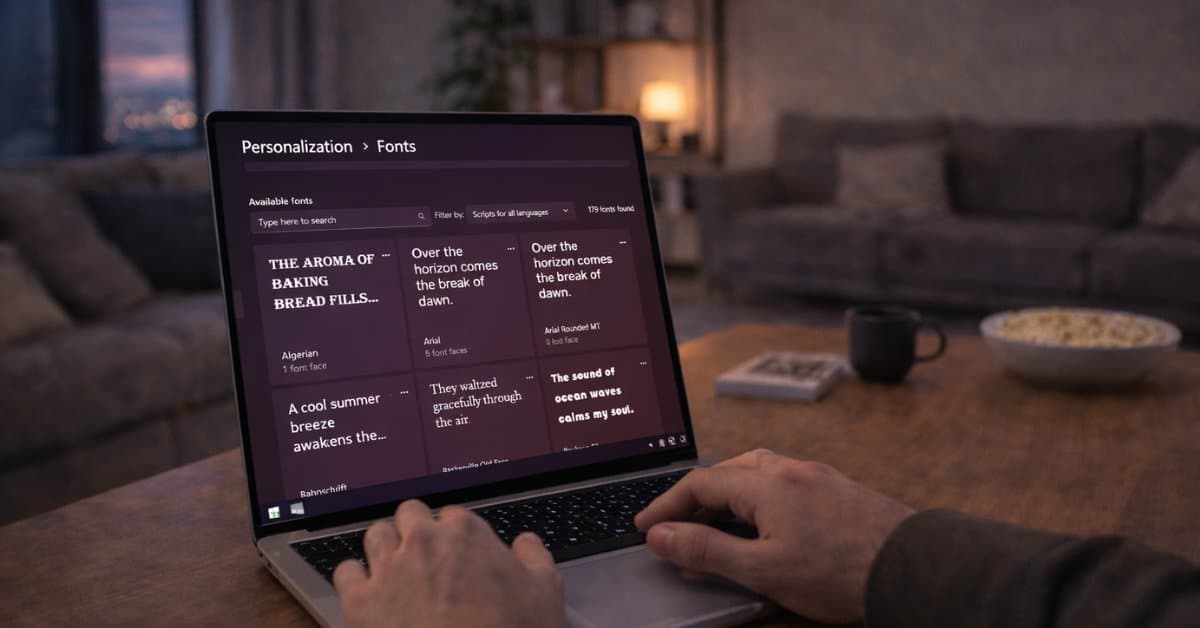
Installing custom fonts on Windows is easier than you think. Here’s the fastest method that changed how I use fonts daily.
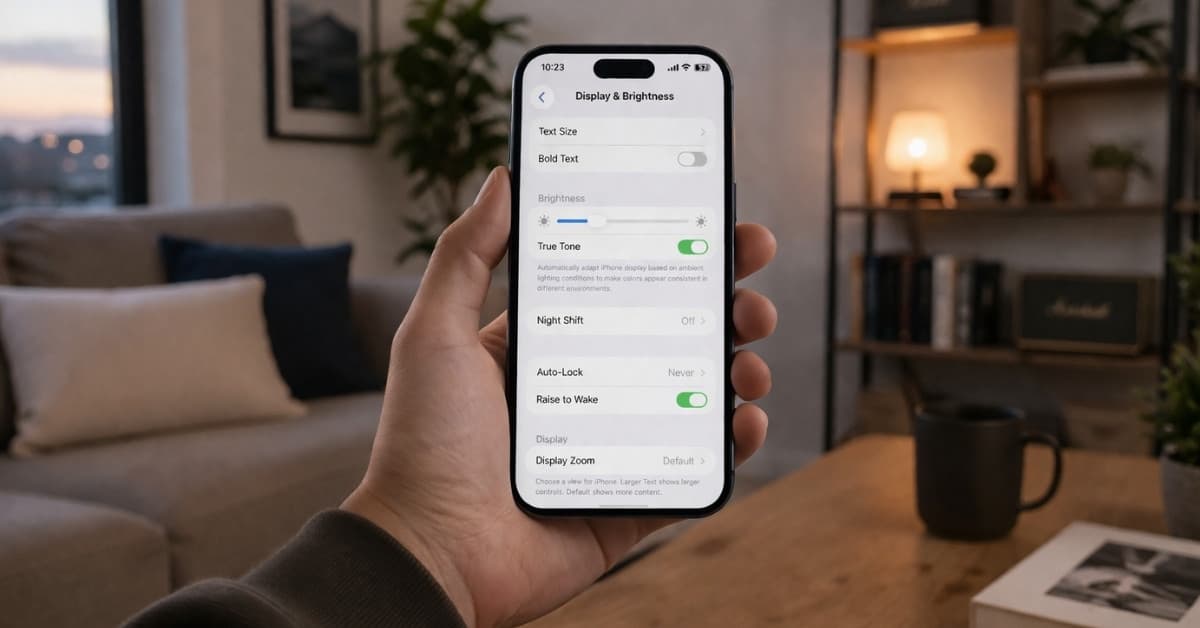
These iPhone display settings can instantly reduce eye strain and make your screen more comfortable to use.
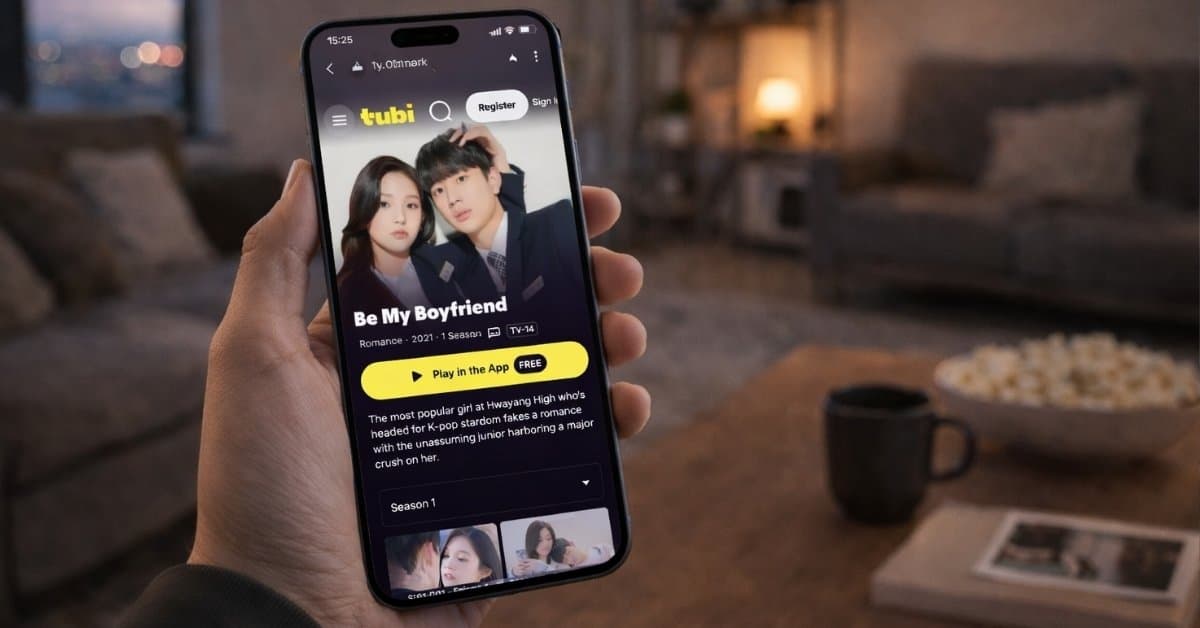
Now you can just asked ChatGPT and pick what to watch. No more endless scrolling on Netflix!