
How-to
This Safari trick changed how I share links on Mac
June 30, 2026

Vikhyat has a bachelor’s degree in Electronic and Communication Engineering and over five years of writing experience. His passion for technology and Apple products led him to the tech writing space, where he specializes in writing App features, How-to guides, and troubleshooting guides for fellow Apple users.
Vikhyat embarked on his journey in consumer technology writing in 2019, driven by his passion for technology. He has sharpened his skills through associations with Smartprix and Beebom, where he extensively tested and reviewed various gadgets, focusing mainly on smartphones. Currently, Vikhyat specializes in crafting How-to and troubleshooting guides for the Apple ecosystem at iGeeksBlog. When not typing away on his MacBook Air, he loves exploring the real world.
Employer
iGeeks Media Private LTD.

After more than a decade at the helm, Tim Cook will hand over the CEO role to John Ternus as part of Apple’s long-planned succession strateg
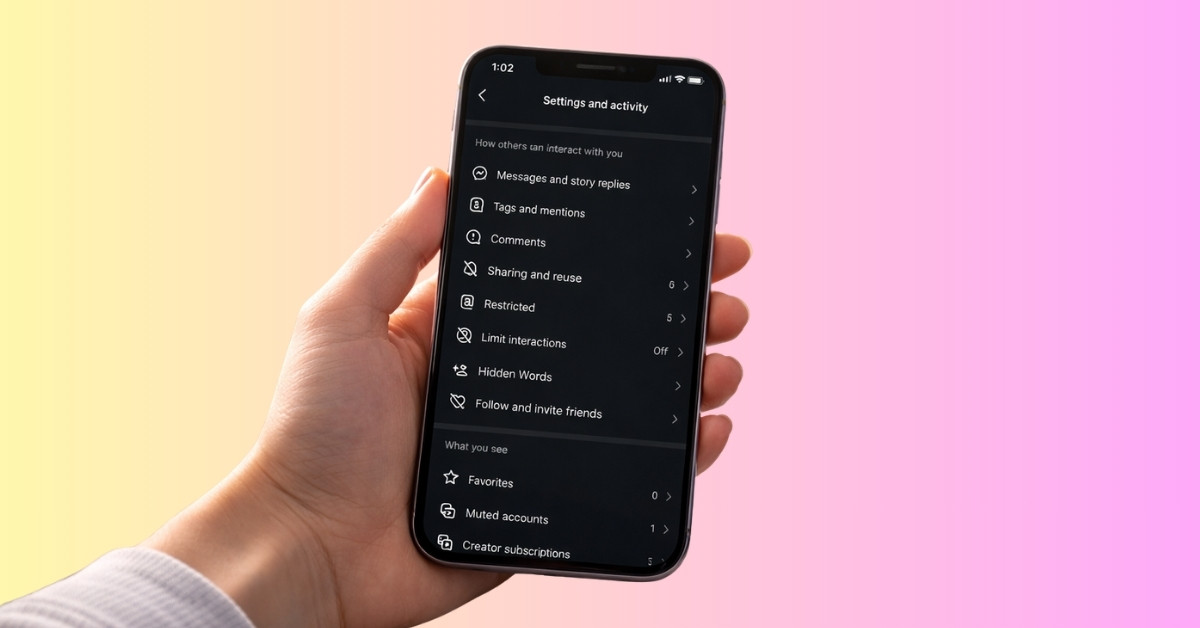
I checked my Instagram settings and realized a few important ones were missing. Here are the privacy changes you should make right now
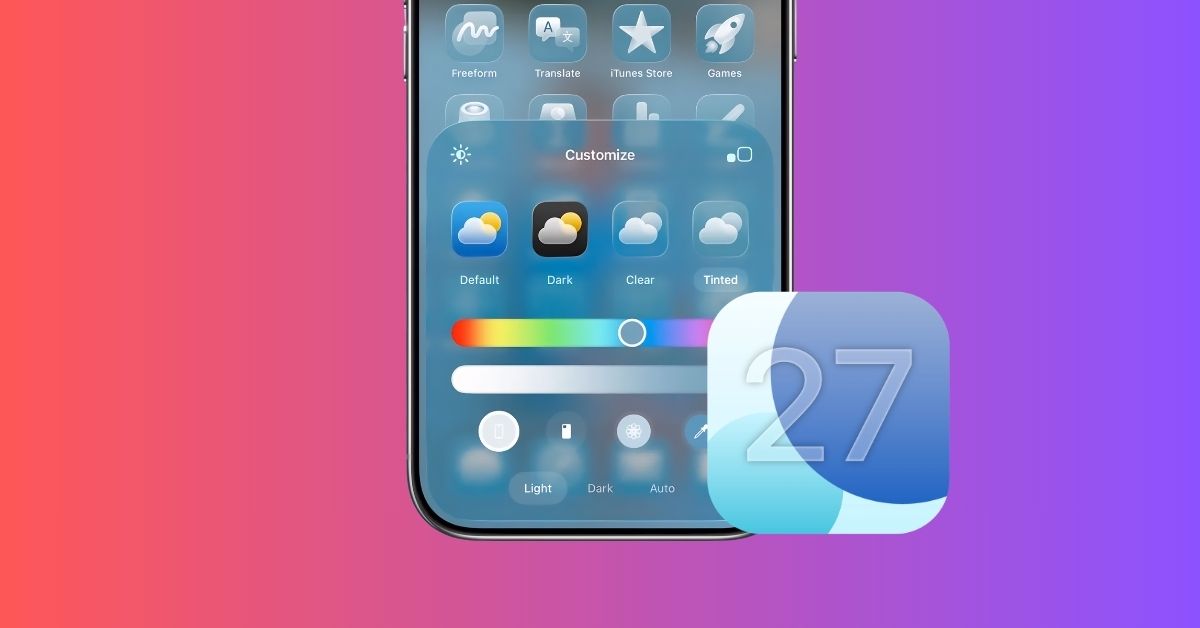
iOS 27 may finally make Home Screen editing less frustrating by adding Undo and Redo options, letting you quickly fix mistakes without rearr

WWDC 2026 artwork hints at a redesigned Siri in iOS 27, possibly integrated with the Dynamic Island and a more conversational experience.

Android still does some things better. Here are the features Apple should bring to iOS 27 to make the iPhone more flexible and powerful.
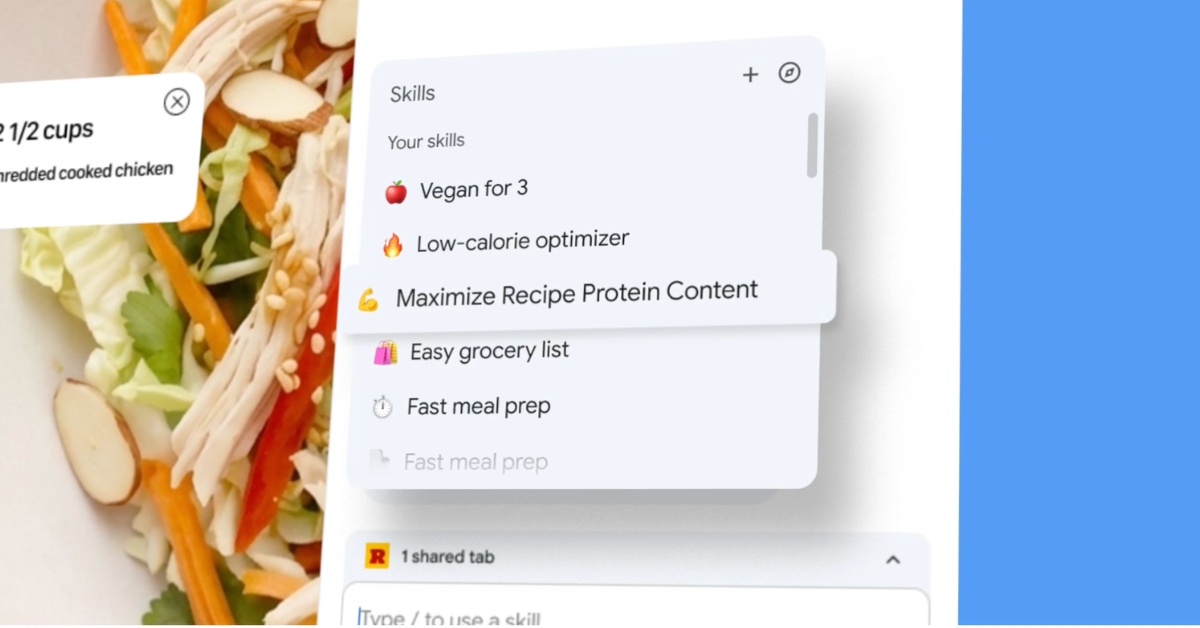
Chrome is turning your go-to AI prompts into one-click shortcuts, letting Gemini handle repetitive tasks so you don’t have to.

Apple quietly warned Grok to address deepfake violations or risk removal from the App Store, revealing its behind-the-scenes role in the con

Apple’s foldable iPhone faces a minor production delay, but a fall 2026 launch is still on track.
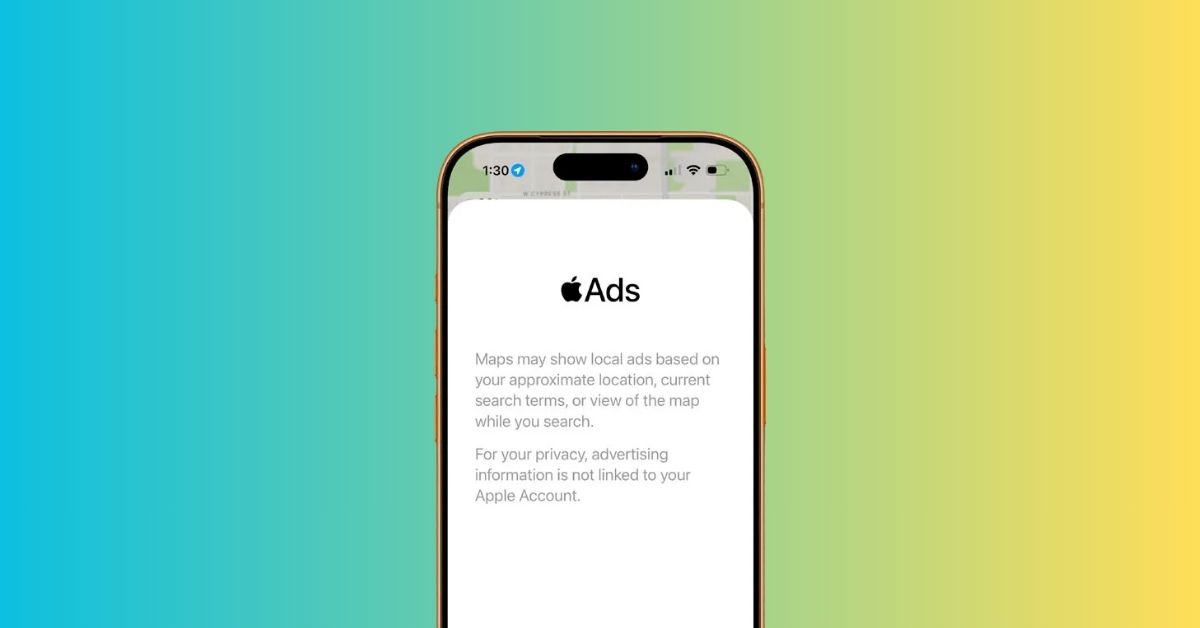
iOS 26.5 beta 2 reveals how ads will appear in Apple Maps, including placements and privacy details.

X is set to launch XChat, a standalone messaging app for iPhone and iPad that moves direct messages out of the main app. It promises a clean
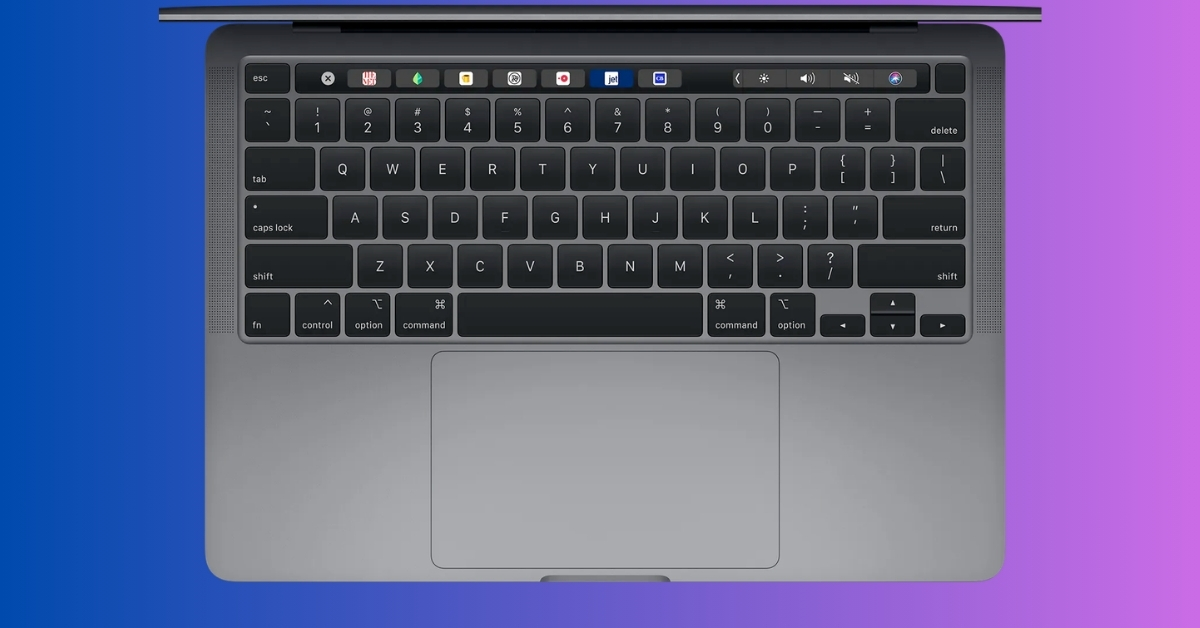
These Mac keyboard shortcuts replaced my trackpad and made everything faster, smoother, and more efficient.

WhatsApp is testing a new way to surface Status updates by bringing them into the Chats tab. The feature could make Status more visible with

Instagram now lets you edit comments after posting, giving you a 15-minute window to fix mistakes without deleting them. It’s a small but me
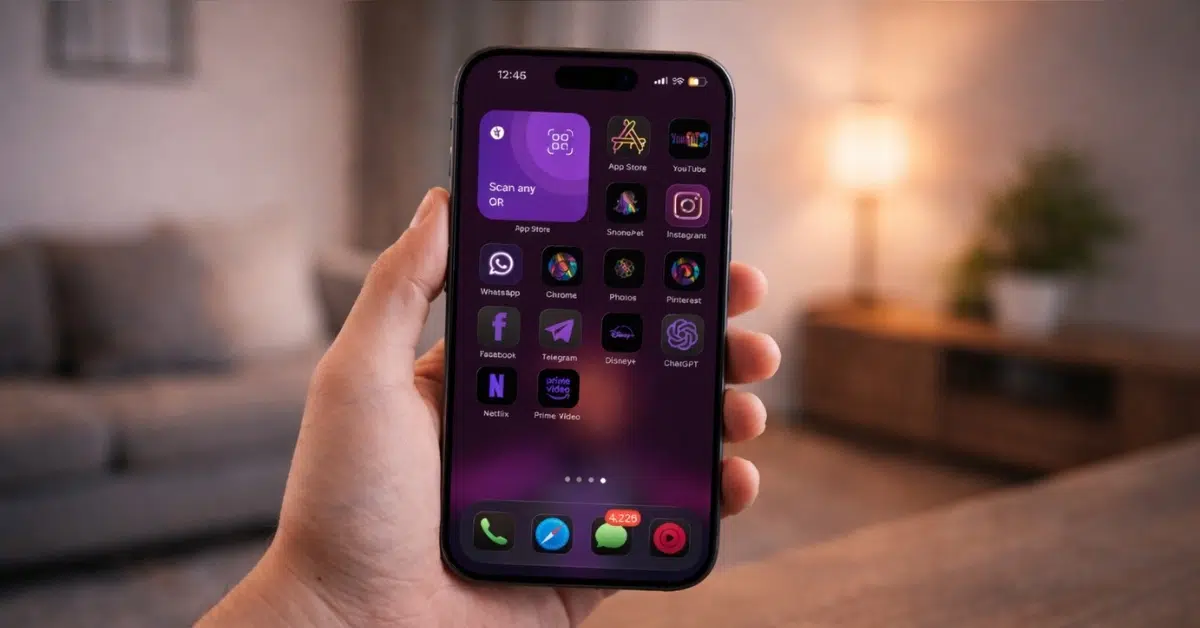
Want a better-looking iPhone home screen? This simple trick lets you change app icons and customize your layout easily.

Apple dominated Q4 2025 smartphone sales, with the iPhone 17 Pro Max leading and five iPhones ranking in the global top 10, according to Cou