FaceTime Like a Pro
Get our exclusive Ultimate FaceTime Guide 📚 — absolutely FREE when you sign up for our newsletter below.

FaceTime Like a Pro
Get our exclusive Ultimate FaceTime Guide 📚 — absolutely FREE when you sign up for our newsletter below.


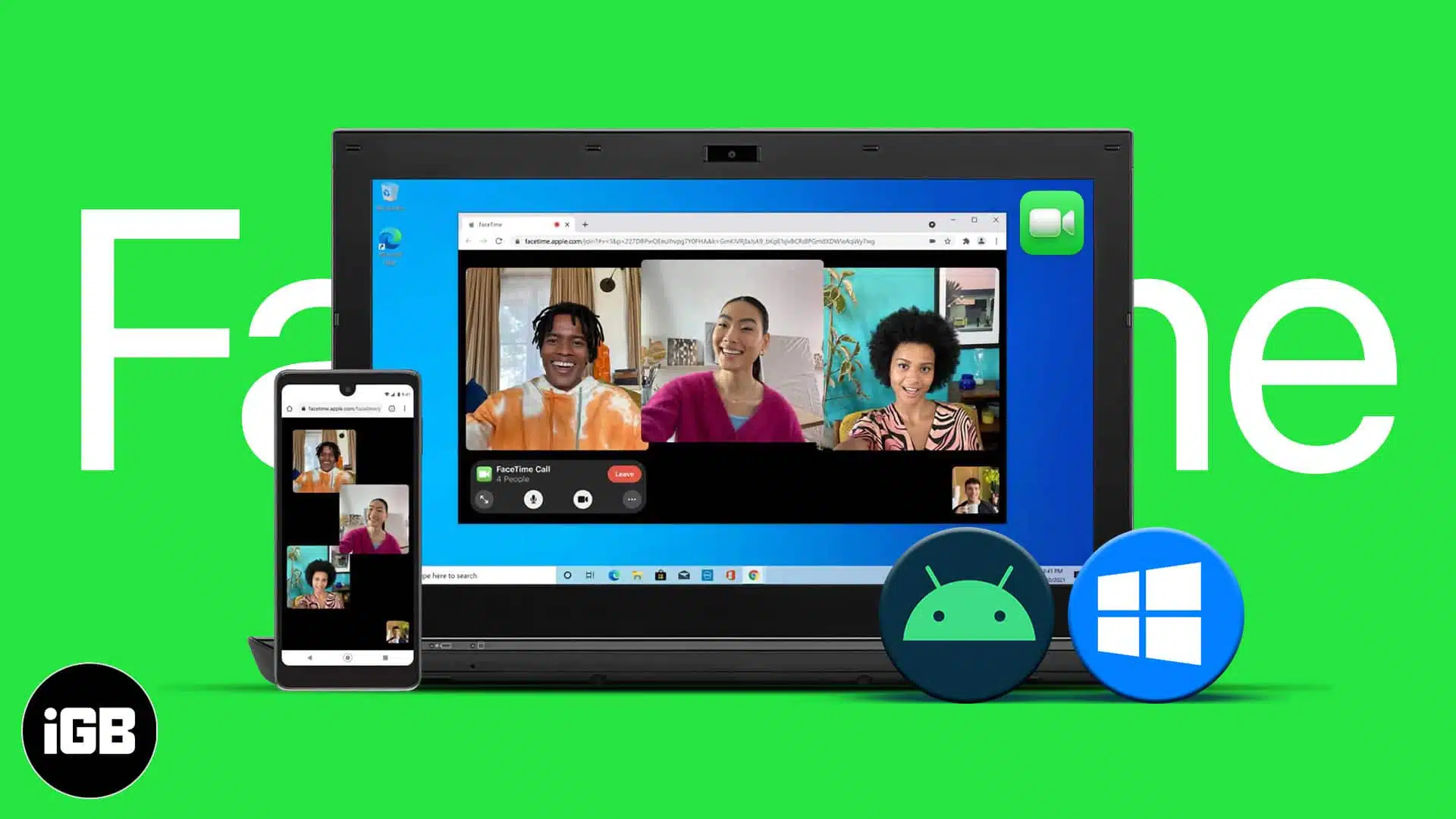
Apple has been more generous in recent updates, allowing better interaction between iOS, macOS, Android, and Windows. With iOS 18, Apple enabled RCS messaging on iMessage. Previously, iOS 15 introduced partial FaceTime support for Android and Windows. In this article, let’s explore how you can video chat with your Android…
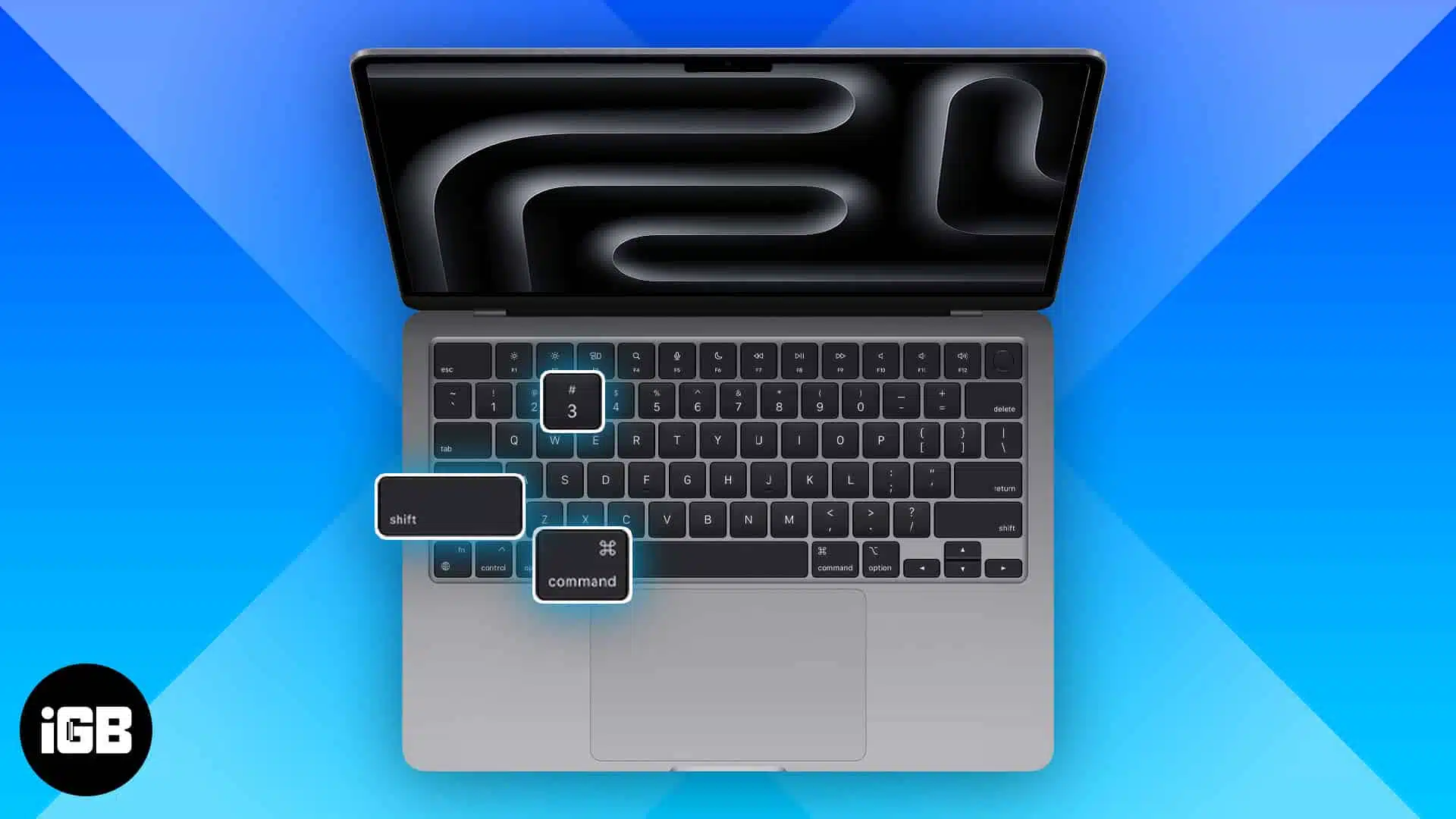
Key Takeaways Press and hold Shift + Command + 3 to take a screenshot of your entire Mac screen. Press and hold Shift + Command + 4 to screenshot a portion of your Mac screen. Press and hold Shift + Command + 4, and then press Space to screenshot a…
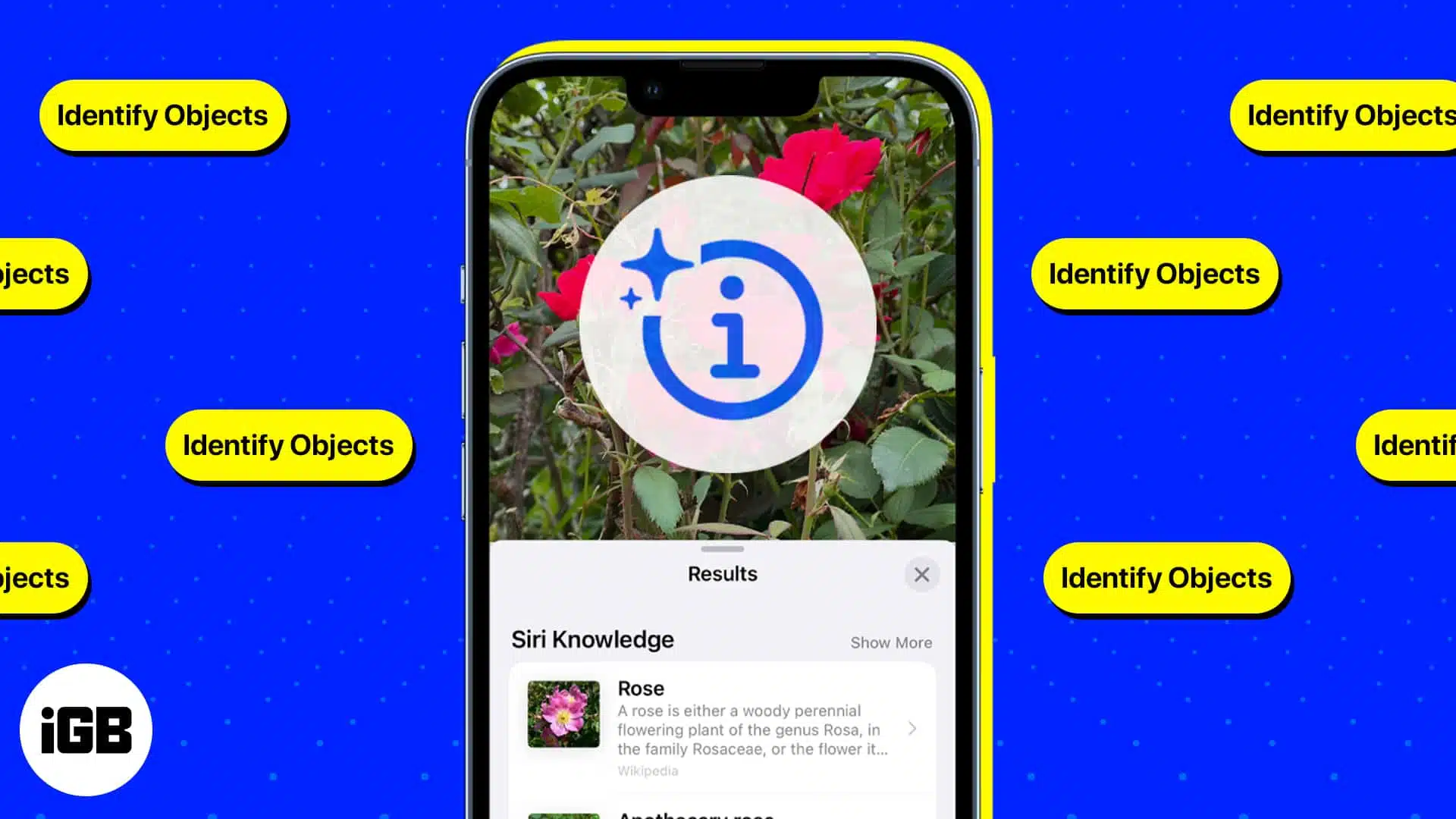
We’ve all had that moment of spotting something we love and taking a picture in hopes of researching it later, yet identifying the item can be an exasperating task. Aside from many great features, your iPhone or iPad can also do a reverse image search and help you identify almost…

Apple devices, especially iPhones, are popular due to their unique features and security. One of the useful features they provide is Apple Pay, a mobile payment and digital wallet by Apple. It lets you make contactless payments in-store and secure checkouts in apps or web stores. On the other hand,…
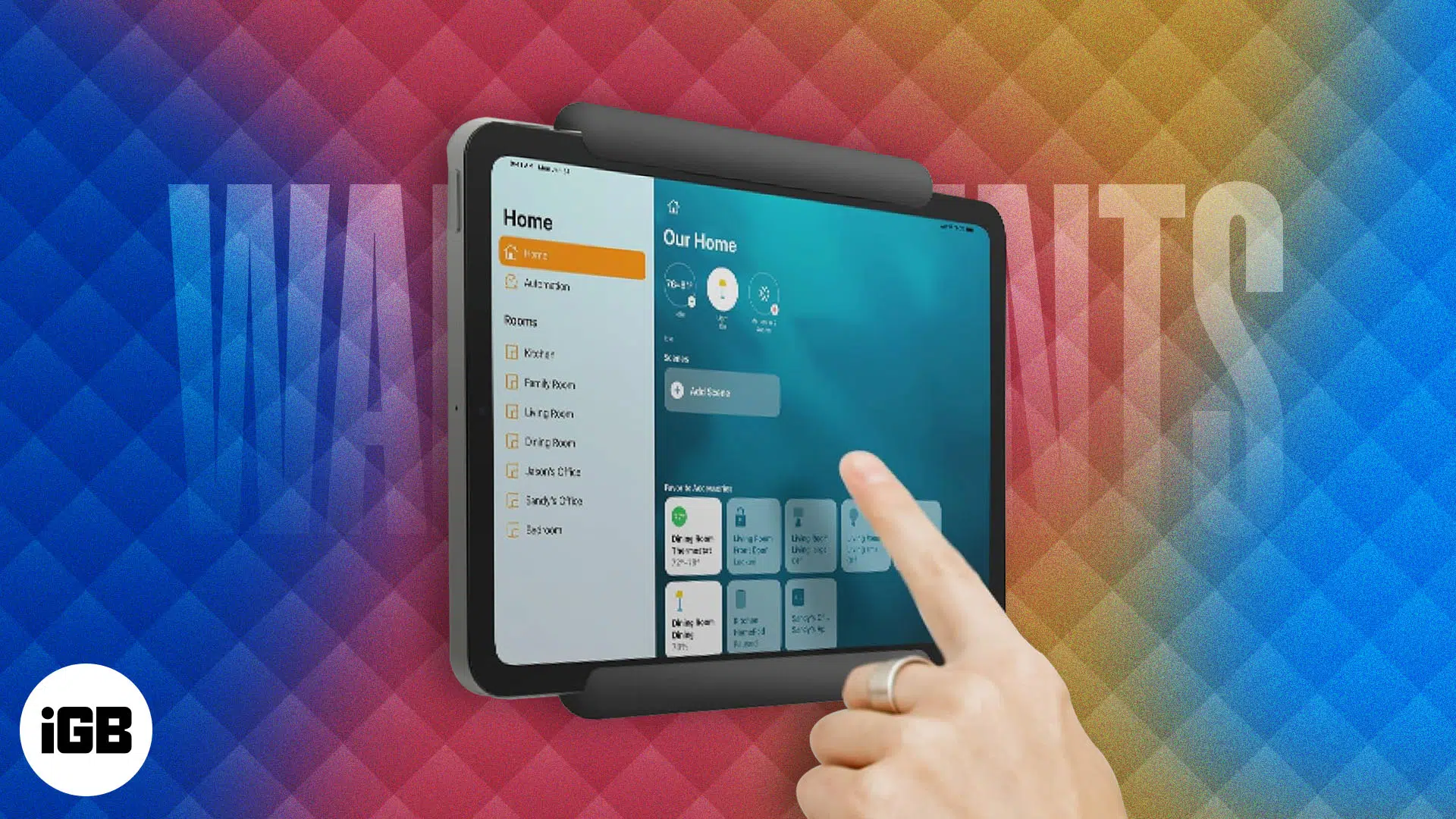

Wireless charging relieves your iPhone charging port and reduces the chances of an electrical surge. Moreover, it has proved more durable than its wired counterpart, as the charging coil has a better enclosure. So, if you are looking to switch to a cordless era, keep reading, as I have listed…

With the iOS 17 upgrade, Apple Music got the animated cover art feature, which adds moving elements to the cover image. This feature makes the Apple Music experience more intuitive. But what if animated album art is not working on Apple Music? For all such times, I have elaborated on…
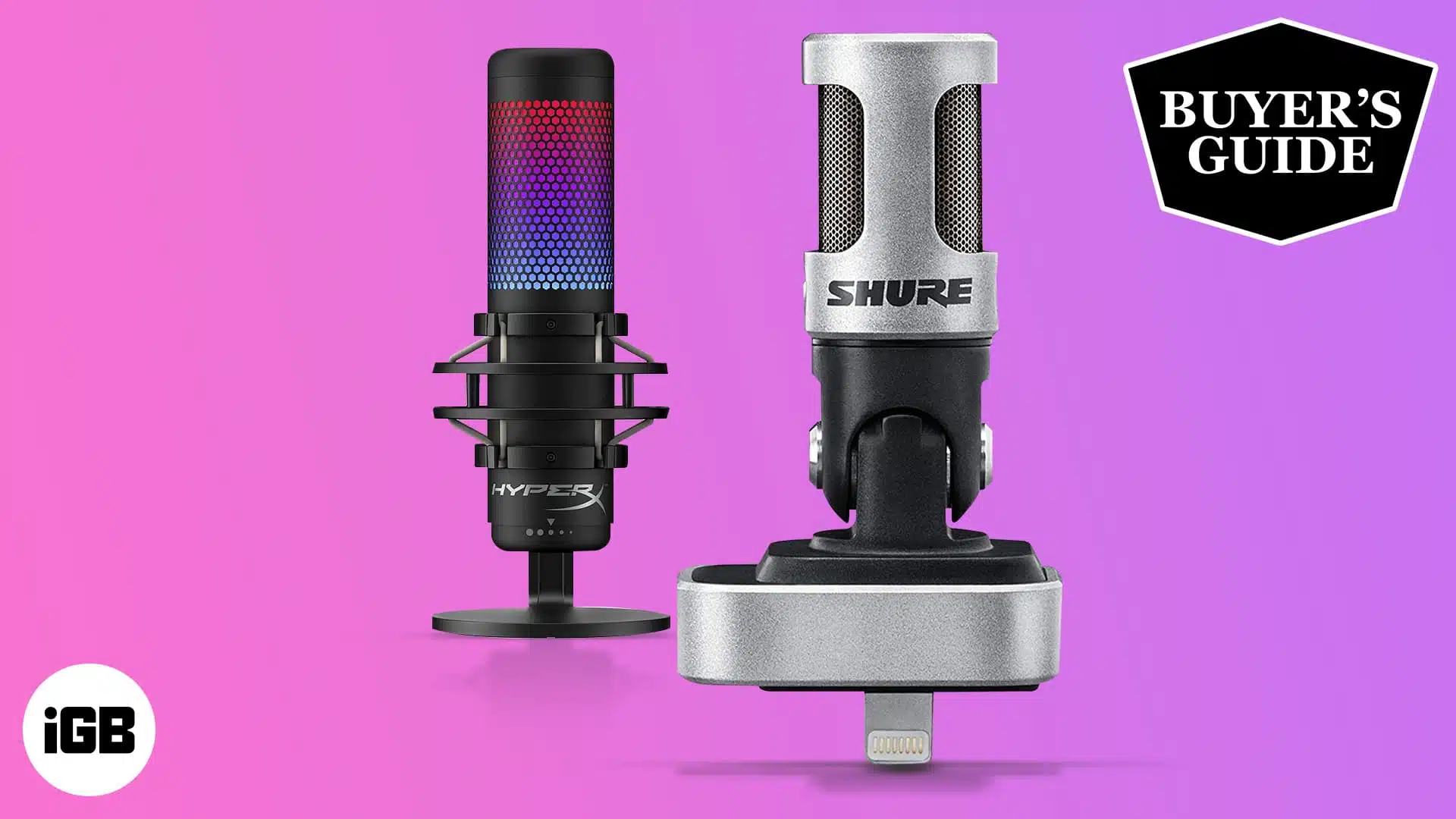
If you’re a content creator, streamer, vlogger, or rely on your iPhone’s mic for work purposes, you’re probably aware that while the iPhone’s mic is good, an external microphone performs better in these circumstances. They’re better at canceling out background noise and delivering crisp audio after processing. So, if you’re…
One of the scariest things that can happen when you try to change iPhones, sync contacts, or sync to the cloud/backup is losing contact details. I’ve found myself—very often—losing a few contacts once in a while when I try to sync, update, or restore my device. With iCloud, things have…