
You open a PDF to find one line. A few minutes later, you are still scrolling, trying different keywords, and jumping between pages. It happens with contracts, reports, manuals, research papers, and study material. PDFs are easy to send, but they are slow to work with.
UPDF is built to fix that. Version 2.5 adds an AI layer on top that makes the slow parts noticeably faster.
Why working with PDFs still feels slow
Search is the first problem. If a document says “responsibility” and you search for “liability,” most tools find nothing. You end up reading pages you did not plan to read.
Editing is the second. Change one line of text and the spacing breaks. Add a paragraph, and the layout shifts. Most people give up and go back to the original Word file, assuming they still have it.
The third problem is the number of tools involved. Editing lives in one app, signing in another, conversion in a third, and page organization somewhere else. You spend as much time switching tools as using them.
What UPDF gets right from the start
These are the exact problems people run into when they try to do real work inside a PDF. UPDF PDF editor focuses on handling those directly.
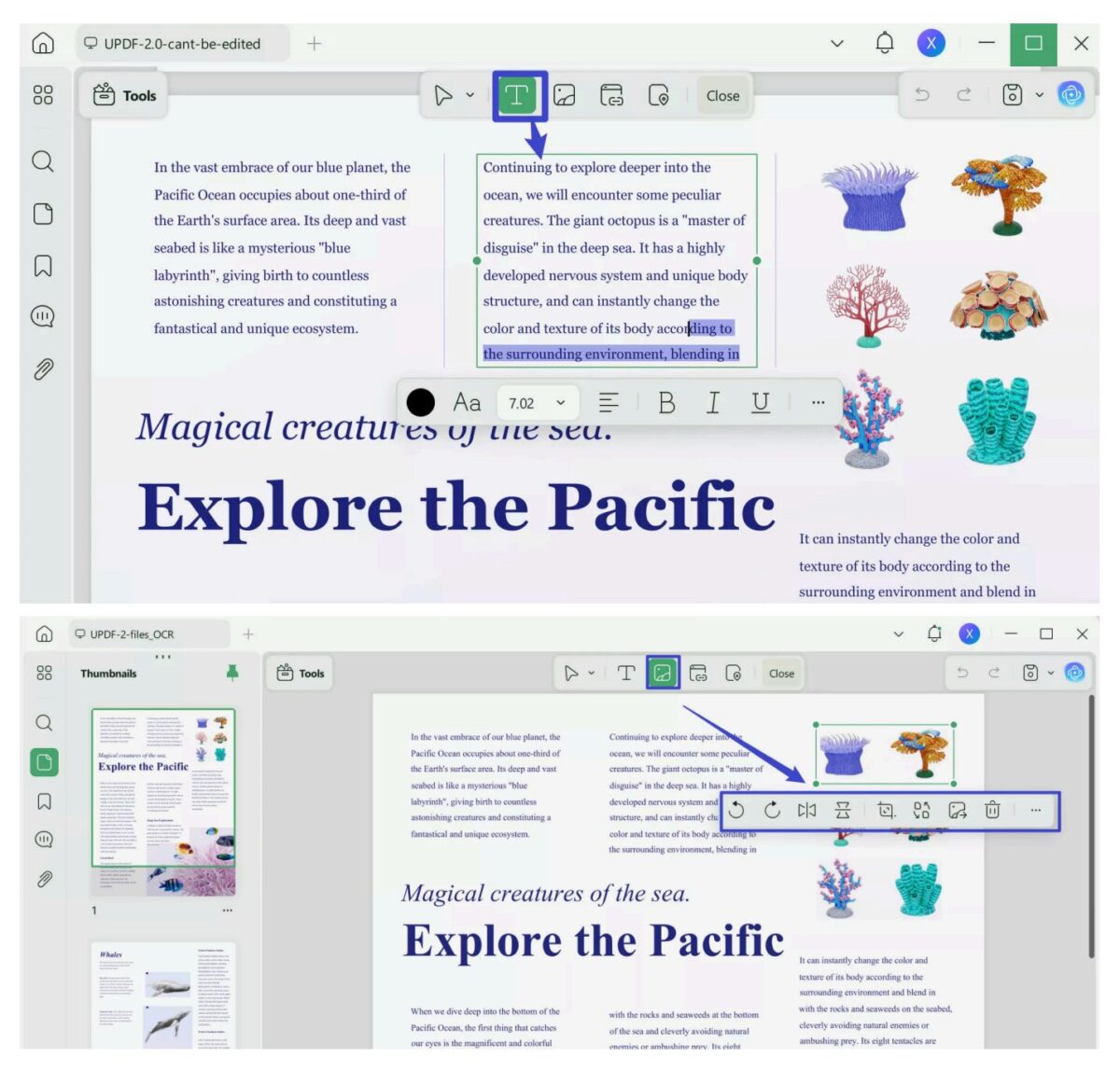
- Fixing broken editing: you can change text, images, and links directly without layout shifting. This matters when you need to update a contract, correct a report, or tweak a document without going back to the source file. Edits stay stable, so you are not reformatting after every change.
- Making scanned PDFs usable: OCR turns scans into searchable, editable text across 38+ languages. Instead of manually reading through images, you can search, copy, and reuse content. This is especially useful for invoices, printed reports, or old documents that only exist as scans.
- Keeping work in one place: most workflows break because each step lives in a different tool. Here, signing, protection, redaction, page edits, and conversion stay in the same flow. You can merge files, reorder pages, extract sections, and export to Word or Excel without switching apps, which removes a lot of small interruptions.
What changed in UPDF 2.5
UPDF 2.5 focuses on reducing the time it takes to get through a document. These UPDF AI features are part of the AI Assistant, which is separate from the core UPDF Pro editor. The update targets four common points where users slow down: finding the right information, moving through long files, cleaning messy pages, and making quick edits without switching tools.
Finding and navigating information
Search is no longer limited to exact words. You can ask for a result in plain language, and it surfaces the closest match based on meaning. This helps when documents use different terminology from what you type.
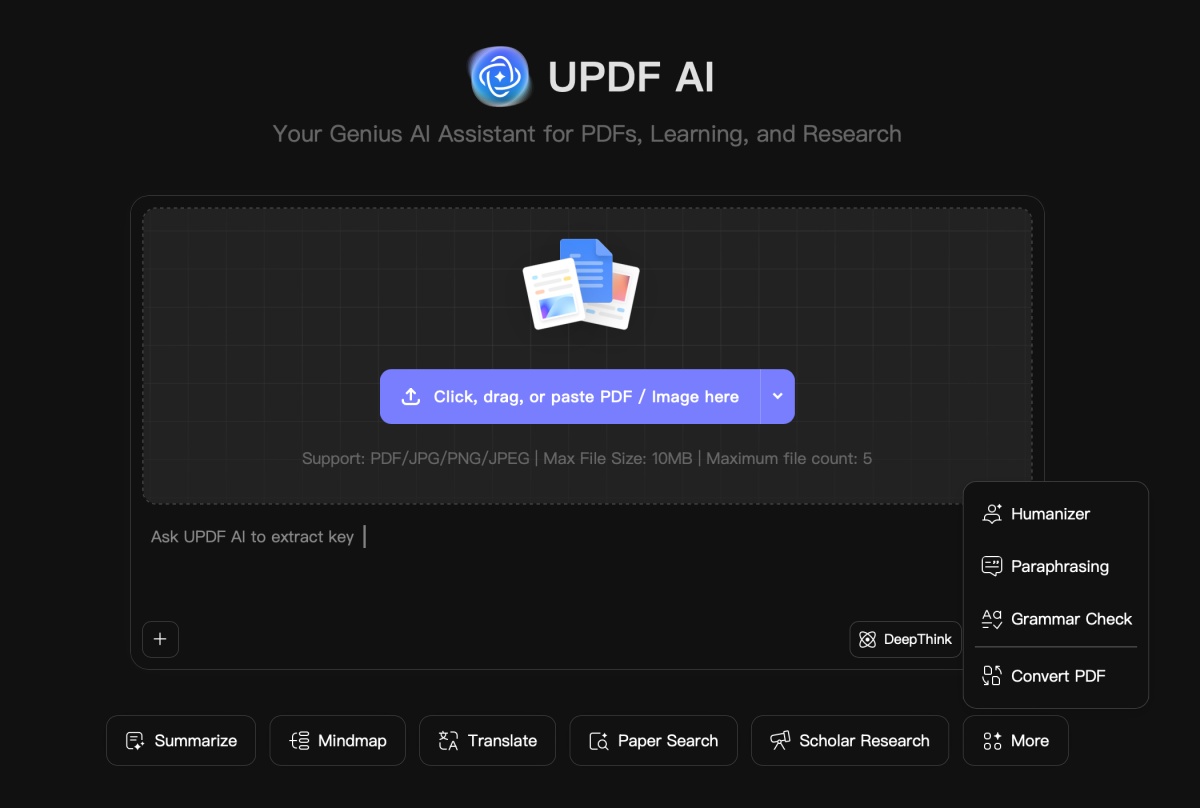
Once you find something, navigation improves as well. Automatic bookmarks break long PDFs into sections, so you can jump between parts instead of scrolling. Summaries add a quick way to understand what each section contains before opening it fully.
Cleaning and managing documents
Large PDFs often come with small issues that take time to fix manually. Pages may be rotated, blank, or out of order.
UPDF 2.5 detects common issues like blank or rotated pages and provides shortcuts to correct them. Instead of scanning the entire file page by page, you can clean up the structure in seconds and move on.
Working directly inside PDFs
Most PDF tools still force you to move content out to edit it properly. Here, you stay inside the document.
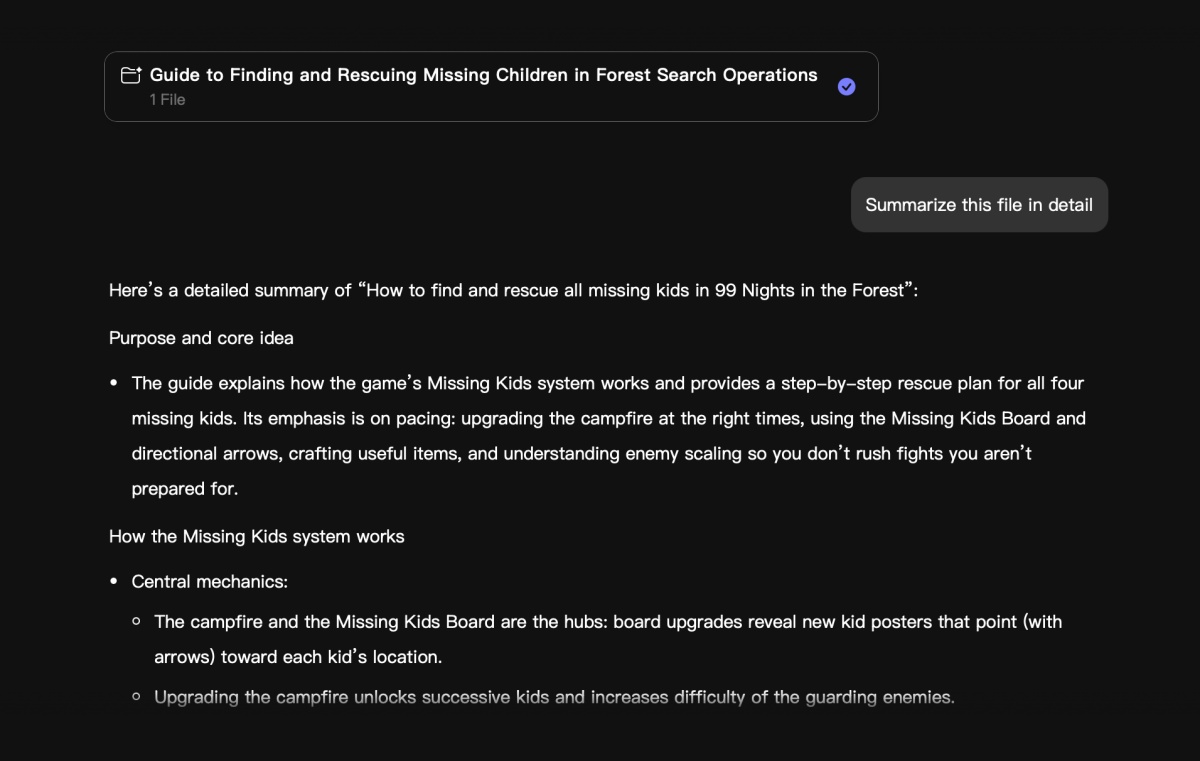
Copilot handles common actions through simple commands, which removes the need to navigate menus for routine tasks. Alongside that, the AI editing tools let you rewrite text, fix grammar, translate sections, or adjust tone without copying content into another app.
Visual add-ons
UPDF also includes tools for adding watermarks, backgrounds, stickers, and stamps. These are useful when preparing templates or internal documents, but not required for everyday editing.
Pricing and availability
UPDF 2.5 is available now. At the time of writing, the pricing is structured as follows.
| Plan | Price | What You Get |
|---|---|---|
| Free | $0 | Basic editing and viewing, watermarks on export, 2 conversions per day, 2-file batch limit, 5 OCR uses, 1 GB cloud (10 MB per file) |
| UPDF Pro (Annual) | $49.99 per year | Full editing, no watermarks, unlimited conversions, batch processing, 10 GB cloud (2 GB per file) |
| UPDF Pro (Lifetime) | $79.99 one-time | Same features as Pro, no recurring cost, 2 GB permanent cloud storage |
| AI Assistant | $69 per year | Semantic search, chat with PDFs, summaries, translation, AI editing tools |
| AI Trial | Free for 7 days | Up to 5 PDFs, 100 pages per PDF, 100 MB per file, 100 questions total |
The free version is enough to see how the app works, but the limits show up fast if you use it every day. The paid plans remove those limits. A 30-day money-back guarantee covers both paid plans, so you can test them on your real files before committing.
Why UPDF is easy to justify
UPDF fits people who work with PDFs often. Students are dealing with scanned notes and textbooks. Professionals reviewing contracts and reports. Small teams that need editing, signing, OCR, and page management without buying three separate tools.
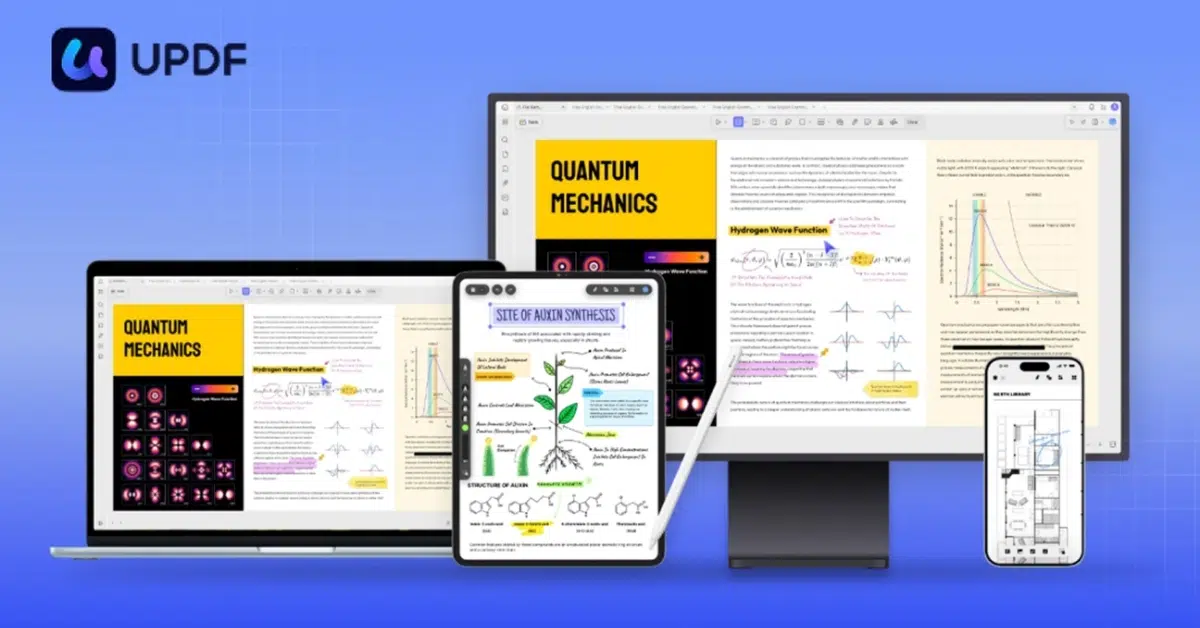
The four-device license is a practical touch. The same account moves between your laptop, phone, tablet, and second desktop without another purchase.
There is a clear split between Pro and the AI add-on. If your work is mostly editing, converting, signing, and organizing, UPDF Pro on its own is enough. If you spend real time searching long documents, summarizing content, or rewriting sections, the AI plan is the one that pays for itself.
Explore UPDF 2.5 on the official site and check the current launch pricing.