
These Macs Will Support macOS 26 Tahoe: Full Compatibility List
Apple has unveiled macOS 26 Tahoe with major upgrades—but not all Macs can run it. Here’s the full compatibility list and what to do if yours isn’t supported.
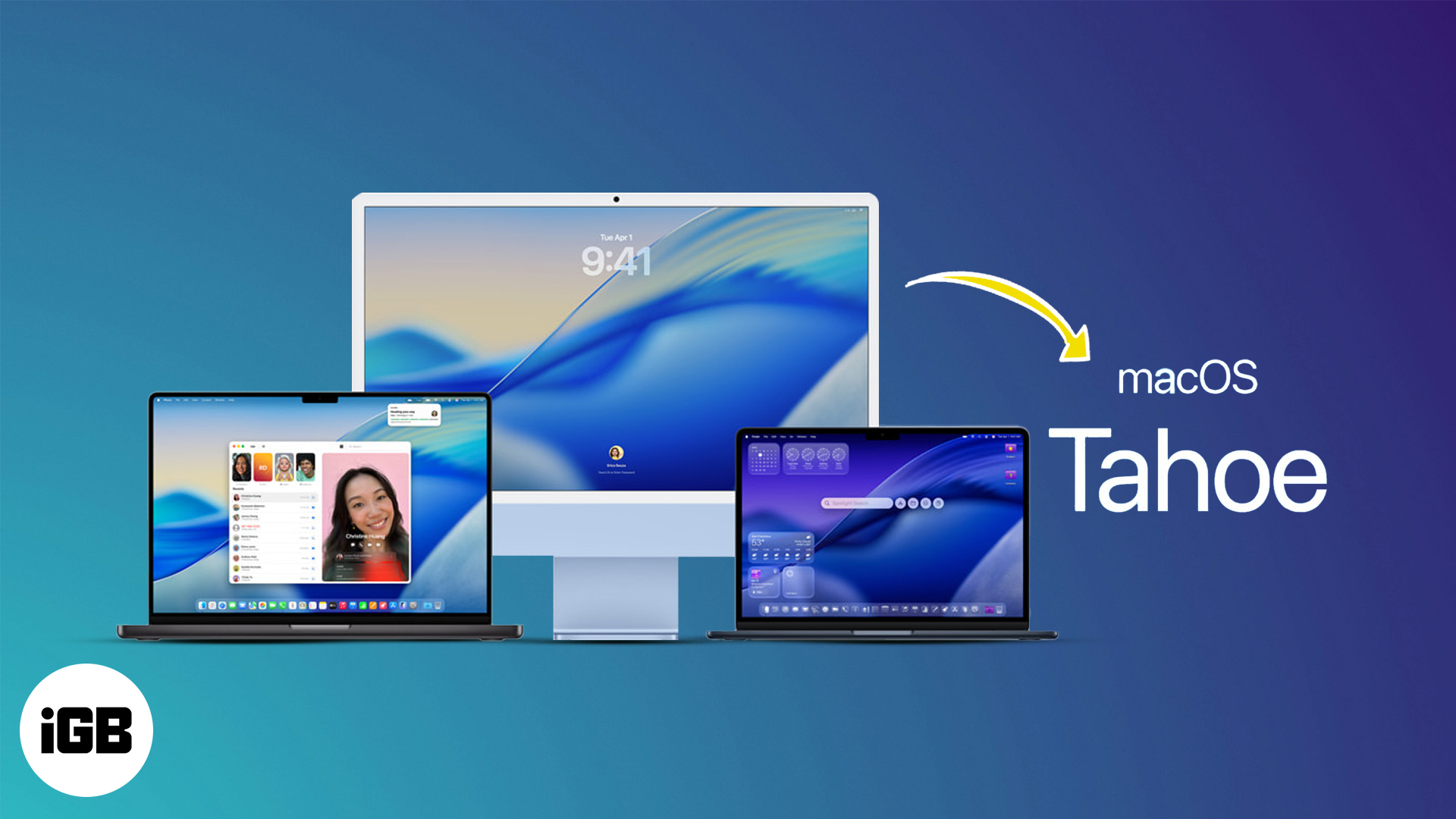
Apple has officially unveiled macOS 26, now known as macOS Tahoe. This latest macOS update introduces a fresh visual design, enhanced Spotlight and Shortcuts, deeper Continuity features, and tighter integration with Apple Intelligence. But not all Macs will be able to run this exciting update.
In this article, I’ll walk you through the full list of Mac models compatible with macOS 26 Tahoe, highlight which models are left behind, and explain what your options are if your device isn’t supported.
Compatible Mac Models for macOS 26 Tahoe
Apple continues to move away from Intel processors, pushing its Apple Silicon strategy forward. As expected, macOS 26 drops support for several older Macs, especially those without T2 chips or Apple Silicon.
Here’s the complete list of Mac models that support macOS Tahoe:
MacBooks That Support macOS 26 Tahoe
MacBook Pro:
- MacBook Pro (M4 / M4 Pro / M4 Max) – 2024
- MacBook Pro (M3 / M3 Pro / M3 Max) – 2023
- MacBook Pro (M2 / M2 Pro / M2 Max) – 2023
- MacBook Pro (M1 / M1 Pro / M1 Max) – 2021
- MacBook Pro – 2020
- MacBook Pro (16-inch, Intel) – 2019
- MacBook Pro (13-inch, Intel, Four Thunderbolt 3 Ports) – 2020
MacBook Air:
- MacBook Air (M4) – 2025
- MacBook Air (M3) – 2024
- MacBook Air (M2) – 2023
- MacBook Air (M2) – 2022
- MacBook Air (M1) – 2020
Note:
macOS 26 Tahoe Supported Mac and iMac
Mac Studio:
- Mac Studio (M4 Max / M3 Ultra) – 2025
- Mac Studio (M2 Max / M2 Ultra) – 2023
- Mac Studio (M1 Max / M1 Ultra) – 2022
Mac Pro:
- Mac Pro (M2 Ultra) – 2023
- Mac Pro (Intel) – 2019
Mac Mini:
- Mac mini (M4) – 2024
- Mac mini (M2 / M2 Pro) – 2023
- Mac mini (M1) – 2020
iMac:
- iMac (M4) – 2024
- iMac (M3) – 2023
- iMac (M1) – 2021
- iMac – 2020
Macs Dropped From macOS 26 Tahoe Support
If you’re using one of the following Macs, macOS Sequoia will be your last supported major OS:
- MacBook Pro (2018 models)
- MacBook Air (Intel, 2020)
- MacBook Air Retina (2018, 2019)
- iMac Pro (2017)
- iMac (2019)
- Mac mini (2018)
- MacBook Pro (13-inch, Intel, Two Thunderbolt 3 Ports) – 2020
These models lack the Neural Engine required to run newer AI-powered features and fall short of the performance needed for macOS 26.
Related Post: How to Install macOS Tahoe Developer Beta
Why Is Apple Dropping Intel Macs?
Apple’s transition to Apple Silicon, which began in 2020, is now nearly complete. macOS 26 is built to take advantage of the Neural Engine and unified memory architecture in M-series chips.
Here’s why older Macs are left out:
- Lack of hardware acceleration for Apple Intelligence features
- Reduced performance for new Continuity and multitasking tools
- Power inefficiency compared to M-series chips
Apple is encouraging users to upgrade by phasing out Intel support gradually, without making those devices obsolete.
What If Your Mac Isn’t Supported?
If your Mac didn’t make the list, here are your options:
- Stick to macOS Sequoia: It will continue receiving security updates for a few more years.
- Upgrade your Mac: Consider a refurbished or entry-level M1/M2 Mac from the Apple Store or a trusted reseller.
- Try third-party patching tools: Some users experiment with installing macOS on unsupported Macs using tools like OpenCore—but it’s risky and may break system functions.
To check your Mac model, click the Apple logo → About This Mac.
Enjoy the New macOS—If Your Mac Can Run It
macOS 26 Tahoe brings a modern design, better Spotlight, more automation, and deeper integration with Apple Intelligence. But to experience it all, you’ll need a supported Mac—preferably with an M1 chip or newer.
If you’re due for an upgrade, now might be the perfect time to step into the Apple Silicon era.

Written by
Ava BiswasAva is a die-hard Apple aficionado and seasoned writer with a knack for breaking down complex tech concepts into easily digestible content. Having honed her writing and editing skills over 4 years at renowned media houses like TechBurner, Ava crafts informative and engaging articles including troubleshooting guides, product reviews, editorials at iGeeksBlog. When not typing, you can find her exploring the latest Apple releases or pondering the future of tech innovation.
View all posts →More from Mac
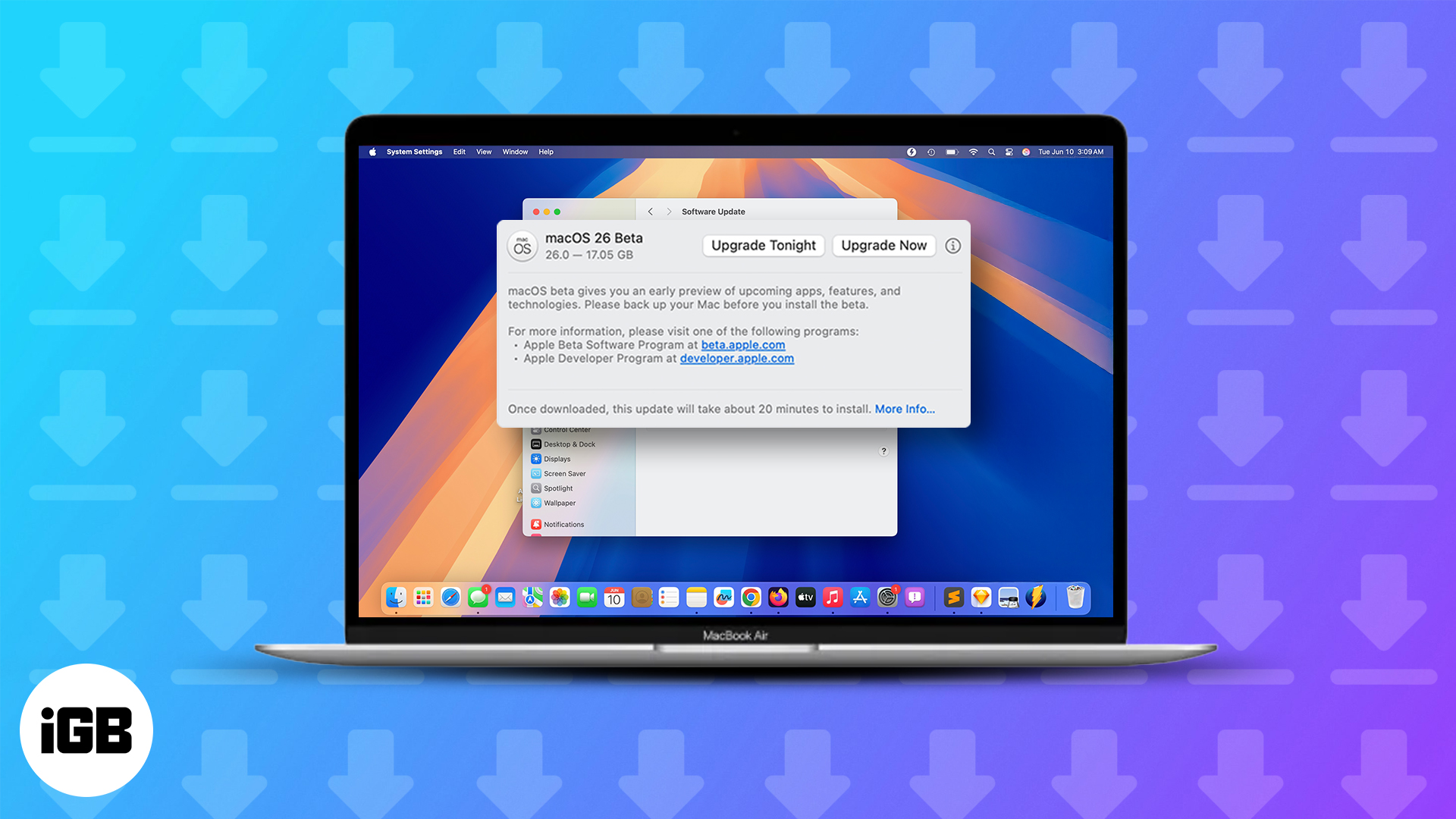
macOS Tahoe 26.4 Developer Beta 2 Is Here: How to Install It Right Now
Ready to test macOS 26 Tahoe? Here’s how to install the developer beta on your Mac, including key tips to stay safe during the upgrade.
 VikhyatFebruary 24, 2026
How to Hide App Store Purchases on iPhone, iPad, and Mac
Keep your App Store purchase history private on Apple devices. Learn how to hide purchased apps on iPhone, iPad, and Mac step by step.
VikhyatFebruary 20, 2026
How to Mute Yourself or Others on FaceTime
Can you mute someone in FaceTime? Learn what’s possible, plus smart ways to control audio and stop interruptions during calls.
Ava BiswasFebruary 18, 2026