Losing everyday stuff is one of those tiny problems that somehow eats a huge amount of time. Keys vanish. Bags get left behind. Luggage takes a mystery tour without you. That’s exactly where Apple AirTags shine.
AirTags aren’t just for forgetful people; they’re for busy people. If you want less stress, fewer “Where did I put that?” moments, and more control over your things, this guide will show you the smartest, most practical ways to use AirTags in daily life.
What Is an AirTag and How Does It Work?
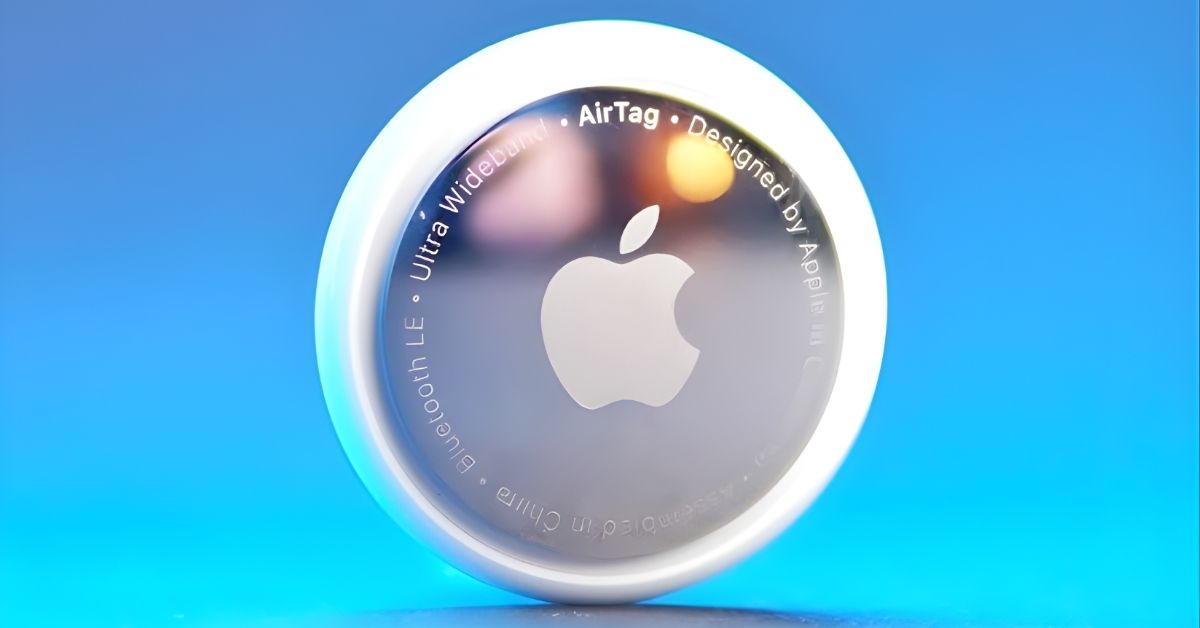
An AirTag is a small tracking device made by Apple that helps you find lost items using the Find My network.
Here’s how it works:
- You attach an AirTag to an item.
- It connects to your iPhone or iPad through the Find My app.
- If the item is nearby, you can make the AirTag play a sound.
- If it’s farther away, Apple’s massive network of devices helps update its location securely and privately.
- On newer iPhones, Precision Finding can guide you with arrows and a distance indicator.
It’s like giving your stuff a tiny GPS assistant without a monthly subscription.
Everyday Essentials You Should Always Tag
These are the items you use most often and that you waste the most time searching for.
Keys (But Smarter Than Just a Keychain)
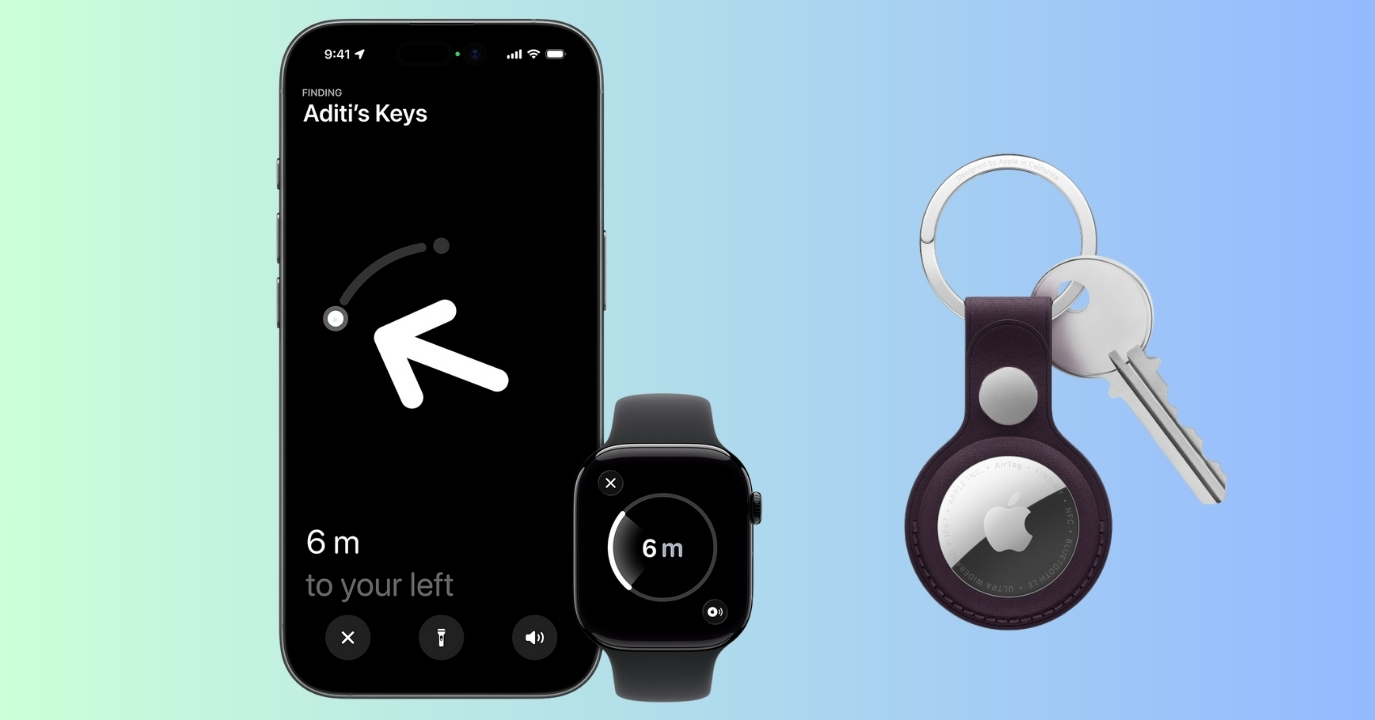
Yes, keys are obvious, but here’s the smart part: Attach your AirTag to a key organizer, car key pouch, or key hook near your door instead of just a loose ring.
Why this helps:
- You’ll instantly know if you left keys at home or somewhere else.
- You can play a sound when they slip between couch cushions.
- Precision Finding can literally point you to them inside your house.
Wallet or Purse
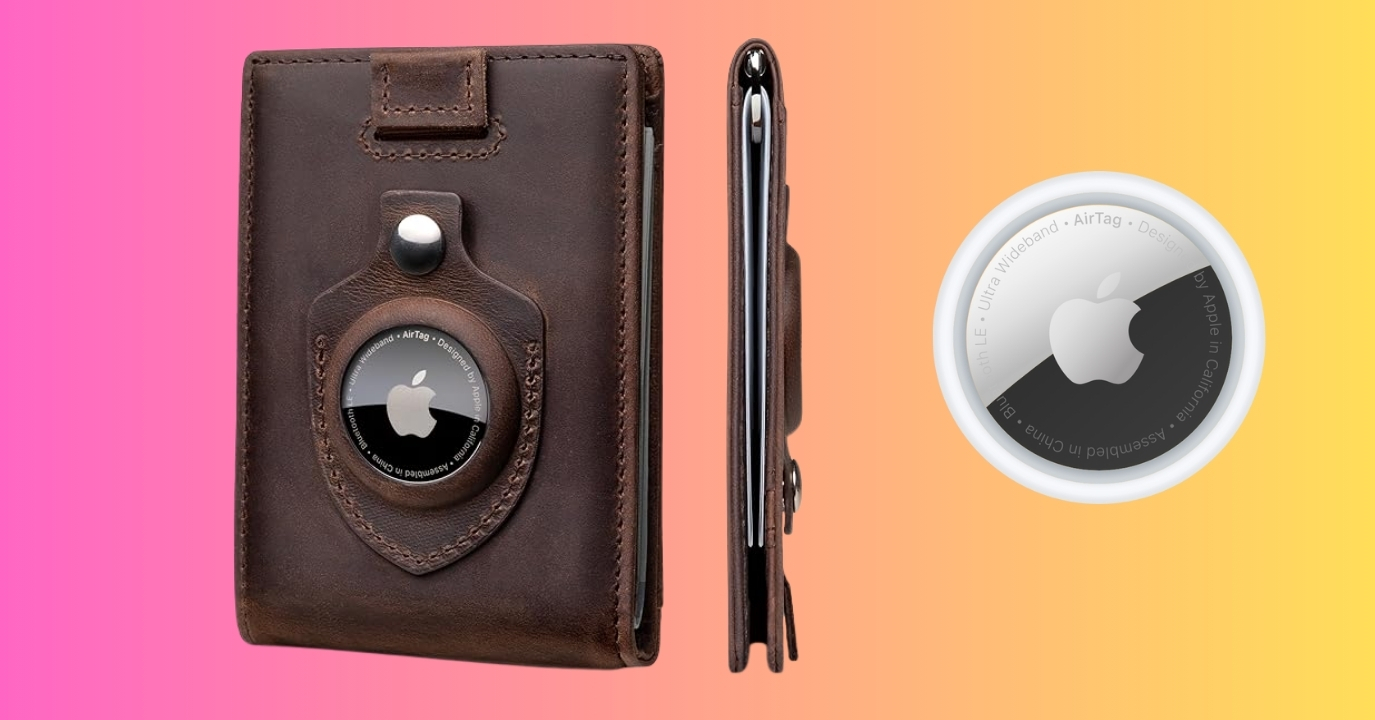
Losing a wallet is stressful. An AirTag won’t protect your cards, but it can help you recover the wallet itself.
Best ways to use it:
- Use a wallet with an AirTag slot or a slim holder.
- Hide it inside a purse pocket that isn’t obvious.
It’s great if you often forget your wallet at a café, drop your purse in a store, or leave it in a taxi. Moreover, elderly family members and their caregivers can tag medical pouches, wallets, and keys to ensure peace of mind.
Backpack or Daily Work Bag
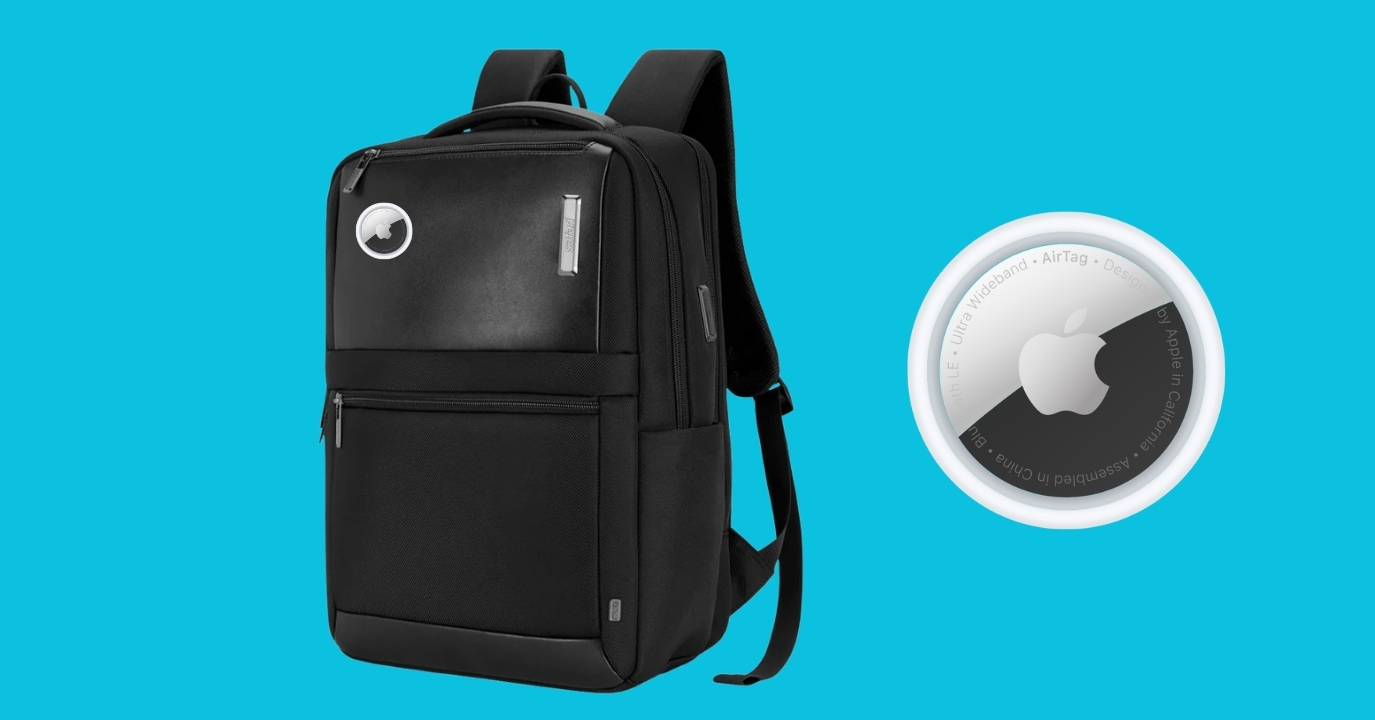
Your daily bag usually carries your laptop, charger, documents, and more, thus losing it is a nightmare.
With an AirTag inside:
- You can see if you left it at the office.
- Track it if it gets misplaced during travel.
- Quickly find it at home when you switch rooms.
Drop the AirTag in a small inner pocket so it’s not easily noticed.
Travel Uses That Make AirTags a Game-Changer
AirTags really shine if you go out frequently. It has become a must-have accessory for every traveler.
Luggage Tracking

This is one of the most popular and useful uses.
Put an AirTag inside checked luggage, and you can confirm your bag made it onto the plane, see if it’s still at the airport, or track it if the airline misplaces it.
It gives peace of mind during delays and lost luggage situations. Apple has also tied up with major Airlines to help users find their luggage quickly. You need to simply share your AirTag tracking link with the helpdesk and let them handle the rest.
Passport Pouch or Document Organizer

You should never track a person, but it’s useful to track a document pouch.
If you carry a travel wallet with your passport, boarding passes, or travel cards, adding an AirTag can save you from last-minute panic at the airport. Also, don’t forget to add your passport to your Apple Wallet for quick, digital TSA checking.
Smart AirTag Uses at Home: Stop Wasting Time Searching
AirTags aren’t just for when you’re out; they’re incredibly useful at home, too.
TV Remote
If your remote constantly disappears:
- Tape or stick an AirTag case to the back.
- Use the Find My app to make it play a sound.
No more tearing apart the couch.
Pet Items
AirTags aren’t GPS pet trackers, but they’re useful for pet carriers, leashes, and travel crates. They help you locate lost pet gear, not track your pet in real time.
Car Parking Helper
Forgot where you parked? Drop an AirTag in your car and quickly find its location in large parking lots.
It’s especially useful in airports, malls, and unfamiliar areas. You can also use your iPhone to drop a pin on the map to find your parked car’s location.
Work & Professional Uses
AirTags can be surprisingly powerful in the workplace.
Laptop Sleeve or Tech Organizer
If you always carry your laptop, SSDs, chargers, or adapters, it’s essential to keep them from getting misplaced.
Put an AirTag in your tech pouch or laptop sleeve. It adds an extra layer of safety when working in cafés, co-working spaces, or offices.
Company Assets (Small Businesses)
Small teams can use AirTags to locate shared devices, demo kits, and portable equipment.
It’s a simple, low-cost way to reduce loss and confusion. Just make sure usage follows privacy rules.
Creative and Unexpected Uses
Here’s where AirTags get really clever.
Moving to a New House
Put AirTags in:
- Important moving boxes
- Toolkits
- Essentials box (chargers, documents)
You’ll know exactly where your most important stuff ends up.
Event Days (Weddings, Exhibitions, Conferences)
Big events mean lots of equipment, gear, and bags.
Using AirTags can help event planners track items such as equipment cases, decor boxes, and registration kits. So, organizers can stay more organized and avoid last-minute chaos.
AirTag Privacy, Safety & Anti-Stalking Features
AirTags are powerful, but they’re built with privacy and anti-stalking features in mind.
AirTags Are Designed for Tracking Items, Not People
Using AirTags to secretly track someone is dangerous, unethical, and against the rules. They’re meant for your belongings only.
Tracking Alerts on iPhone and Android
If an unknown AirTag is moving with you, your iPhones will show a tracking notification. Tapping it will open the Find My app and show where and when the AirTag was detected. Follow the on-screen steps to disable it if needed.
Android users can use Apple’s Tracker Detect app. The AirTag may also play a sound after being separated from its owner. These features help prevent misuse and let you know if someone is tracking you.
When Not to Use AirTags
Do not use AirTags for:
- Tracking people without consent
- Real-time pet tracking (use GPS pet trackers instead)
- High-security or law enforcement purposes
They are convenience tools, not surveillance devices.
Battery, Maintenance & Setup Tips
AirTags are low-maintenance, but a few habits help:
- Battery: Uses a CR2032 coin battery, which usually lasts about a year.
- Low battery alert: You can quickly check your AirTag’s battery life via the Find My app.
- Keep it clean: Wipe occasionally if used outdoors.
- Name clearly: Label it with names such as “Work Backpack” instead of “Bag.”
- Test sound: Occasionally, play a sound to ensure it’s working.
- Use a case: Carry your AirTag in a protective case to keep it safe and dent-free.
Final Thoughts
AirTags are easy to use, but the difference they make in your life is huge. They eliminate stress, save time, and give you peace of mind, which you realize only after you stop losing things.
Start with your keys, wallet, and bag, then expand into travel, work gear, and home items. Used the right way, AirTags quietly become one of the most useful little tech tools you own.
How do you use your AirTags? Let me know in the comments below!
Related articles worth reading