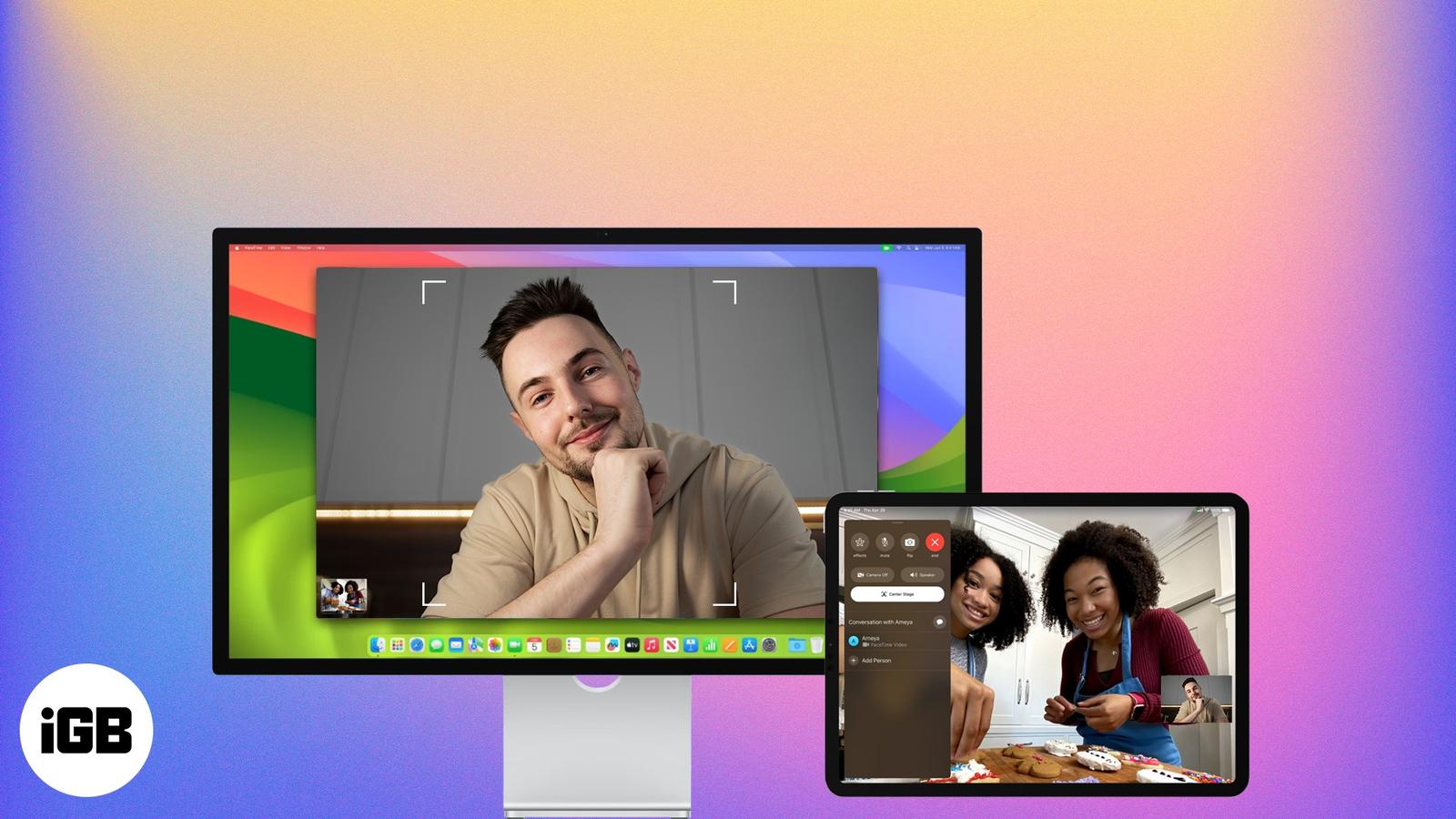
How to Use Center Stage on iPad and Mac to Stay Perfectly Framed on Camera
Stop chasing your camera during video calls—learn how to stay perfectly in frame with Apple’s Center Stage on iPad and Mac.

Stop chasing your camera during video calls—learn how to stay perfectly in frame with Apple’s Center Stage on iPad and Mac.
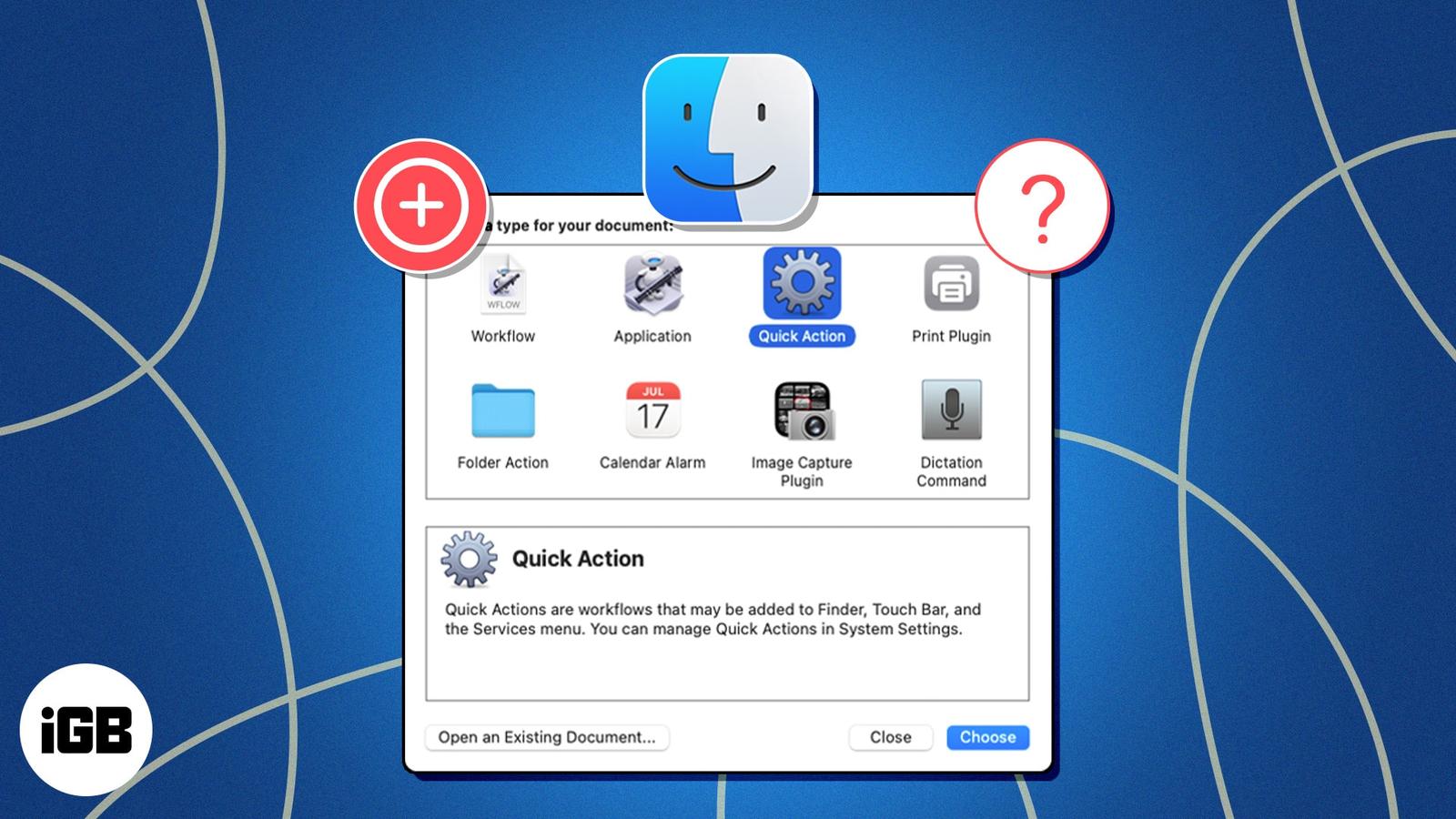
Quick Actions on macOS allow you to automate and speed up many tasks on your Mac. Learn how to use a Quick Action in Finder on a Mac.
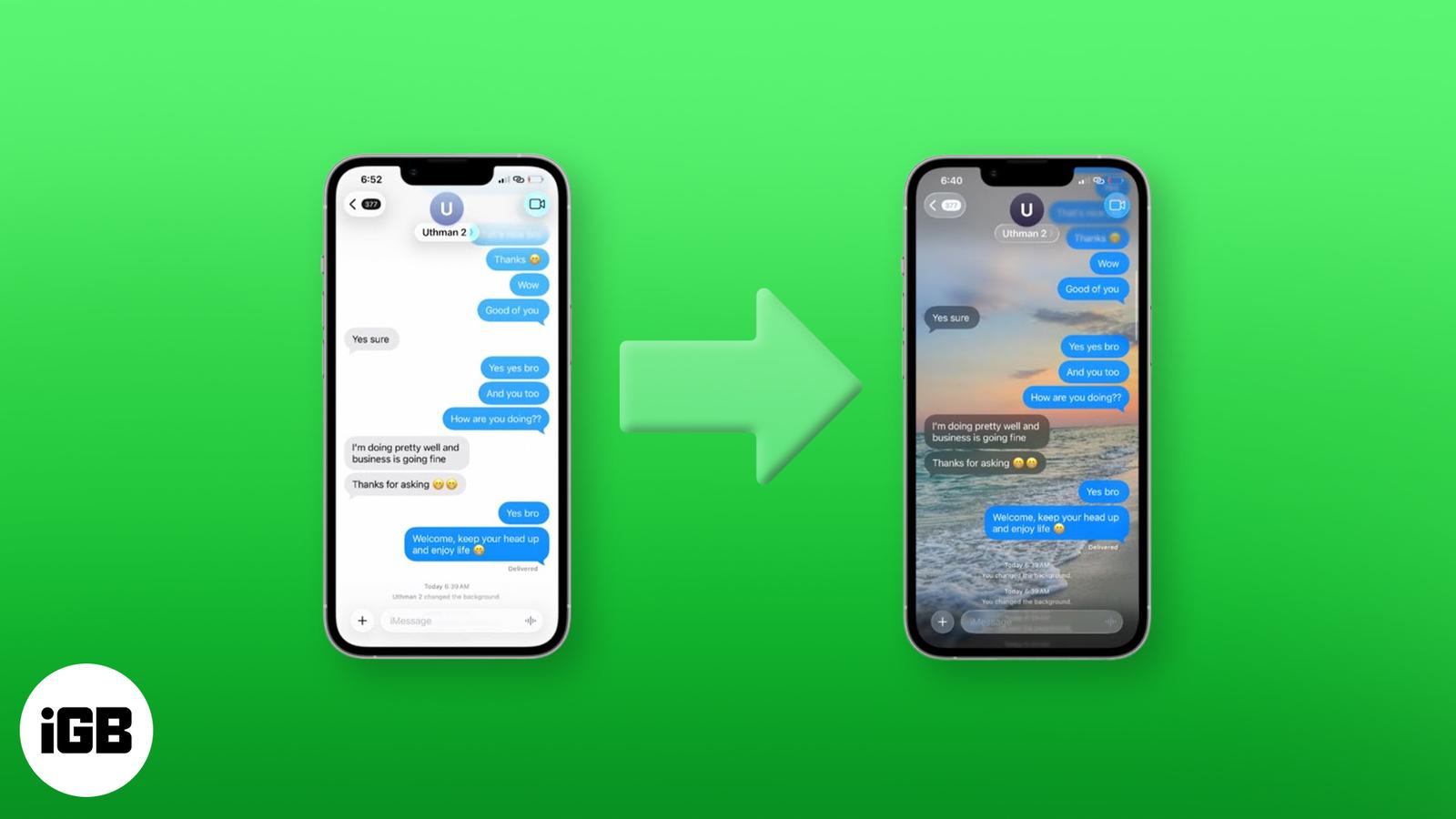
iOS 26 lets you set custom iMessage backgrounds on iPhone, iPad, and Mac. Here’s how to do it—and make your chats more personal than ever.

Whether you’re a dog mom or a cat dad, you love your pet and probably snap tons of photos of them. Using the newly introduced feature of pet
X Premium (formerly Twitter Blue) offers features like editing posts, fewer ads, and monetization tools. Plans start at $3/month across thre
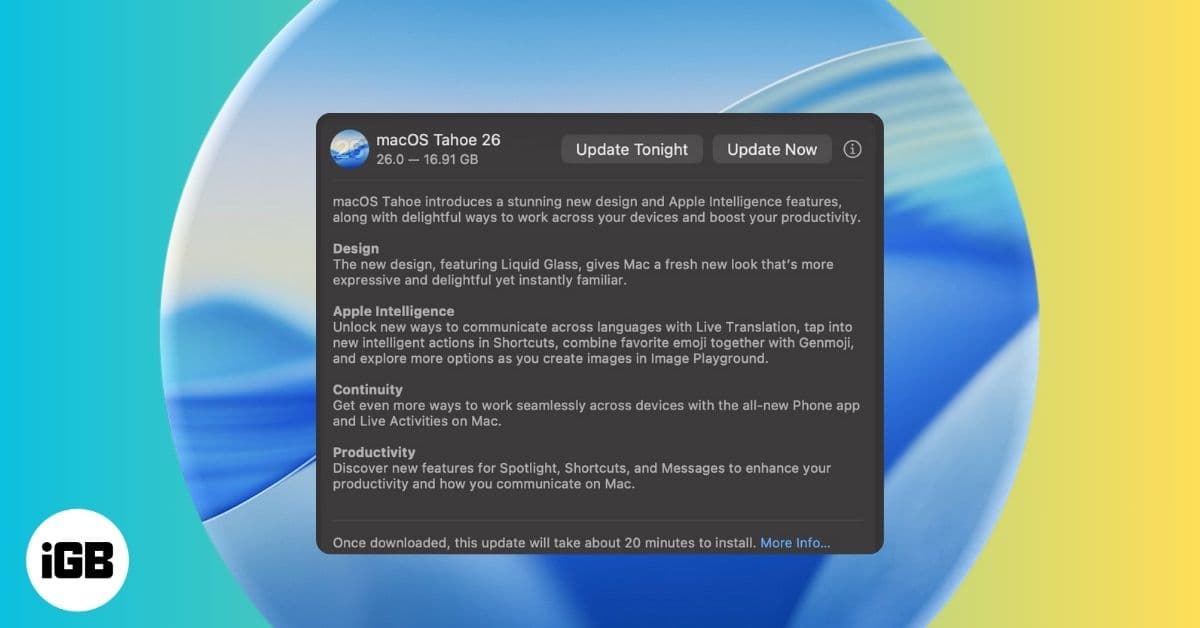
Apple’s macOS 26 Tahoe is here with Liquid Glass UI, Apple Intelligence, and more. Learn which Macs support it and how to install the update
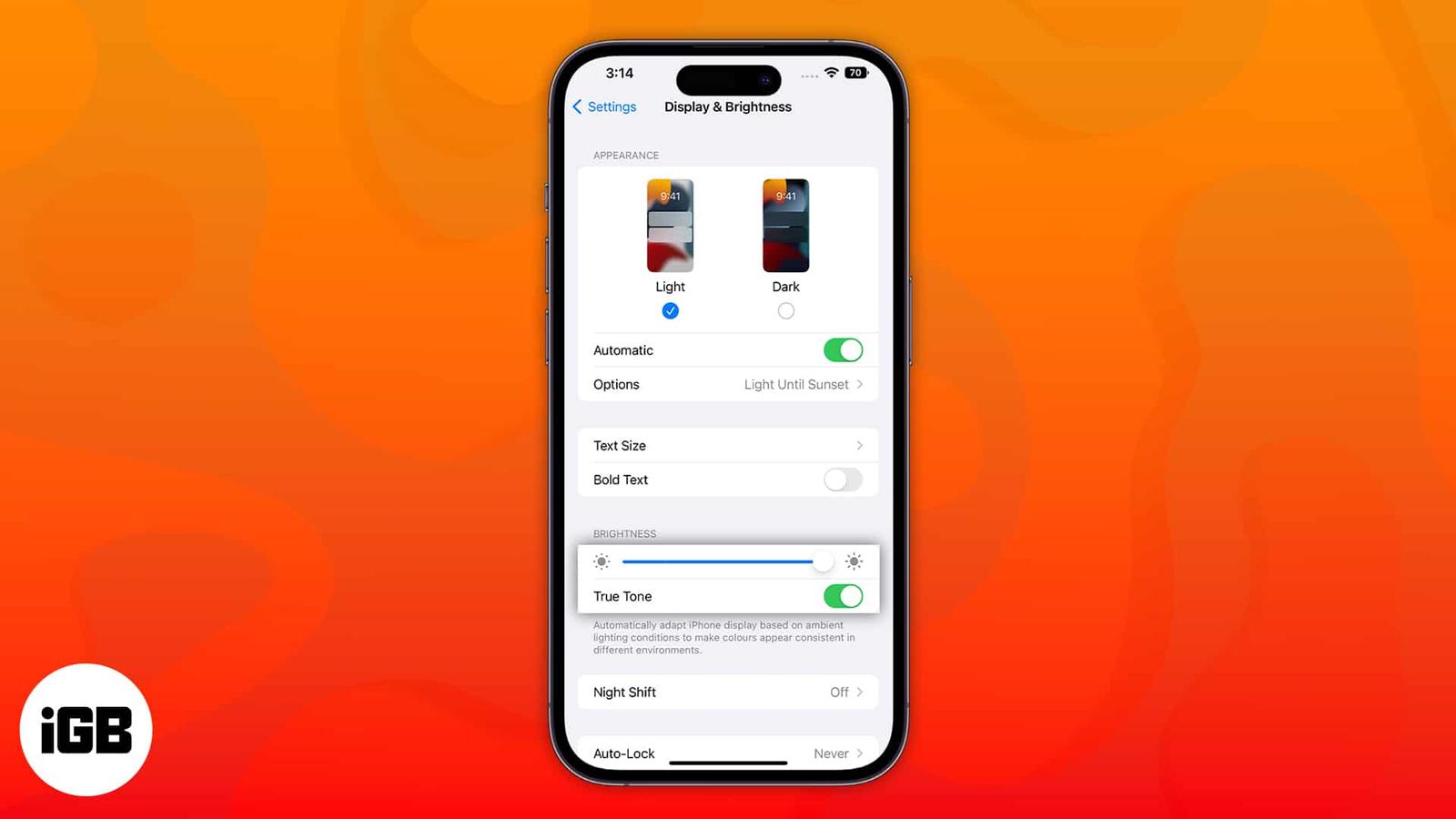
Apple devices have a display feature called True Tone to reduce eye strain. Though it is developed to help us, it might be irritating for so
Learn how to sync your iPhone notes to your Mac with or without iCloud.
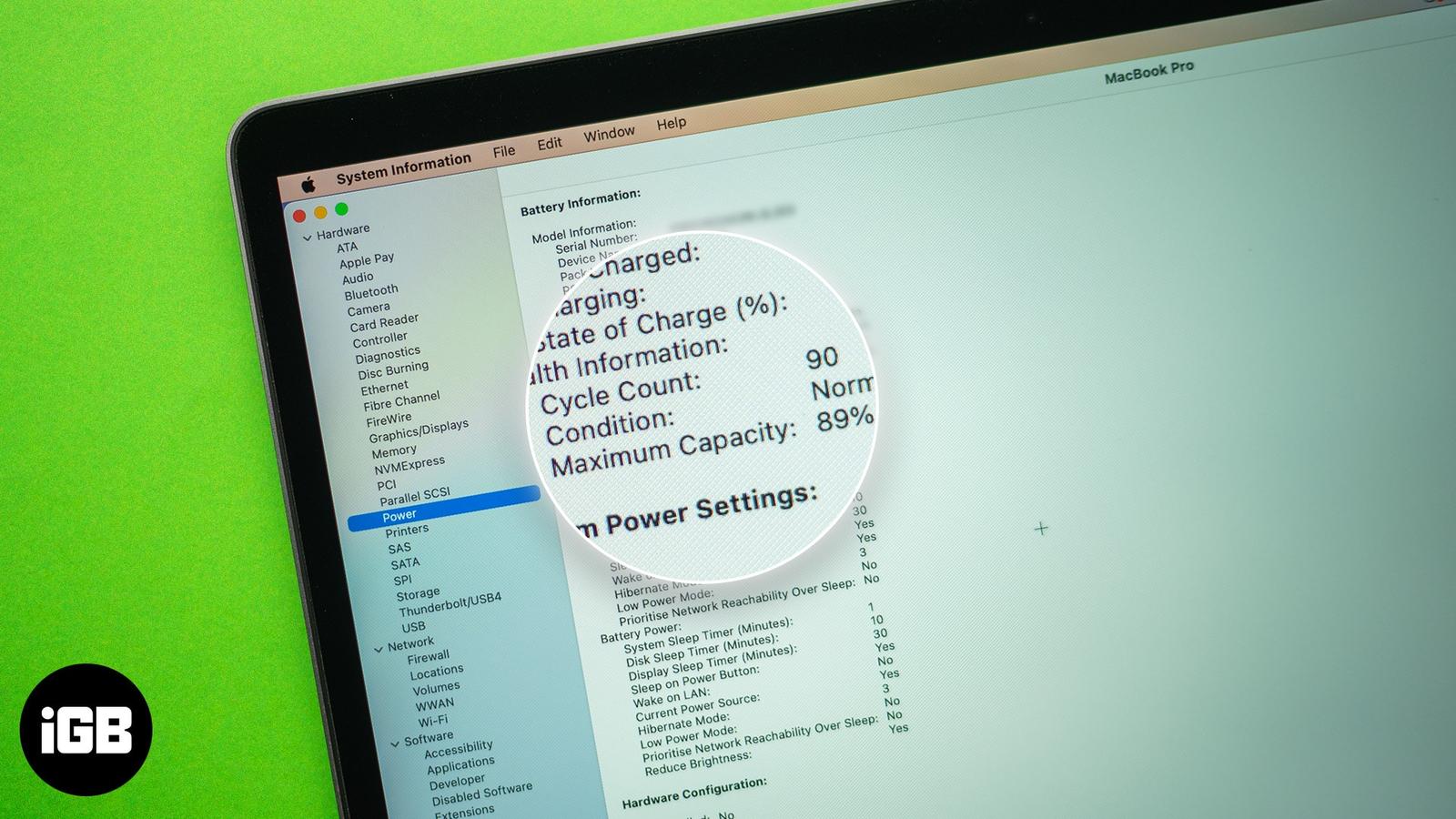
Here’s what the battery cycle count is and how to track your MacBook battery cycles.
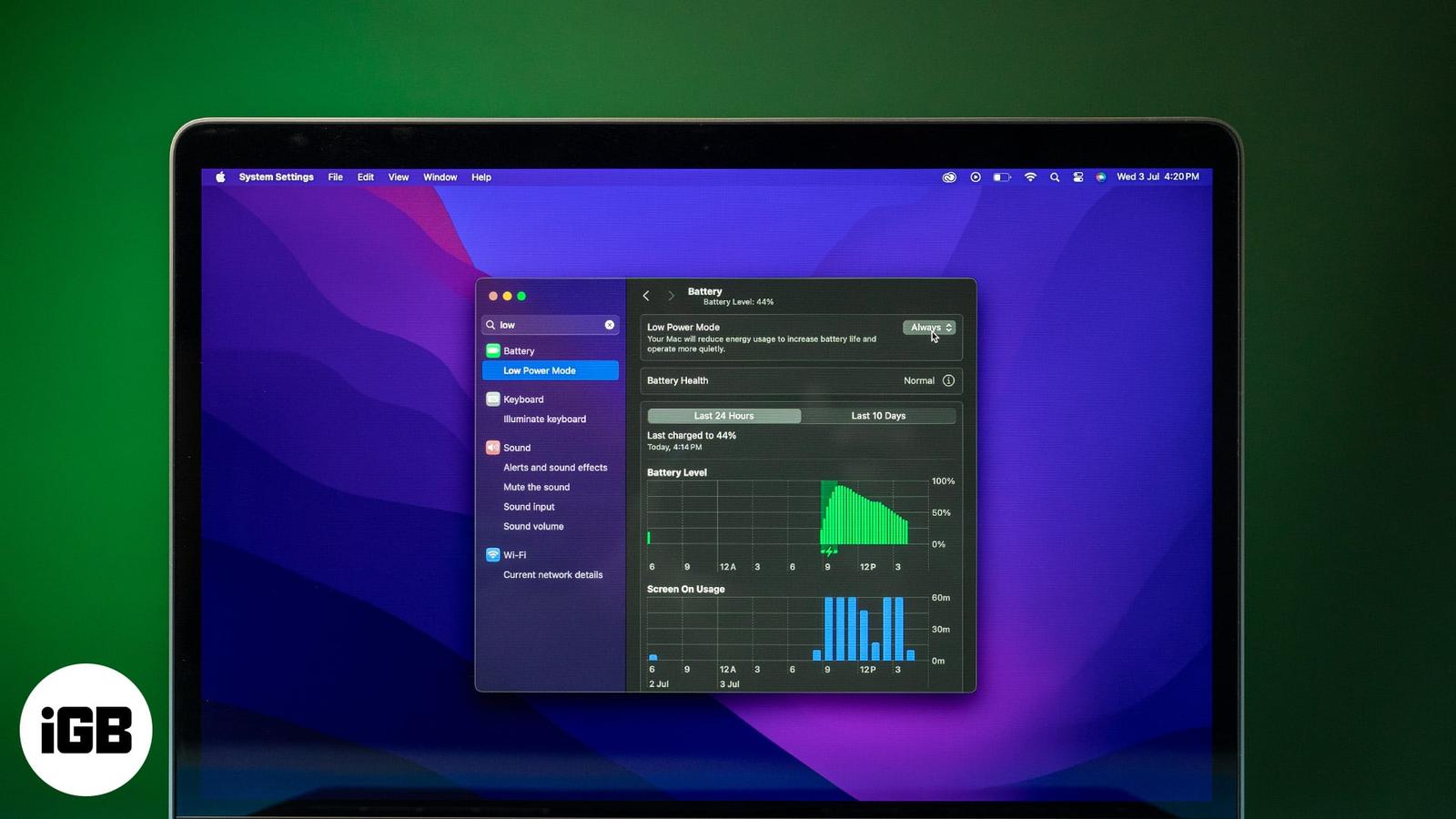
Key Takeaways: Battery Conservation with Low Power Mode: On MacBook, Low Power Mode cuts background activity, lowers brightness, and slows C
The Mac Dock is useful but can get in the way. Luckily, macOS lets you hide, show, resize, or even speed up the Dock. From simple shortcuts