AI-generated images have become so realistic that spotting them by eye is harder than ever. Modern image models like GPT-5.5 can now produce realistic lighting, detailed facial features, convincing textures, and natural-looking backgrounds that blur the line between AI-generated content and real photography.
So when I learned that OpenAI had launched a new Image Verification tool, I wanted to see how well it worked in practice. Instead of uploading random images from the internet, I decided to test it using three images whose origins I already knew.
The results were interesting, but not for the reasons I expected.
What is OpenAI’s Image Verification tool?
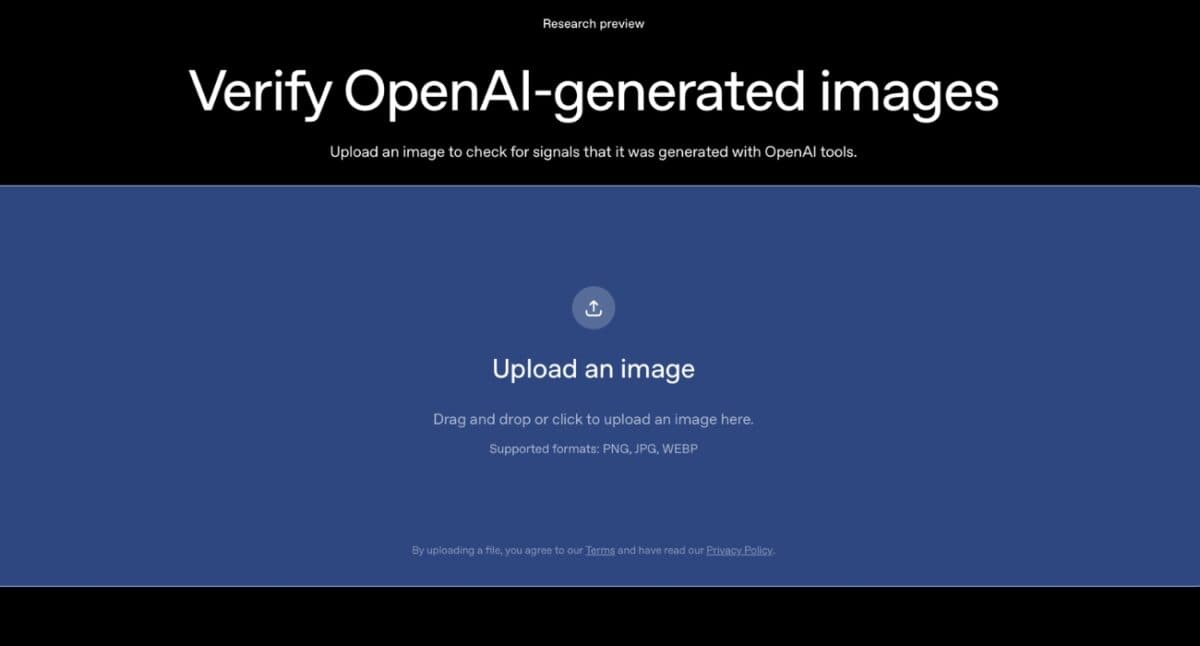
OpenAI’s Image Verification tool is designed to verify images generated using OpenAI’s image models. Instead of examining an image and trying to determine whether it looks AI-generated, the tool checks for provenance information embedded inside supported images.
The tool works through OpenAI’s verification portal. Upload an image, and it checks for provenance data linked to OpenAI-generated content.
With that in mind, I uploaded three different images to see what would happen.
I tested three images with known origins
For my test, I used three images with known origins.
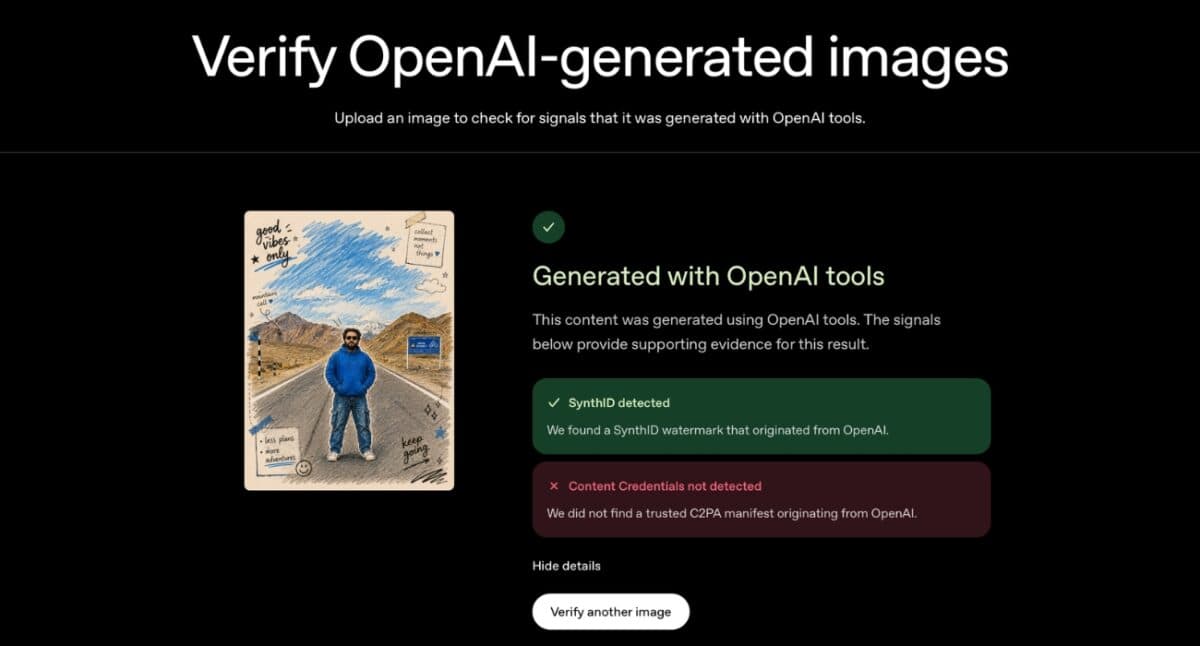
The first image was a travel-style portrait generated using ChatGPT Image 5.5. It featured sketch-like doodles, handwritten notes, and visual elements that clearly leaned into an AI-generated art style.
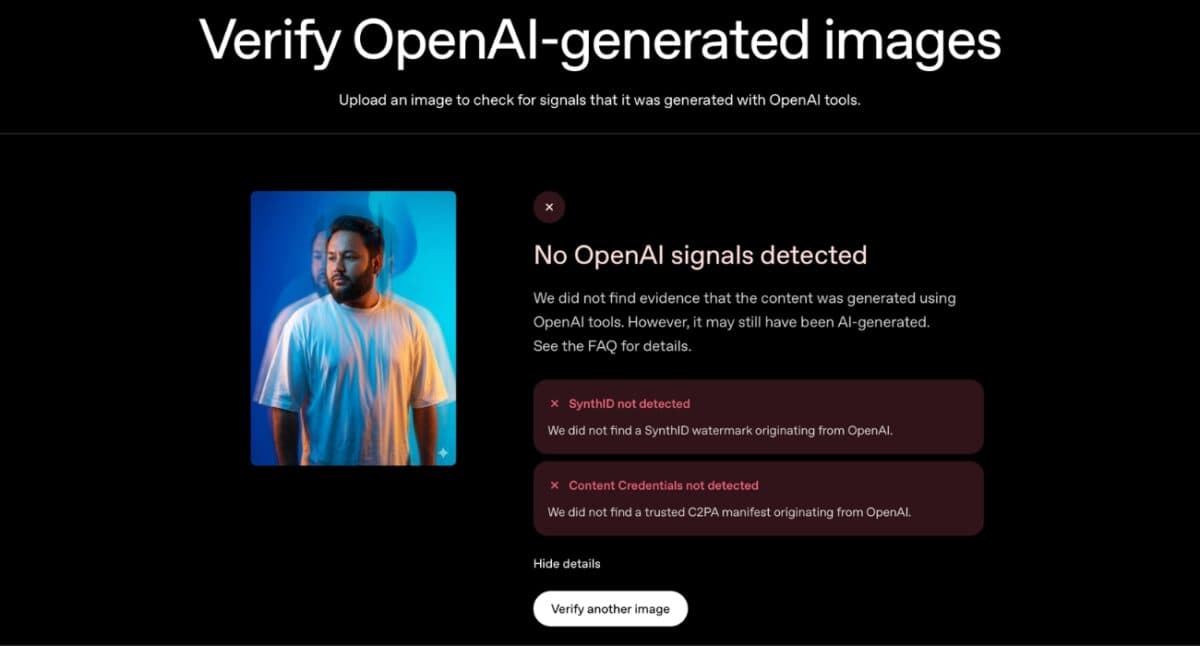
The second image was a realistic portrait generated using Google’s Gemini image model. Unlike the first image, this one looked much closer to a professional studio photograph.
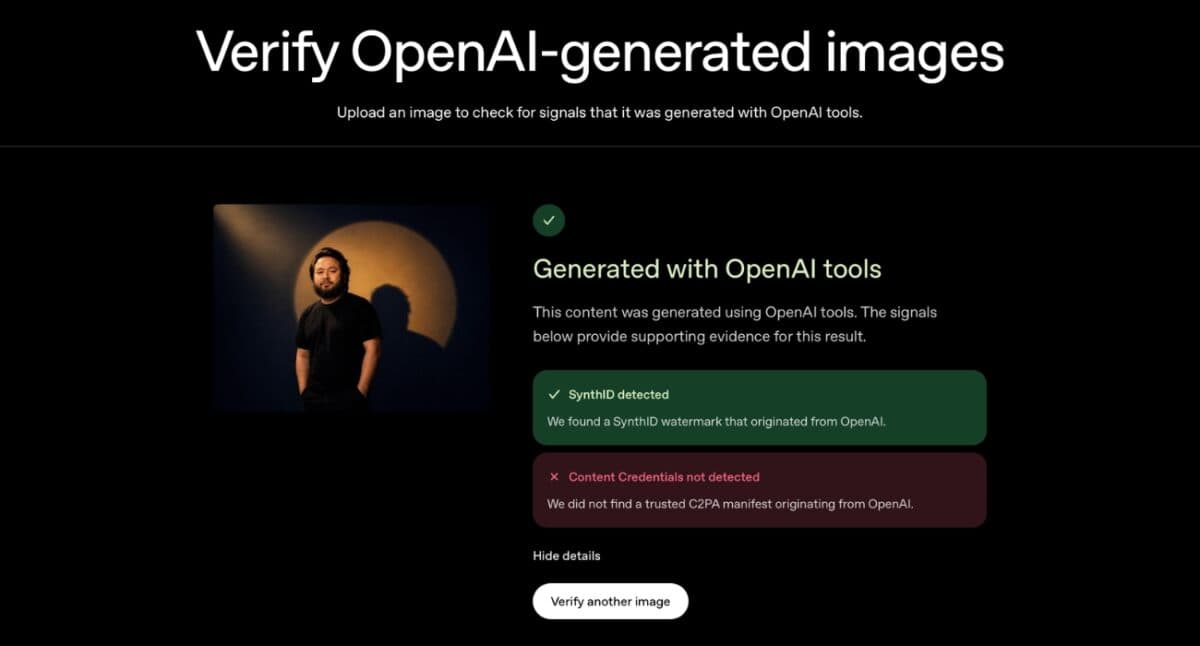
The third image was another ChatGPT Image 5.5 creation, this time a dramatic portrait featuring studio-style lighting, a spotlight effect, and a prominent shadow in the background. Compared to the first image, it looked far closer to a professionally shot photograph.
Since the source of each image was known, it was easy to verify the results.
The tool successfully identified both ChatGPT images
The two ChatGPT Image 5.5 images were both identified as OpenAI-generated.
For the first image, the verifier confirmed that it was generated using OpenAI tools and displayed the associated verification details.
The third image produced a slightly different result. OpenAI’s verifier identified it as content generated using OpenAI tools and detected a SynthID watermark. However, it also reported that Content Credentials were not detected. Despite the missing credentials, the tool was still able to associate the image with OpenAI through its watermarking system.
The verification process was quick, and both images were identified correctly.
The Gemini image produced a very different result
The second image was where things became more interesting. Despite being AI-generated, the Gemini-created portrait could not be verified by OpenAI’s tool. The verifier wasn’t able to confirm its origin because the image didn’t contain OpenAI provenance credentials.
At first, that result seemed surprising. But it makes sense once you understand what the tool is actually designed to do.
OpenAI’s verifier isn’t trying to detect every AI-generated image on the internet. Its job is to verify images generated through OpenAI’s own ecosystem.
The Gemini portrait simply fell outside that scope.
What I learned after testing it
What became clear during testing is that OpenAI’s tool isn’t a universal AI detector.
If you’re hoping to upload any image and instantly learn whether it was created by AI, this tool won’t always give you an answer. What it does very well is verify images generated using OpenAI’s systems when the required credentials are still attached.
The results reflected that difference quite clearly. Both ChatGPT Image 5.5 images were verified successfully, while the Gemini-generated portrait wasn’t.
Verification, not detection
OpenAI’s Image Verification tool did exactly what it was designed to do during my testing. The two ChatGPT Image 5.5 images were identified as OpenAI-generated, while the Gemini-generated portrait could not be verified.
The results also made the tool’s scope fairly clear. It can verify images generated within OpenAI’s ecosystem when the required signals are present, but it isn’t designed to identify AI-generated images from every model on the market.
If you’re trying to verify the origin of a ChatGPT-generated image, the tool is worth trying. For broader AI image detection, you’ll still need additional methods alongside it.
Would you trust an AI-generated image based on appearance alone? Share your thoughts in the comments.
You might also like: