OpenAI has announced ChatGPT Images 2.0, a significant upgrade to its image generation capabilities that moves beyond basic prompt-based visuals.
The new model is designed to handle more complex visual tasks and produce outputs that are not just visually appealing but also immediately usable in real-world scenarios like design, presentations, and content creation.
What’s new in ChatGPT Images 2.0
The biggest shift here is how the model approaches image generation. Instead of directly producing visuals from a prompt, it now incorporates a reasoning step, allowing it to better interpret what you’re asking for before generating the image.
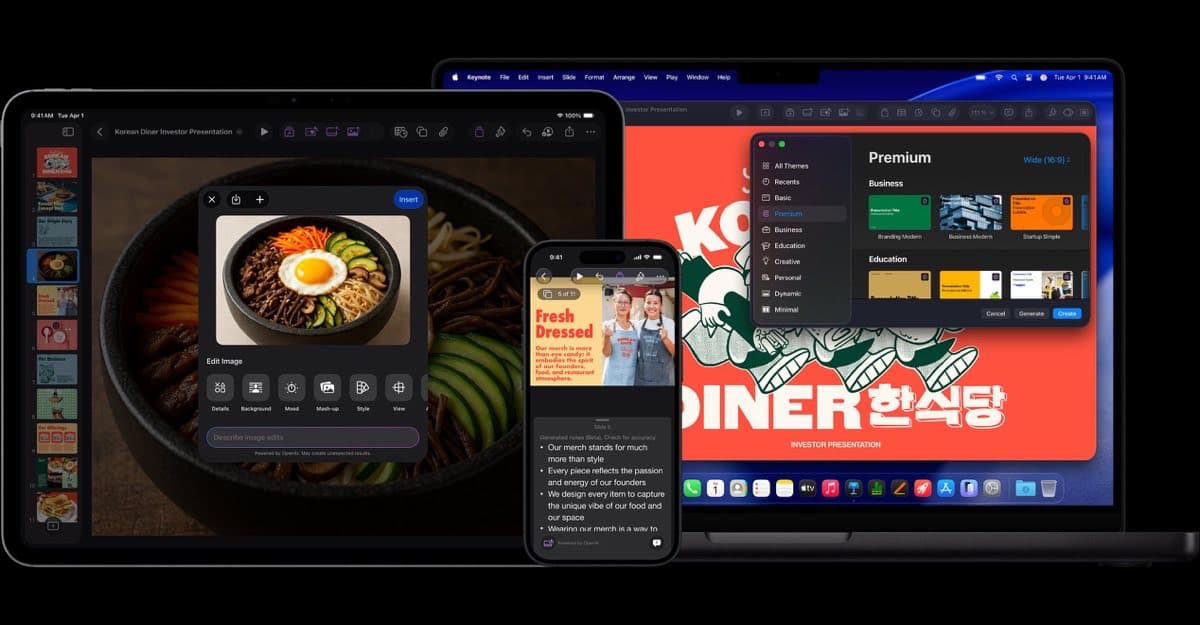
One of the most noticeable improvements is text rendering. Earlier models often struggled with readable text inside images, though this version can generate clear typography, UI elements, and detailed layouts with much higher accuracy.
The model also supports generating multiple images from a single prompt, which makes it more useful for things like storyboards, design variations, or multi-panel content.
Another upgrade is better instruction-following. The system is more precise with placement, structure, and overall composition, which makes outputs feel closer to what was actually requested.
A shift from “image generator” to “visual tool”
This feels less like an upgrade and more like OpenAI trying to turn image generation into something you can actually use for real work. Instead of something experimental, ChatGPT Images 2.0 is being framed as a practical tool for real work.
It can handle structured outputs like infographics, posters, UI mockups, and even multi-language text, which opens it up to more professional use cases.
At the same time, the improved realism means that generated images can look very close to real photos, which brings both creative opportunities and concerns around misuse.
Availability and access
ChatGPT Images 2.0 is rolling out across ChatGPT and related tools, with broader access available to users depending on their plan. More advanced capabilities are tied to paid tiers, while the underlying model is also available through OpenAI’s API for developers.
Do you see yourself using AI image tools for actual work, or are they still more of a novelty for you? Tell us what you think in the comments below.
You might also like: