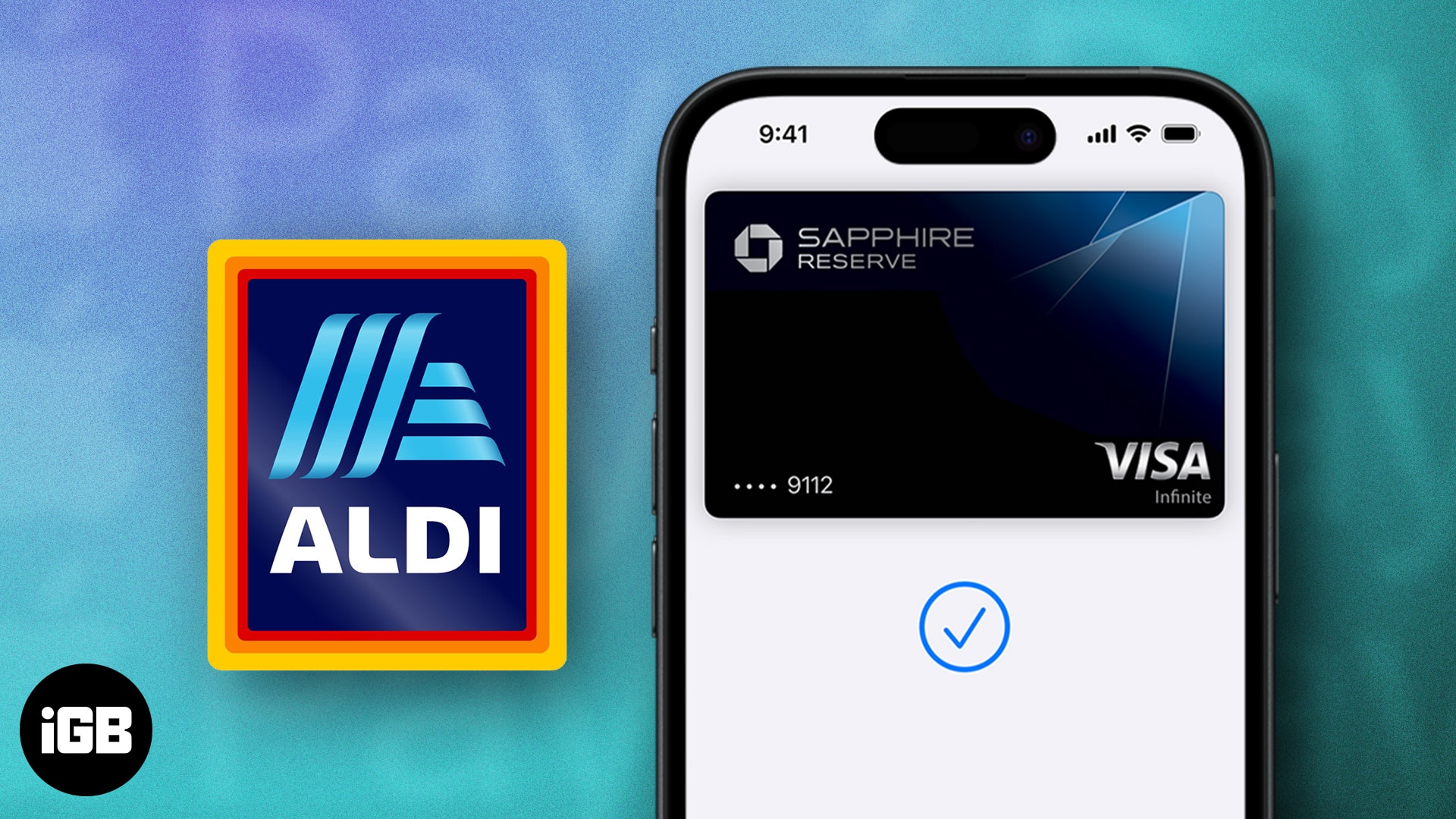
- Aldi accepts Apple Pay in-store at both checkout lanes and self-checkouts, making it quick and easy to pay without reaching for your wallet.
- How to pay in-store: Just open your Wallet app, choose your card, hold your iPhone or Apple Watch near the payment reader, and confirm with Face ID, Touch ID, or your passcode.
- Instacart payments: You can use Apple Pay to pay for Aldi orders on the Instacart app or website. However, Instacart cards themselves won’t work with Apple Pay at Aldi’s physical registers.
- Besides Apple Pay, Aldi also takes cash, debit cards, credit cards (Visa, MasterCard, Discover, AmEx), EBT, SNAP, and Link cards. However, they don’t accept checks or WIC benefits.
- If Apple Pay fails at Aldi: Make sure your card is supported and has enough funds, try using another card, or reach out to your bank or Apple Support if it keeps happening.
- Google Pay is also accepted at Aldi stores for another contactless payment option.
Aldi is the go-to store for many who order groceries online (using Instacart) or shop in-store at its various locations. The store’s popularity is due to its hard-to-beat retail prices on groceries and household items. On the flip side, the acceptance of Apple Pay as a payment method for online and in-store shopping has been rapid. Hence, I’ve been seeing questions like: Does Aldi accept Apple Pay?
If you’re reading this piece, it means you seek answers, too. In this guide, I’ll answer all your queries about Aldi’s payment mode and how to use Apple Pay at Aldi. Keep reading!
Does Aldi Accept Apple Pay?
Yes, Aldi accepts Apple Pay at its physical store locations in the United States. If you’re shopping in-store, you can tap your iPhone or Apple Watch at the contactless payment terminal to quickly and securely pay for your groceries without pulling out a card or cash.
Aldi began rolling out contactless payment support in 2018, and today nearly all registers, including self-checkout lanes, are equipped to handle Apple Pay along with other mobile wallets like Google Pay and Samsung Pay.
However, it’s important to note that Apple Pay is not accepted for online purchases through Aldi’s own systems (such as orders placed for delivery or pickup). If you’re ordering Aldi groceries through Instacart, Apple Pay is supported within the Instacart app or website. This applies only to online checkout through Instacart, not in-store payments.
Also, note that you can add your Instacart-issued cards to Apple Pay for use at Aldi’s physical registers. You need to use a debit or credit card linked to Apple Pay for in-store shopping.

How to Use Apple Pay at Aldi
You can use Apple Pay at Aldi stores to make payments, whether you choose self-checkout or traditional cashier-assisted checkout. It’s usually effortless, and I’ll guide you through the process below. Make sure you have already set up Apple Pay and follow the steps to use it at Aldi.
- Open the Wallet app on your iPhone or Apple Watch.
- Select the card you want to use to pay at the Aldi store. Note that Instacards are not currently accepted.
- Move your iPhone or Apple Watch to Aldi’s payment terminal or NFC card reader.
- You get a prompt to authenticate the payment with your Touch ID, Face ID, or passcode.
- Finally, keep your iPhone or Apple Watch on the NFC card reader or terminal at Aldi until the payment reads Done on your device.
Does Aldi Take Apple Pay for Instacart?
On the Instacart delivery app, you can check out your Aldi orders with Apple Pay. However, you cannot use your Instacard card as a payment option when paying with Apple Pay at Aldi stores. Here’s how to pay for your Aldi orders:
- Head to Instacart on your browser or its app.
- Select Aldi as your retailer and find the grocery items you want to shop.
- Proceed to the checkout page and select Apple Pay as your preferred payment method.
- Finally, check out and authenticate your payment with Face ID, Touch ID, or a passcode.
What Other Payment Methods Does Aldi Accept?
Happy shopping…
Aldi accepts Apple Pay for in-store checkout. This method speeds up the checkout process and can be handy if you forget your card and need to pick up a few grocery items. To use Apple Pay, ensure you’ve linked your card to the Wallet app on your phone beforehand and use the steps I discuss to make your payments.