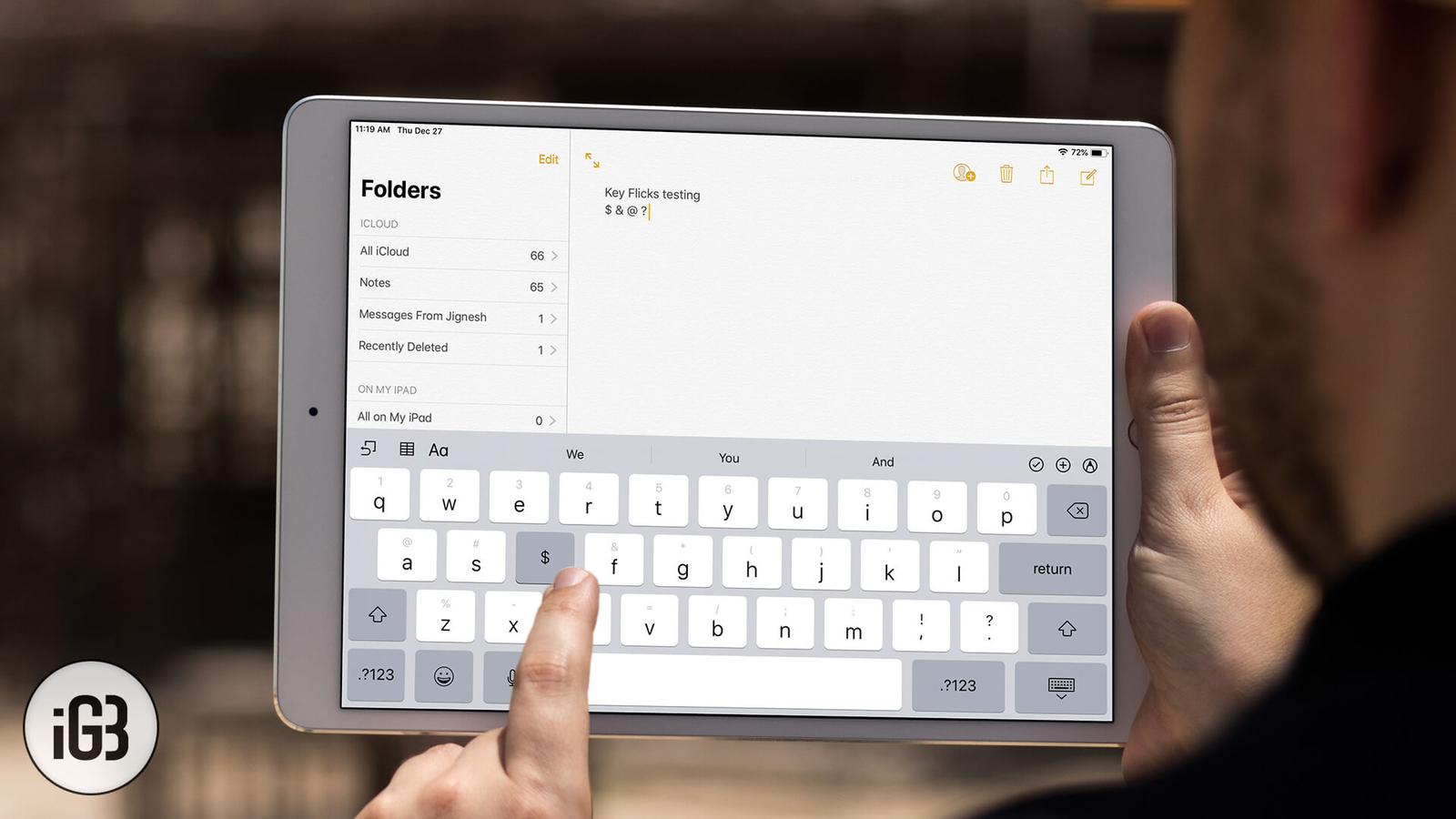
How to Use Key Flicks on iPad to Bolster Your Productivity
Key Flicks put a second character on every key, reached with a short downward swipe. It removes constant layout switching. Here is how the feature works and how to use it on iPad.

Key Flicks put a second character on every key, reached with a short downward swipe. It removes constant layout switching. Here is how the feature works and how to use it on iPad.
A white page at midnight is punishing. Here is how to enable dark mode in the Google Docs app on iPhone and iPad, and how to get a dark edit
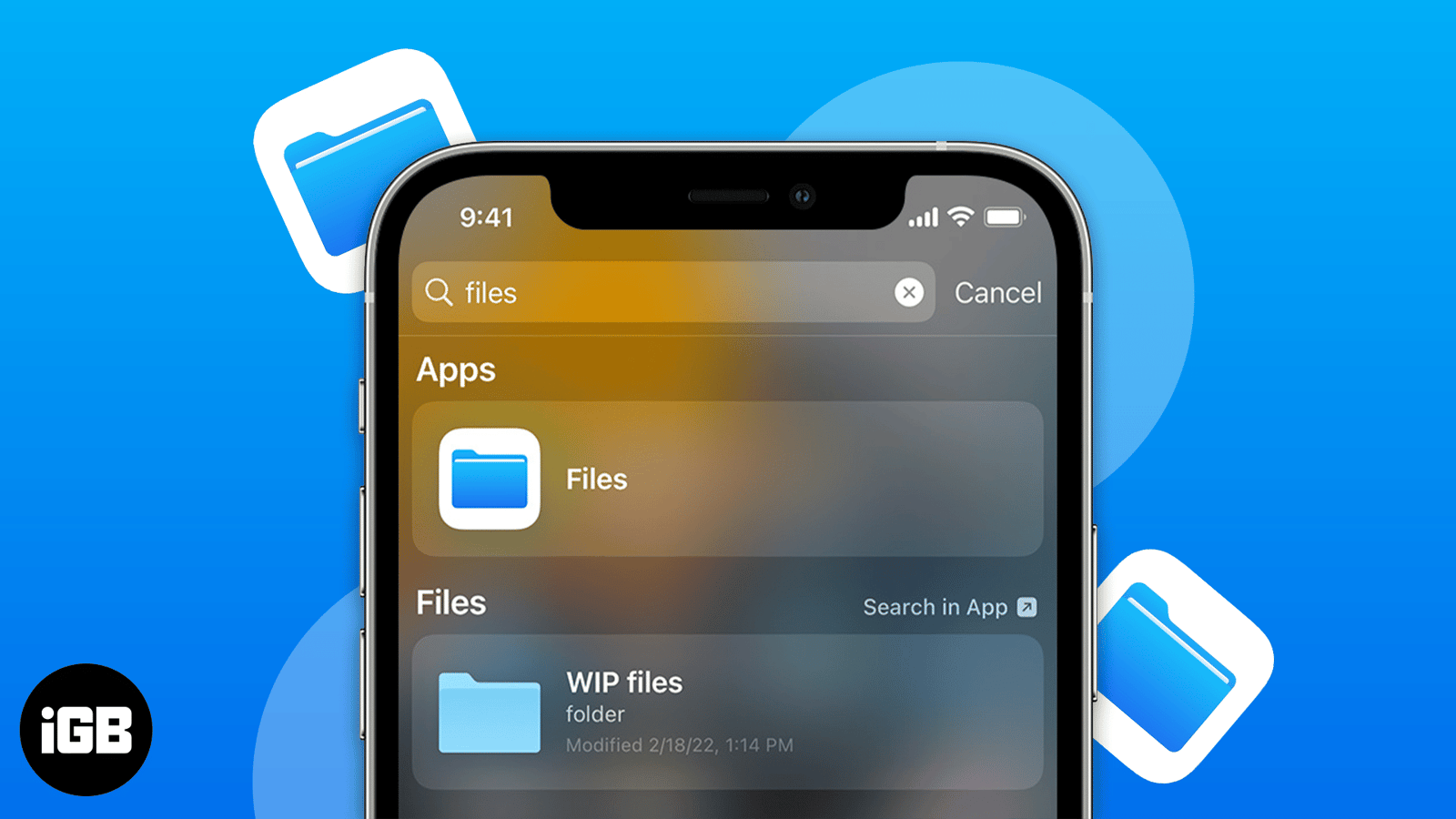
The Files app is a genuine file manager once you know its capabilities. Here is how to connect third-party cloud services, browse local stor
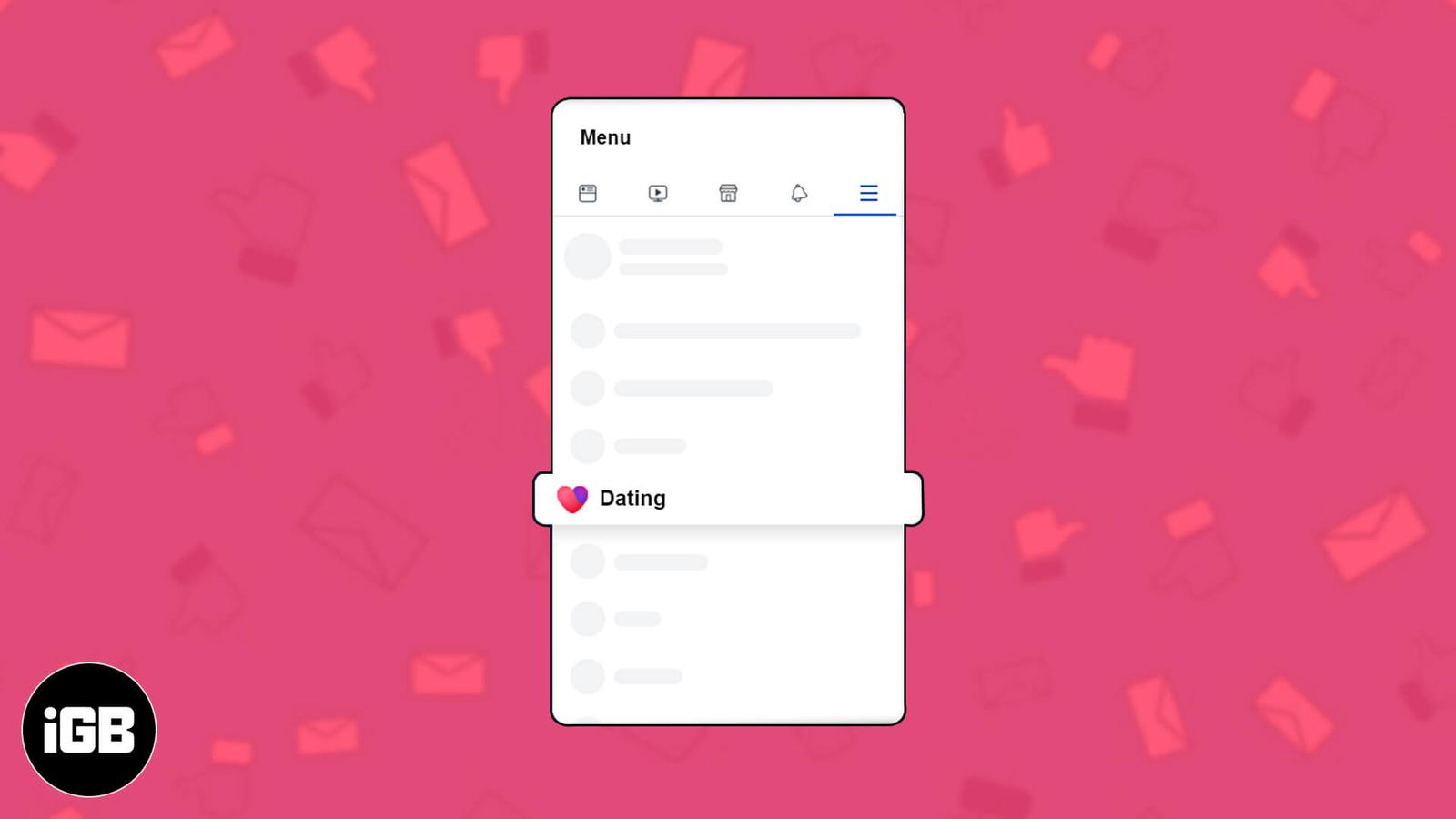
Facebook Dating runs inside the main app but keeps a separate profile. Here is how it works, how to set yours up on iPhone, what Secret Crus
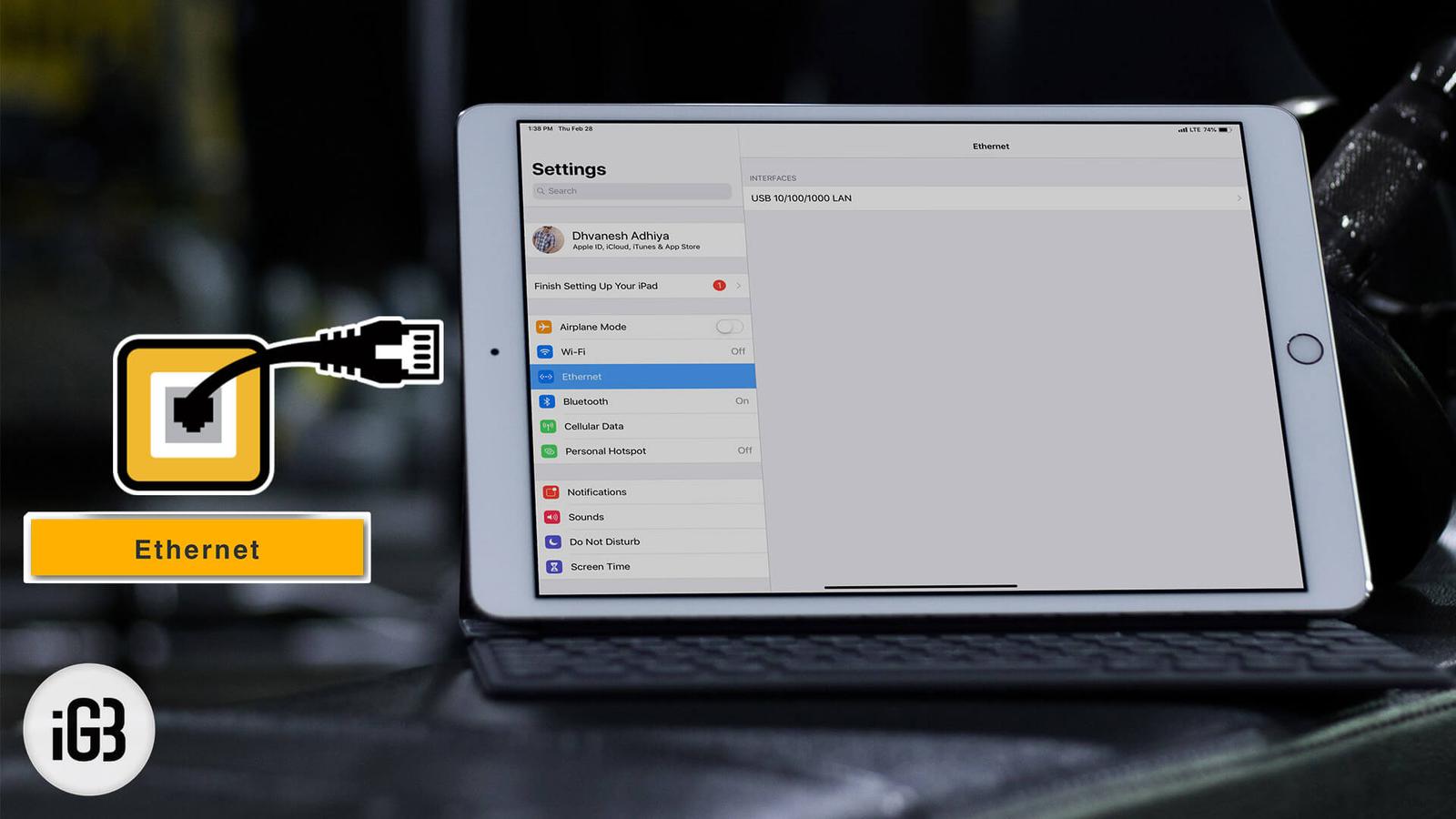
Wired networking beats Wi-Fi for large transfers and stable video calls. Here is what adapter an iPad Pro needs to join an Ethernet LAN and
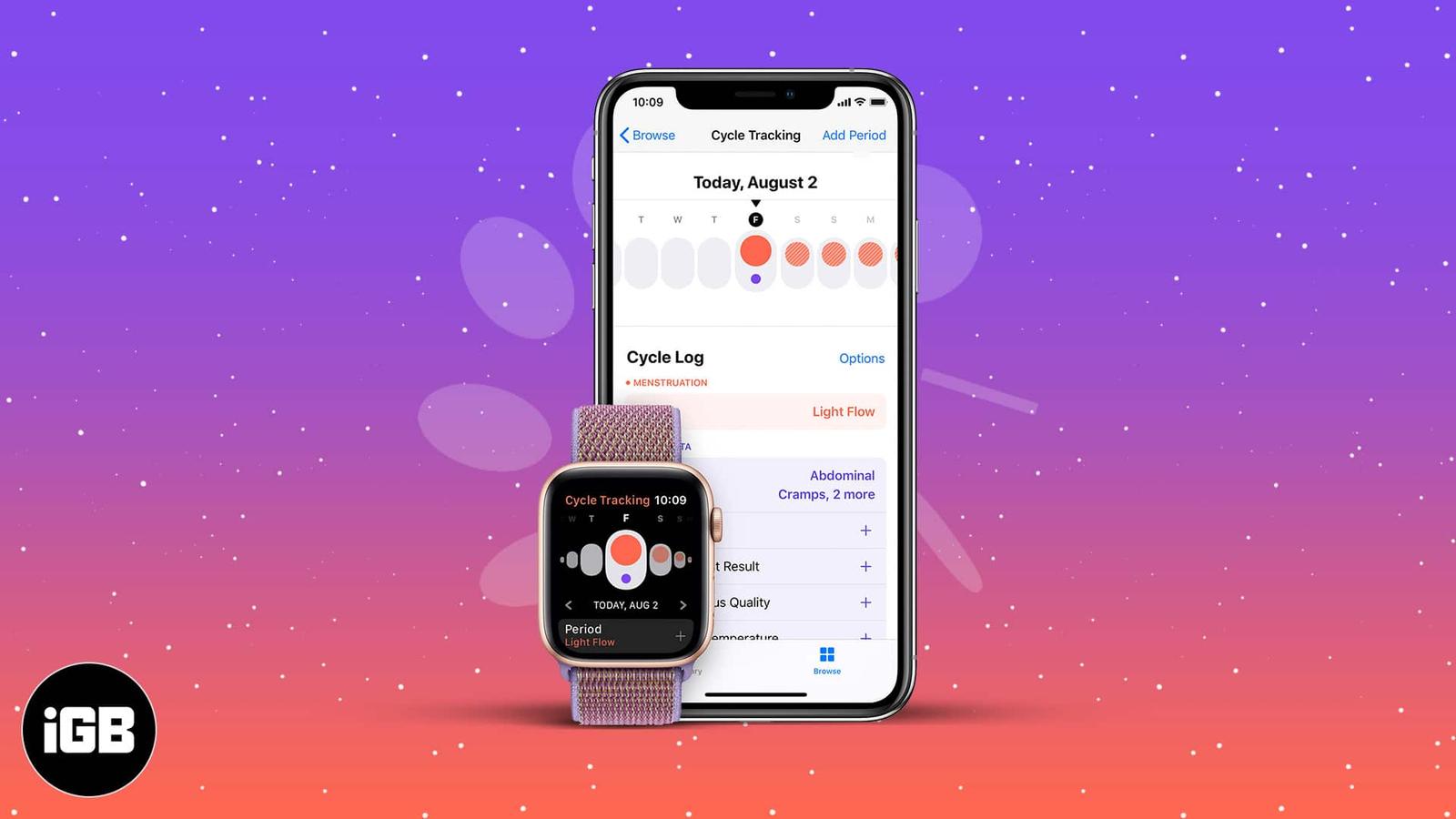
Cycle Tracking works across iPhone and Apple Watch, using wrist temperature for retrospective ovulation estimates. Here is how to set it up,
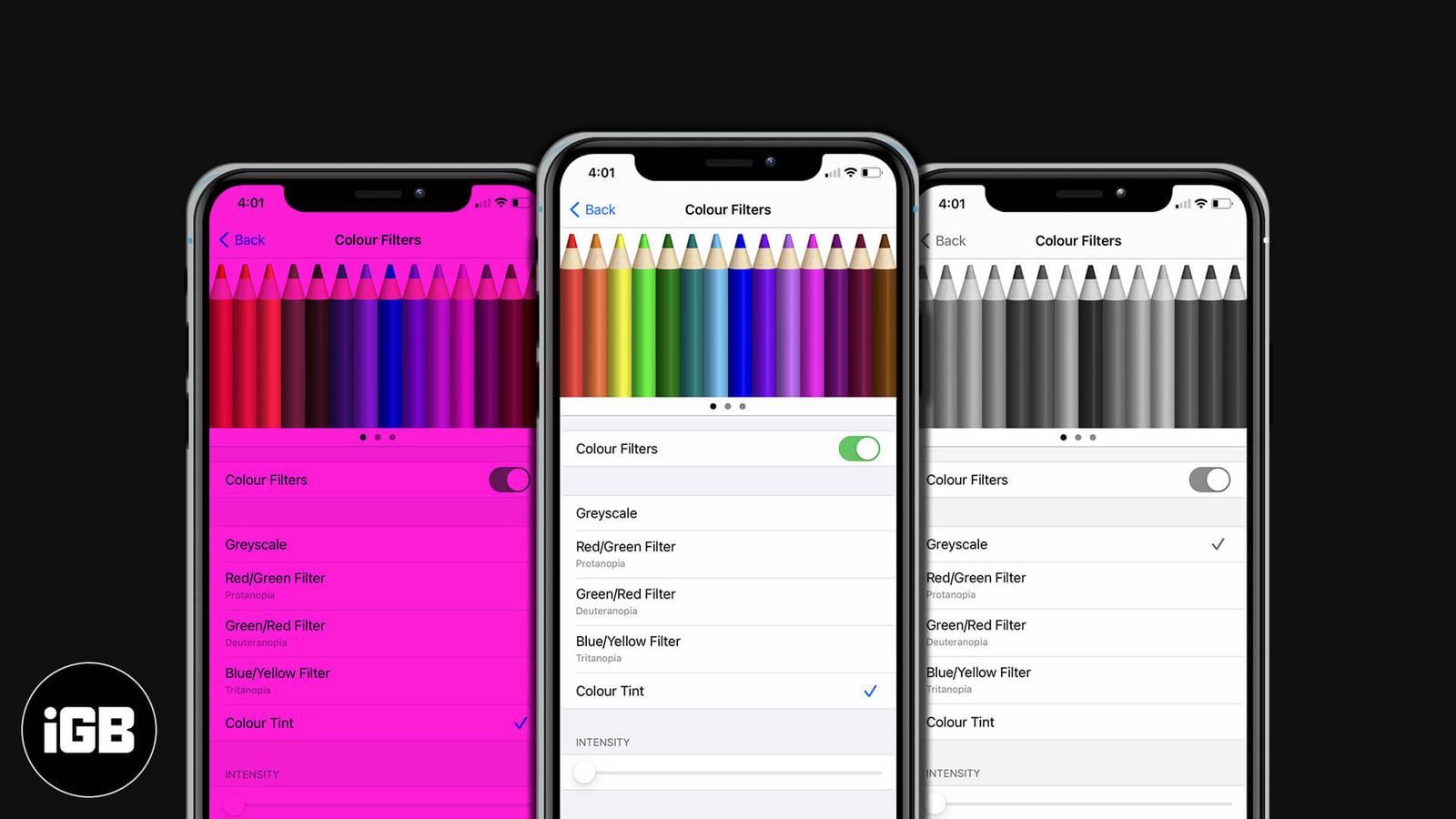
Color Filters shift how iOS renders color to help with color vision differences. Here is how to enable them on iPhone and iPad, pick the rig
Clubhouse is audio-only and works differently from every other social app. Here is how to get in, set up a profile that gets you invited to
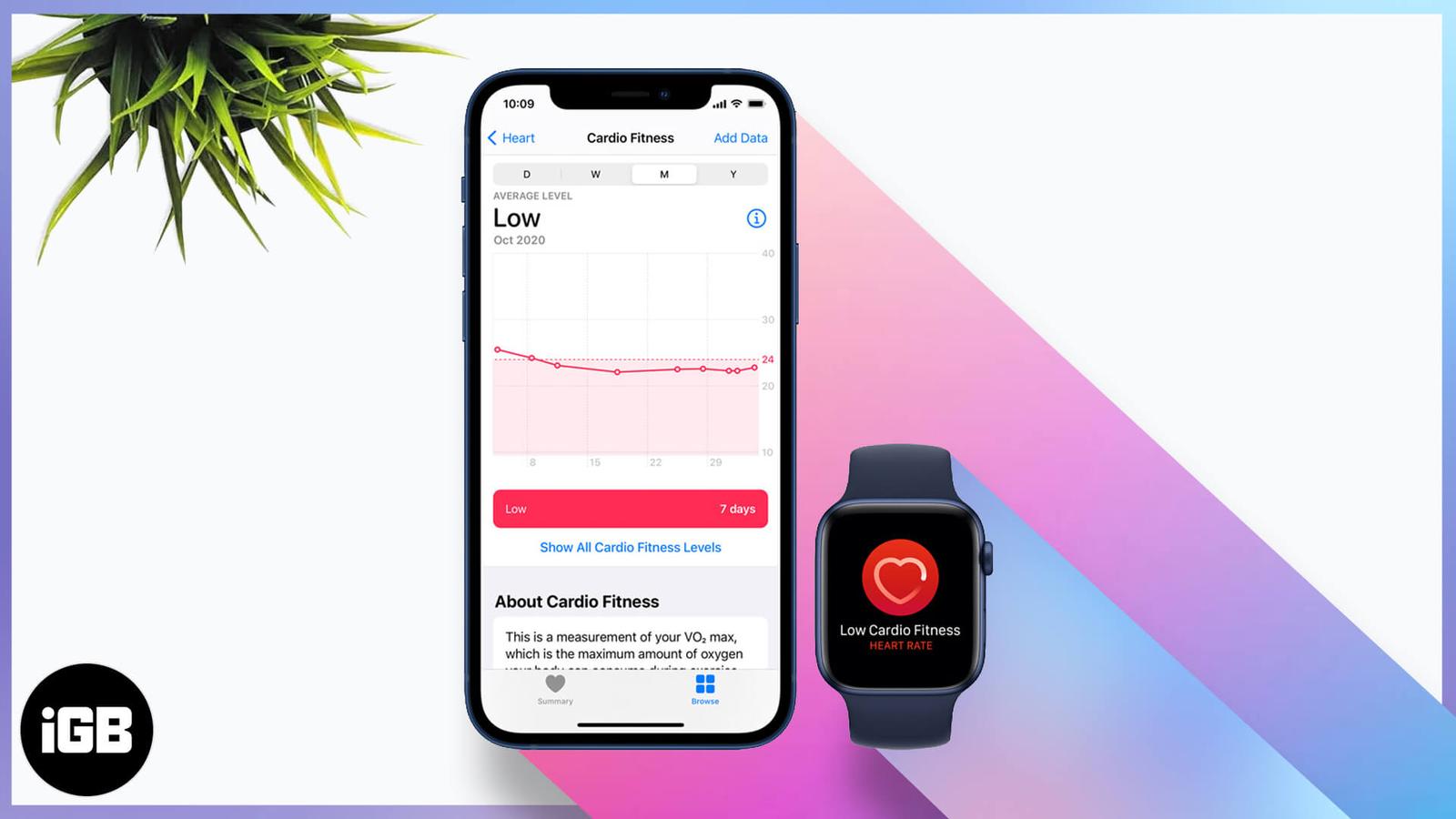
Cardio fitness is one of the better long-term health markers your watch records. Here is how Apple estimates it, how to set it up, enable no
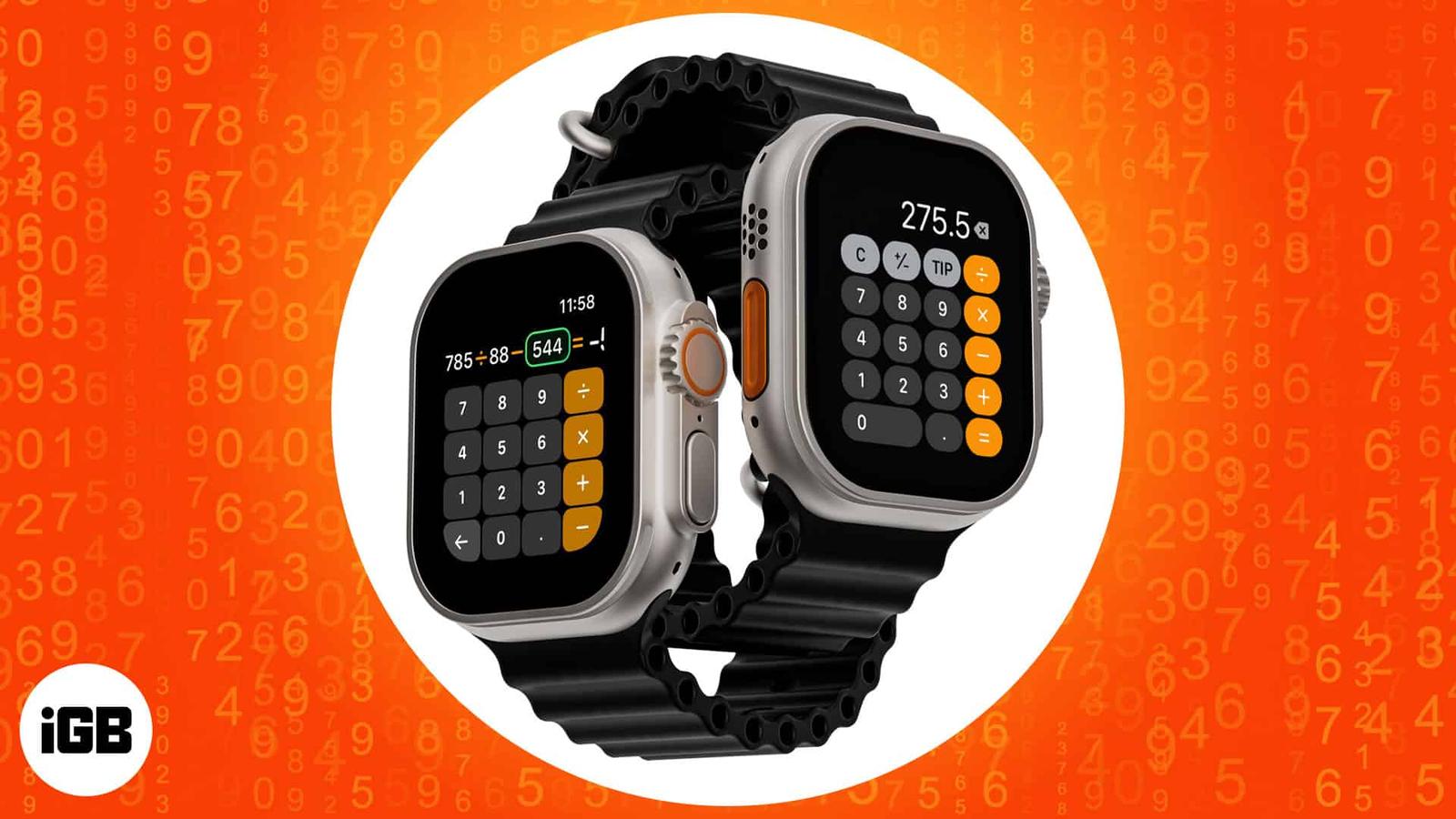
The watch Calculator does more than arithmetic, with dedicated tip and bill-splitting tools. Here is how to add it to a watch face, open it
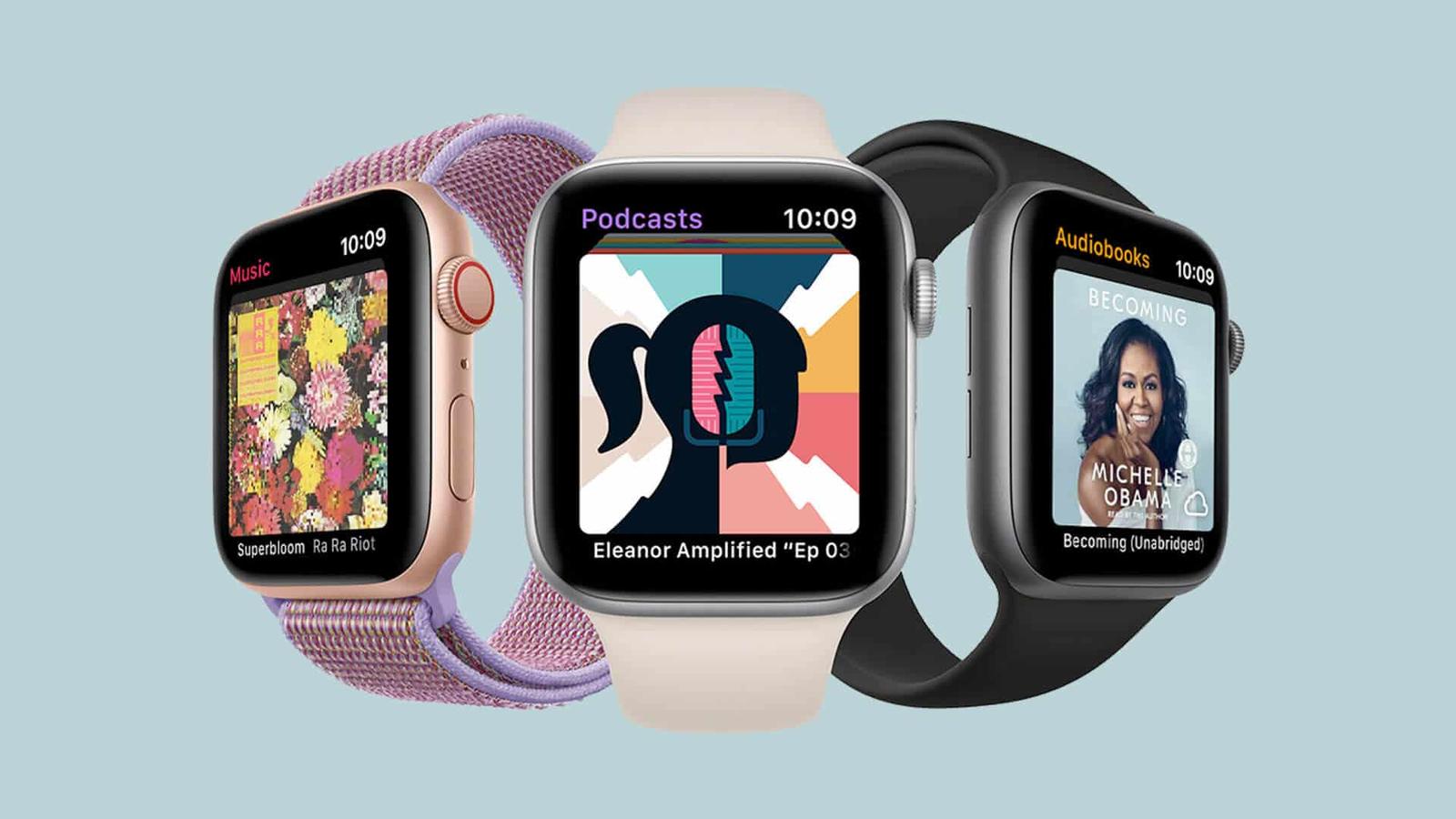
watchOS can store audiobooks locally so you can listen on a run with no phone. Here is how to sync titles to Apple Watch and play them throu