
News
Apple Faces Lawsuit for $80K Crypto Scam Approved on App Store
June 20, 2025

With over 5 years of hands-on tech writing experience and more than 900 published articles, I’ve explored the best of Apple, Android, and Chrome OS. From iPhones and MacBooks to Pixel devices and Chromebooks, I break down complex features into simple, relatable guides—minus the jargon. Whether you’re customizing your iPhone, troubleshooting your Android, or tweaking Chrome OS settings, my goal is to help you get more out of your tech.
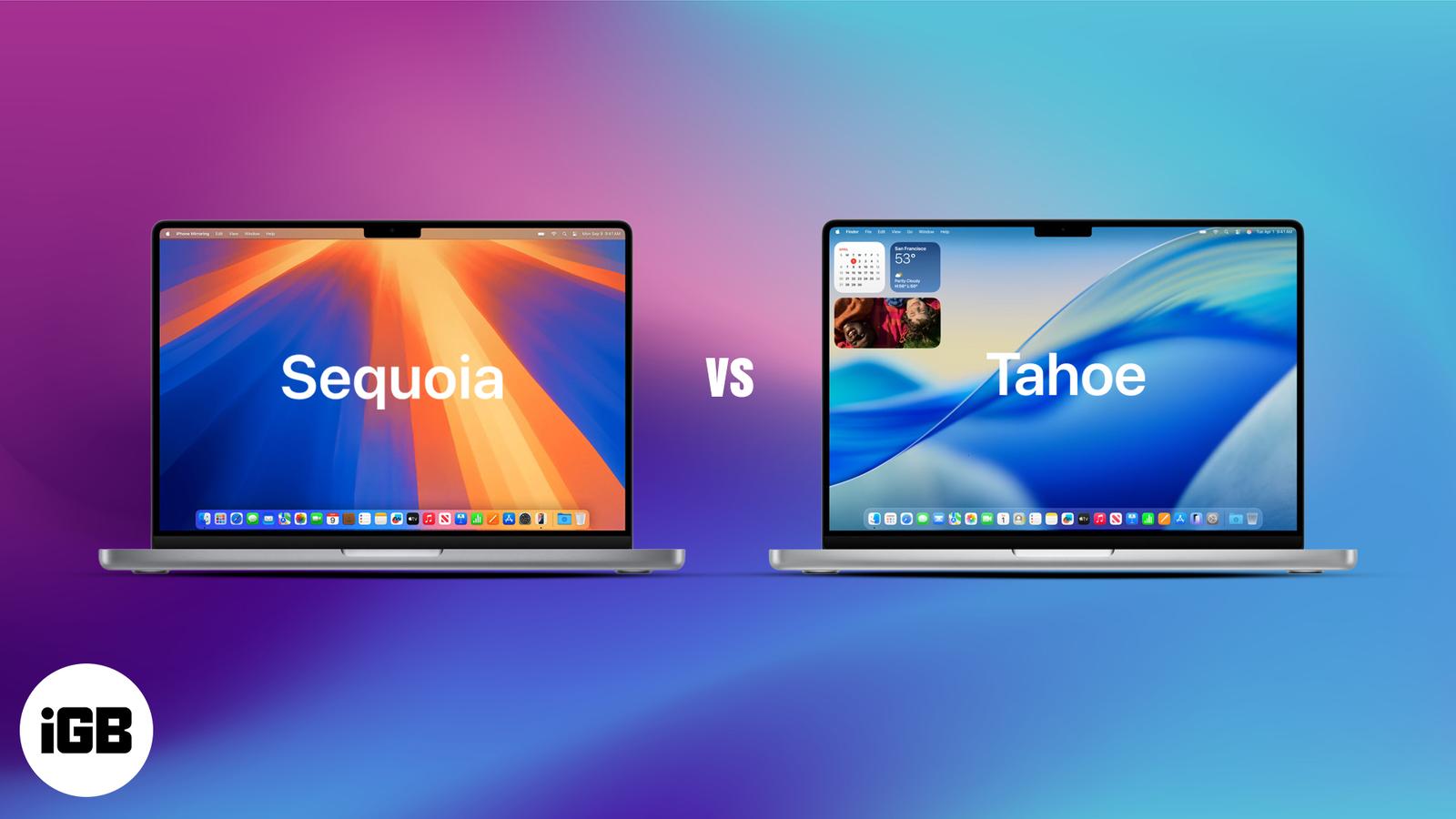
macOS 26 Tahoe gives your Mac a fresh look, smarter tools, and iPhone-style upgrades. See what’s new and why it’s a big step up from Sequoia
Master your Mac with the all-new Control Center in macOS 26—customizable, powerful, and just a click away.
Go easy on your eyes—here’s how to snap in style with Dark Mode on any device.
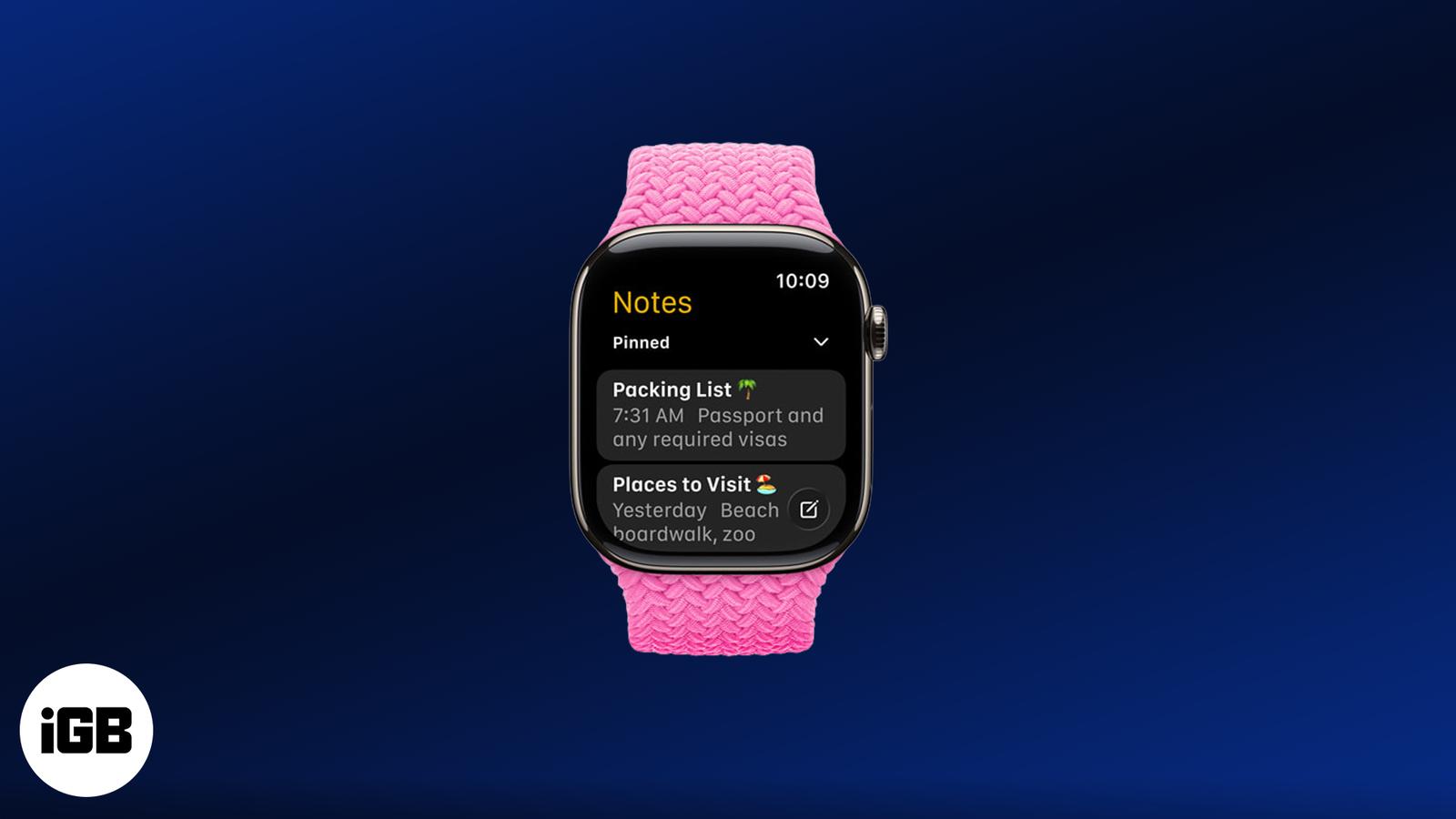
watchOS 26 finally brings the Notes app to Apple Watch! Learn how to view, pin, and create notes right from your wrist like a pro.
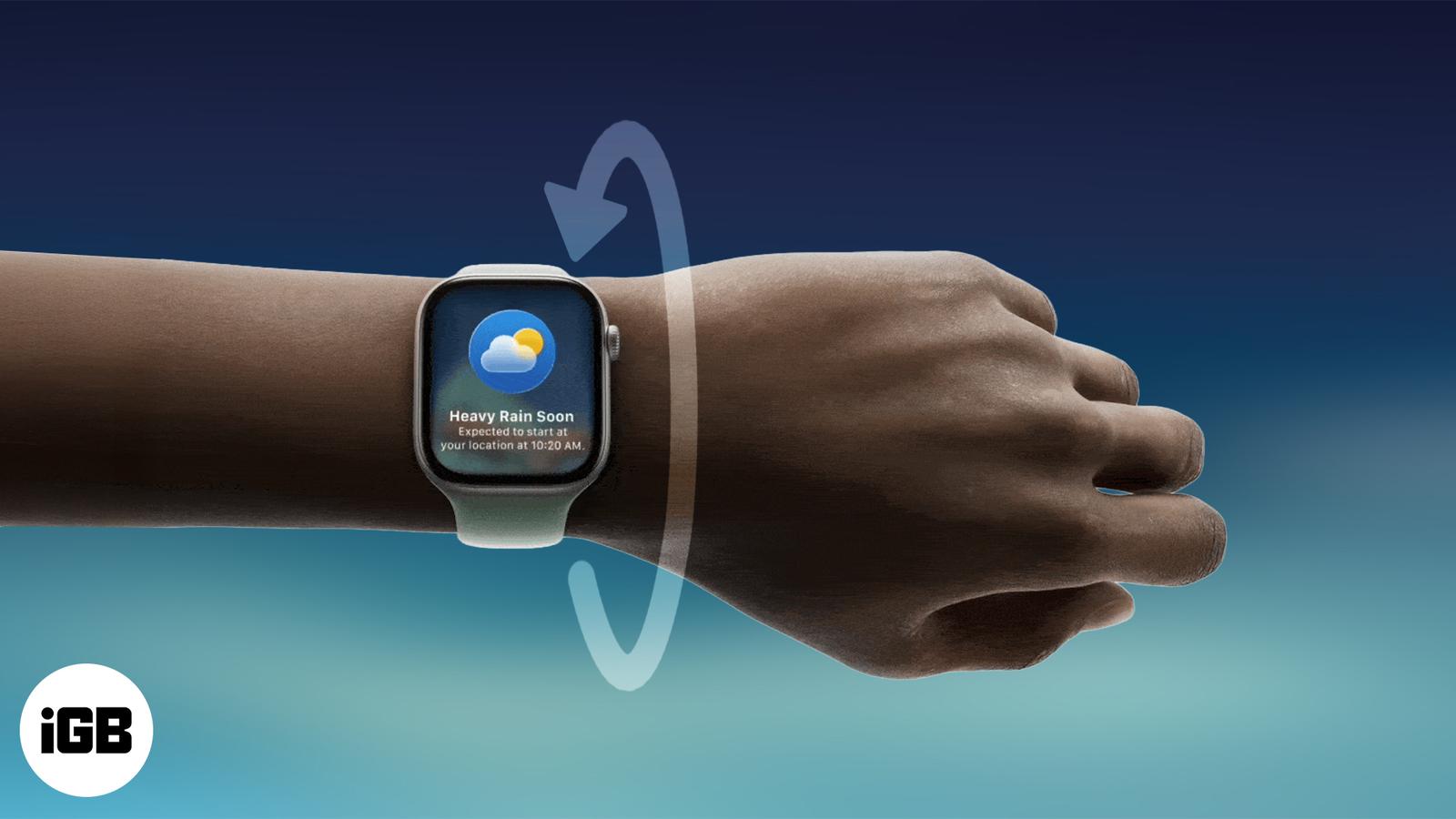
Quickly learn how to use the new Wrist Flick gesture on Apple Watch to dismiss notifications and calls—no screen taps needed!
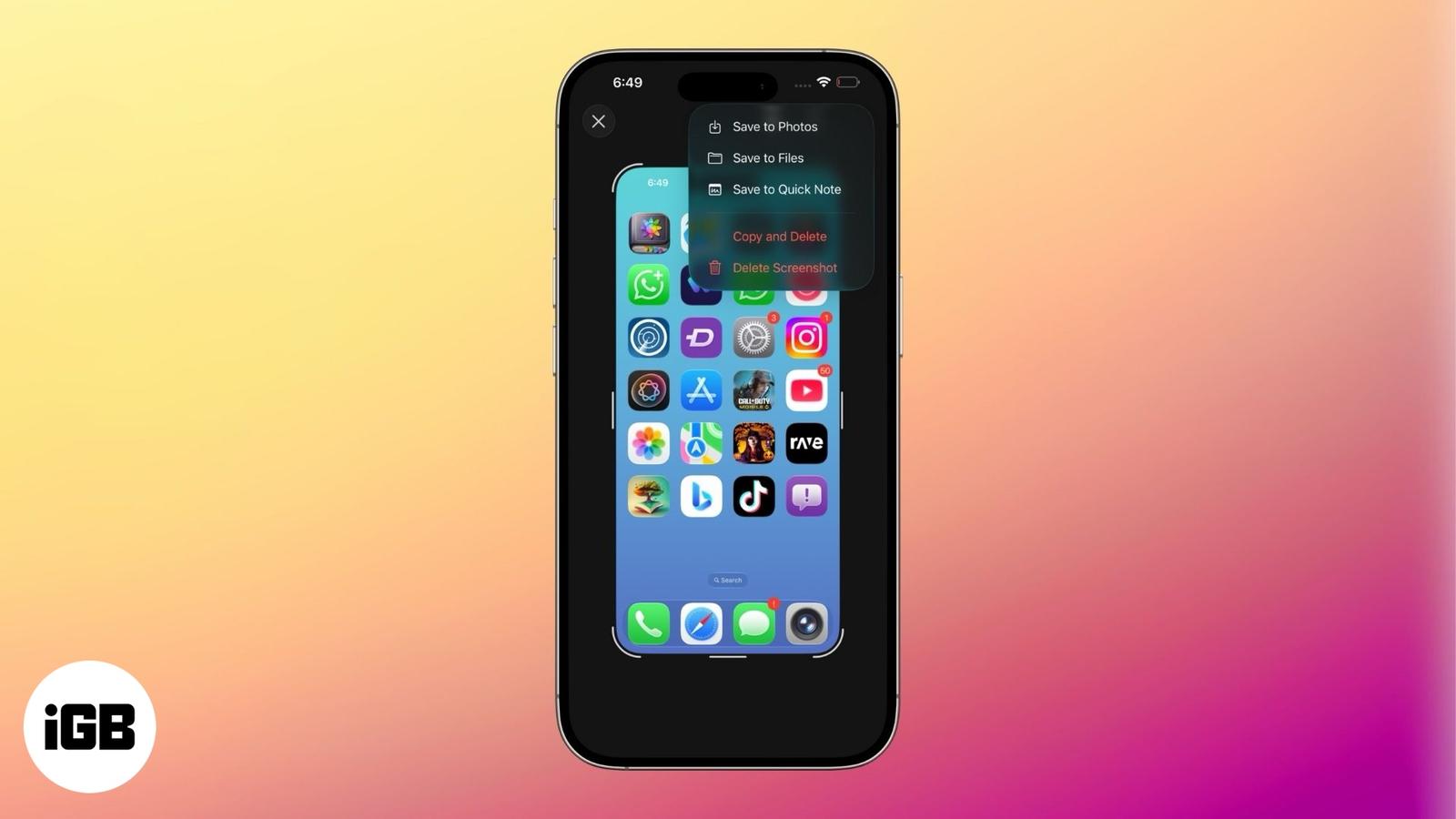
iOS 26 shows screenshots in full-screen by default. Learn how to switch back to the thumbnail view and customize screen capture settings on
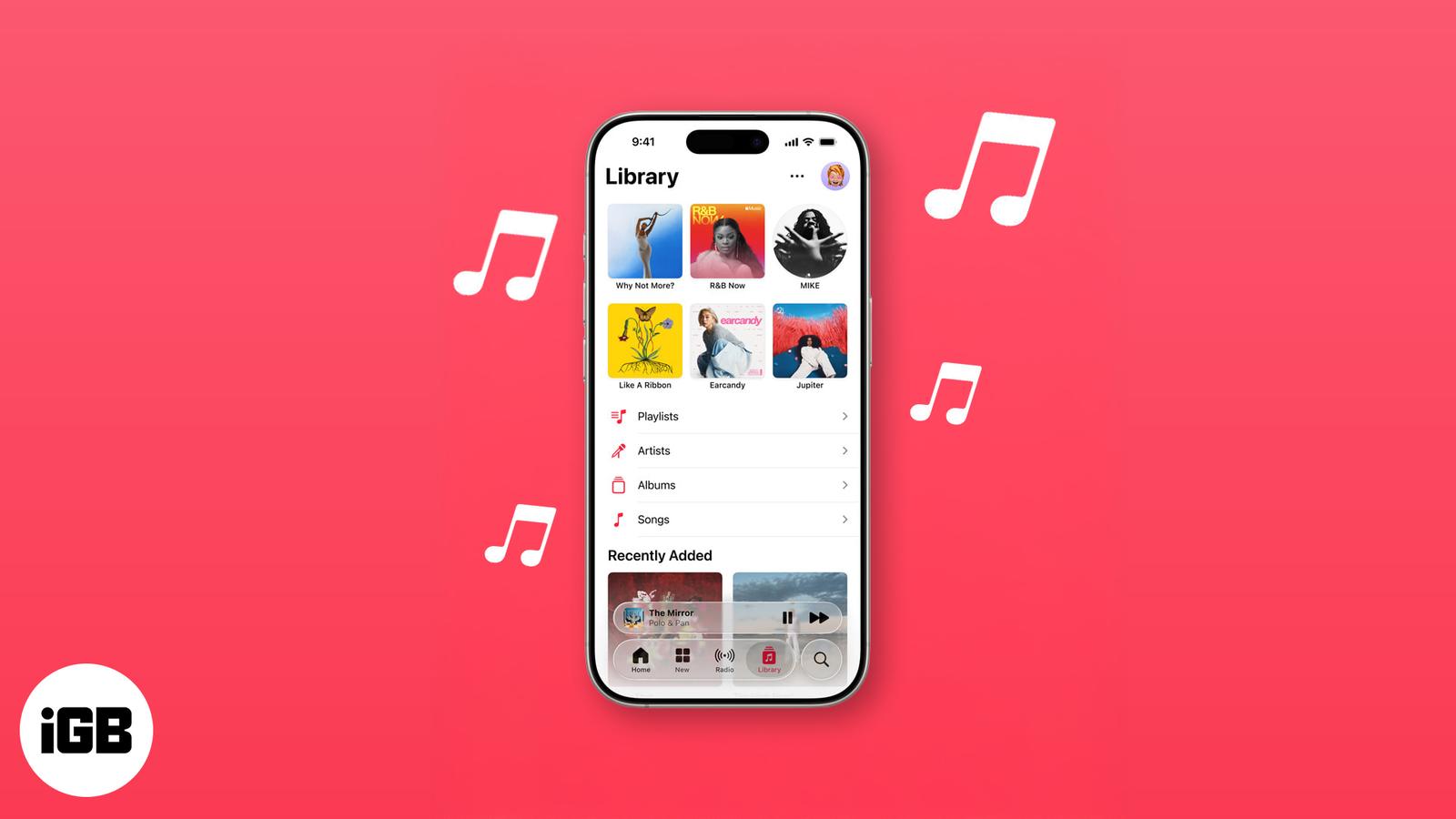
From AutoMix to Translated Lyrics: Apple Music’s new features in iOS 26
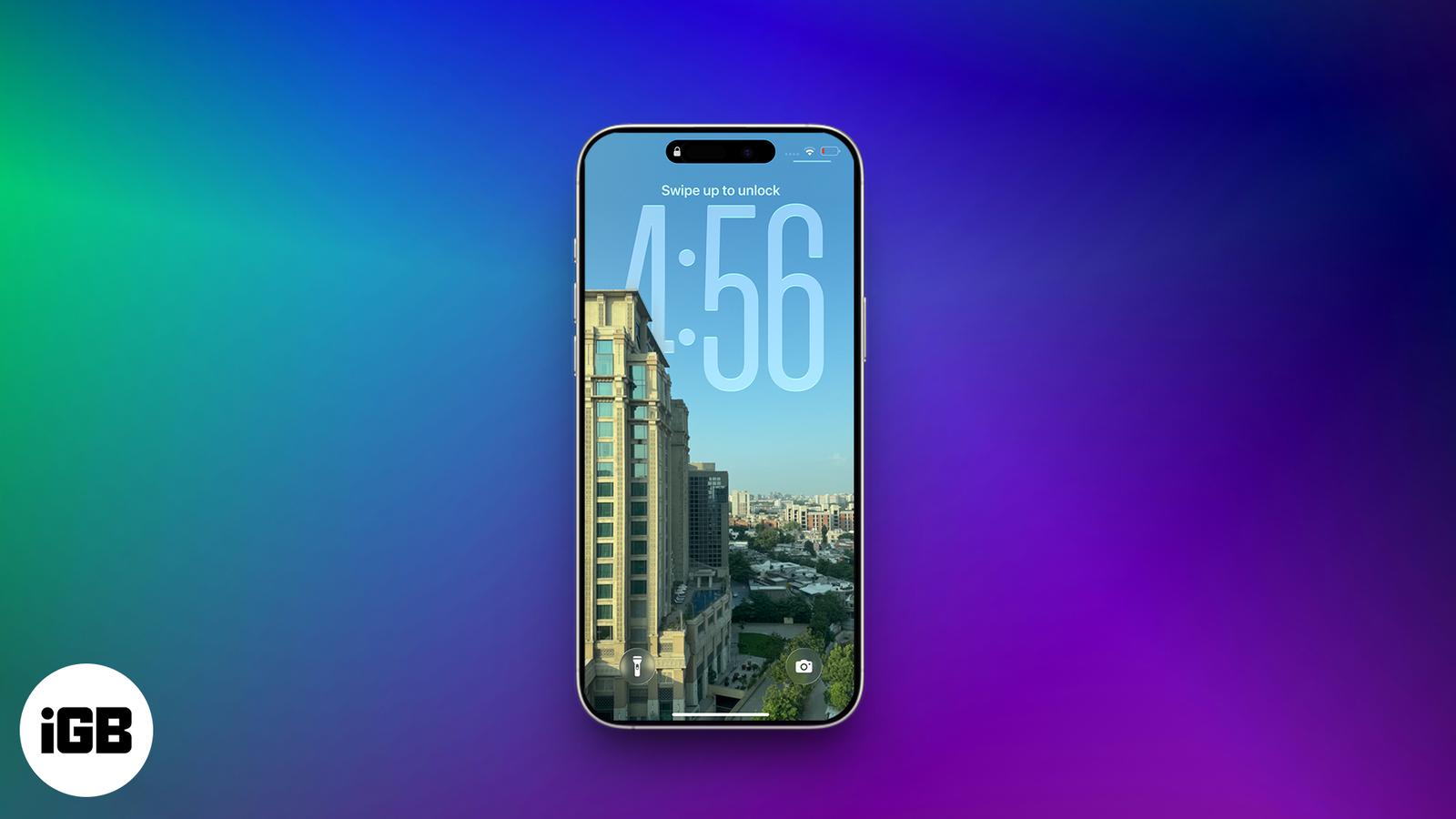
iOS 26 brings 3D motion to your photos with Spatial Scenes—no special camera needed. Just tilt your iPhone to see the effect in action.
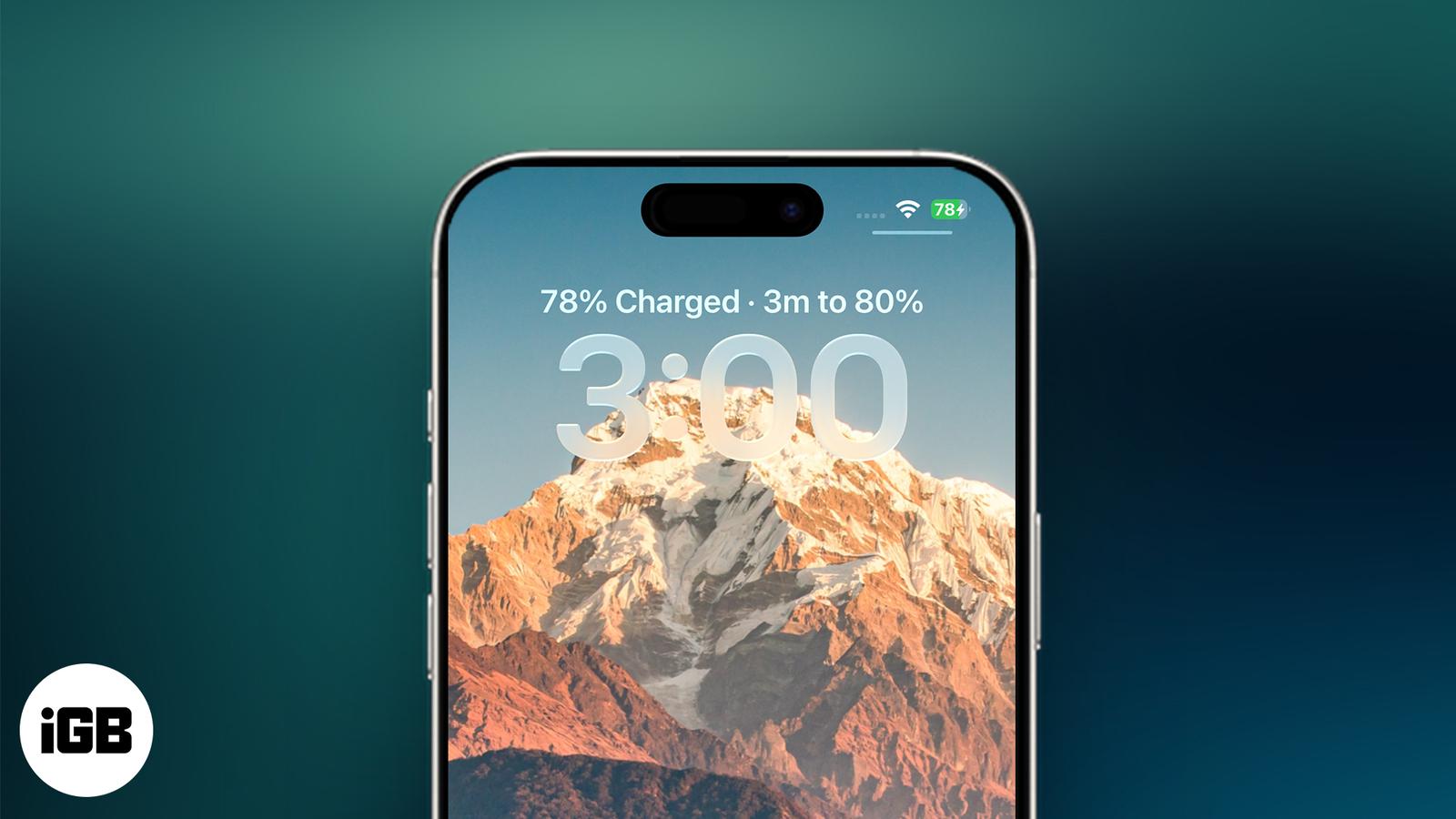
iOS 26 shows how long your iPhone will take to charge and adds smart battery tools to help you save power.
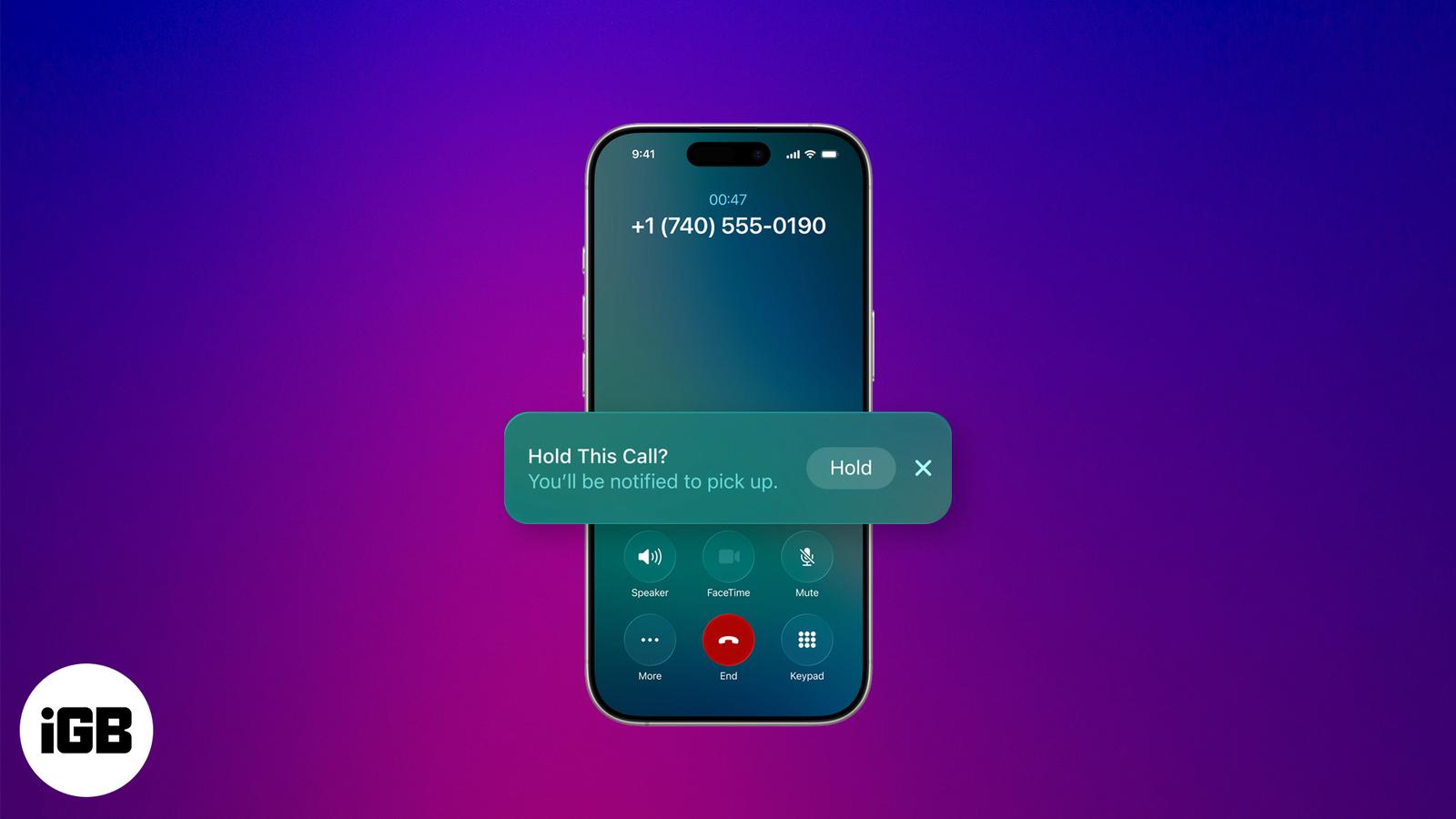
iOS 26 introduces Hold Assist, an AI feature that lets your iPhone wait on hold and notify you when a human picks up. Here’s how it works an
Apple’s new Games app brings Arcade, Game Center, and more into one sleek hub—finally putting gamers first.
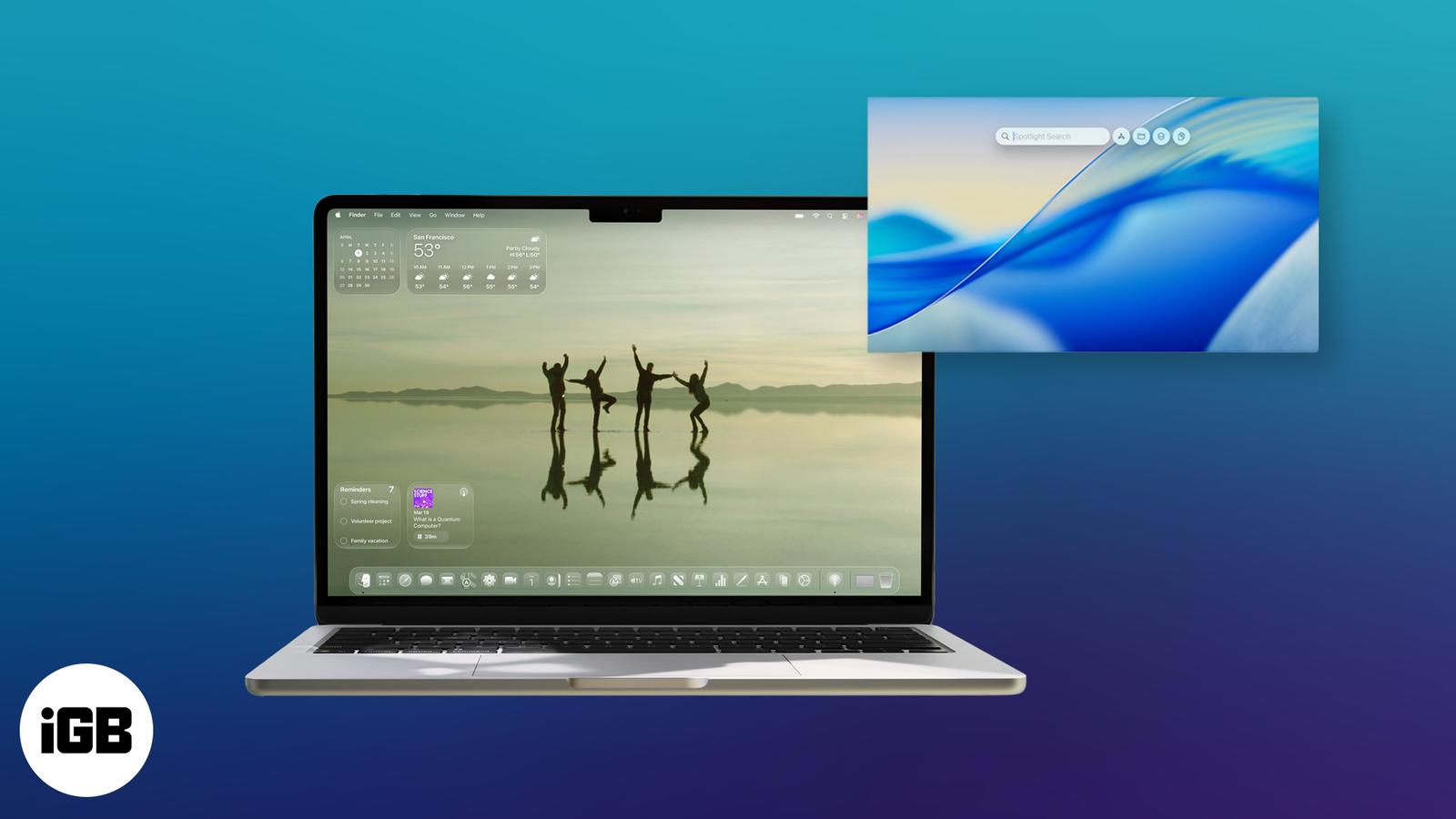
macOS 26 Tahoe brings a fresh design, smarter AI, and deeper iPhone integration to your Mac. Here’s a closer look at everything new coming t
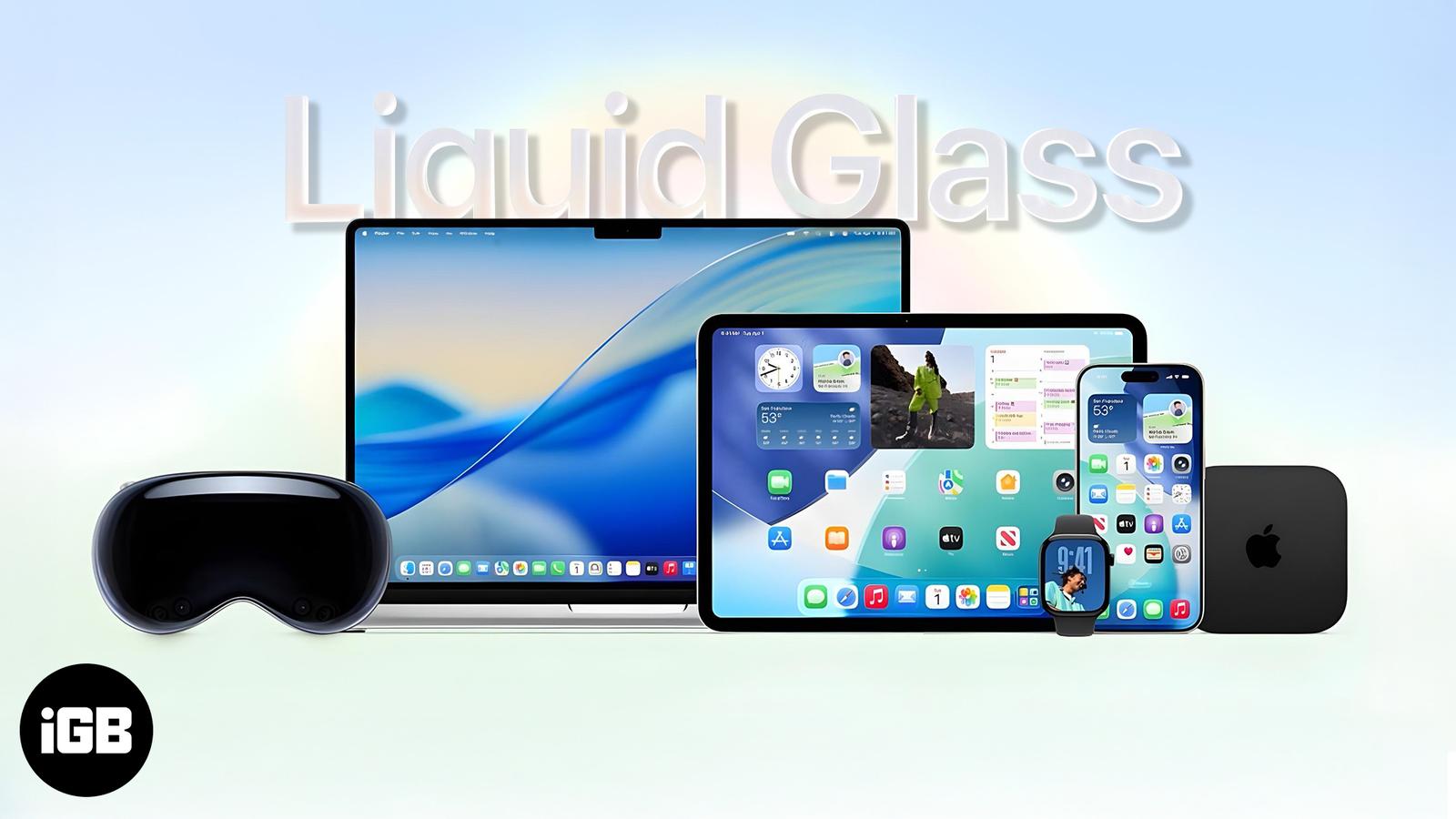
From a stunning Liquid Glass redesign to iOS 26 and Vision Pro upgrades, Apple’s WWDC 2025 keynote reshaped the future of its ecosystem—here
Wondering why your iPhone feels slow lately? From storage issues to outdated software, here’s how to fix a sluggish iPhone and boost its per
iPhones are secure, but not immune. If your iPhone acts strangely—battery issues, pop-ups, or unknown apps—this guide shows how to remove vi