FaceTime Like a Pro
Get our exclusive Ultimate FaceTime Guide 📚 — absolutely FREE when you sign up for our newsletter below.

FaceTime Like a Pro
Get our exclusive Ultimate FaceTime Guide 📚 — absolutely FREE when you sign up for our newsletter below.


iOS 26.4 beta 2 expands encrypted RCS testing to Android, adds UI tweaks, a new accessibility toggle, and changes to beta enrollment.


iOS 26.4 beta 2 is now available to developers, expanding Apple’s testing of end‑to‑end encrypted RCS messaging to include conversations between iPhone and Android devices. The update also introduces several interface refinements, accessibility adjustments, and a change to how beta enrollment is managed.
The build number for the release is 23E5218e. A public beta is expected to follow.
In this beta, Apple is enabling testing of end‑to‑end encryption for Rich Communication Services (RCS) messages exchanged between iPhones and Android devices. Encrypted conversations display a lock icon when encryption is active.
Apple notes that encrypted RCS is still in testing and is not available for all devices or carriers. iPhone users must be running iOS 26.4, and Android users must be on the latest version of Google Messages. Apple has stated that full support for encrypted RCS messaging will ship in a future release of iOS, iPadOS, macOS, and watchOS 26, not in iOS 26.4.
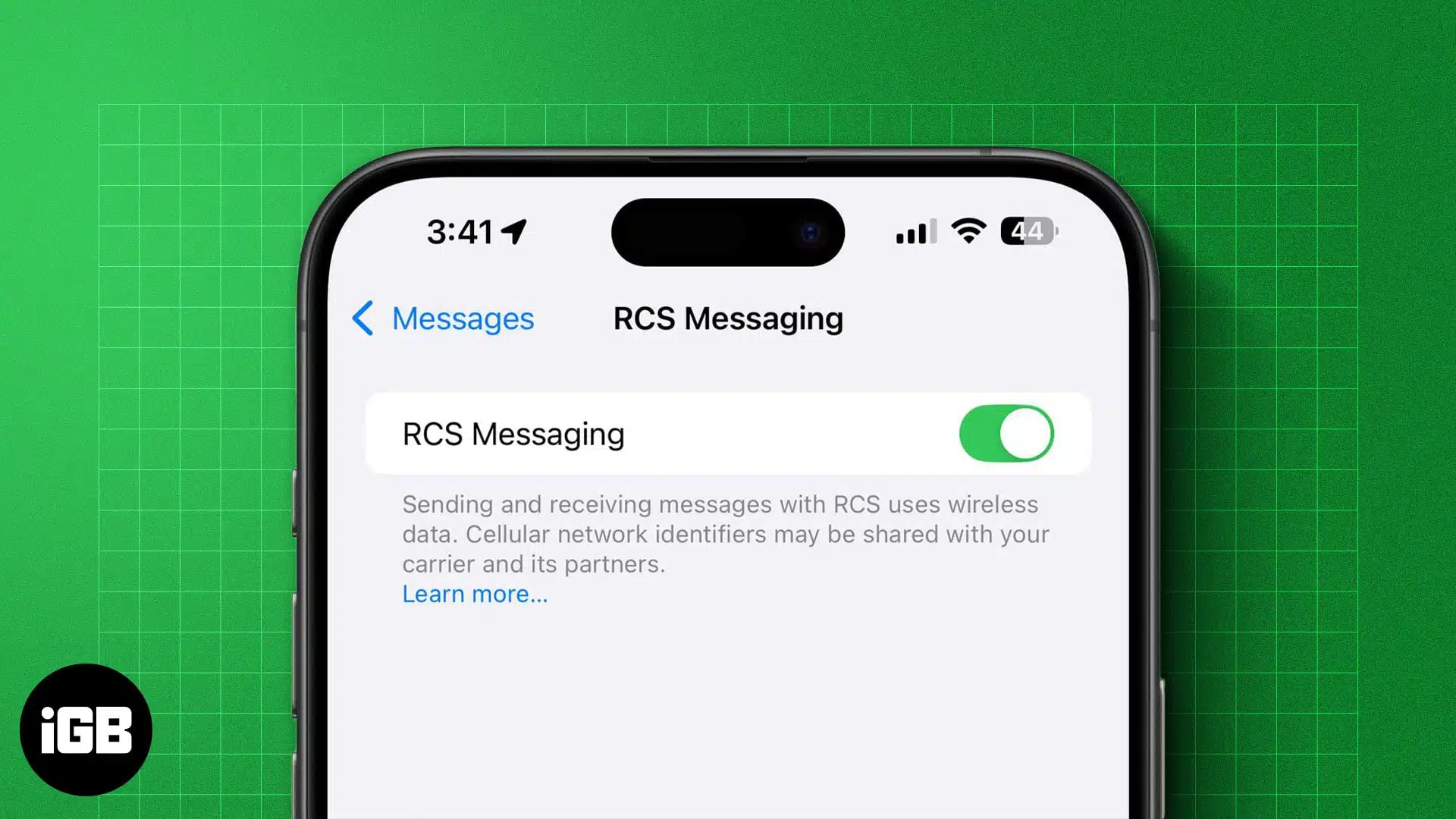
End‑to‑end encryption ensures that messages are encrypted on the sender’s device and can only be decrypted by the intended recipient, preventing interception during transmission.
The Games app now moves its search bar from the bottom of the screen to the top, aligning it with recent changes in the App Store.
On the Home Screen, the Edit menu adopts a more transparent Liquid Glass appearance. In Dark Mode, Control Center pop‑up menus now display with darker backgrounds.
Within the App Store and Apple Music account hub, the “Apple Account” label is left‑aligned and uses the same rainbow logo styling seen in the Settings app.
Under Settings > Accessibility > Display & Text Size, Apple has added a new toggle called “Reduce Highlighting Effects.” The setting reduces visual emphasis around buttons and sliders.
When installing iOS updates in iOS 26.4, users can tap the update name to view the build number directly within the Software Update interface.
Apple has adjusted how beta enrollment works. If a device has beta updates enabled but does not install a beta for four months, it will automatically revert to the public release channel.
iOS 26.4 beta 2 does not introduce new emoji characters. Playlist Playground remains limited to users in the United States.
Apple is expected to continue refining iOS 26.4 ahead of a public release later this year.