
Netflix Moments Gets Major Update for Scene Sharing on iOS
Netflix updates Moments on iOS, allowing users to trim and share 2-minute clips with full control over where they start and end.
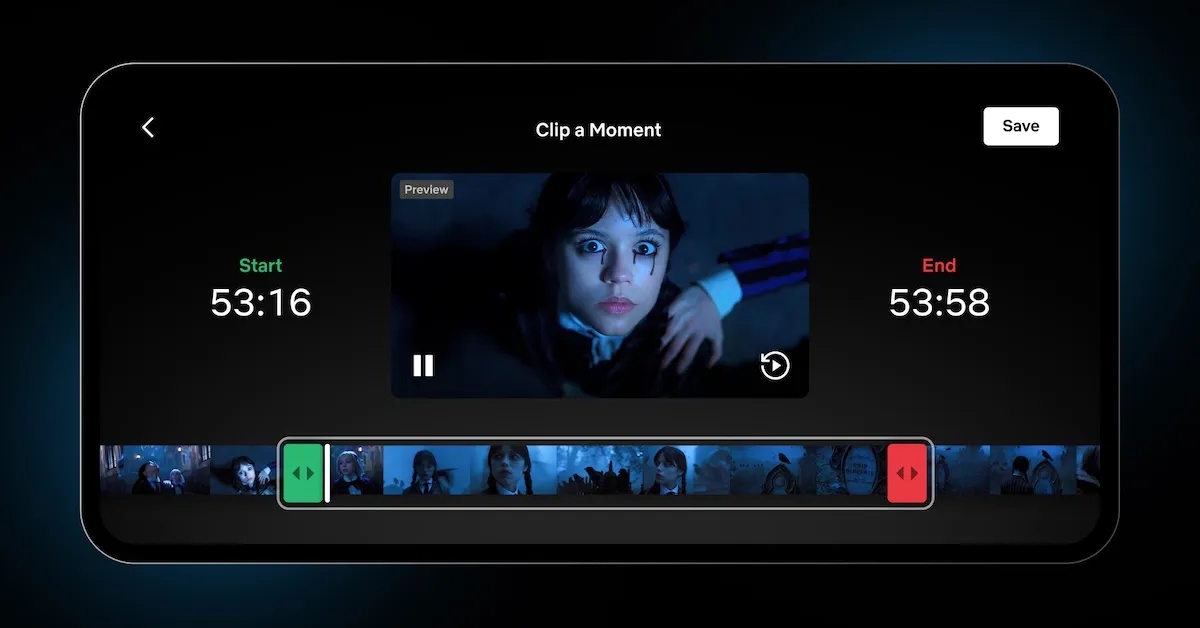
- Enhanced Moments Feature on iOS: Netflix has upgraded its Moments feature on iOS, allowing users to set both start and end points of clips, giving them full control over the exact scene they wish to save and share.
- From Bookmarks to Shareable Clips: Initially, Moments only let users bookmark the start of a scene, but the new update enables them to fine-tune both points and create shareable clips up to two minutes long that can be easily shared across different apps.
- Timing with Wednesday Season 2 Release: The rollout of the Moments update coincided with the release of Wednesday Season 2 Part 2, encouraging fans to capture and share memorable clips from the series, especially with popular guest appearances.
- Popular Clips and User Engagement: Since its launch, the Moments feature has been used across thousands of titles, with scenes like the Saja Boys’ performance in KPop Demon Hunters gaining particularly high sharing interest.
- Netflix’s Focus on Mobile and Personalization: Netflix is emphasizing mobile enhancements with tools like vertical video feeds and AI-powered search, aiming to make sharing and discovering content more personal and engaging for users.
Netflix is making it easier than ever to capture and share your favorite moments. The company has rolled out a major update to its Moments feature on iOS, letting users set both the start and end points of a clip, instead of just marking where it begins. The result: you now get full control over the exact scene you want to save and share.
From Bookmarks to Full Clips
Netflix first introduced Moments last year as a way for mobile users to bookmark specific parts of shows and movies. But until now, you could only mark the beginning of a scene, more like setting a reminder than saving a highlight. With the update, you can drag handles over the filmstrip to fine‑tune both start and end markers, creating a shareable clip up to two minutes long.
Once saved, the clip lives in the My Netflix tab, ready to watch again anytime. You can also share it across WhatsApp, Instagram, text messages, and other apps, with recipients jumping straight into that moment in the Netflix app when they tap the link.
Perfectly Timed With Wednesday’s Return
The launch wasn’t random. Netflix timed the Moments upgrade with the release of Wednesday Season 2 Part 2, which features Lady Gaga as a guest star. By doing so, the company is clearly nudging fans to capture and spread clips from one of its hottest series.
Netflix also revealed that the feature is already popular. Since Moments debuted, it has been used across thousands of titles, with one movie leading the way. According to the company, the most saved scene globally is the Saja Boys performing “Soda Pop” in KPop Demon Hunters, followed by the tracks Your Idol and How It’s Done from the same film.
Netflix Doubles Down on Mobile
Elmar Nubbemeyer, Netflix’s VP of Member Product, explained the thinking behind the update: “At its heart, this feature is about giving members the ability to celebrate and share their favorite stories while curating an experience that feels uniquely their own.” He added that Netflix is also testing other mobile‑focused tools, including a vertical video feed for browsing clips and an AI‑powered search to help plan what to watch later.
For fans, this update makes Netflix more personal. You can highlight emotional dialogue, funny moments, or big action scenes, and keep a personal reel of your favorites. For Netflix, it creates more ways to keep people engaged and talking about its shows.
Also Read: Netflix’s New Apple TV Interface Rolls Out to All Users

Written by
Ravi Teja KNTSI’ve been writing about tech for over 5 years, with 1000+ articles published so far. From iPhones and MacBooks to Android phones and AI tools, I’ve always enjoyed turning complicated features into simple, jargon-free guides. Recently, I switched sides and joined the Apple camp. Whether you want to try out new features, catch up on the latest news, or tweak your Apple devices, I’m here to help you get the most out of your tech.
View all posts →More from News
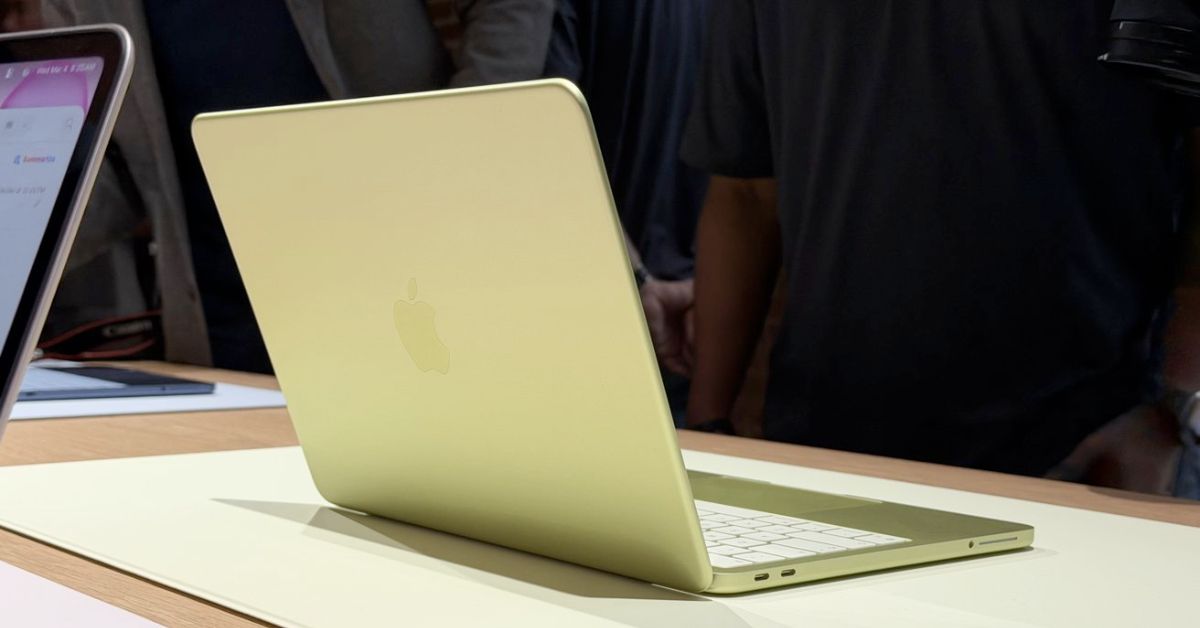
First MacBook Neo Benchmarks Reveal Power of Apple’s A18 Pro Chip
The first MacBook Neo benchmarks are now online, revealing how Apple’s A18 Pro chip performs inside a laptop. Early results show impressive single-core performance that even surpasses the original M1 MacBook Air.
 VikhyatMarch 6, 2026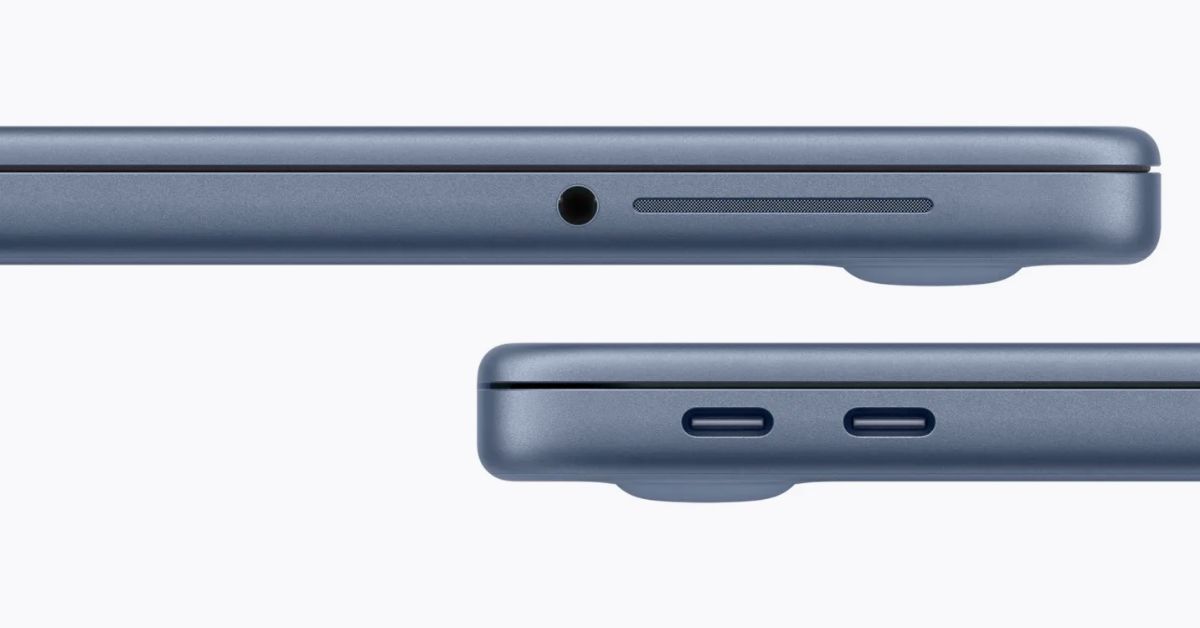
macOS Will Flag the Slower USB-C Port on MacBook Neo
The MacBook Neo includes two USB-C ports with different capabilities. The left port supports faster speeds and external displays, while the right port is limited to USB 2 speeds for charging and basic accessories.
VikhyatMarch 5, 2026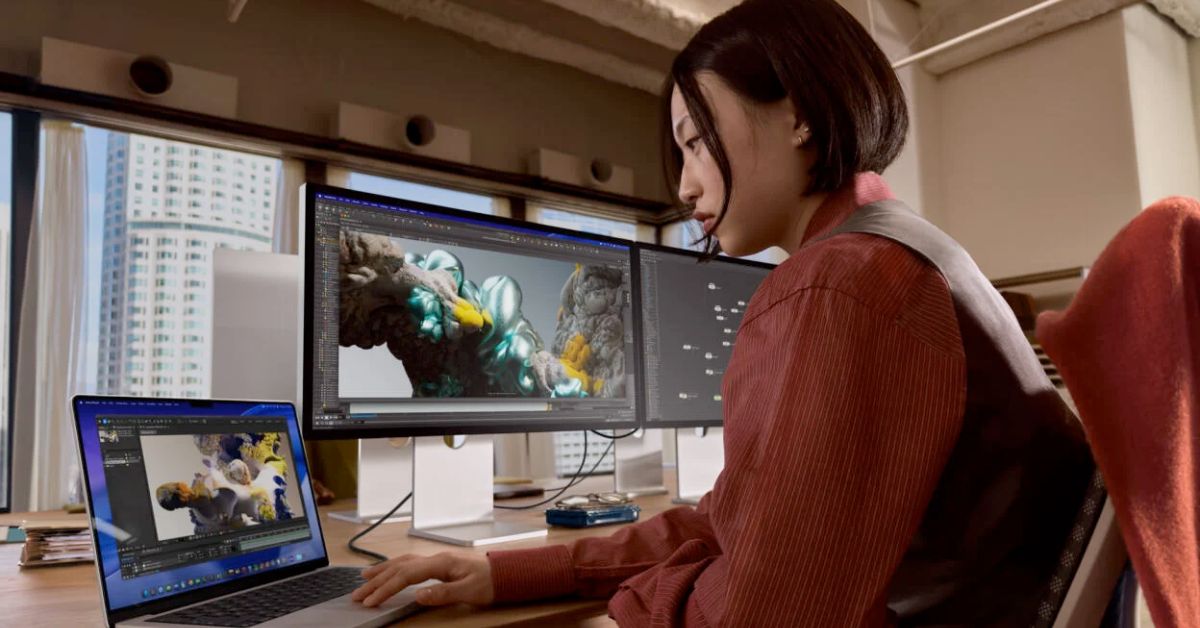
Apple Launched Studio Display and Studio Display XDR: Full Specs, Features, and Price
Apple launches Studio Display and Studio Display XDR built for creators with Thunderbolt 5, stunning visuals, and pro-level performance. Here’s all the specs, features, and price.
 Ava BiswasMarch 4, 2026