

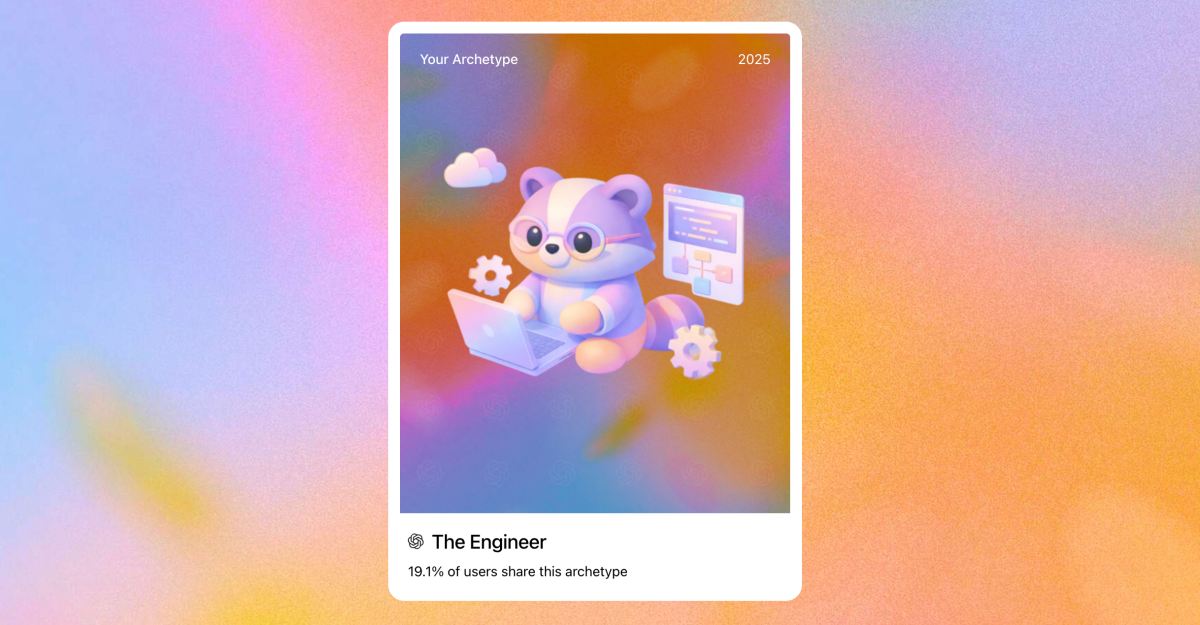
OpenAI is ending 2025 with a feature many users already know and enjoy from other platforms: a personalized year‑end recap. The new experience, called Your Year with ChatGPT, gives people a snapshot of how they used the AI throughout the year, turning everyday conversations into a shareable story, something similar to Spotify Wrapped.
The feature reflects a growing trend among tech companies to make data feel more personal and engaging, rather than hidden behind charts and settings pages.
A Look Back at How You Used ChatGPT in 2025
Your Year with ChatGPT breaks down a user’s activity over the past year in a simple, visual format. It highlights key themes from conversations and includes usage stats such as how often you chatted, when you were most active, and how your interaction patterns changed over time.
Instead of focusing only on numbers, OpenAI adds personality to the recap. Each user receives a description of their chat style based on how they write or speak, along with an archetype that reflects what they mainly use ChatGPT for.
More Than Stats: Creative Touches and Future Hints
The recap goes beyond analytics by adding creative elements. Users receive a short poem inspired by their year, a personalized pixel‑style artwork, and a playful award that summarizes their overall ChatGPT journey in 2025.
OpenAI also includes light predictions for 2026, framing the feature as both a reflection on the past and a look ahead. These additions make the experience feel closer to a story than a report.
How to See Your Year With ChatGPT
Accessing the feature is simple. Follow these steps to view your year‑end recap:
- Open the ChatGPT app or visit ChatGPT on the web and make sure you’re signed in.
- Look for the Your Year with ChatGPT prompt on the home screen, or type a request like “Show me my year with ChatGPT” into the chat. Alternatively, you can also click on the Plus icon > More and see the option.
- Tap or submit the request to view your recap in a story‑style format that’s easy to scroll through and share.
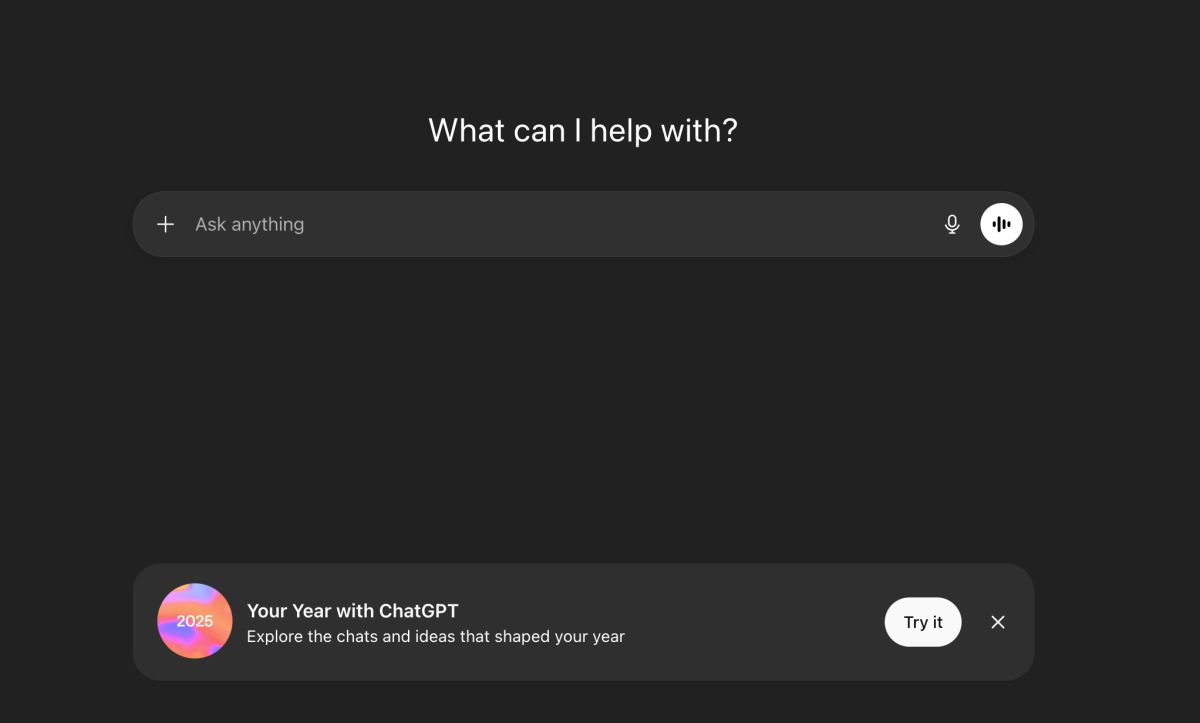
The feature is available on both mobile and web for Free, Plus, and Pro users, as long as chat history and memory are enabled. Once you check your stats, you can proceed to ask ChatGPT questions about your year if you are interested.
Where the Feature Is Available and Who Can Use It
Your Year with ChatGPT is currently rolling out in select countries, including the United States, the United Kingdom, Canada, Australia, and New Zealand. The recap is limited to individual accounts and is not available for Education, Enterprise, or Team plans.
By introducing this feature, OpenAI is positioning ChatGPT as more than just a tool. The year‑end summary turns everyday conversations into something memorable, signaling how personal AI experiences are becoming a bigger part of modern tech platforms.