
How to Use Apple Handoff Feature: A Complete Guide
Apple Handoff lets you start a task on your iPhone and continue it instantly on your iPad or Mac. This guide explains how it works and how to use it across Apple devices.

Apple Handoff lets you start a task on your iPhone and continue it instantly on your iPad or Mac. This guide explains how it works and how to use it across Apple devices.

Twitter (Now X) is an app full of fun and rage, with many people chiming in daily to air their opinions about literally anything. Twitter re
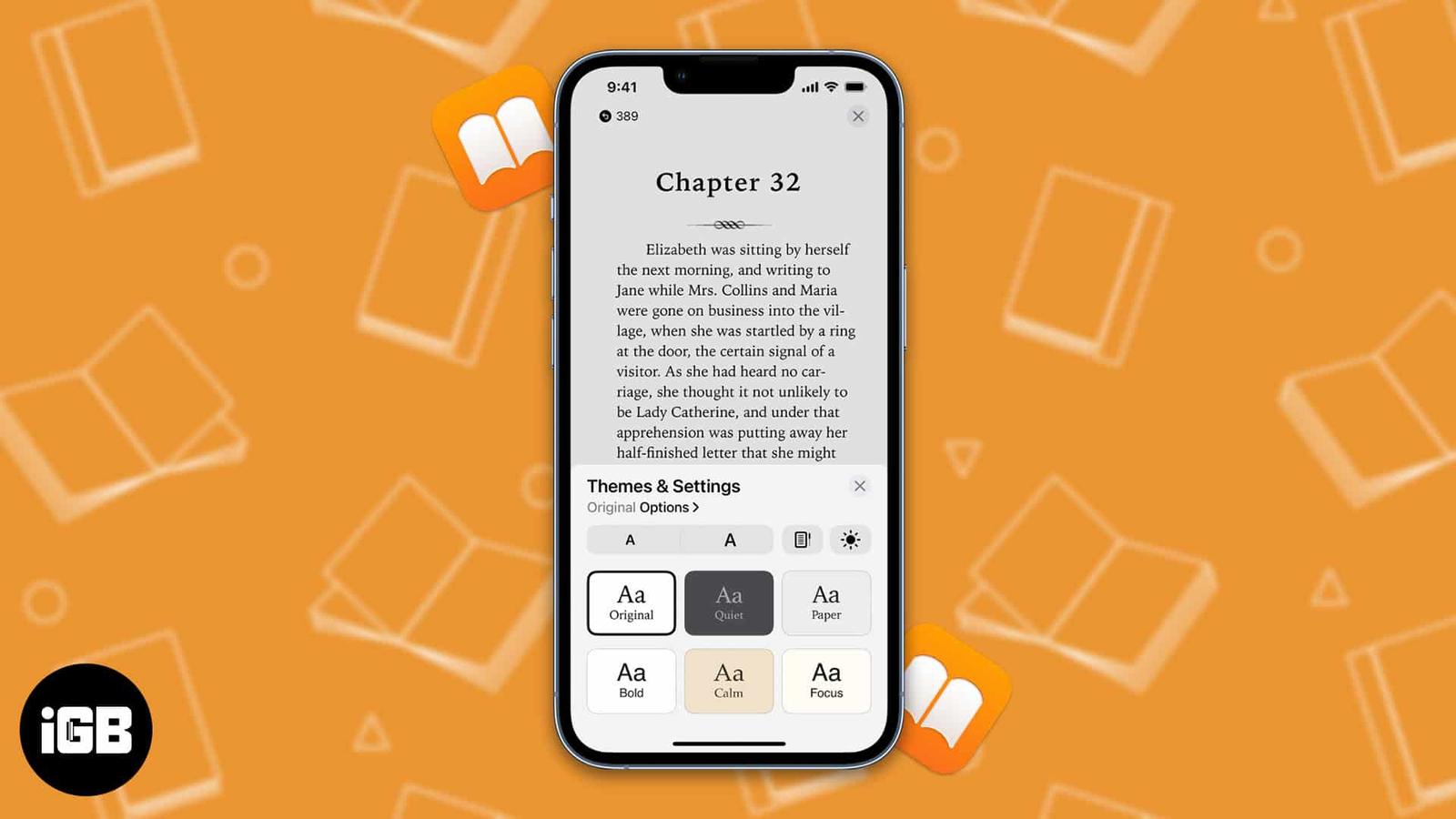
Do you want to treat your eyes to a pleasant experience on the Books app? Then you have come to the right place. In this article, I’ll expla
Learn how to buy ebooks on your iPhone or iPad with this simple guide. Since you can’t buy them in-app, we’ll show you the quick browser wor
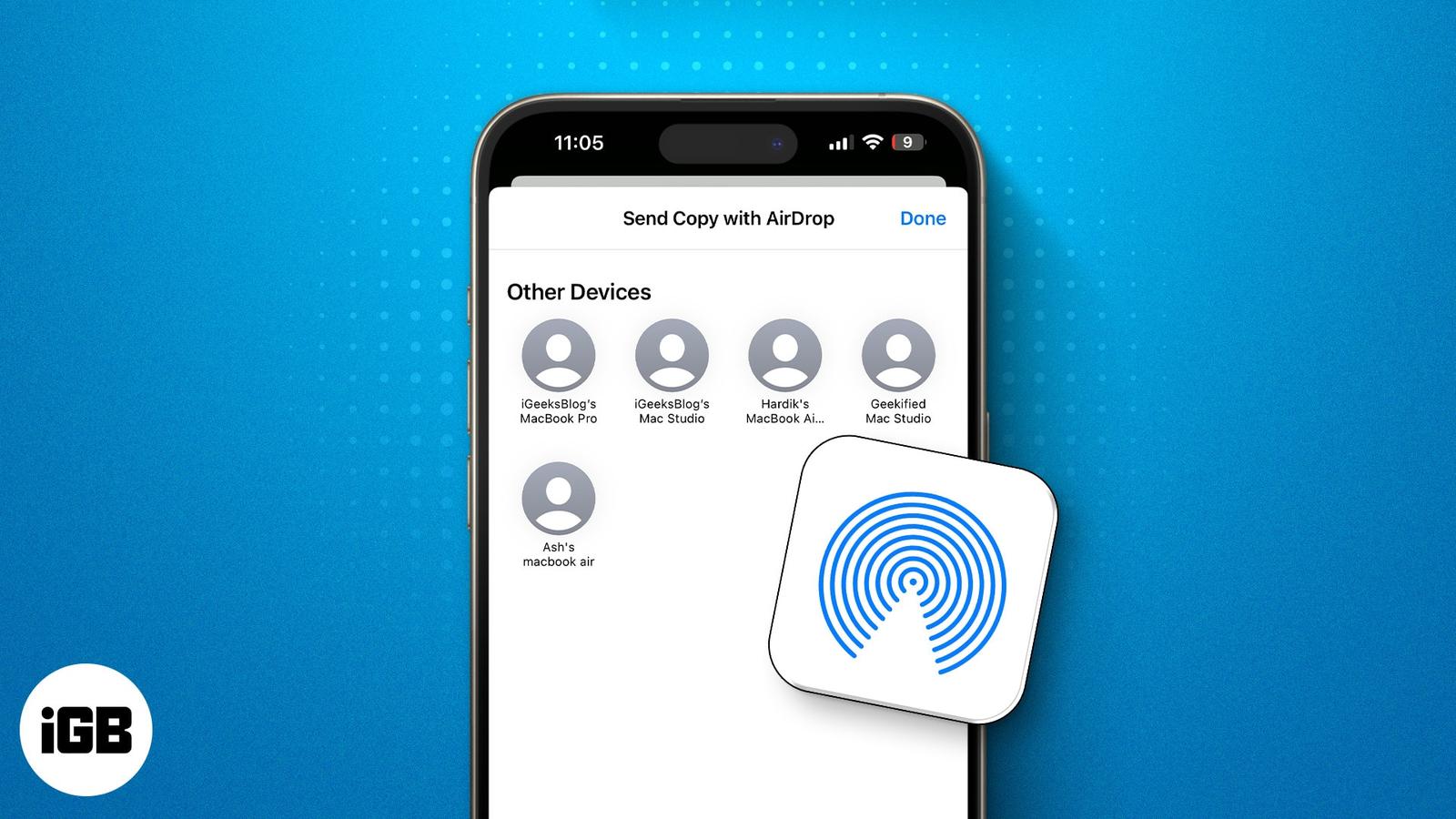
Want to quickly share photos and files with nearby Apple devices? Learn how to use AirDrop on your iPhone or iPad.
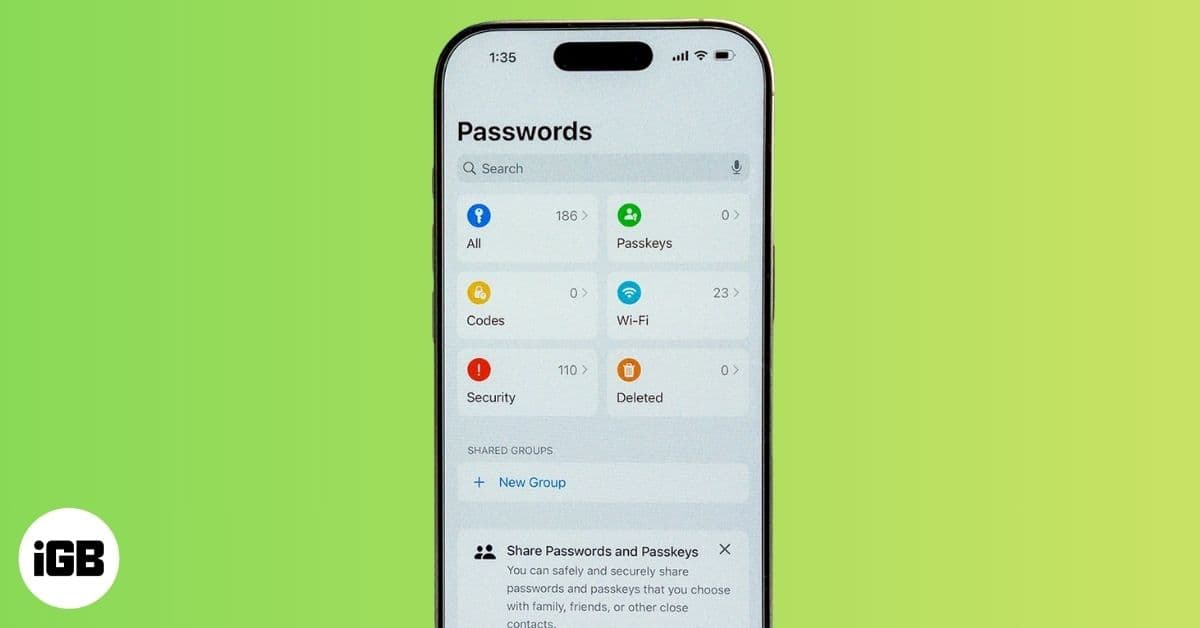
Apple’s Passwords app stores passwords, passkeys, verification codes, and Wi-Fi credentials in one secure place, helping you manage logins s
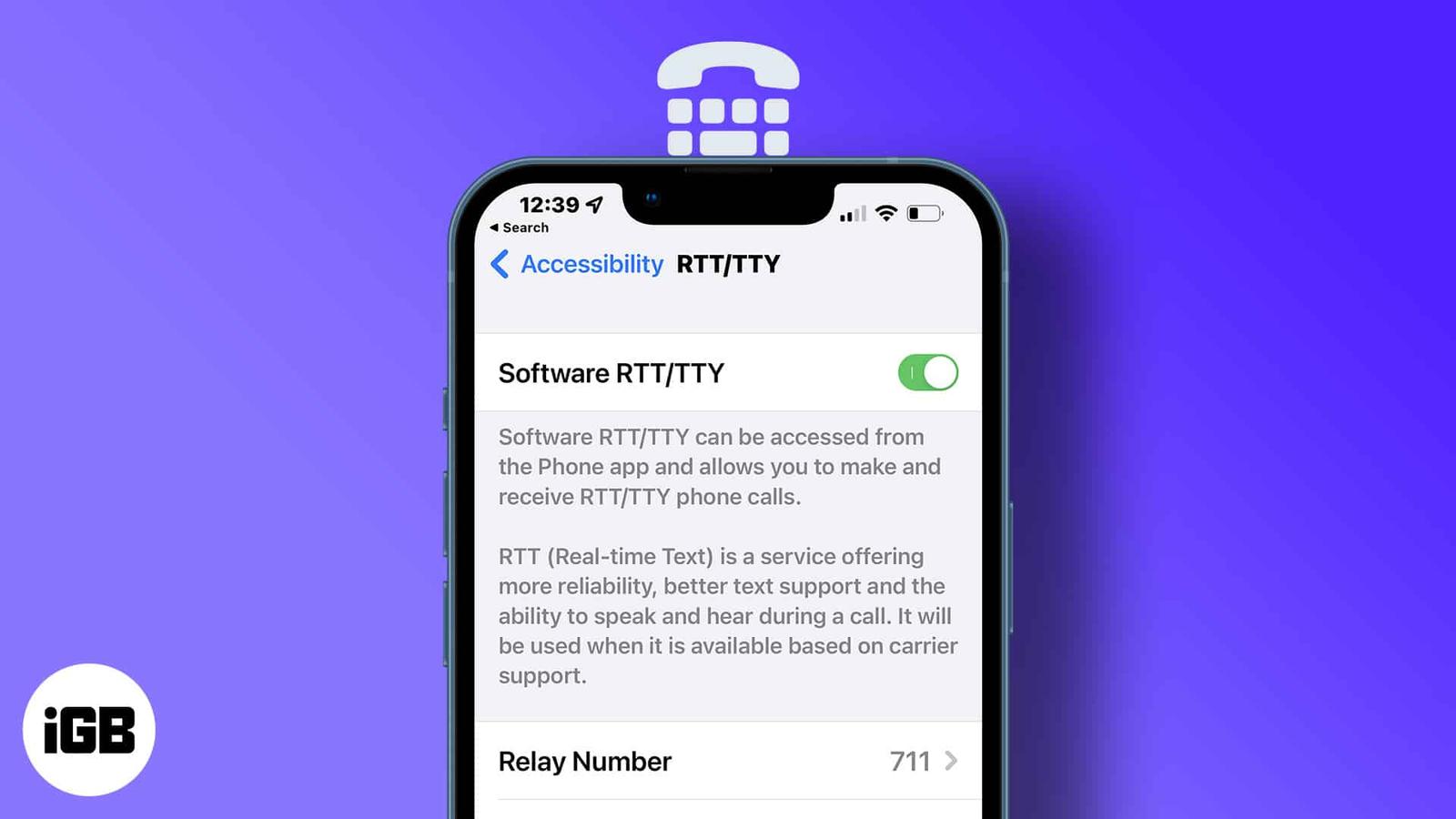
Key takeaways It’s only available for specific regions and carriers in the U.S. and Canada. You’ll need iOS 10 or later. Turning on Answer A
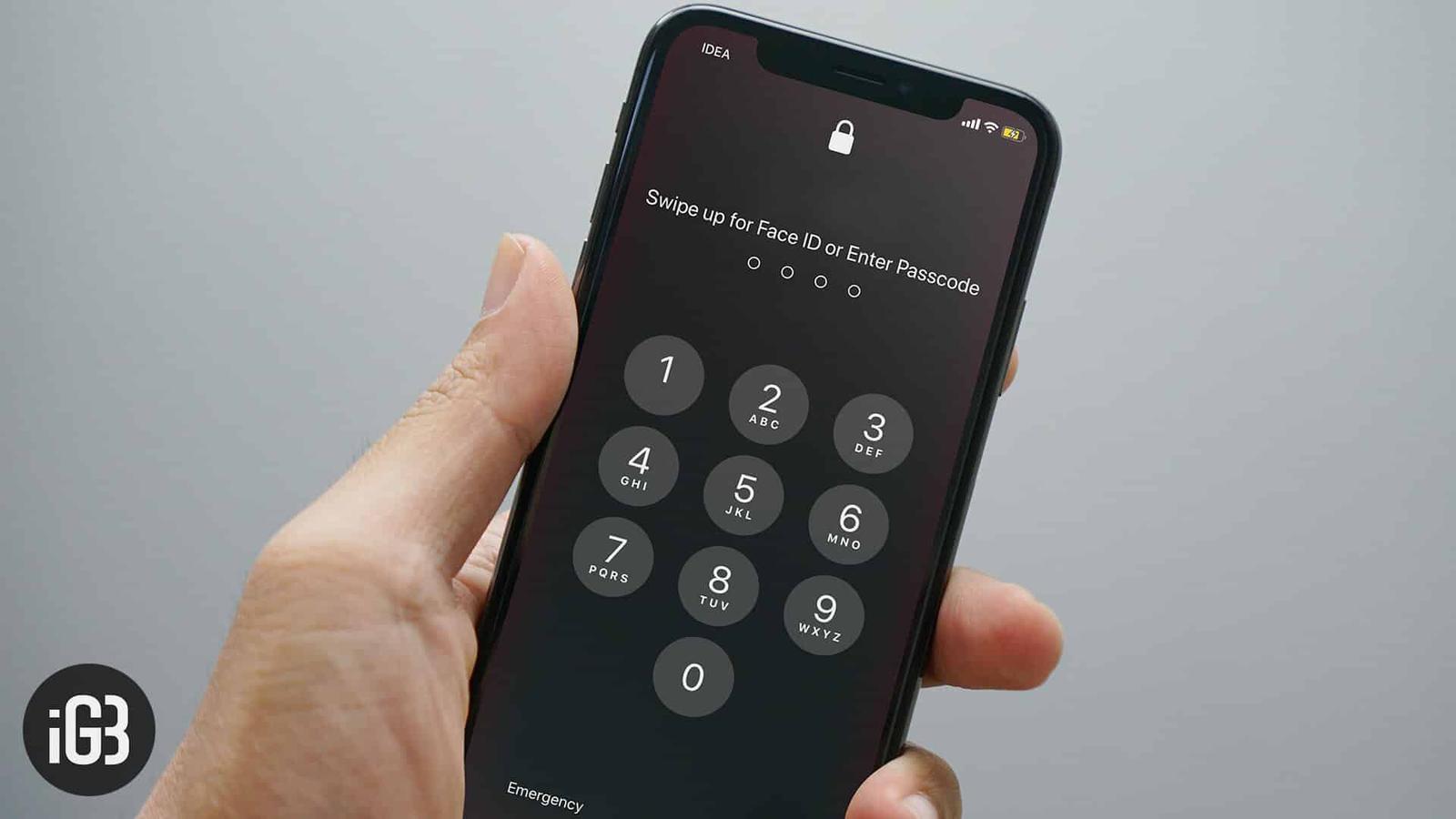
Secure your iPhone and iPad with these essential privacy tips. Learn to manage permissions and lock down your data to stay protected.
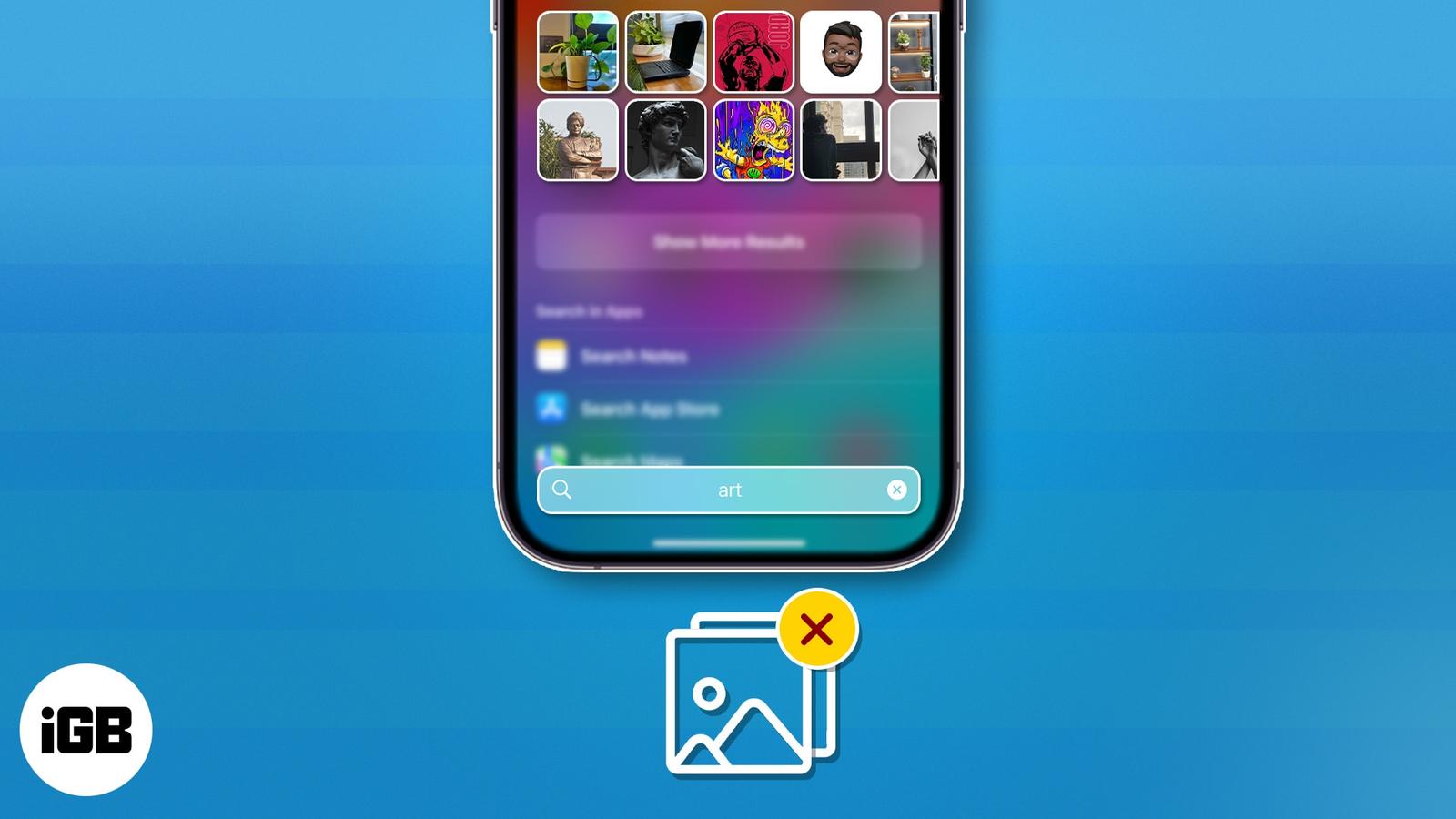
While we love to summon a file or app via Spotlight, let’s face it, there are photos we’d rather keep private. Regardless of the picture, it
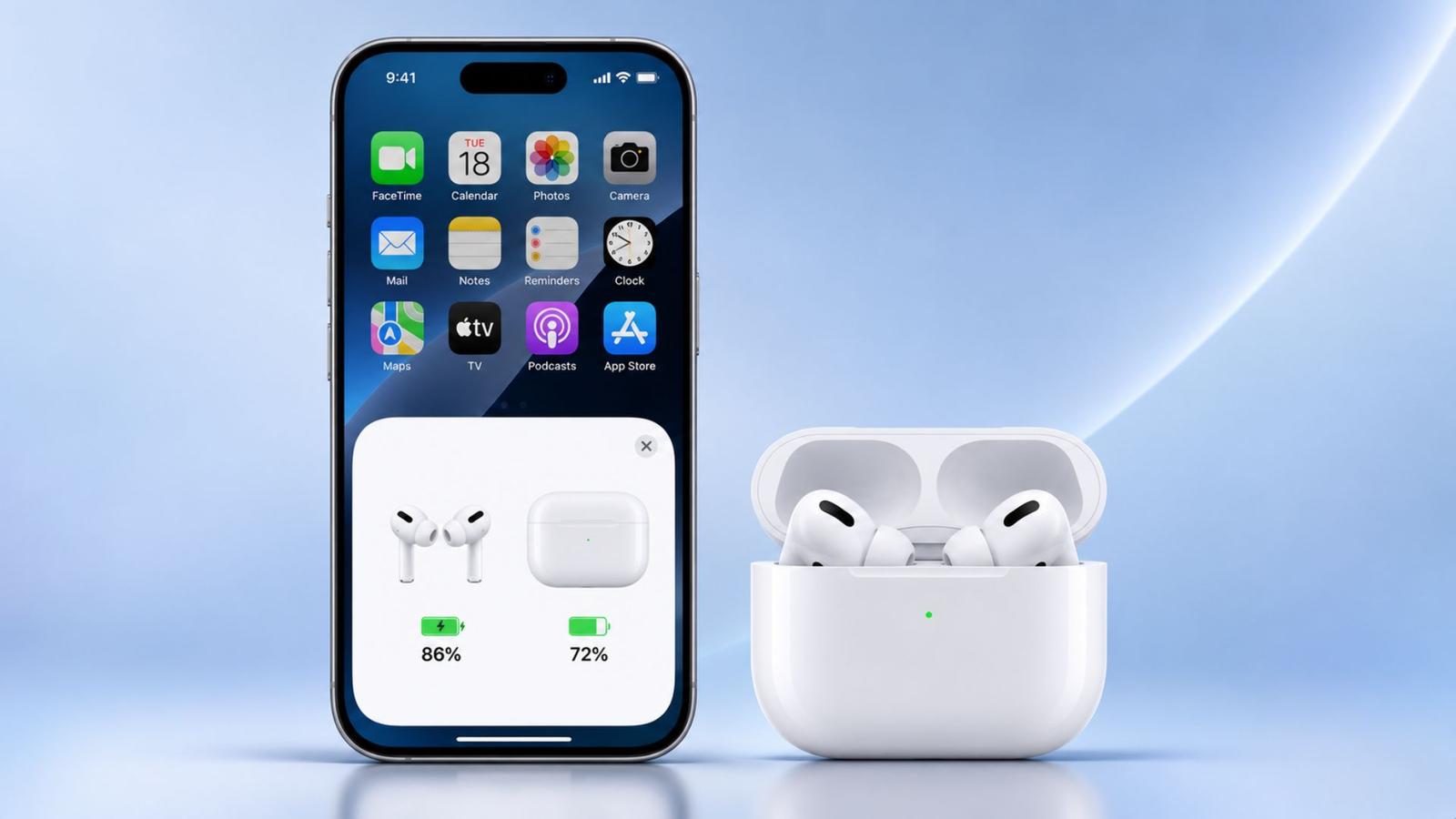
There’s nothing worse than heading out of your house only to realize your AirPods are low on battery. That’s why it’s important to check the
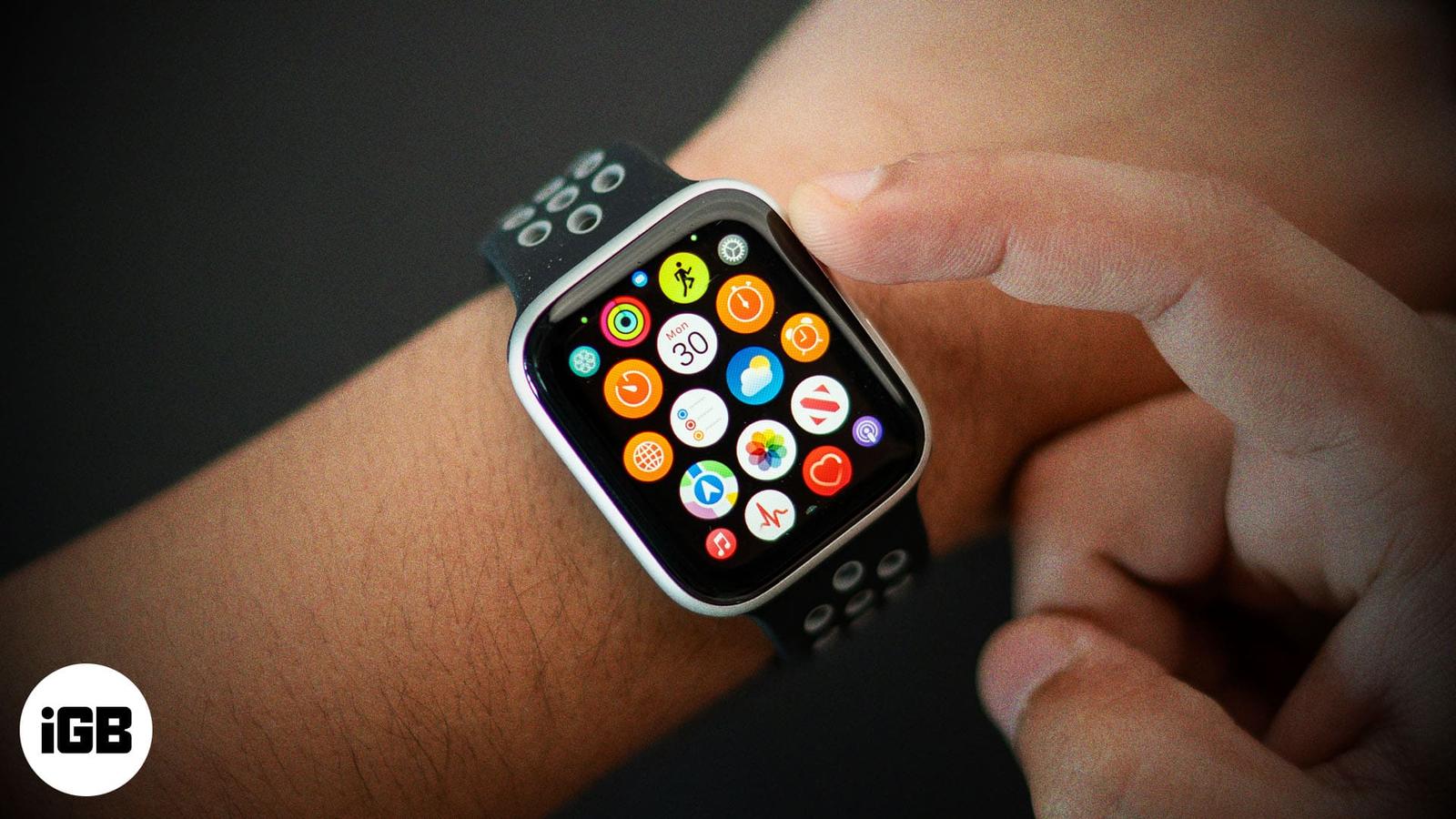
With too many apps installed on your Apple Watch, locating and accessing the ones you use most can get a bit challenging. Fortunately, you c