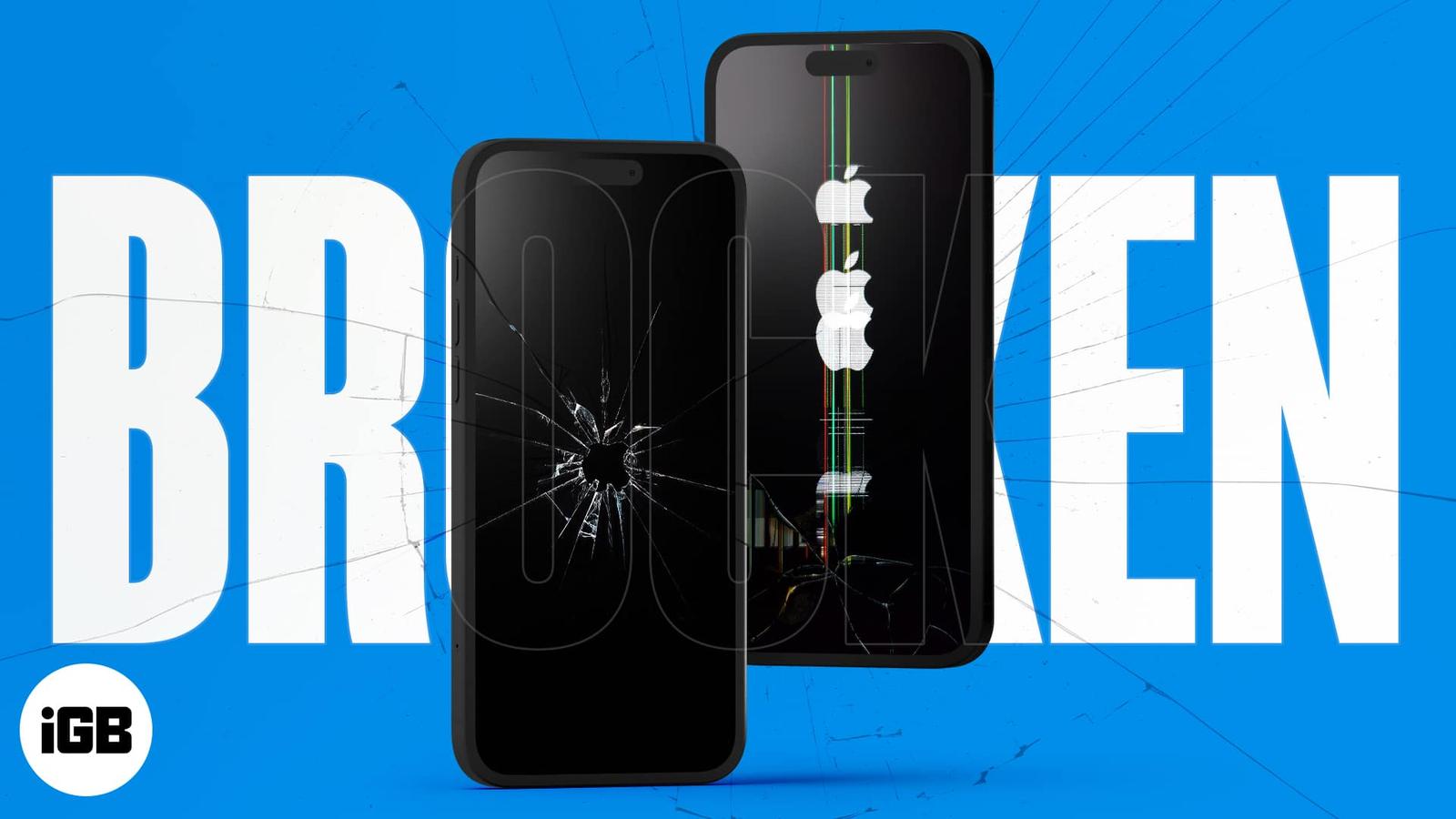
Tired of the same old wallpaper on your iPhone? Well, you must be lucky as we present a series of quirky and funky wallpapers for your iPhone screen. Inspired by Pinterest and Freepik, our in-house designers have brought you a bunch of wallpapers based on broken display themes. If you are searching for cool wallpapers that make it look like your phone screen is cracked, look no further! We’ve got a collection of stunning broken screen wallpapers for your iPhone, all in high resolution.
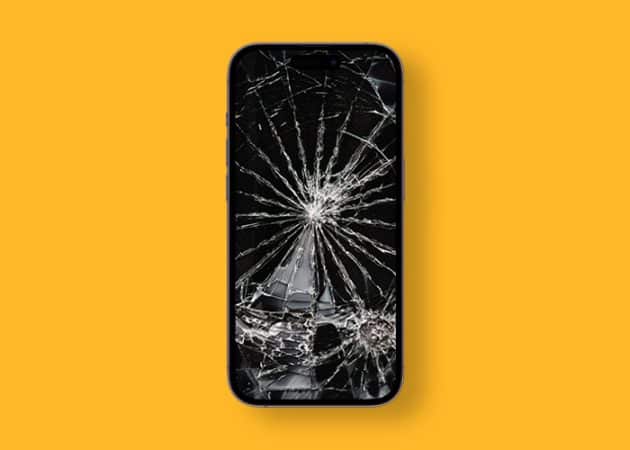
1. Realistic broken screen wallpaper for iPhone
Ever wondered what your iPhone screen might look like if your device fell from the 12th floor? Well, this wallpaper will definitely give you the same experience. Tap the download button to try it out.
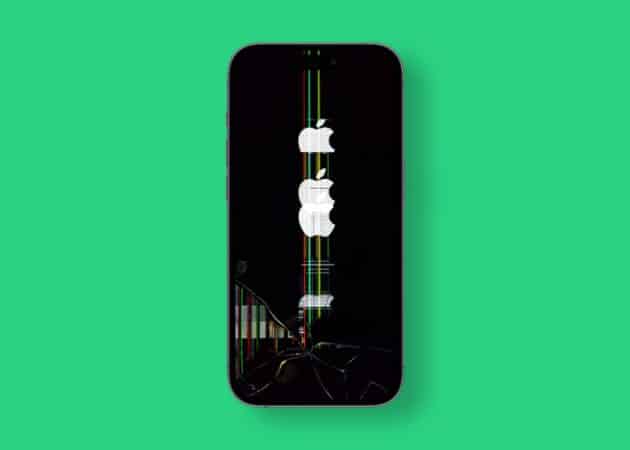
2. Apple logo glitch wallpaper
Using your iPhone continuously may result in a complete breakdown! Well, not really, but the glitchy Apple logo wallpaper depicts this experience in a savvy way. It presents a golden opportunity to prank your friends.
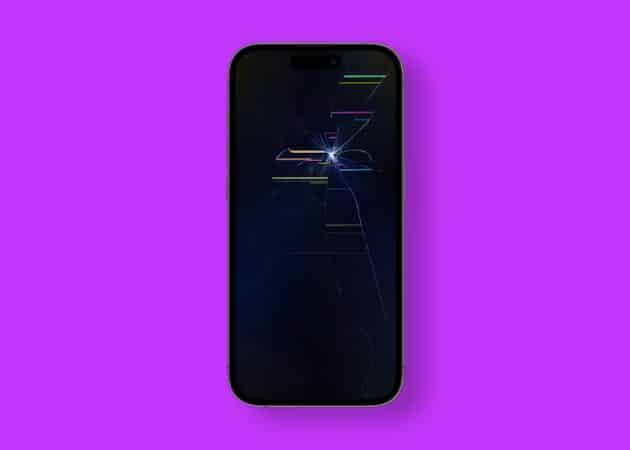
3. Cracked and splintered screen 4k wallpaper
The shady background with a splinter on the screen really makes this wallpaper believable. Furthermore, the neon strokes provide a funky vibe as well. Don’t keep yourself waiting, and tap the download button below.
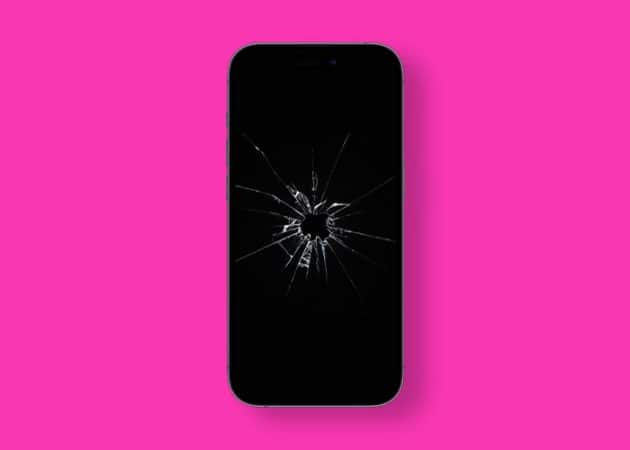
4. Broken Apple logo screen wallpaper
The broken Apple logo screen wallpaper, foreshadowed by broken pieces of glass, is sure to remind you of our Batman wallpapers. Turn your iPhone into a dark knight’s utility by downloading this wallpaper.
5. Damaged screen 4k wallpaper for iPhone
An iPhone’s fall doesn’t have to be necessarily bad. What if it ends up turning your iPhone’s screen into something better? Fortunately, this wallpaper allows you to experience the same without breaking your screen.
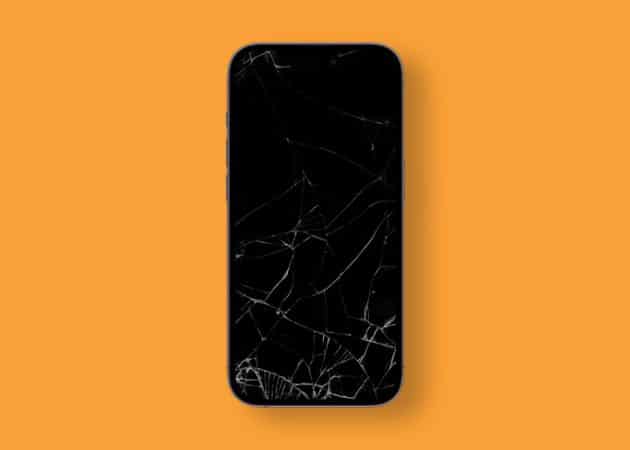
6. Fake vertical lines on iPhone screen wallpaper
You might be aware of the vertical lines appearing on the screen in case of any damage. The following wallpaper can result in giving the same look to your iPhone!
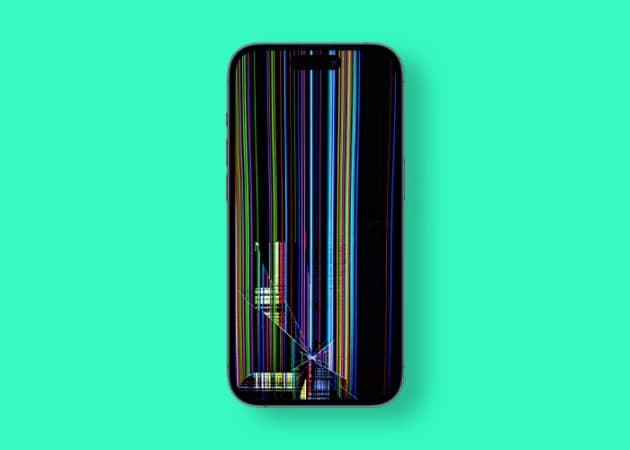
7. Abstract black broken iPhone display wallpaper
If your eyes are in search of something aesthetic, then you must try out the abstract black broken display on your iPhone. The gooey substance spreading across the crack brings out an ominous texture for your screen.
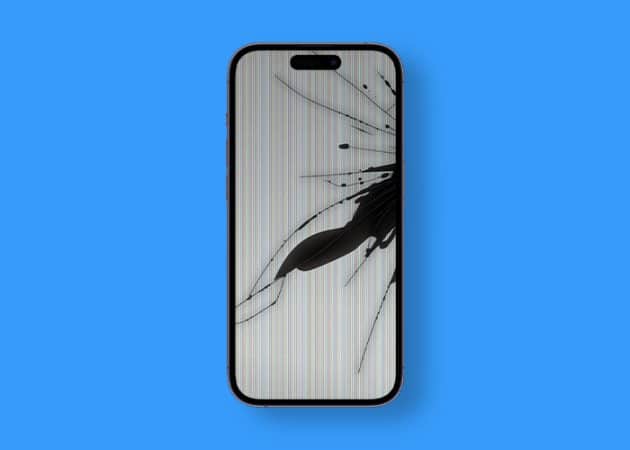
8. Broken singularity wallpaper screen
Whether you’re looking for a unique wallpaper to add a bit of personality or something to spice up your lock screen, this wallpaper is sure to do the trick. Get the hipster feel without breaking the bank, and make your phone look awesome with this cool wallpaper.
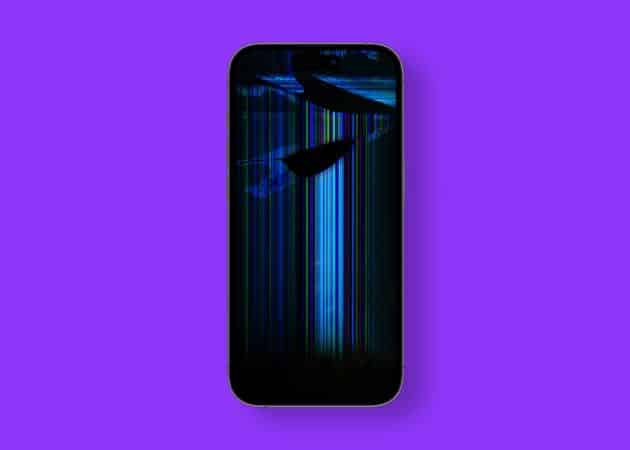
9. Shattered iPhone display wallpaper
Whether you want to make a statement or just add a hint of grittiness, this broken screen wallpaper for iPhone is the perfect choice. It is an excellent way to add a personal touch to your device and make it stand out from the crowd.
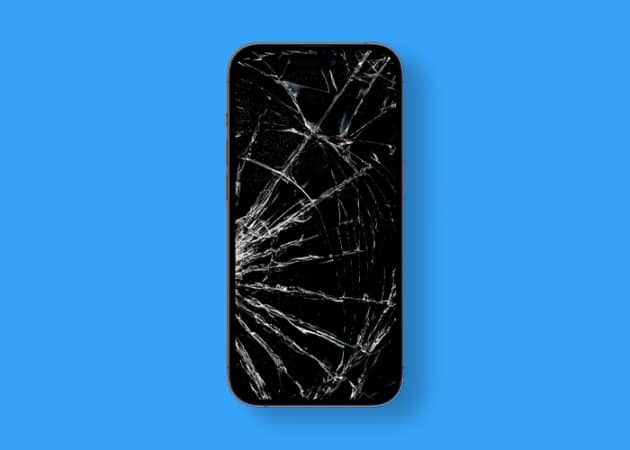
10. Pin-racked iPhone screen wallpaper
With the shattered glass display, cracked screen, and spattered paint, this wallpaper will add a touch of realism to your phone. If you’re looking to make a statement for your iPhone, then waste no moment to download this masterpiece.
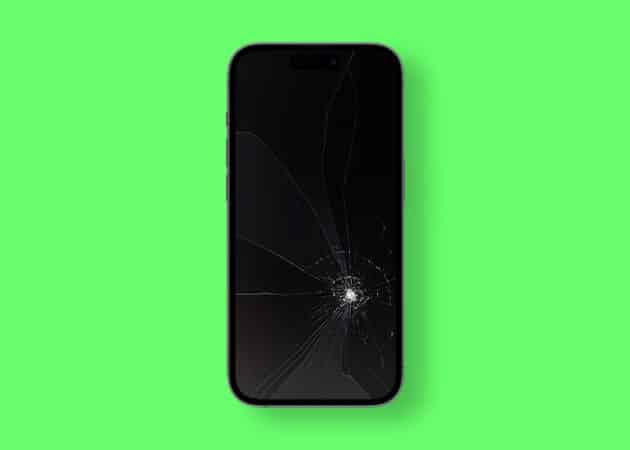
Get downloading!!!
Considering broken screen wallpaper can be a great way to add an edgy, modern look that is sure to stand out. These type of wallpapers has become increasingly popular in recent years, with a wide variety of options to choose from.
While we hope nothing untoward happens to your screen, refer to our guides in case you face the black screen of death issue or your iPhone displays distorted colors.
Read more: