Apple Watch
How to check Activation Lock before buying a used Apple device
June 1, 2026


Editor
Expertise
"Yash is a tech journalist and writer based in India. He has five years of experience writing features, how-tos, and reviews for various online publications. As an editor at iGeeksBlog, Yash's job is to ensure the articles are polished and suitable for publication. You can also read his work on How-To Geek, MakeUseOf, and TechPP."
Yash ventured into journalism in 2018 after spending a few years working as a front-end developer. Since then, he has worked with multiple publications where he's written and edited hundreds of articles. Currently, Yash also contributes to How-To Geek, MakeUseOf, and TechPP. He also has experience with reviewing consumer tech products.
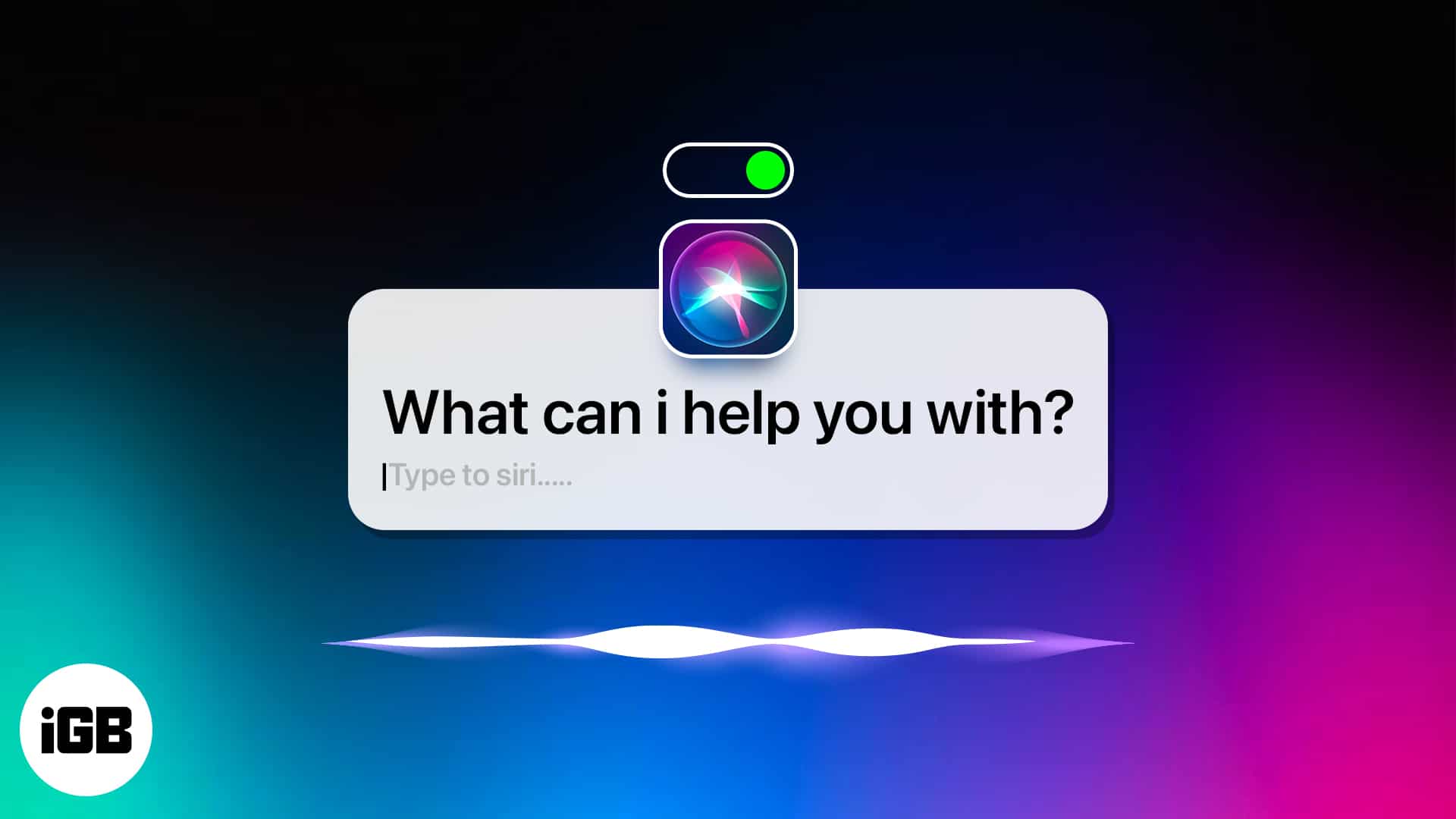
Control Siri without using your voice or pressing the power button.
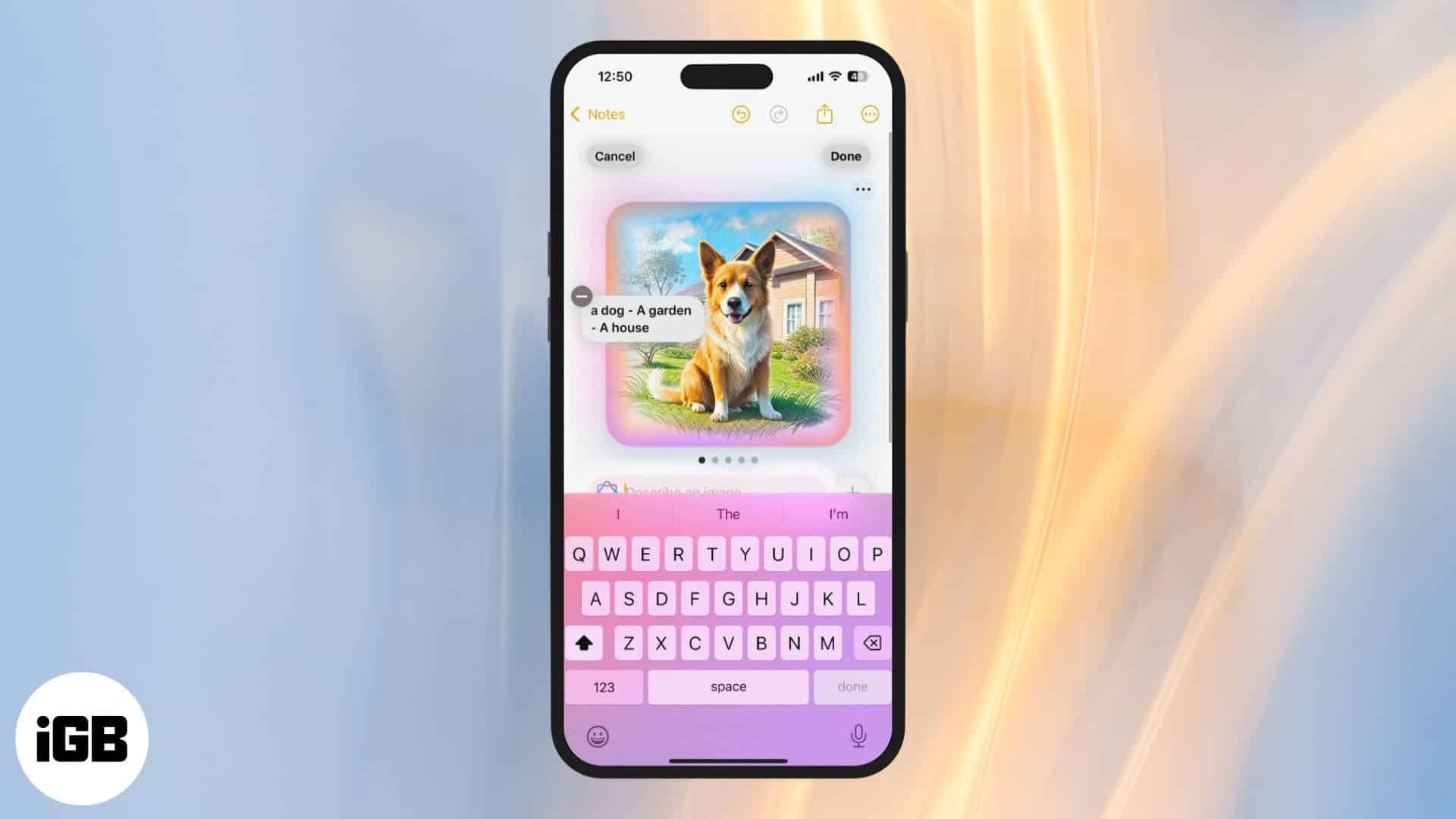
Transform your rough sketches into AI-generated visuals using Image Wand.
The ultimate guide to using Siri without an internet connection.

Get Fortnite on your MacBook with this beginner’s guide.
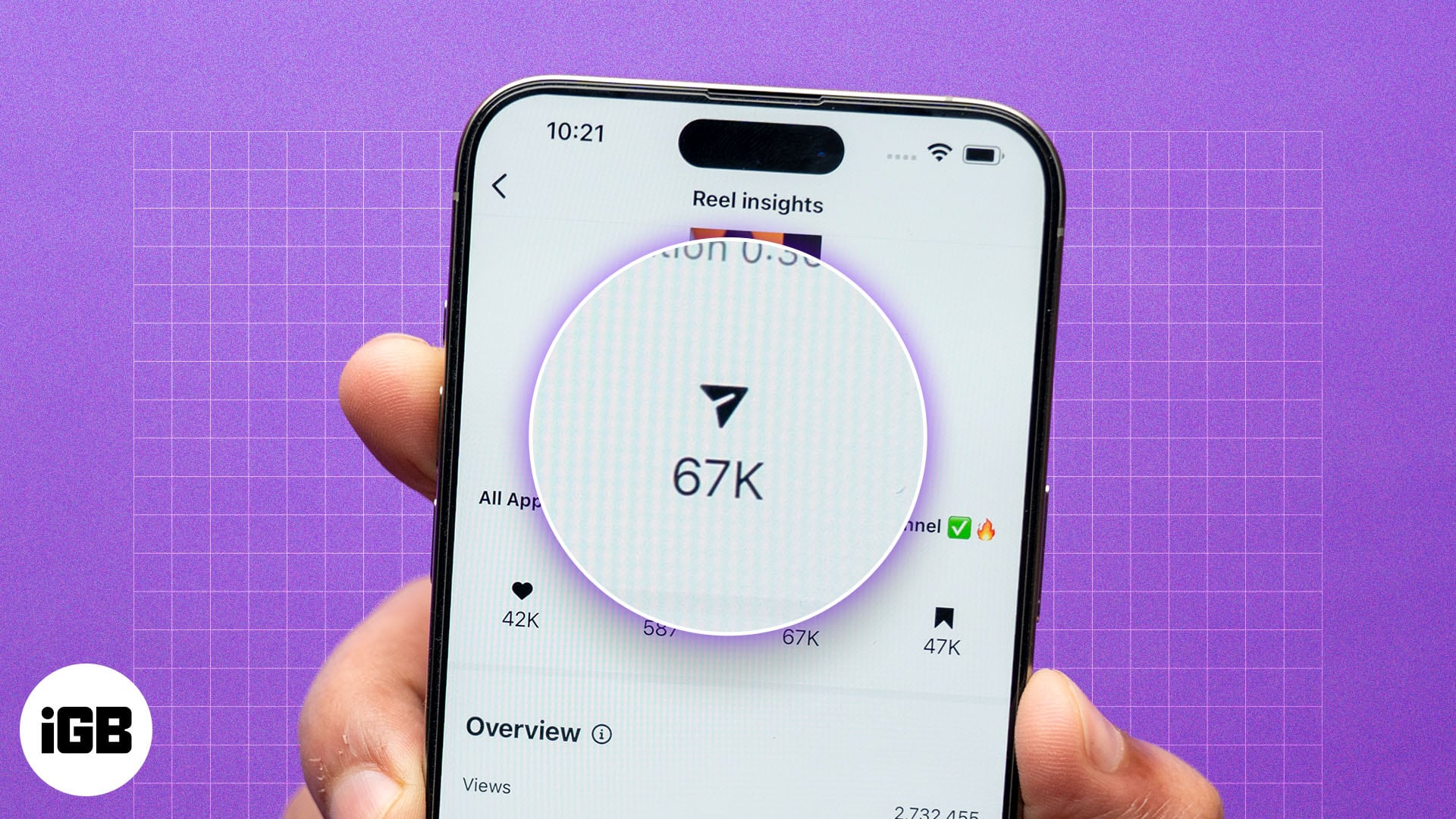
Find out who shared your Instagram posts using these simple steps.
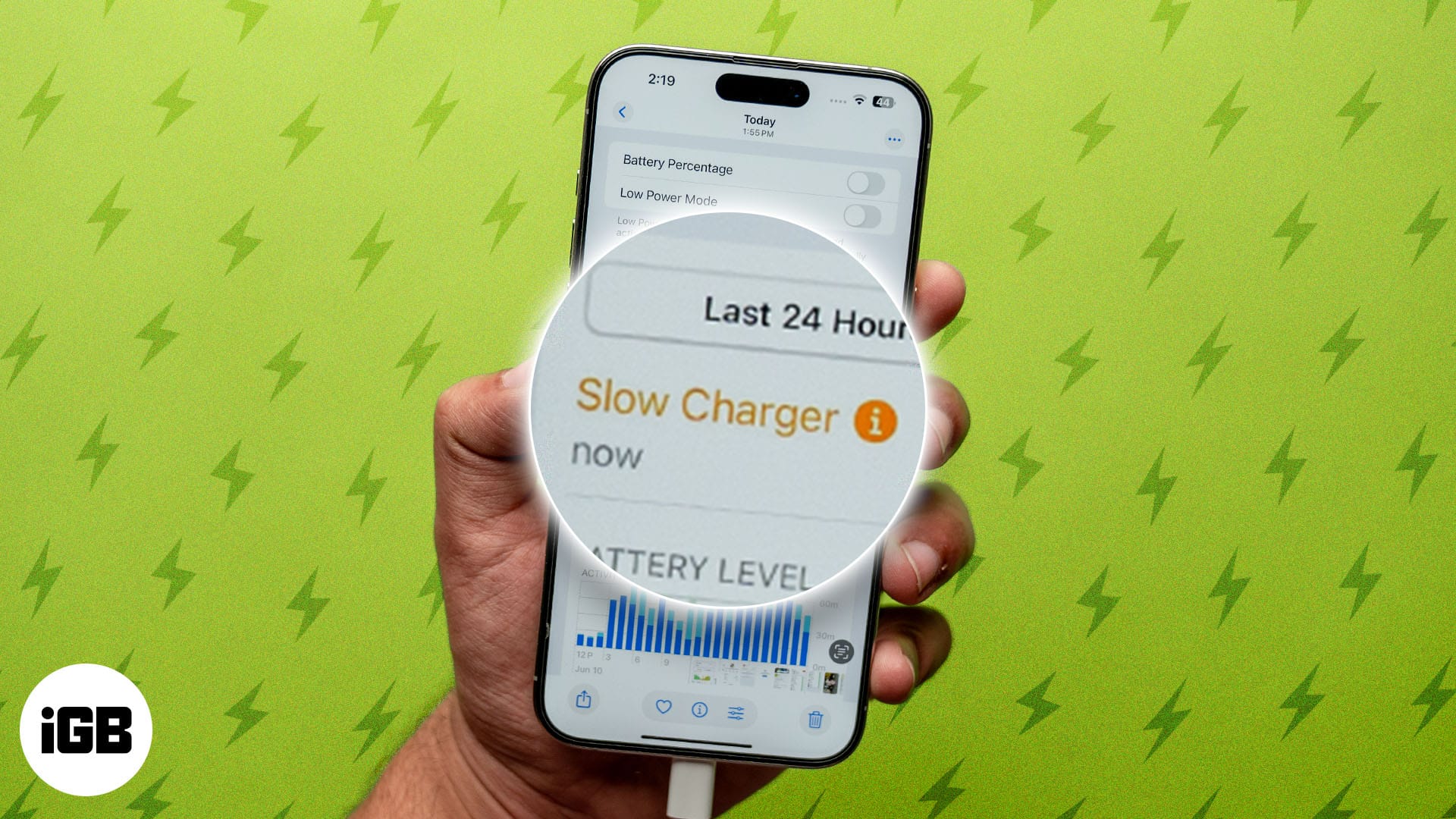
With iOS 18, Apple allows you to check if you’ve used a slow charger on your iPhone when experiencing slow charging.
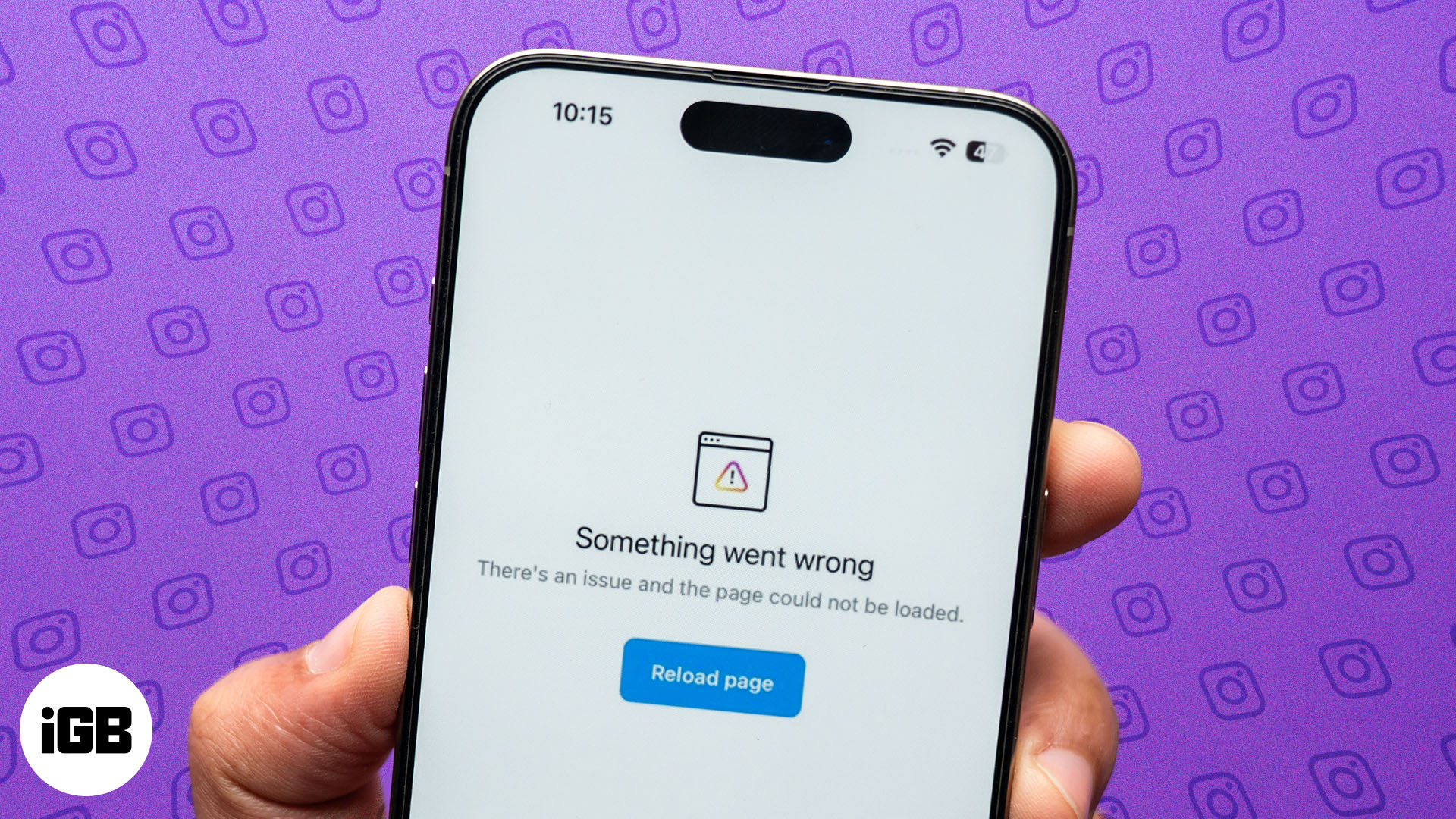
Get your Instagram app back on track in no time.
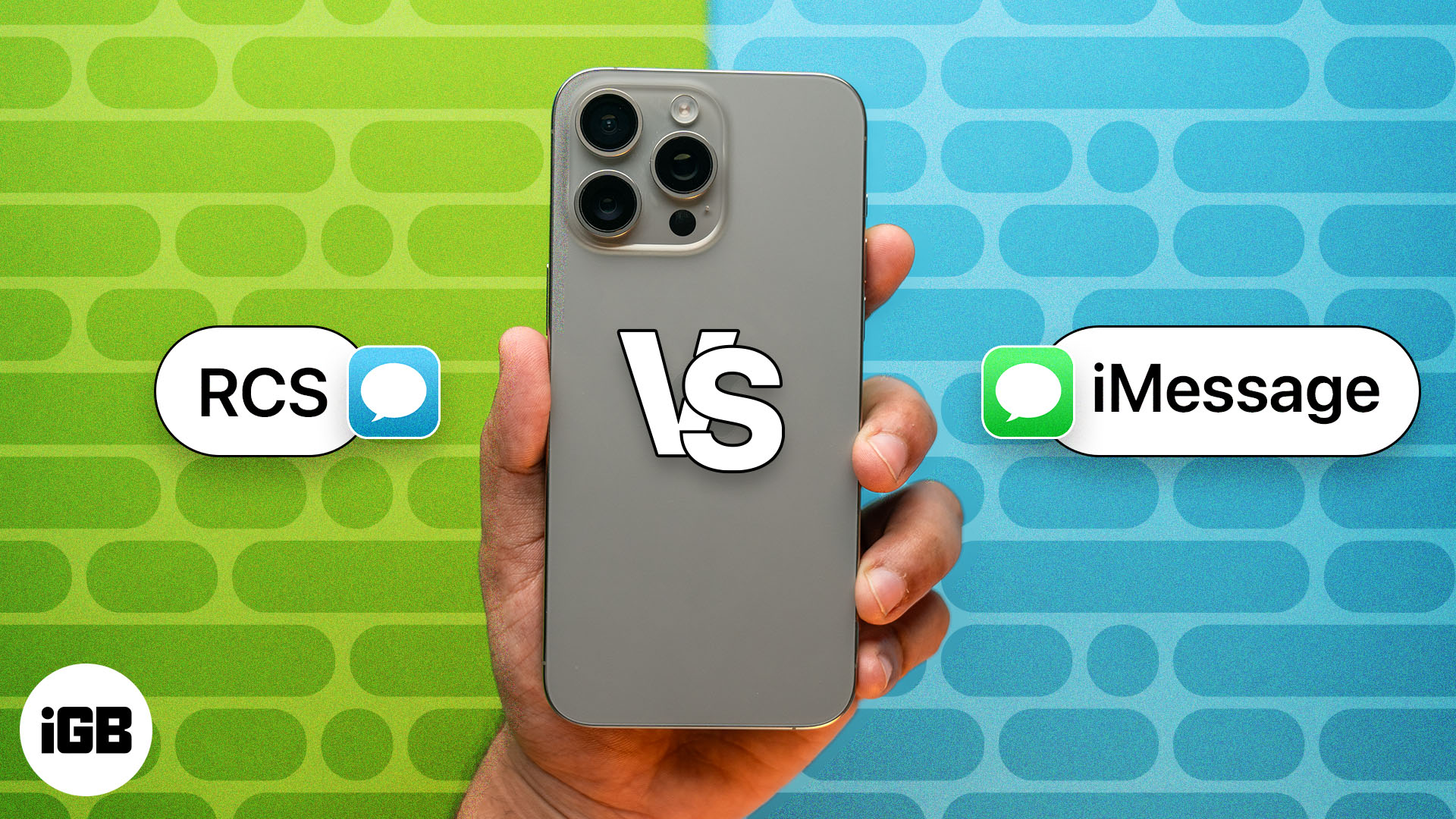
Know all the differences between the two most popular messaging services.
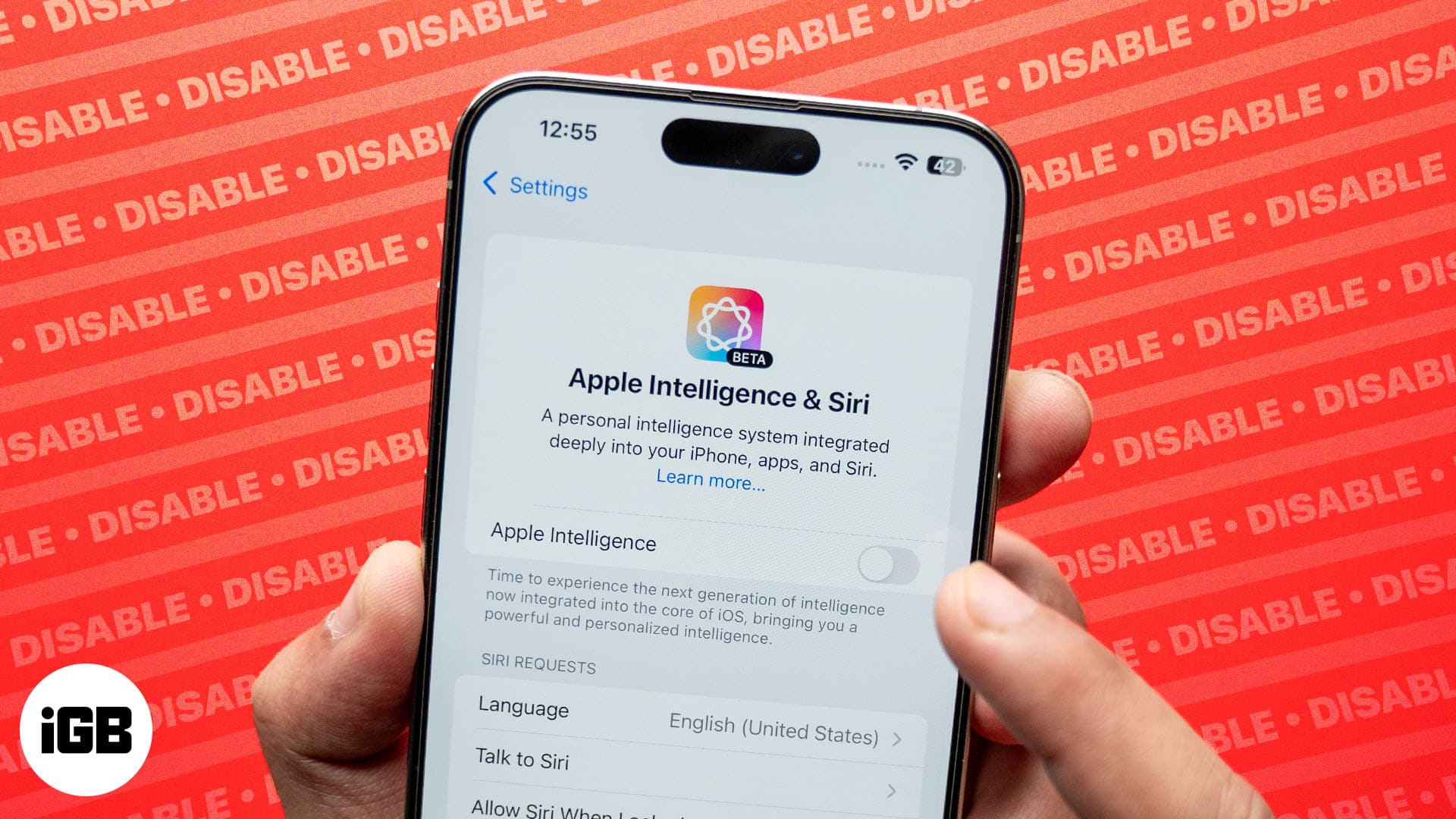
You can disable Apple Intelligence altogether or just the features you find unuseful.
Simple steps to change and use different Dictation languages on your Apple Watch.
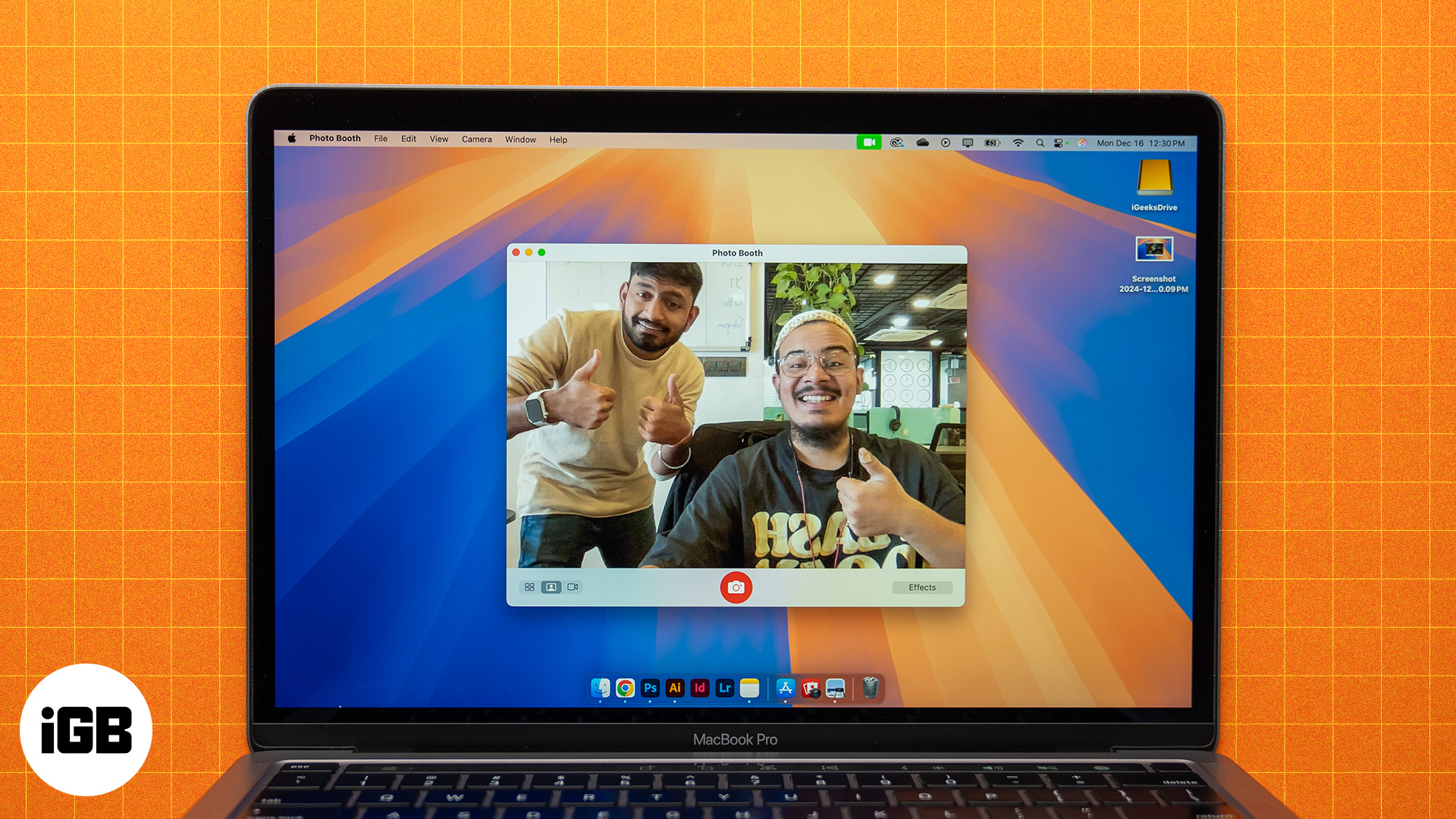
Discover different ways to take photos and record videos on your Mac.
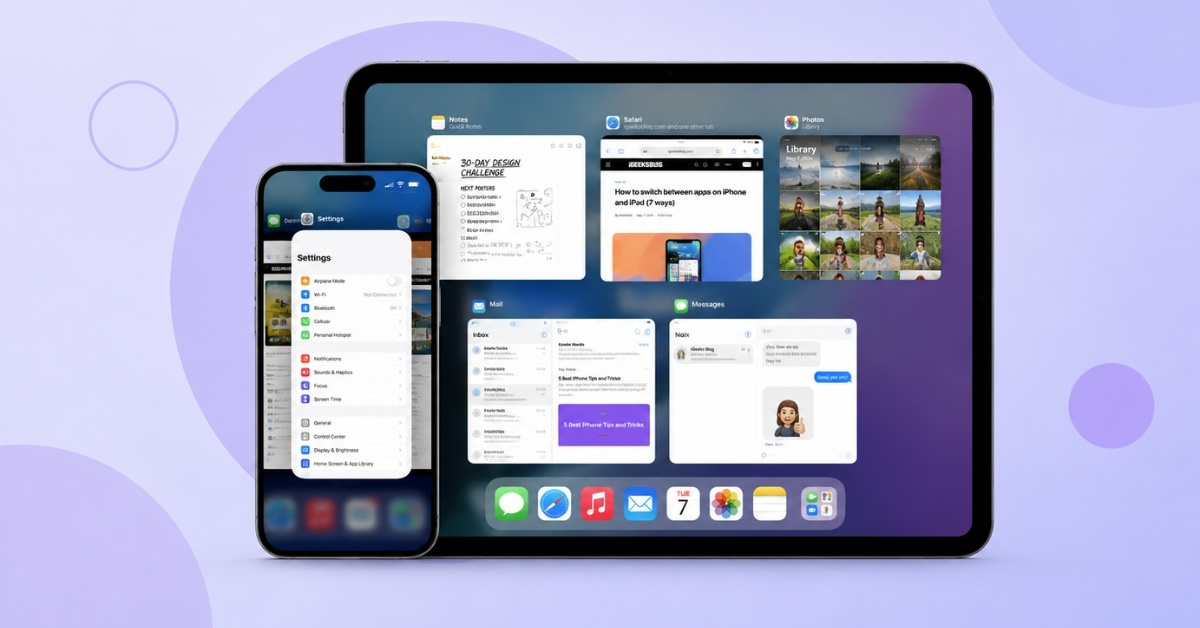
All the ways to jump between open apps on your iPhone and iPad.
Learn how to turn on Action mode on your iPhone and get super smooth footage in high-motion scenarios.
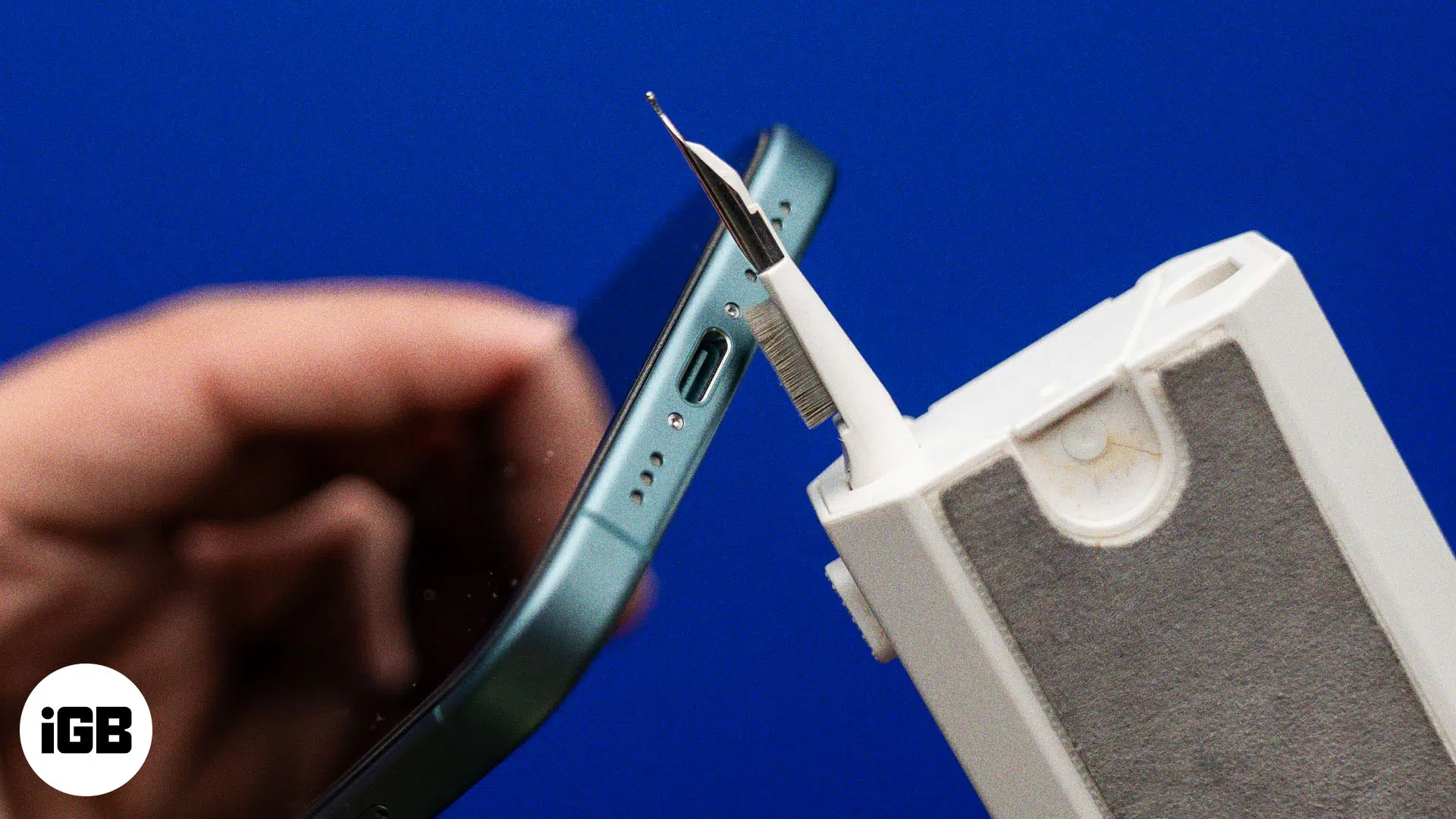
Safely clean your iPhone’s charging port if it stops charging by following these simple steps.
At WWDC 2024, Apple unveiled the latest version of the Mac operating system, called macOS Sequoia. This version offers a host of new improve