
News
Apple expands AppleCare+ with Theft and Loss Protection in India
November 19, 2025

Vikhyat has a bachelor’s degree in Electronic and Communication Engineering and over five years of writing experience. His passion for technology and Apple products led him to the tech writing space, where he specializes in writing App features, How-to guides, and troubleshooting guides for fellow Apple users.
Vikhyat embarked on his journey in consumer technology writing in 2019, driven by his passion for technology. He has sharpened his skills through associations with Smartprix and Beebom, where he extensively tested and reviewed various gadgets, focusing mainly on smartphones. Currently, Vikhyat specializes in crafting How-to and troubleshooting guides for the Apple ecosystem at iGeeksBlog. When not typing away on his MacBook Air, he loves exploring the real world.
Employer
iGeeks Media Private LTD.
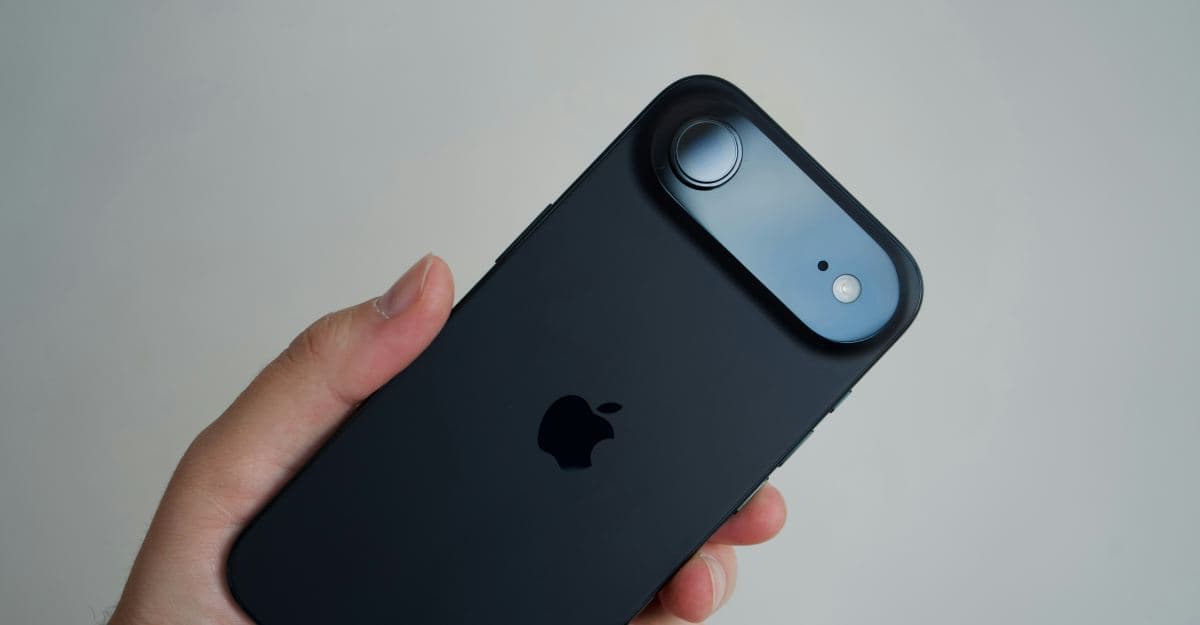
A closer look at Apple’s evolving plans for the next iPhone Air and how it shapes the company’s future devices.
Apple tightens App Store rules, requiring clear consent before apps share user data with AI services.
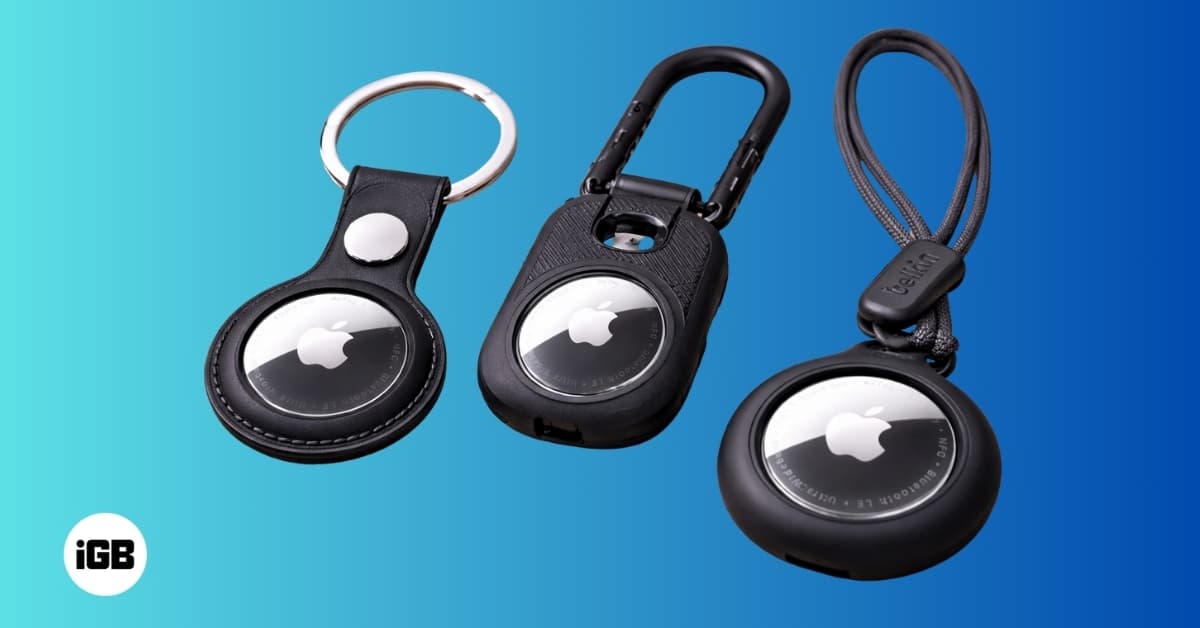
Explore AirTag cases that offer strong protection, secure attachment options, and designs suited for keys, wallets, bags, and travel gear.

Find the right Apple Watch charger for your routine, whether you travel light, charge at your desk, or want a fast and tidy setup.
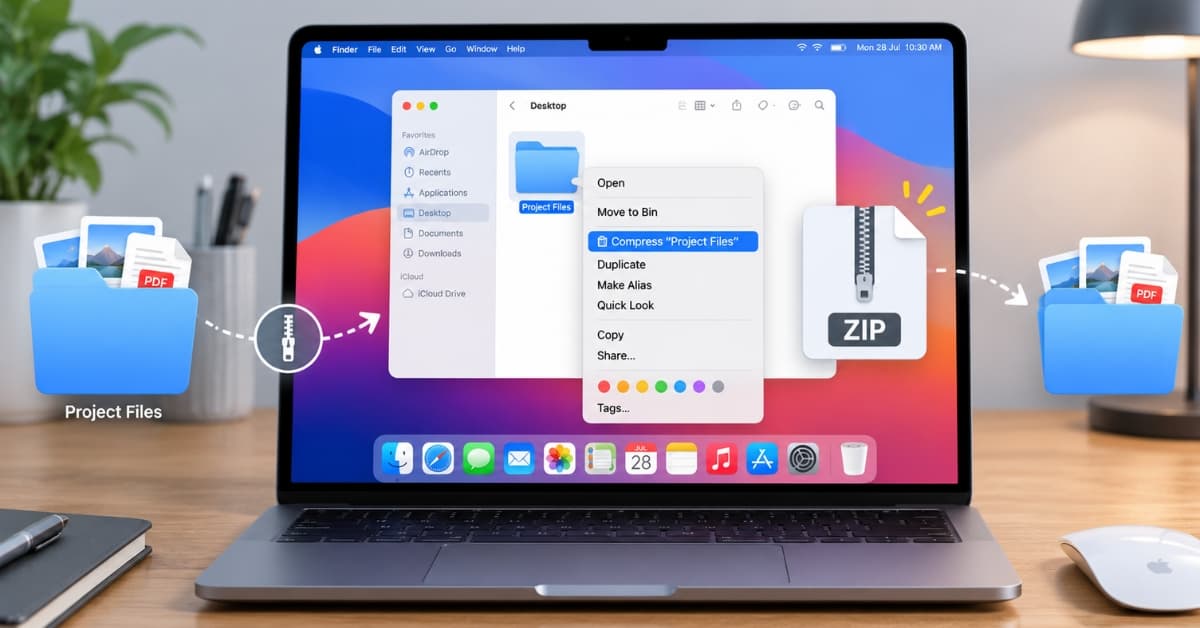
Tired of cluttered folders? Keep your Mac tidy by zipping and unzipping files with Finder, Archive Utility, and Terminal.
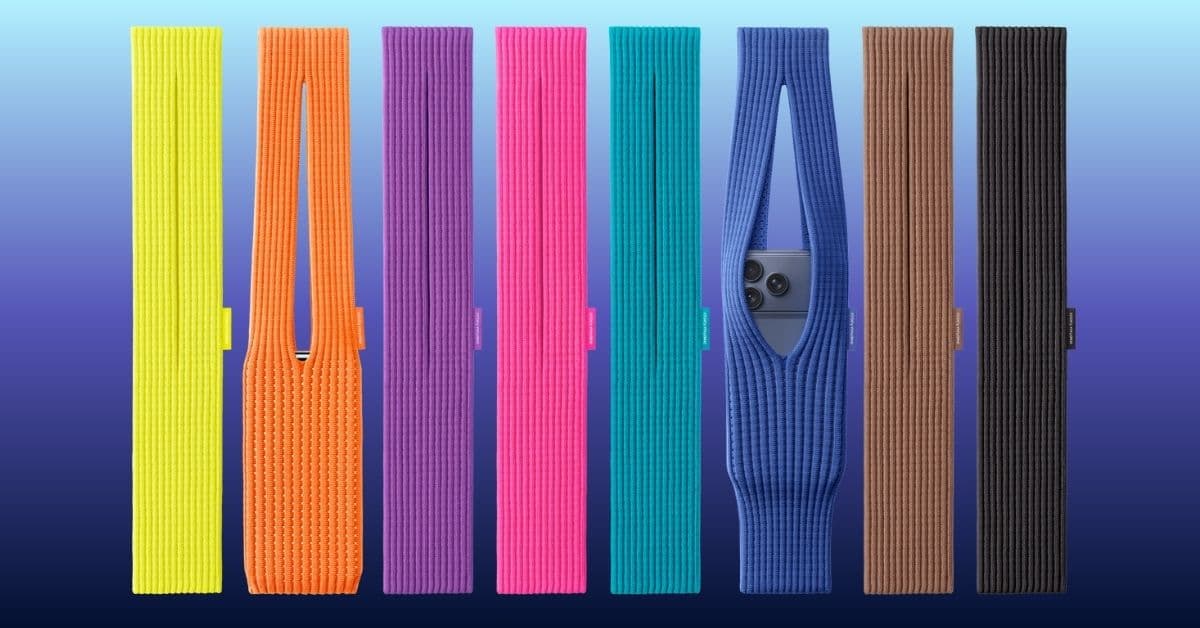
Apple has introduced the iPhone Pocket, a limited edition 3D-knitted accessory made with Issey Miyake’s design team. It’s a stylish, flexibl

Explore Apple’s new Calculator app on iPad. Learn to use Math Notes with Apple Pencil, scientific calculations, and the built-in converter f
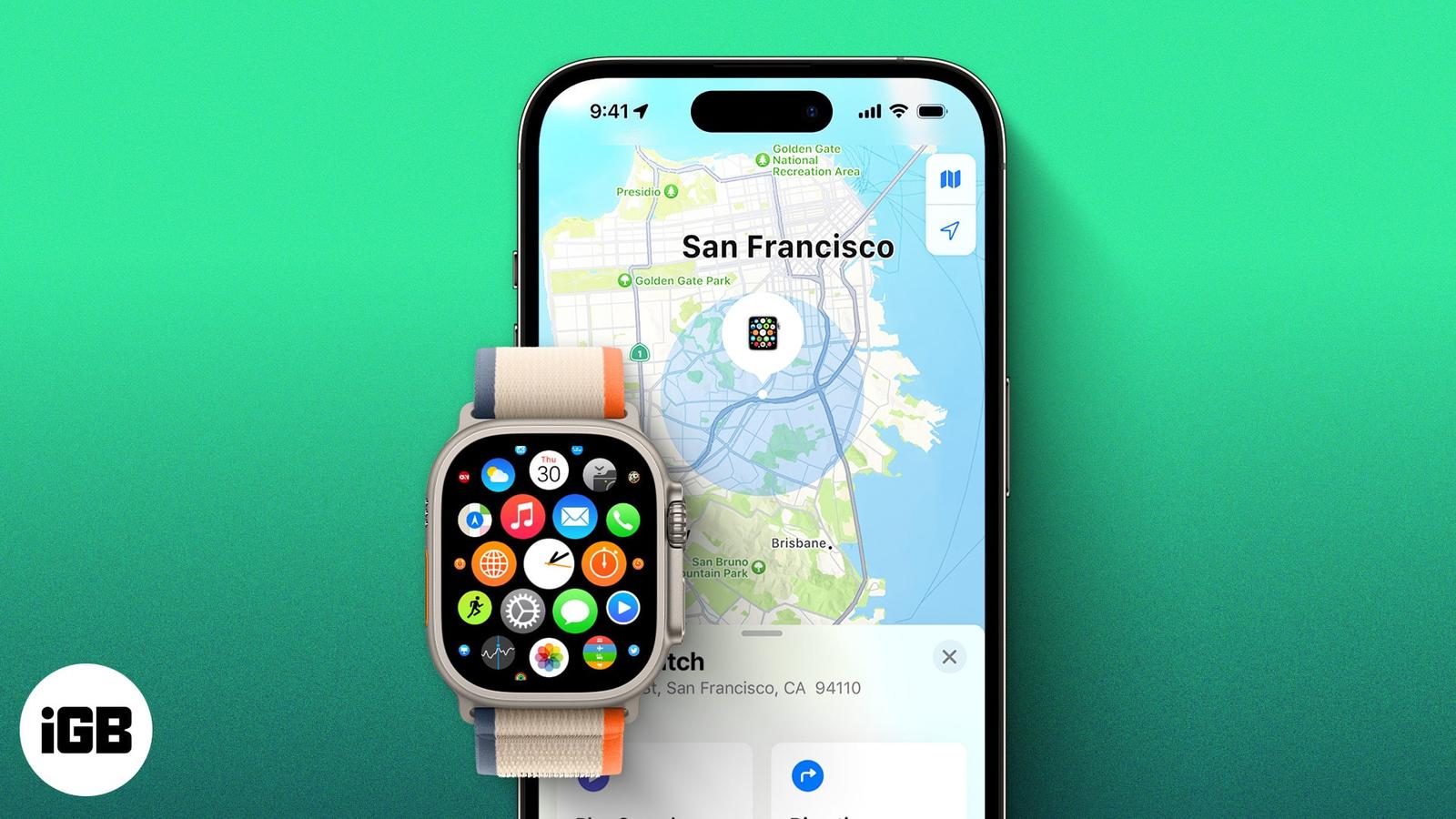
Lost your Apple Watch? Here’s how to track it using your iPhone or Find My app, even if it’s dead. Plus, what to do when you can’t find it a
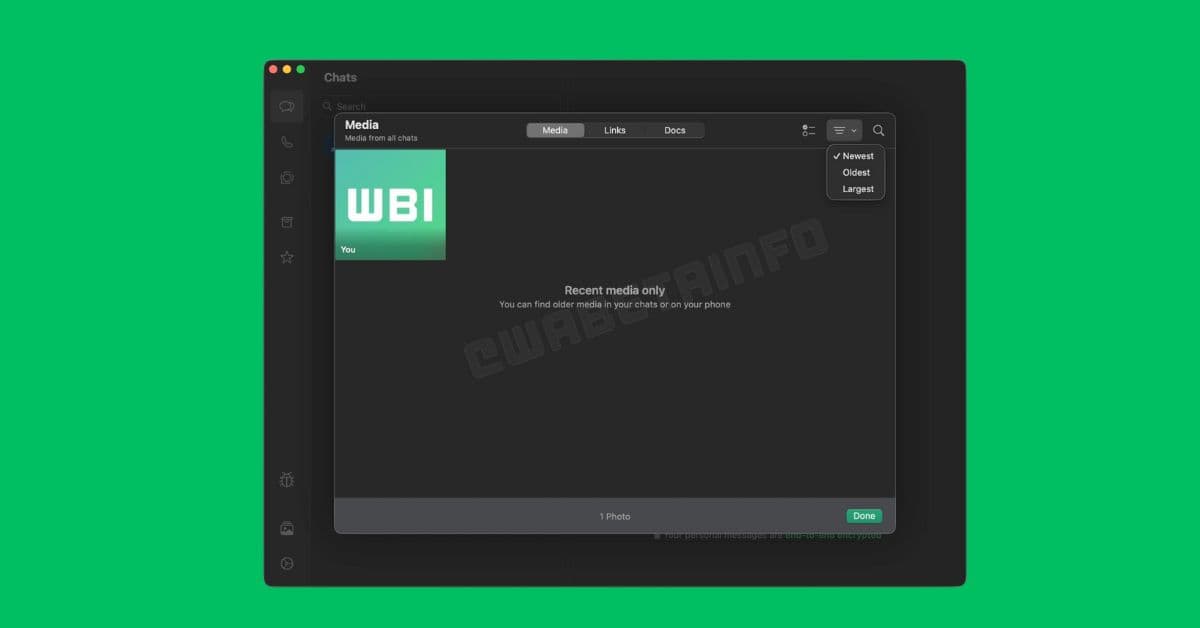
WhatsApp is rolling out a new Media Hub for Mac and Web that puts all your shared photos, videos, documents, and links in one easy spot to b
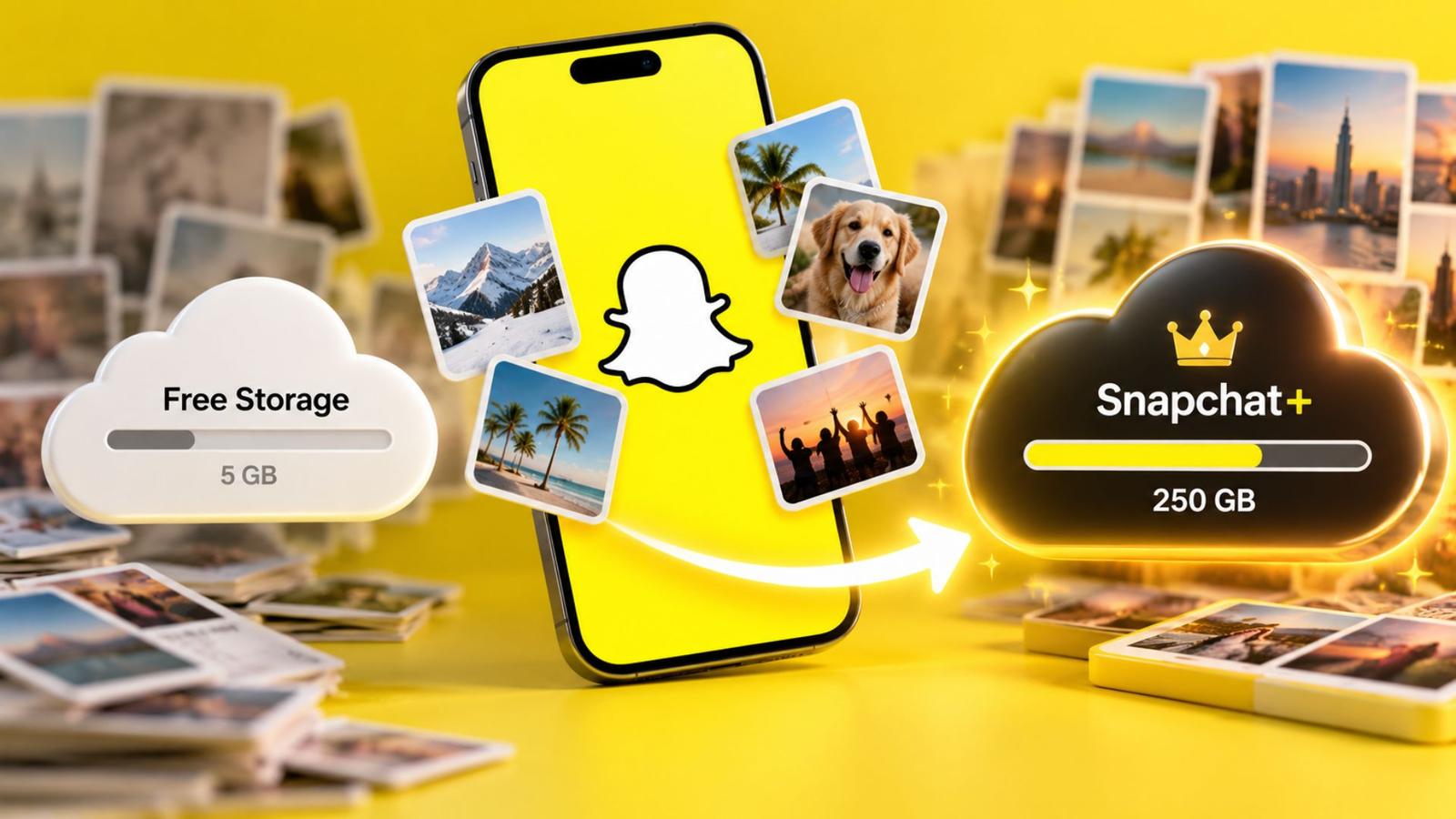
Snapchat now offers paid Memories storage plans with options up to 5TB. Here’s what’s changing, who it affects, and how to manage your saved
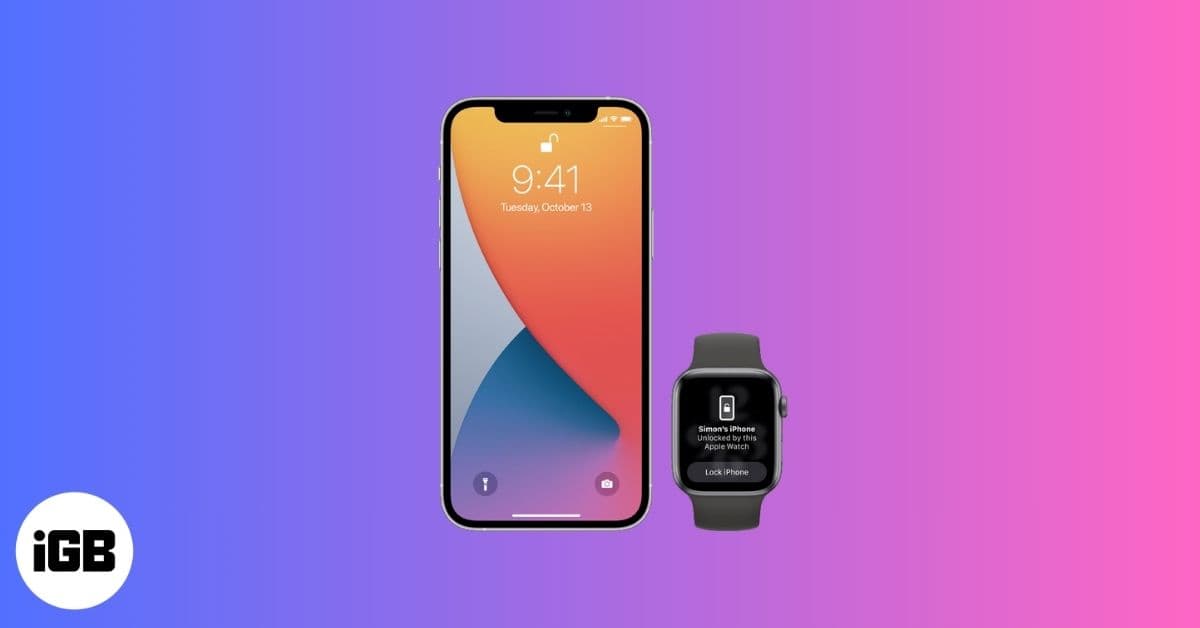
Unlock your iPhone effortlessly using your Apple Watch, even when Face ID struggles with masks or sunglasses. Learn how to set it up, keep i

Snapchat’s Imagine Lens turns your photos into creative AI-generated Snaps with a simple text prompt. Discover how it works and why creators
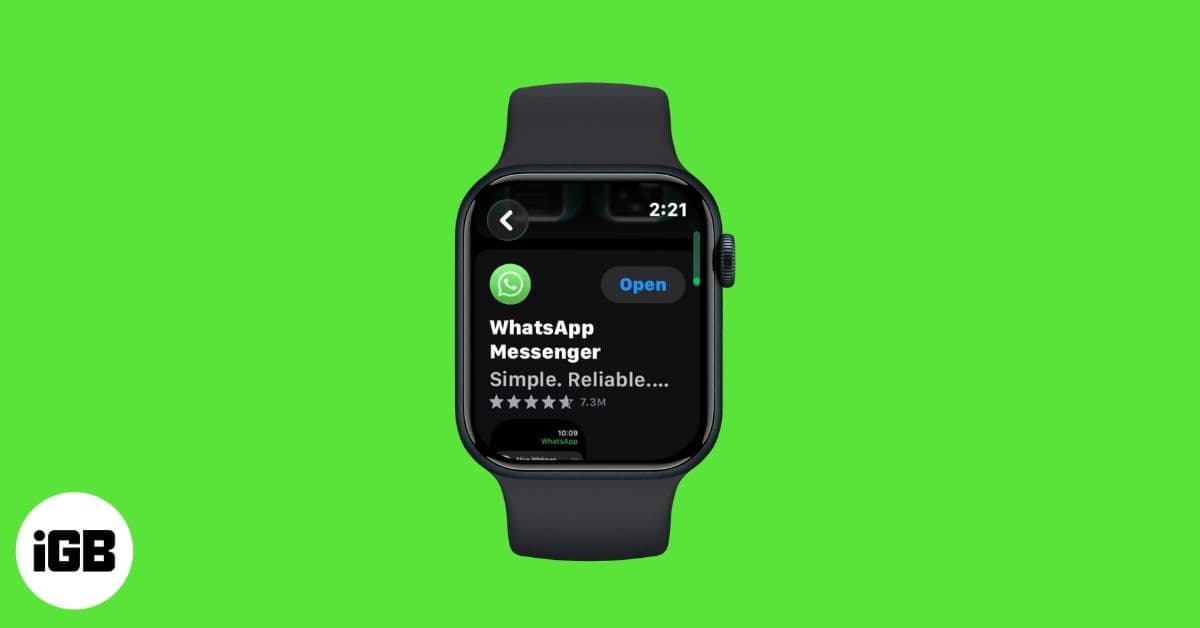
After years of waiting, WhatsApp has launched its official Apple Watch app. You can now browse chats, send messages, and get WhatsApp call a
Apple is testing iOS 26.2 with exciting upgrades, including a Liquid Glass clock for the Lock Screen, improved Sleep tracking, and AirPods L
Clear your iPhone or iPad keyboard history to remove unwanted words and reset predictive text.