
Apple Watch
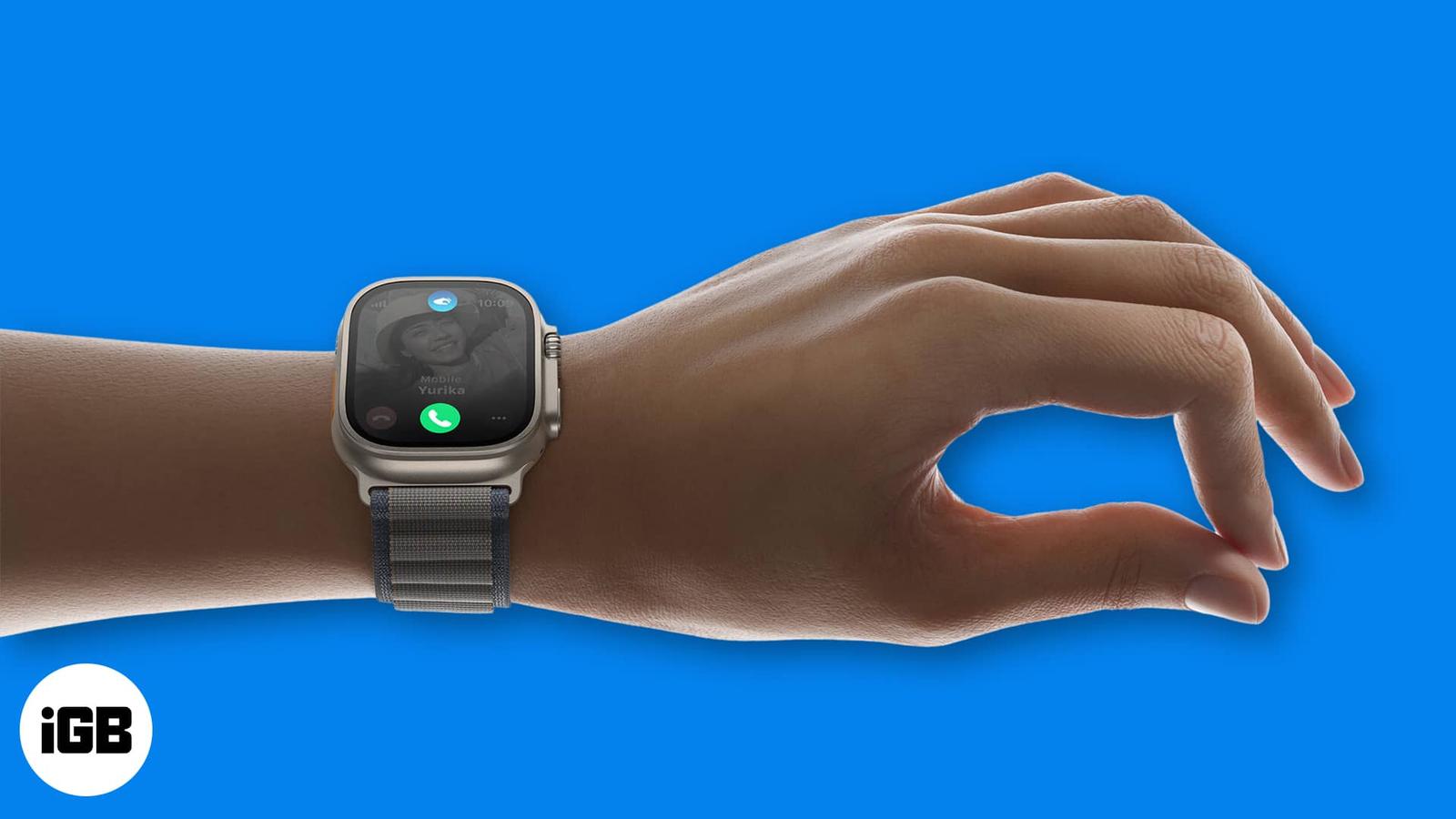
How to use double tap gesture on Apple Watch
September 25, 2024

Sajid Shaik is a tech enthusiast who explains complex concepts in a clear and concise way. For the past 7 years, he has been a regular contributor to tech blogs and publications, including MakeUseOf and iGeeksBlog. Sajid also has extensive knowledge of the Apple ecosystem, which he shares with his readers through his words. He has created a wide range of content, such as How-Tos, Reviews, Listicles, and much more. Aside from that, Sajid has a degree in Electronics and Communication Engineering, which gives him an advantage in better understanding technology at hardware level. Apart from writing, you can find him fiddling with Apple products or keeping up with all things Apple.
Employer
iGeeks Media Private Limited
Education
Bachelor of Technology (BTech) in Electrical
Apple Vision Pro offers a unique way to multitask between apps. However, after using an app, you’d want to close it, but it might not go as
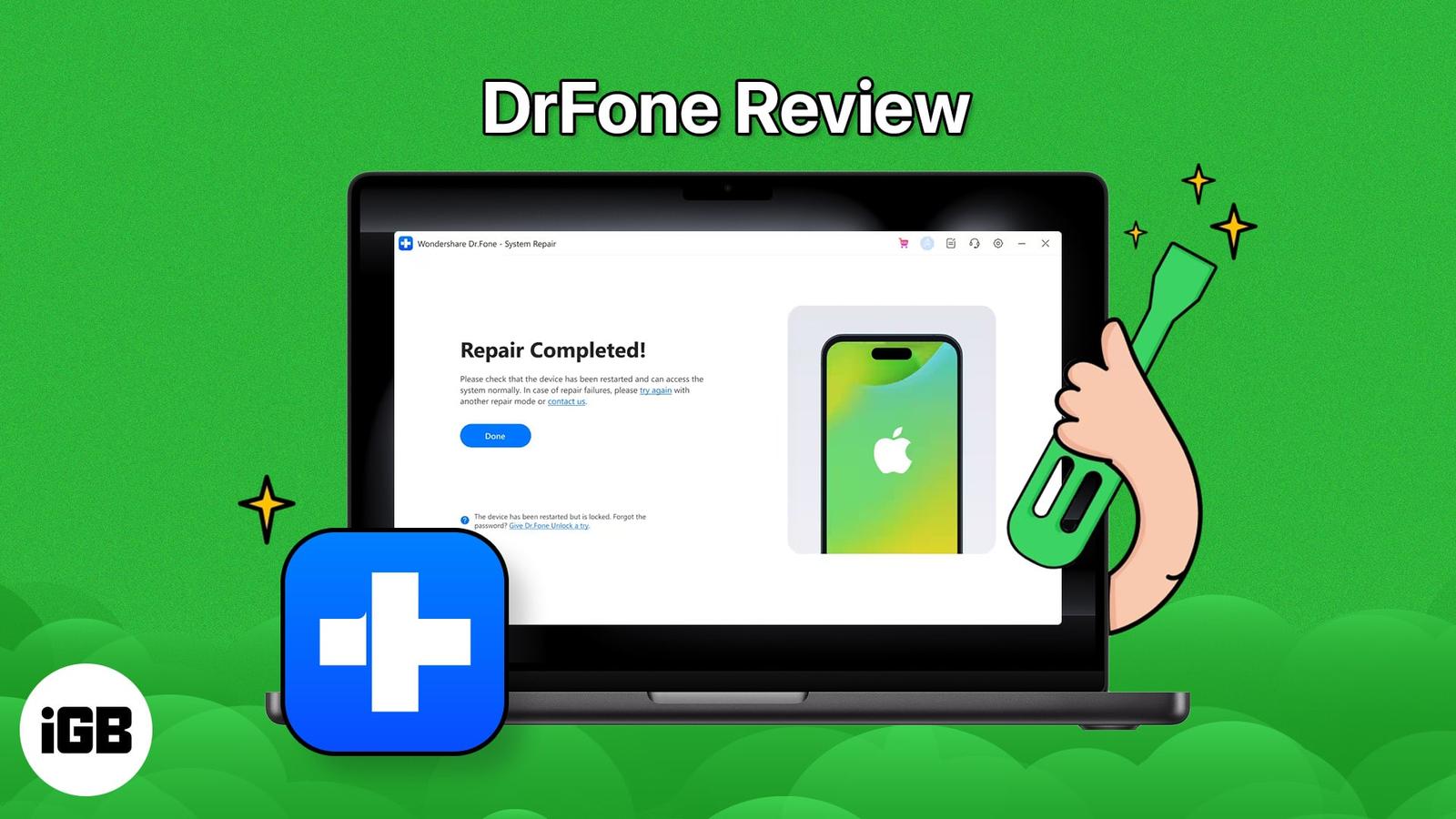
iOS System Repair by Wondershare Dr.Fone is a tool that fixes a wide range of iOS issues without the need for iTunes/Finder. Besides fixing

The another device is using your IP warning means two machines claimed the same address. These seven fixes cover DHCP renewal, Private Relay

A list of top Mac clipboard managers that let you save and reuse copied text, images, and links with easy access.
When the sun is out, you might enjoy yourself in the water. Unfortunately, dropping your AirPods in water might ruin your beautiful day. If
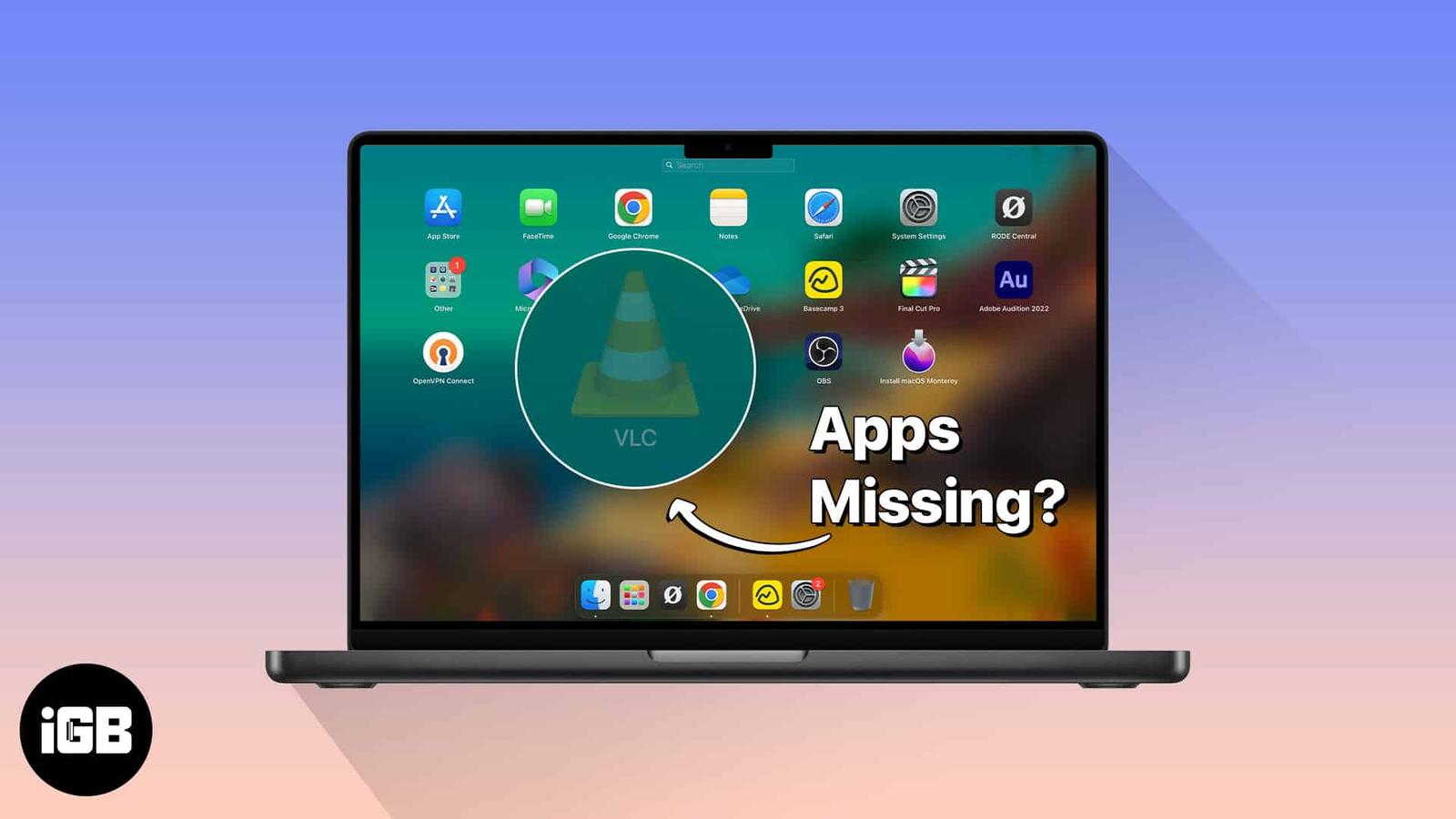
When Launchpad stops listing installed apps, the culprit is usually a corrupted database rather than a missing app. Here are three fixes, in
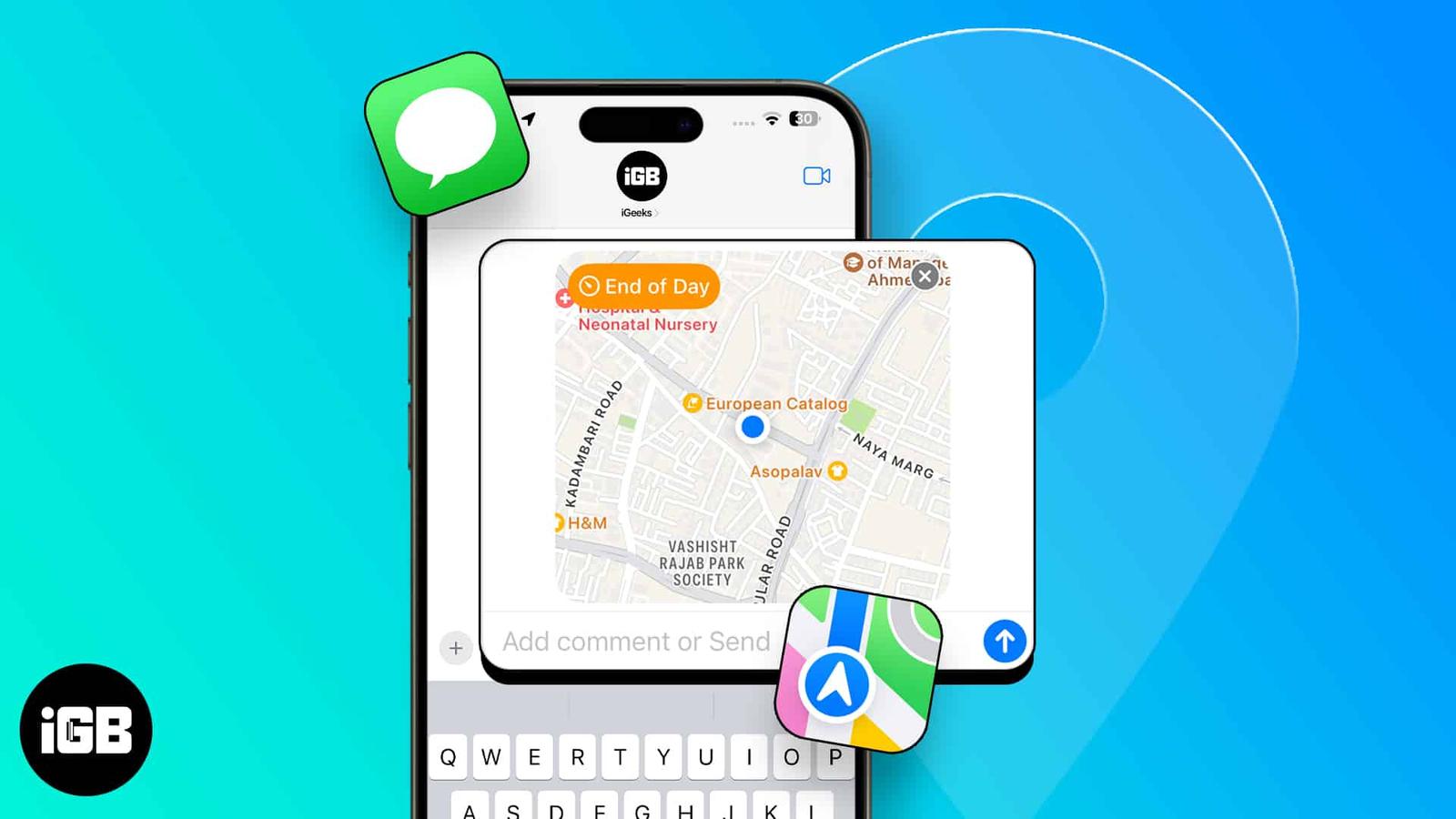
Feeling lost? Don’t fret! Sending your location in iMessage is a breeze; no third-party apps are needed. Whether it’s a new city adventure o
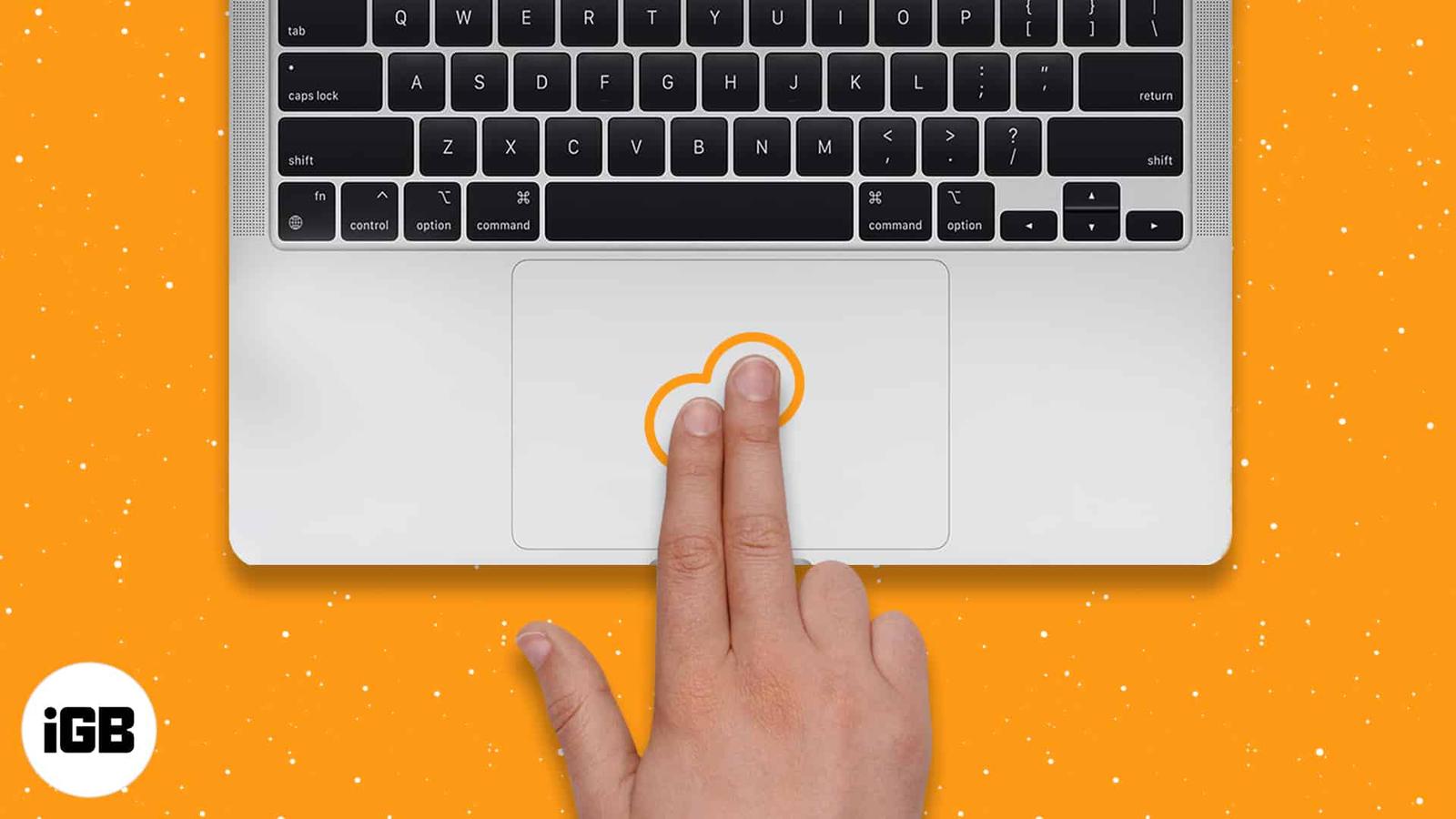
Switchers from Windows often assume Macs cannot right-click. They can, in five different ways. Here is how to do it on a trackpad, Magic Mou
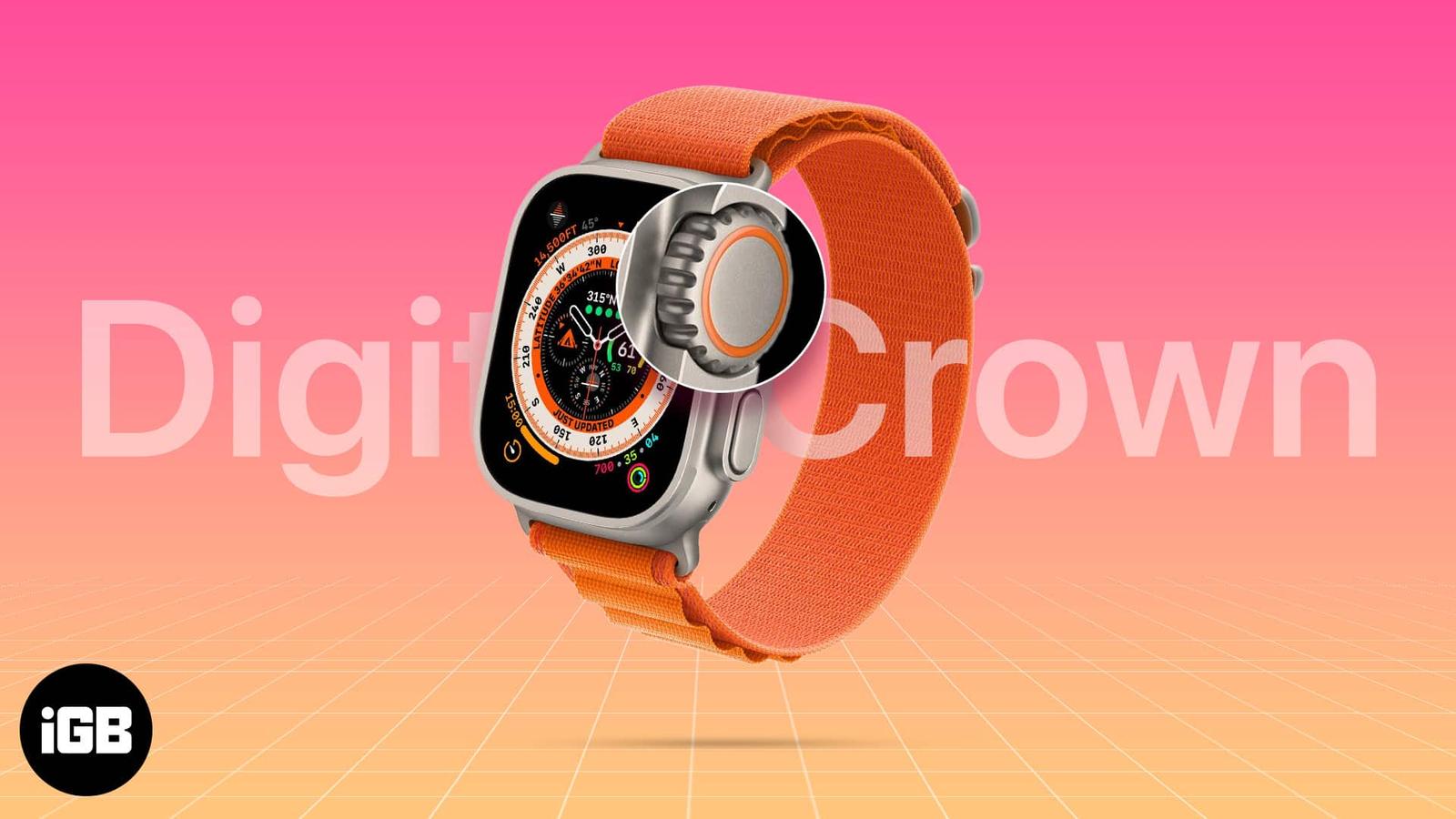
Sweat, lotion, and grit work their way under the Digital Crown and make it grind. Here is what to check first, and four safe ways to clean a
Whether you have a pair of AirPods Max, AirPods Pro, or AirPods, they are the best audio companion for your Apple devices. The ease of using
Want gear that pairs well with your 15-inch MacBook Air? These accessories help protect, power, and organize your laptop setup.
A network reset clears Wi-Fi passwords and custom configurations along with the problem. Here is how to do it on recent macOS versions, what
You might be familiar with cleaning iPhones with aluminum or stainless steel. However, it’s the first time Apple used a titanium frame in th
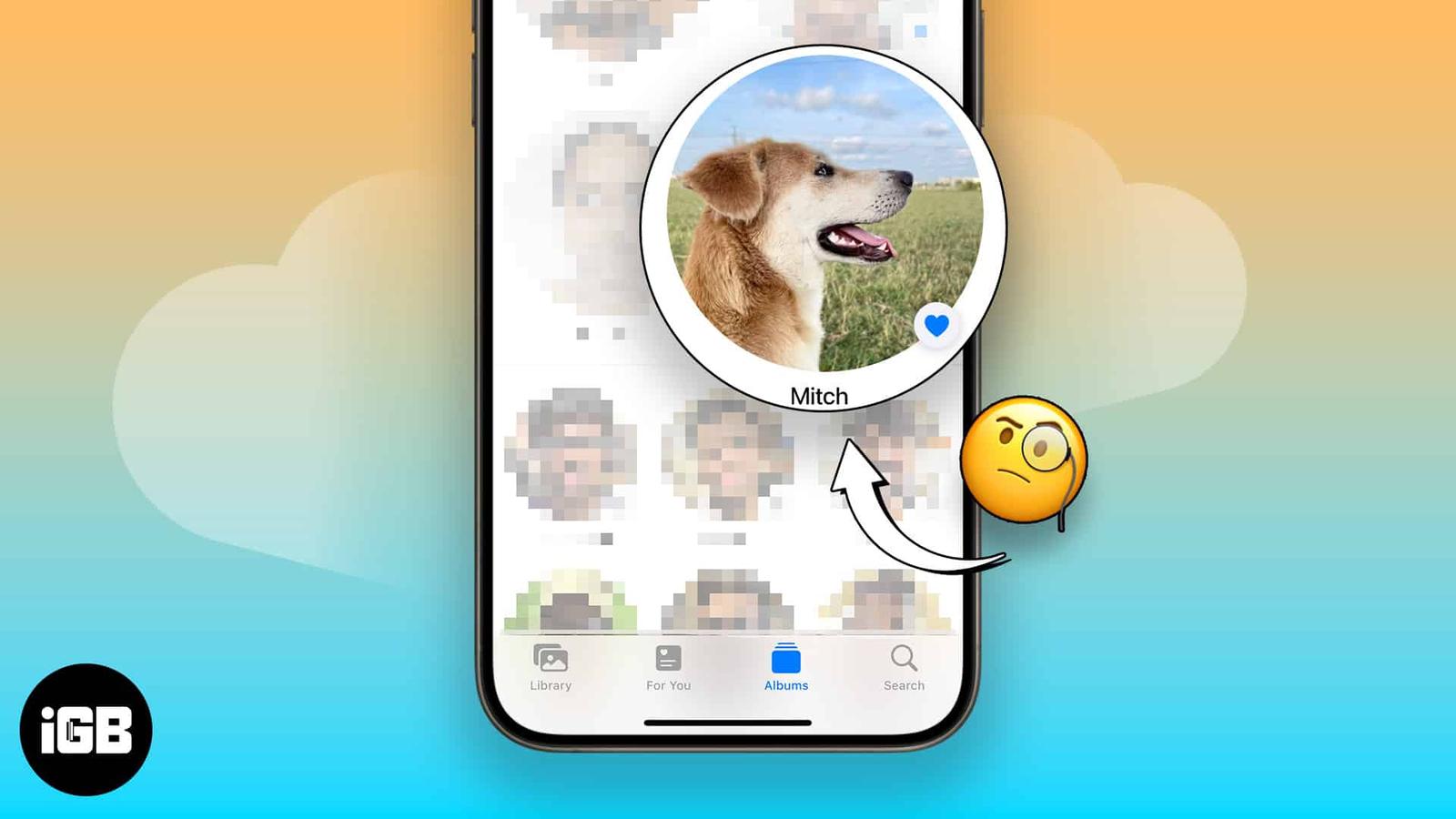
You’ll take many photos of your pet if you’ve got one. Before iOS 17, it was harder to find your pet’s photos individually. Apple introduced
At the Scary Fast event, Apple unveiled its refreshed MacBook Pro series with the latest M3 family of processors, which have a few improveme