Wave Browser is a Chromium-based Safari alternative with built-in productivity tools and an unusual environmental mission. It is available on Mac and iPhone, although the features are not identical on both platforms.
The main tradeoff is its business model: Yahoo is the default search engine, though you can change it in settings. Wave says revenue from search and other partnerships helps fund verified ocean cleanup through 4ocean.
What is Wave Browser?
Wave Browser combines a familiar interface with tools for managing tabs, editing PDFs, saving notes, blocking ads, and accessing messaging services without opening separate apps. It is free to download and is also available on Windows and Android. Some advanced features are promoted through Wave PRO, and availability can differ by device.
Wave Browser for Mac: Browse smarter on macOS
Wave Browser for Mac puts most of its productivity features in the browser and sidebar, making it easier to work without constantly switching apps.
Built-in productivity tools
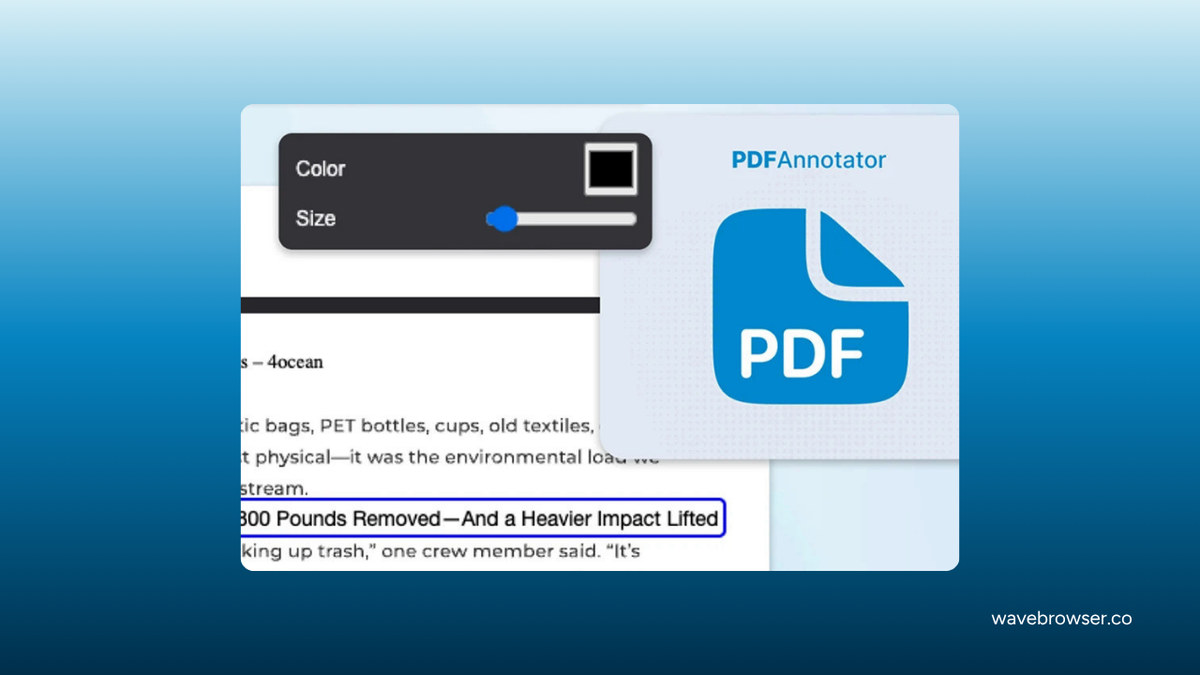
You can annotate PDFs, convert files, create notes and reminders, translate pages, and access services such as WhatsApp, Messenger, and Instagram from the sidebar. These tools are most useful when you regularly keep communication and reference material open beside your work.
Tab management
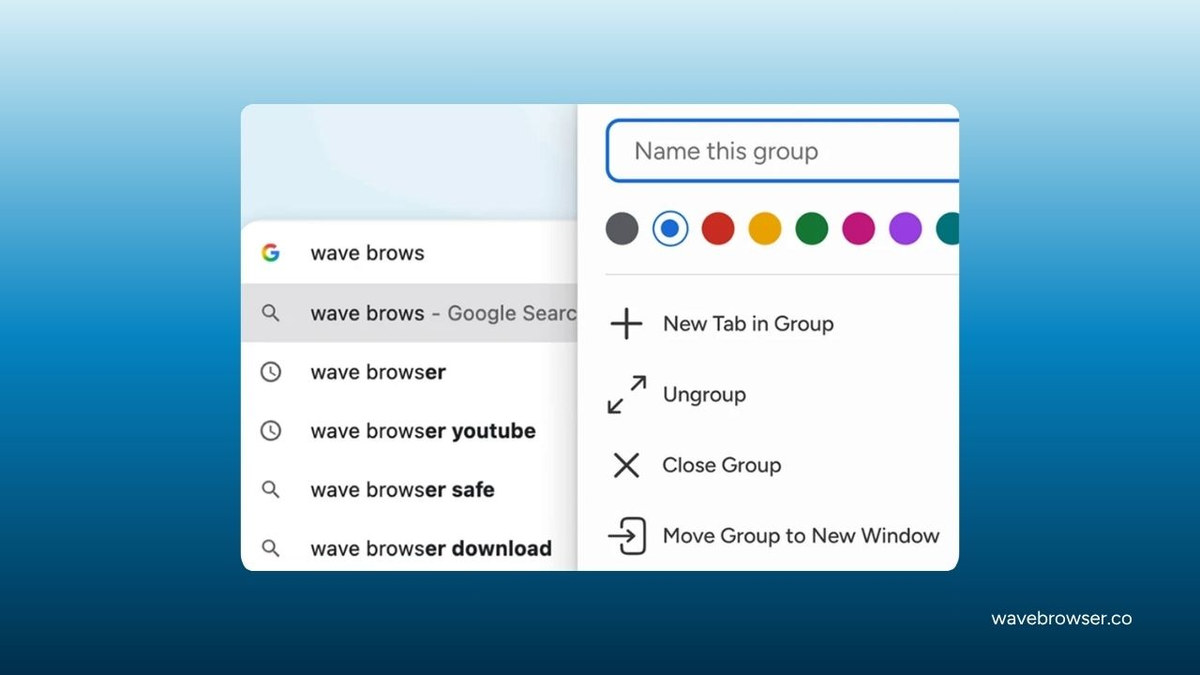
Tab groups help separate work, research, shopping, and personal pages without spreading them across several windows.
Memory Saver
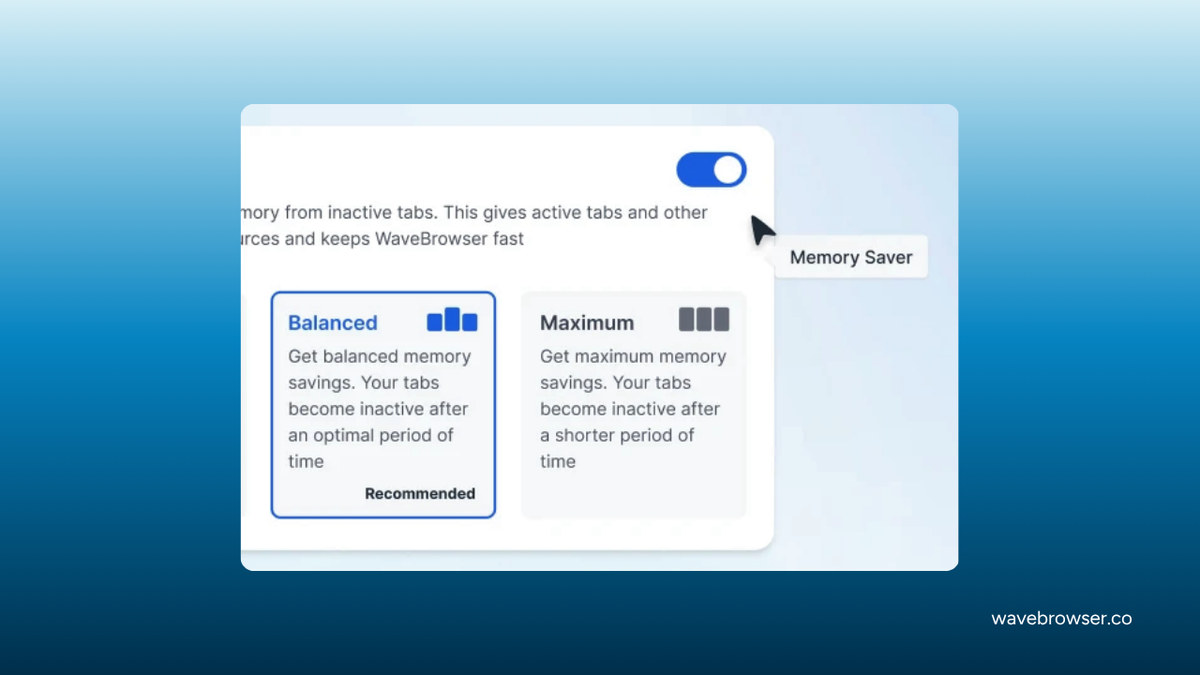
Memory Saver frees resources used by inactive tabs. It matters most when you leave many pages open during long work or research sessions.
Built-in ad blocker
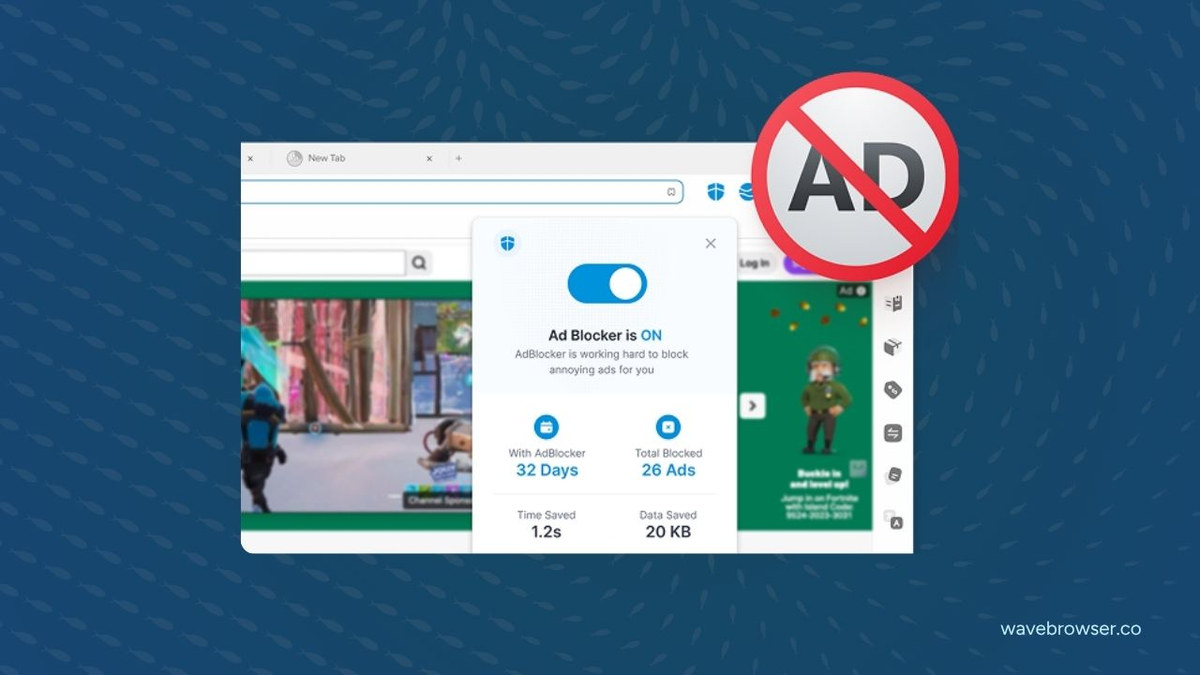
Wave advertises a free built-in ad blocker, which can reduce intrusive ads, trackers, and pop-ups without another extension. It will not necessarily block every ad or tracker.
Wave also promotes additional AI and ad-blocking capabilities through Wave PRO, so check what your installed version includes before paying for an upgrade.
Familiar interface and impact tracker
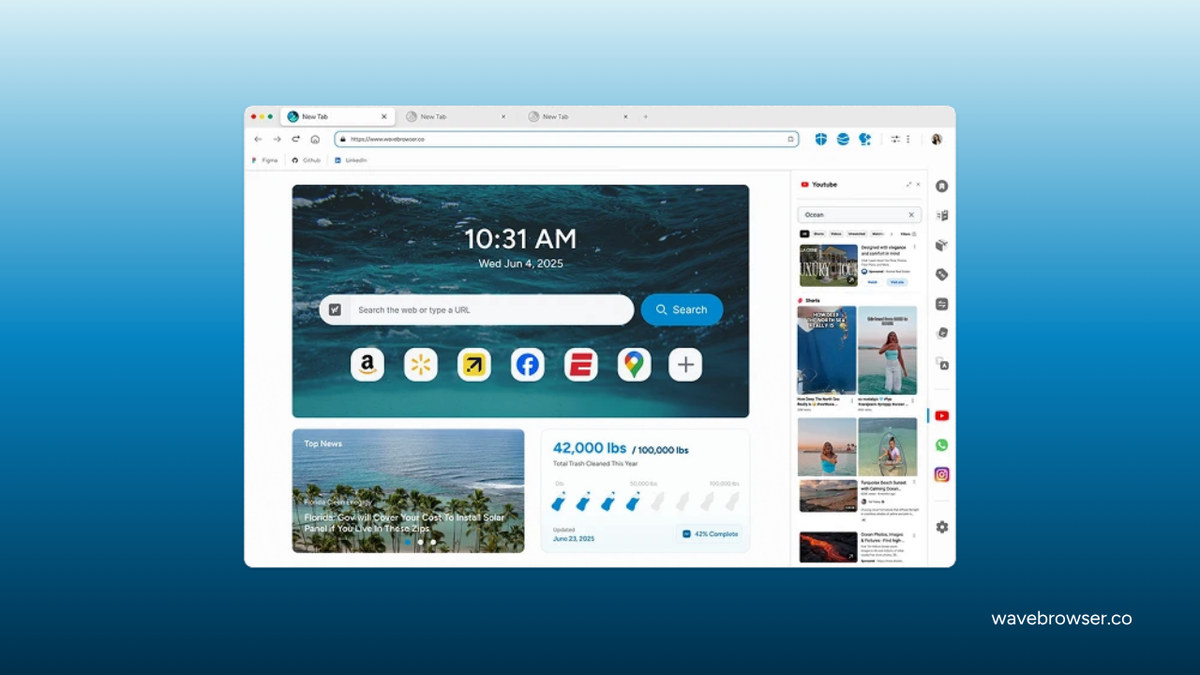
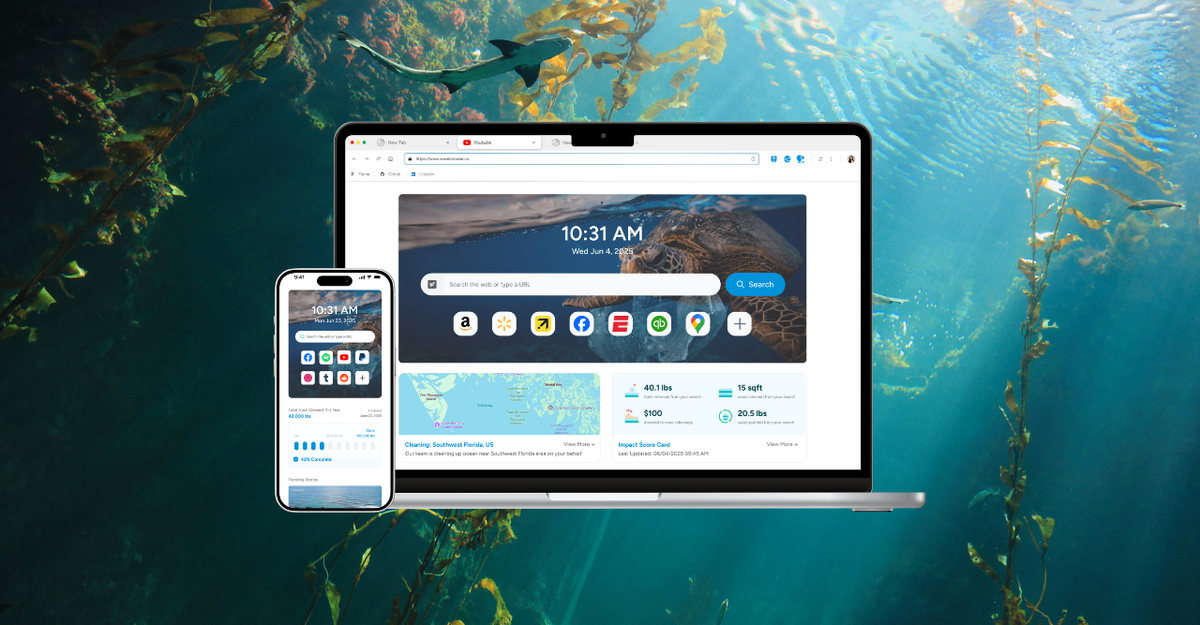
The Chromium-style interface should feel familiar if you have used Chrome or Edge. Its homepage also includes a live tracker for the Wave community’s ocean-cleanup progress.
However, Safari still has the advantage if you rely on deeper Apple integration such as iCloud Keychain, Handoff, and Apple Pay. The broader Safari vs. Chrome comparison reflects much of the same ecosystem tradeoff.
Wave Browser for iPhone: Browse Smarter on iOS
Wave Browser for iPhone is free and currently requires iOS 17 or later. The mobile app focuses on straightforward browsing, bookmarks, privacy controls, and the community impact tracker; do not assume every desktop sidebar tool is available on iPhone.
Privacy features
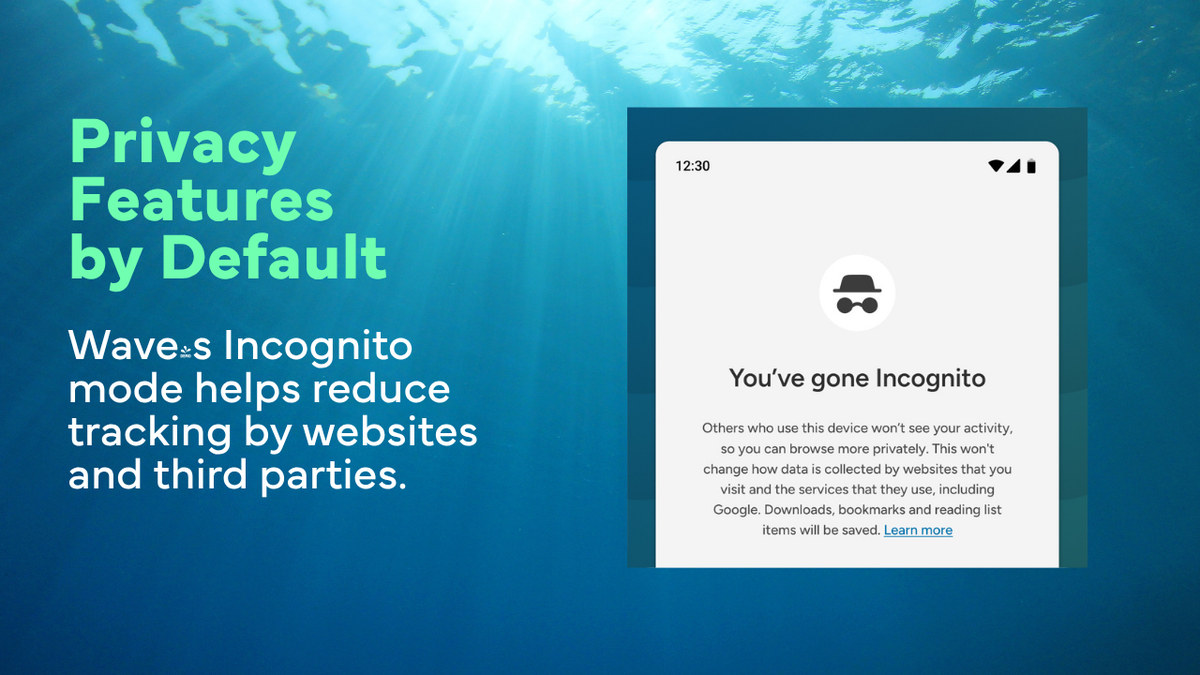
Incognito mode avoids retaining local history, cookies, and temporary site data after you close the session. It does not hide your activity from websites, an employer or school network, or your internet provider.
The App Store privacy label says the app may collect identifiers and usage data that are not linked to your identity. That is useful context if privacy is one of your main reasons for leaving Safari.
Built-in password manager
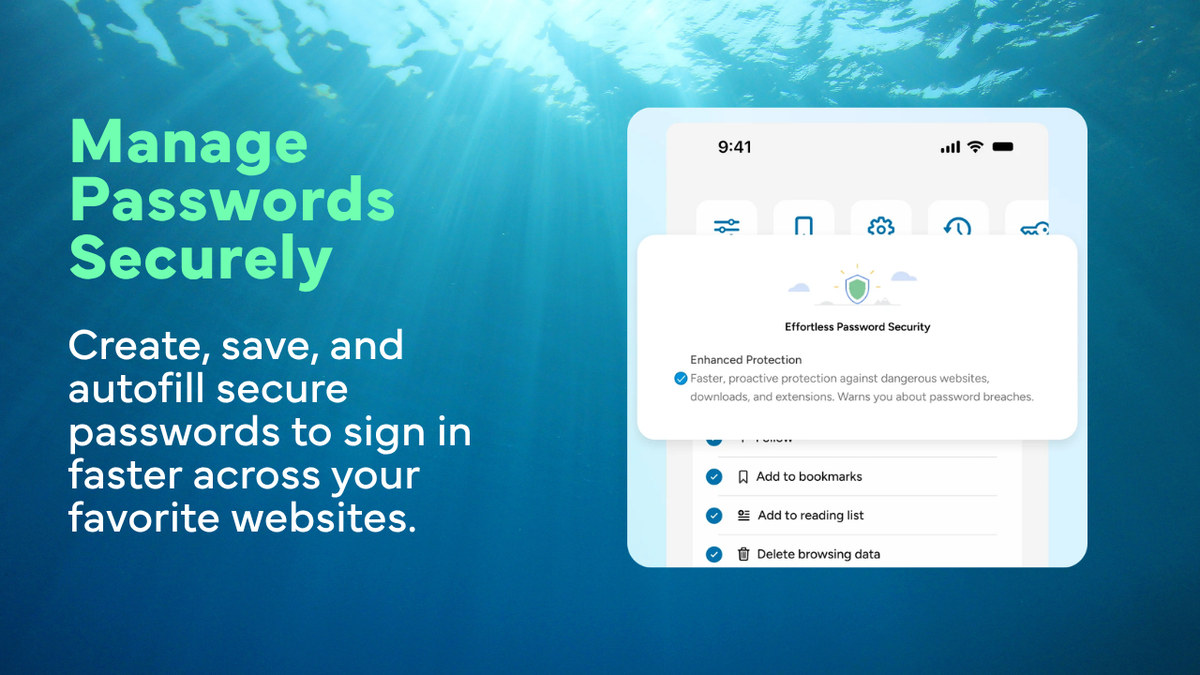
Wave can save and autofill login credentials. Before relying on it as your main password manager, confirm that its storage and cross-device syncing match how you plan to use it on iPhone and Mac.
Personalized browsing
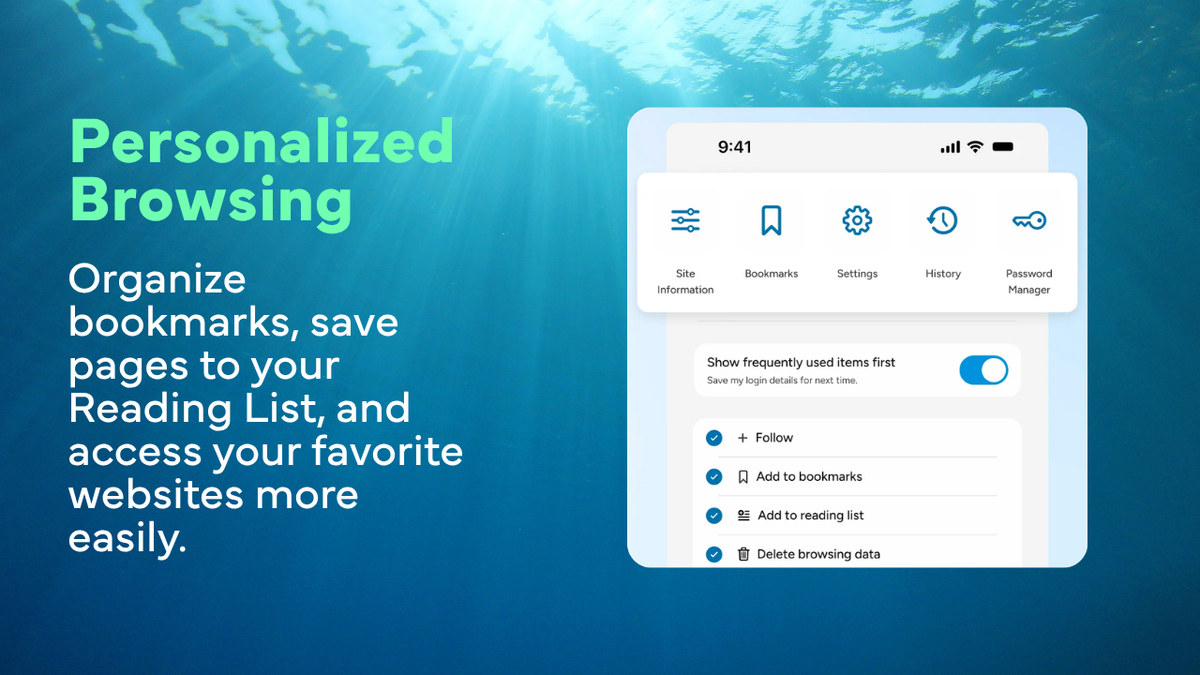
You can organize bookmarks, save pages to a reading list, and keep frequently used sites within easy reach. These are familiar browser features, but they make the move from Safari less disruptive.
What the AppEsteem certification means
AppEsteem currently lists specific Windows and macOS versions of Wave Browser as actively certified. Its requirements focus on transparent installation, consent, monetization, and avoiding deceptive or unwanted app behavior.
That certification is useful reassurance about distribution practices, but it is not the same as a complete independent security or privacy audit.
How Wave supports verified ocean cleanup
Through its certified partnership with 4ocean, a portion of Wave’s revenue supports cleanup crews removing plastic and trash from oceans, rivers, and coastlines. In other words, browsing helps fund the program; opening one tab does not remove a fixed amount of waste by itself.
Wave reported 100,026 pounds removed as of April 2026, with work across the United States, Indonesia, and the Dominican Republic. The longer-term commitment is 300,000 pounds by 2028.
Should you switch to Wave Browser?
Wave is worth trying if its Mac productivity tools and cleanup-funding model appeal to you. Keep Safari if seamless Apple-device syncing, Keychain, Handoff, and native system integration matter more.
Wave Browser has earned the SourceForge Leader Award for three consecutive seasons (Winter, Spring, and Summer 2026) based on outstanding customer reviews. The Summer 2026 recognition placed Wave Browser among the top 5% of more than 100,000 reviewed software products on SourceForge in the Web Browsers and Eco-Friendly Web Browsers categories, demonstrating consistently positive user feedback over time.
You can test Wave without making it your default immediately. If it fits your routine, follow the steps to change the default browser on Mac or choose a default browser on iPhone.