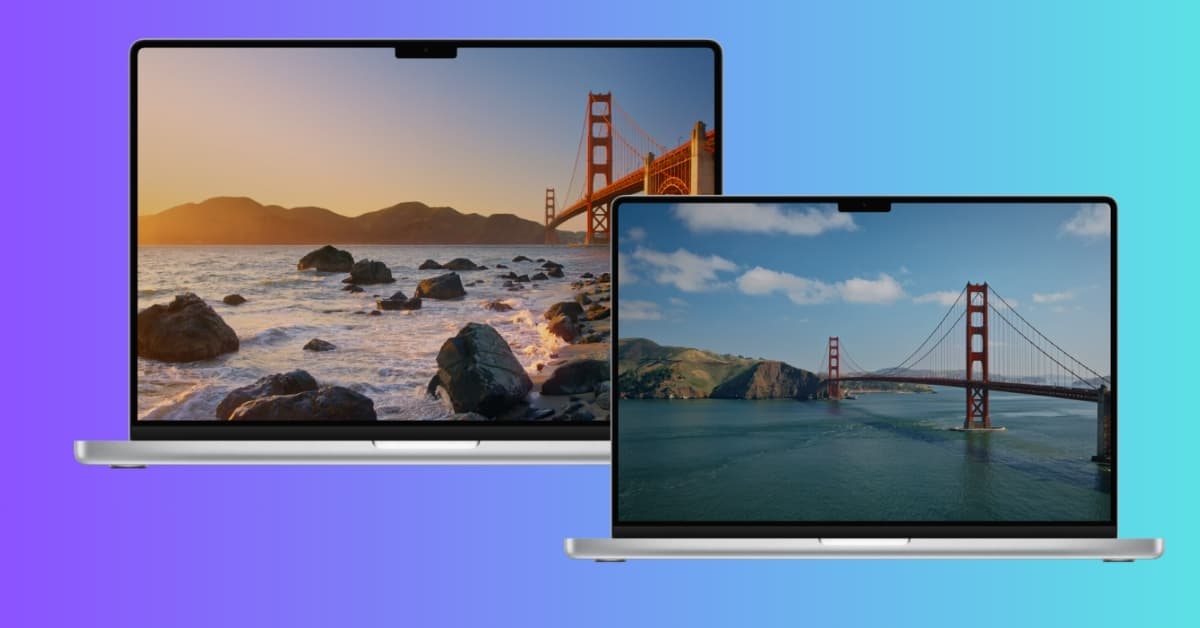
Apple has expanded the macOS 27 Golden Gate wallpaper collection once again. Apple has added two new Golden Gate-themed wallpapers called Golden Gate Day and Golden Gate Evening.
These new designs join the Golden Gate Sunset, Golden Gate Night, and abstract Celosia wallpapers introduced in earlier. The latest additions give you more options to enjoy the iconic bridge across different times of the day.
The best part is you don’t need to install the macOS 27 to enjoy the new look. Below is the official macOS 27 Golden Gate wallpaper collection in high resolution, available to download for free. We have shared both Light and Dark variants.
Get new Golden Gate Day and Evening wallpapers
The Golden Gate Bridge has always been one of San Francisco’s most recognizable landmarks, and Apple is using it as the visual centerpiece of macOS 27.
The latest macOS 27 wallpapers take a more scenic approach compared to the original abstract design. They showcase the Golden Gate Bridge in different lighting conditions, adding more variety to Apple’s growing wallpaper collection.
Like the Sunset and Night wallpapers, the new designs are more than static backgrounds. They animate when you unlock your Mac and can also be used as screen savers. When used as a screen saver, both wallpapers feature cars slowly driving across the Golden Gate Bridge, adding a subtle sense of motion to the desktop experience.
Apple has now included four scenic Golden Gate wallpapers:
- Golden Gate Day
- Golden Gate Evening
- Golden Gate Sunset
- Golden Gate Night
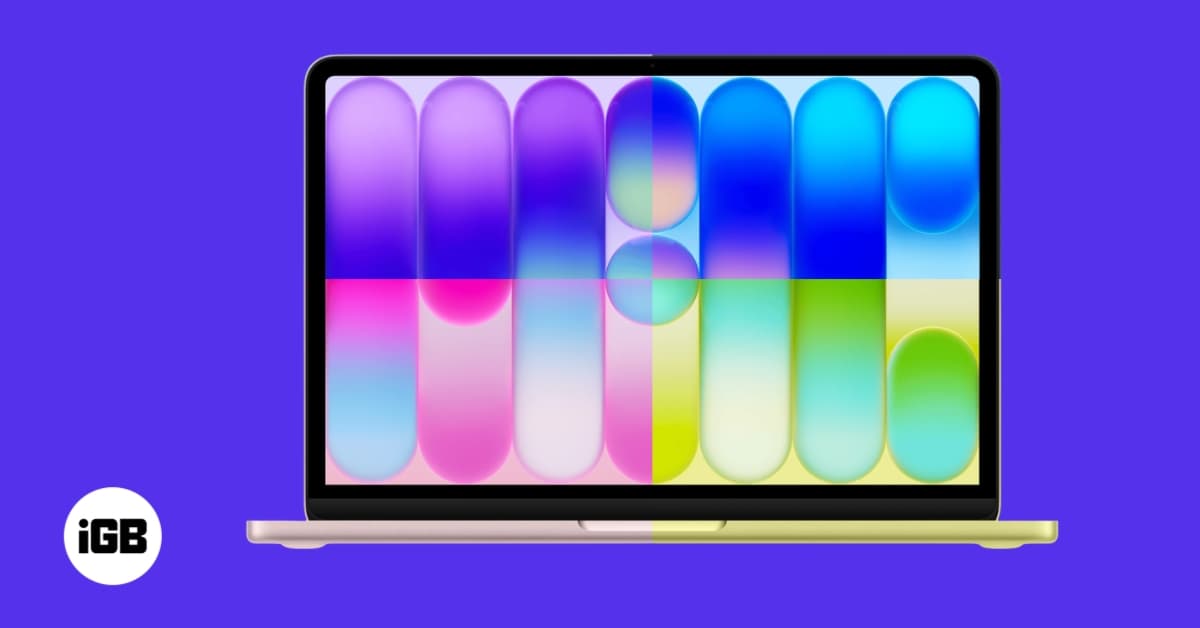
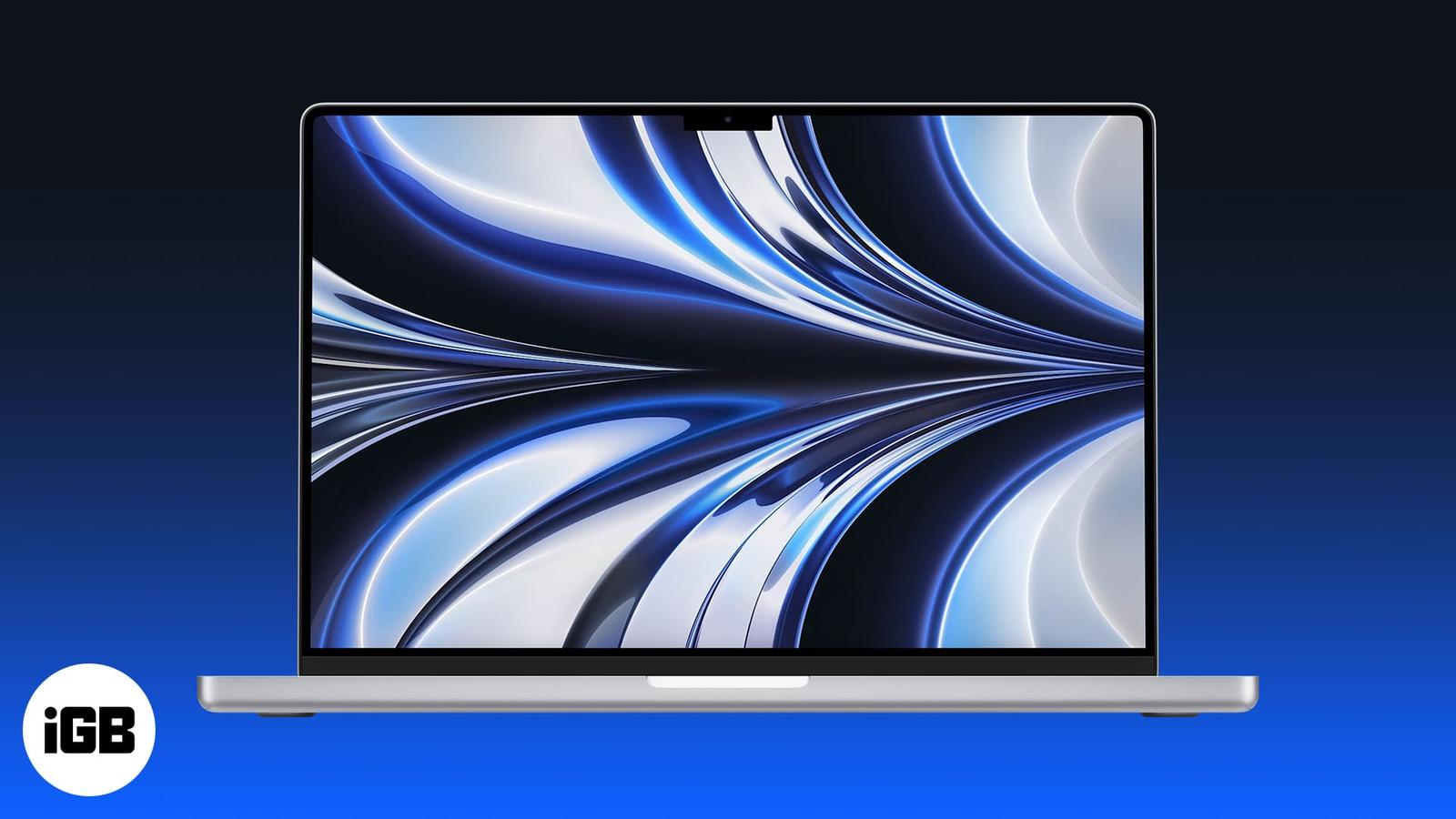
macOS 27 also continues to offer the abstract Golden Gate Celosia wallpaper for users who prefer a cleaner, less scenic desktop background. The design resembles the sculpted, organic forms of the celosia flower, subtly forming the number 27. I liked how the overall composition feels premium, refined, and timeless while avoiding visual clutter.
Download official macOS 27 Golden Gate wallpapers
The original Golden Gate wallpapers are available in two versions. In the Light edition, the wallpaper blends warm sandy gold tones into subtle purples, whereas Dark mode transitions into deep indigo hues accented by silvery-blue highlights. The color scheme resembles iOS 27 official wallpapers.
Additionally, the newer Day, Evening, Sunset, and Night designs complement these original wallpapers while giving you more ways to customize your Mac’s desktop. All are available in a resolution of 4480 × 3088 pixels, making them suitable for all Mac models, including iMac, Studio Display XDR, and even high-resolution external monitors.
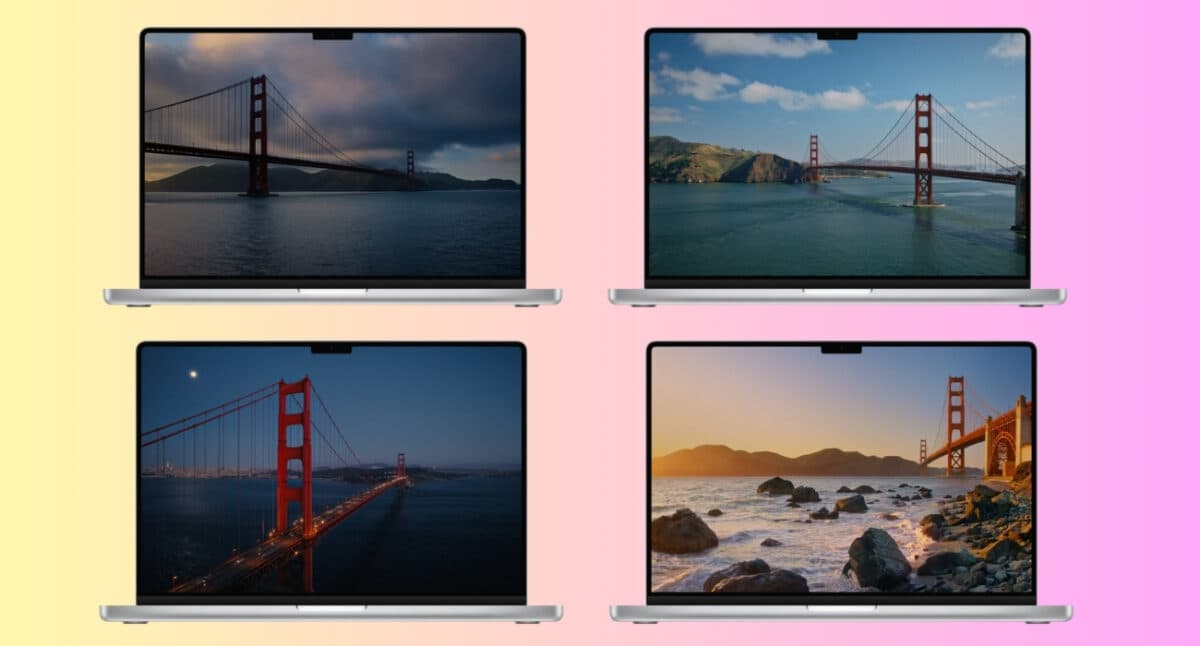
Download Golden Gate wallpapers: Day | Evening | Sunset | Night | Light | Dark
Note:
The dynamic switching, animated versions, and screen saver behavior are part of macOS 27. If you download the wallpapers as regular image files, they will work as static desktop backgrounds.
Why do these wallpapers work so well?
One reason the official macOS 27 wallpapers stand out is their balance between aesthetics and usability.
The design provides:
- Great visibility for icons
- Limited visual distractions
- Strong contrast in both light and dark modes
- Consistent appearance across different display sizes
- A premium look on Retina displays
Apple clearly designed these wallpapers to enhance the desktop experience with the refined Liquid Glass look.
Final thoughts
The new Golden Gate Day and Golden Gate Evening wallpapers make Apple’s macOS 27 wallpaper collection even more impressive. Along with the Sunset and Night versions, they offer a nice mix of scenic and abstract designs without making the desktop feel overly busy.
If you don’t want to install the macOS 27, downloading the wallpapers is an easy way to bring a little of the Golden Gate look to your Mac right now. For the full experience, you need to wait for the public release expected in September.
In case you missed: