
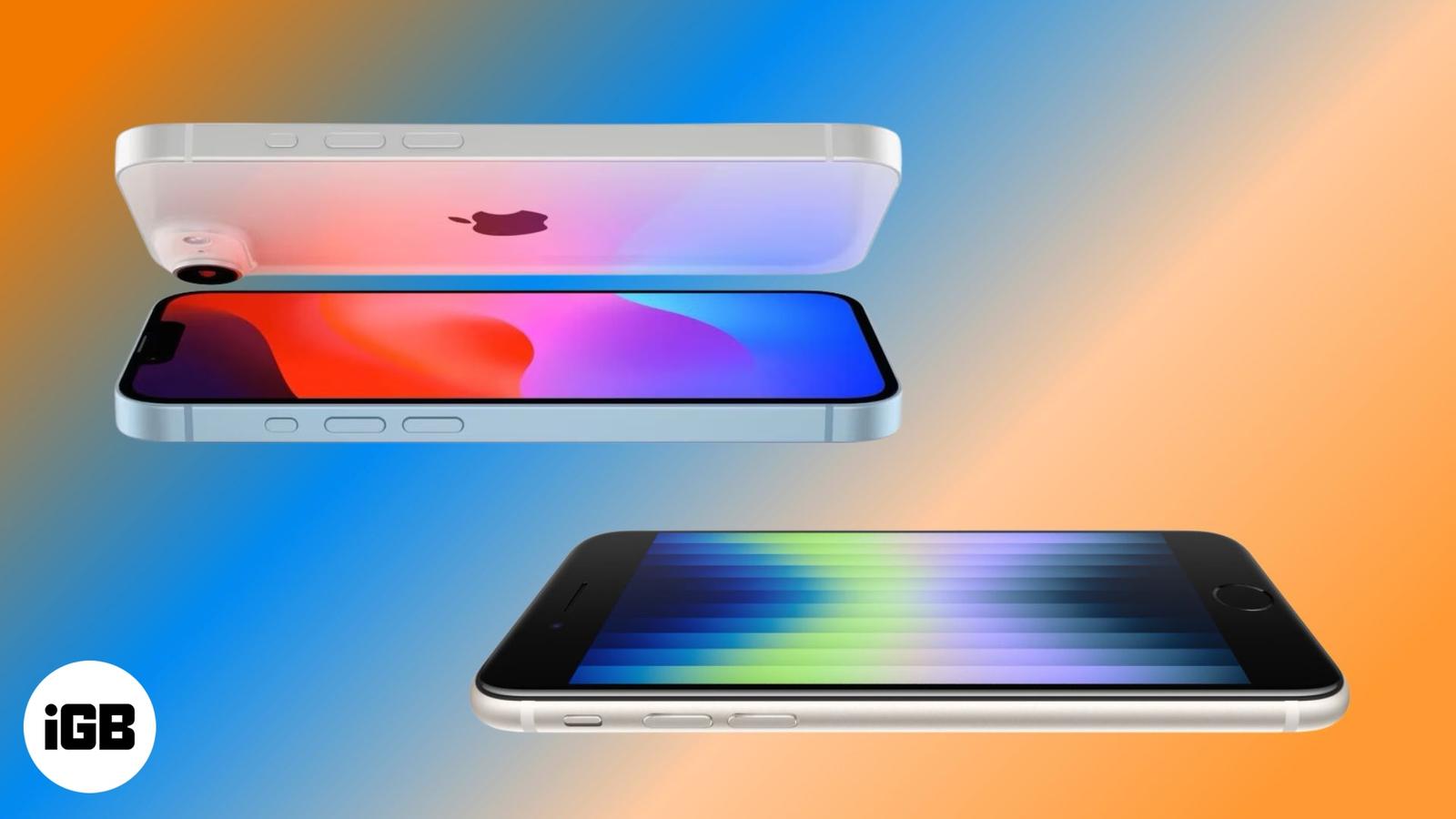
Editorial
Is the iPhone 16e the end of the iPhone SE series?
March 4, 2025

Vikhyat has a bachelor’s degree in Electronic and Communication Engineering and over five years of writing experience. His passion for technology and Apple products led him to the tech writing space, where he specializes in writing App features, How-to guides, and troubleshooting guides for fellow Apple users.
Vikhyat embarked on his journey in consumer technology writing in 2019, driven by his passion for technology. He has sharpened his skills through associations with Smartprix and Beebom, where he extensively tested and reviewed various gadgets, focusing mainly on smartphones. Currently, Vikhyat specializes in crafting How-to and troubleshooting guides for the Apple ecosystem at iGeeksBlog. When not typing away on his MacBook Air, he loves exploring the real world.
Employer
iGeeks Media Private LTD.
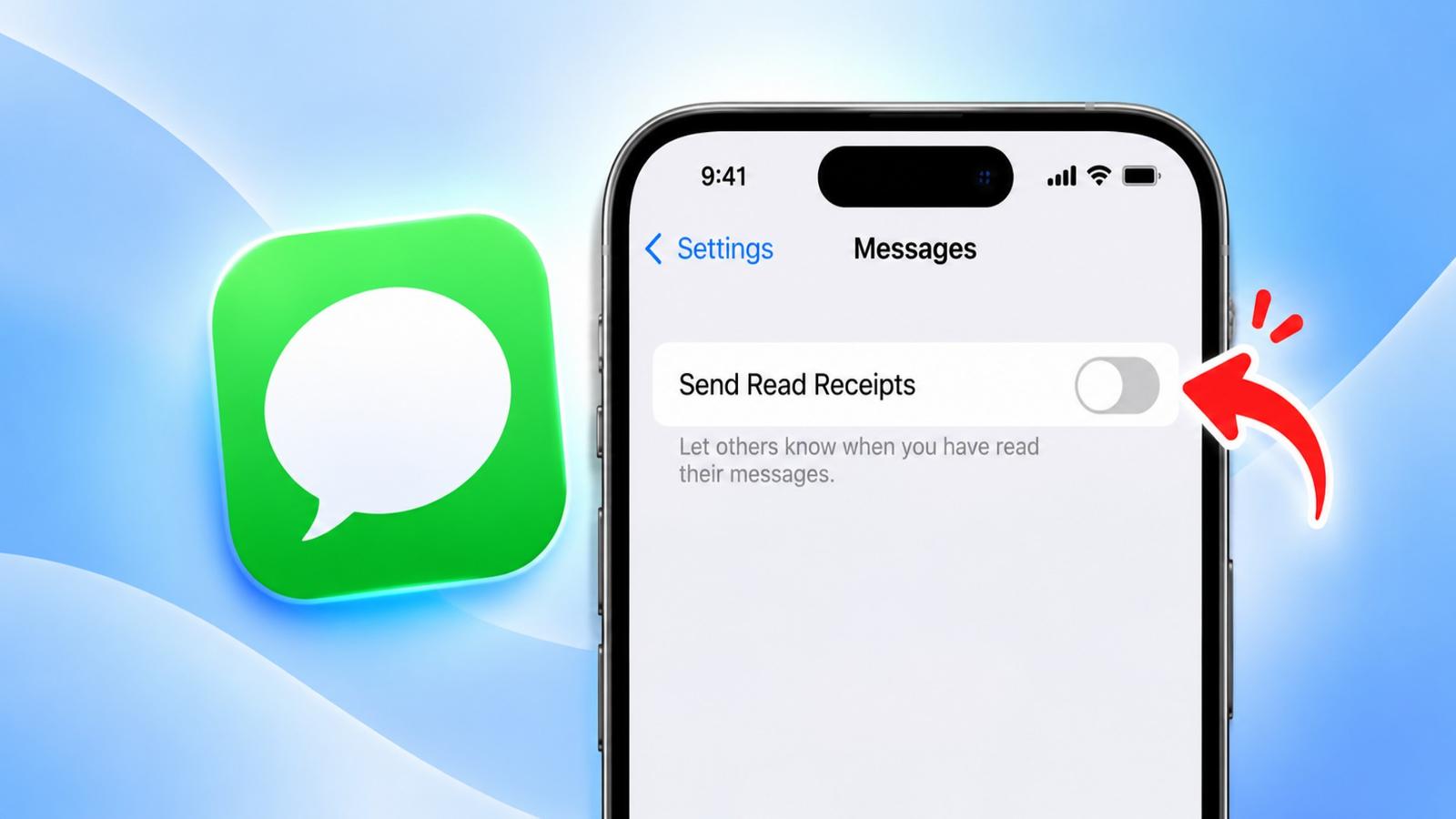
Don’t want people to know when you’ve read their messages? Here’s how to turn off read receipts.
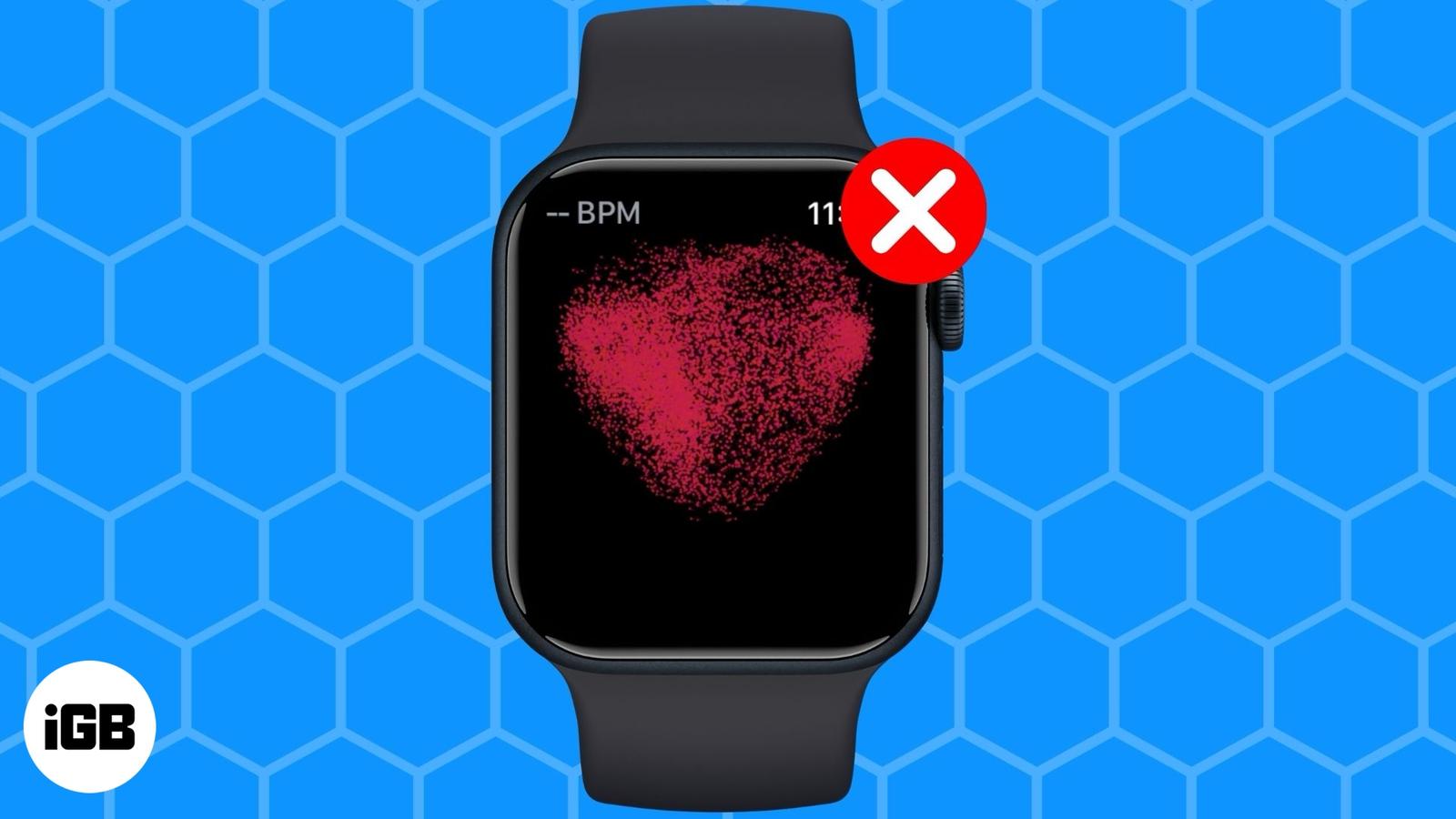
Here’s what to do when your Apple Watch ECG stops working.
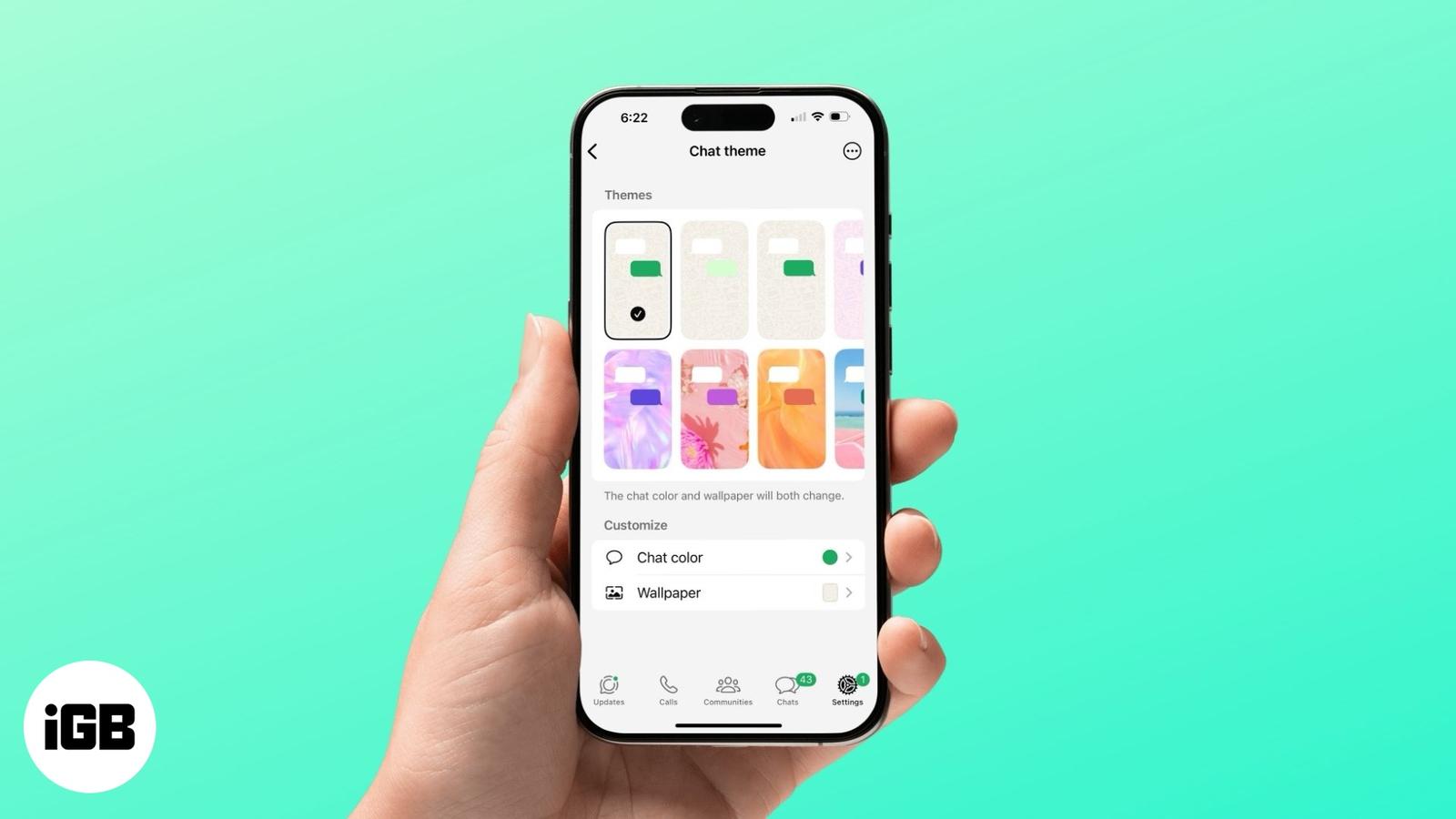
Customize your WhatsApp chats with unique themes and colors.
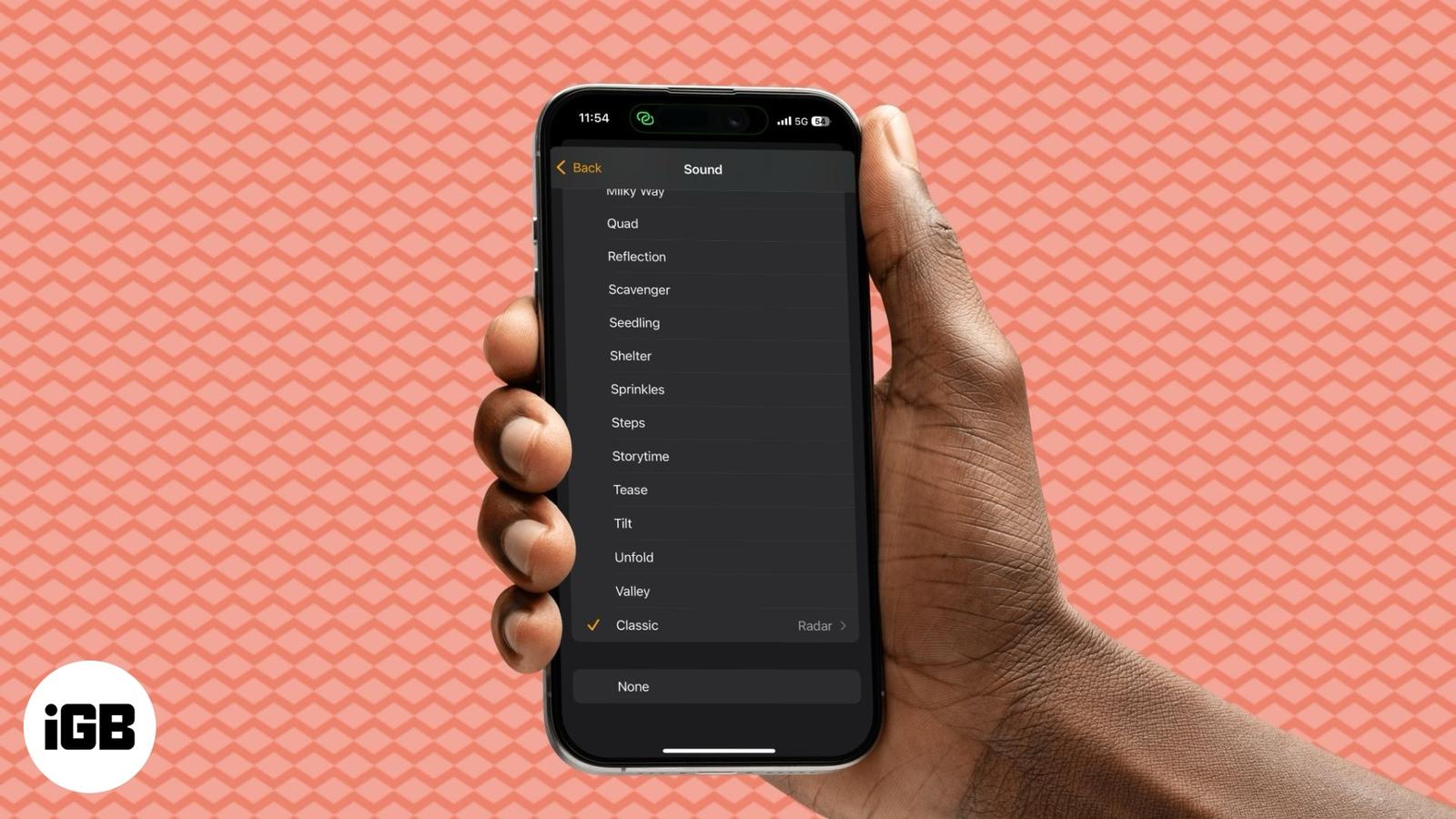
Personalize your iPhone alarm in a few easy steps.
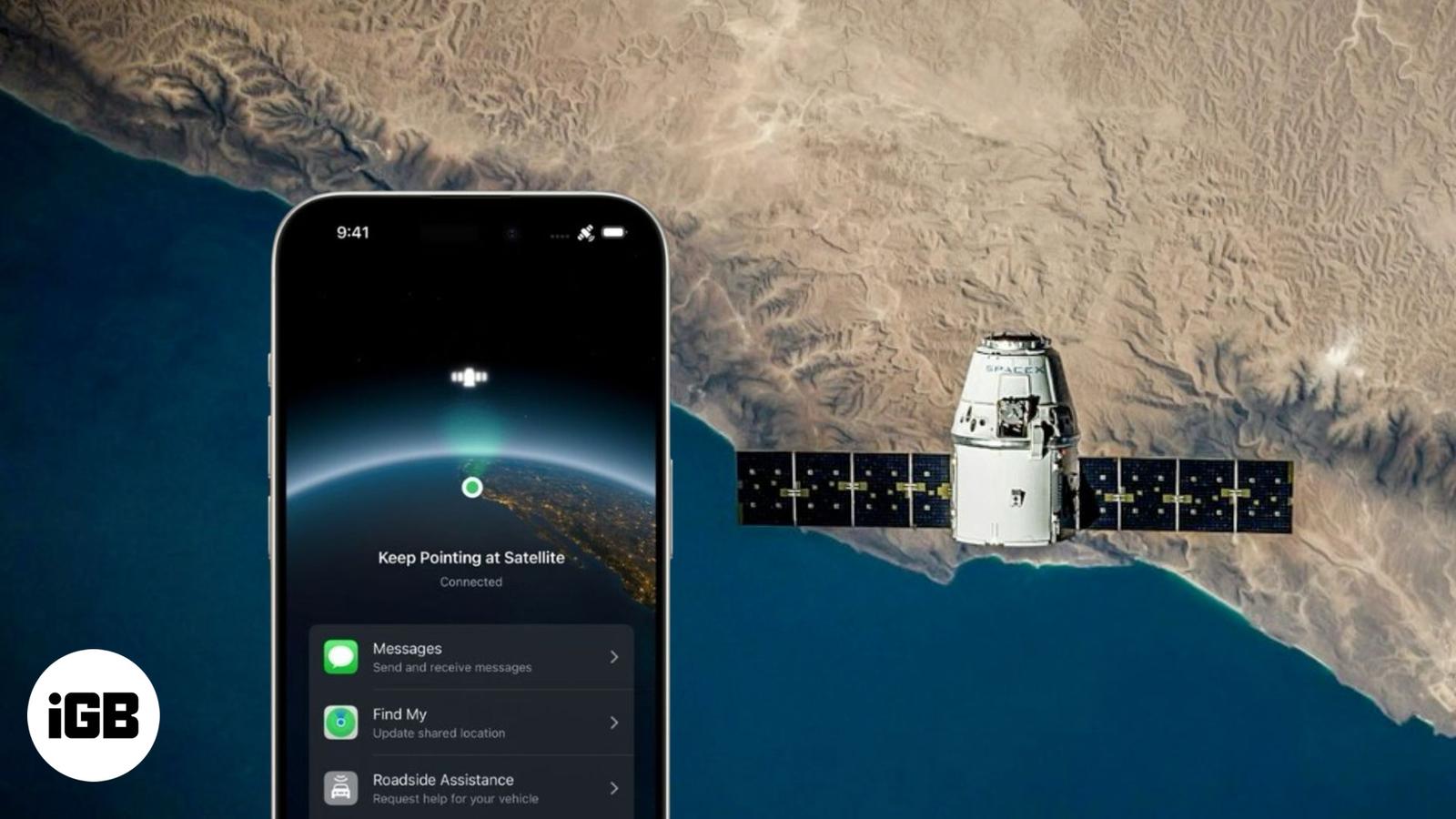
Starlink now works with iPhone—here’s what that means and how it works.
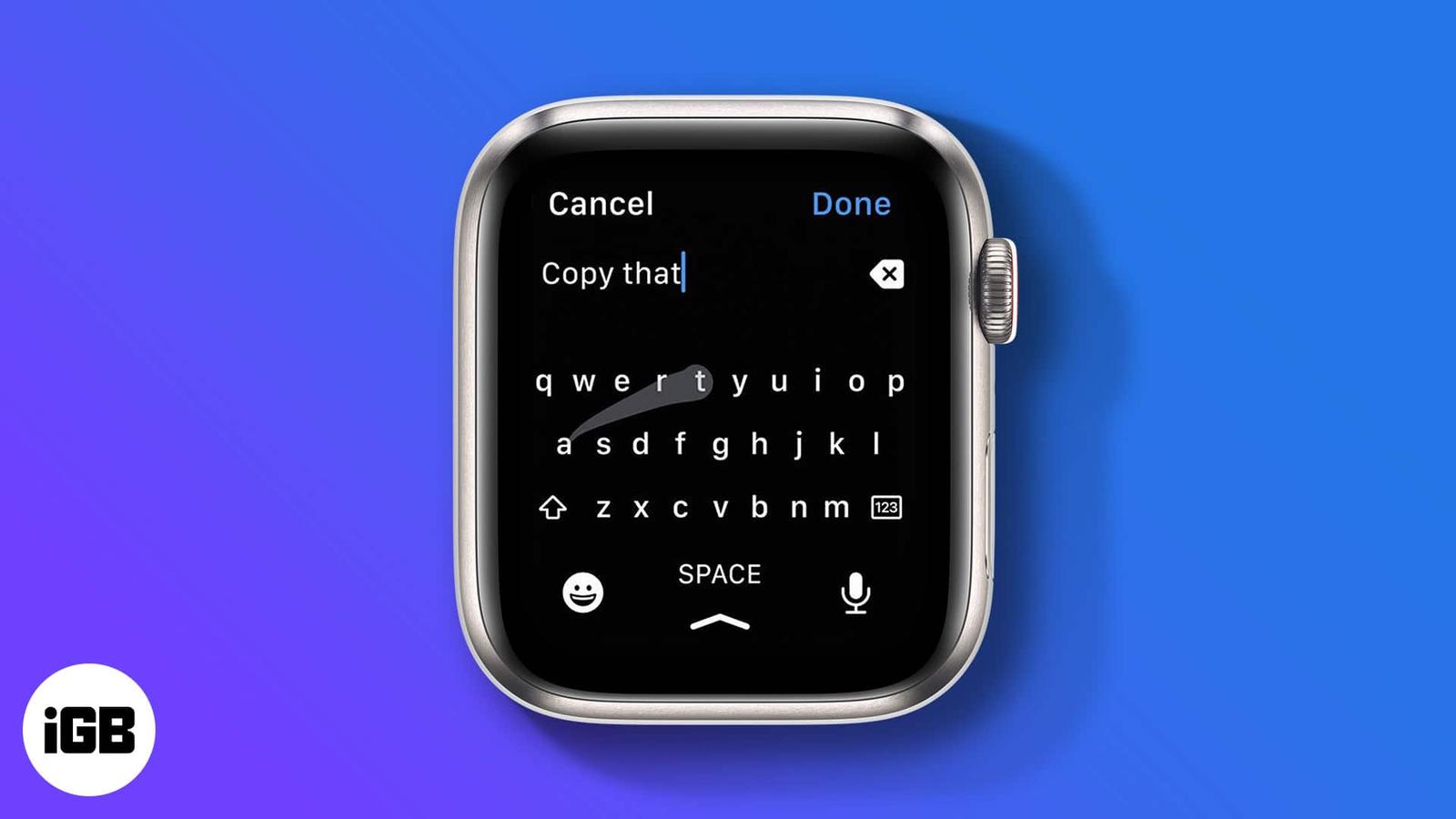
Find out how to use the Apple Watch keyboard, voice input, and other smart features.
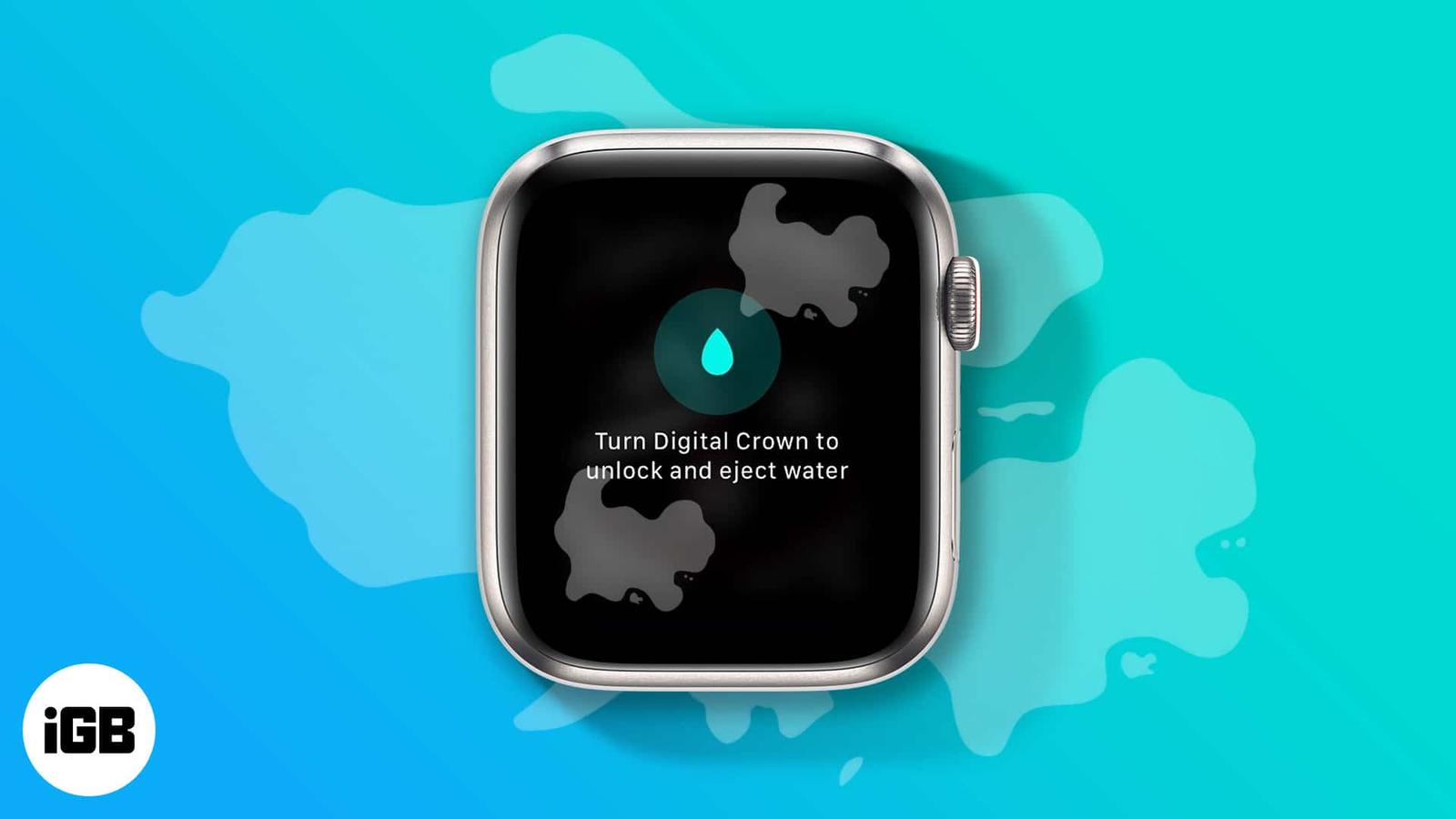
Remove water from your Apple Watch speaker with Water Lock.
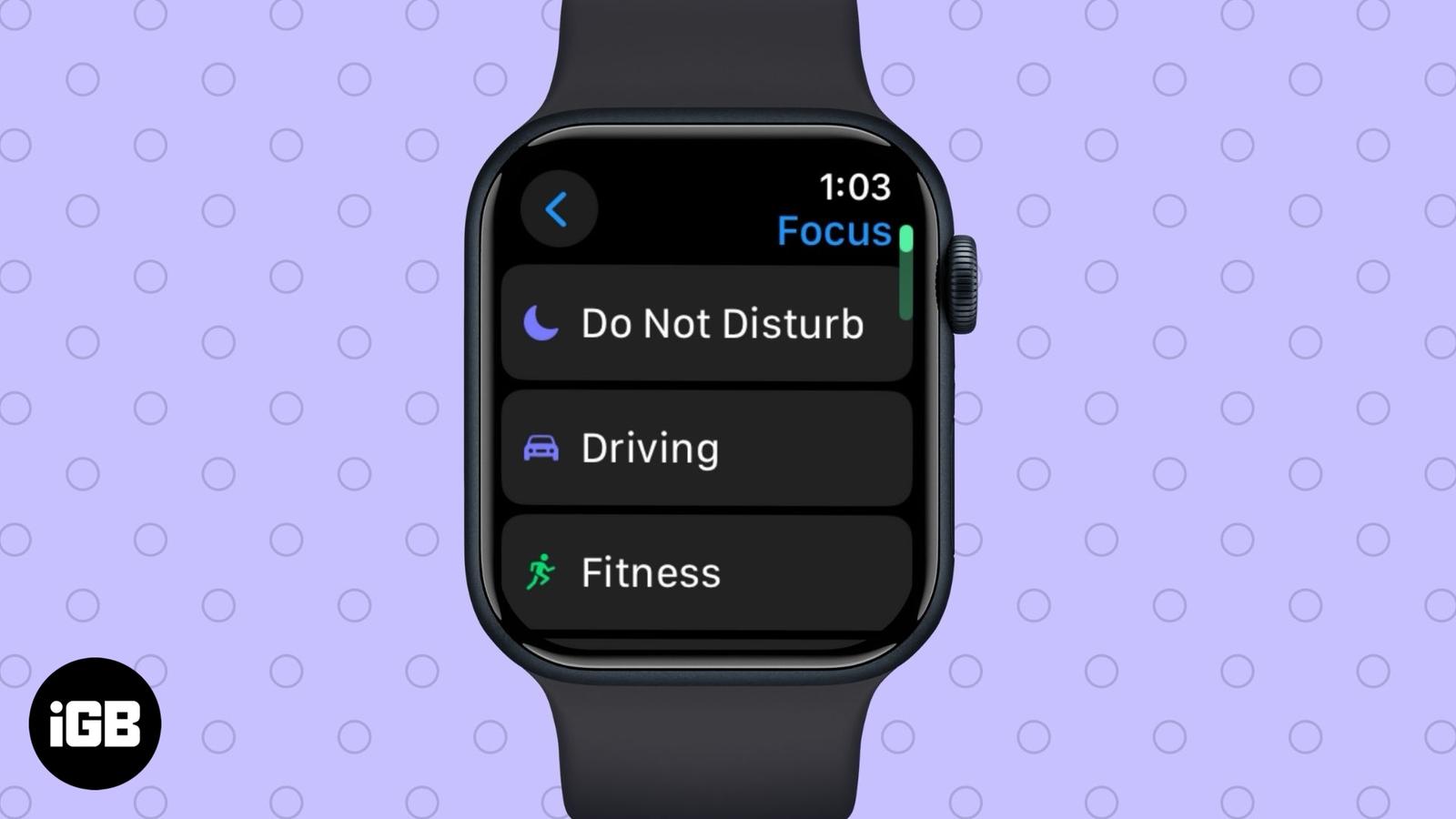
Keep unwanted notifications away using Apple Watch’s DND mode features.
Essential factors to consider before buying a used iPhone.
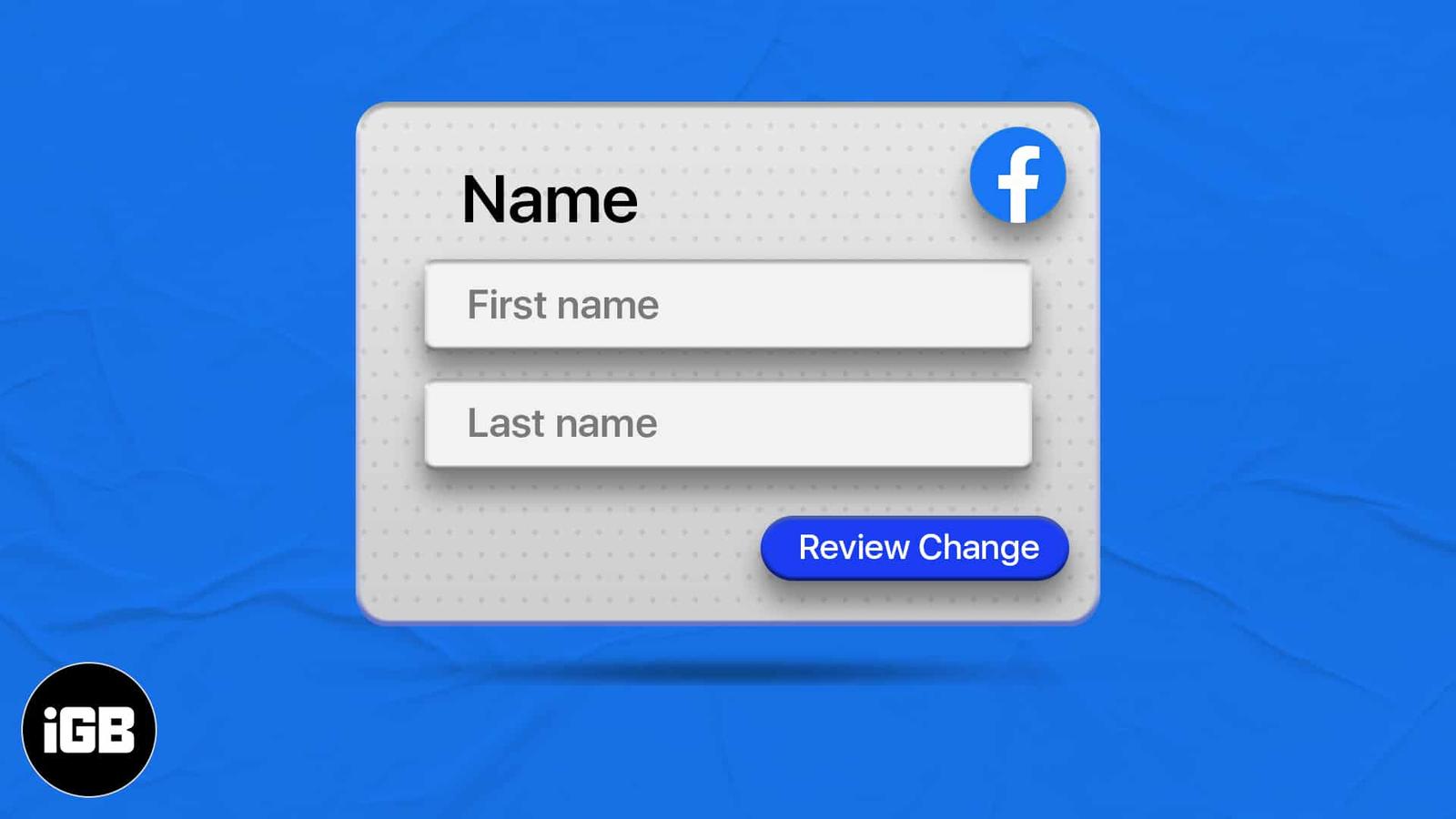
Learn how to update your display name on Facebook.

Regularly back up your Mac to ensure your files are securely stored and protected.
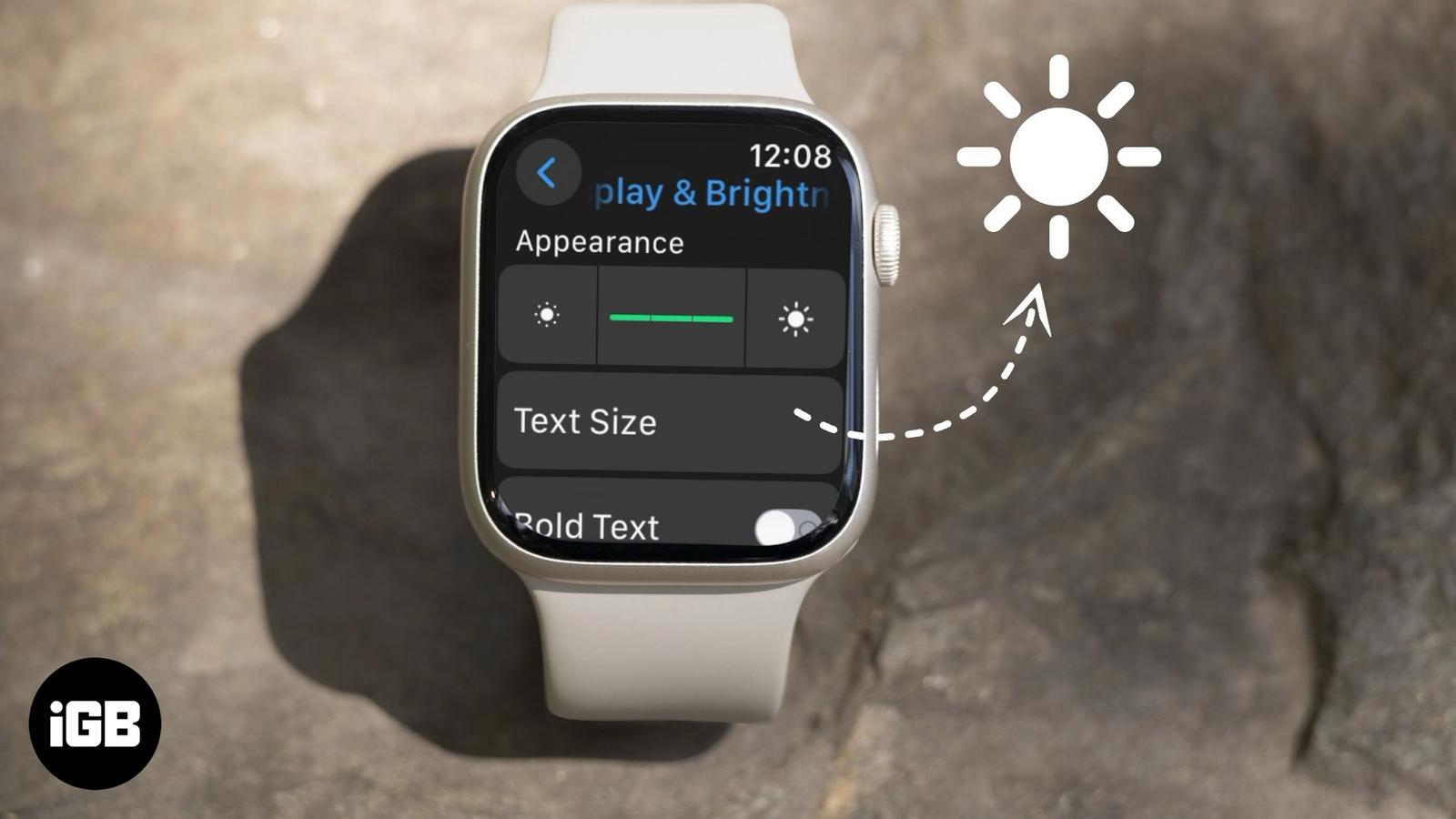
Is your Apple Watch display too dim? Try these two easy ways to brighten the screen again.
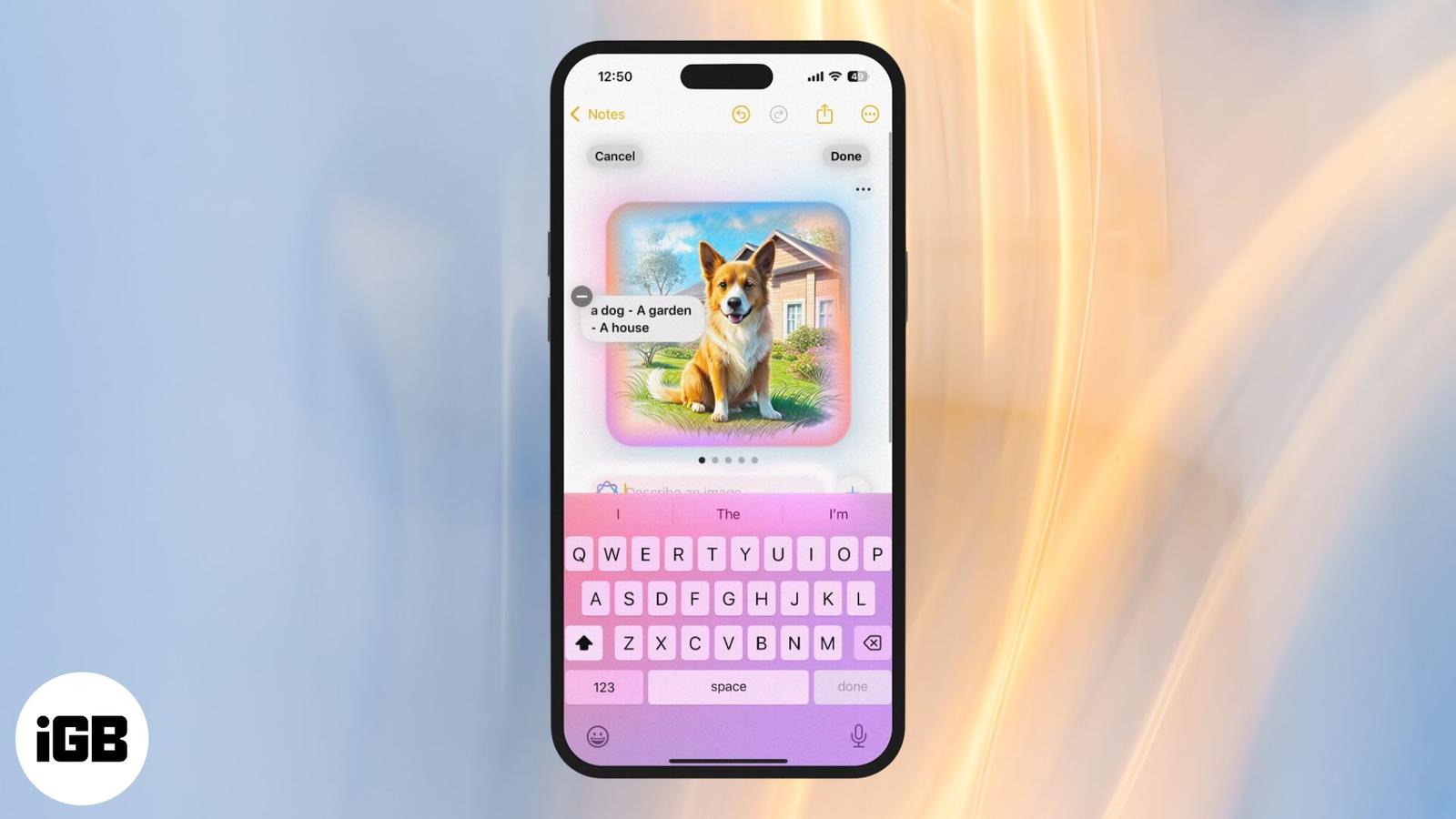
Transform your rough sketches into AI-generated visuals using Image Wand.
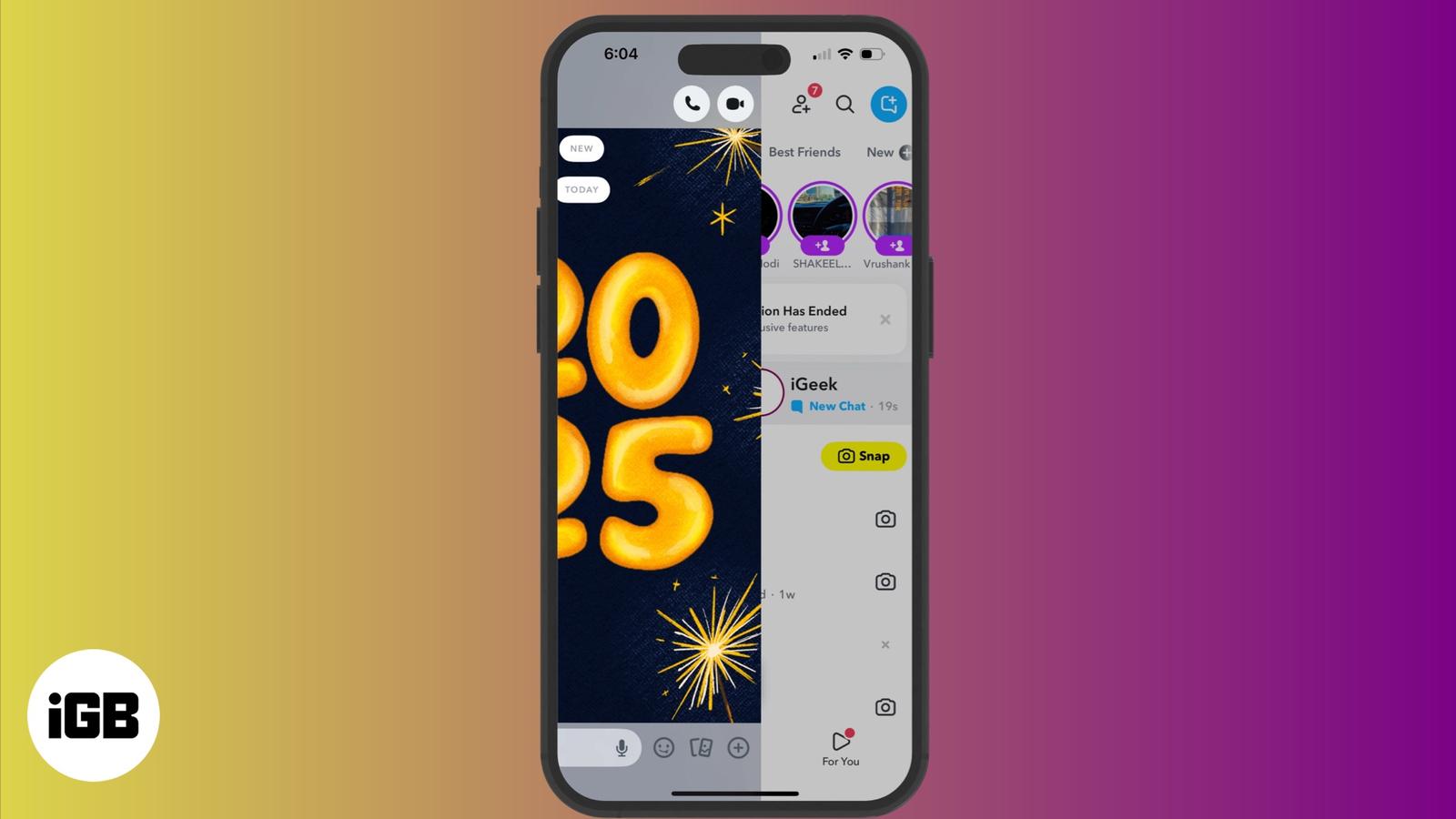
A subtle way of reading messages without the sender’s knowing on Snapchat.
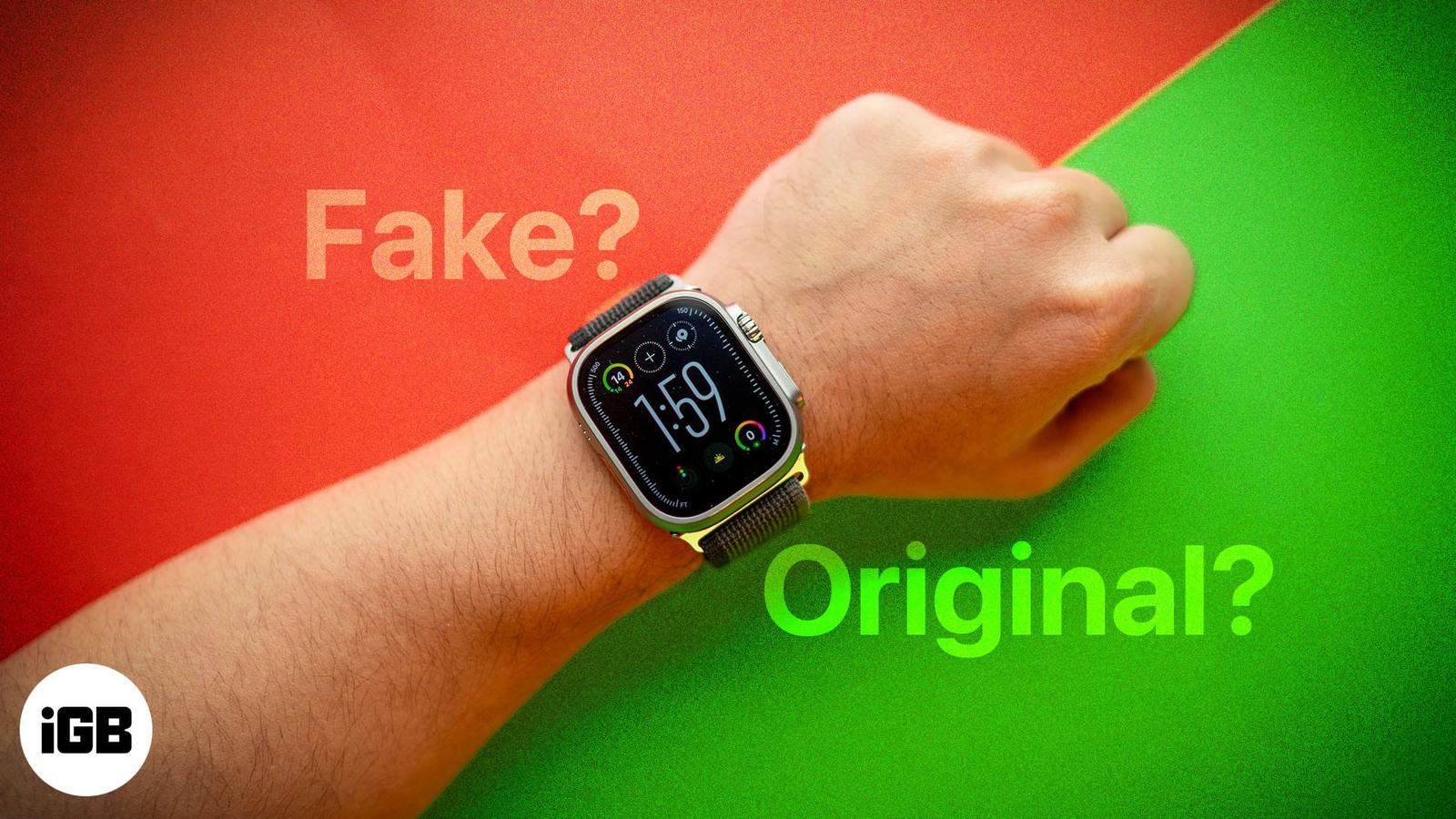
Besides the health and fitness features, the sleek design, robust build, and seamless integration with the Apple ecosystem have contributed