Apple released iOS 27 developer beta 2 on June 22, and the update brings several useful changes beyond the usual bug fixes. The biggest additions include proper replies in RCS chats, an early look at spending insights in Wallet, and a more visible way to use Siri for writing.
The beta also includes smaller improvements across Home, Camera, Photos, Weather, and Visual Intelligence. As always with beta software, some of these features are unfinished and may change before iOS 27 ships publicly.
RCS chats work more like iMessage
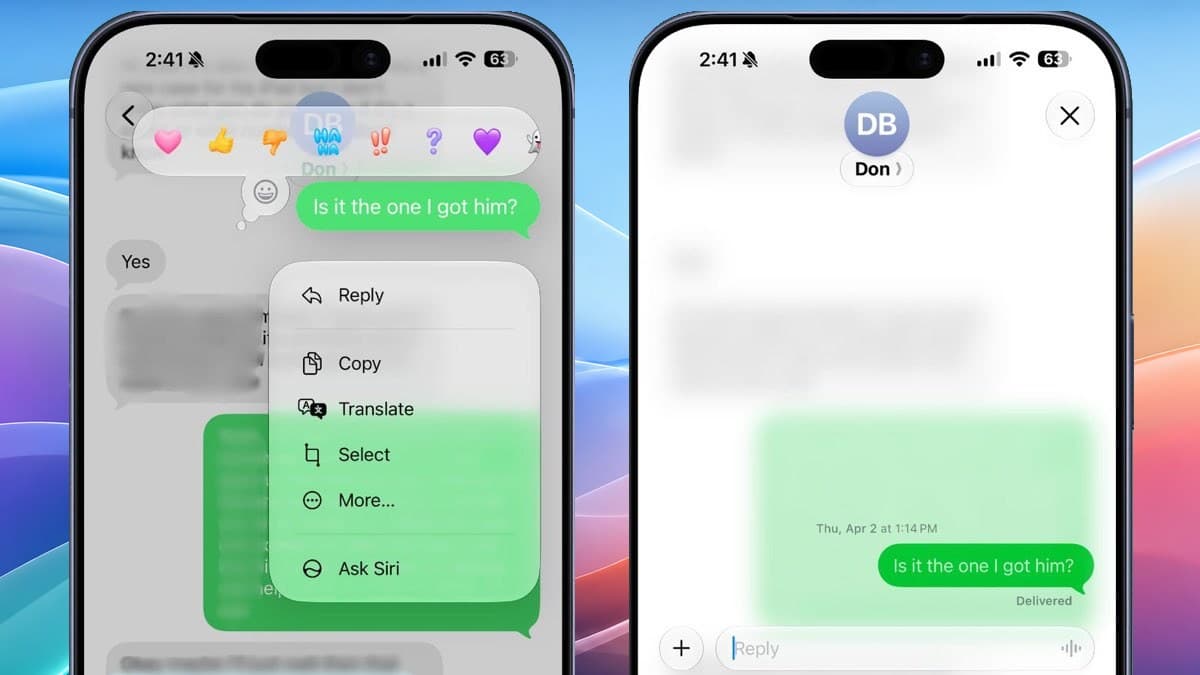
Messages now lets you reply to a specific message in an RCS conversation with an Android user. Long-press a message, choose Reply, and the response stays attached to the right part of the conversation, much like it does in iMessage.
iOS 27 beta 2 also fixes how RCS reactions appear on photos and videos. Instead of showing a clunky text line such as someone “loved an image,” the reaction emoji now sits on the media itself.
Wallet is becoming a money dashboard
Wallet has a new Insights section behind the three-dot menu. The feature is not fully working yet, but its introduction screen says users will be able to connect accounts and view balances, recurring transactions, current account information, and spending insights.
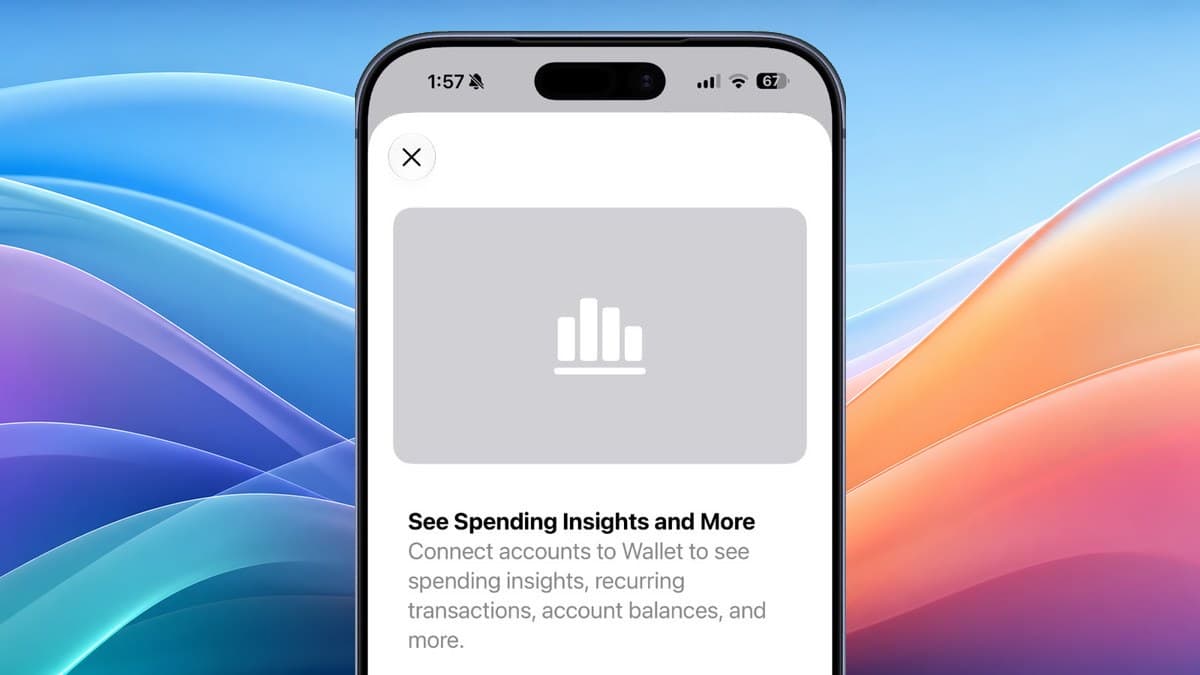
That would push Wallet beyond cards, passes, and payments into the territory of a basic personal-finance dashboard. It is also separate from the pass creation and bill-splitting tools Apple already announced as part of the broader iOS 27 feature set.
Write with Siri is easier to find
A new Write with Siri button now appears above the keyboard in apps including Notes, Mail, and Messages. In the first beta, users had to select text before the option appeared, which made the feature easy to miss.
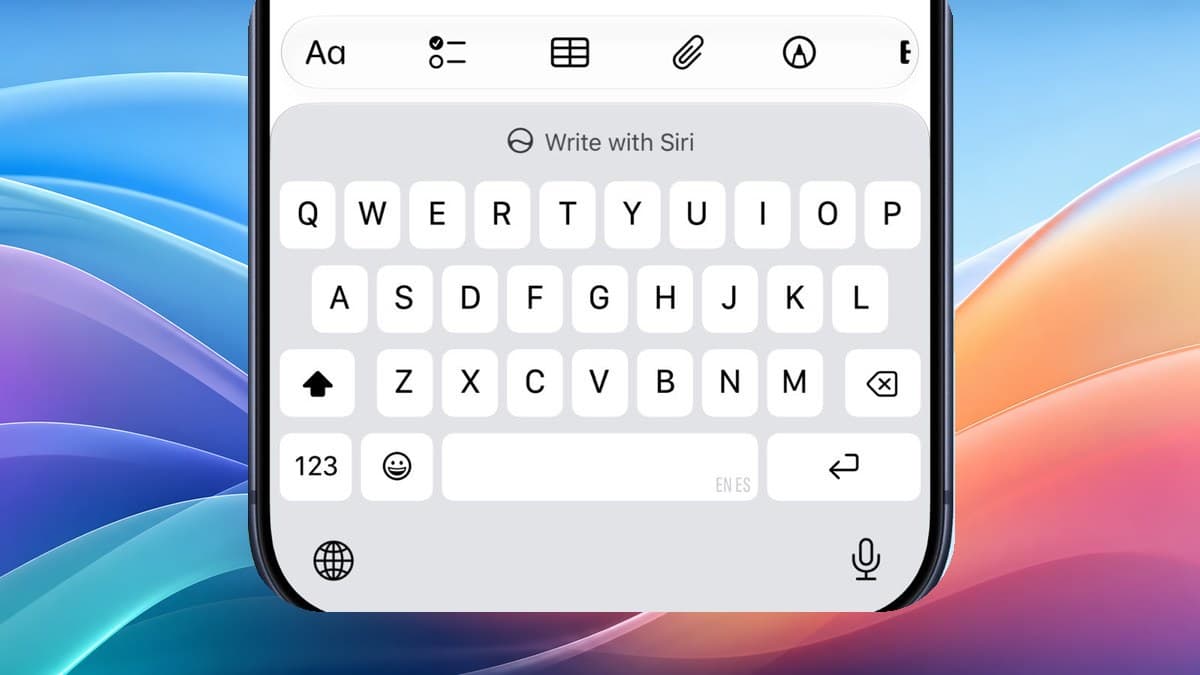
The shortcut should make Siri’s writing help feel more like a normal part of typing. The Pace and Expressivity controls for Siri’s voice are now labeled “Coming Soon,” confirming they are not ready to test yet.
You can update an Apple TV from Home
The Home app now lists Apple TV devices in its Updates section. If an update is available, users can install it remotely without first turning on the Apple TV and navigating through tvOS settings.
Home camera notifications are more useful too. A long press can show the motion video and offer a nearby light control, making it quicker to check an alert at night.
The smaller changes are still handy
iOS 27 beta 2 includes several details that may be easy to miss:
- Visual Intelligence has a new setting for Highlight to Image Search. It is off by default because enabling it can send selected images to third-party search providers.
- The Camera shows a yellow highlight around its tools button when a hidden control, such as exposure adjustment, is active.
- Photos’ AI tools now work with RAW images.
- Siri’s app supports selecting and deleting multiple conversations at once.
- Weather uses brighter text for precipitation, conditions, and wind readings.
- Apple says AirPort Utility will no longer be offered as a fresh download on iOS 27, though previous users may still be able to re-download it.
Apple’s developer release page identifies this update as iOS 27.0 beta 2, build 24A5370h. Apple plans to open the public beta in July and release iOS 27 as a free update this fall.
The developer beta is still best kept off a primary iPhone. Bugs, battery drain, broken apps, and unfinished features are normal at this stage. If you already installed it and need to go back, read the backup warning before you downgrade from iOS 27 beta to iOS 26.
Check it: