Apple is still building an iPhone feature that can lock your phone automatically if someone snatches it from your hand, and code in the latest beta shows how careful it is trying to be about false alarms.
New references spotted in iOS 27.2 beta 2 point to an internal system called “AutoLock” that watches for signals a theft may have just happened. Apple hasn’t announced the feature, and it isn’t turned on for users in this beta.
The new beta adds more detail about what triggers it and what stops it from firing by mistake.
What iOS 27.2 beta 2 reveals
AutoLock can look at several signals together to decide an iPhone may have been taken:
- a sharp acceleration consistent with being snatched
- a paired Apple Watch becoming unreachable or losing connectivity
- prolonged loss of network connectivity
- the device staying unlocked beyond a set interval
None of these alone locks the phone. The code describes a voting system: theft signals can request a lock, but safeguards can veto it.
Those veto signals are meant to avoid false positives:
- a successful Face ID or Touch ID check after the motion
- certain foreground app activities that look like theft motion but aren’t, like gaming or workout apps
- being in a familiar location or on a familiar Wi-Fi network, similar to how Stolen Device Protection relaxes restrictions at home or work
- a backoff mechanism that temporarily suppresses extra locks after repeated triggers
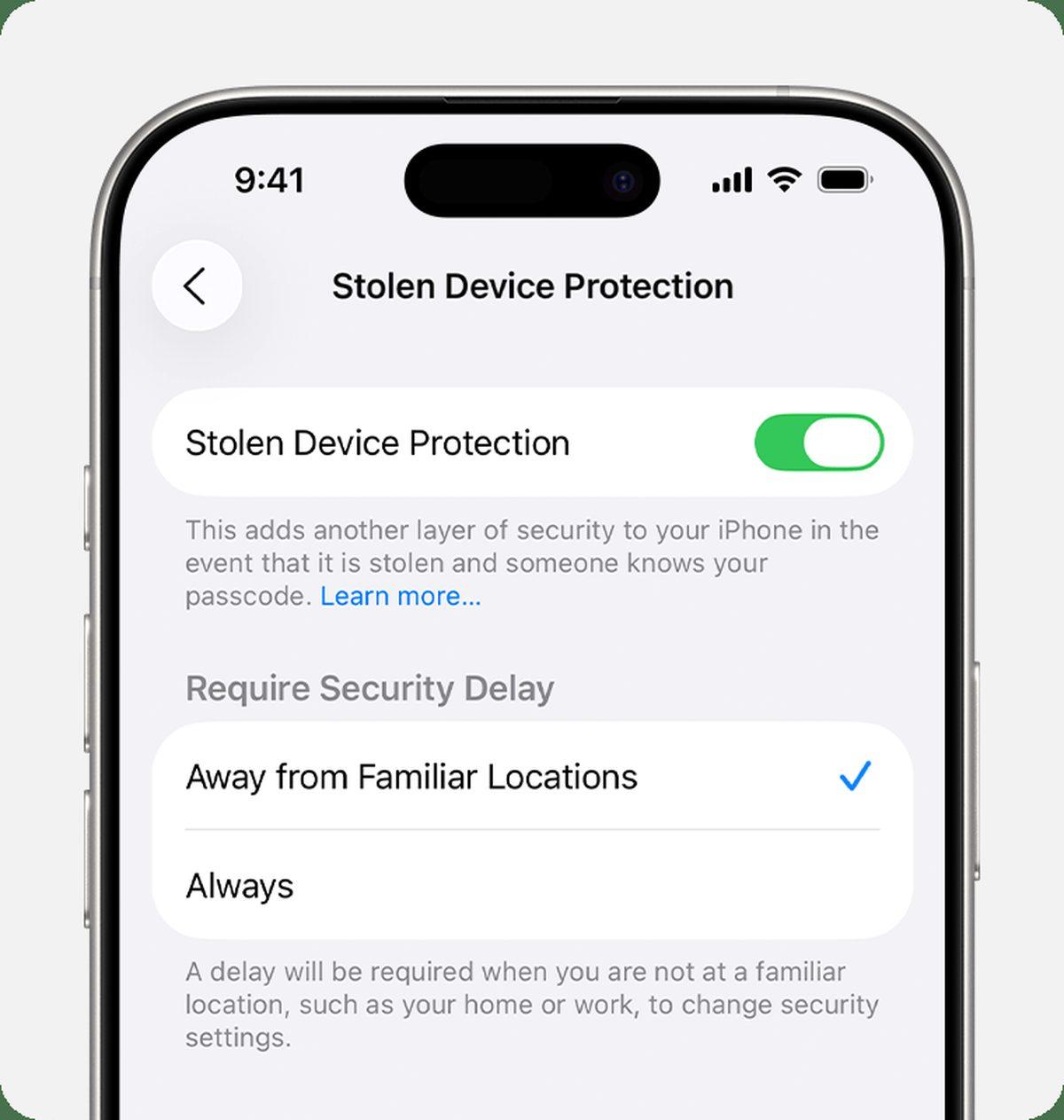
That familiar-place check is already familiar to iPhone owners. If you have Stolen Device Protection enabled, your iPhone already adds extra steps when you’re away from trusted places, and AutoLock appears to reuse that same idea.
Still in testing, not live yet
Apple has enabled the underlying AutoLock service in the background in iOS 27.2 beta 2, but the component that would actually lock the display is still disabled. That lets Apple test behavior without accidentally locking testers’ phones.
It also means you won’t find a toggle for this in Settings yet. The references only show progress, not a launch date. Apple could still change how it works, rename it, or hold it for a later iOS 27.x update.
The need is clear. Apple’s current protections like Find My, Activation Lock, and Stolen Device Protection help after a theft, but they don’t help much if a thief grabs an already-unlocked iPhone. Android already has a Theft Detection Lock that uses motion to lock the screen for the same reason. Apple’s version, if it ships, would aim for the same moment: the seconds right after a grab.
For now, the best available protection remains what shipped with iOS 27’s existing security features, and Apple hasn’t said when AutoLock will become user-facing.