Apple’s iOS 26.4 update is rolling out with a range of new features, including new Ambient Music widgets, Apple Music AI playlist, and system upgrades to core apps. But while testing the update, I found Apple quietly upgraded the Photos widget.
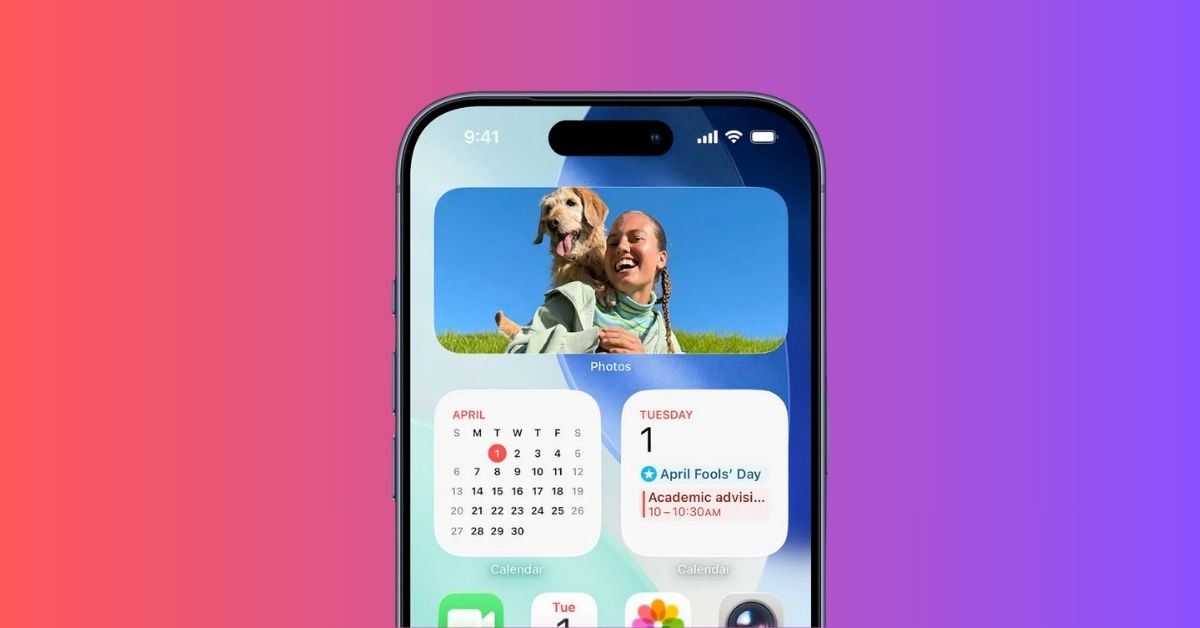
The widget now has two new customization options to enable Spatial Scene and Full Color view on the Home Screen. Together, they make the widget more dynamic and visually accurate.
iOS 26 Photos widget now has a Spatial Scene and Full Color toggle
Apple introduced two new features to the Photos widget in iOS 26.4:
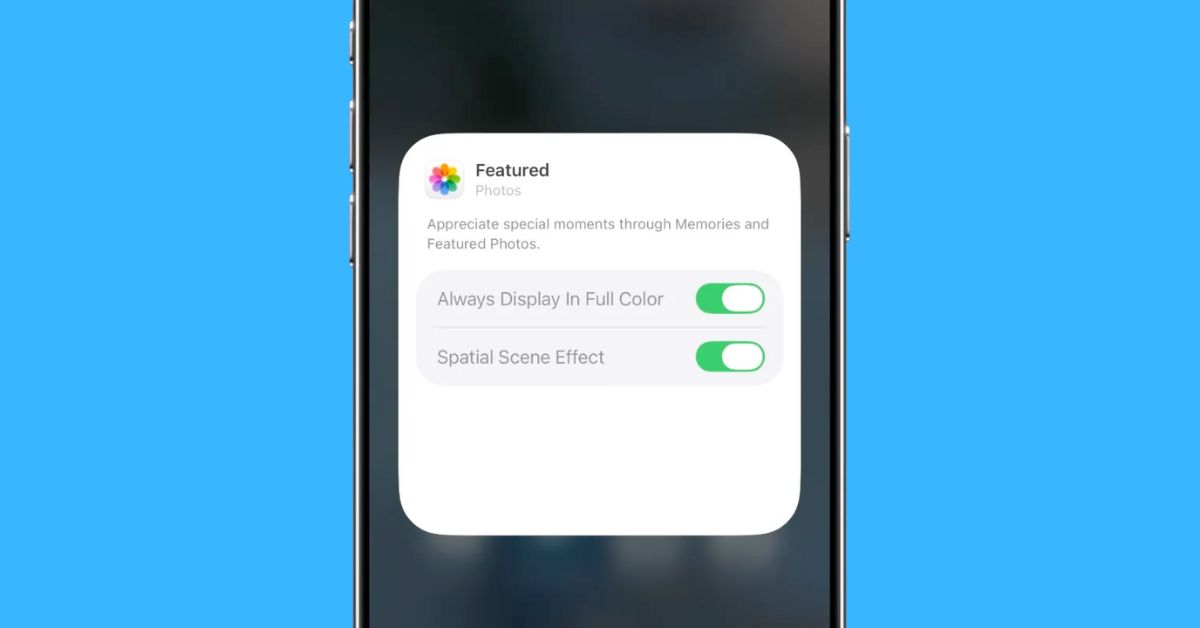
1. Spatial Scene Effect
Previously, the Spatial Scene effect was available in Lock Screen to make your wallpaper feel alive. Now, certain Photos widgets on your Home Screen add the same parallax-style depth effect, where photos feel layered instead of flat.
When you tilt your phone slightly, the subject and background move differently, creating a subtle 3D look. It’s especially noticeable with portraits, pets, or objects in the foreground.
2. Full Color toggle
This one made an instant visual difference.
iOS 26 added Clear and Tinted looks in Home Screen customization to match the Liquid Glass style or tint widgets according to your wallpaper. But now, Apple has added an Always Display in Full Color option, which forces photos to appear in their original colors.
Once I enabled it, my Home Screen instantly looked more personal, less like a UI element, more like a living photo frame.
How to use these new widget features
If you already have the Photos widget added to your Home Screen:
- Tap and hold the Photos widget and select Edit Widget.
- Toggle on Spatial Scene Effect and Always Display in Full Color.
Why this matters more than bigger features
iOS 26.4 added a lot on paper, like AI playlist tools, new widgets, system tweaks, but this is the kind of update that actually sticks in daily use. The depth effect adds subtle motion, making the widget feel less static, whereas Full Color mode removes the washed-out look and shows images as they were meant to be seen.
It’s not a feature you open. It’s something you see every time you unlock your phone.
Also read: