
15 Years Later, Instagram is Finally Coming to iPad
Instagram rolls out its long-awaited iPad app, featuring a video-first design with Reels at the center, new feed views, and multitasking support.
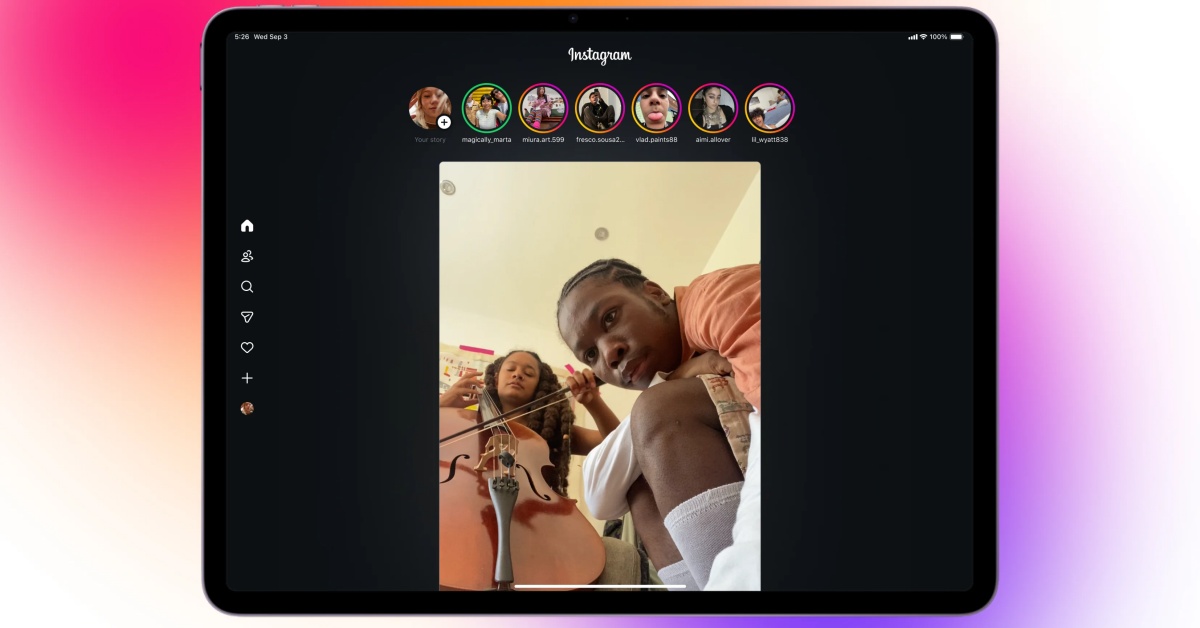
- Instagram Launches Dedicated iPad App: After years of requests, Instagram finally introduced an official app for iPad, shifting from using the iPhone app or web version.
- Video-First Experience on iPad: The app opens directly into Reels, emphasizing a video-centered experience designed for relaxing viewing, with Stories and messaging easily accessible.
- New Following Tab and Customizable Feeds: A new Following tab offers three view options—All, Friends, and Latest—and allows users to prioritize their favorite feeds.
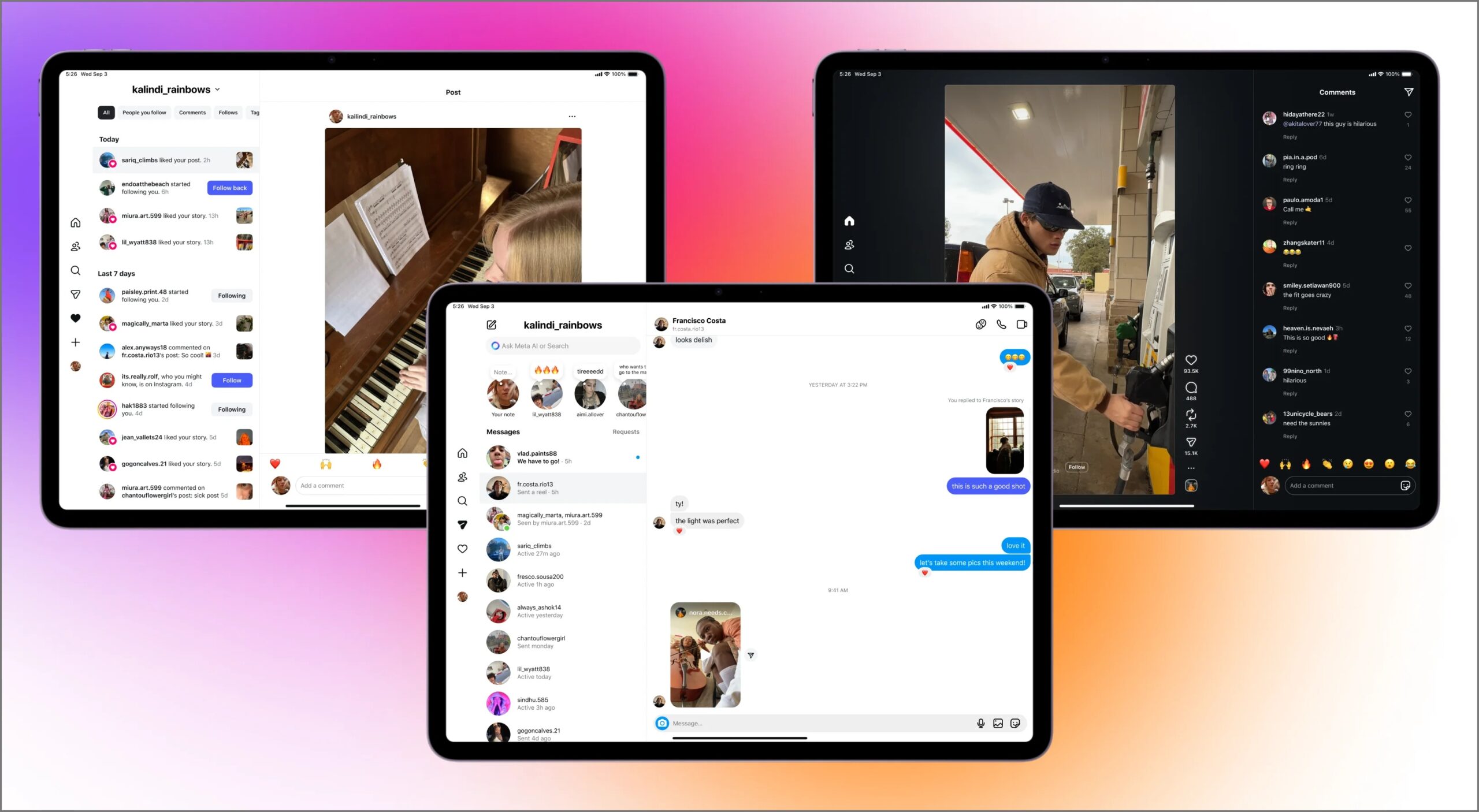
- Enhanced Use of iPad Screen Size: The iPad app takes advantage of the larger screen by displaying comments alongside videos and allowing multi-column views for chats and notifications.
- Meta’s Strategic Shift to Focus on Reels and iPad Compatibility: Meta added the iPad app as TikTok’s full-screen video success influenced Instagram’s focus on Reels, with the app now available on devices running iPadOS 15.1 or later.
After more than a decade of requests, Instagram has finally launched a dedicated app for the iPad. For years, users were stuck with a stretched‑out iPhone app or the web version. Now, a proper iPadOS app is rolling out, but it’s not quite what many expected.
What the Instagram iPad App Actually Offers
When you open Instagram on iPsad, you don’t land on your photo feed; you land straight on Reels. Meta clearly wants the tablet version to feel like a video‑first experience built for sitting back and watching. Stories are still pinned at the top, and messaging is only a tap away, so the essentials are right there too.
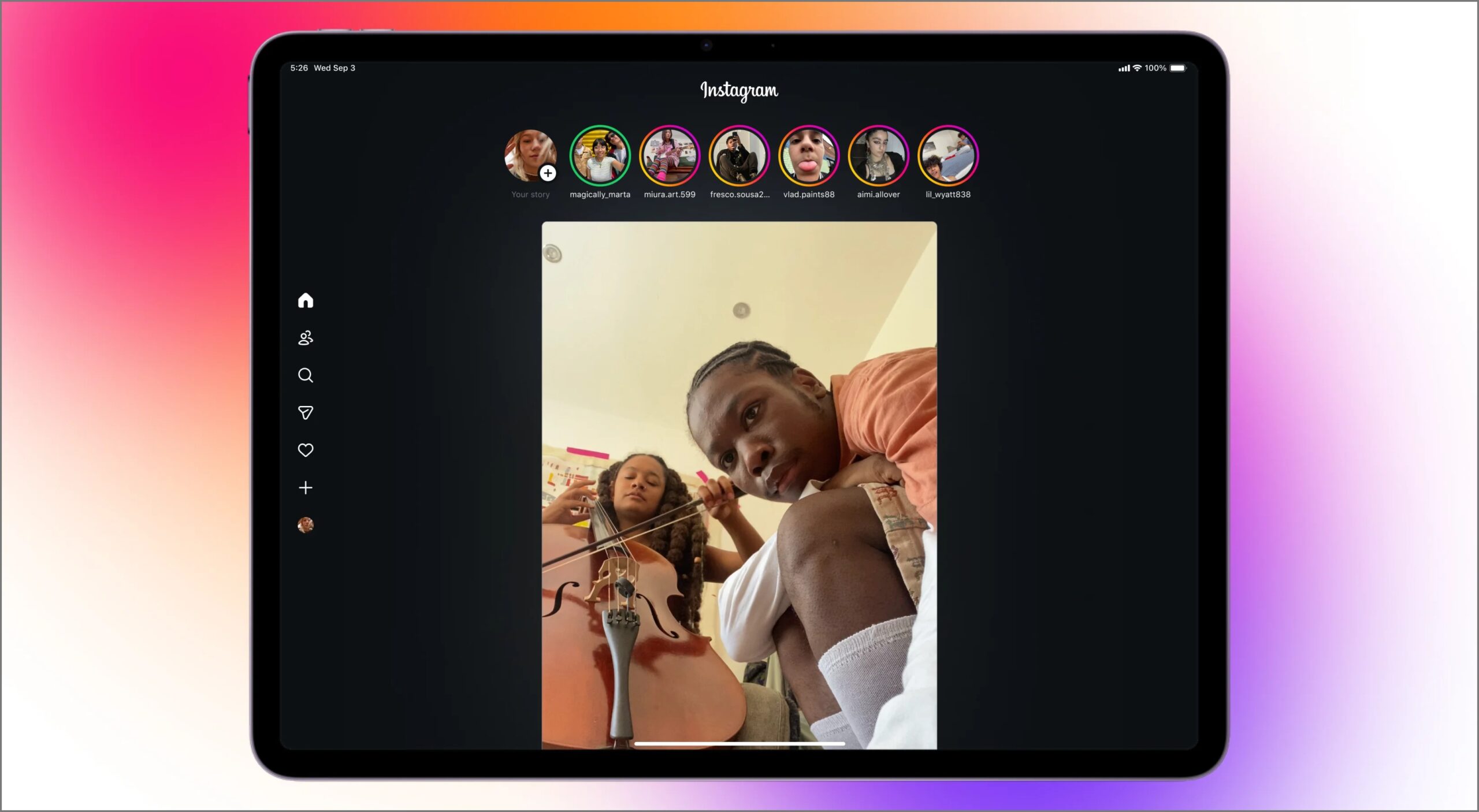
A new Following tab adds more control over what you see. You can switch between three views:
- All: Recommended posts and Reels from accounts you follow.
- Friends: Posts and Reels from accounts you follow that also follow you back.
- Latest: A chronological feed from people you follow.
You can even change the order of these feeds to keep your favorites at the top.
The iPad app also takes advantage of the bigger screen in ways the iPhone app can’t. While watching a Reel, comments show up on the side without shrinking the video. In the DMs tab, your inbox stays visible on the left while you read a chat on the right, much like Messenger on desktop. Notifications and messages use a multi‑column view too, so everything takes fewer taps to get to.
Why Instagram Finally Moved
For years, Instagram head Adam Mosseri dismissed the idea of an iPad app, saying the audience wasn’t big enough. But things shifted. TikTok took over tablets with its full‑screen video experience, and Instagram couldn’t ignore that anymore. Earlier this year, The Information reported that Meta was finally working on an iPad app, and now it’s live.
This timing also highlights how much Meta is betting on Reels. Short‑form video now makes up about half of all time spent on Instagram, and the iPad’s bigger display is the perfect way to keep that momentum going.
Instagram for iPad is available on all devices running iPadOS 15.1 or later. It arrives shortly after WhatsApp made its own iPad debut, marking another big Meta app expansion.
Also Read
Topics

Written by
Ravi Teja KNTSI’ve been writing about tech for over 5 years, with 1000+ articles published so far. From iPhones and MacBooks to Android phones and AI tools, I’ve always enjoyed turning complicated features into simple, jargon-free guides. Recently, I switched sides and joined the Apple camp. Whether you want to try out new features, catch up on the latest news, or tweak your Apple devices, I’m here to help you get the most out of your tech.
View all posts →More from News
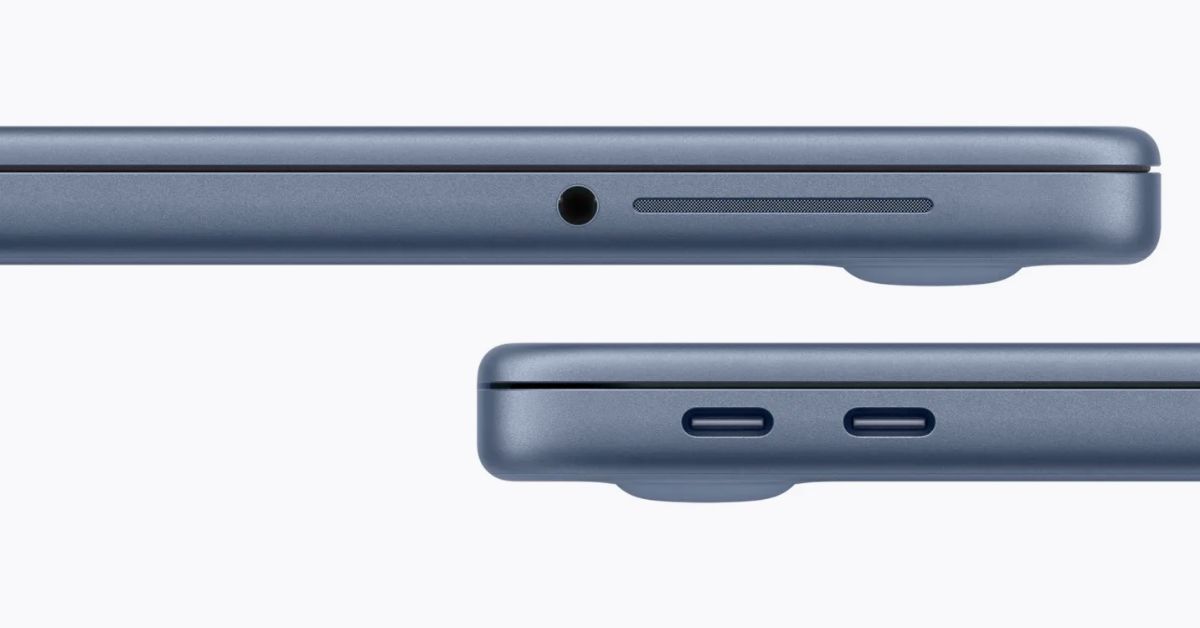
macOS Will Flag the Slower USB-C Port on MacBook Neo
The MacBook Neo includes two USB-C ports with different capabilities. The left port supports faster speeds and external displays, while the right port is limited to USB 2 speeds for charging and basic accessories.
 VikhyatMarch 5, 2026
Apple Launched Studio Display and Studio Display XDR: Full Specs, Features, and Price
Apple launches Studio Display and Studio Display XDR built for creators with Thunderbolt 5, stunning visuals, and pro-level performance. Here’s all the specs, features, and price.
 Ava BiswasMarch 4, 2026
Apple Pre‑Orders Now Live for iPhone 17e, MacBook Neo, M5 Macs and More
Apple has opened global pre-orders for iPhone 17e, MacBook Neo, M5 Macs, and new Studio Displays. Here are the start times, products, and release date.
Ravi Teja KNTSMarch 4, 2026