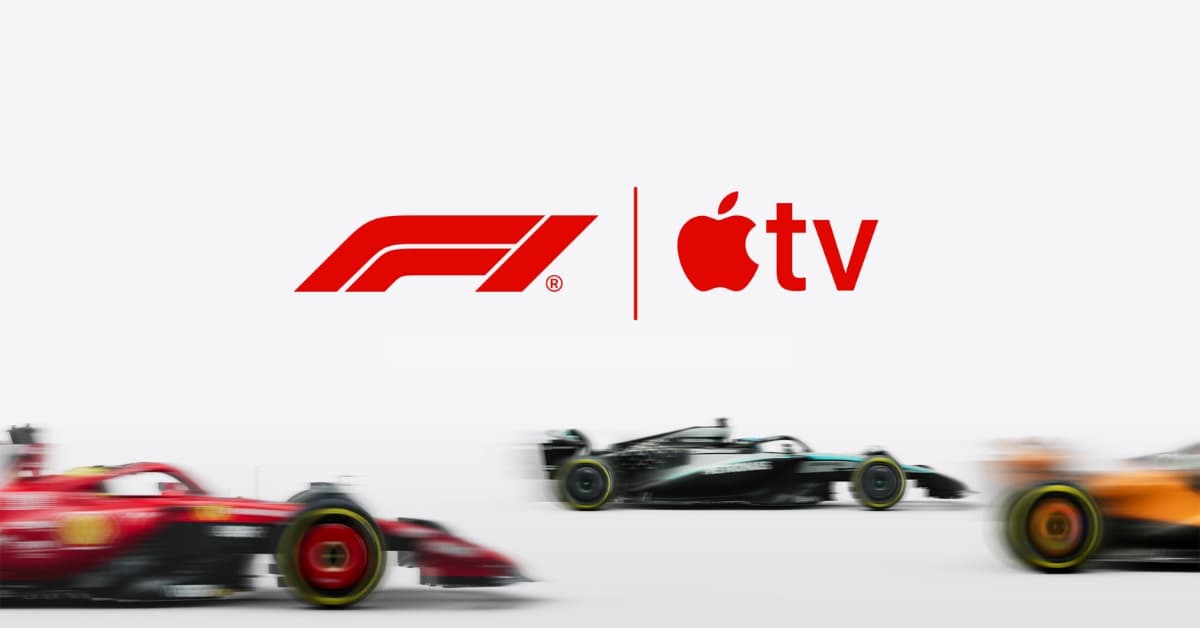
Formula 1 is a sport where multiple stories unfold at the same time, but traditional broadcasts show you only one of them. You follow the race, but you miss context. Strategy calls, midfield battles, and driver-specific moments often happen outside the main feed.
That is where Apple’s approach feels different. Through the Apple TV and F1 TV integration, viewers get more control over how they follow the race. Instead of relying on a single broadcast feed, you can switch between live streams, follow individual drivers, and access real-time race data as the action unfolds.
Here’s how to watch Formula 1 on Apple TV and what the experience actually looks like.
Prerequisites to watch Formula 1 on Apple TV
Before you start, make sure you have the basics in place.
- You need access to the Apple TV app on a supported device. This includes iPhone, iPad, Mac, Apple TV hardware, and many smart TVs.
- A valid Apple TV subscription is required, depending on how you plan to watch. This could be through Apple’s integrated content offering or via F1 TV.
- A stable internet connection is important since Formula 1 streams include multiple high-quality feeds and real-time data overlays.
How to watch Formula 1 races in the Apple TV app
- Open the Apple TV app on your iPhone, iPad, Mac, Apple TV device, supported smart TV, streaming device, or gaming console.
- Now, access the sidebar and select Formula 1. If the feature is available in your region, you will see a dedicated Formula 1 section featuring live and upcoming sessions. However, if you don’t see the option, that means the Formula 1 support in the Apple TV app isn’t available in your region.
- Once inside the F1 section, you can access:
- Practice sessions
- Qualifying rounds
- Sprint races
- Full Grand Prix races
- Next, select the live session or replay you want to watch and start playback. If you aren’t subscribed to Apple TV, follow the onscreen instructions to subscribe.
- If a race is already in progress, Apple automatically plays a live preview. Press and hold the clickpad or touch surface on your remote to watch live, restart the stream from the beginning, or switch commentary languages.
- While watching a live event, open playback controls to:
- View event information
- Switch between F1 feeds
- Browse other live sports
- Change audio options, such as reducing loud sounds or choosing a broadcast language
- Press the back button on your remote to close playback controls and return to full-screen playback.
Key features that make Apple TV the best F1 experience
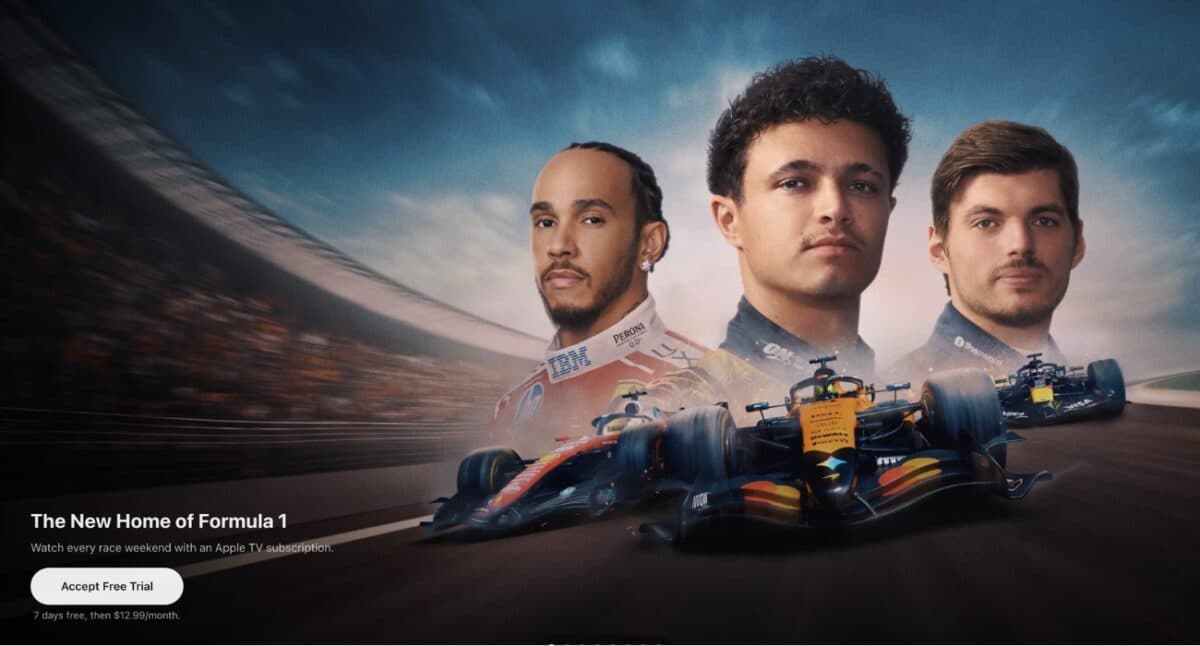
What makes watching Formula 1 on the Apple TV app stand out is how everything is structured and accessible in one place.
1. All sessions in one place
Everything related to a race weekend is grouped together in one place. From practice sessions and qualifying to sprint races and the Grand Prix, the Apple TV app keeps the entire schedule organized inside a single interface.
2. Multiview
On supported devices, you can watch up to four streams at the same time. This lets you combine the main race feed with onboard cameras and timing screens, giving you a much broader view of what is happening.
3. Onboard cameras and driver tracking
You are not limited to the main race feed. Apple also lets you switch to onboard cameras, track a driver’s position live, and view race data alongside the stream. It gives you a much closer view of what is happening throughout the race.
4. Replay and Highlights
If you miss a live session, you can watch the replay later or catch up through race highlights, interviews, and post-race analysis.
5. Free Content
Apple also offers limited free Formula 1 content from time to time, including select practice sessions and race weekends.
Besides these features, Apple’s Formula 1 push is not limited to streaming either. The company has also started bringing race-focused experiences to apps like Apple Maps, including dedicated Grand Prix guides and track experiences. We recently covered Apple’s new Miami F1 experience in Apple Maps in detail.
Subscription Pricing (2026)
To watch Formula 1 through the Apple TV app, you will need an active subscription.
Pricing starts at $12.99 per month or $99 annually, and Apple also offers a 7-day free trial for new users to explore the experience before committing.
If you are already using other Apple services, the Apple One bundle is worth considering. It combines multiple subscriptions into a single plan, making it a more cost-effective option overall.
How to use F1.TV subscription with your Apple TV account
If you already use F1 TV, the transition to Apple’s ecosystem is fairly seamless.
While Formula 1 no longer allows direct standalone payments for F1.TV in the same way as before, Apple TV subscribers can still access the full F1.TV experience through their Apple account. Apple currently includes F1.TV Premium as part of the experience, which previously cost $129 per year separately.
To connect your accounts, open the F1 TV on your phone or visit the F1.TV activation page online. From there, select the Activate option and link your Apple account with your F1.TV account.
Once linked, you can continue using F1.TV just like before. This becomes useful for accessing features and content that may not appear directly inside the Apple TV app, including:
- Historical Formula 1 archives
- Lower division racing content
- Pre-season testing streams
- Additional race coverage and replays
If you already have an active F1.TV subscription, you can continue using it until the current billing cycle ends, though automatic renewal may no longer be available.
Note:
The dedicated Formula 1 hub inside the Apple TV app is currently available only in the United States.
Alternative: Using the F1 TV app with Apple devices
If you live outside the United States, F1 TV is the most reliable alternative.
After installing the app and subscribing, you can watch all race sessions live and on demand. The app offers onboard cameras, team radio, and detailed telemetry.
You can stream content to a larger screen using AirPlay or use the app directly on compatible devices.
A better way to follow Formula 1
Apple’s Formula 1 deal is expected to run through 2032, with more features and viewing enhancements likely to arrive over time.
For existing F1 TV users, the setup is fairly straightforward since F1 content now comes alongside the wider Apple TV+ library, which also includes movies, original shows, and sports like Major League Soccer.
How are you planning to watch Formula 1 this season? Let us know in the comments.
You might also like: