
Spotify Now Lets You Import Playlists from Apple Music and Other Services
Spotify’s new in-app playlist import tool lets you move playlists from Apple Music, TIDAL, and other services with just a few taps.
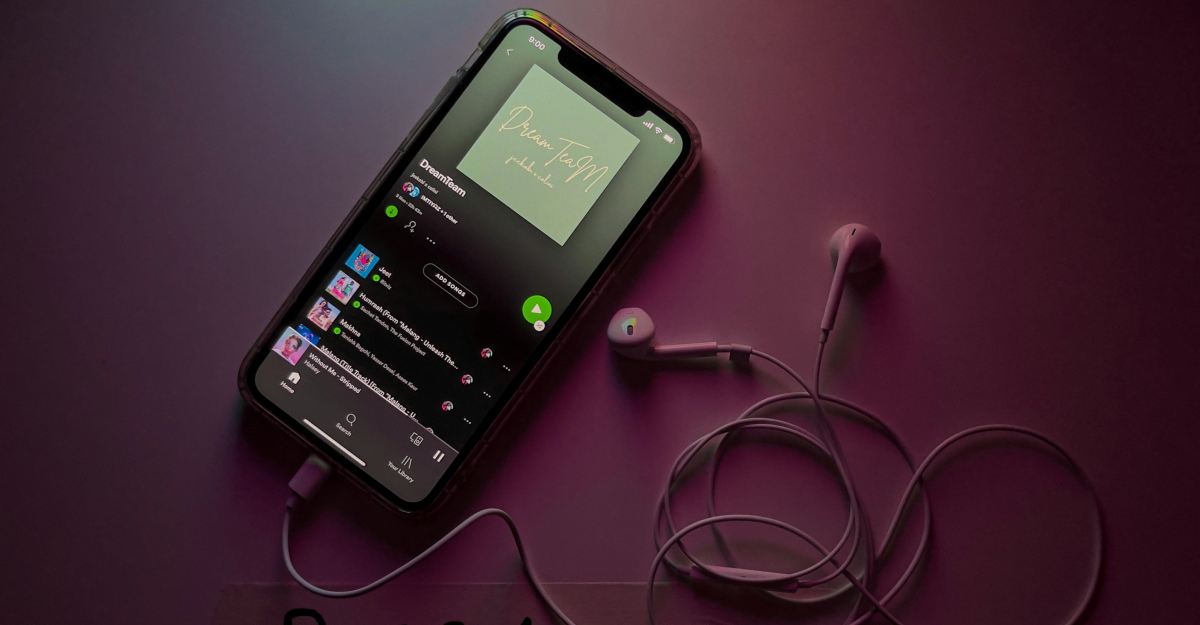
Spotify has rolled out a new feature in its mobile app that allows users to transfer playlists directly from rival streaming services such as Apple Music, TIDAL, Amazon Music, SoundCloud, and Deezer without needing third-party apps.
Built-in Playlist Transfer Now Available
Launched last week and currently available worldwide, the playlist import feature leverages TuneMyMusic’s technology. Previously, users faced the tedious task of manually recreating playlists or relying on third-party services, which only offered limited free transfers like TuneMyMusic’s cap of 500 songs without payment.
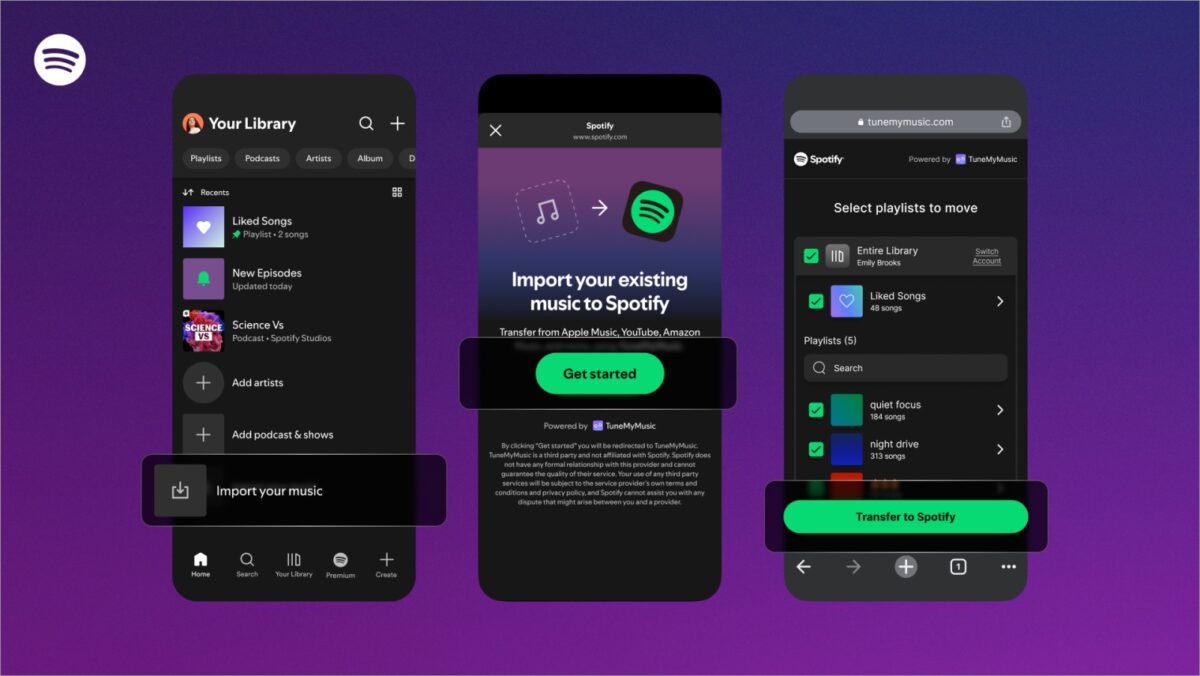
Within the Spotify app, this new option is located under the “Your Library” tab. To start a transfer, users can scroll to the bottom, tap “Import your music,” and follow the on-screen instructions. The app will then prompt users to connect to the streaming service they wish to import from, automatically scanning and importing playlists.
Not every song will transition seamlessly, as discrepancies between source and Spotify libraries might lead to some tracks being skipped in the process.
Simplifying Service Switches
This tool significantly eases the transition for users considering the move to Spotify, addressing one of the primary frustrations associated with changing streaming platforms. By incorporating this feature, Spotify makes the transfer process much simpler while rendering paid third-party subscription services unnecessary.
Interestingly, in September 2025, Apple Music introduced a similar playlist import function, allowing its users to bring over playlists from other platforms as well.
What do you think of Spotify’s latest update? Share your thoughts below.

Written by
Ravi Teja KNTSI’ve been writing about tech for over 5 years, with 1000+ articles published so far. From iPhones and MacBooks to Android phones and AI tools, I’ve always enjoyed turning complicated features into simple, jargon-free guides. Recently, I switched sides and joined the Apple camp. Whether you want to try out new features, catch up on the latest news, or tweak your Apple devices, I’m here to help you get the most out of your tech.
View all posts →More from News
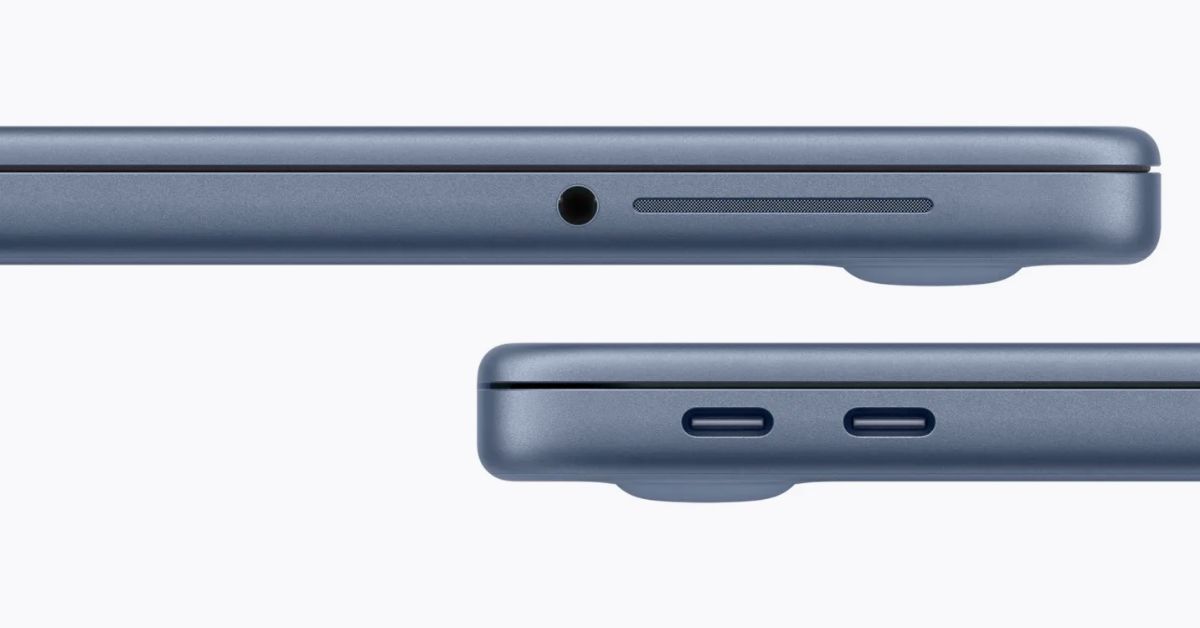
macOS Will Flag the Slower USB-C Port on MacBook Neo
The MacBook Neo includes two USB-C ports with different capabilities. The left port supports faster speeds and external displays, while the right port is limited to USB 2 speeds for charging and basic accessories.
 VikhyatMarch 5, 2026
Apple Launched Studio Display and Studio Display XDR: Full Specs, Features, and Price
Apple launches Studio Display and Studio Display XDR built for creators with Thunderbolt 5, stunning visuals, and pro-level performance. Here’s all the specs, features, and price.
 Ava BiswasMarch 4, 2026
Apple Pre‑Orders Now Live for iPhone 17e, MacBook Neo, M5 Macs and More
Apple has opened global pre-orders for iPhone 17e, MacBook Neo, M5 Macs, and new Studio Displays. Here are the start times, products, and release date.
Ravi Teja KNTSMarch 4, 2026