Perplexity says its Computer agent can now run fully locally on Mac. The model, the agent harness, and task execution all run on the device, so personal files and apps can be handled without sending that data to the cloud. The feature is called Local Computer on Mac, and it is available now to Pro, Max, and Enterprise subscribers.
Perplexity’s example is a portfolio analysis that combines private holdings with downloaded market data. It is the kind of task people may not want to send to a cloud service. Local Computer builds on Personal Computer for Mac, which launched in May and gave Computer access to local files and native Mac apps.
Planning, reasoning, and files stay on the Mac
In fully local mode, planning, reasoning, and file processing run on the device. The model is either Qwen 3.6 or PPLX Pro, which Perplexity describes as a post-trained version of Qwen. Code and tool execution run in isolated sandbox environments with controlled access to files and connected apps. Computer works across local files and supported apps, including Notes, Messages, Mail, and Numbers.
Web and connected-app tasks still use the cloud
Tasks that need current information, browser use, or cloud-connected apps need the user’s approval before they go to the cloud. The local orchestrator can also call one of more than 15 frontier models for harder reasoning. Perplexity doesn’t say how often that happens in local mode, so "fully local" describes the on-device default. It is not a promise that no cloud model is involved.
Perplexity also doesn’t say how many credits a local run uses. Users choose where each task runs and how to spend their credits.
Perplexity recommends 36GB of memory
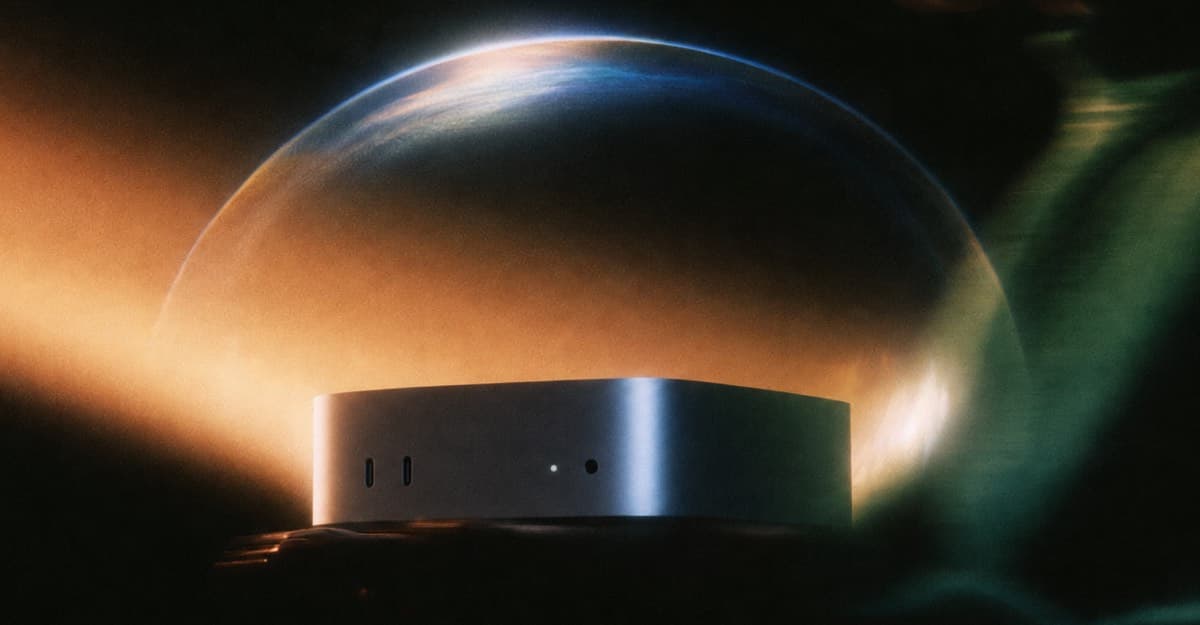
Perplexity says the feature works on "supported Apple silicon Macs" but doesn’t name the models. It gives no minimum memory or macOS version. It does recommend 36GB or more for running Computer locally. Perplexity points to the new Mac mini as an example of a supported machine. The M6 Mac mini tops out at 32GB of unified memory, which falls short of that recommendation. Buyers who want local mode should check the memory configuration before they buy.
Big local models need a lot of memory
Local AI depends on memory. Meta says two M5 Ultra Mac Studios can host its 816-billion-parameter Muse Spark Open model. Moonshot’s Kimi K3 open weights take up roughly 1.56TB, which puts them out of reach for most MacBooks. Perplexity hasn’t said how large its local models are, so the 36GB figure is the best guide for now.
Who gets it and how to set it up
Local Computer on Mac is available to Pro, Max, and Enterprise subscribers. Perplexity doesn’t mention Free users or give a price for the feature. The setup has three steps:
- Download and open the latest Perplexity Mac app.
- Follow the in-app instructions to download a local model.
- Choose the fully local option for a task.
What Perplexity hasn’t said
Perplexity hasn’t given a minimum memory figure, a macOS version, a full list of supported Macs, or any speed or accuracy data. It also doesn’t say how Qwen 3.6 differs from PPLX Pro or how to choose between them. The privacy claims come from Perplexity, and there are no independent tests yet. Until someone runs it on a smaller Mac, plan around 36GB.