
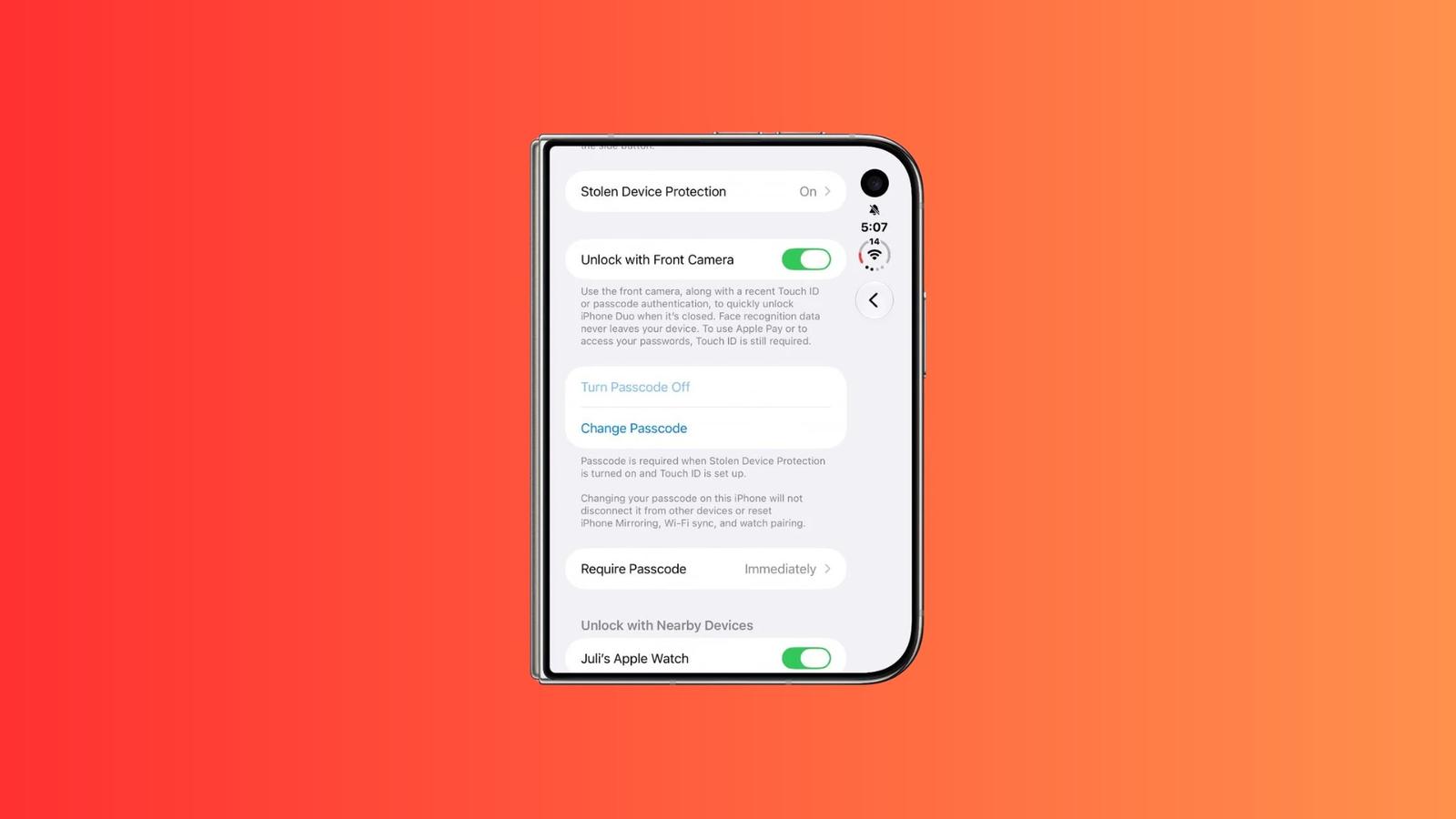
Apple’s iOS 27.3 beta adds a way to unlock iPhone Duo while the phone is closed. The option arrived in iOS 27.3 beta 2 on November 16 and is called Unlock with Front Camera. The front camera on the outer display, the screen you see when the phone is closed, recognizes your face. When it does, the face unlock opens the phone without Touch ID. It is less secure than Face ID, Touch ID, or a passcode.
The phone’s Settings screen describes the feature as a way to “quickly unlock iPhone Duo when it’s closed.” The Settings text also says: “Face recognition data never leaves your device.”
The feature suits owners who want to open a closed iPhone Duo without Touch ID. It only unlocks the phone. Apple Pay, passwords, and app sign-ins still need Touch ID or the passcode, so the face unlock does not replace Touch ID for payments or logins. It also does not work when the phone is unfolded, so unlocking the open phone still needs Touch ID or the passcode.
After 45 minutes without an unlock, the face feature turns off until you use Touch ID or the passcode. That means a phone you set down for a while will need one of them when you pick it up.
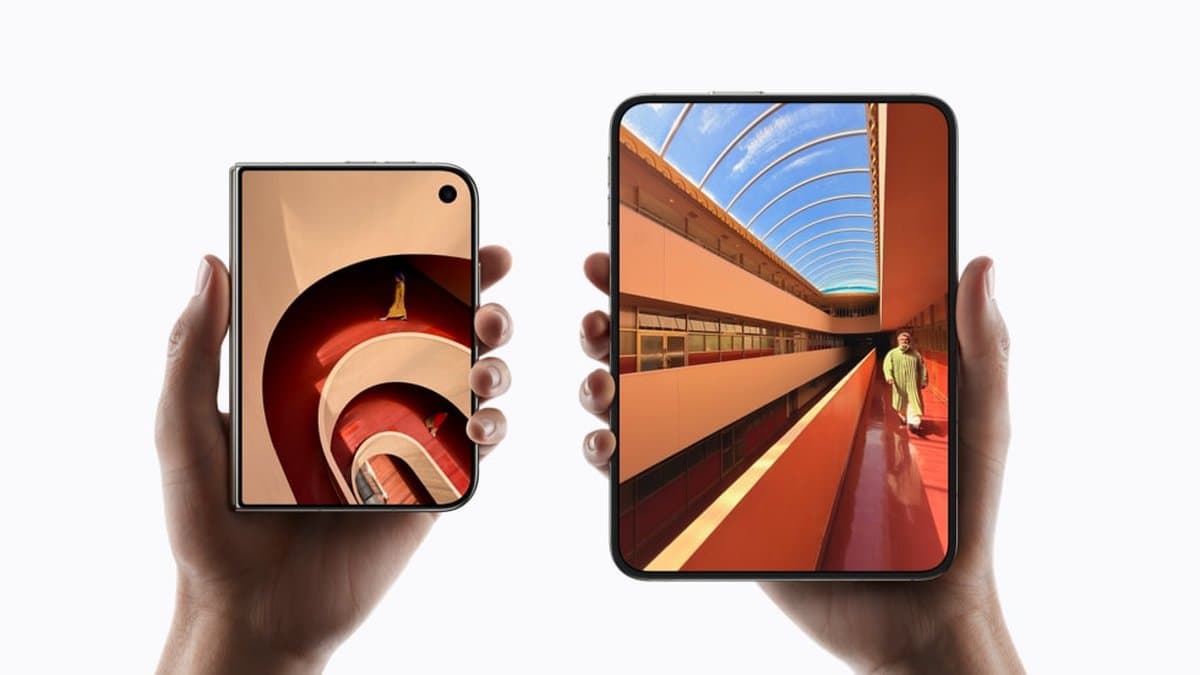
The beta’s second change is a setting under Display & Brightness, and it is separate from the face unlock. It locks the phone when you close it, instead of moving what you were doing from the inner screen to the outer one. The inner screen is the one you use when the phone is open. Many users had asked for this change.
The first iPhone Duo uses Touch ID in the side button and does not have Face ID. Anyone who wants Face ID should know that before buying, and this beta does not change that for the first model. Apple is reportedly testing under-display Face ID for a second iPhone Duo, according to Bloomberg’s Mark Gurman. It reportedly has not decided whether the feature will ship on that model.
The first iOS 27.3 beta was released on November 3. Apple has not given a public release date for the feature, though reports point to December for iOS 27.3. Using it now means running beta software on your phone. After you update to iOS 27.3, turn it on in Settings > Touch ID & Passcode > Unlock with Front Camera.