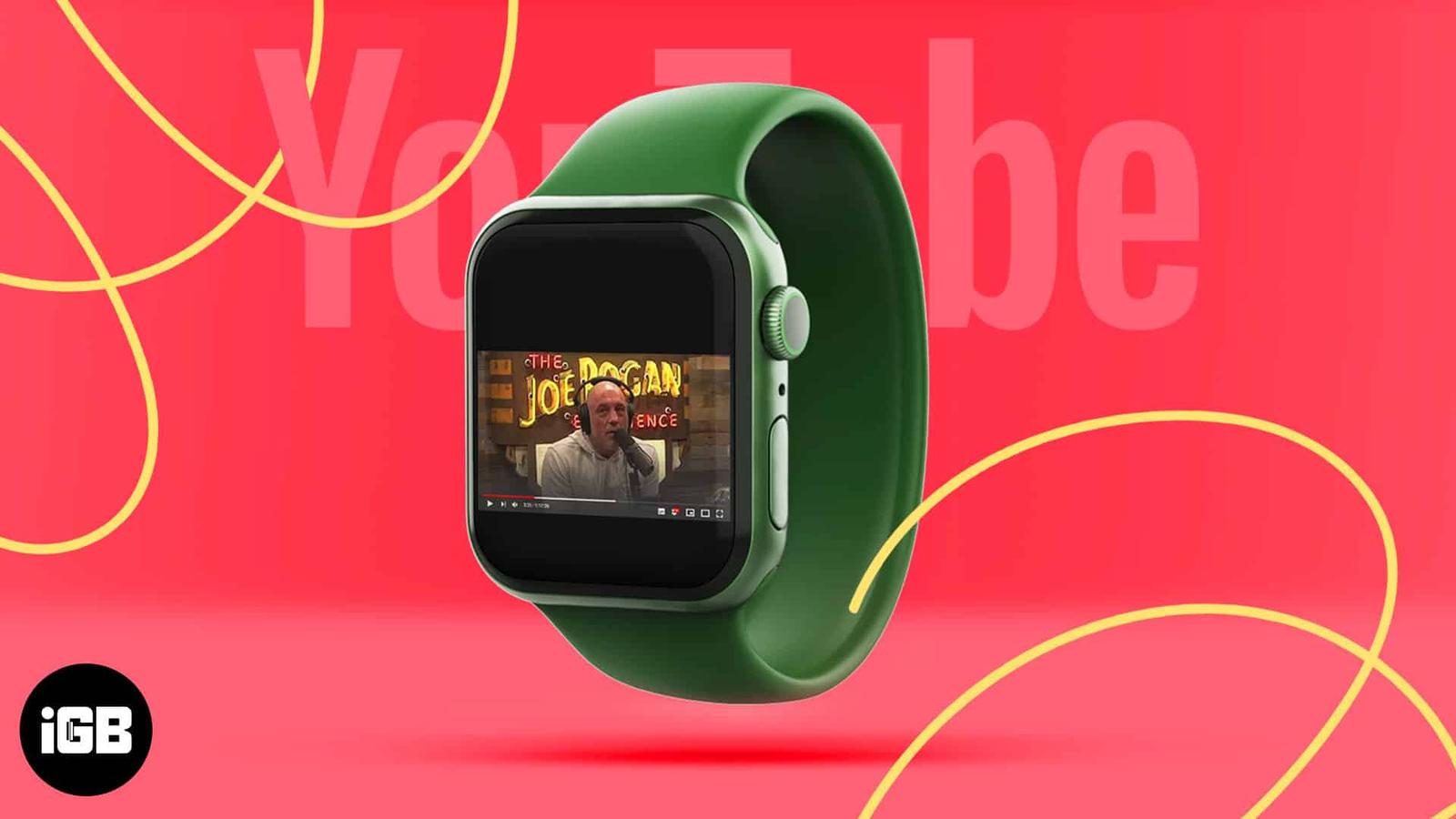
The Apple Watch has many features and functions as a substitute for your iPhone. You can make calls, respond to messages, listen to music or podcasts, etc. However, since your Apple Watch can perform many functions without breaking a sweat, can it play YouTube videos?
Yes, it can. Don’t get too excited as there’s no official YouTube app yet! But there’s a workaround that can help you play YouTube videos on your Apple Watch.
Watch YouTube Videos through WatchTube
On the Apple Watch, you can play songs through YouTube Music but not videos. Moreover, Safari isn’t supported on the Apple Watch either. The only option you’re left with is to watch YouTube videos through WatchTube.
WatchTube is a YouTube client and works well as a free app. You can search for videos, and it’ll also recommend videos based on your location, which you will need to input while logging in to the app.
While WatchTube gets most things right, the app lacks in certain areas. For starters, you cannot sync your Google account. Also, the app reports many errors and is slow to load. But it does the job just fine.
The WatchTube app is exclusively for the Apple Watch. However, you can download it through the App Store on your iPhone, or you can also download it through the App Store on your Apple Watch.
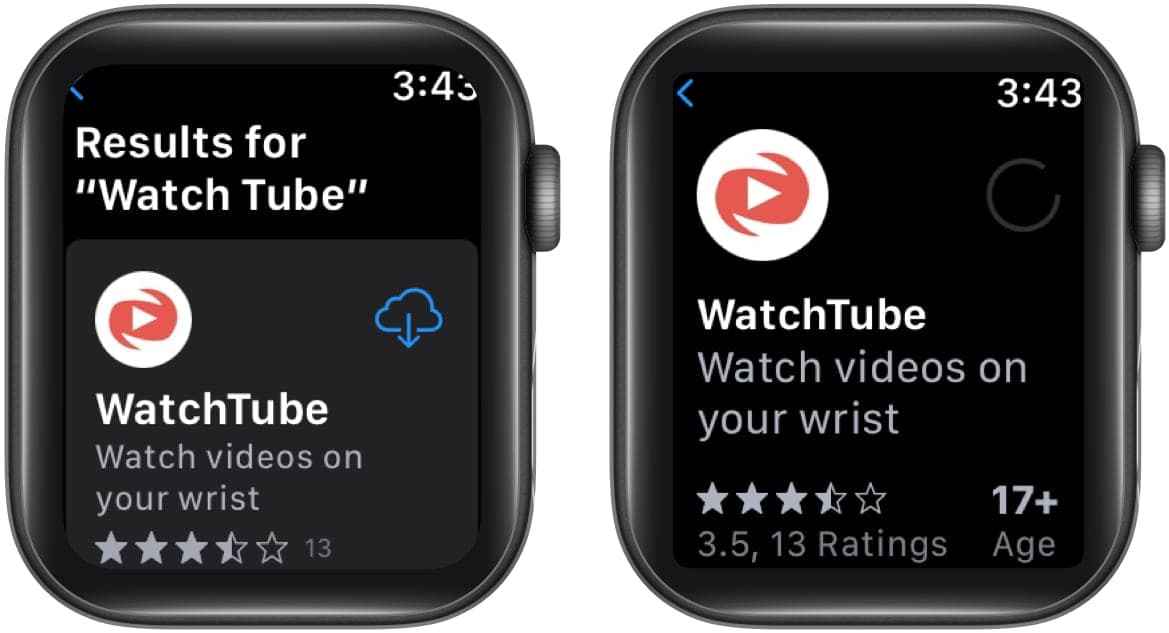
How to download WatchTube on Apple Watch
- Open the App Store on your Apple Watch.
- Search for WatchTube.
- Tap the Get icon and install the app.
Video: Watch Youtube Videos on Apple Watch
That’s all!
Share your feedback in the comments below and let me know if WatchTube works well for you. Also, what made you want to watch YouTube videos on your Apple Watch?
Read more: