
How to use ZEISS Optical Inserts with Apple Vision Pro
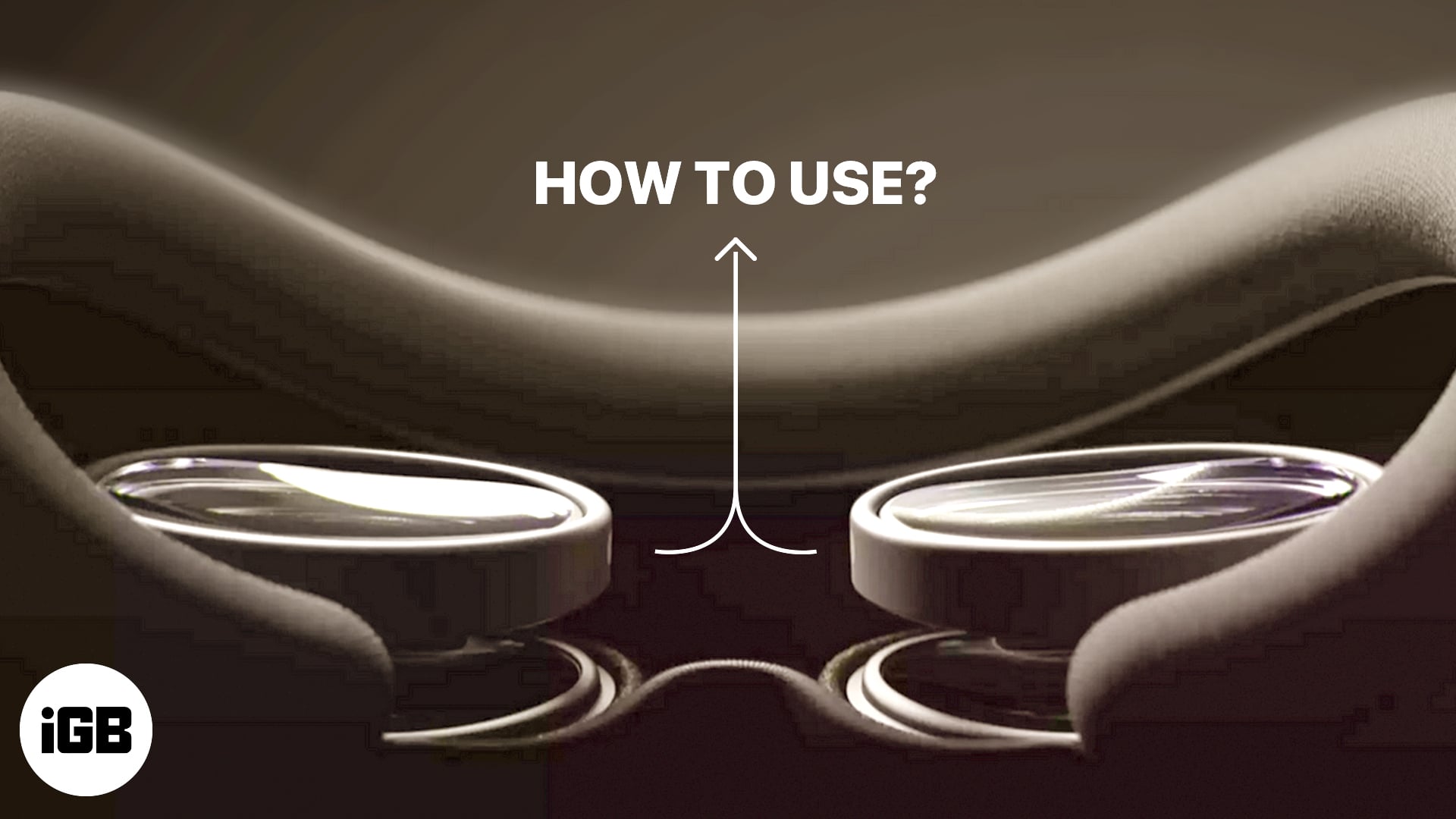
If you use powered glasses, you may wonder how to wear Apple Vision Pro. Worry not; Apple has provided a solution. You can buy ZEISS Optical Inserts and pair them with your Vision Pro.
From the requirements to setting up prescription lenses on your Apple Vision Pro, we’ll go through everything. So, if you want to enjoy a crystal-clear immersive view and exceptional comfort, try ZEISS Optical Inserts today. Here, I’ll guide you on how to use ZEISS Optical Inserts with Apple Vision Pro.
What are ZEISS Optical Inserts on Apple Vision Pro?
Apple Vision Pro is a groundbreaking gadget, but how can glass wearers manage it? I was wondering the same, and that’s when I came across ZEISS Optical Inserts.
ZEISS is a renowned optical company that partnered with Apple to create Optical Inserts for Vision Pro. These are designed to enhance visual performance and maintain the eye health of individuals with prescription eyewear needs.
If you’re experiencing glare or clarity issues on your Apple AR/VR, ZEISS can help. You can request custom-made optical lenses to focus on correcting your vision while using the Vision Pro.
If you are confused about how to buy your prescription lenses from ZEISS and use those Optical Inserts on your Apple Vision Pro, continue reading!
How to set up ZEISS Optical Inserts for Apple Vision Pro
First, you must purchase a pair of personalized ZEISS Optical Inserts for your Apple Vision Pro. Apple will ask you a few questions about your eye health for the best-personalized results.
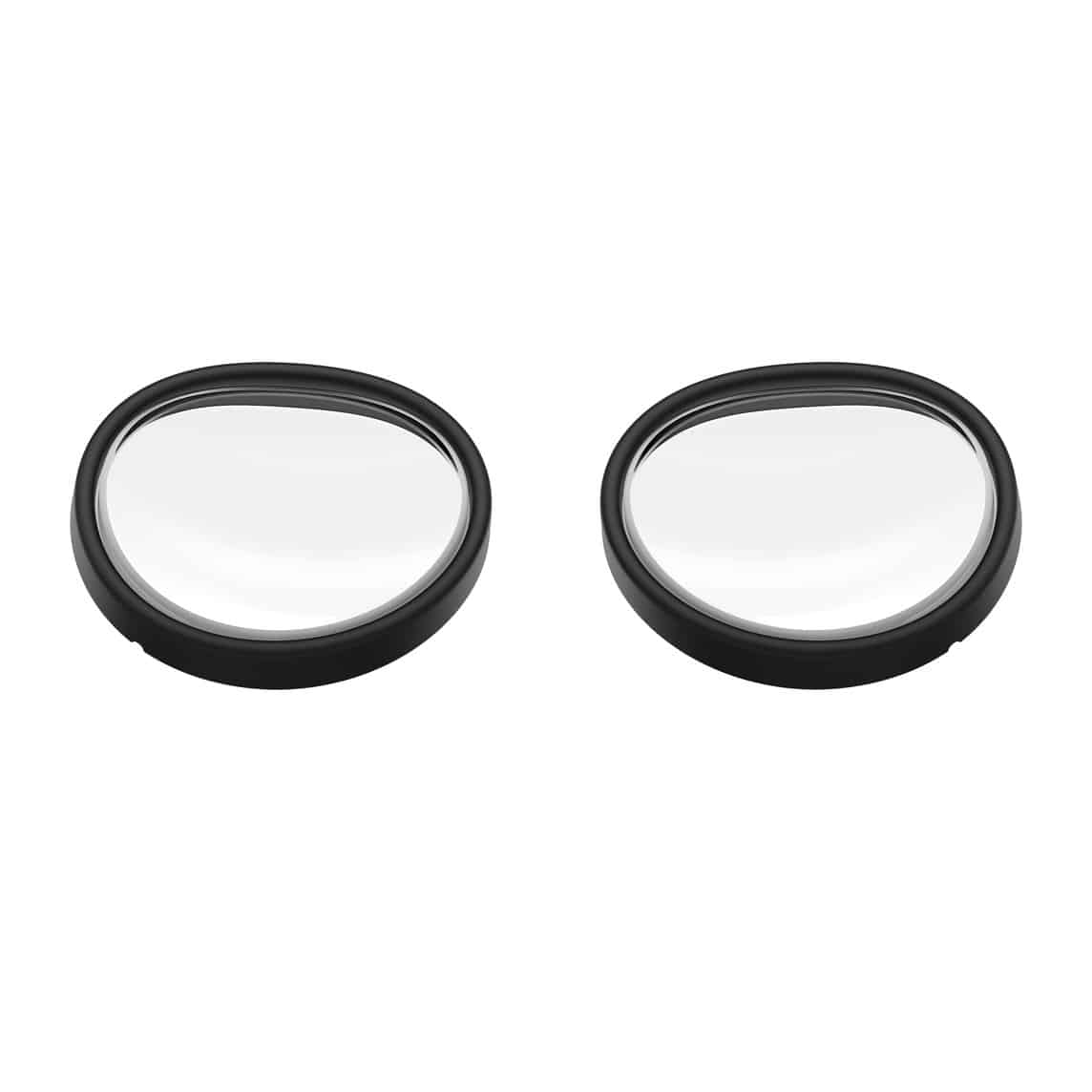
After that, you need to enter your Vision Pro’s Light Seal size and scan a QR code on your iPhone to get your prescription lenses’ measurements. Follow the on-screen instructions to complete your order.
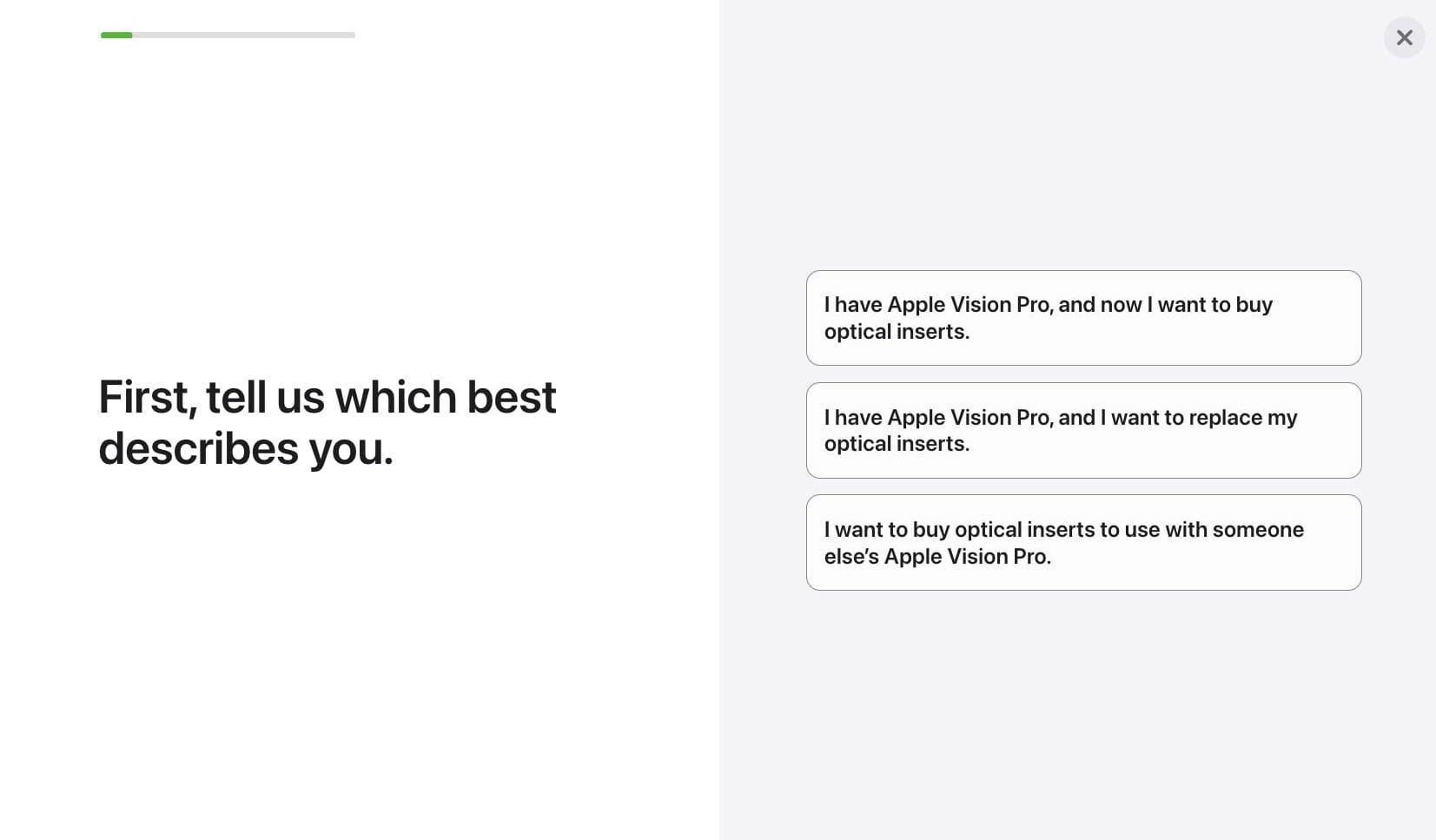
There are more specifications for buying the Inserts; we’ll discuss them later. Now, once you have purchased the prescription lenses, follow the steps discussed below:
Pair ZEISS Optical Inserts with Apple Vision Pro
- Place your Apple Vision Pro on a flat surface.
- Ensure it is placed inside the cover.
- Pick a lens and hold it by the edges to avoid fingerprints or smudges.
- Look for the inscription L or R to identify its position.
- The white line on the lens indicates each insert’s top.
- Place the insert with the L or R indicator pointing inward near the nose bridge.
- Now press the lens gently.
- It will magnetically attach to the port when placed correctly.
- Repeat the same for other Optical Inserts as well.
Note:
You must install two lenses on your Vision Pro even if you only have vision correction for one eye.
How to calibrate ZEISS Optical Inserts on Apple Vision Pro
We’re not done yet. After you’ve placed the Optic Inserts, you must pair them with your Apple Vision Pro. Let’s get your device ready to use.
- Tap and hold the Top button to begin eye setup on your Apple Vision Pro.
- Next, look at the pairing code that came along with the inserts.
It will start the lens pairing process. - Upon verification, your Vision Pro will be all set to go!
If your Vision Pro doesn’t show a prompt, you need to manually set up your Optical Inserts. For that, press the Top button for four times and select Pair New Optical Inserts when prompted. Next, press the Digital Crown and enter the pairing code.
Once your eye setup is done, your Vision Pro will prompt you to set up your hand motions.
Apple’s official video: Setting up your ZEISS Optical Inserts for Apple Vision Pro
Things to consider before purchasing ZEISS Optical Inserts
Unfortunately, getting a hold of ZEISS Optical Inserts for Apple Vision Pro is not as easy as it seems. You must comply with regulations before you can order these prescription lenses.
But don’t worry; I will make this process simple for you. Follow the instructions below, and if you pass through the eligibility criteria, you can order Optical Inserts in no time.
- Get a complete manifest refraction report from your eye care provider. It should include your distance correction needs, indicated separately on the same prescription sheet.
- The expiry date of the reading.
- Name, license number, and signature of your doctor.
- The issue date of your eye exam.
If you do not have a doctor yet, don’t worry. Sign up for your eyeglass prescription at ZEISS, and you’ll be off with the requirements in no time.
Based on your input, these lenses will cost you around $99 to $149. You can either order them with the Apple Vision Pro or separately.
Limitations of using Apple Vision Pro with prescription lenses
While Apple Vision Pro offers the convenience of AR in an innovative package, it has its set of limitations with ZEISS Optical Inserts. Let’s quickly go through these so you can make an informed decision.
- Although the chances are low, it can impede the user’s ability to fully engage with Vision Pro. This is especially true for individuals with complex prescriptions or high astigmatism.
- If there is even a slight compatibility issue between ZEISS lenses and Apple Vision Pro, it can potentially result in compromised visual clarity.
- Users may feel discomfort wearing Apple Vision Pro for a longer duration.
- You may experience difficulties such as reduced contrast sensitivity or halos around objects when using Apple Vision Pro through prescription lenses.
- Thankfully, if you’re using contact lenses, you do not require Optical Inserts for your Apple Vision Pro.
Let a clear Vision through!
In conclusion, using ZEISS Optical Inserts with Apple Vision Pro greatly enhances your visual experience. With the help of a licensed optometrist, you can get a customized prescription to purchase the lenses and then easily attach them to your Apple Vision Pro.
If you face any issues with your Apple Vision Pro, let me know in the comments below; I will be happy to help!
Frequently Asked Questions
Topics

Written by
Suraj PadmasaliSuraj is an operations head on the iGB team. He contributes to the social media section along with tips and tricks for iPhone, Apple Watch. Apart from blogging, he likes to work out as much as he can in his gym and love to listening to retro music.
View all posts →More from How-to
How to Turn Off Location on Snapchat (Step-by-Step Guide)
Want to stop sharing your location on Snapchat? This guide explains how Snapchat location sharing works and shows simple ways to turn off your location using Ghost Mode or phone settings. Stay in control of your privacy in just a few steps.
 VikhyatMarch 5, 2026
Snapchat Parental Controls: How to Set Up Family Center and Keep Your Teen Safe
Snapchat’s Family Center lets parents monitor their teen’s friend activity and screen time without reading private messages. Here’s how to set it up and what to expect.
VikhyatMarch 3, 2026
How to Block and Unblock Someone on Instagram
Instagram lets you block or unblock someone in seconds. Follow these simple steps to take full control of your privacy and online peace.
 Ava BiswasMarch 2, 2026