
How to Remove Credit Card from Apple Pay
If you’ve lost your iPhone or your credit card is not valid anymore, here are the ways to remove credit or debit cards from Apple Pay on iPhone, iPad, and Mac.
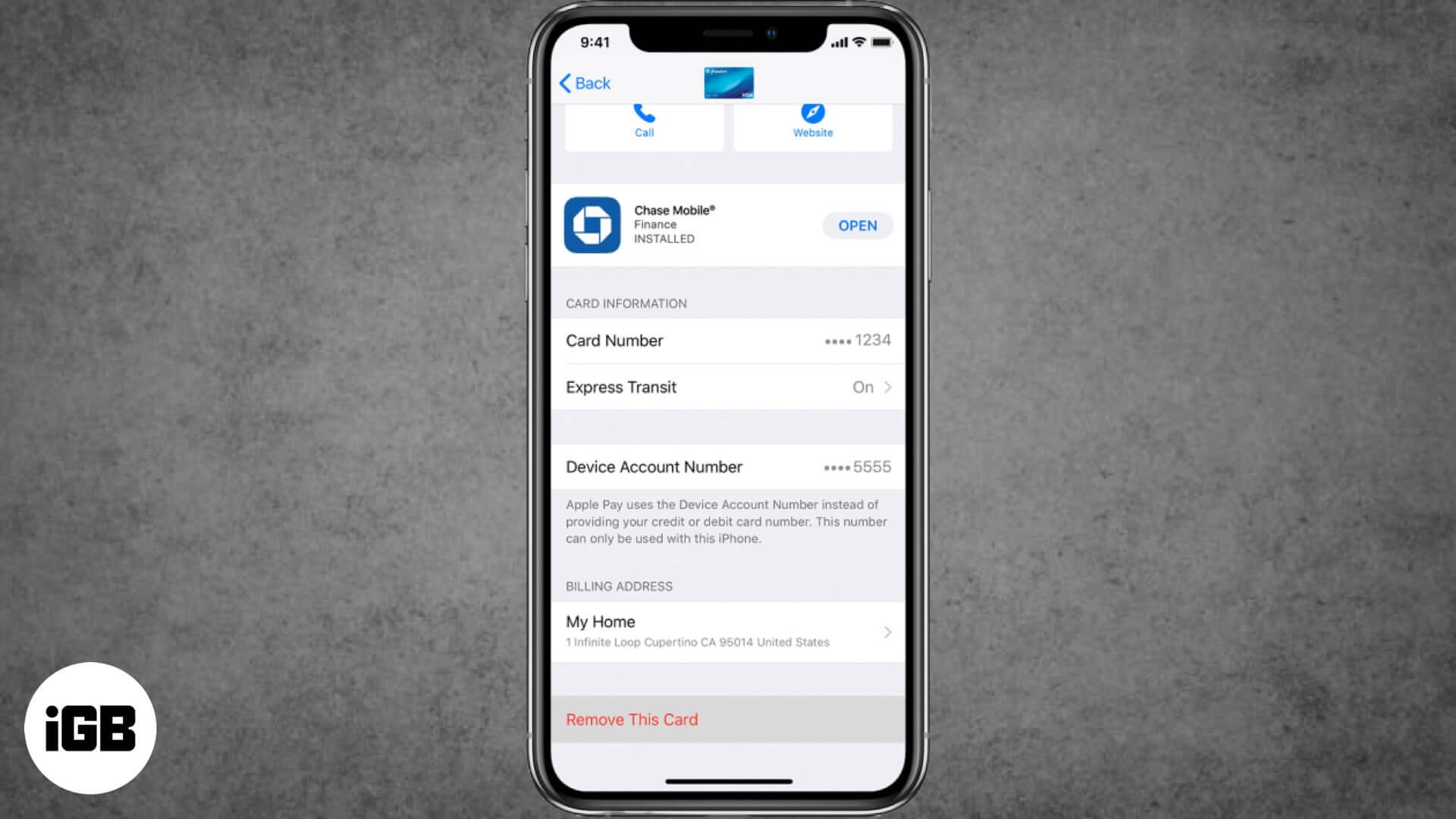
You will need to remove your credit card from Apple Pay when you no longer want to use it for seamless payments from your iPhone or Mac. Apple Pay is convenient for quick purchases and Express Transit. But it’s essential to keep your card details updated and remove any that you don’t want to use, Moreover, you can also delete your payment information remotely in case your iPhone gets lost or stolen. Let’s see how to do it.
- How to Remove a Card from Apple Pay on iPhone and iPad
- How to Remove a Card from Apple Pay on Mac
- How to Remotely Remove All Cards from Apple Pay
How to Remove a Card from Apple Pay on iPhone and iPad
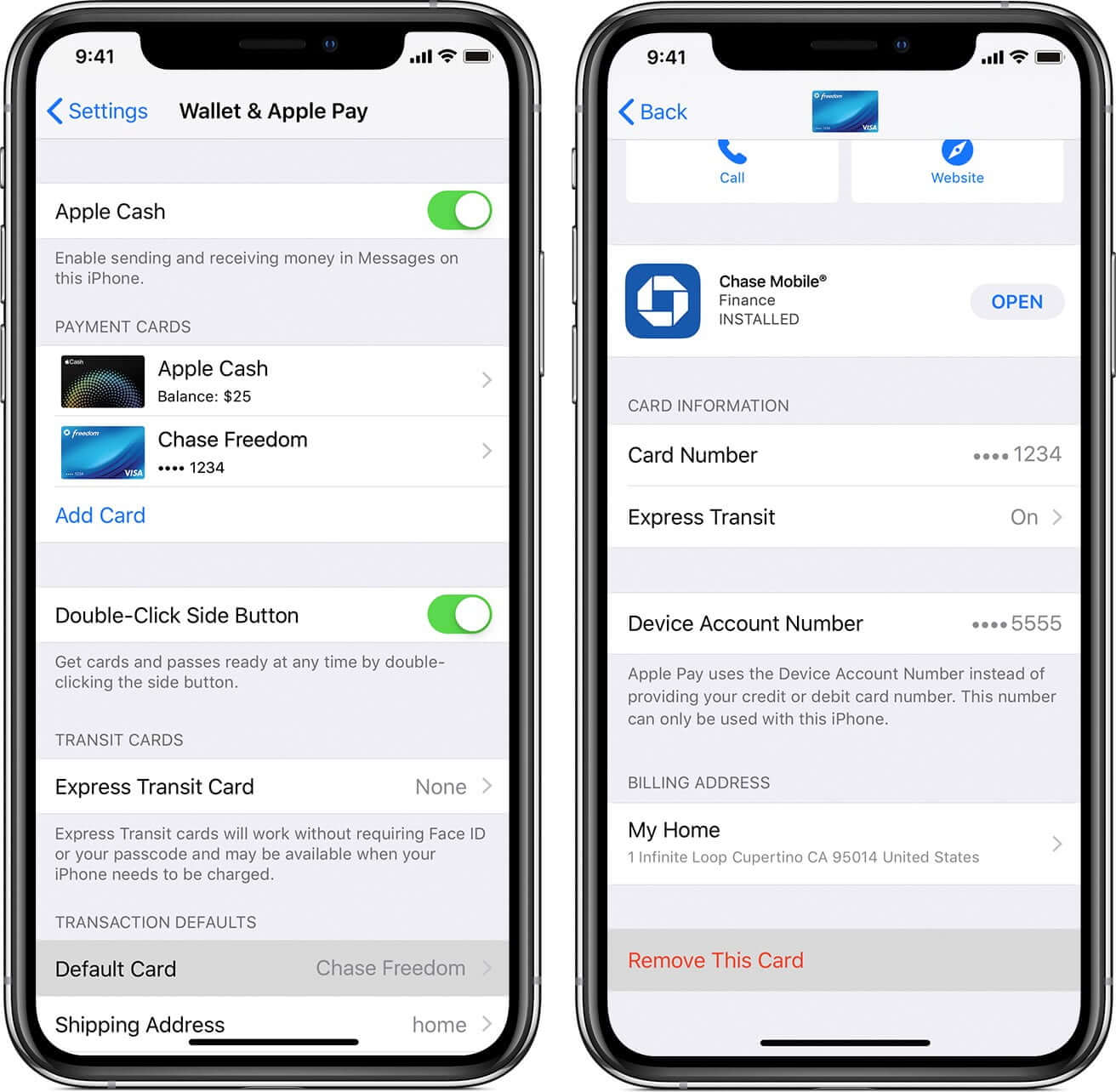
Delete Card from Settings
- Launch Settings on your iPhone
- Tap on Wallet & Apple Pay.
- Next, tap on the Credit Card you wish to remove
- Then scroll down a bit, and tap Remove This Card.
Delete Card from Wallet App
- Open the Wallet app on your iPhone
- Tap on Card which you wish to delete
- Tap on Three Dots (•••) in the top right corner
- Scroll down, tap on Remove This Card.
How to Remove a Card from Apple Pay on Mac
If you have a MacBook Pro or Air with Touch ID, you will be able to remove card details from Apple Pay.
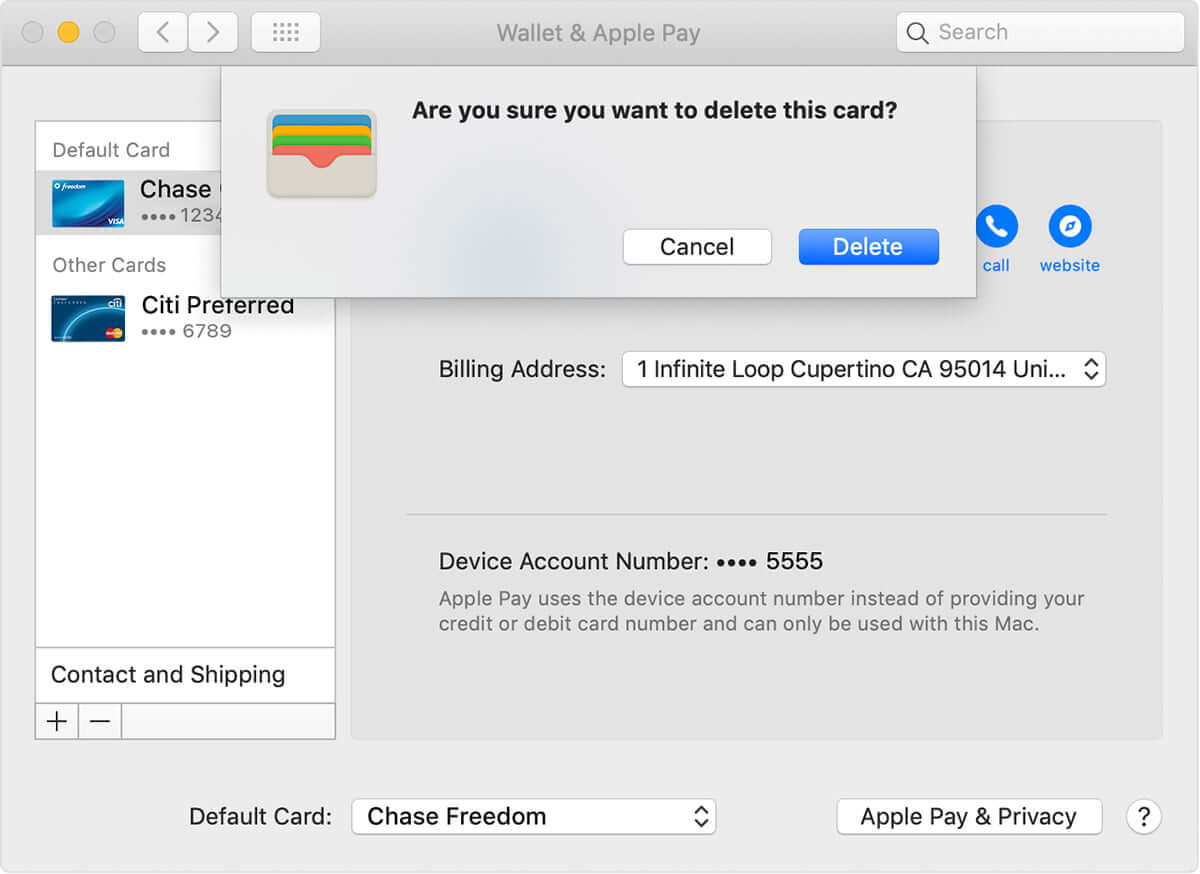
- Click on Apple menu → System Preferences, or click the System Preferences icon in the Dock
- Click on Wallet & Apple Pay icon.
- Select the card you wish to remove from the sidebar
- Click the minus (–) sign to remove the card.
How to Remotely Remove All Credit Cards from Apple Pay
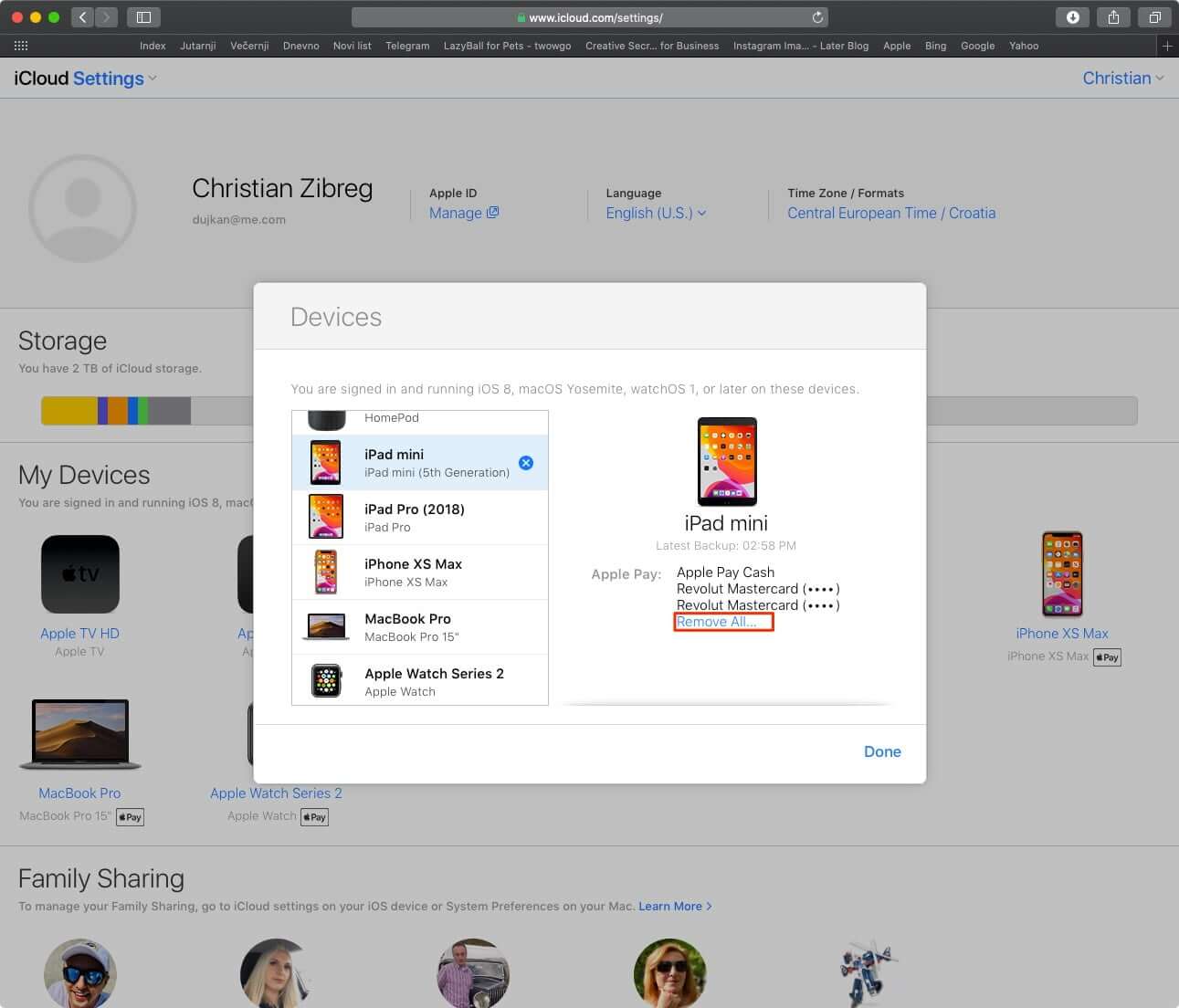
- Open www.icloud.com from a web browser
- Log in with your Apple ID and password.
- Now click on Settings.
- Under My Devices section, click on the device which you wish to remove Apple Pay
- Finally, click Remove All…
You have done it!
Apple will delete all your credit/debit cards from that device.
Summing up…
Apple’s robust ecosystem protects your money in any situation. No matter where you are on the earth, never bother about your finances.
How often do you use Apple Pay? Do you use Apple Card? Do share your experiences with us by leaving your feedback in the Comments section.
Topics

Written by
Dhvanesh AdhiyaThe founder of iGeeksBlog, Dhvanesh, is an Apple aficionado, who cannot stand even a slight innuendo about Apple products. He dons the cap of editor-in-chief to make sure that articles match the quality standard before they are published.
View all posts →More from How-to
How to Turn Off Location on Snapchat (Step-by-Step Guide)
Want to stop sharing your location on Snapchat? This guide explains how Snapchat location sharing works and shows simple ways to turn off your location using Ghost Mode or phone settings. Stay in control of your privacy in just a few steps.
 VikhyatMarch 5, 2026
Snapchat Parental Controls: How to Set Up Family Center and Keep Your Teen Safe
Snapchat’s Family Center lets parents monitor their teen’s friend activity and screen time without reading private messages. Here’s how to set it up and what to expect.
VikhyatMarch 3, 2026
How to Block and Unblock Someone on Instagram
Instagram lets you block or unblock someone in seconds. Follow these simple steps to take full control of your privacy and online peace.
 Ava BiswasMarch 2, 2026