
What is Dial Assist and how to use it on your iPhone
Seamless International calls with automatic prefix detection.
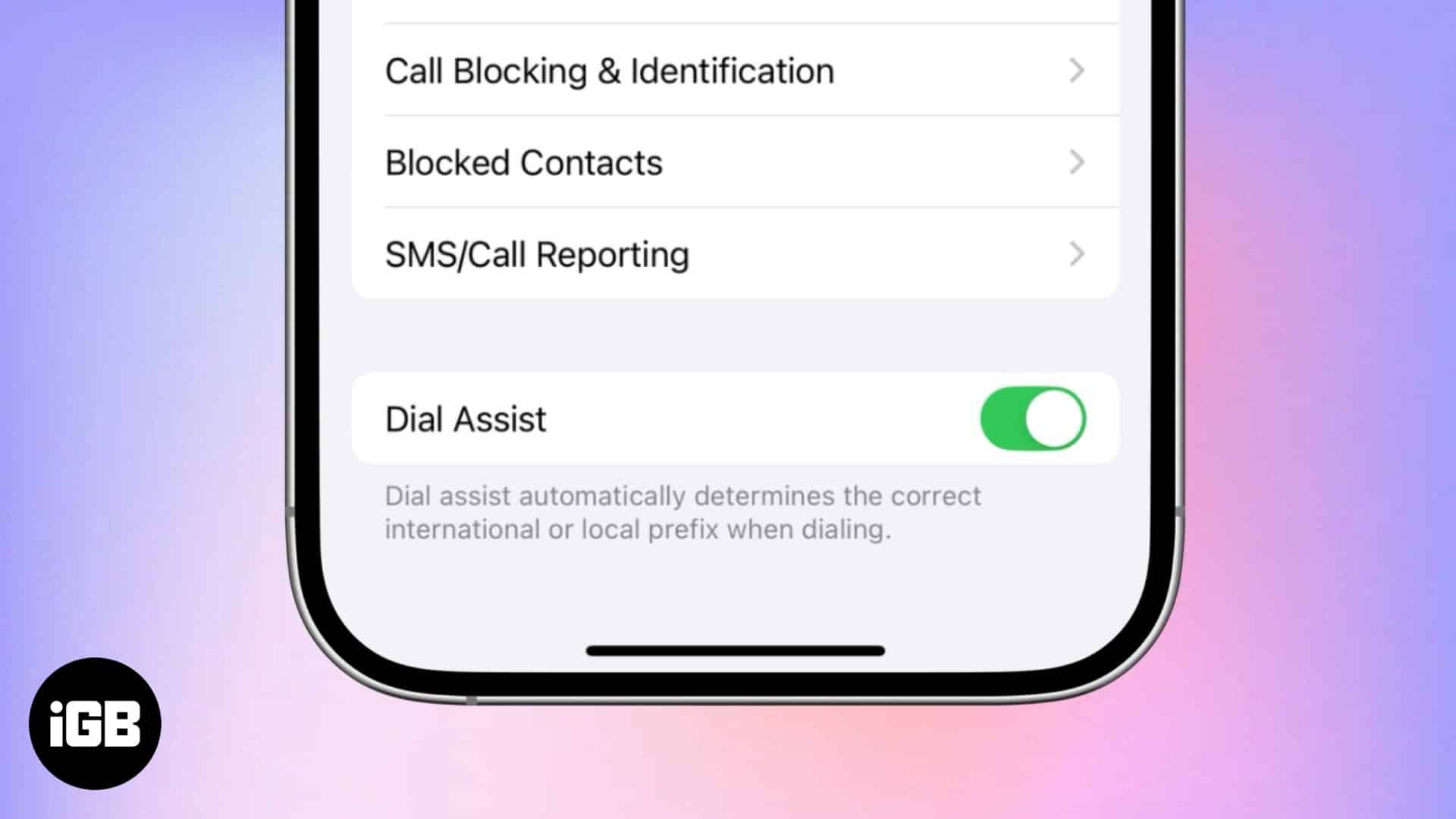
Remembering the correct international or local prefix for every country you have contacts in is not feasible. This is where Dial Assist becomes a game changer. When enabled, Dial Assist automatically adds the correct country or area codes when you hit the dial button, ensuring that your calls connect. Keep reading to learn about Dial Assist, how it works, and how you can enable or disable it on your iPhone.
What is Dial Assist on iPhone?
Dial Assist on iPhone automatically detects the country you’re calling and adds the correct international or local dialing prefix, making international calls seamless. This eliminates the need to manually enter country or area codes, especially when traveling. However, if a contact is already saved with a prefix, Dial Assist may sometimes cause dialing issues.
How does Dial Assist work?
When you initiate a call on your iPhone, Dial Assist first checks your current location and the number you dial and then decides whether a country or area code is required. If yes, the appropriate country or area code will be added before the number. This ensures every call you make from your iPhone goes through correctly, whether you are making a local or international call.
Let me quote an example: Suppose you are in the U.S. currently, but your home country is the U.K., and you need to call someone there. Normally, you might have to manually add +44 before the phone number, as no one saves a local number with the country code.
However, with Dial Assist enabled, your iPhone will automatically add the correct prefix based on the contact’s saved number and your current location.
How to enable Dial Assist on your iPhone
You don’t need to do anything extra to use Dial Assist on your iPhone, as the feature is auto-enabled by default. However, this may depend on your carrier and region because not all carriers support Dial Assist. If your carrier supports Dial Assist, your iPhone automatically adds the correct country or area code when making calls.
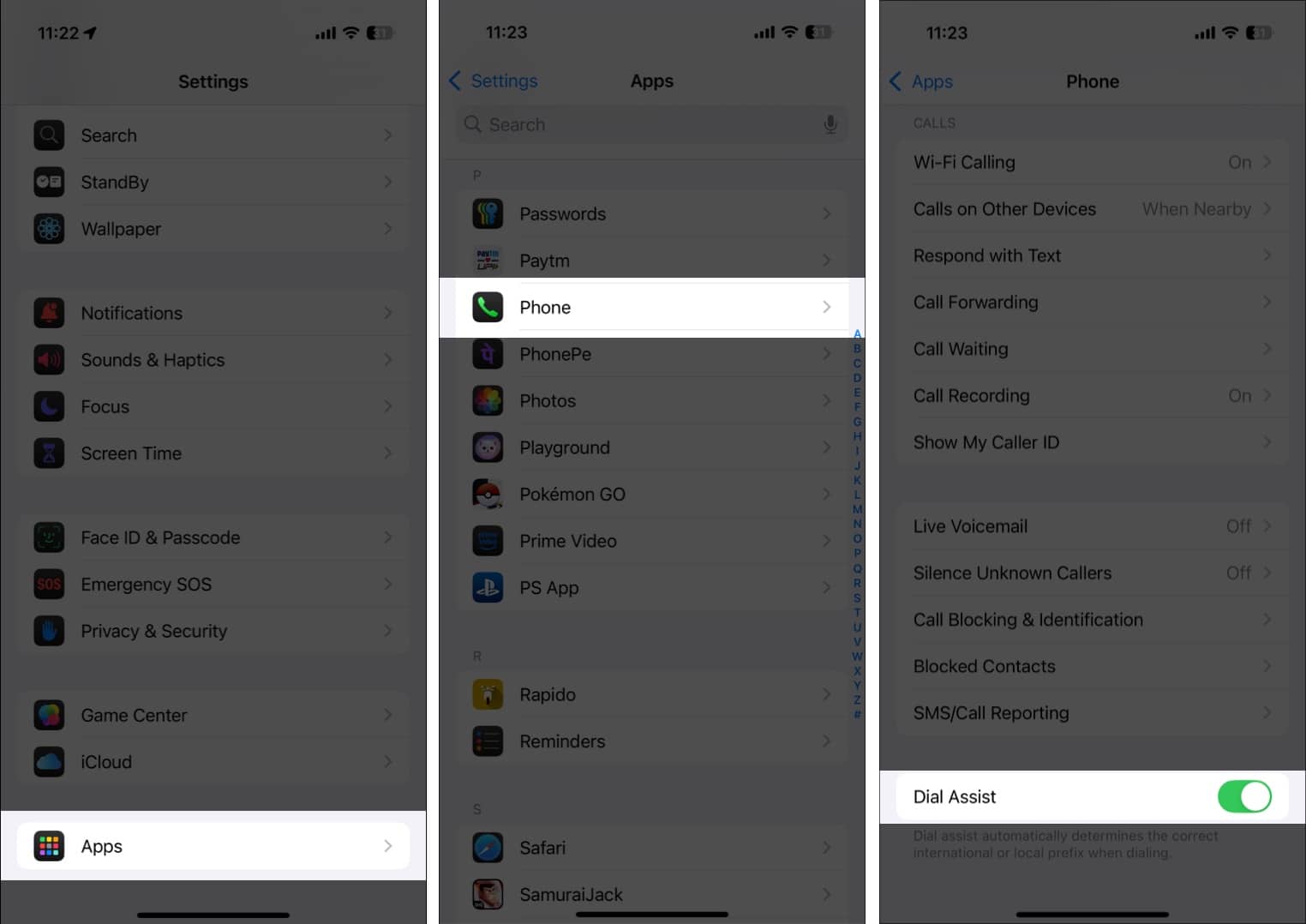
If you aren’t sure whether Dial Assist is enabled on your iPhone, you can quickly verify it. Here’s how:
- Open Settings, scroll down to the bottom and tap on Apps.
- Here, locate and tap on the Phone app.
- Now, scroll down and check whether the Dial Assist toggle is ON.
Summing up…
Although small, Dial Assist is a powerful feature. It reduces the risk of dialing the wrong country or area code and saves you time if you regularly make calls across borders, ensuring the call connects every time you hit the dial button.
Feel free to reach out to us via comments if you have doubts regarding Dial Assist or anything Apple.
Frequently Asked Questions

Written by
VikhyatVikhyat has a bachelor's degree in Electronic and Communication Engineering and over five years of writing experience. His passion for technology and Apple products led him to the tech writing space, where he specializes in writing App features, How-to guides, and troubleshooting guides for fellow Apple users. When not typing away on his MacBook Pro, he loves exploring the real world.
View all posts →More from How-to
How to Turn Off Location on Snapchat (Step-by-Step Guide)
Want to stop sharing your location on Snapchat? This guide explains how Snapchat location sharing works and shows simple ways to turn off your location using Ghost Mode or phone settings. Stay in control of your privacy in just a few steps.
VikhyatMarch 5, 2026
Snapchat Parental Controls: How to Set Up Family Center and Keep Your Teen Safe
Snapchat’s Family Center lets parents monitor their teen’s friend activity and screen time without reading private messages. Here’s how to set it up and what to expect.
VikhyatMarch 3, 2026
How to Block and Unblock Someone on Instagram
Instagram lets you block or unblock someone in seconds. Follow these simple steps to take full control of your privacy and online peace.
 Ava BiswasMarch 2, 2026