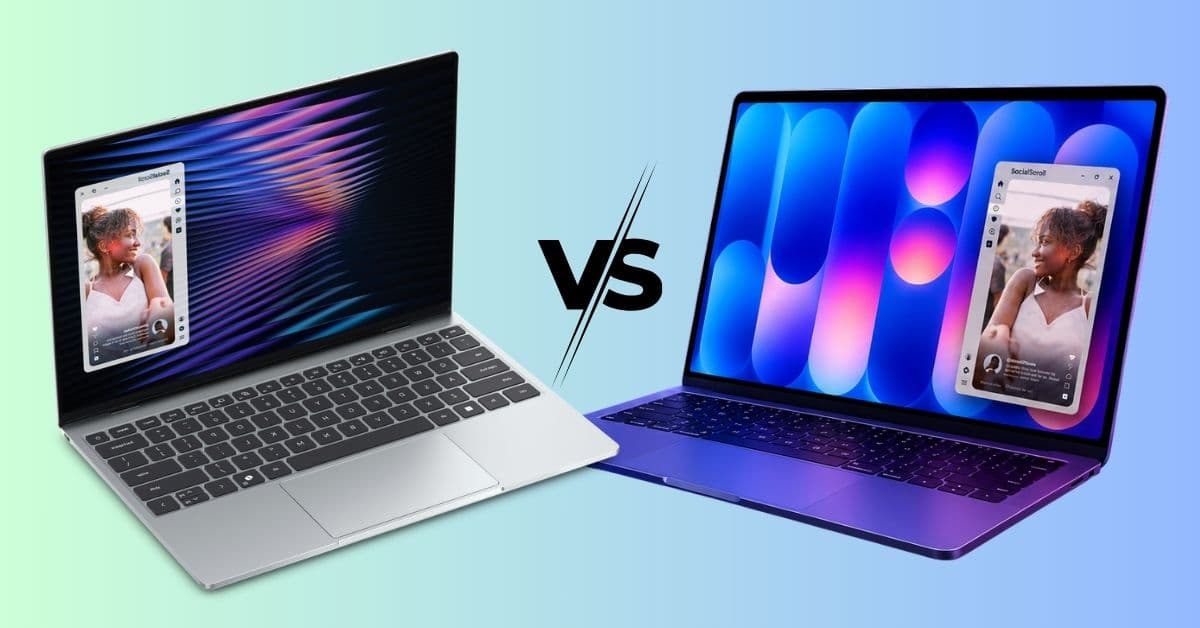
Dell has announced a new XPS 13, bringing back its most recognizable lineup to take on Apple’s MacBook Neo. The new laptop focuses on portability, featuring an ultra-lightweight design, Intel’s latest processors, a touchscreen display, higher memory configurations, and a bigger battery.
Its price is also aimed at students and everyday users who want a premium experience at a budget. So many of you are wondering if the Dell XPS 13 is better than the MacBook Neo.
Here, I have shared how the new Dell XPS 13 compares to Apple’s MacBook Neo across design, performance, battery life, software, and overall value.
Dell XPS 13 (2026) vs MacBook Neo: Specs at a glance
| Feature | Dell XPS 13 (2026) | MacBook Neo |
|---|---|---|
| Starting Price | $699 retail ($599 student promotion) | $599 ($499 with education savings) |
| Processor | Intel Core Series 3 (Wildcat Lake) | Apple A18 Pro chip |
| Display | 13.4-inch OLED option | 13-inch Retina display |
| Weight | 2.2 pounds | 2.7 pounds |
| RAM | 8GB to 32GB | 8GB |
| Storage | 256GB to 1TB | 256GB and 512GB |
| Operating System | Windows 11 | macOS 26 |
| Connectivity | Wi-Fi 7 | Wi-Fi 6E |
| Touchscreen | Available | No |
On paper, Dell is clearly targeting buyers who want more hardware flexibility, while Apple makes the streamlined experience the buying reason for MacBook Neo.
Design and build quality: Which laptop feels more premium?
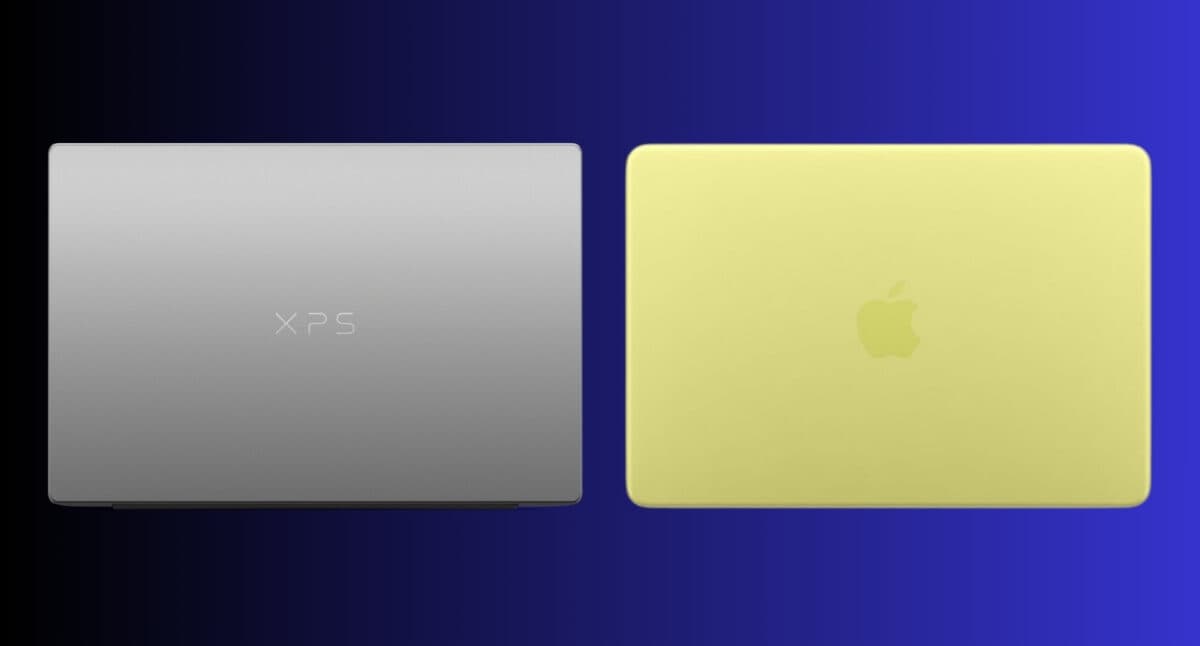
Both laptops have the same design language: thin, lightweight, portable, and premium.
Dell says the new XPS 13 is its thinnest and lightest XPS laptop yet, even with a dual-fan system. It’s only 0.5-inch thick and weighs roughly 2.2 pounds, making it lighter than the MacBook Neo. Moreover, the minimalist aluminum chassis feels like a deliberate attempt to bring the XPS brand back to its roots.
Apple, meanwhile, continues doing what Apple does best. The MacBook Neo inherits the clean industrial fanless design language that has made MacBooks so recognizable. I really liked its Citrus color among the four beautiful colors. But if you work outside, the absence of active cooling may cause overheating.
Display comparison: Dell quietly wins here
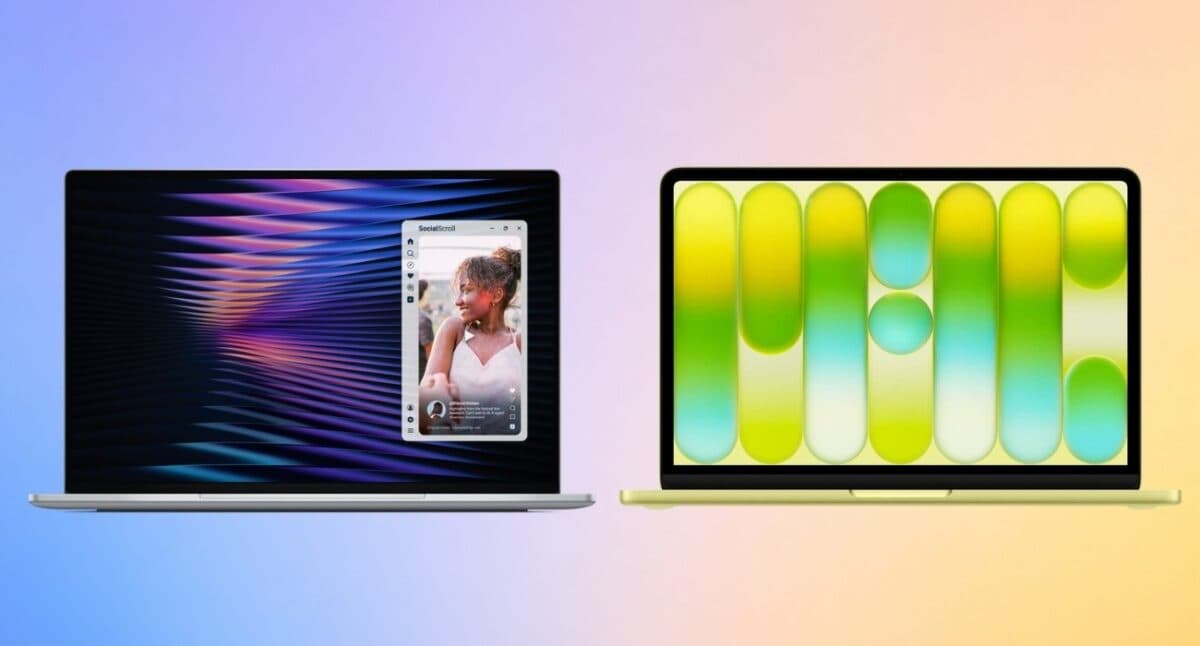
This is where things start getting interesting. Historically, Apple has dominated laptop display conversations. But it doesn’t hold up quite as well anymore.
Dell features an impressive 13.4-inch LCD InfinityEdge touchscreen display, even though it is light. With the 2.5K (2560 x 1600) resolution, DCI-P3 color accuracy, and Dolby Vision, it delivers crisp visuals for streaming, photo editing, and everyday media consumption. I liked the inclusion of Eyesafe technology to avoid harsh blue lights.
Apple’s 13-inch LED-backlit IPS display with 2408 x 1506 native resolution remains excellent. In every aspect, I found the colors were accurate, and the text looked sharp. The only issue I have is the big bezels and slower 60Hz refresh rate (XPS 13 has a 30-120Hz variable refresh rate).
Overall, I feel Dell is delivering better value in terms of display technology in this price category. If screen quality is one of your top priorities, the XPS 13 deserves serious attention.
Performance: Intel vs Apple Silicon
The base Dell XPS 13 uses Intel’s new Core 5 320 processor from the Core Series 3 with up to 16 GB LPDDR5X RAM and up to 512GB PCIe 4 SSD (Gen 4). If you want more power for a heavier workload, go for the higher-end Copilot+ PC model with the Intel Core Ultra 7 355 chip of the Core Ultra Series 3, up to 32GB RAM, and up to 1TB SSD.
The MacBook Neo takes a completely different approach. Instead of using an M-series processor, it’s powered by the A18 Pro chip, which was originally developed for the iPhone 16 Pro. As per Apple, the SoC is up to 50% faster than the Intel Core Ultra 5 processor. However, I was disappointed with its fixed 8GB Unified Memory.
Both of them should be powerful enough to use for web browsing, streaming, writing, video conferencing, and multitasking. Still, none of these laptops is suitable for demanding workstation-grade performance.
If your priority is efficiency and optimization, Apple Silicon still has the edge. For more upgrade flexibility and stronger long-term configuration options, Dell’s XPS 13 makes a stronger argument.
Battery life: Does Dell finally catch up?
For years, battery life was the easiest category to award to Apple. MacBooks simply lasted longer. But the gap is getting smaller.
Dell claims the XPS 13 can deliver up to 17 hours of 4K Netflix streaming. However, Intel is known for its energy consumption. So, I can be sure after actually testing it.
Apple still benefits from the power efficiency advantages of Apple Silicon and macOS optimization and power efficiency. It officially claims up to 16 hours of video streaming. When I only do light browsing and office work, it easily survives a day.
Keyboard, trackpad, camera, speaker, and daily usability

Unlike the MacBook Neo, the new XPS 13 includes a backlit keyboard as standard, which immediately makes it more practical. On the other hand, Dell uses a standard mechanical trackpad, while Apple provides a Multi-Touch trackpad instead of the premium Force Touch system of MacBook Air and other models.
The XPS 13 includes a 2MP/1080p IR camera with Windows Hello support, allowing users to unlock the laptop with facial recognition. The MacBook Neo also has an integrated 1080p webcam. However, there is no Face ID feature, and only the 512GB model has Touch ID.
Audio is another area where Dell is being surprisingly aggressive. The XPS 13 features a quad-speaker setup with Dolby Atmos support and 8W total output. Apple also delivers solid sound quality on the MacBook Neo with dual-side speakers and Spatial Audio support.
Ports remain a compromise on both machines. The XPS 13 comes with two USB-C 3.2 Gen 2 ports with DisplayPort 2.1, while Core Ultra models offer better ports with Thunderbolt 4 support. Nevertheless, there is no headphone jack. The MacBook Neo comes with two USB-C ports, and only one of them supports USB 3 transfer speed and display connections.
For day-to-day usability, Dell’s XPS 13 feels like the more practical laptop.
Software experience: Windows 11 vs macOS 26

This is where the comparison becomes personal. No benchmark can tell you which operating system you’ll prefer.
Windows 11 continues to have greater flexibility. It supports a wider range of software, gaming options, peripherals, and enterprise tools. For students in engineering, computer science, finance, and technical fields, Windows often provides better compatibility.
macOS 26, on the other hand, is very controlled and reliable. The seamless integration and Continuity features with iPhones, AirPods, Apple Watches, and iPads remain one of Apple’s biggest advantages. Also, Apple Intelligence is a good bonus. If you’re deeply invested in Apple’s ecosystem, switching away from macOS can feel inconvenient.
The pricing battle is more interesting than it looks
At first glance, both laptops appear to start around the same price. But it’s not!
Dell’s headline-grabbing $599 price applies to a student-focused promotional offer. The standard retail price starts at $699 for 8GB RAM and 512GB SSD configuration. Apple’s MacBook Neo starts at $599, making it more affordable.
Dell is trying to justify the higher entry price through additional hardware flexibility, more configuration options, premium display choices, and newer connectivity standards. However, as I use an iPhone as my primary device, Apple’s ecosystem benefits outweigh the hardware advantages.
Features the Dell XPS 13 has that the MacBook Neo doesn’t
Several features help the XPS 13 stand apart.
- 2.5K display with touchscreen support
- Wi-Fi 7 connectivity
- Up to 32GB RAM configurations
- Up to 1TB storage options
- Faster USB-C (3.2 Gen 2) connection
- Quad speakers for richer media
- Unlocking with facial recognition
These aren’t flashy marketing features. They’re practical advantages that become more valuable over time.
Features the MacBook Neo still does better
Despite Dell’s progress, Apple still owns a few categories.
- Superior Apple ecosystem integration
- 3.5mm headphone jack
- Strong resale value
- Excellent software optimization
- Apple Intelligence features
- Seamless continuity features with other Apple devices
Apple’s greatest strength isn’t hardware. It’s convenient. You can make the most out of it by pairing the right MacBook Neo accessories.
Who should buy which laptop?
- You prefer Windows
- You want more hardware flexibility
- You need higher RAM configurations
- You value touch displays
- You want newer connectivity standards
- You already own Apple devices
- You prefer macOS
- Battery efficiency is a top priority
- Ecosystem integration matters to you
- You want the simplest possible experience
Final verdict: Is XPS 13 worth buying over a MacBook?
Yes, but only for the right buyer.
Dell finally seems to understand that beating Apple doesn’t require copying Apple. Instead, the company is focusing on what Windows users actually want: choice, flexibility, and premium hardware without ecosystem lock-in.
The MacBook Neo remains one of the most compelling affordable laptops Apple has ever released. But the XPS 13 may be the more exciting product. Not because it’s dramatically better. Because it offers a genuine MacBook Neo alternative to students, professionals, and everyday Windows users.
What do you think about the new Dell laptop? Share your opinion in the comments below!