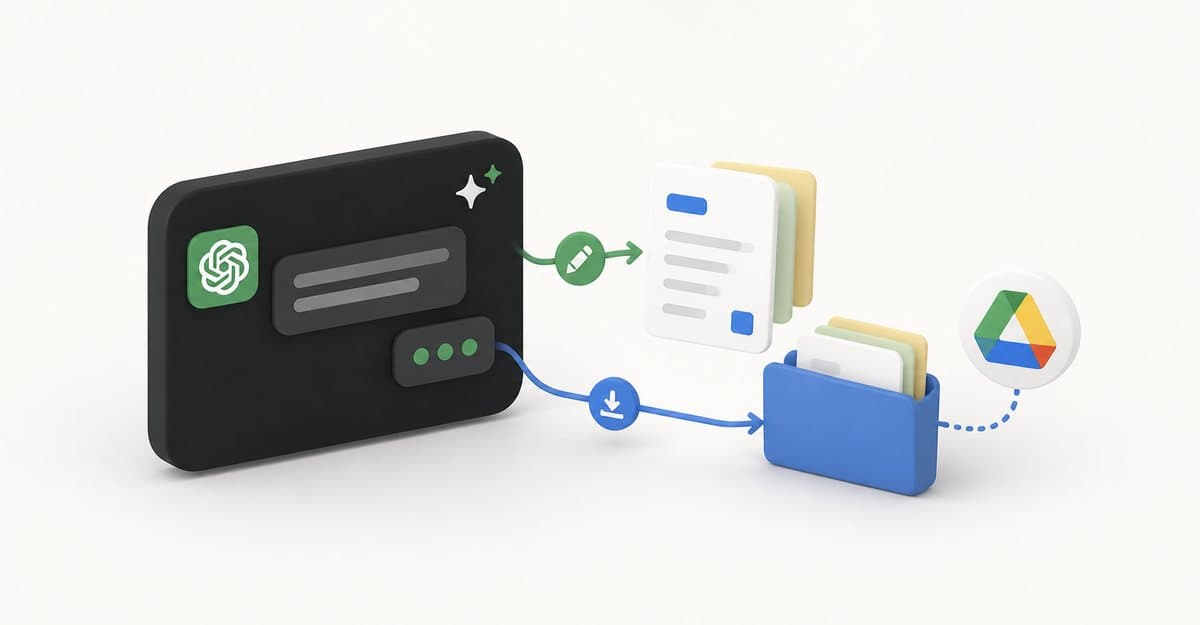
OpenAI has started putting Google Drive inside ChatGPT’s Library. If you have the Google Drive plugin connected, your Drive files and folders now show up in Library, and you can pull a Doc, Sheet, or Slide into any conversation with an @mention instead of uploading it again. The file stays open beside the chat while ChatGPT summarizes, compares, or drafts from it, and where supported, ChatGPT can write changes back to the original file in Drive. OpenAI listed the change in its ChatGPT release notes on August 13 and posted a short demo on X the same day.
The usual flow was that ChatGPT read a Drive file and handed you a rewritten answer or a fresh document, and you still had to open Google Docs to make the change. This closes that loop. ChatGPT Consumer Product Lead Adam Fry confirmed on X that edits go live in the actual Drive file, and the original stays one click away, so you are not left juggling copies.
What you can do with it
The Library view includes everything in My Drive plus files and folders that were shared directly with you. From there, or straight from the composer, you can add a file to a chat and keep it open next to the conversation. You can also select an entire folder and ask ChatGPT to work across every file in it, which is handy for things like pulling numbers from a set of monthly Sheets or comparing several draft Docs.
Fry’s feature-drop recap points to the quickest route: tap the + button on the left of the prompt box, then choose Add from Library.
There are a few gaps at launch. Shared Drives are not included yet, and OpenAI says some Google Drive editing and collaboration features are still missing inside ChatGPT. Editing also only works where a file type supports it, and you have authorized ChatGPT to make changes, so this is not a full replacement for Docs or Sheets.
Who gets it and where
The rollout covers Plus, Pro, Business, Enterprise, Edu, and Healthcare plans on the web, in both the regular Chat toggle and ChatGPT Work, OpenAI’s agent for longer multi-step tasks. Free and Go users are left out for now, and OpenAI only says mobile support “will follow” without a date. OpenAI’s X post named a shorter list of Plus, Pro, Business, and Enterprise, but the release notes are the fuller one.
If your Drive is not connected yet, you can add the Google Drive plugin from ChatGPT’s Plugin Directory first. Earlier Drive connections in ChatGPT, like the cloud drive access added to the Mac app, were built for searching files and answering questions about them. This update is about working on the file in front of you.
The Drive change landed on the same day as Computer History for the Mac app, and OpenAI followed it a day later with interactive quizzes for all consumer plans and personalized homepage suggestions for paid users. Taken together, the week reads like OpenAI trying to keep you inside ChatGPT for the whole task rather than just the first draft.