CarPlay now has a fifth major AI chatbot. 9to5Mac reports that Anthropic’s latest Claude iPhone app update adds CarPlay support, joining ChatGPT, Perplexity, Grok, and Meta AI.
Apple opened CarPlay to voice-based conversational apps with iOS 26.4. The earlier iOS 26.4 CarPlay update detailed the voice-first category, which Apple’s CarPlay developer page now lists alongside navigation, audio, messaging, and EV charging apps. Apple’s iOS 27 beta is also expected to bring Siri AI into the car, so third-party chatbots are arriving before Apple’s own assistant gets there.
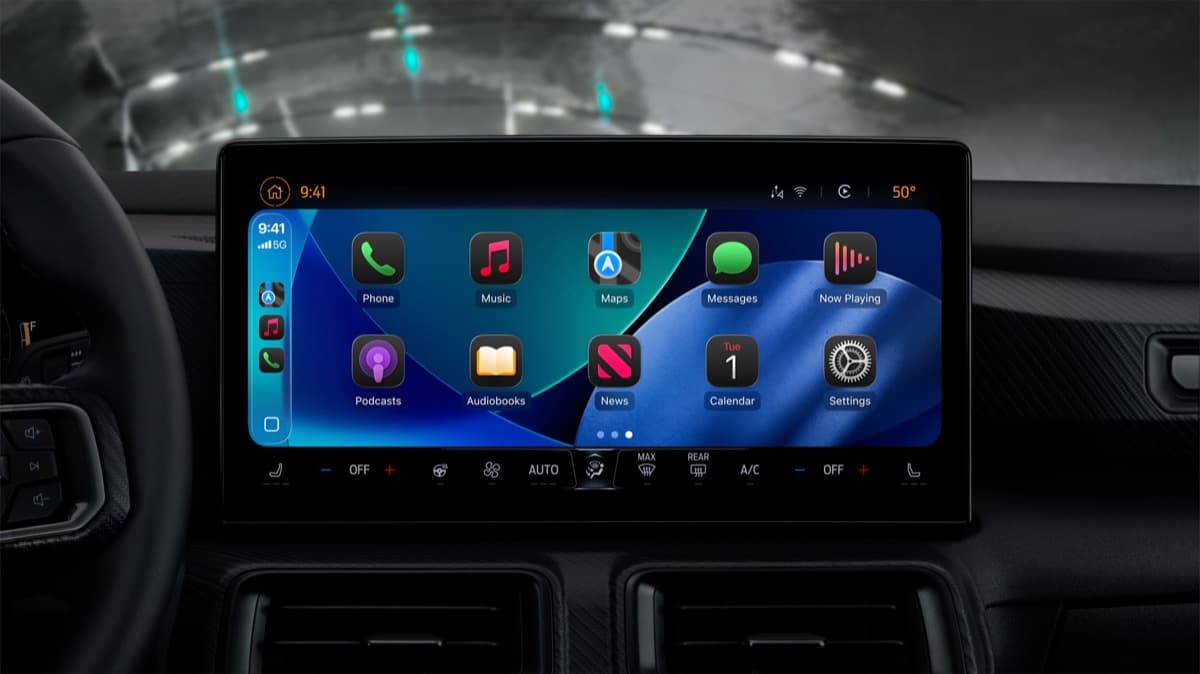
Claude’s CarPlay experience is voice-first
Claude’s CarPlay interface focuses on the parts that make sense behind the wheel. It shows recent chats you can resume and lets you start a new voice conversation from the car’s display. You are not getting the full Claude app with all of its document, image, and project controls.

The format is closer to a hands-free chat window than a replacement for Apple’s system assistant. OpenAI’s ChatGPT CarPlay guidance makes the boundary clear for its own app: CarPlay cannot access maps, vehicle information, live location, or control other apps. A ChatGPT CarPlay hands-on shows why these apps still feel separate from Siri. Claude’s update is presented in the same voice-focused lane.
The current lineup has five apps
The major chatbot apps now reported to work with CarPlay are:
- ChatGPT
- Perplexity
- Grok
- Meta AI
- Claude
This gives drivers more choice for quick questions or ongoing voice conversations, but each app remains a separate CarPlay experience. The report describes chat and voice features, not a new layer for changing the car’s settings, starting navigation, or managing the rest of the iPhone.
What you need to use Claude in CarPlay
You need an iPhone running iOS 26.4 or later, the latest Claude app, and a car that supports CarPlay. After the app update reaches your iPhone, Claude should appear with the other compatible apps in CarPlay.
Apple’s rules keep these apps focused on voice interaction and a small number of car-friendly controls. That is useful for asking a question without reaching for the phone, but it also means you still need Apple’s built-in apps for navigation, messages, music, and vehicle features.
Claude’s arrival widens the AI choice inside CarPlay just as Siri AI approaches iOS 27. For now, these services are voice-first additions to the dashboard, not full replacements for Siri’s system access.