
Best Bluetooth mouse for iPad Pro in 2026
iGeeksBlog is supported by its readers. When you buy through links on our site, we may earn an affiliate commission. This doesn't affect our editorial independence.
Find the best Bluetooth mice for your iPad Pro to boost your productivity. Our list features top-rated options with ergonomic designs, precise tracking, and seamless connectivity.

You must agree that the iPad Pro has become a go-to device thanks to its sleek design, powerful performance, and range of features. However, using it for extended periods can be tiring, primarily if you use the touchscreen to navigate. That’s why you need an iPad Pro-compatible mouse to make your experience more comfortable and efficient and navigate easily and quickly. Here, I will share the best Bluetooth mouse for iPad Pro.
I have considered the factors like compatibility, ergonomics, battery life, and performance while testing the mouse. Whether you’re a creative professional, a student, or someone who wants to get the most out of their iPad Pro, choose the one according to your needs. So, let’s get started!
1. Apple Magic Mouse – Editor’s choice
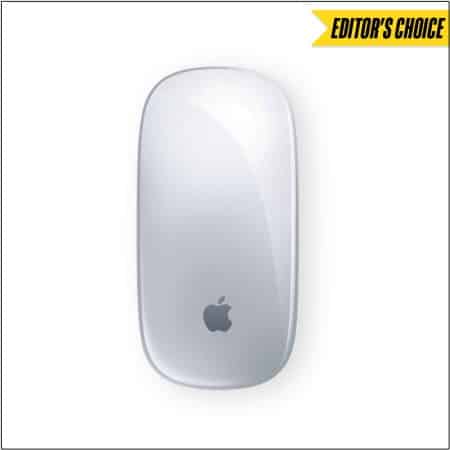
What could be better than a native Apple accessory for your iPad? The wireless Apple Magic Mouse works seamlessly with iPadOS. It has a flat form factor and minimalist design. Besides, the optimized foot lets it glide smoothly across your desk, thereby increasing trackability. I’d recommend getting a good mousepad for the Magic Mouse to make sure it doesn’t catch any dirt.
I liked its Multi-Touch surface that allows you to perform simple gestures such as swiping between web pages and scrolling through documents. Besides, the rechargeable battery will power the mouse for about a month. Also, you will get a woven USB-C-to-USB-C cable for pairing and charging.
- Ultra slim profile
- Rechargeable battery
- Supports mouse gestures
Check out on: Amazon
2. Logitech MX Master 3 – Ergonomic
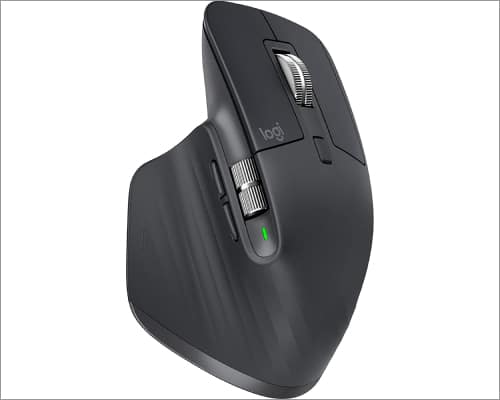
The Logitech MX Master 3 is the best ergonomic Bluetooth mouse for iPad pro without USB. Its 4000 DPI sensor is quick and accurate and works on any surface, even glass. Also, the metallic MagSpeed wheel is tactile and has a built-in magnet and a toggle button on the back, allowing it to go between spinning freely and notched.
It is speedy enough to scroll 1,000 lines in a second and accurate enough to stop on a pixel. Additionally, the mouse supports up to three devices with cross-cursor control and has a USB-C rechargeable battery that lasts up to 70 days on a single charge. You will see 7 buttons, including left, right, back, forward, app, wheel mode, and center click.
The best part is the mouse is designed keeping comfort in mind. It will be gentle on the wrists and provide enough support to the hand. Moreover, the button on the thumb rest launches the last-used app. When you press and hold that button, the app switcher appears.
There are more gestures utilities and unique features for macOS that are not accessible on iPad. Also, the backdated appearance may turn off some users.
- Comfortable thumb rest
- Darkfield 4000 DPI sensor
- MagSpeed electromagnetic scrolling
- Suits big hands
3. Microsoft Arc mouse – Portable
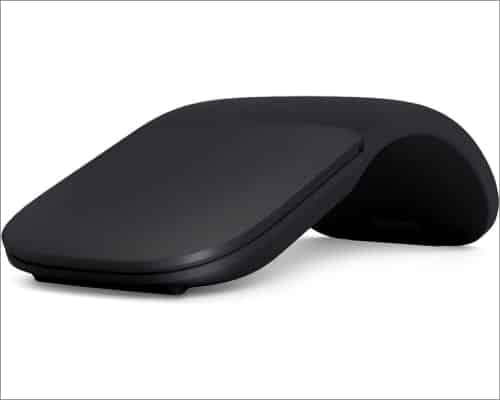
The Microsoft Arc Bluetooth mouse is my daily companion while working on the go. It has a unique design. When switched off, it’s flat, sleek, and pocket-friendly. You need to snap it into a bending arc to start using it. So, the mouse is fun to use and offers a variety of colors.
Besides, you will get a soft, comfortable silicone body with a clickable plastic front. Also, the mouse is smooth to the touch and well-built to fit comfortably in your palm. Thanks to the innovative full scroll plane, you may scroll vertically and horizontally and track 30 inches per second.
Moreover, it is powered by AAA batteries providing a battery life of up to six months. Compared to the Apple Magic Mouse, it is smaller and lighter thanks to its slim profile. Nevertheless, the compact design may be unpleasant to users with larger hands. Note that the Arc Mouse lacks a conventional scroll wheel.
- Travel-friendly design
- Lightweight and compact
- Great hand feel
- Not as smooth as macOS
- Over scrolling lags
4. Logitech Pebble wireless mouse – Budget-friendly
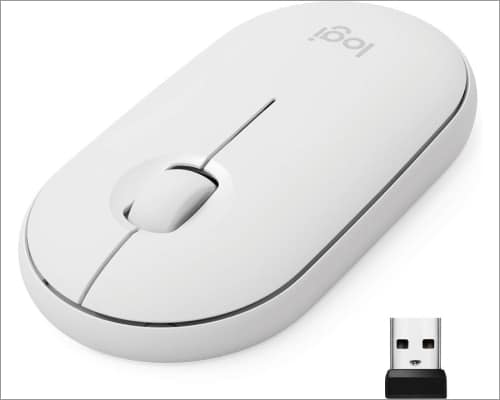
If you are a minimalist like me, you will love to use the Logitech Pebble mouse. It has a flat, pebble-like shape, a silent wide rubber wheel, a magnetic keyplate, soft touch buttons, and rubberized feet on the bottom. Besides, the sleek and ambidextrous form factor is pleasant to grip, comfortably fits into any palm, and makes it portable.
Moreover, the high-precision optical tracking lets you navigate efficiently. The stand-out factor is the mouse runs for up to 18 months on a single AA battery. I like to use it because of the ultra-quiet clicks and scroll. According to the company, it has 90% noise reduction. Therefore, it’s a great Bluetooth mouse for iPad Pro deal on a budget!
- Quiet click and scroll
- Extensive battery life
- Optical tracking
- Slow scrolling
- Need to address the ergonomics
5. Satechi M1 mouse – Durable
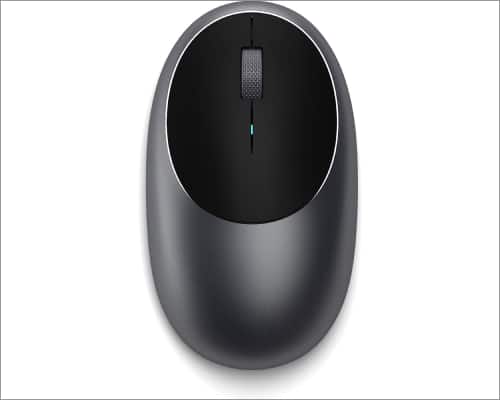
The Satechi M1 mouse, built with aluminum, looks and feels excellent and is durable in the longer run. The curved-shaped body fits nicely in both the left and right-hand palms. Besides, it has a 1200 DPI optical sensor, providing fast and precise tracking and scrolling. You will also get a metal scroll wheel and soft-touch navigation buttons.
Also, Bluetooth 4.0 support has a wireless range of 32 feet. If you don’t want to carry additional batteries, this mouse is an option. It’s because it has a built-in rechargeable lithium-ion battery. The USB Type-C charging connector is provided with the mouse. However, it only supports this native charger, so you must carry it everywhere you go with your iPad Pro!
- 1200 DPI precise tracking
- Rechargeable built-in lithium-ion battery
- Ergonomic design for both hands
6. TECKNET Bluetooth wireless mouse – Customizable DPI
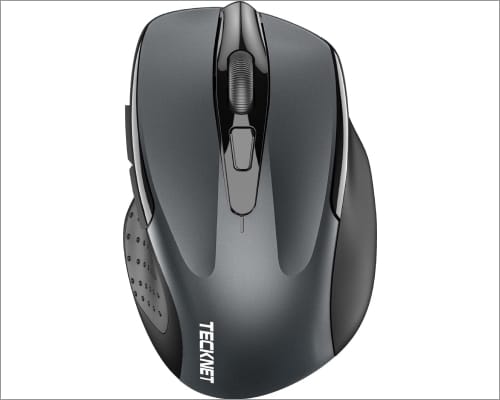
TECKNET wireless mouse for iPad Pro is an excellent combination of ergonomic design at a reasonable price. It has a smooth surface with right-handed ergonomic curves for comfortable usage. Also, you will get six buttons and a DPI changer. So, depending on your needs, you may set 5 DPI levels from a low of 800 to 2600.
Also, the Tru-Wave technology provides accurate and fluid cursor control on several surface types. Moreover, this mouse for iPad Pro connects using Bluetooth 3.0, ranging up to 26 feet without a USB receiver. It is powered by two AAA batteries which usually last for a year. However, the brand has incorporated an Intelligent Power Saving mode.
So, when inactive, your mouse goes to Sleep mode automatically, extending the battery life to 24 months. Additionally, it withstands about 8 million clicks, making it the perfect choice for long working hours. The TECKNET will provide a 36-month warranty so you can use the mouse peacefully.
- 5 adjustable DPI levels
- 24-month battery life
- Keystroke tested for longevity
- Power issues
Get the right companion for your iPad Pro!
Using a Bluetooth mouse can make a huge difference in your iPad Pro experience. Before buying, cross-check the compatibility, ergonomics, battery life, and performance to suit your needs. I hope this blog has helped you narrow your options and find the best Bluetooth mouse for your iPad Pro. Which mouse caught your eye? Let me know in the comment below!
Explore more…
Topics

Written by
Ava BiswasAva is a die-hard Apple aficionado and seasoned writer with a knack for breaking down complex tech concepts into easily digestible content. Having honed her writing and editing skills over 4 years at renowned media houses like TechBurner, Ava crafts informative and engaging articles including troubleshooting guides, product reviews, editorials at iGeeksBlog. When not typing, you can find her exploring the latest Apple releases or pondering the future of tech innovation.
View all posts →More from Accessories
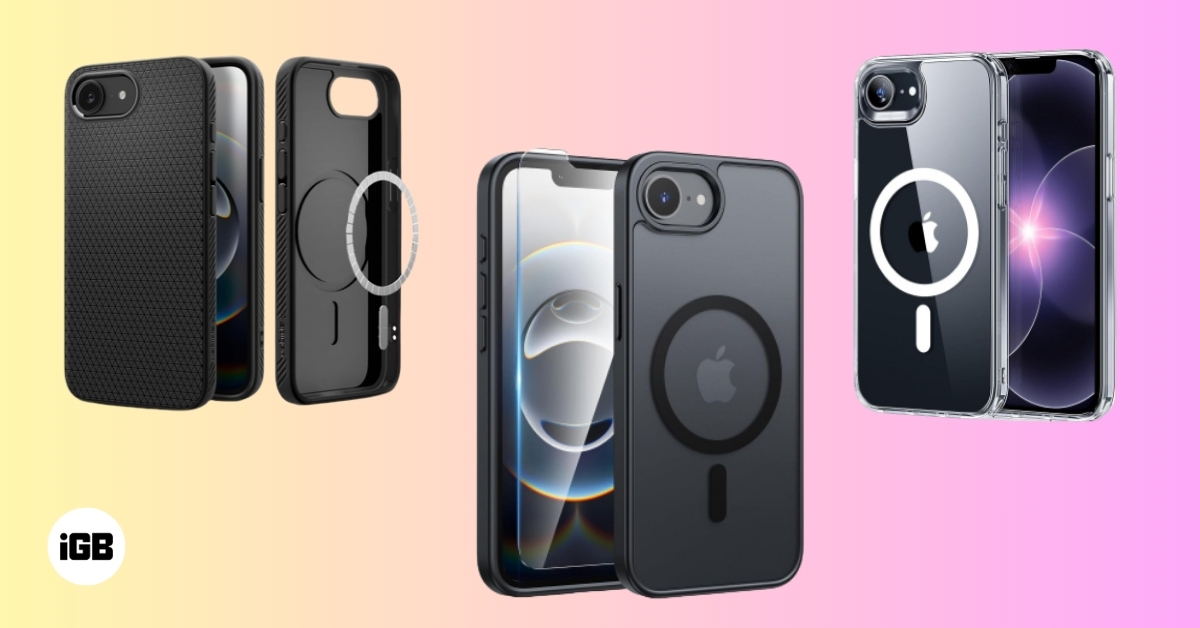
Best iPhone 17e Cases You Can Buy Right Now
Discover the best iPhone 17e cases that combine protection, style, and smart features, so your phone stays safe and looks great every day.
Ava BiswasMarch 3, 2026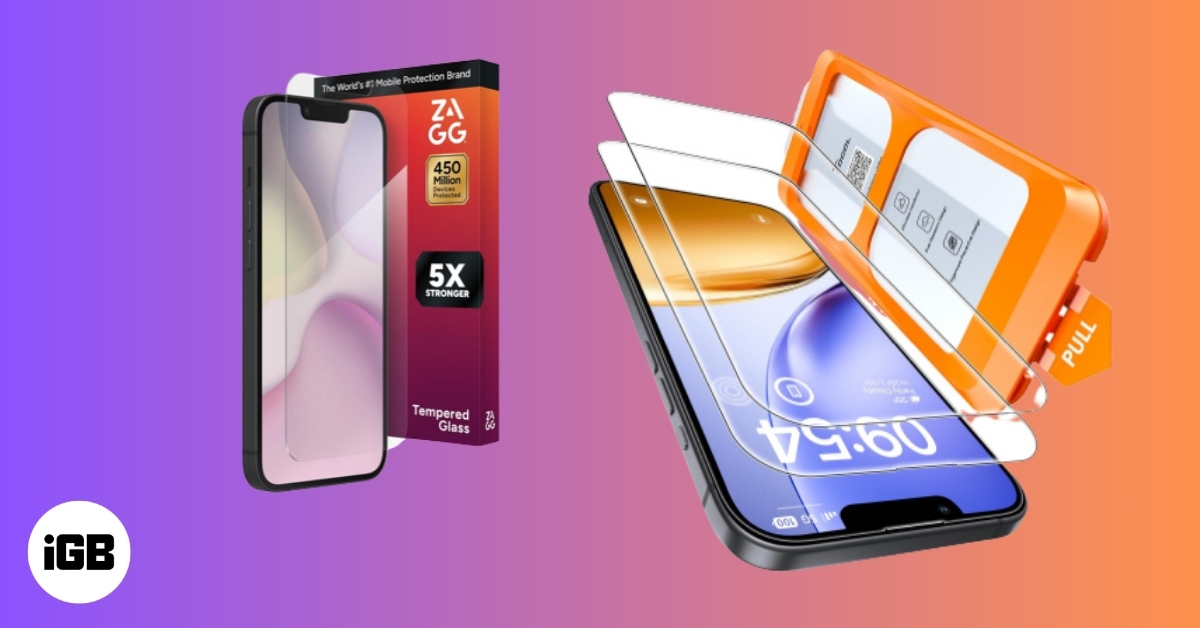
Best iPhone 17e Screen Protectors You Can Buy Now
The iPhone 17e carries Apple’s signature premium DNA, even though it sits at the more accessible end of the lineup. However, its competitive price does not translate into a compromised display experience. The high-quality 6.1-inch panel delivers sharp resolution, accurate colors, and excellent brightness levels suitable for both indoor and outdoor use. To keep that […]
 VikhyatMarch 3, 2026
Best USB-C Hubs for iPad You Can Buy
Looking for the best USB-C hubs for iPad? We compared top picks for Pro, Air, and Mini with HDMI, Power Delivery, and more.
Ava BiswasFebruary 23, 2026