
News
Apple is Looking Into Buying Perplexity AI — Its Biggest-ever Acquisition
June 23, 2025

With over 5 years of hands-on tech writing experience and more than 900 published articles, I’ve explored the best of Apple, Android, and Chrome OS. From iPhones and MacBooks to Pixel devices and Chromebooks, I break down complex features into simple, relatable guides—minus the jargon. Whether you’re customizing your iPhone, troubleshooting your Android, or tweaking Chrome OS settings, my goal is to help you get more out of your tech.
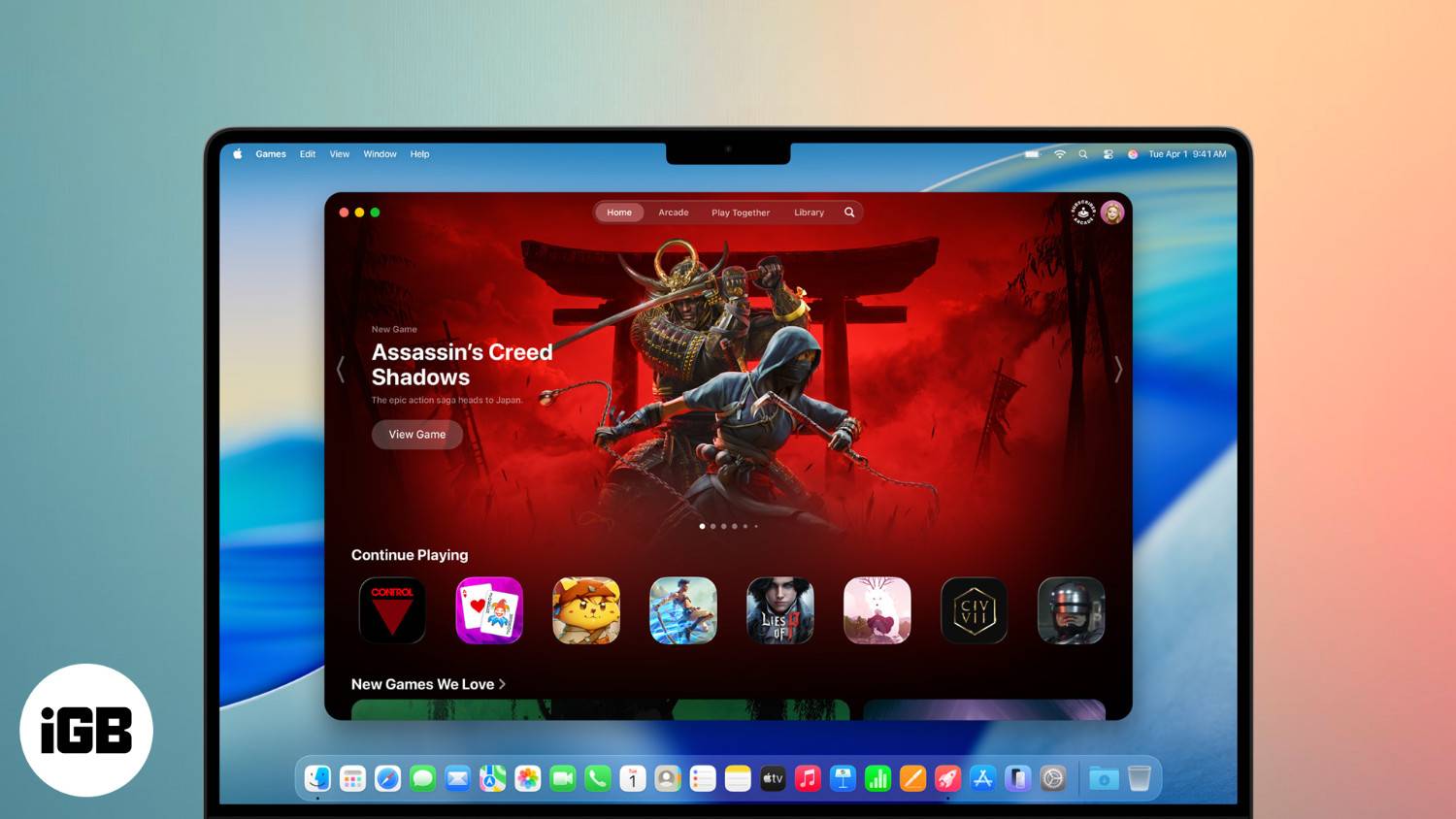
Apple’s new Metal 4 graphics framework is set to transform Mac gaming with AI-powered visuals, smoother performance, and better support for
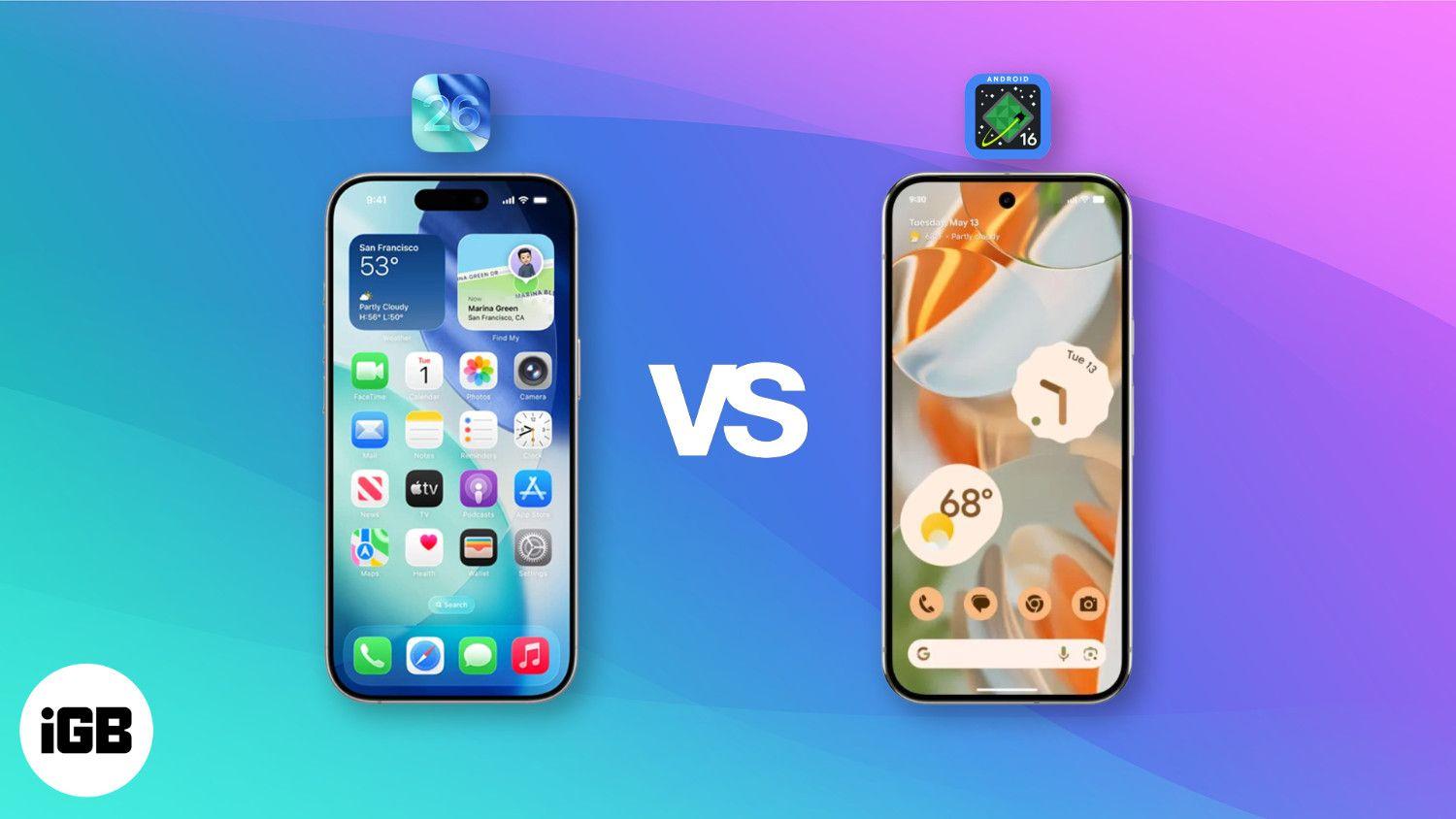
iOS 26 and Android 16 focus more on looks than features. With Apple’s Liquid Glass and Google’s Material 3, design takes center stage—but is
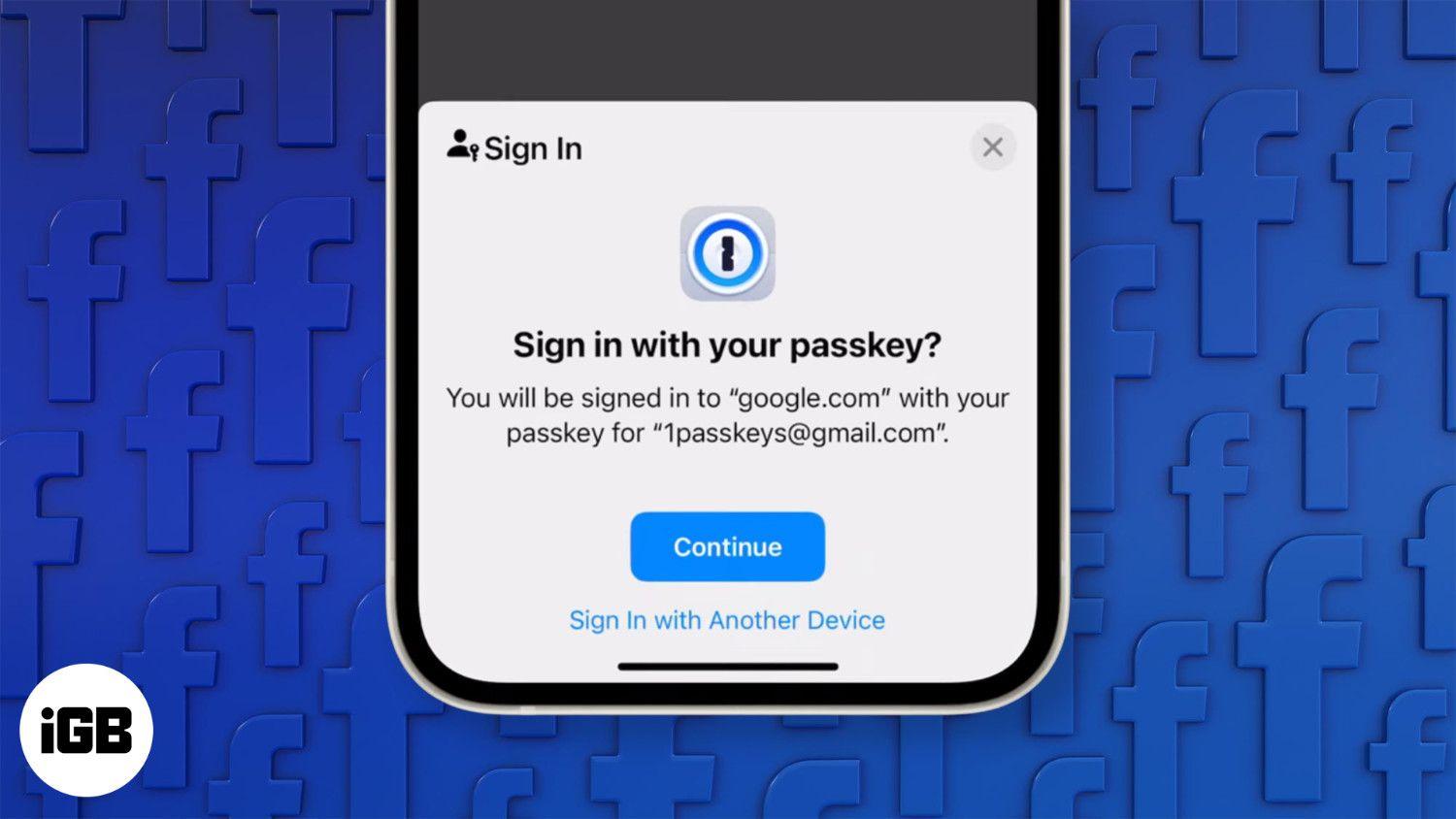
Facebook finally joins the password-free future with passkey support on mobile—making logins faster, safer, and just a Face ID away.
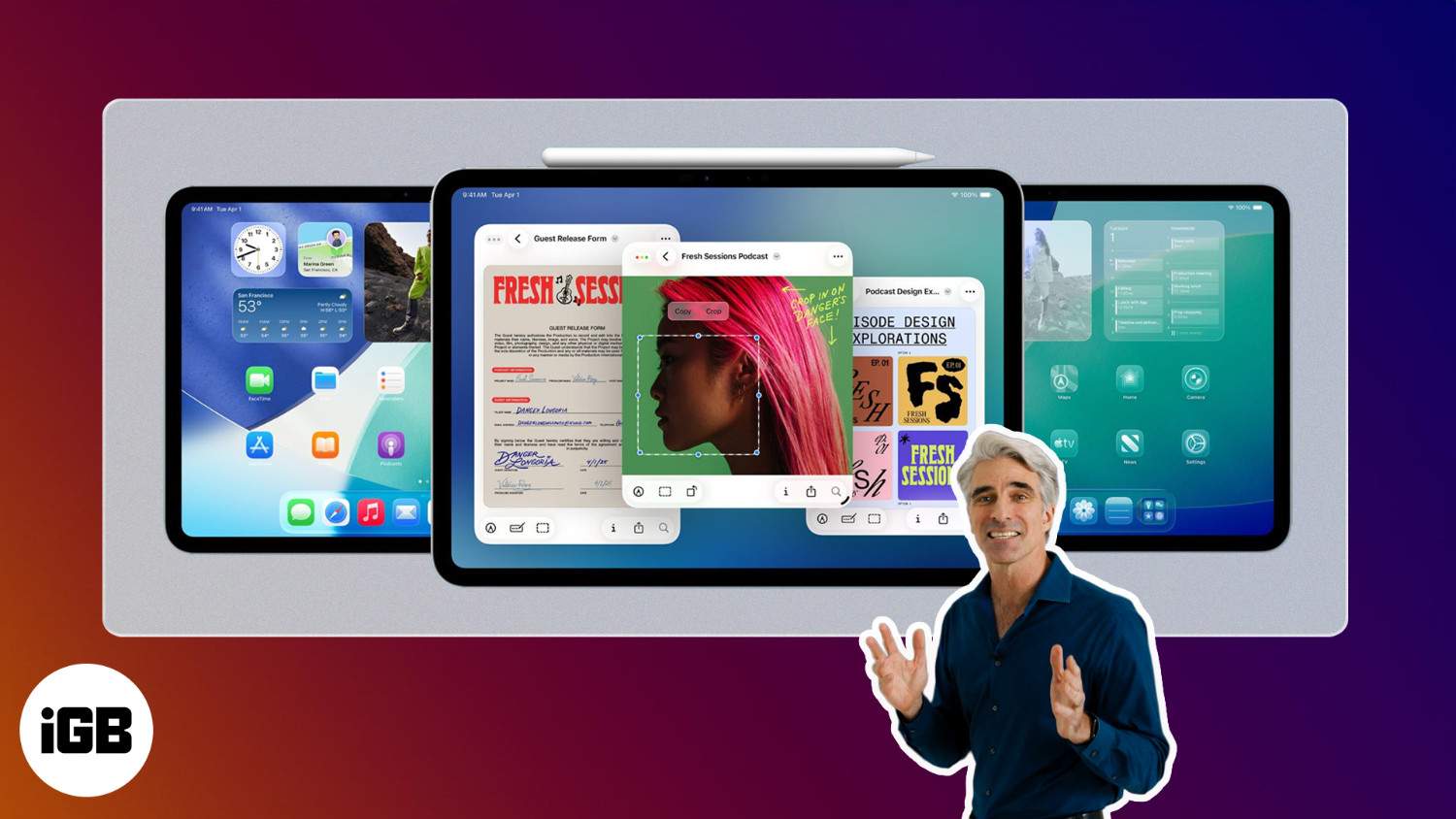
Craig Federighi explains why Apple won’t merge macOS and iPadOS—and why the iPad isn’t meant to become a Mac.
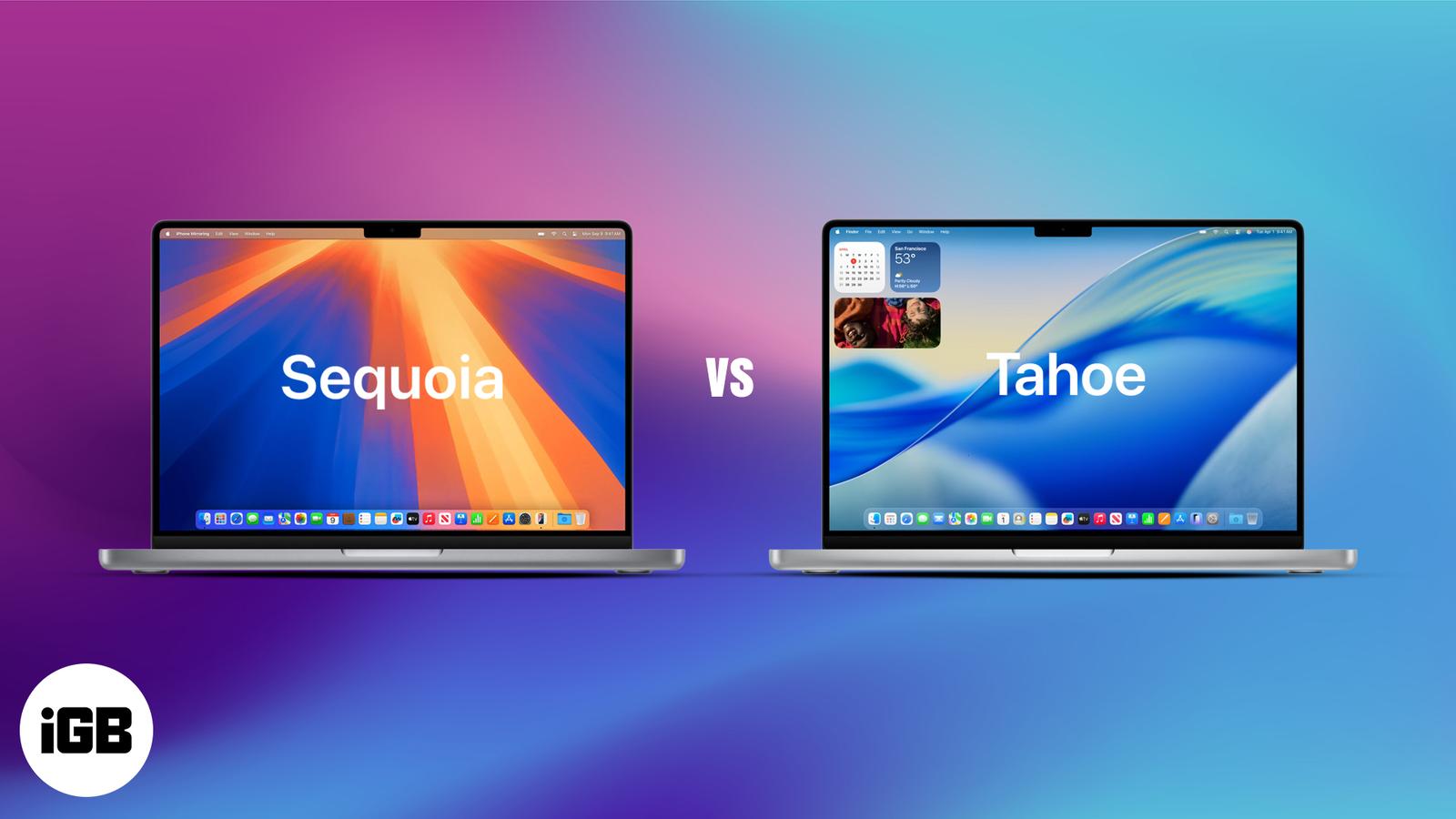
macOS 26 Tahoe gives your Mac a fresh look, smarter tools, and iPhone-style upgrades. See what’s new and why it’s a big step up from Sequoia
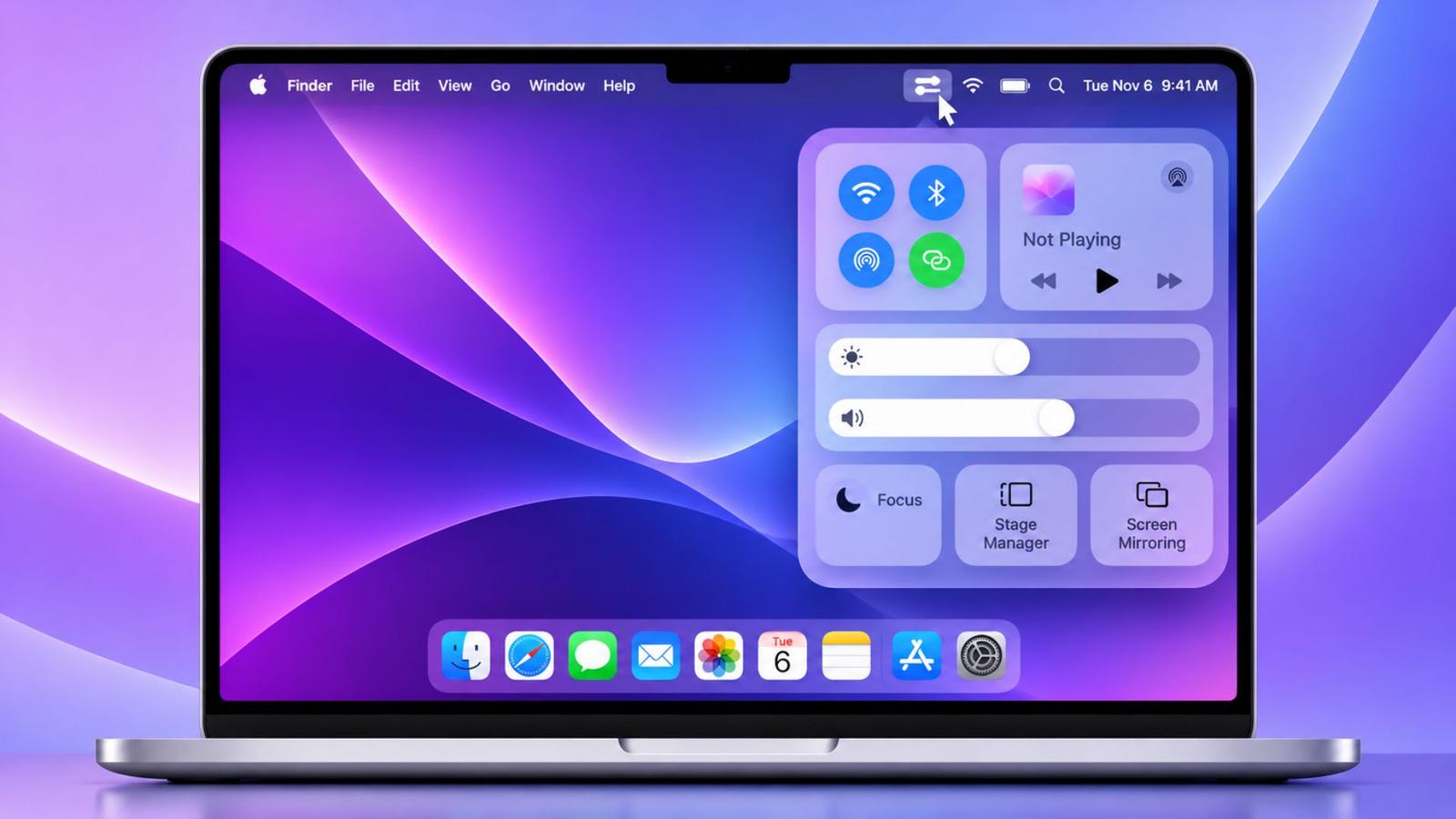
Master your Mac with the all-new Control Center in macOS 26—customizable, powerful, and just a click away.
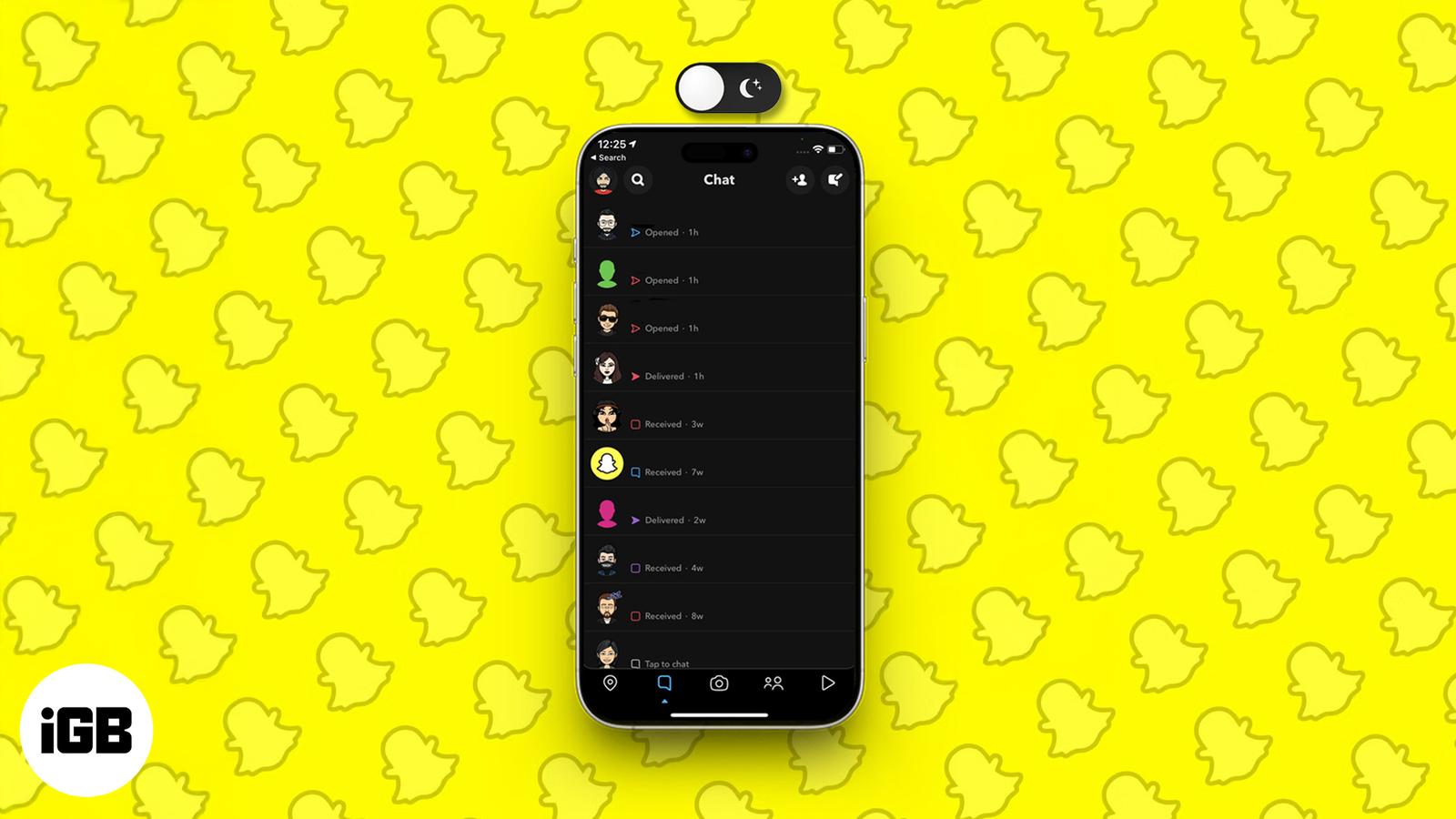
Go easy on your eyes—here’s how to snap in style with Dark Mode on any device.
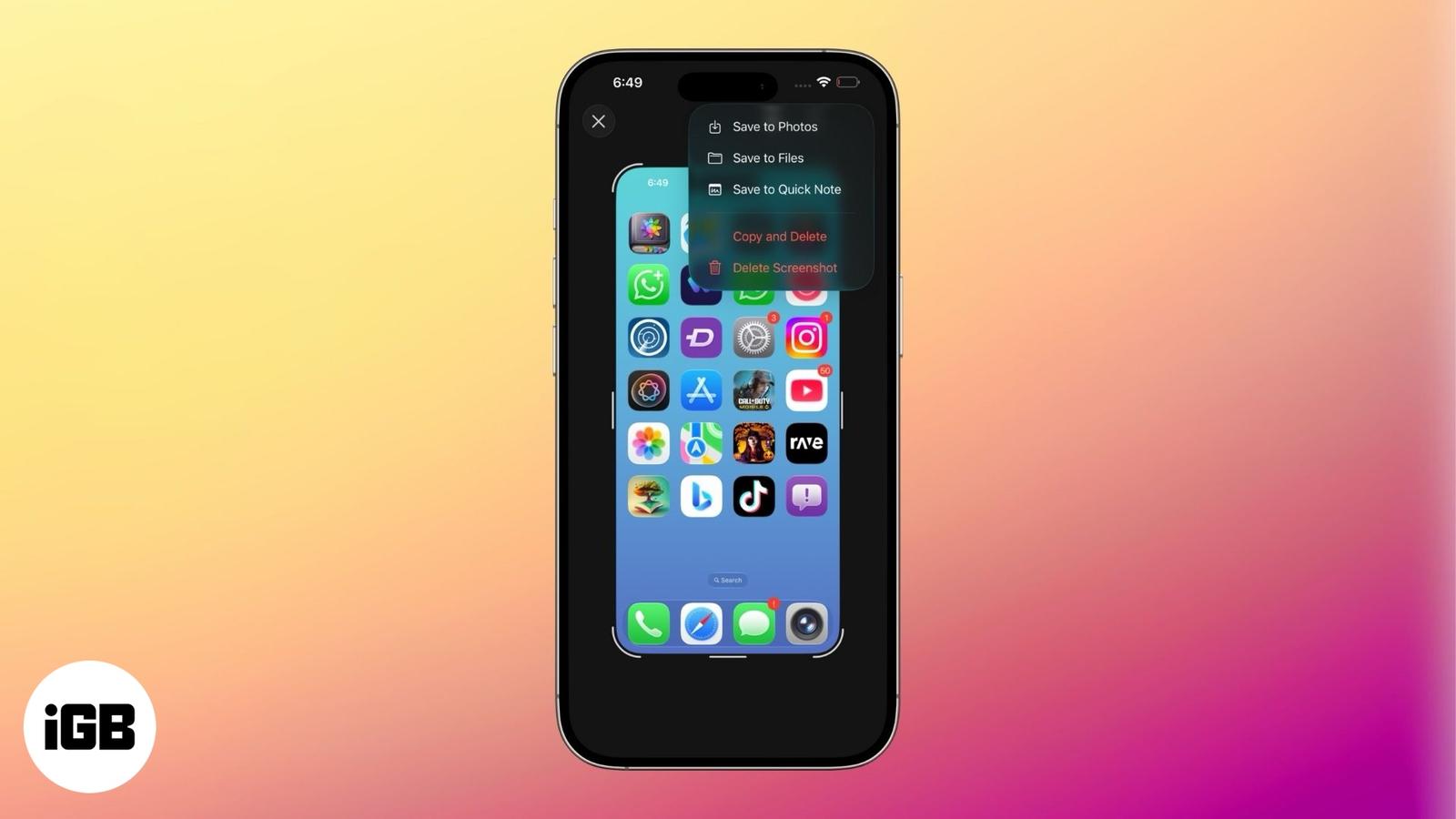
iOS 26 shows screenshots in full-screen by default. Learn how to switch back to the thumbnail view and customize screen capture settings on
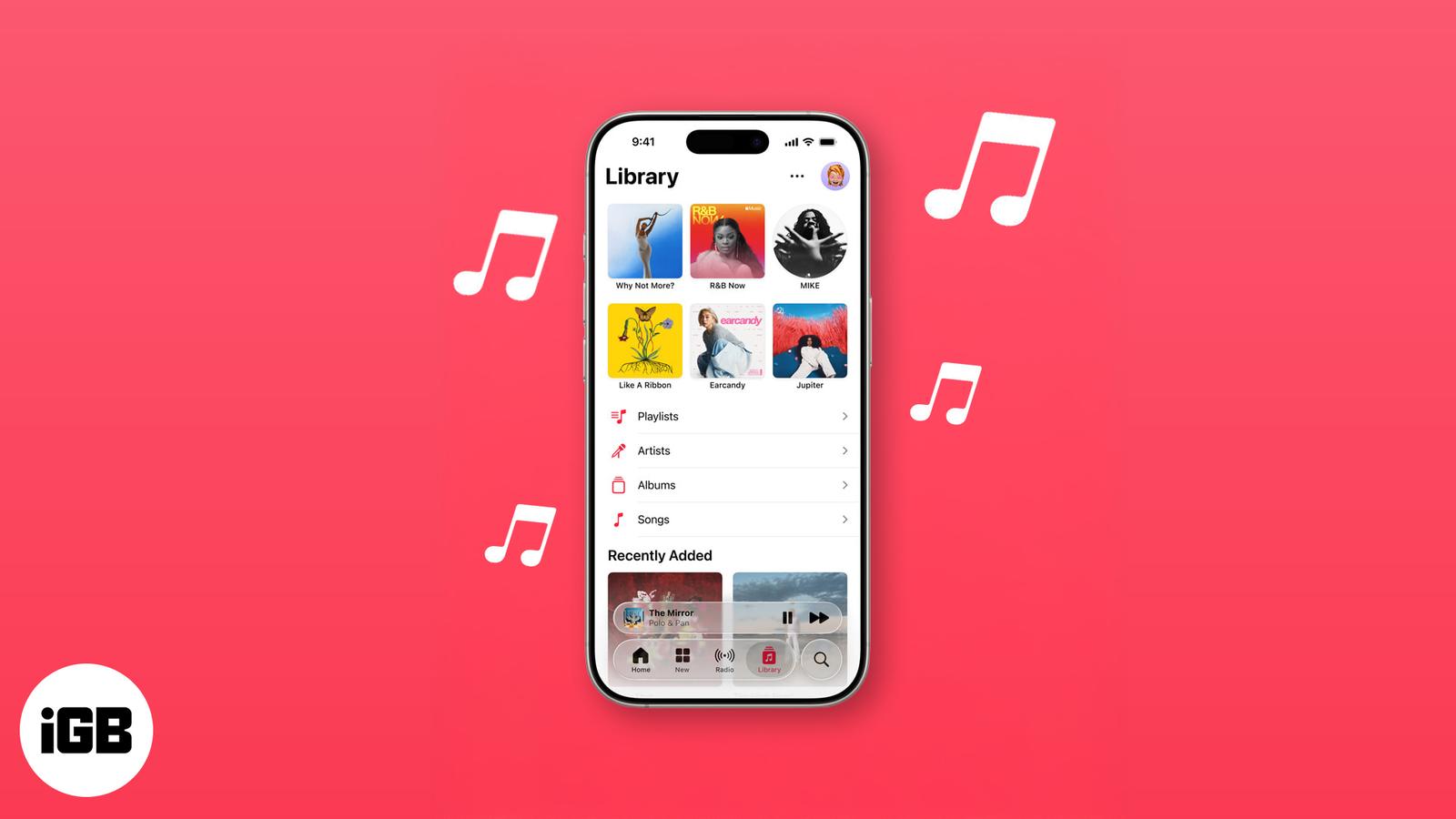
From AutoMix to Translated Lyrics: Apple Music’s new features in iOS 26
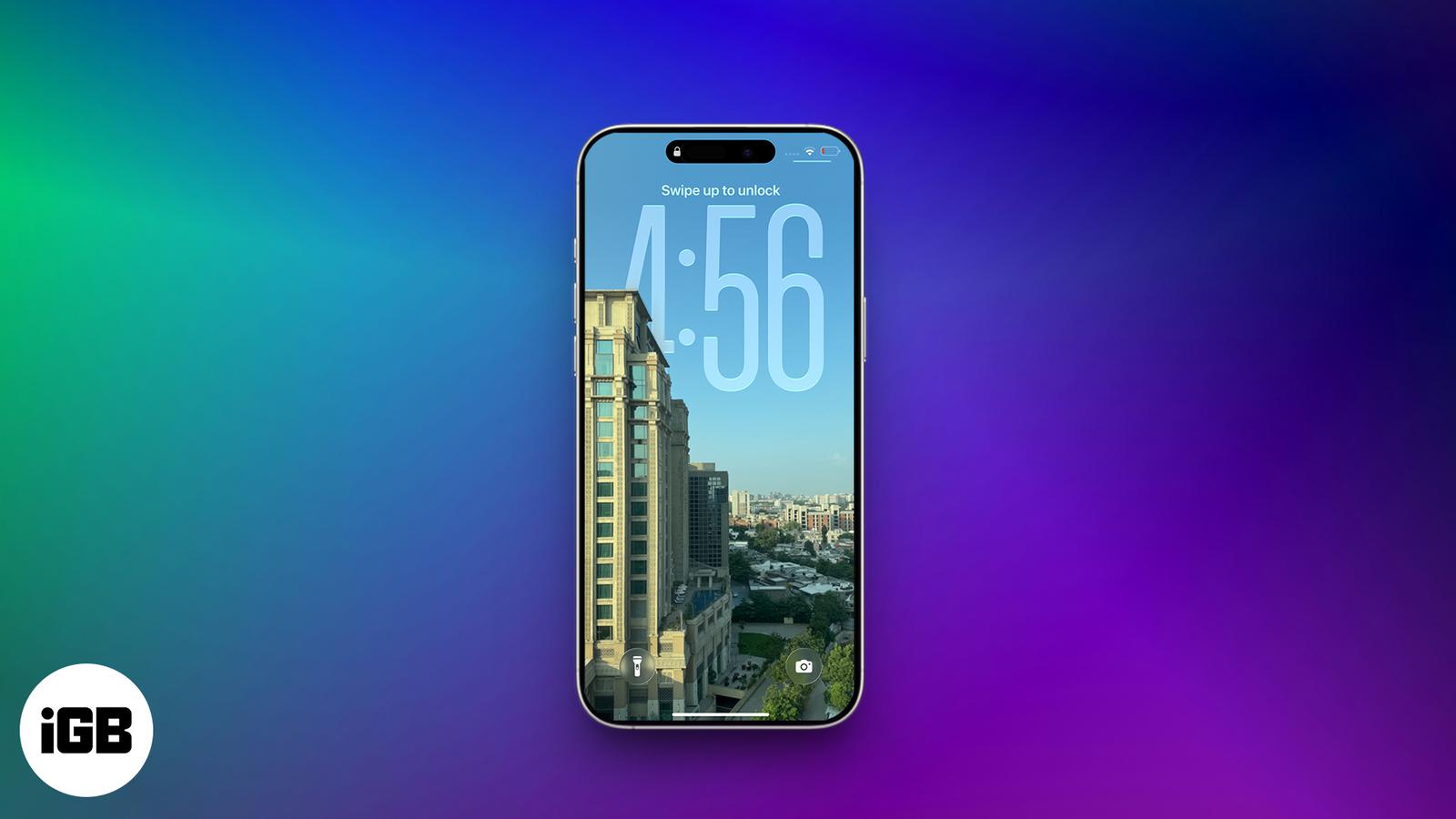
iOS 26 brings 3D motion to your photos with Spatial Scenes—no special camera needed. Just tilt your iPhone to see the effect in action.
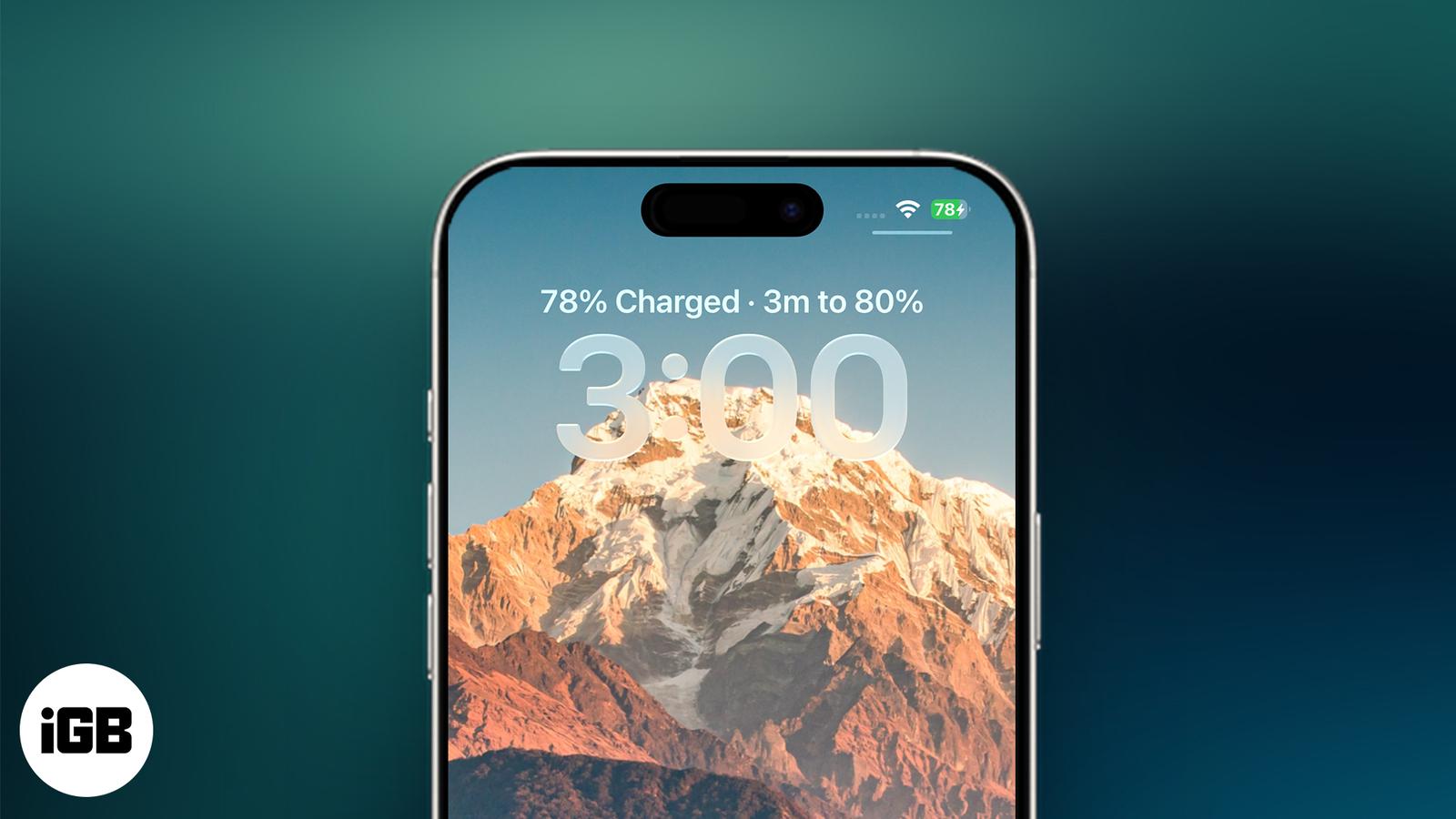
iOS 26 shows how long your iPhone will take to charge and adds smart battery tools to help you save power.
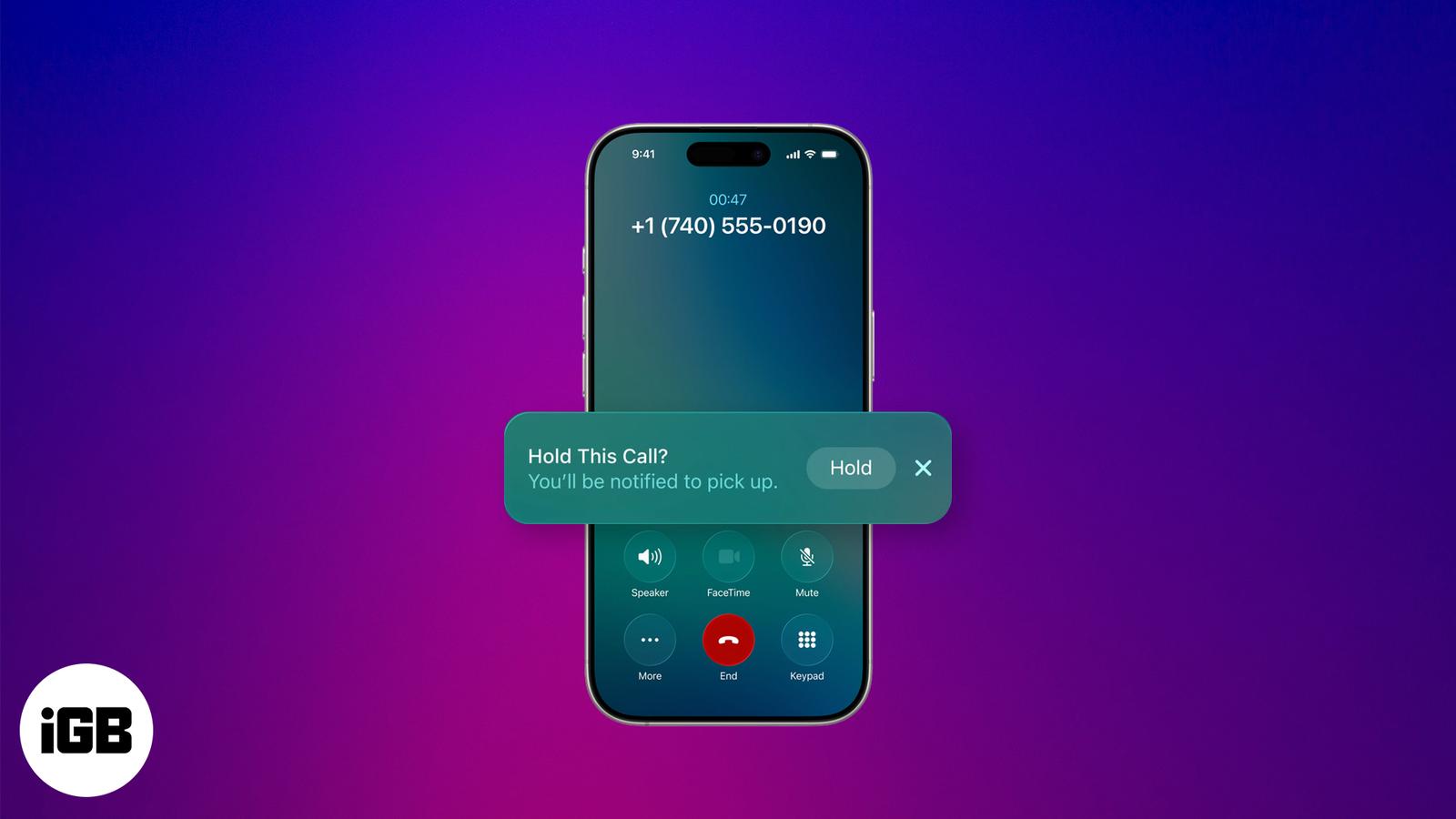
iOS 26 introduces Hold Assist, an AI feature that lets your iPhone wait on hold and notify you when a human picks up. Here’s how it works an
Apple’s new Games app brings Arcade, Game Center, and more into one sleek hub—finally putting gamers first.
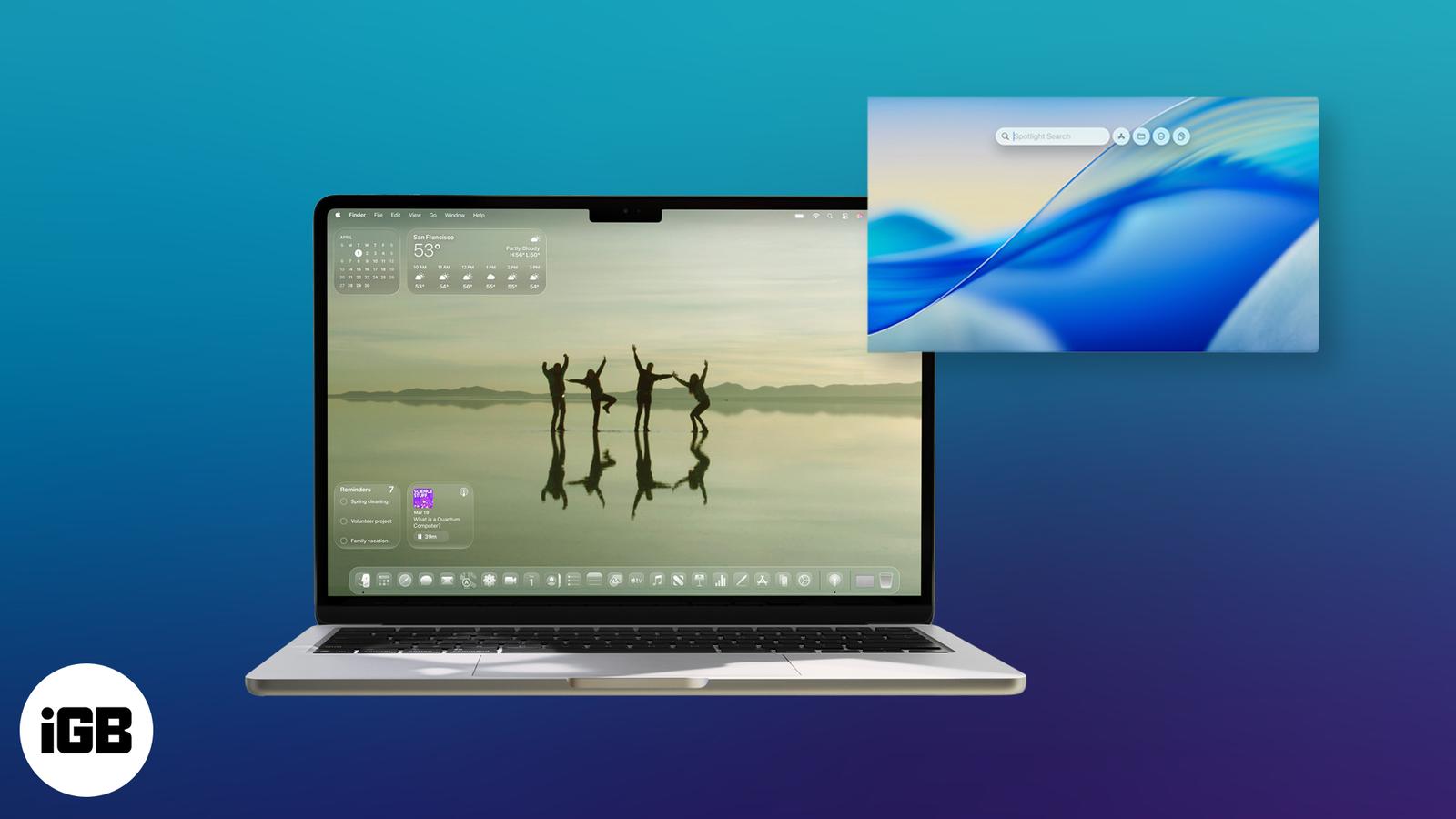
macOS 26 Tahoe brings a fresh design, smarter AI, and deeper iPhone integration to your Mac. Here’s a closer look at everything new coming t
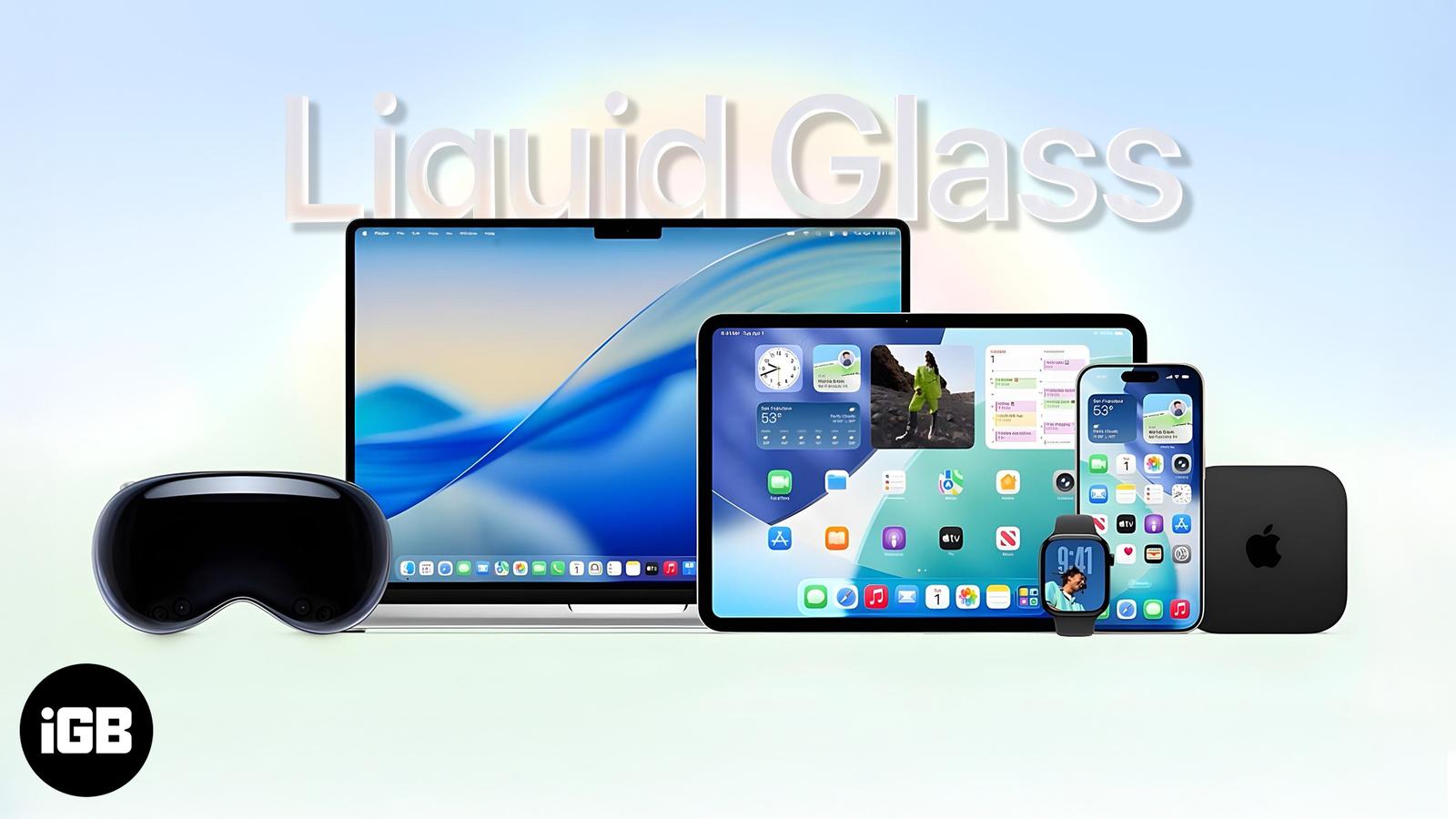
From a stunning Liquid Glass redesign to iOS 26 and Vision Pro upgrades, Apple’s WWDC 2025 keynote reshaped the future of its ecosystem—here