
Apple Warns iOS 26 Update Could Affect Battery Life
Concerned about losing features or security? Apple highlights the importance of updates and assures that battery dips are just temporary during setup.
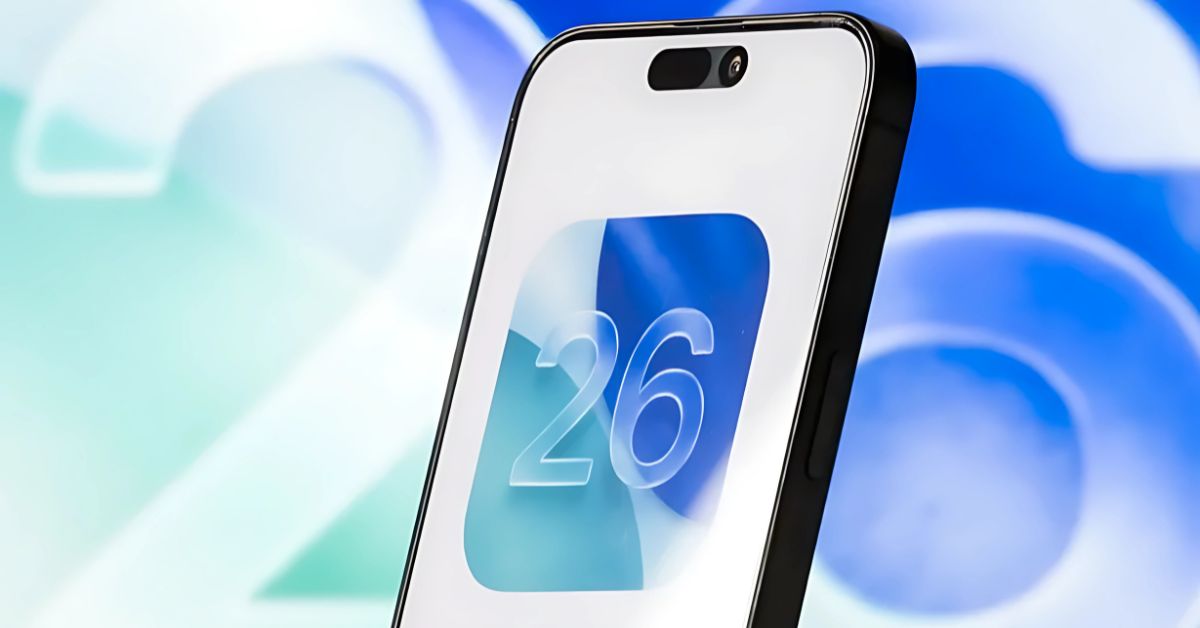
- Understanding battery drain after updates: Major iOS updates trigger background tasks like indexing and app updates, which temporarily increase power use and may cause overheating.
- New features in iOS 26 need more power: Features such as enhanced Messages and Safari tools demand higher resources, leading to short-term dips in battery life until optimizations arrive.
- Why software updates matter: iOS 26 updates bring critical security patches, bug fixes, and new features that protect your iPhone and keep it running smoothly.
- Apple’s approach to performance stability: Apple designs iPhones with tight hardware–software integration, so post-update slowdowns usually settle once background processes complete.
- Precaution about post-update battery life: Apple openly addresses battery drain in release notes and reminds users that the effect is temporary, not a permanent hardware issue.
Apple has issued a cautionary notice about iOS 26 potentially affecting your iPhone’s battery life shortly after installation. This alert, now included in the new update’s release documentation, is also linked to a support page that delves into why users might detect changes post-update. While similar issues have arisen with past updates, Apple is now addressing this more directly due to recurring user complaints.
Why Battery Life Drops After Updates
Apple’s support page clarifies that when an iPhone undergoes a significant update, it might consume more power temporarily as the system gets busy with various background tasks. These tasks include activities such as indexing files for search, updating apps, and downloading new assets. Such processes can cause your device to heat up and deplete the battery more swiftly than usual.
The tech giant also notes that some fresh features in iOS 26 demand extra system resources, which may result in a slight decrease in battery life or performance, contingent on the user’s phone usage. Apple reassures that they continue to optimize these features through subsequent updates to keep devices running smoothly.
Aside from battery concerns, Apple emphasizes the critical nature of software updates. These updates don’t just incorporate new features like enhancements in Messages, Safari, or the Control Center, they also deliver vital security patches and bug fixes. Skipping these updates could leave your device exposed or limit access to the latest functionalities, such as Apple Intelligence.
Apple seeks to reassure users, highlighting that iPhones are engineered with an integration of hardware and software to maintain performance and efficiency. Though you may notice a temporary effect after installing iOS 26, things should stabilize once background tasks are completed.
Why This Matters
Frequent user complaints about battery drain following major iOS updates are not new for Apple. This time around, the company has chosen a proactive approach by addressing the issue upfront within the release notes and providing a direct link to a more detailed explanation. While the observations aren’t unique to iOS 26 alone, the timing indicates an effort to pre-empt user concerns.
In essence, if you find your iPhone a bit sluggish or with a lower battery life after updating to iOS 26, there’s no need to worry, it’s just adapting to the changes.
Topics

Written by
Ravi Teja KNTSI’ve been writing about tech for over 5 years, with 1000+ articles published so far. From iPhones and MacBooks to Android phones and AI tools, I’ve always enjoyed turning complicated features into simple, jargon-free guides. Recently, I switched sides and joined the Apple camp. Whether you want to try out new features, catch up on the latest news, or tweak your Apple devices, I’m here to help you get the most out of your tech.
View all posts →More from News
macOS Will Flag the Slower USB-C Port on MacBook Neo
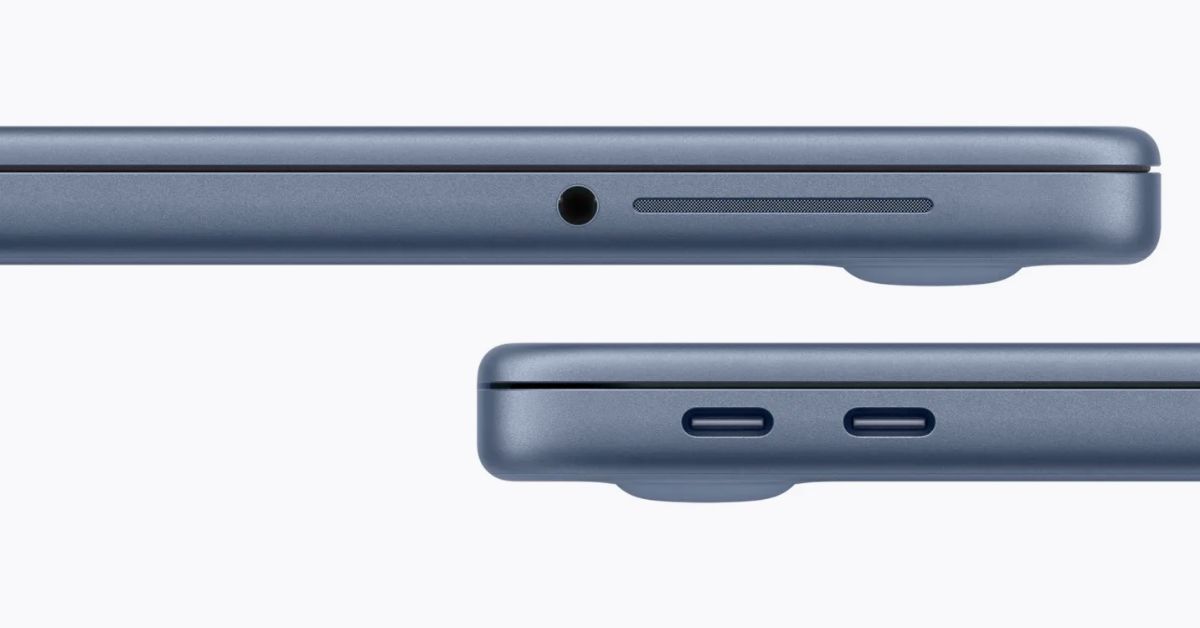
The MacBook Neo includes two USB-C ports with different capabilities. The left port supports faster speeds and external displays, while the right port is limited to USB 2 speeds for charging and basic accessories.
 VikhyatMarch 5, 2026
Apple Launched Studio Display and Studio Display XDR: Full Specs, Features, and Price
Apple launches Studio Display and Studio Display XDR built for creators with Thunderbolt 5, stunning visuals, and pro-level performance. Here’s all the specs, features, and price.
 Ava BiswasMarch 4, 2026
Apple Pre‑Orders Now Live for iPhone 17e, MacBook Neo, M5 Macs and More
Apple has opened global pre-orders for iPhone 17e, MacBook Neo, M5 Macs, and new Studio Displays. Here are the start times, products, and release date.
Ravi Teja KNTSMarch 4, 2026