
Stanford’s Popular iOS Development Course Is Now Free for Spring 2025
Stanford’s widely recommended CS193p iOS development course has been updated for Spring 2025. All 16 lectures and supporting materials are now available for free, making it an accessible starting point for anyone learning SwiftUI and iOS development.
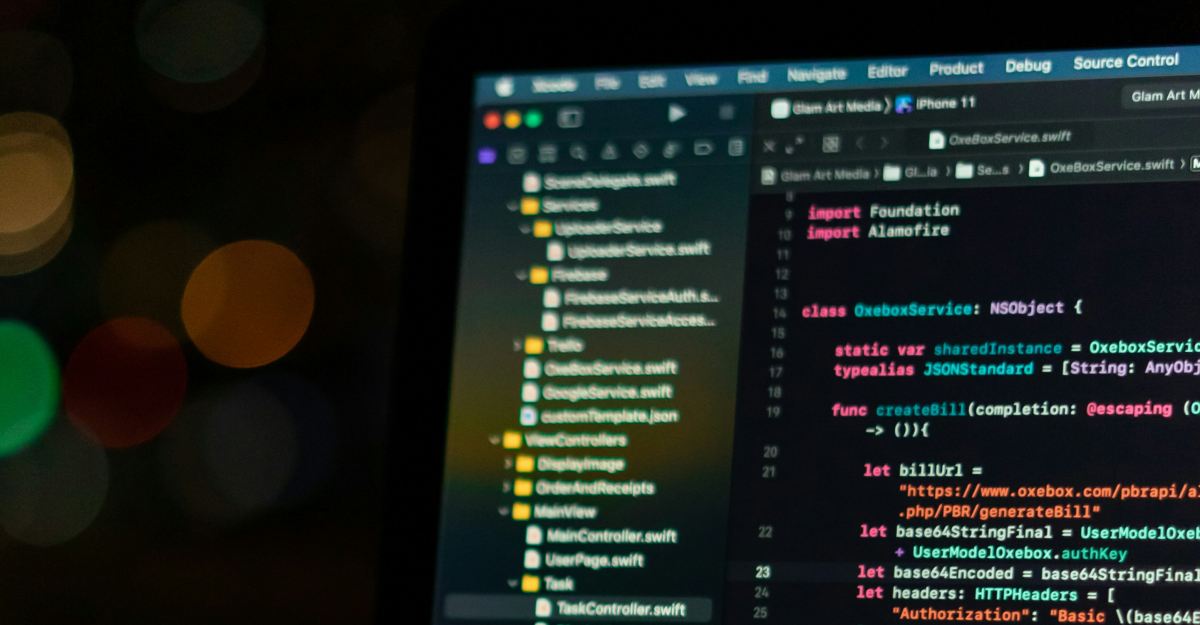
Those keen on mastering iOS development without the hefty price tag of a bootcamp have often turned to Stanford’s CS193p, a well-loved option on the web. It is now even easier to dive into.
Stanford University has refreshed its CS193p course, officially titled Developing Applications for iOS using SwiftUI, for Spring 2025. The updated release includes all 16 lecture videos available for free, along with comprehensive supporting materials.
What’s Available in This Update
Since 2020, Stanford has shared CS193p openly, moving away from iTunes U to more accessible platforms like YouTube and the university’s own course website. The full Spring 2025 series is now live, giving learners access to every one of the 16 lectures through the course website and a dedicated YouTube playlist.
What You Won’t See: IOS 26 And Xcode 26 Features
Before getting started, it is important to know that these lectures were recorded before the release of Apple’s iOS 26 and Xcode 26. Stanford notes that while the code used in the course is largely compatible, it does not reflect the latest platform changes.
As a result, the course does not include coverage of newer additions such as Xcode 26’s built-in LLM assistance or the Liquid Glass interface design introduced in iOS 26.
Why The Course Still Holds Value
Despite this limitation, CS193p continues to be highly recommended by experienced developers. As a Stanford-taught course, it focuses on building strong foundations in iOS development and presents the material in a clear, approachable way.
For beginners or developers looking to solidify their understanding of SwiftUI, the Spring 2025 release remains a structured, reliable, and completely free place to start.

Written by
Ravi Teja KNTSI’ve been writing about tech for over 5 years, with 1000+ articles published so far. From iPhones and MacBooks to Android phones and AI tools, I’ve always enjoyed turning complicated features into simple, jargon-free guides. Recently, I switched sides and joined the Apple camp. Whether you want to try out new features, catch up on the latest news, or tweak your Apple devices, I’m here to help you get the most out of your tech.
View all posts →More from News
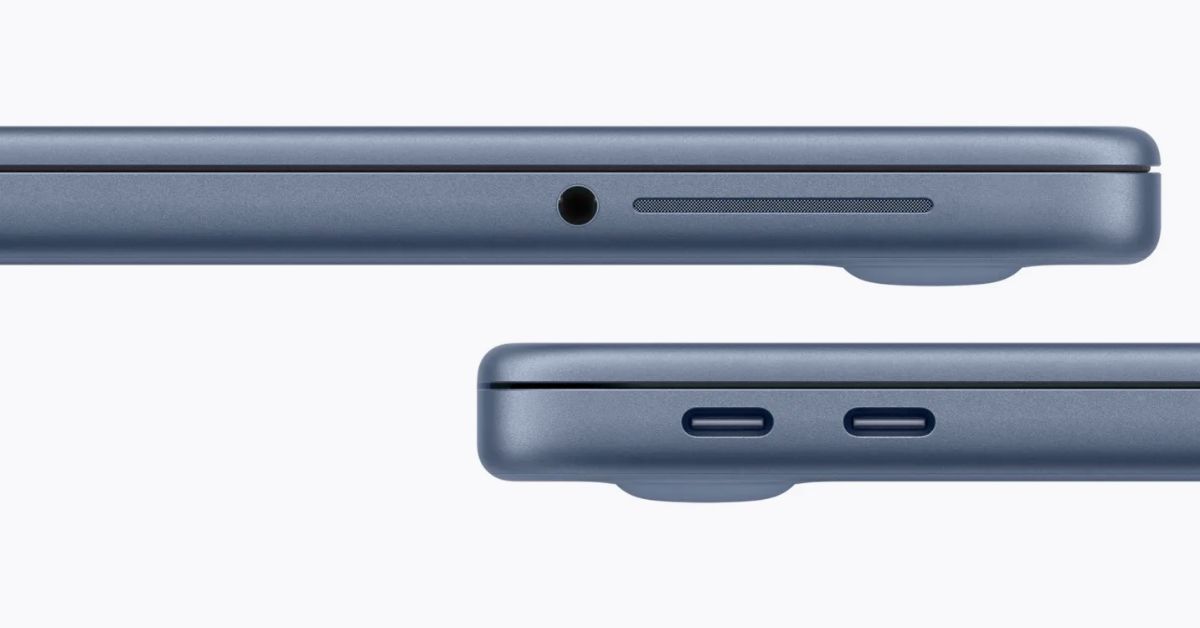
macOS Will Flag the Slower USB-C Port on MacBook Neo
The MacBook Neo includes two USB-C ports with different capabilities. The left port supports faster speeds and external displays, while the right port is limited to USB 2 speeds for charging and basic accessories.
 VikhyatMarch 5, 2026
Apple Launched Studio Display and Studio Display XDR: Full Specs, Features, and Price
Apple launches Studio Display and Studio Display XDR built for creators with Thunderbolt 5, stunning visuals, and pro-level performance. Here’s all the specs, features, and price.
 Ava BiswasMarch 4, 2026
Apple Pre‑Orders Now Live for iPhone 17e, MacBook Neo, M5 Macs and More
Apple has opened global pre-orders for iPhone 17e, MacBook Neo, M5 Macs, and new Studio Displays. Here are the start times, products, and release date.
Ravi Teja KNTSMarch 4, 2026